MF30G [V1] | AC1200 Wireless XPON Router
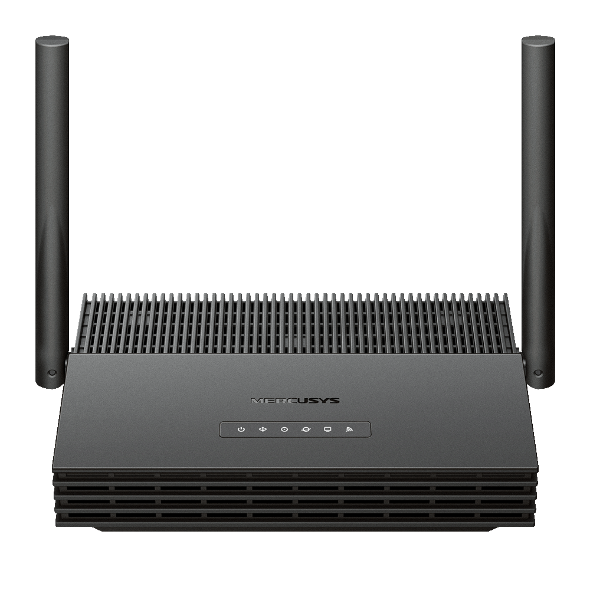
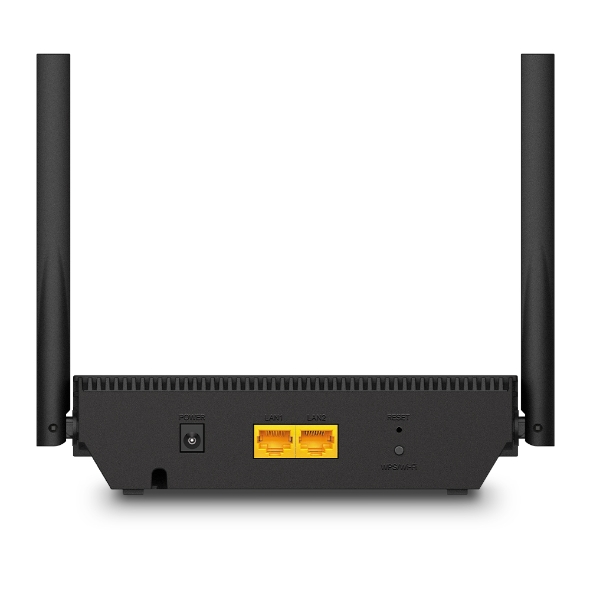
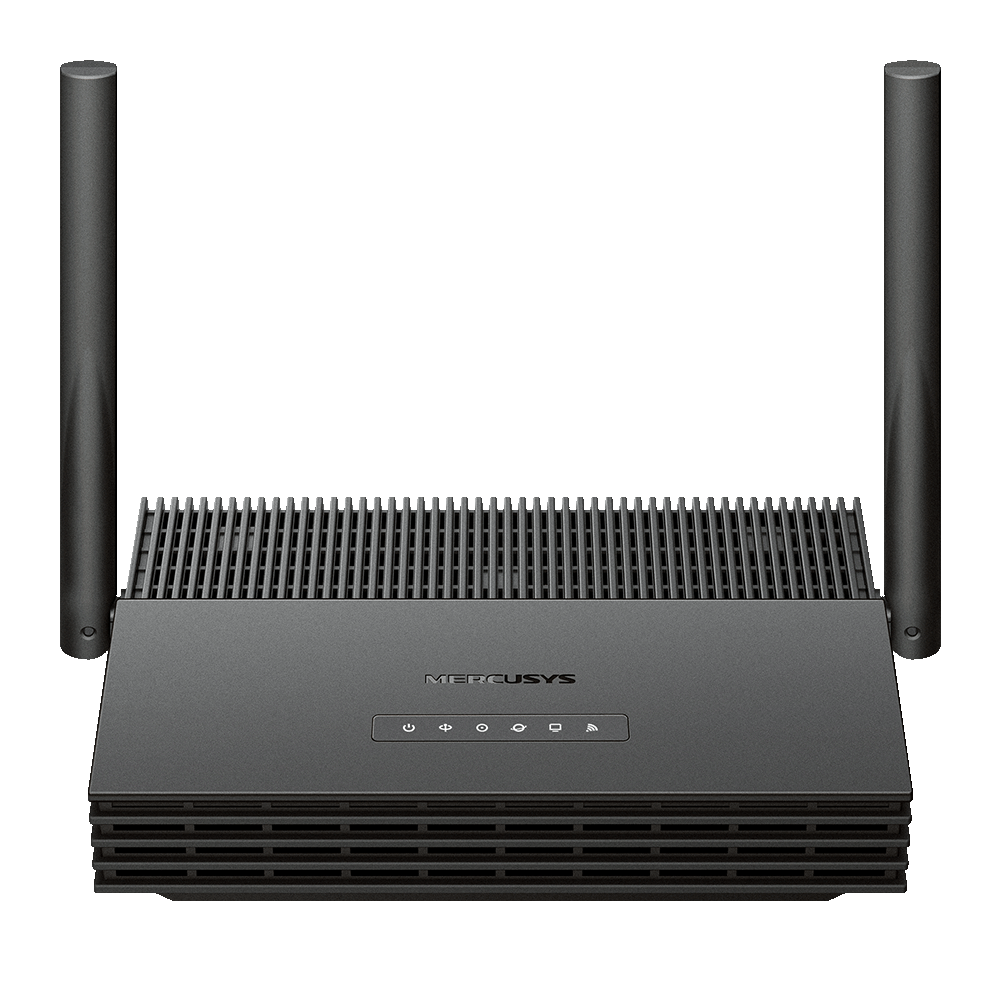
MF30G
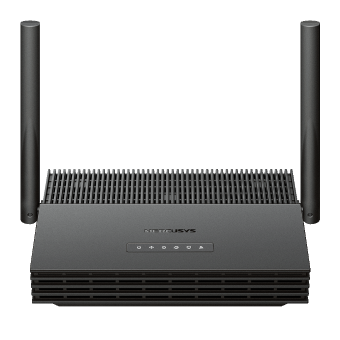
AC1200 Wireless XPON Router
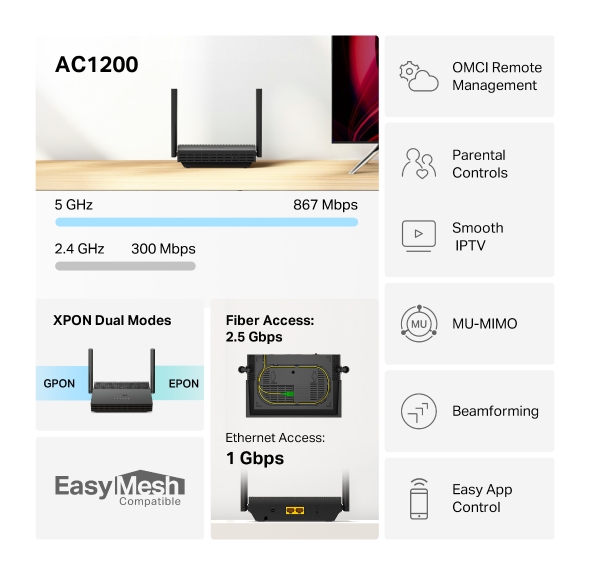
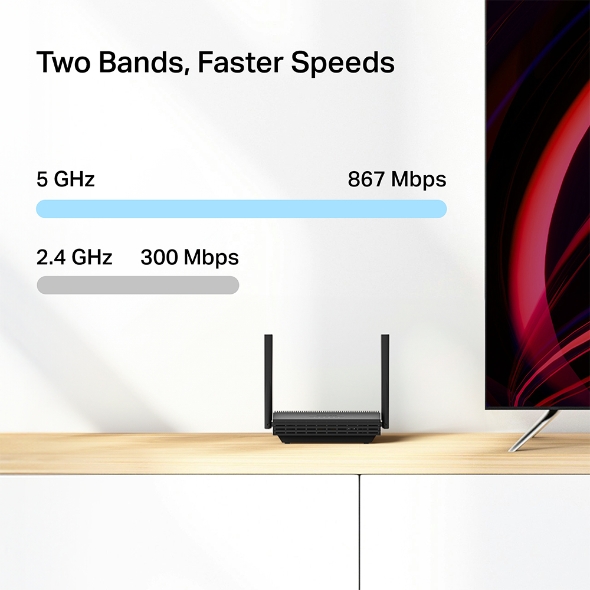
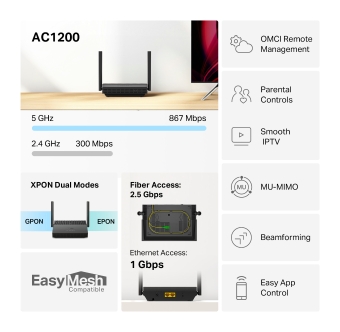
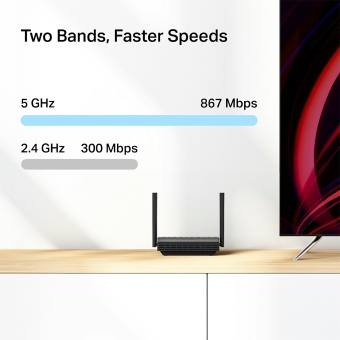
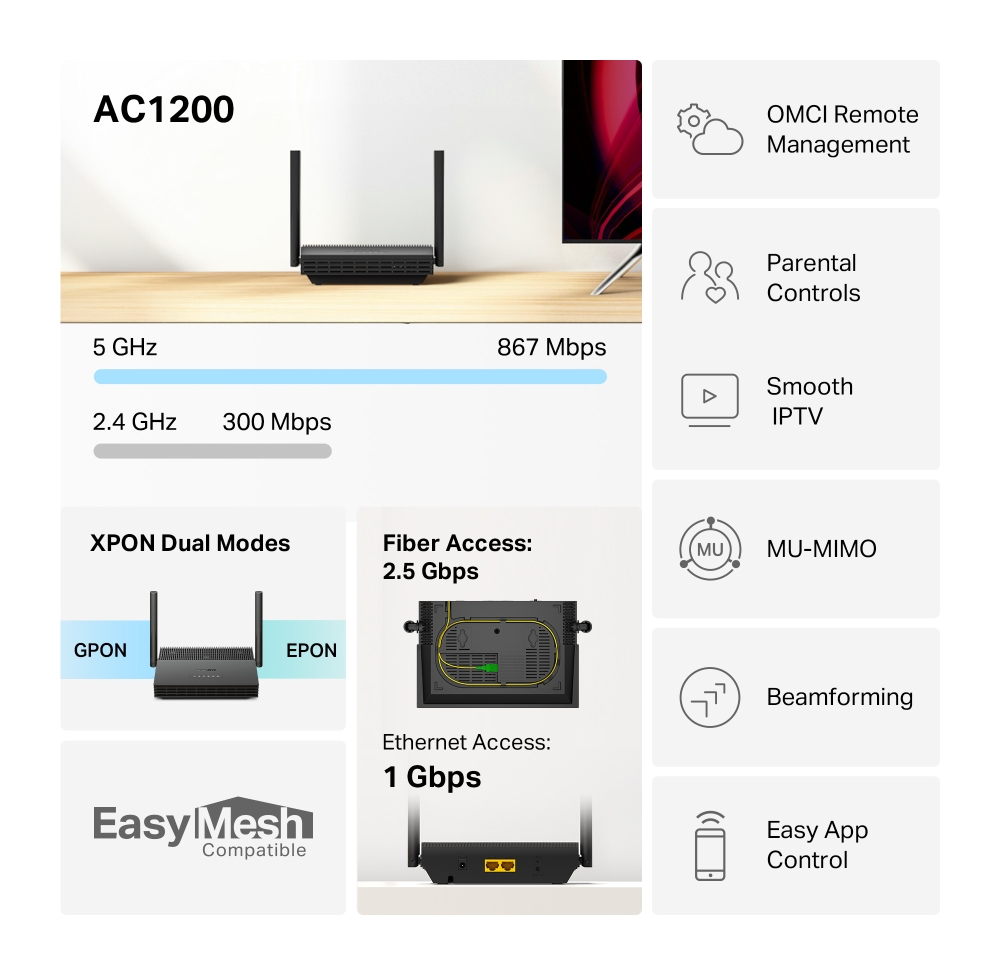
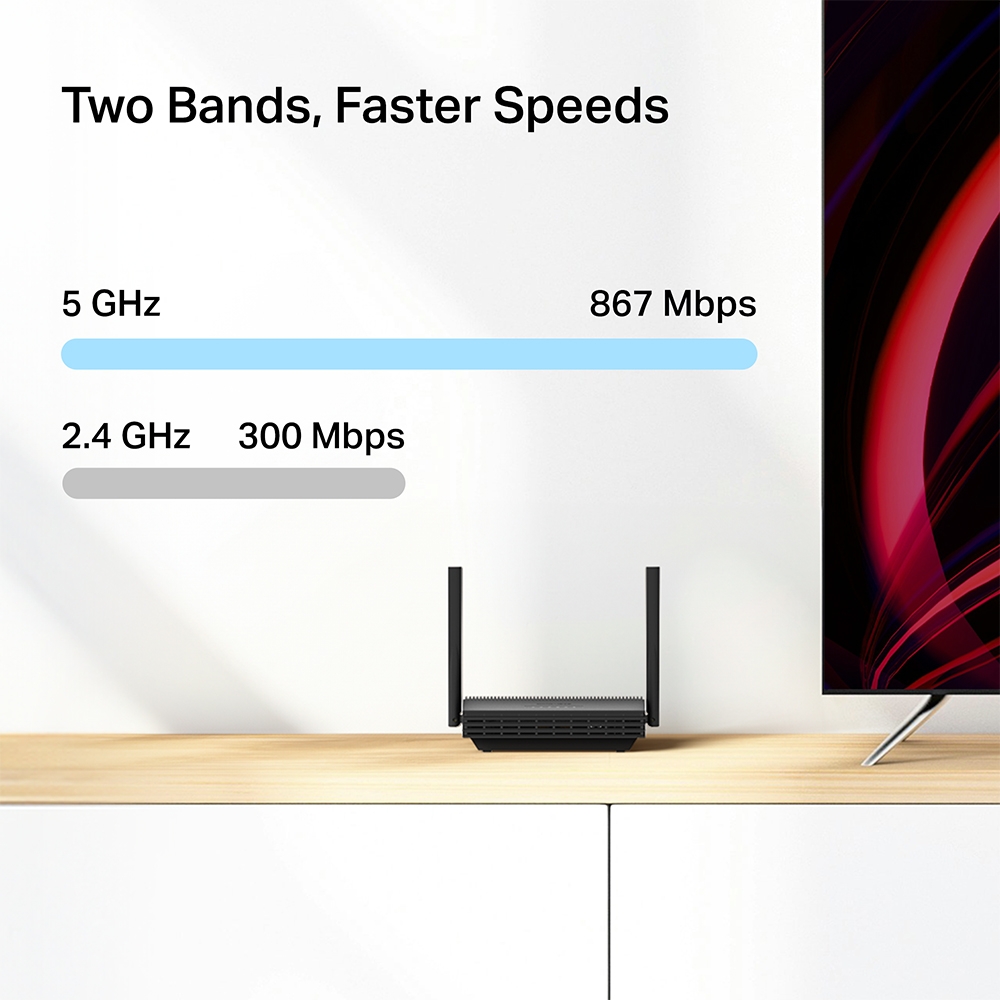
- Superfast Dual-Band WiFi: Up to 1.2 Gbps Wi-Fi speed, 300 Mbps 2.4GHz, 867 Mbps 5GHz†
- Full Gigabit Ports: Empowers wired devices toattain optimal performance, ensuring seamless HD streaming and an unparalleled gamingexperience‡
- MU-MIMO:Simultaneously transfers data to multiple devicesdelivering performance that is twice as fast*
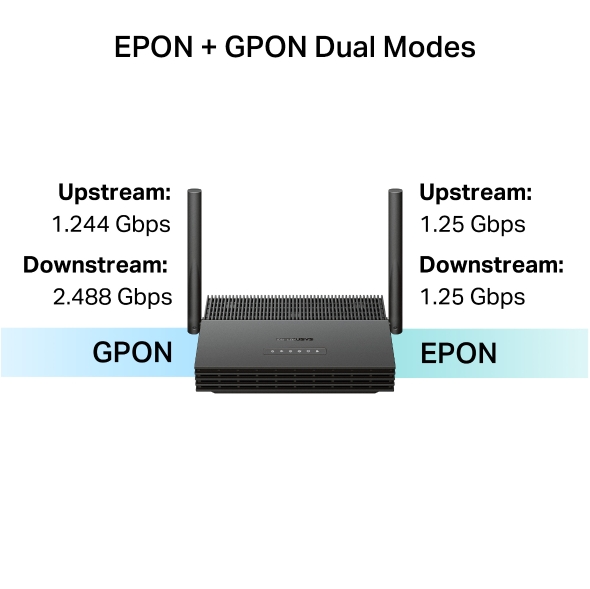
- Flexible Switching Mode:The EPON + GPON dual mode provides enhanced flexibility for fiber internet access
- Easy Remote Management: Supports the OMCl (ONU Management Control Interface)protocol, enabling centralized configuration andmanagement
2.5 Gbps
1 Gbps
IPTV
Two Bands, Faster Speeds
Enjoy fluent 4K/8K streaming, immersive AR/VR gaming, and blazing-fast downloads.
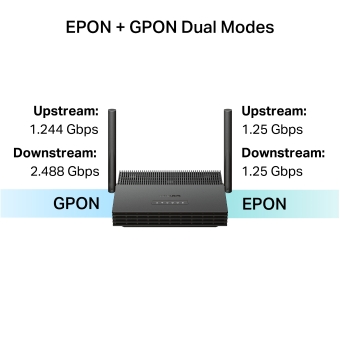
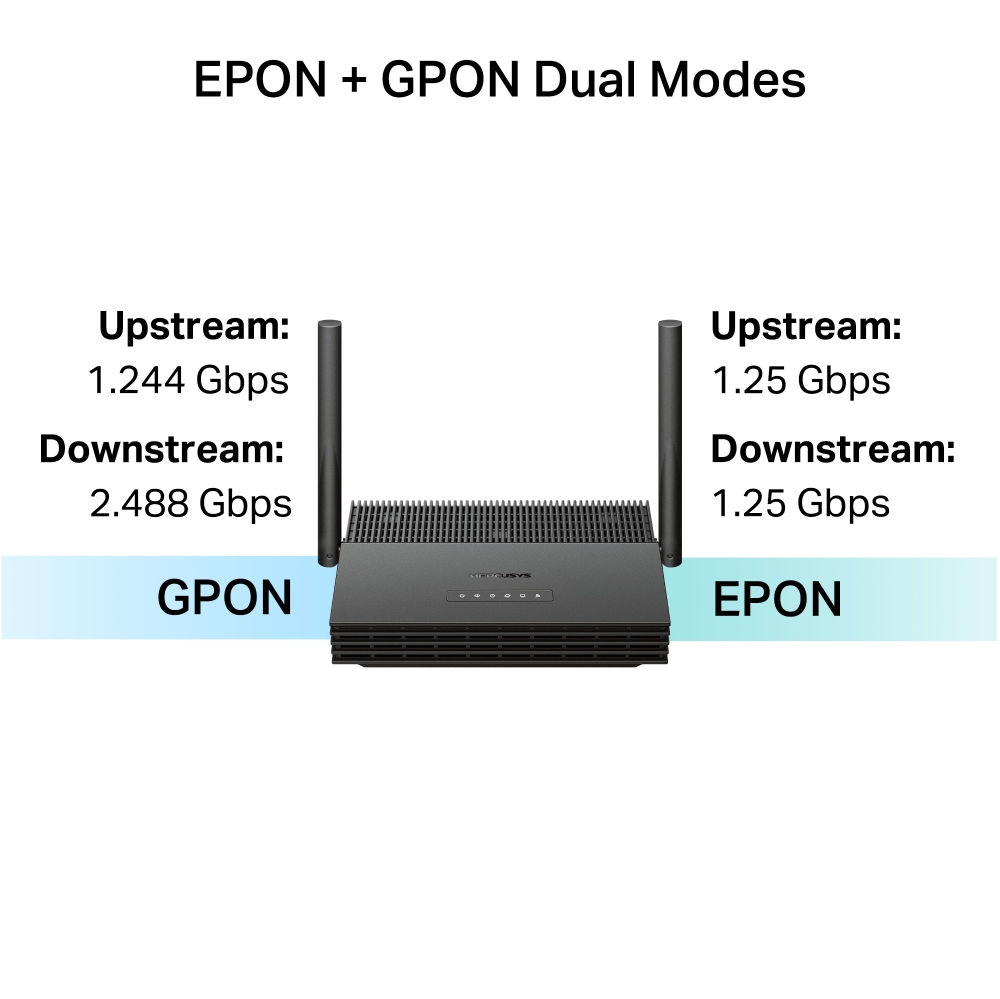
EPON + GPON Dual Modes
With dual-mode GPON and EPON, MF30G provides internet speeds up to 2.5 Gbps via GPON, meeting high-speed home networking needs.
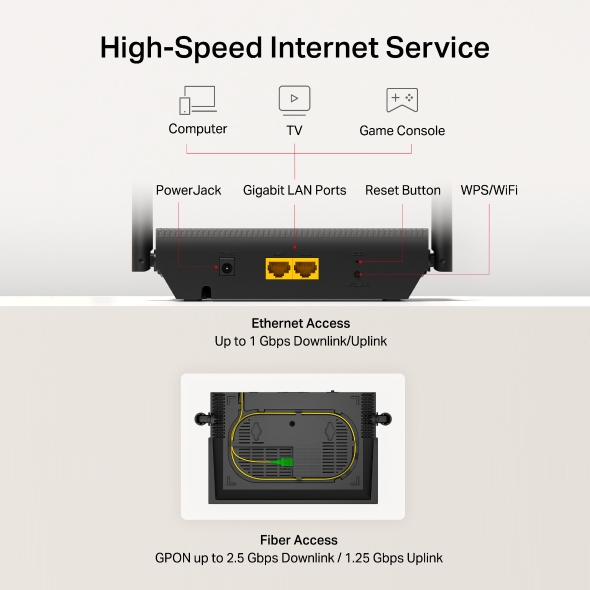
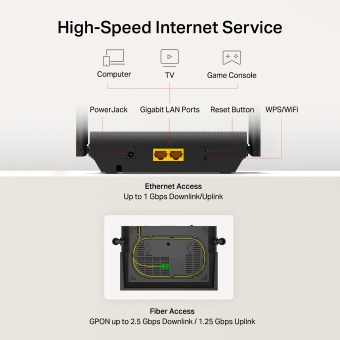
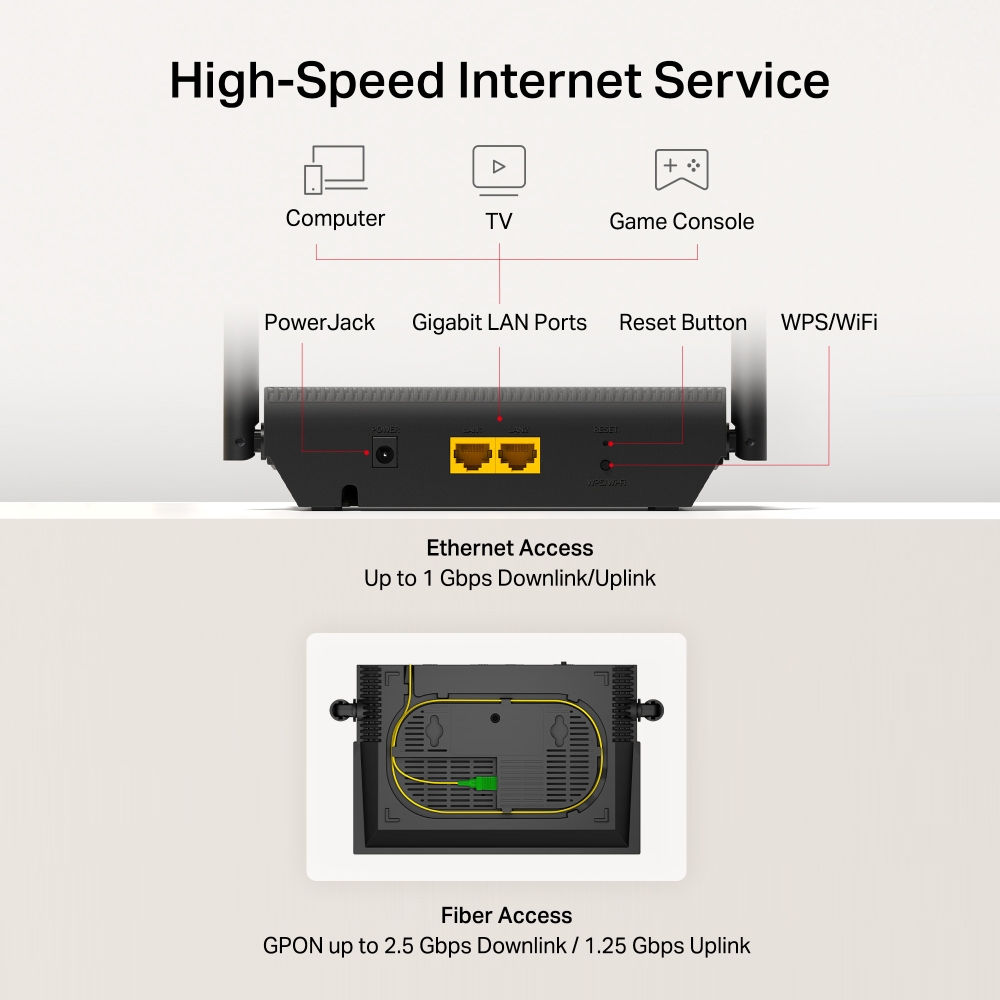
High-Speed Internet Service
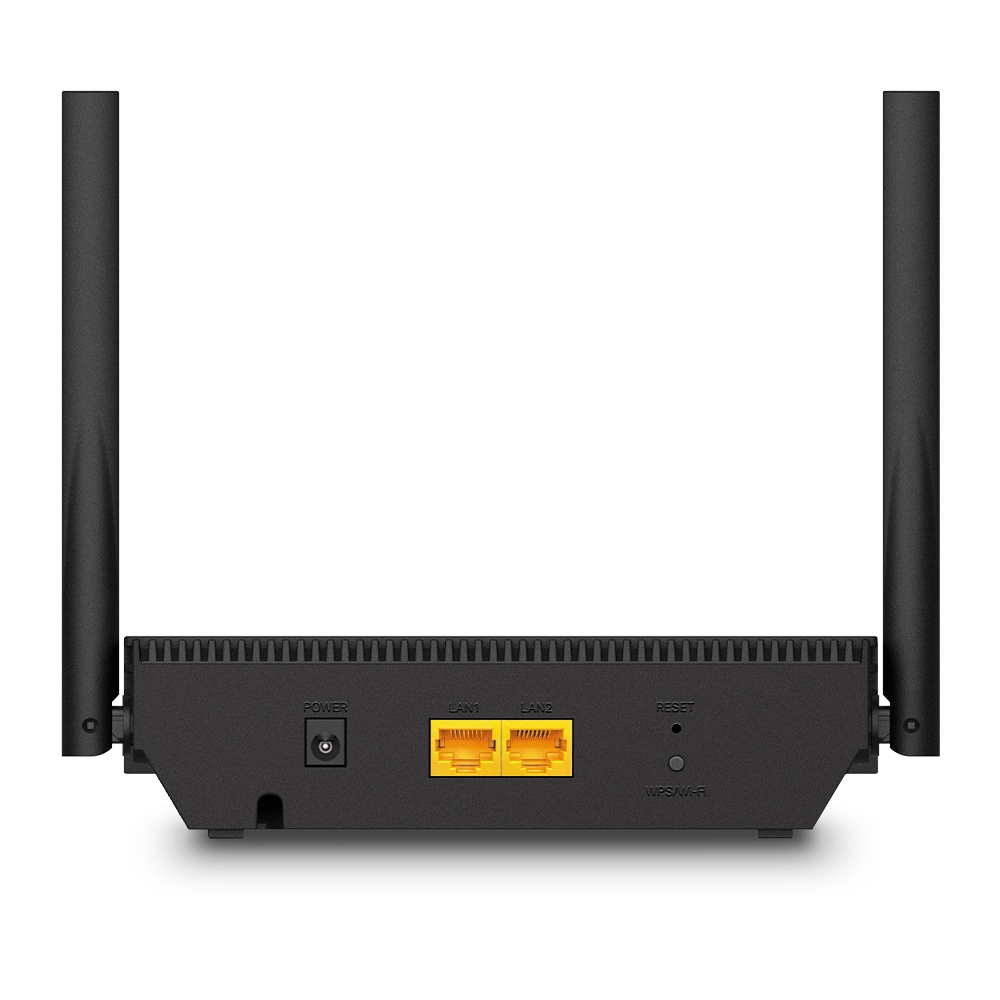
Compliant with ITU-T G.984/G.988 GPON standards, MF30G supports data rates of up to 2.5 Gbps downstream and 1.25 Gbps upstream. With two 10/100/1000 Mbps LAN ports, users can enjoy high-speed GPON services and bandwidth-intensive applications like interactive gaming, streaming, and real-time audio more efficiently than ever before.
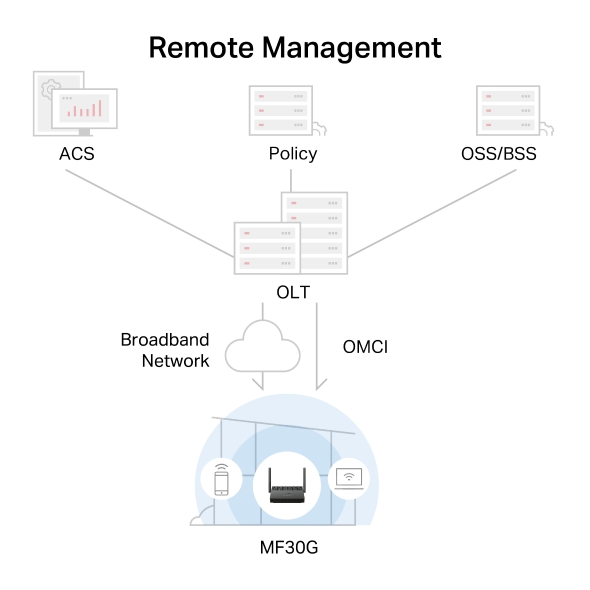
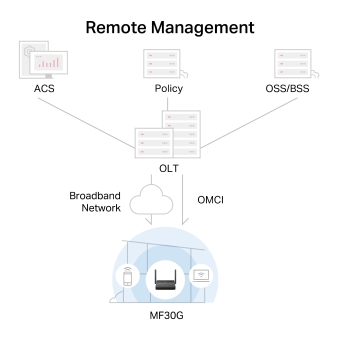
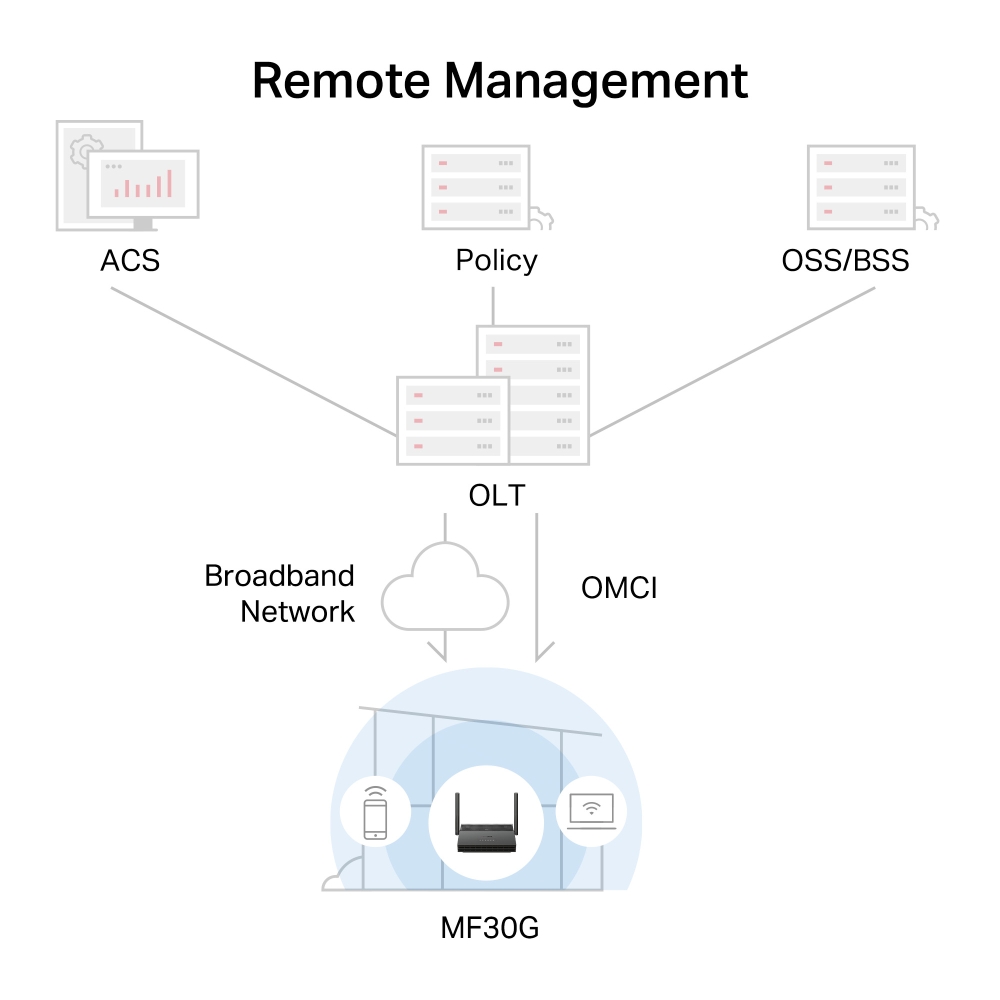
Remote Management
Supports the OMCI (ONU Management Control Interface) protocol, enabling centralized configuration and management.
Network
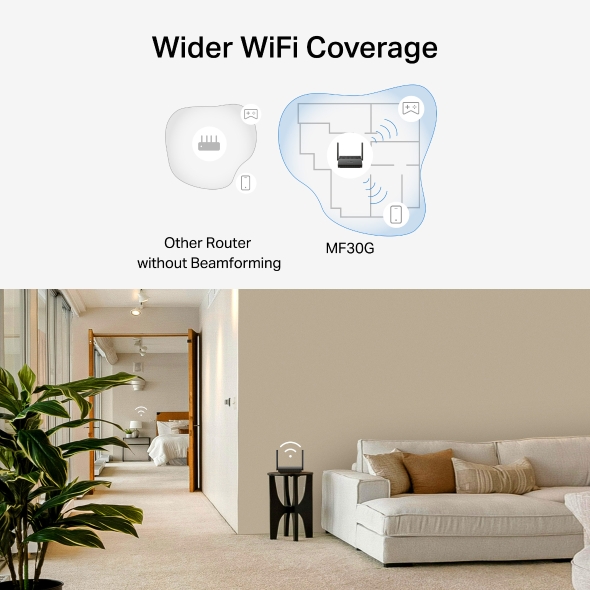
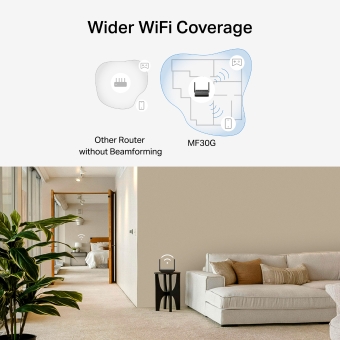
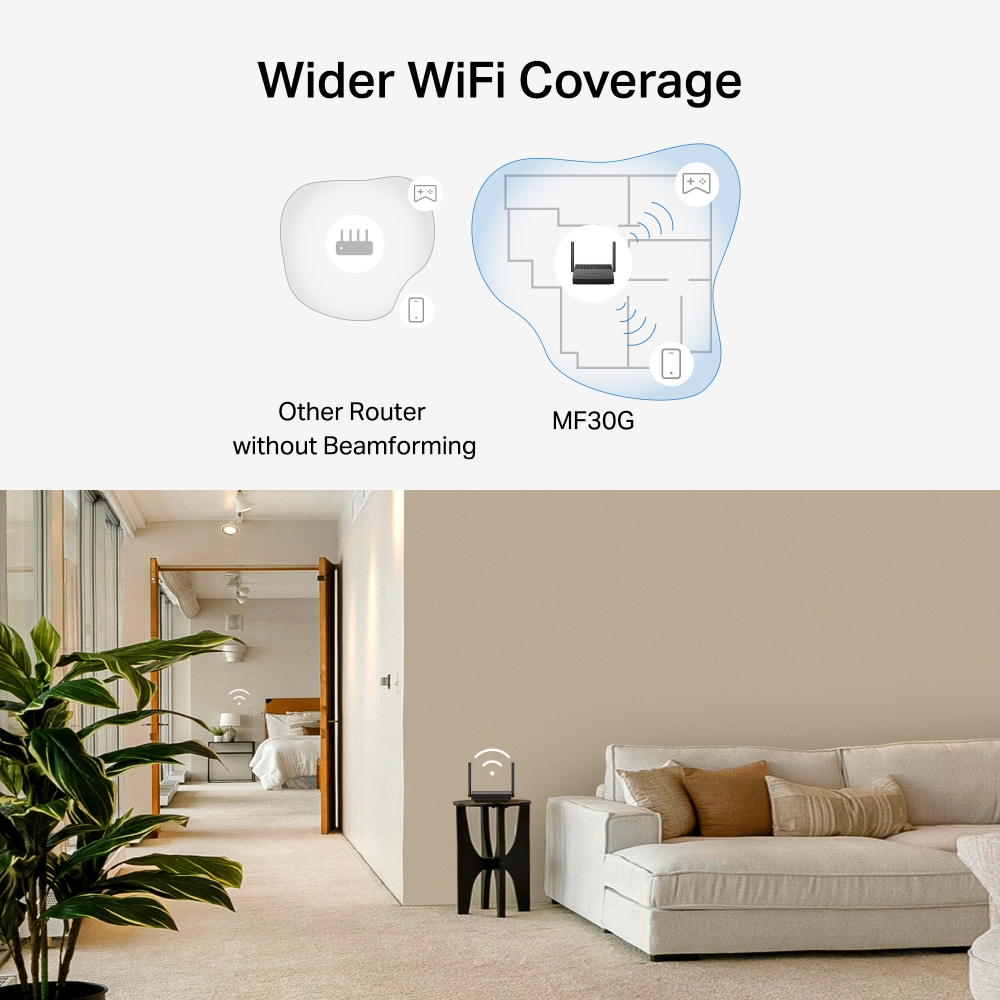
Wider WiFi Coverage
Equipped with high-performance dual-band antennas and advanced beamforming technology, the system intelligently adapts WiFi coverage to perfectly align with your home environment. By concentrating and directing signal strength with precision, it ensures unparalleled connectivity for every device throughout your space.
without Beamforming
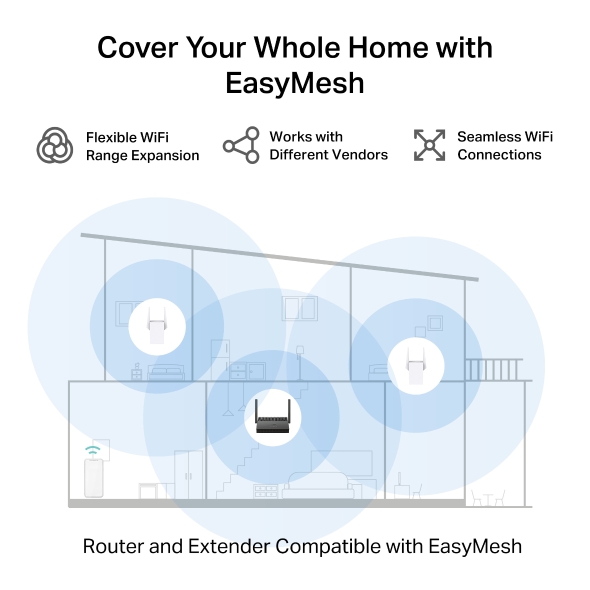
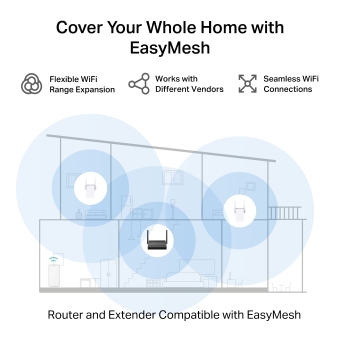
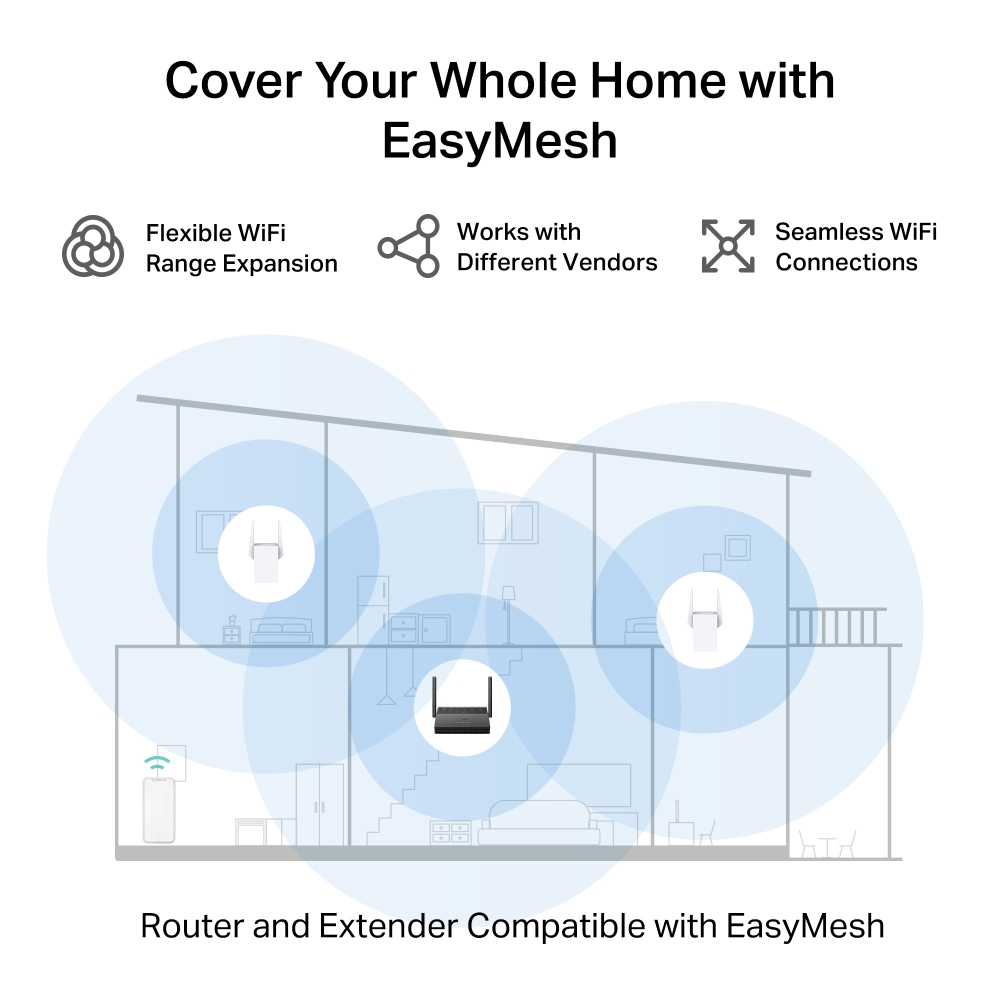
Cover Your Whole Home with EasyMesh
MF30G is compatible with EasyMesh, enabling you to set up a whole home mesh network with one WiFi name and password with any other routers or APs that support EasyMesh from multiple vendors. Enjoy flexible, scalable, and seamless mesh WiFi throughout your home!*
-

Flexible WiFi
Range Expansion -

Works with Different Vendors
-

Seamless WiFi Connections
-
Traditional Router and Extender
-

Router and Extender Compatible with EasyMesh
Powerful Network Protection
-
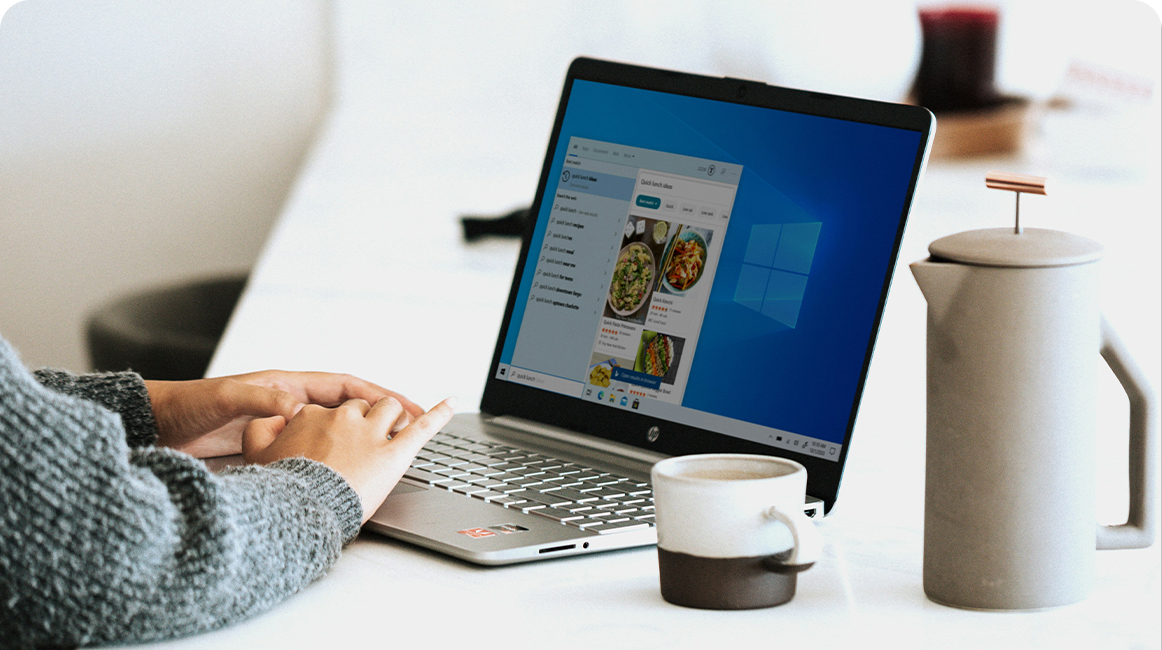
Access Control
Block unwanted devices and prevent suspicious connections and Wi-Fi thieves.
-


Parental Control
Easily manage your kids’ online time and content to create a healthy online environment for all.
-


Multi-SSID
Create separate networks for visitors and keep your main network secure
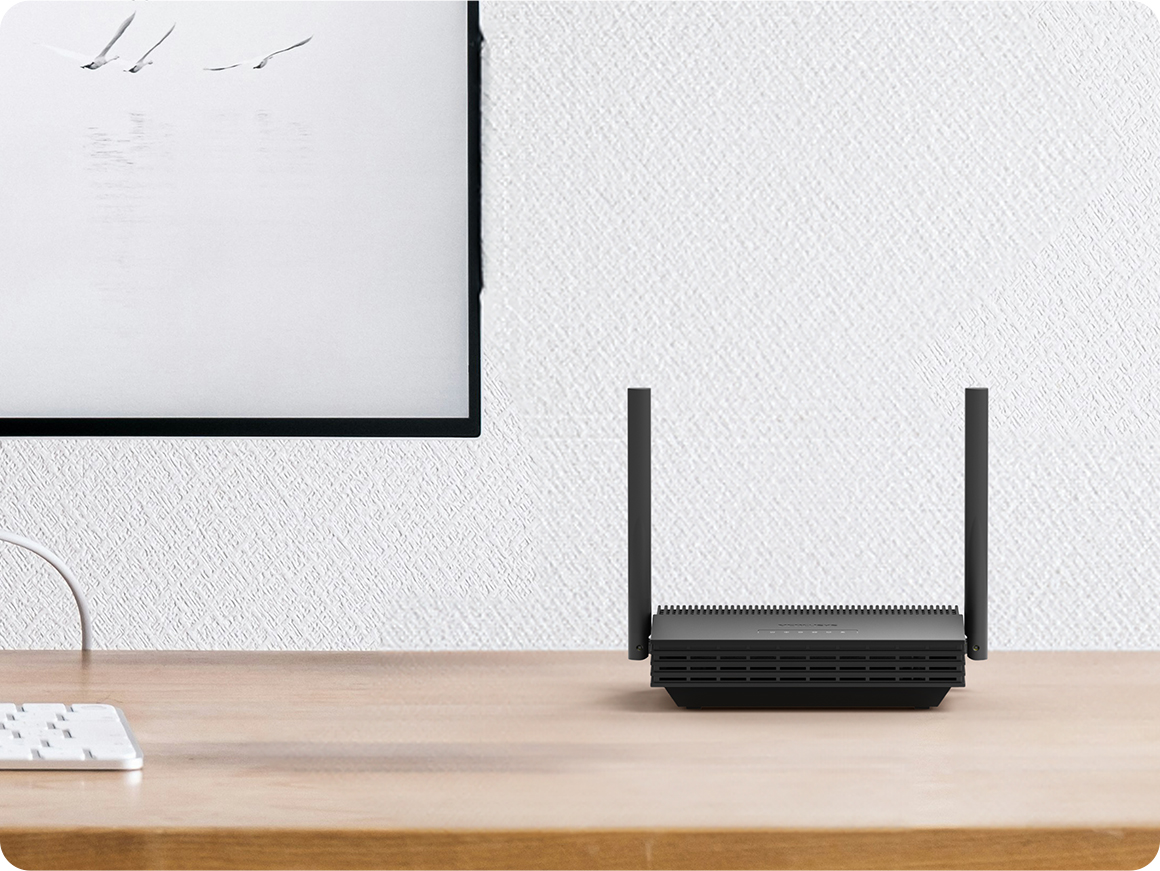
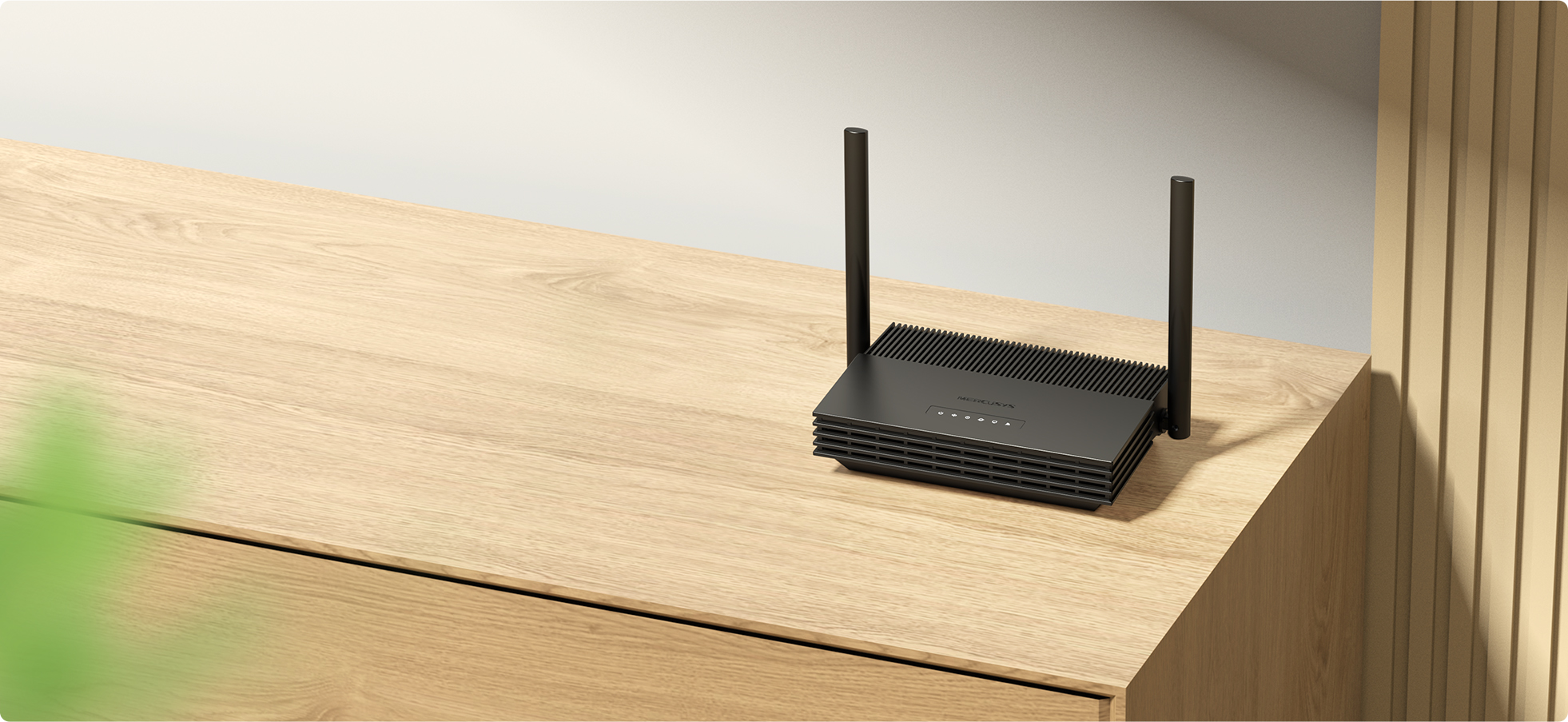
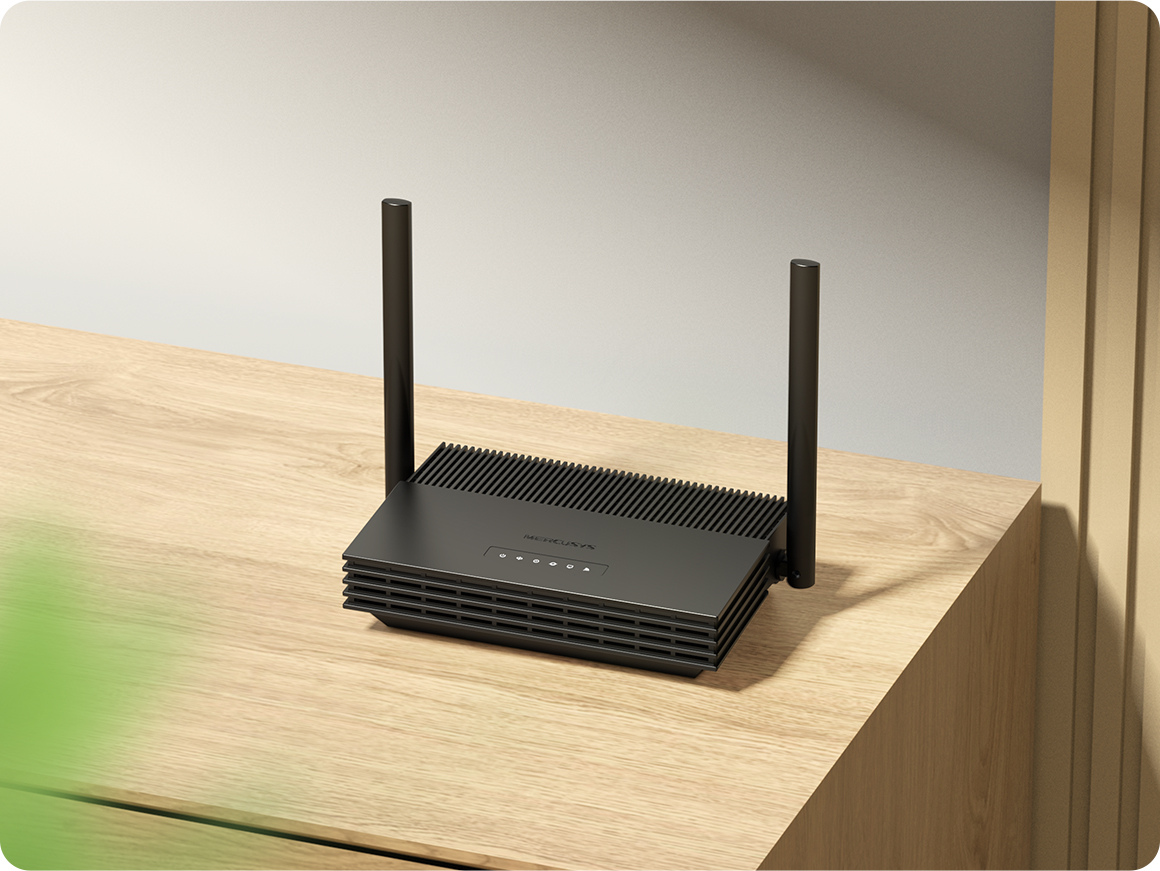
†Maximum wireless signal rates are the physical rates derived from IEEE Standard 802.11 specifications. Actual wireless data throughput and wireless coverage are not guaranteed and will vary as a result of network conditions, client imitations, and environmental factors, including building materials, obstacles, volume and density of traffic, and client location. *Use of MU-MlMO requires clients that also support MU-MIMO. ‡Actual network speed may be limited by the rate of the product's Ethernet WAN or LAN port, the rate supported by the network cable, internet service provider factors, and other environmental conditions. **EasyMesh-compatible products can network with other devices that use EasyMesh. Failed connections may be due to firmware conflicts of different vendors. The EasyMesh-compatible function is still being developed on some models and will be supported in subsequent software updates.
MERCUSYS
La app MERCUSYS muestra una forma más facil para configurar en minutos el WiFi estando en casa o fuera de ella, a traves de tu dispositivo iOS o Android.


MERCUSYS te Ayuda a Configurar en Pocos Pasos
Sin conocimientos tecnicos previos o instrucciones complicadas, solo sigue las intrucciones del app. Configura tu red mesh en minutos.
-
 Halo Power Cable Ethernet Cable
Paso 1
Encuentra lo que necesites en la caja
-

Step 2
Conecta los dispositivos
-

Step 3
Luego sigue las intrucciones que aparecerán en la pantalla del app MERCUSYS
Administra tu WiFi en Tiempo Real
Con el app MERCUSYS experimenta la gestión de la red en vivo. Mira que dispositivos estan conectados en tu red WiFi en cualquier momento desde tu celular iOS o Android.
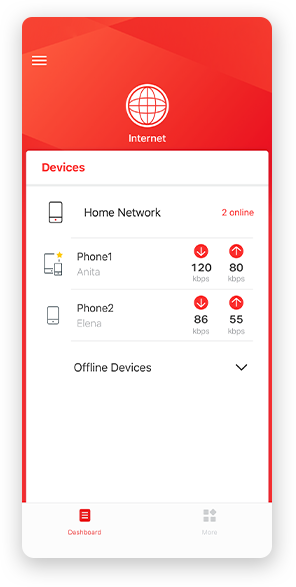
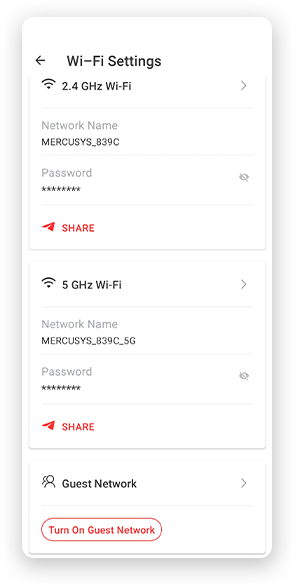
Nota: La página de configuración de los diferentes modelos puede ser diferente, por favor refiérase a la real.
Robusto Control Parental
Administra el tiempo de conexión de los niños y el contenido creando un espacion seguro y saludable en el ambiente.
-
Creación de Perfiles de Usuarios
Cree un perfil para cada miembro de la familia que desee gestionar. Asigna dispositivos al perfil para establecer controles de acceso y límites de tiempo para ellos.
-
Tiempos Limites
Pon límites diarios al tiempo que tus hijos pasan conectados y evita que accedan a Internet en sus dispositivos durante mucho tiempo para crear un hábito saludable en la red.
-
Bloquea Paginas Web Inapropiadas
Controla los sitios que visitan tus hijos estableciendo una lista de bloqueo.
-
Pausa la conexión de Internet
Suspenda las conexiones a Internet de los miembros de la familia para tomarse un descanso del mundo virtual y disfrutar de un rato en familia.
Administra y Proteja su Red domestica
La app MERCUSYS te ayuda a gestionar la red WiFi de tu casa y los dispositivos que estan conectados.

Revisa el estado de Dispositivos Conectados
Revisa el estado de conexión de tus equipos HALO. Bloquea dispositivos que necesites.

Calidad de Servicios
Prioriza los dispositivos que selecciones para un mejor rendimiento.

Alerta de nuevos dispositivos
La app MERCUSYS enviará mensajes de alerta para informar cuando un dipositivo nuevo se conecte a la red WiFi.

Configura Red de Invitados
Provee una red separada para los invitados con la finalidad de proteger la privacidad de tu Red.
Todo en Una App
Ya sea que esté buscando controlar una amplia gama de enrutadores, extensores o sistemas de malla Halo MERCUSYS, encuéntrelo todo en la aplicación.
Equipos CompatiblesProductos Compatibles
Nota: El firmware del dispositivo requiere la última versión. Click Aquí para aprender como actualizar tu firmware.
Nota: Tanto las versiones de hardware enumeradas como las superiores de estos modelos son compatibles con la aplicación MERCUSYS.
CATEGORIA
-
Halo Mesh
-

Halo H50G V1
AC1900 Whole Home Mesh Wi-Fi System
-

Halo H30G V1
AC1300 Whole Home Mesh Wi-Fi System
-

Halo H80X V1
AX3000 Whole Home Mesh WiFi 6 System
-

Halo H70X V1
AX1800 Whole Home Mesh WiFi 6 System
-

Halo H30 V1
AC1200 Whole Home Mesh Wi-Fi System
-

Halo H90X V1
AX6000 Whole Home Mesh Wi-Fi System
-
-
Wi-Fi Routers
-

MR70X V1
AX1800 Dual Band Wi-Fi 6 Router
-

MR80X V1
AX3000 Dual-Band Wi-Fi 6 Router
-

MR50G V1
AC1900 Wireless Dual Band Gigabit Router
-

AC12G V2
AC1300 Wireless Dual Band Gigabit Router
-

MR30G V1
AC1200 Wireless Dual Band Gigabit Router
-
MR1200G V1
AC1200 Wireless Dual Band Gigabit Router
-
MR1900G V1
AC1200 Wireless Dual Band Gigabit Router
-

MR1800X V1
AX1800 Dual-Band WiFi 6 Router
-

MR90X V1
AX6000 8-Stream Wi-Fi 6 Router
-
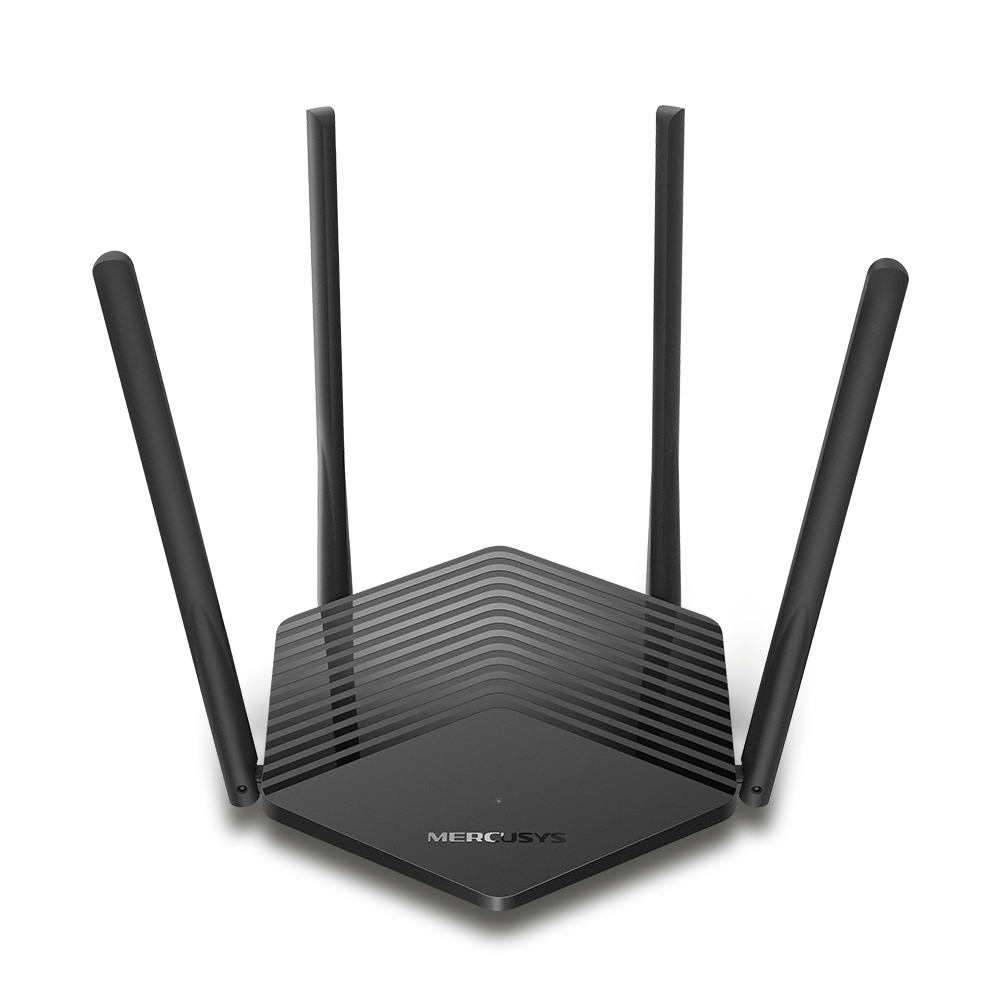
MR60X V2
AX1500 Wi-Fi 6 Router
-
2.0_01_large20200513030154.jpg)
AC12 V3
AC1200 Dual Band Wireless Router
-
1.0_01_large20200616070042.jpg)
AC10 V1
AC1200 Wireless Dual Band Router
-

MW325R V3
300Mbps Enhanced Wireless N Router
-
_1906_02_large20200513090024.jpg)
MW305R V3
300Mbps Wireless N Router
-
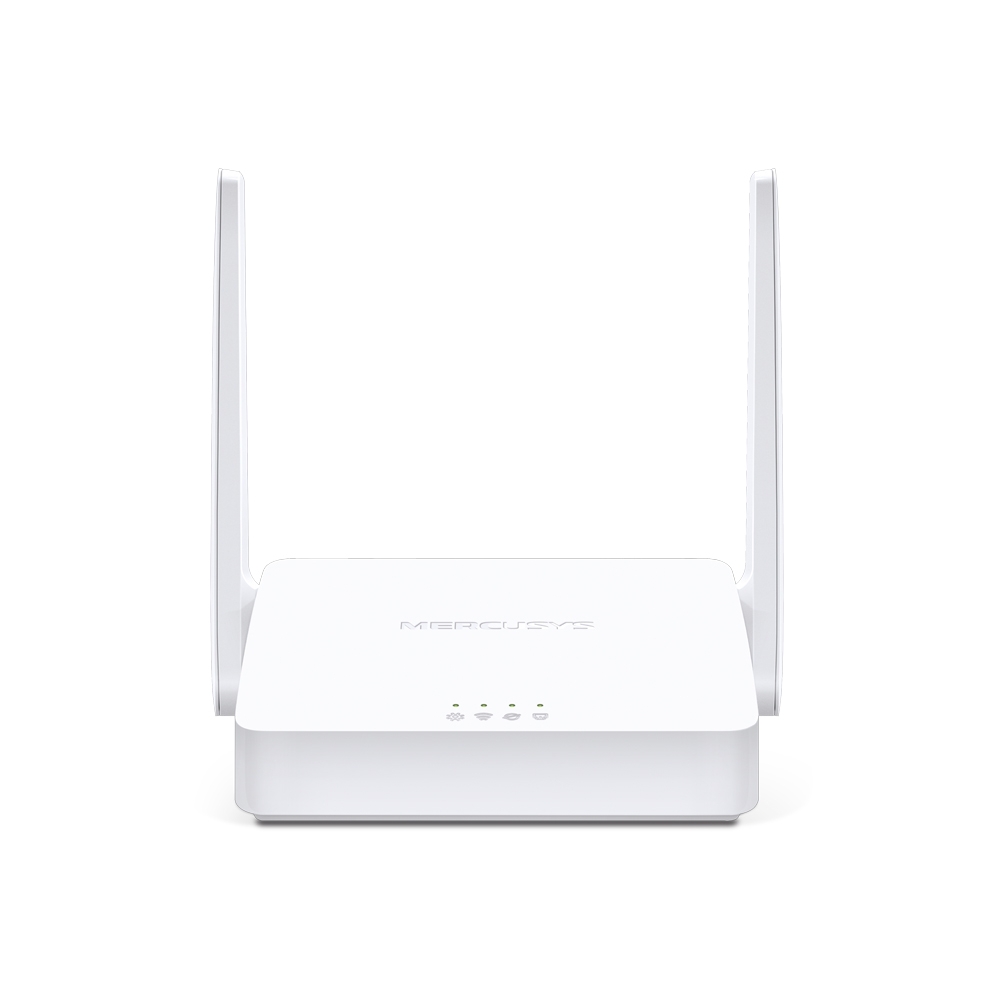
MW301R V3
300Mbps Wireless N Router
-
-
Range Extenders
-

ME70X V1
AX1800 Wi-Fi 6 Range Extender
-

ME50G V1
AC1900 Wi-Fi Range Extender
-

ME30 V1
AC1200 Wi-Fi Range Extender
-
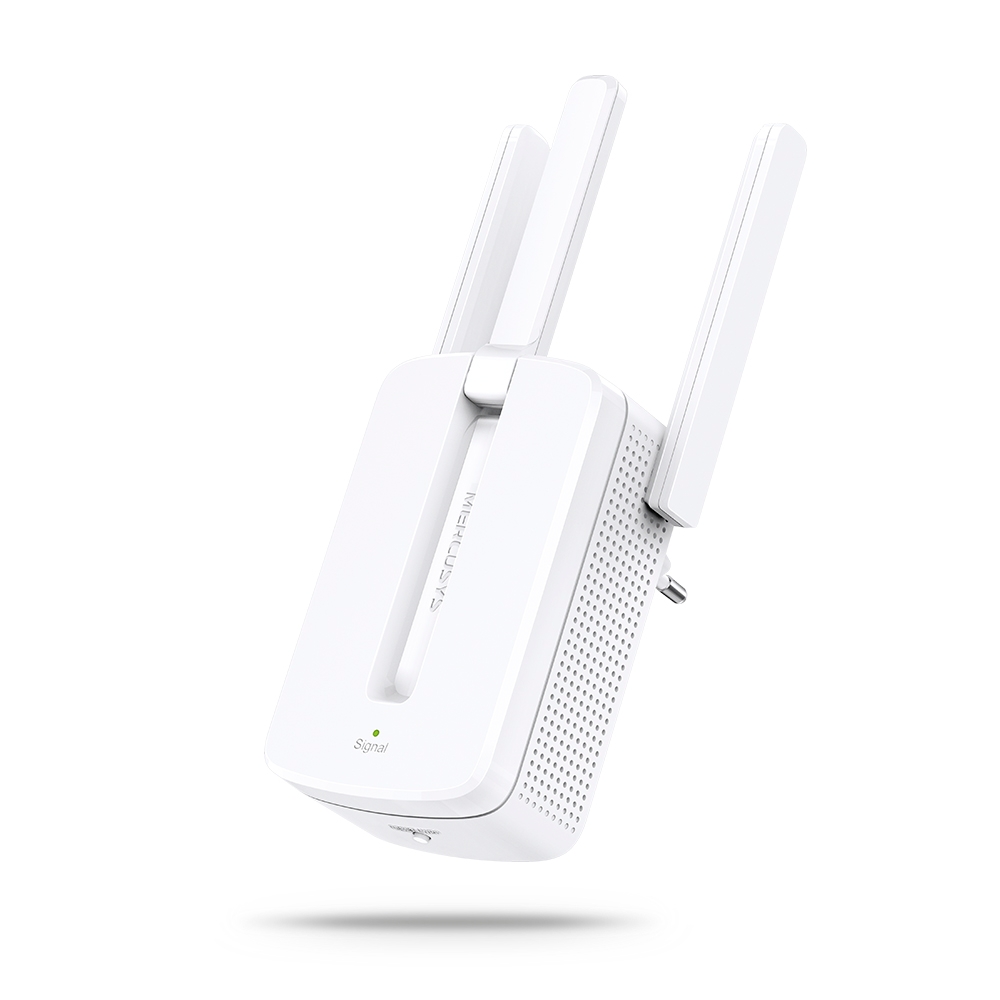
MW300RE V4
300Mbps Wi-Fi Range Extender
-
Compatible con varios idiomas
La aplicación MERCUSYS admite hasta 26 idiomas, lo que permite una fácil administración de la red para usuarios de todo el mundo.
-
English
-
Nederlands
-
Français
-
Deutsch
-
Italiano
-
日本語
-
한국어
-
Português
-
Español
-
繁體中文
-
Русский язык
-
Português Brasil
-
Español
(Latinoamérica) -
Български
-
Українська мова
-
Polski
-
Română
-
Slovenčina
-
ไทย
-
Türkçe
-
Čeština
-
Tiếng Việt
-
Eλληνικά
-
Bahasa Melayu
-
Magyar
-
עברית
-
Wireless

| Wi-Fi Class | Wi-Fi 5 (802.11ac) |
|---|---|
| Wi-Fi (2.4 GHz) | 300 Mbps |
| Wi-Fi (5 GHz) | 867 Mbps |
| Wireless Standards | 2.4 GHz:802.11b/g/n |
| Max Channel Width | 80 MHz |
| MAX Capacity | 32 |
| Recommended Clients Limit | 32 |
| Wireless Security | WPA/WPA2-Personal, WPA2-Personal, WPA2/WPA3-Personal |
| Wireless Functions | AP Isolation, Airtime Fairness |
-
Software
| Operation Modes | Wireless Router |
|---|---|
| WAN Mode | GPON/EPON |
| DHCP | √ |
| NAT Forwarding | √ |
| Protocols | IPv4/IPv6 |
| IPTV | √ |
| Guest Network | √ |
| Parental Controls | √ |
| DDNS | MERCUSYS/NO-IP/DynDNS |
| QoS | √ |
| Easy Mesh | √ |
| Security | √ |
| ISP Feature | √ |
| System | √ |
| Diagnostics | √ |
| LED Management | √ |
| Device Management | √ |
| Cloud | √ |
| Language | EN |
-
Hardware
| Dimensions (W X D X H) | 170×112.5×45.8 mm |
|---|---|
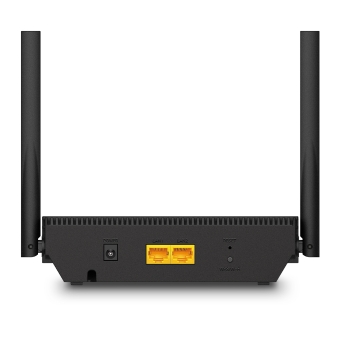
| Interfaces | 2× GE, 1× SC/APC |
| Antenna | 2× External Dual-Band Antennas |
| Button | 1× WPS/Wi-Fi,1× Reset |
| Retail Package Weight | 480g |
| Installation | Wall Mounted, Desktop Style |
| Standards and Protocols | ITU-T G.984.1, G.984.2, G.984.3, G.984.4, G.988 |
| Data Rates | Upstream:1.244 Gbps (GPON),1.25 Gbps (EPON) |
| LED | 6× LED |
| Retail Package Dimension | 217×211×54 mm |
| Units per Carton | 20 |
| Carton Dimension | 450×440×290 mm |
| Power Consumption | 12V/1A |