AC12G [V1, V2, V3] | AC1300 Wireless Dual Band Gigabit Router


- AC1300 Dual Band WiFi – Speeds of up to 400 Mbps on the 2.4 GHz band and 867 Mbps on the 5 GHz band
- Full Gigabit Ports — Lightning-fast connections for wired devices, including game consoles, PCs, smart TVs, and more
- Far-Reaching Coverage – 4× high-gain antennas with Beamforming boost stable connections throughout your home for strong WiFi signals in every corner
- Higher Network Efficiency – MU-MIMO technology allows AC12G to communicate with multiple devices at the same time, increasing the overall network throughput
- Smart Connect– Intelligently chooses the best available band for each device
- IPTV and IPv6 supported
-
watch video: Set up your MERCUSYS Wi-Fi Router via a Web Browser-AC12G
Set up your MERCUSYS Wi-Fi Router via a Web Browser-AC12G
Live Your Digital Life at Warp Speed
AC1300 Wireless Dual Band Gigabit Router
AC12G
867Mbps 5GHz
400Mbps2.4GHz
1300 Mbps Wi-Fi for endless home entertainment
Internet entertainments arrive at a warp speed with the powerful AC1300 dual band Wi-Fi. For multiple streaming simultaneous, 400 Mbps over the 2.4 GHz band is great for streaming music and shopping online, while 867 Mbps over the 5 GHz band covers bandwidth-intensive tasks like HD streaming and gaming.
Gigabit Speed for Lightning-Fast Surfing
Lightning-fast wired connections are delivered by four built-in gigabit Ethernet ports. Enjoy lag-free gaming, smooth HD video streaming, and high-speed file downloading.
Reliably Connect up to 60 Devices, Simultaneously
Easily share reliable wireless connection with up to 60 wireless devices, such as phones, tablets, and smart home devices, at the same time. Perfectly cover all network needs whether there is a party in the house or a barbecue in the yard.
Strong Signal,Great Coverage
Four external 5 dBi antennas provide users with broader wireless coverage and wireless signal intensity capable of extending throughout your large home or office. Make weak, dropped connections a thing of the past.
Ready for Smooth IPTV
IGMP Proxy/Snooping, Bridge, and Tag VLAN technology allow streaming to transfer through certain gigabit LAN ports, optimizing Hi-Resolution video.
Easy Setup with MERCUSYS App
The MERCUSYS app provides the easiest way for you to set up in minutes and manage your WiFi at home or away through your iOS or Android devices.


Advanced Security
WPA3 encryption creates an active defense against security threats and intruders

2×2 MIMO
Increases wireless transmission efficiency between multiple devices

Guest Network
Keep your main network secure with a separate network for guests
*Maximum wireless signal rates are the physical rates derived from IEEE Standard 802.11 specifications. Actual wireless data throughput and wireless coverage are not guaranteed and will vary as a result of 1) environmental factors, including building materials, physical objects, and obstacles, 2) network conditions, including local interference, volume and density of traffic, product location, network complexity, and network overhead, and 3) client limitations, including rated performance, location, connection, quality, and client condition.
Actual network speed may be limited by the rate of the product's Ethernet WAN or LAN port, the rate supported by the network cable, Internet service provider factors and other environmental conditions.
MERCUSYS
La app MERCUSYS muestra una forma más facil para configurar en minutos el WiFi estando en casa o fuera de ella, a traves de tu dispositivo iOS o Android.
MERCUSYS te Ayuda a Configurar en Pocos Pasos
Sin conocimientos tecnicos previos o instrucciones complicadas, solo sigue las intrucciones del app. Configura tu red mesh en minutos.
-
 Halo Power Cable Ethernet Cable
Paso 1
Encuentra lo que necesites en la caja
-

Step 2
Conecta los dispositivos
-

Step 3
Luego sigue las intrucciones que aparecerán en la pantalla del app MERCUSYS
Administra tu WiFi en Tiempo Real
Con el app MERCUSYS experimenta la gestión de la red en vivo. Mira que dispositivos estan conectados en tu red WiFi en cualquier momento desde tu celular iOS o Android.


Nota: La página de configuración de los diferentes modelos puede ser diferente, por favor refiérase a la real.
Robusto Control Parental
Administra el tiempo de conexión de los niños y el contenido creando un espacion seguro y saludable en el ambiente.
-
Creación de Perfiles de Usuarios
Cree un perfil para cada miembro de la familia que desee gestionar. Asigna dispositivos al perfil para establecer controles de acceso y límites de tiempo para ellos.
-
Tiempos Limites
Pon límites diarios al tiempo que tus hijos pasan conectados y evita que accedan a Internet en sus dispositivos durante mucho tiempo para crear un hábito saludable en la red.
-
Bloquea Paginas Web Inapropiadas
Controla los sitios que visitan tus hijos estableciendo una lista de bloqueo.
-
Pausa la conexión de Internet
Suspenda las conexiones a Internet de los miembros de la familia para tomarse un descanso del mundo virtual y disfrutar de un rato en familia.
Administra y Proteja su Red domestica
La app MERCUSYS te ayuda a gestionar la red WiFi de tu casa y los dispositivos que estan conectados.

Revisa el estado de Dispositivos Conectados
Revisa el estado de conexión de tus equipos HALO. Bloquea dispositivos que necesites.

Calidad de Servicios
Prioriza los dispositivos que selecciones para un mejor rendimiento.

Alerta de nuevos dispositivos
La app MERCUSYS enviará mensajes de alerta para informar cuando un dipositivo nuevo se conecte a la red WiFi.

Configura Red de Invitados
Provee una red separada para los invitados con la finalidad de proteger la privacidad de tu Red.
Todo en Una App
Ya sea que esté buscando controlar una amplia gama de enrutadores, extensores o sistemas de malla Halo MERCUSYS, encuéntrelo todo en la aplicación.
Equipos CompatiblesProductos Compatibles
Nota: El firmware del dispositivo requiere la última versión. Click Aquí para aprender como actualizar tu firmware.
Nota: Tanto las versiones de hardware enumeradas como las superiores de estos modelos son compatibles con la aplicación MERCUSYS.
CATEGORIA
-
Halo Mesh
-

Halo H50G V1
AC1900 Whole Home Mesh Wi-Fi System
-

Halo H30G V1
AC1300 Whole Home Mesh Wi-Fi System
-

Halo H80X V1
AX3000 Whole Home Mesh WiFi 6 System
-

Halo H70X V1
AX1800 Whole Home Mesh WiFi 6 System
-

Halo H30 V1
AC1200 Whole Home Mesh Wi-Fi System
-

Halo H90X V1
AX6000 Whole Home Mesh Wi-Fi System
-
-
Wi-Fi Routers
-

MR70X V1
AX1800 Dual Band Wi-Fi 6 Router
-

MR80X V1
AX3000 Dual-Band Wi-Fi 6 Router
-

MR50G V1
AC1900 Wireless Dual Band Gigabit Router
-

AC12G V2
AC1300 Wireless Dual Band Gigabit Router
-

MR30G V1
AC1200 Wireless Dual Band Gigabit Router
-
MR1200G V1
AC1200 Wireless Dual Band Gigabit Router
-
MR1900G V1
AC1200 Wireless Dual Band Gigabit Router
-

MR1800X V1
AX1800 Dual-Band WiFi 6 Router
-

MR90X V1
AX6000 8-Stream Wi-Fi 6 Router
-
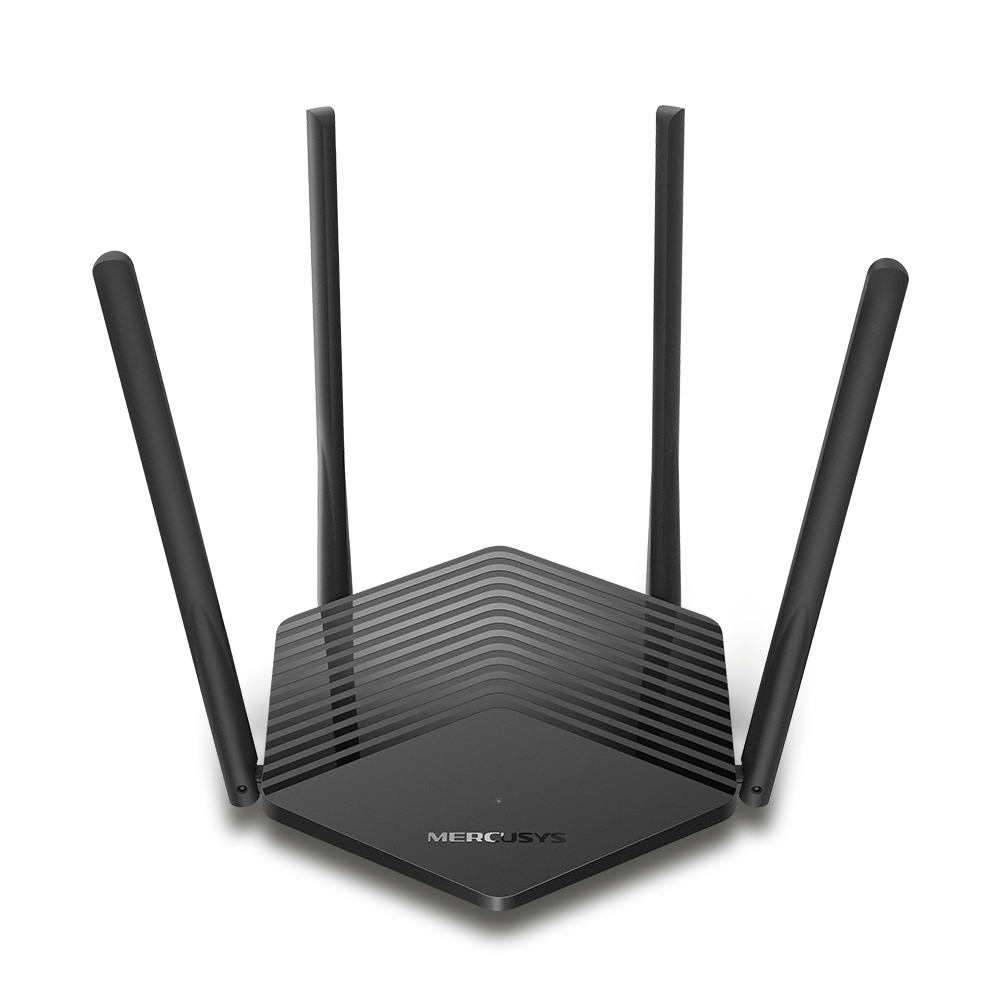
MR60X V2
AX1500 Wi-Fi 6 Router
-
2.0_01_large20200513030154.jpg)
AC12 V3
AC1200 Dual Band Wireless Router
-
1.0_01_large20200616070042.jpg)
AC10 V1
AC1200 Wireless Dual Band Router
-

MW325R V3
300Mbps Enhanced Wireless N Router
-
_1906_02_large20200513090024.jpg)
MW305R V3
300Mbps Wireless N Router
-
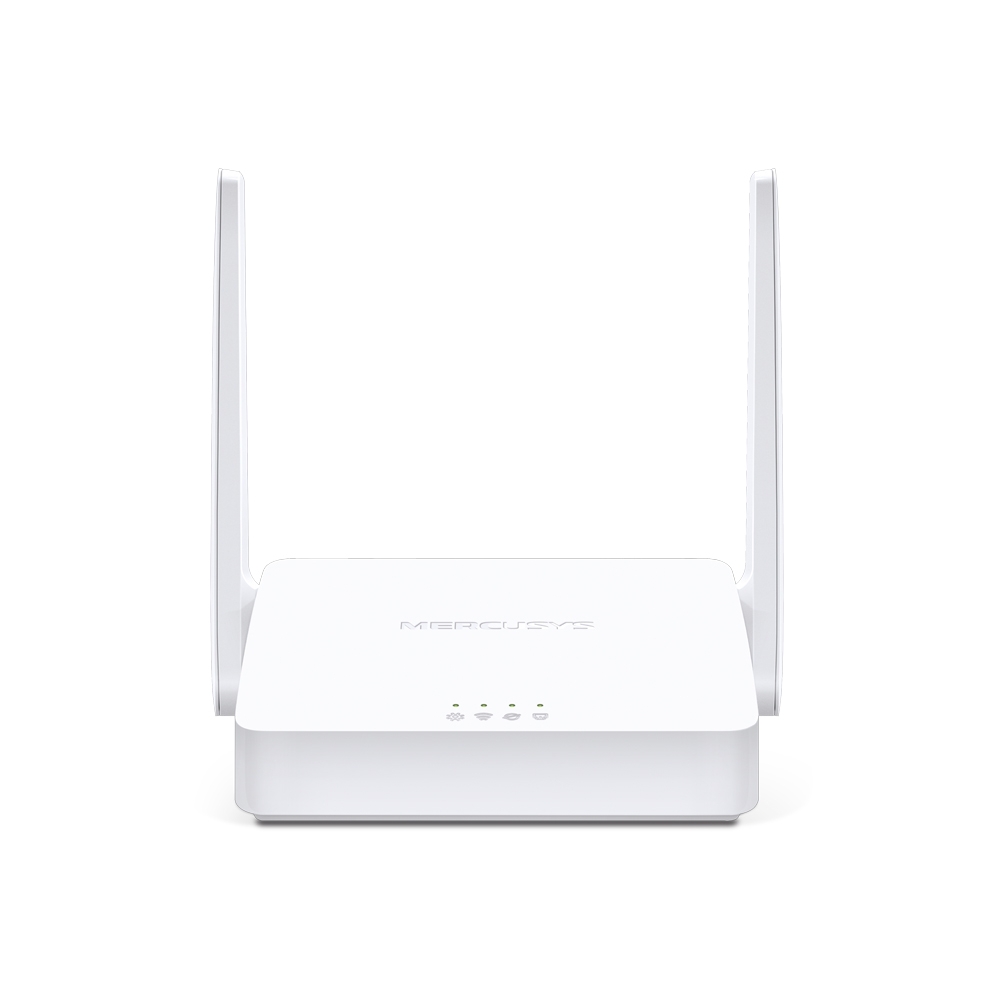
MW301R V3
300Mbps Wireless N Router
-
-
Range Extenders
-

ME70X V1
AX1800 Wi-Fi 6 Range Extender
-

ME50G V1
AC1900 Wi-Fi Range Extender
-

ME30 V1
AC1200 Wi-Fi Range Extender
-
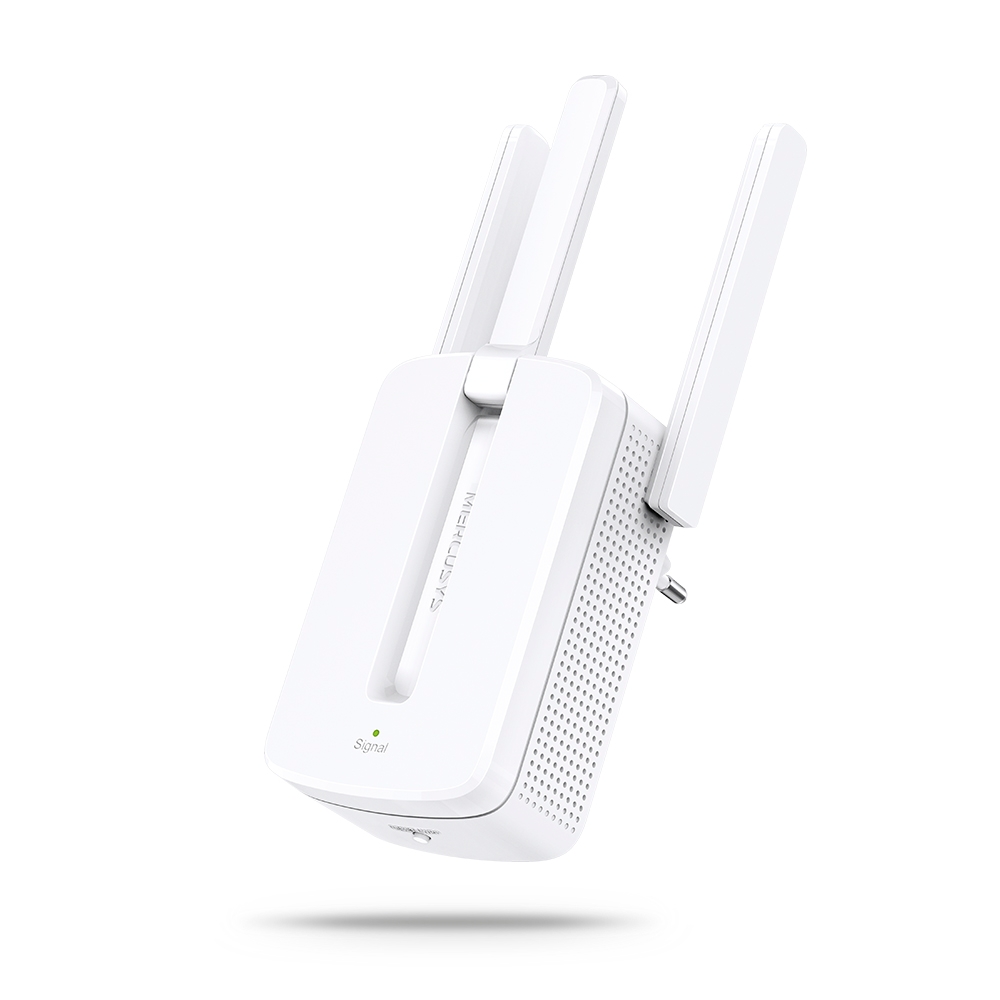
MW300RE V4
300Mbps Wi-Fi Range Extender
-
Compatible con varios idiomas
La aplicación MERCUSYS admite hasta 26 idiomas, lo que permite una fácil administración de la red para usuarios de todo el mundo.
-
English
-
Nederlands
-
Français
-
Deutsch
-
Italiano
-
日本語
-
한국어
-
Português
-
Español
-
繁體中文
-
Русский язык
-
Português Brasil
-
Español
(Latinoamérica) -
Български
-
Українська мова
-
Polski
-
Română
-
Slovenčina
-
ไทย
-
Türkçe
-
Čeština
-
Tiếng Việt
-
Eλληνικά
-
Bahasa Melayu
-
Magyar
-
עברית
-
Wireless

| Wireless Standards | IEEE 802.11a/n/ac 5 GHz, IEEE 802.11b/g/n 2.4 GHz |
|---|---|
| Frequency | EU: 2.4-2.5GHz, 5.17-5.25GHz |
| Signal Rate | 400 Mbps at 2.4GHz, 867 Mbps at 5 GHz |
| Reception Sensitivity | 5GHz
|
| Transmission Power | <20dBm (EIRP) |
| Wireless Security | WPA-PSK / WPA2-PSK / WPA3-Personal |
| Wireless Functions | Enable/Disable Wireless Radio, Wireless Statistics |
-
Software
| Management | Access Control |
|---|---|
| Port Forwarding | Virtual Server, UPnP, DMZ |
| Firewall Security | IP and MAC Address Binding |
| Guest Network | 2.4 GHz Guest Network, 5 GHz Guest Network |
-
Hardware
| Dimensions (W X D X H) | 8.7 × 5.5 × 1.3 in (222 × 140 × 32 mm) |
|---|---|
| Interfaces | 1× Gigabit WAN Port |
| Button | WPS/Reset Button |
| External Power Supply | 12V/1A |
| Antenna Type | 4× 5 dBi Fixed Omni-Directional Antennas |
-
Others
| Package Contents | • AC1300 Wi-Fi Router AC12G |
|---|---|
| Environment | • Operating Temperature: 0°C~40°C (32°F~104°F) |