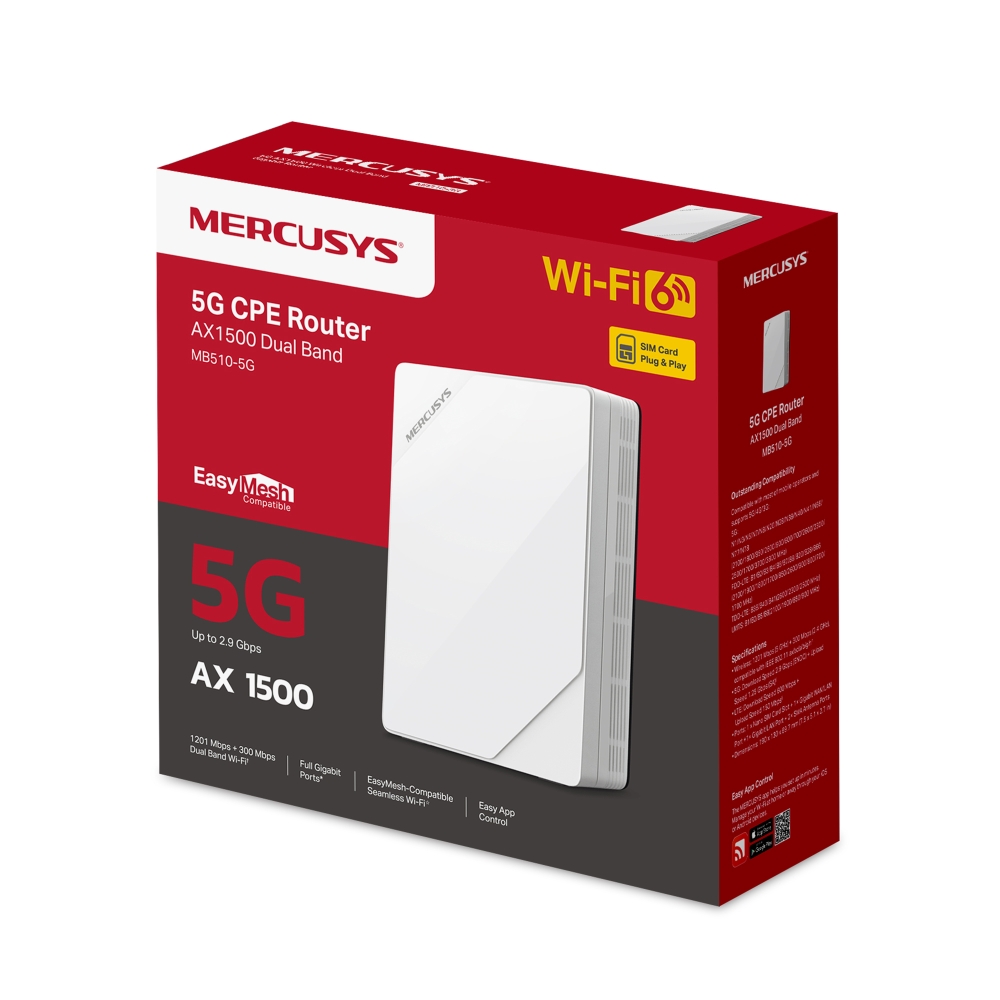
MB510-5G [V1] | Router Gigabit Inalámbrico Doble Banda 5G AX1500 Wi-Fi 6
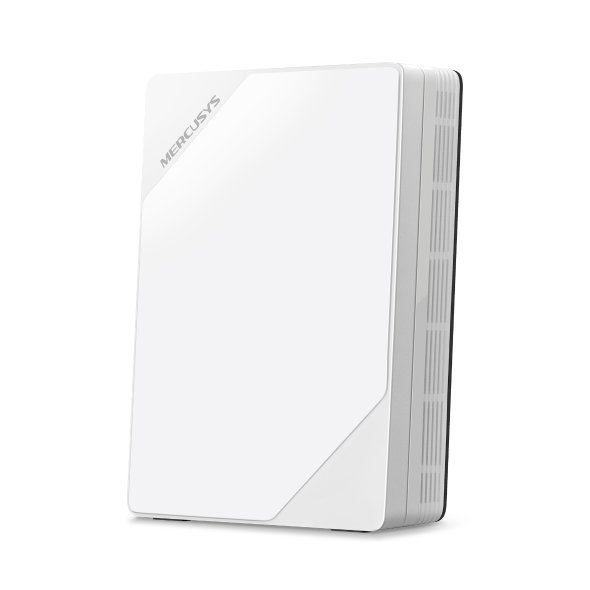

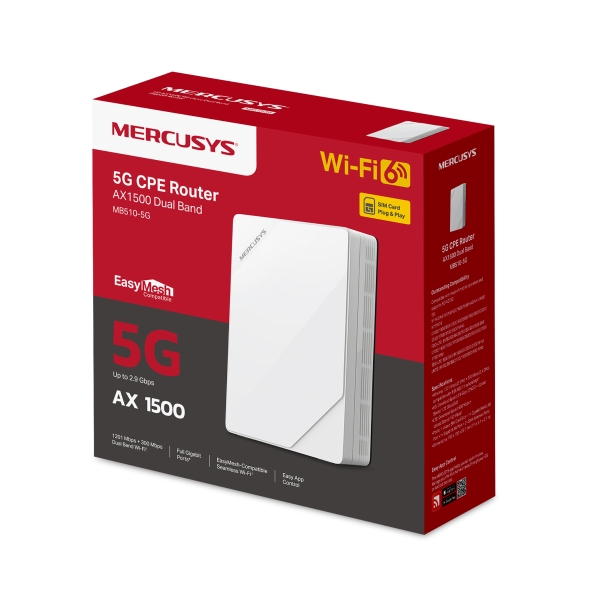
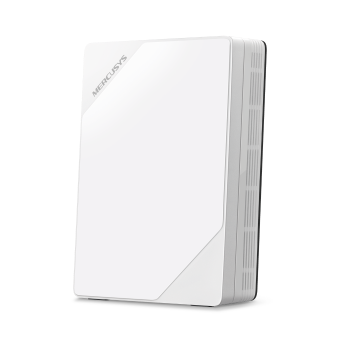
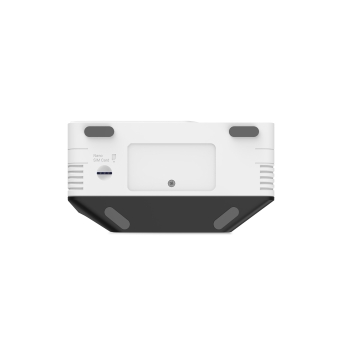

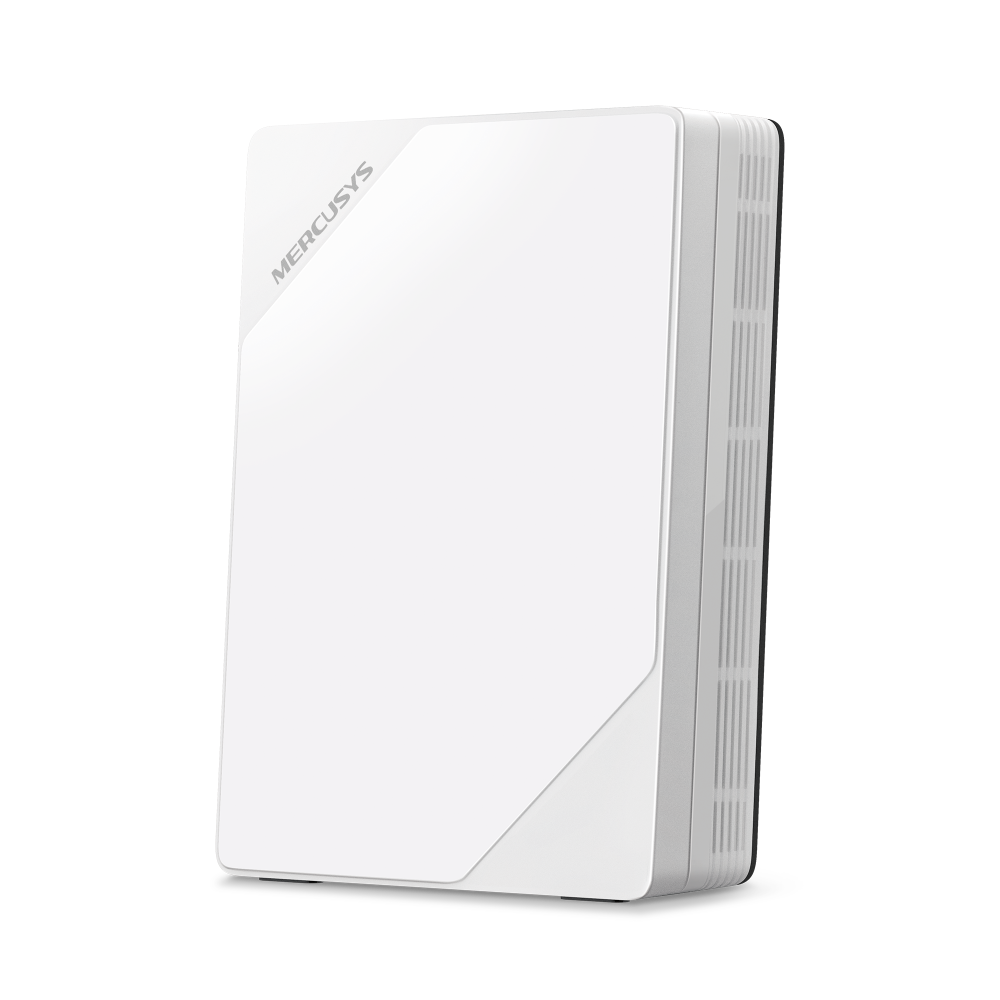

MB510-5G
Router Gigabit Inalámbrico Doble Banda 5G AX1500 Wi-Fi 6
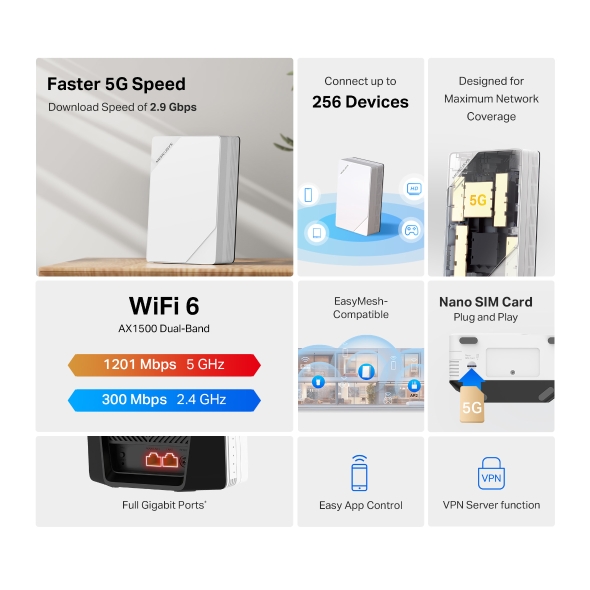
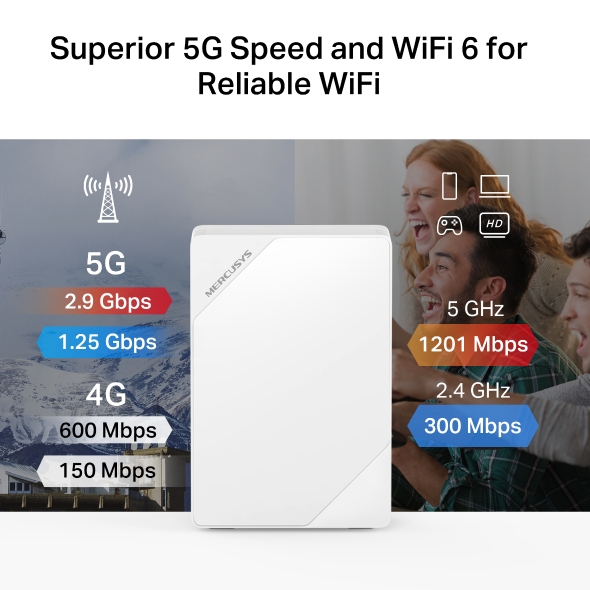
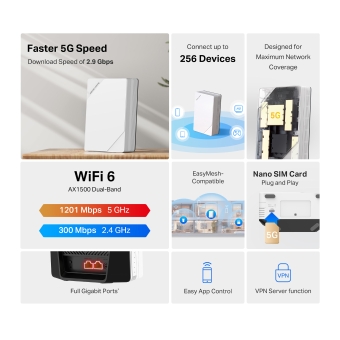
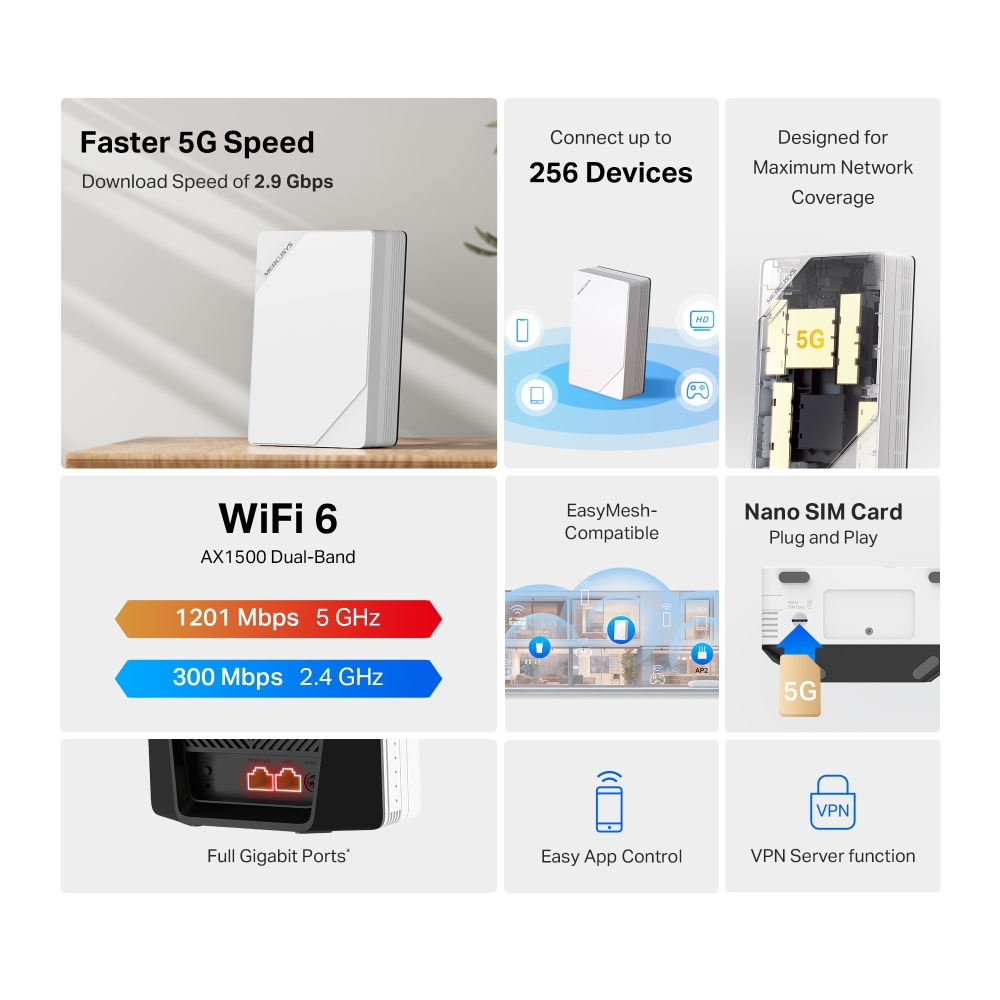
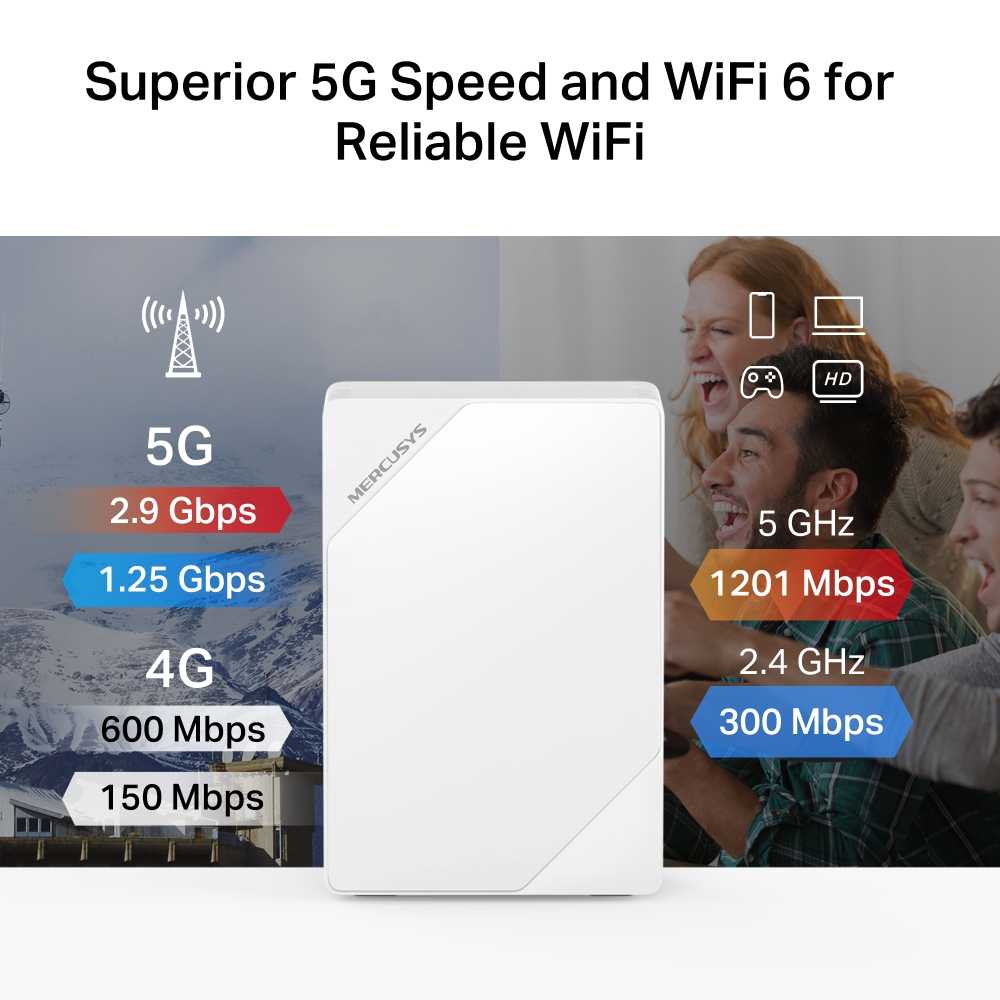
- Potencia tu velocidad 5G – Aprovecha tu avanzada red 5G con velocidades de descarga de hasta 2.9 Gbps. Convierte tu red 5G en Wi-Fi y compártela con múltiples dispositivos.§
- Wi-Fi 6 Doble Banda AX1500 – Velocidades de hasta 1201 Mbps en la banda de 5 GHz y 300 Mbps en la banda de 2.4 GHz.‡
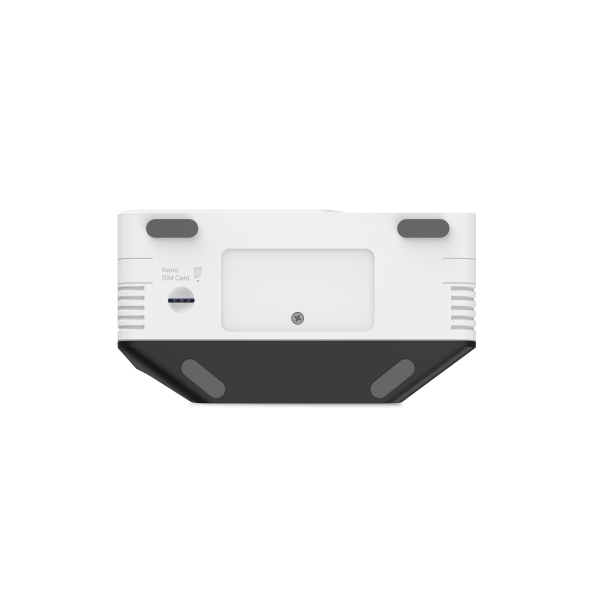
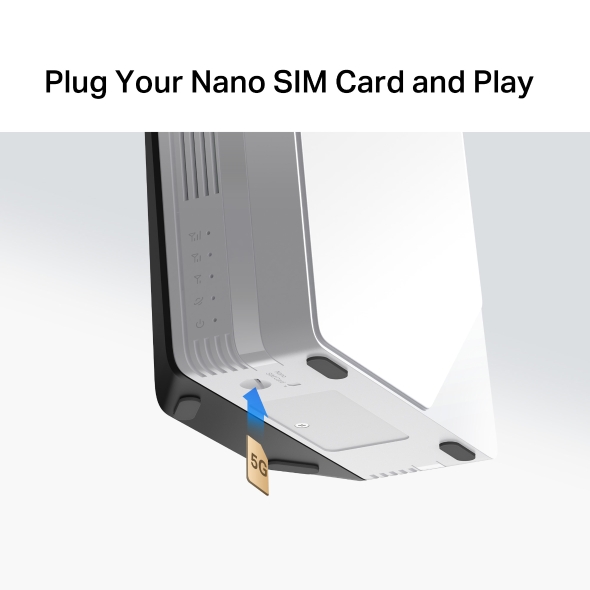
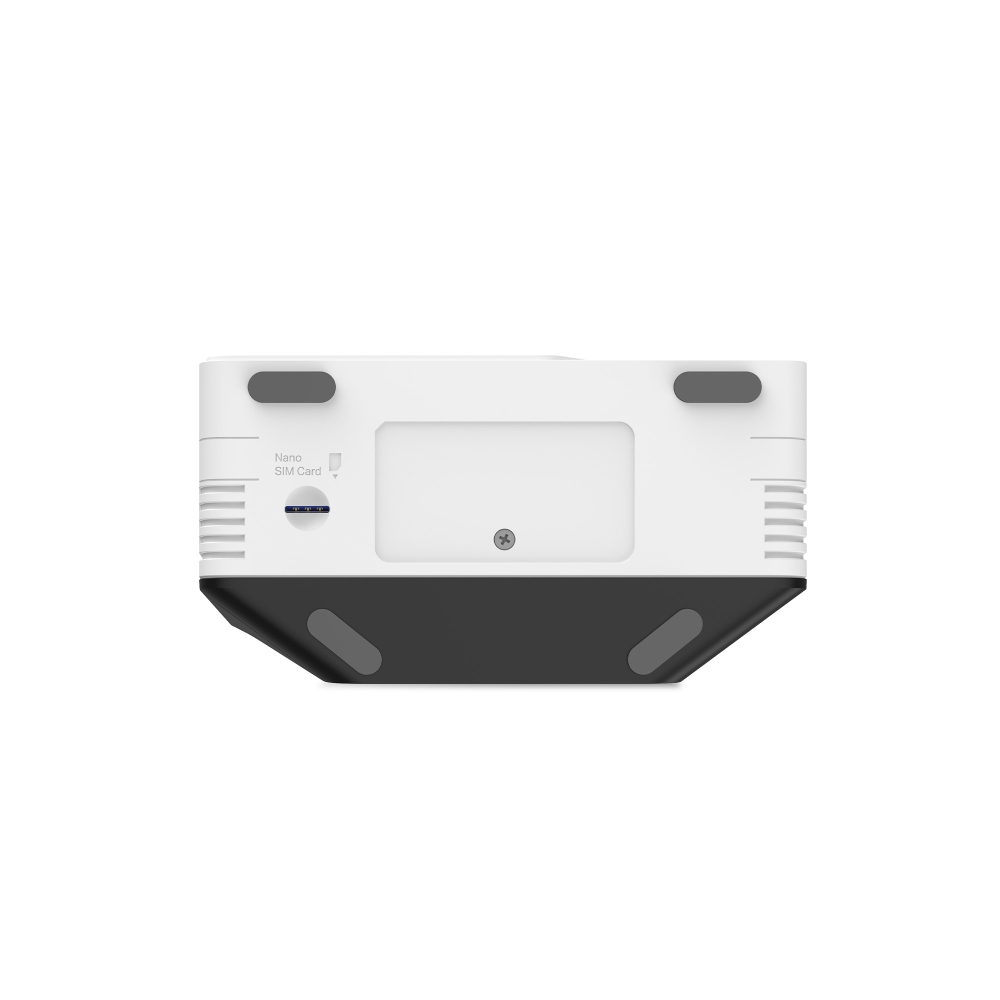
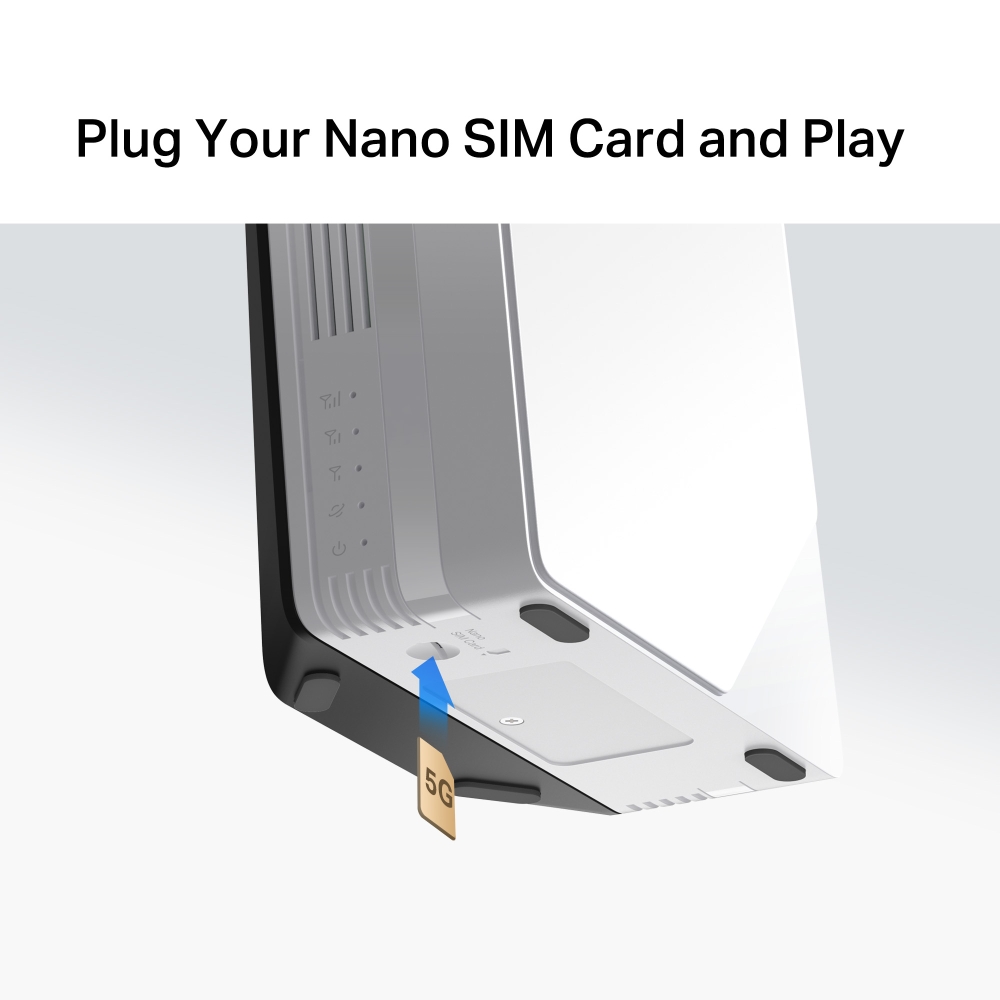
- Inserta una SIM y listo – No requiere configuraciones. La compatibilidad con tarjetas SIM está garantizada gracias a años de pruebas en campo.△
- Conexión simultánea – Comparte acceso a internet con hasta 256 dispositivos Wi-Fi al mismo tiempo.
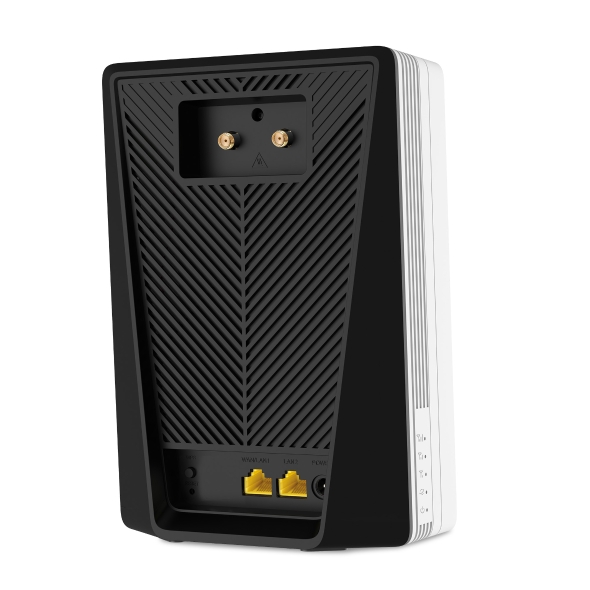
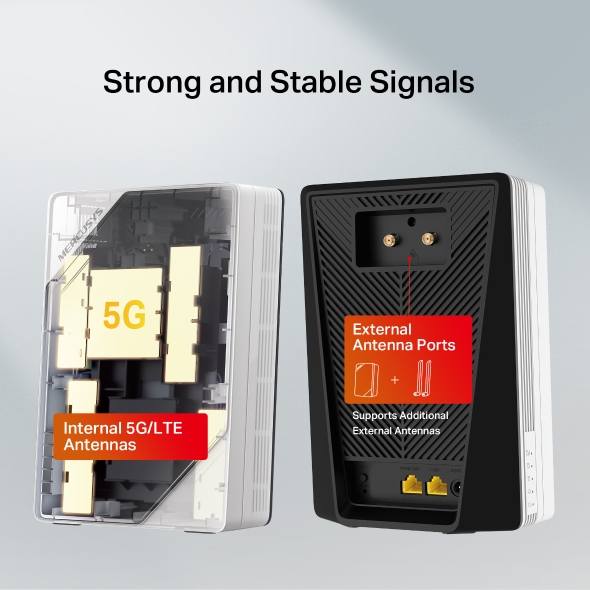
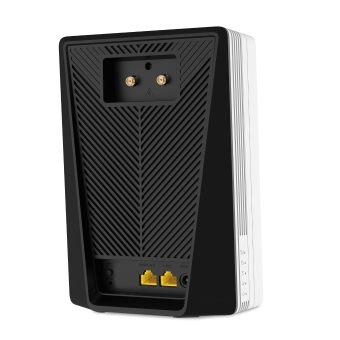
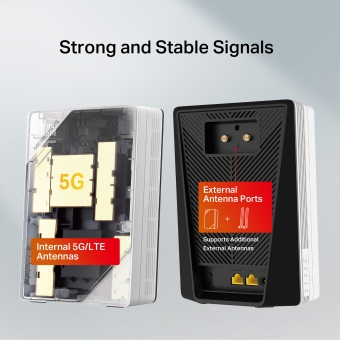
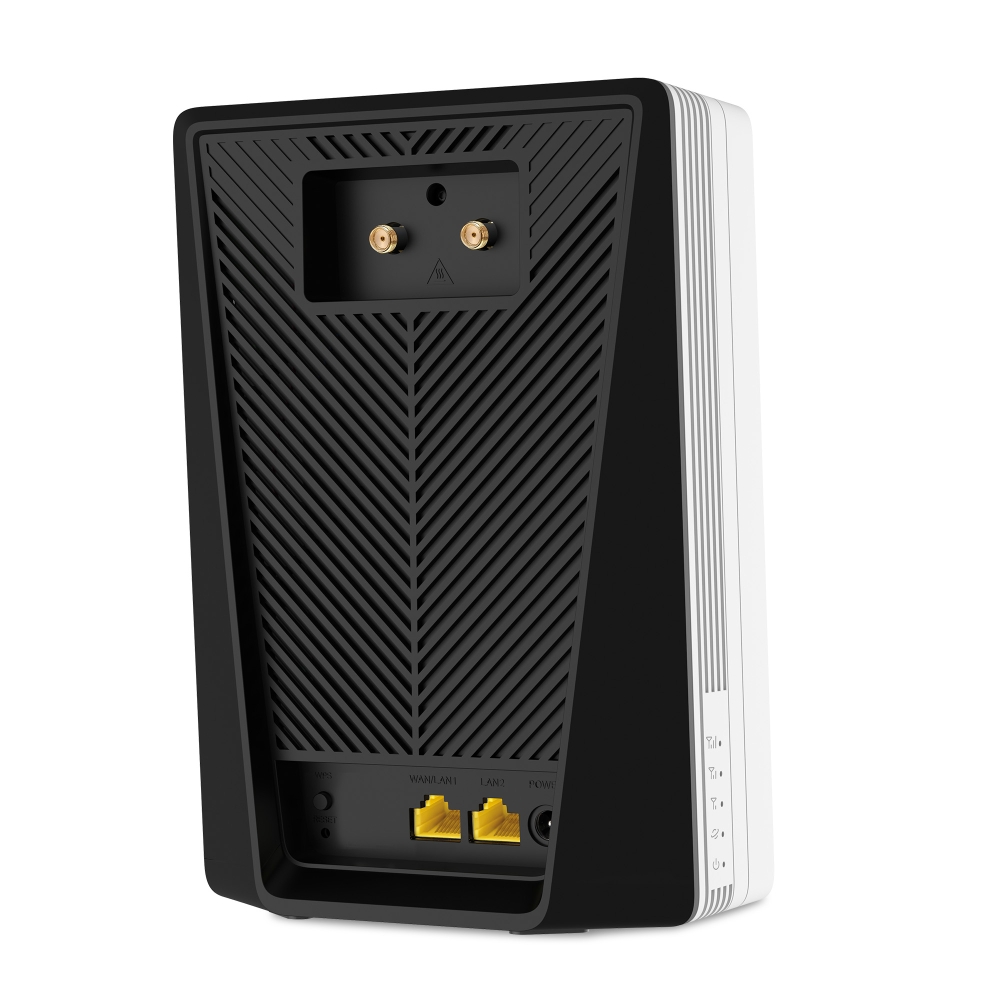
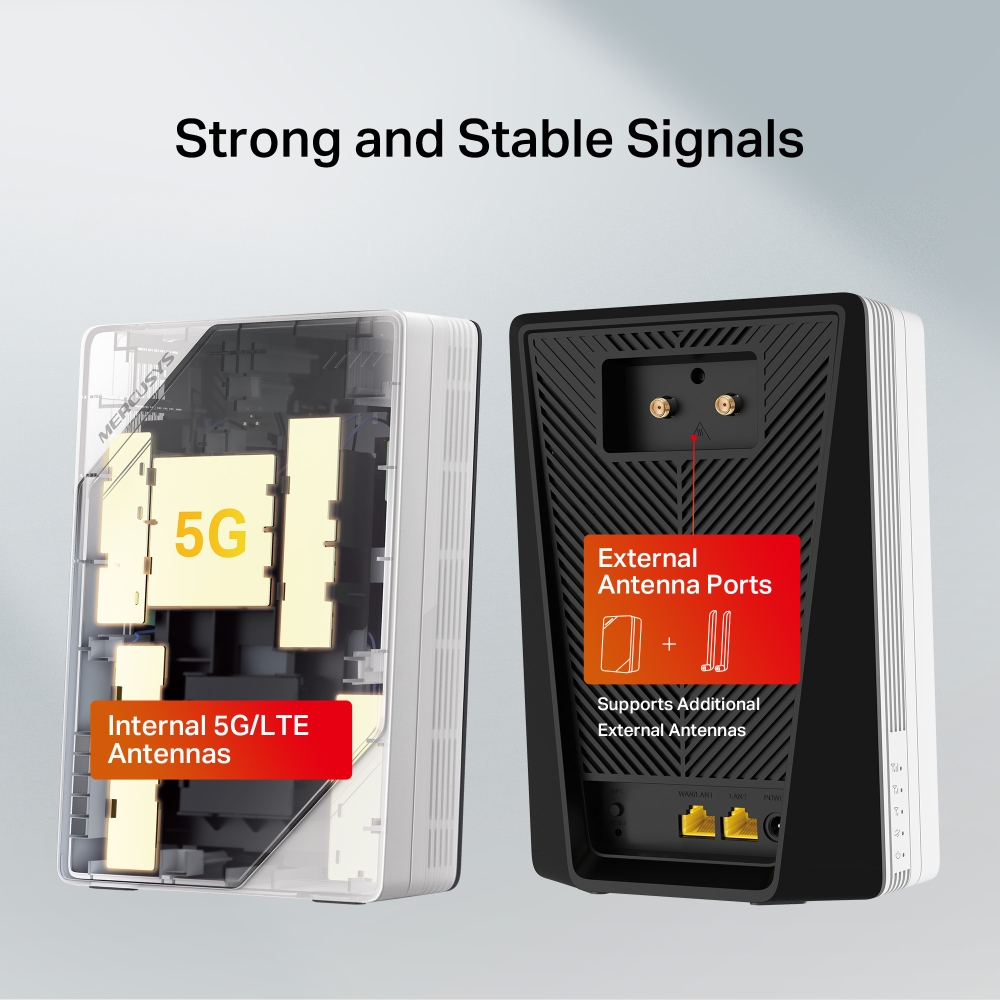
- Cobertura optimizada – Las antenas internas avanzadas ofrecen conexiones rápidas y estables, mientras que los puertos externos permiten agregar antenas adicionales para ampliar la cobertura.
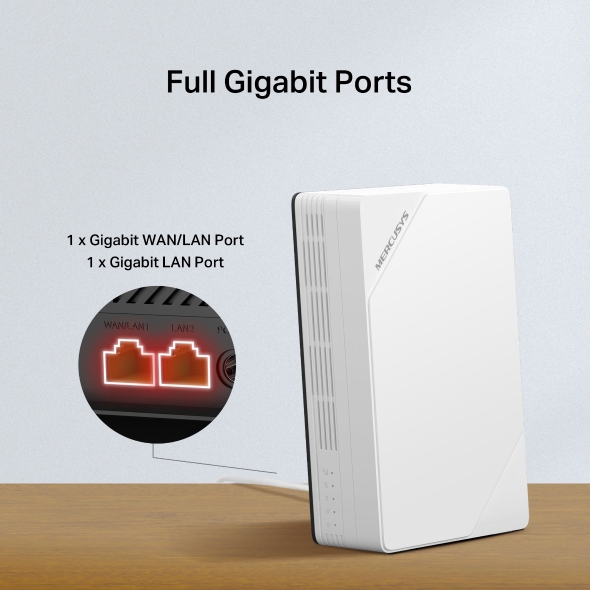
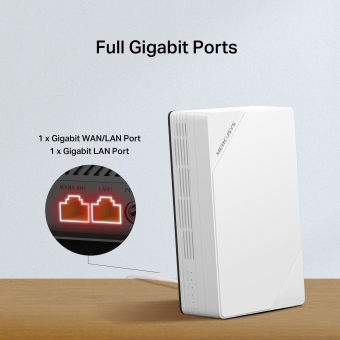
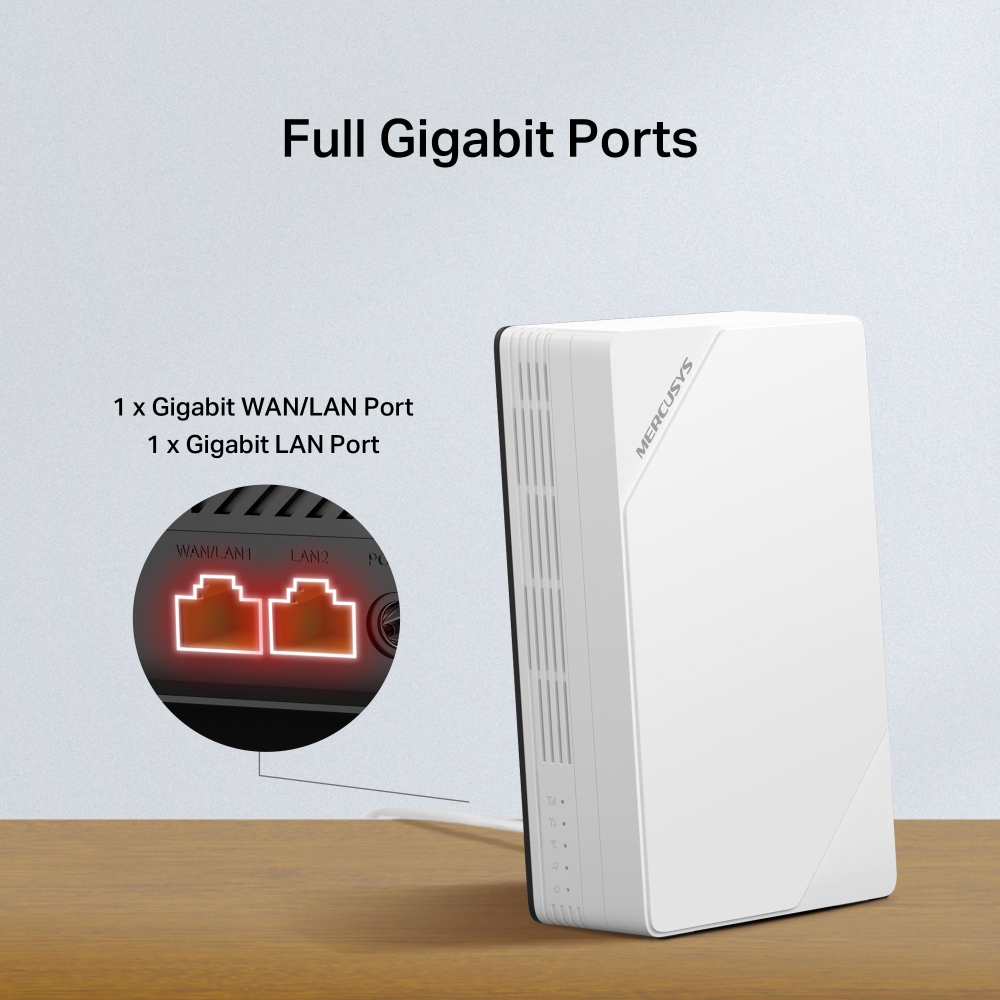
- Puertos Gigabit completos – Conecta un cable Ethernet al puerto WAN/LAN para un acceso flexible si no puedes obtener conexión 5G.*
- Compatible con EasyMesh – Funciona con routers y extensores EasyMesh para crear una red Wi-Fi Mesh en todo el hogar, evitando cortes y retrasos al cambiar entre señales.
- Fácil control desde la app – La app MERCUSYS te ayuda a configurar el dispositivo en minutos. Administra tu red Wi-Fi desde casa o a distancia a través de dispositivos iOS o Android.
Leap into the 5G Era:
Unlock Fast Internet Anywhere
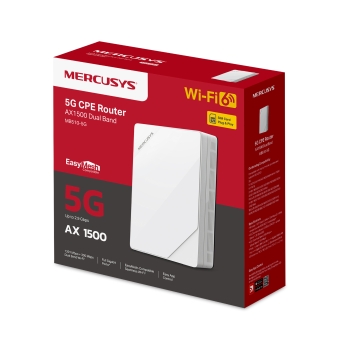
5G AX1500 Wireless Dual-Band Router


Unmatched Convenience and Versatility
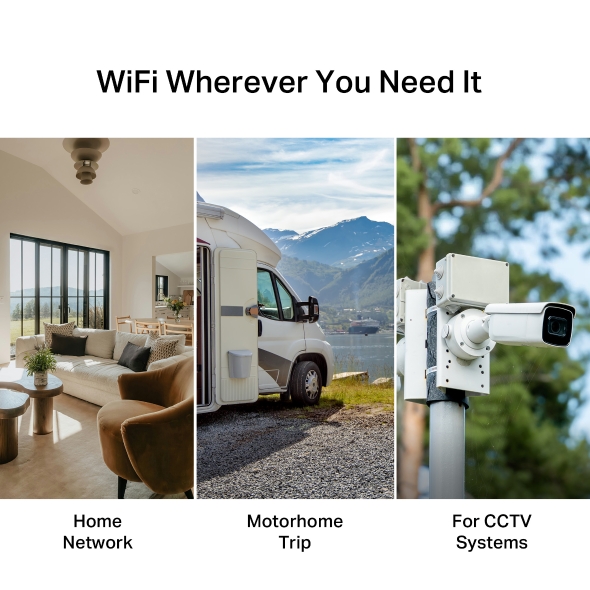
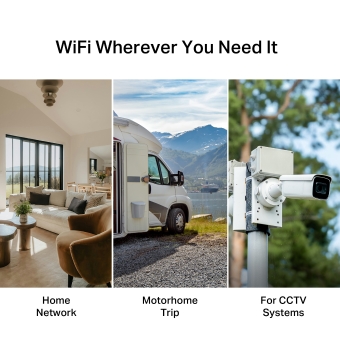
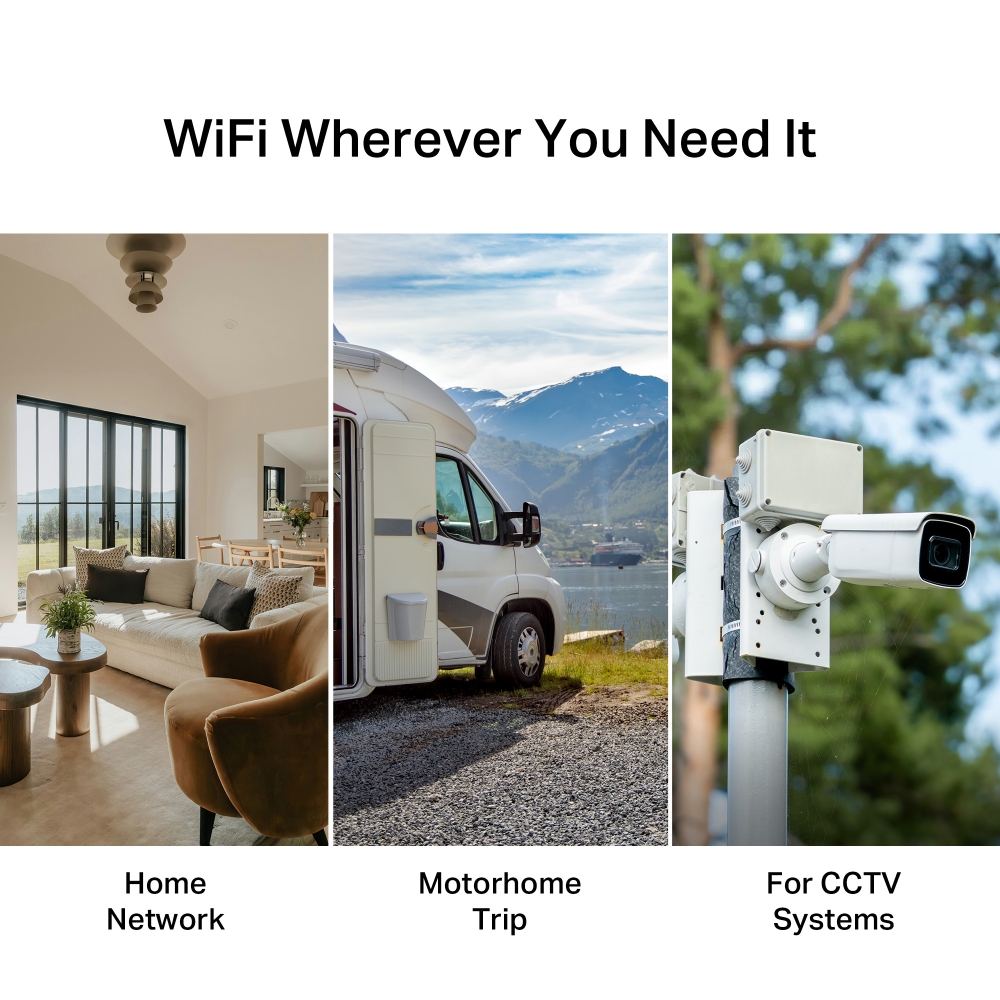
Ideal for homes without fiber, this device offers fast, stable WiFi with no rewiring required. No need for professional installation teams. Just insert a SIM card and power on. Perfect for both home and trip.
-
Home Network
-
Motorhome Trip
-
For CCTV Systems
5G Cellular Networks
With massive MIMO, optimized OFDM, and more, 5G technology delivers higher multi-Gig peak data speeds, ultra low latency, more reliability, and increased network capacity. Join the pros and experience the sheer performance of next-gen cellular networks.
Up to
19×
Faster than 4G-LTE Cat4
-
5G
2.9 Gbps
-
4G-LTE Cat4
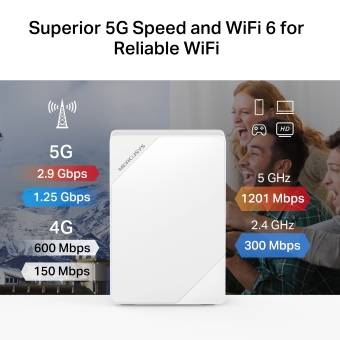
Superior 5G Speed and WiFi 6 for Reliable WiFi‡
Working as a 5G router, MB510-5G effortlessly converts a 5G/4G signal into WiFi and share it with multiple devices. Whether you're streaming, gaming, or attending video conferences, enjoy a seamless and uninterrupted online experience!
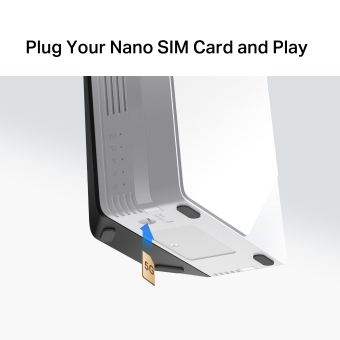
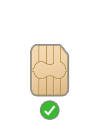
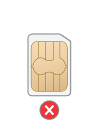
Plug Your Nano SIM Card and Play
No complex wiring or professional setup needed. Simply insert a nano SIM card and power on the router to turn 5G into WiFi for multiple devices.
-
Nano SIM
-
Micro SIM
-
Mini-SIM
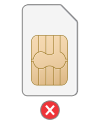
Notes: Make sure your SIM card is unlocked. If not, you can:
a. Set up the router via the MERCUSYS app and follow the app instructions to unlock your SIM card.
b. Log in to the router's web management page and go to Advanced > Network > PIN Management to verify.
Versatile Ports for Every Need


1 x Gigabit LAN Port
Share WiFi with Your Friends
A remarkable number of wireless devices are compatible with this 5G router without any issues. Up to 256 simultaneous connections for tablets, laptops, mobile phones, and other devices.
Cover Your Whole Home with EasyMesh
MB510-5G is compatible with EasyMesh, enabling you to set up a whole home mesh network with one WiFi name and password with any other APs that support EasyMesh from multiple vendors. Enjoy scalable and seamless mesh WiFi throughout your home!△
-

Flexible WiFi
Range Expansion -

Works with
Different Vendors -

Seamless WiFi
Connections
Easy Setup and Management via the MERCUSYS App
Set up and manage your Wi-Fi through the MERCUSYS app from your smartphone (Android, iOS).


Comprehensive Management
-


Parental Controls
Set effective policies to ensure your children enjoy safe and responsible internet access.
-


Guest Network
Provides a separate network for guests to ensure your security and privacy.
-


Data Settings
Set a maximum data limit to prevent overspending and monitor your monthly usage with the Monthly Data Statistics feature.
-


Messaging
Set up the Message Center to access SMS features and receive alerts when nearing your data limit.
†Las velocidades máximas de señal inalámbrica son tasas físicas derivadas de las especificaciones del estándar IEEE 802.11. El rendimiento real de la red inalámbrica, la cobertura Wi-Fi y la cantidad de dispositivos conectados no están garantizados y pueden variar según las condiciones de la red, las limitaciones de los dispositivos cliente y factores ambientales, incluidos materiales de construcción, obstáculos, volumen y densidad del tráfico, así como la ubicación de los dispositivos.
‡El uso de Wi-Fi 6 (802.11ax) y funciones como OFDMA, MU-MIMO y 1024-QAM requiere que los dispositivos cliente también sean compatibles con estas tecnologías.
§Las velocidades máximas de descarga 5G/4G dependen de factores externos como la cobertura local de la red 5G/4G, el plan de datos, la capacidad de la red en tiempo real, las limitaciones del dispositivo cliente y las condiciones ambientales. Las bandas de frecuencia compatibles pueden variar ligeramente según la región debido a procesos de certificación.
△La tarjeta SIM se vende por separado. Este dispositivo requiere una tarjeta SIM activada y sin bloqueo PIN. Si la SIM está bloqueada, consulte la Guía de Instalación Rápida para obtener instrucciones de desbloqueo.
*La velocidad real de la red puede estar limitada por la velocidad del puerto Ethernet WAN o LAN del producto, la capacidad del cable de red, factores del proveedor de servicios de internet y otras condiciones ambientales.
**Los productos compatibles con EasyMesh pueden integrarse con otros dispositivos que utilicen EasyMesh. Las conexiones fallidas pueden deberse a conflictos de firmware entre diferentes fabricantes. La función de compatibilidad con EasyMesh aún está en desarrollo en algunos modelos y será compatible mediante futuras actualizaciones de software. Este producto es compatible con la tecnología estandarizada EasyMesh, pero no cuenta con la certificación WiFi EasyMesh.
MERCUSYS
The MERCUSYS app provides the easiest way for you to set up in minutes and manage your WiFi at home or away through your iOS or Android devices.
MERCUSYS Helps You Set Up in A Few Steps
Without any technical know-how or reading complicated instructions, simply follow the in-app instructions. Set up your mesh network in minutes.
-
 Halo Power Cable Ethernet Cable
Step 1
Find what you’ll need in the box
-

Step 2
Plug in your devices
-

Step 3
Follow the on-screen directions with the MERCUSYS app
Manage Your WiFi in Real Time
With the MERCUSYS app, experience live network management. See who’s connecting to your network and manage it at any time with your iOS or Android devices.
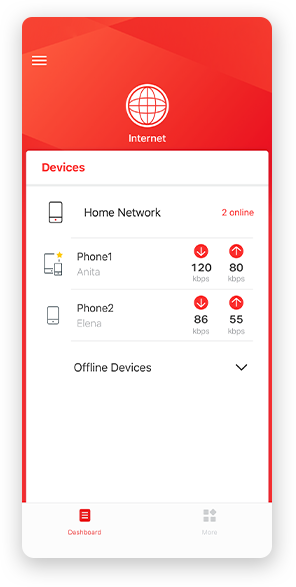
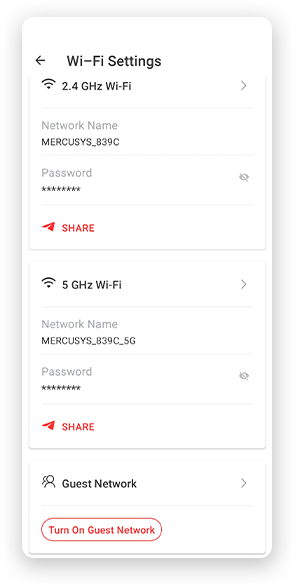
Notice: The configuration page of different models may be different, please refer to the actual one.
Powerful Parental Controls
Easily manage your kids’ online time and content to create a safe and healthy online environment.
-
Create User Profiles
Create a profile for each family member you would like to manage. Assign devices to the profile to set access controls and time limits for them.
-
Online Time Limits
Set daily limits on how long your kids spend online and prevent them from accessing the internet on their devices for a long time to build a healthy network habit.
-
Block Inappropriate Websites
Control which sites your kids visit by setting a block list.
-
Pause Internet Connection
Suspend family members’ internet connections to take a break from the virtual world to enjoy some family time.
Manage and Secure Your Home Network
The MERCUSYS app helps you manage your WiFi at home or away through your iOS or Android devices.

Check the Status of Connected Devices
Intuitively view the working status of your Halo network and see what is connected. Prioritize or block devices as needed.

Quality of Services
Prioritizes devices you select to perform better.

New Device Access Alert
The MERCUSYS app proactively sends out an alert to inform you when an unfamiliar device is connected. Tap to block the device if it is a security risk.

Set Up a Guest Network
Provides a separate network for guests to ensure your security and privacy.
Everything in One App
Whether you’re looking to control a wide range of MERCUSYS routers, extenders, or Halo mesh systems, find it all on the app.
See what’s compatibleCompatible Products
Note: The device's firmware requires the latest version. Click here to learn how to upgrade your firmware.
Note: Both listed and higher hardware versions of these models are compatible with the MERCUSYS app.
Supporting Multiple Languages
MERCUSYS app supports up to 26 languages, enabling easy network management for users all over the world.
-
English
-
Nederlands
-
Français
-
Deutsch
-
Italiano
-
日本語
-
한국어
-
Português
-
Español
-
繁體中文
-
Русский язык
-
Português Brasil
-
Español
(Latinoamérica) -
Български
-
Українська мова
-
Polski
-
Română
-
Slovenčina
-
ไทย
-
Türkçe
-
Čeština
-
Tiếng Việt
-
Eλληνικά
-
Bahasa Melayu
-
Magyar
-
עברית
-
Cellular

| Cellular Standards | 5G 2.9Gbps/1.25Gbps DL/UL |
|---|---|
| Cellular Bands | 5G:n1/n3/n5/n7/n8/n20/n28/n38/n40/n41/n66/n77/n78 |
| SIM | 1× Nano SIM Card Slot |
-
Wireless
| Wi-Fi Class | AX1500 |
|---|---|
| Wi-Fi (2.4 GHz) | 300 Mbps |
| Wi-Fi (5 GHz) | 1201 Mbps |
| Wireless Standards | IEEE 802.11ax/ac/a/b/g/n |
| Reception Sensitivity | 5 GHz: |
| Max Channel Width | 80MHz |
| MAX Capacity | 256 |
| Recommended Clients Limit | 128 |
| Wireless Security | WPA-PSK / WPA2-PSK / WPA3-SAE/WPA2-Enterprise |
| Wireless Functions | Smart connect |
-
Software
| Operation Modes | 5G/4G/3G Router |
|---|---|
| Cellular Mode | 5G Preferred |
| Cellular APN | Data Roaming |
| WAN Mode | Dynamic IP |
| DHCP | Server |
| NAT Forwarding | ALG |
| Protocols | IPv4, IPv6 |
| IPTV | √ |
| Guest Network | 2.4 GHz Guest Network |
| Data Settings | Data Statistics |
| Parental Controls | Time Control |
| VPN Sever | Open VPN |
| DDNS | DynDns |
| VPN Client | Open VPN |
| SMS | Inbox |
| QoS | √ |
| Easy Mesh | √ |
| Security | IPv4 SPI Firewal |
| Kill Switch | √ |
| ISP Feature | TR-069 |
| System | Time Settings |
| Diagnostics | Internet connection test |
| LED Management | LED Control |
| Device Management | MERCUSYS APP |
| Cloud | Firmware Upgrade over the Cloud |
| Language | Czech |
-
Hardware
| Dimensions (W X D X H) | 190 × 130 × 69.7 mm |
|---|---|
| Interfaces | 1× GE LAN/WAN Port |
| Antenna | Internal |
| Button | WPS, Reset Button |
| Installation | Desktop |
| LED | 1× POWER |
| Retail Package Dimension | 250 × 240 × 89mm |
| Units per Carton | 12 |
| Carton Dimension | 540 × 510 × 250mm |
| Power Consumption | 12V/2A |
-
Others
| Certifications | CE,BSMI,NCC |
|---|---|
| Network Services Enabled by Default | Web Server |
| Package Contents | 5G AX1500 Wireless Dual Band Router (MB510-5G) |
| Environment | Operating Temperature: 0°C~40°C (32°F~104°F) |