MB115-4G [V1] | 300 Mbps Wireless N 4G LTE Router


MB115-4G
300 Mbps Wireless N 4G LTE Router
- 4G network – Share internet access with up to 32 Wi-Fi devices and enjoy download speeds of up to 150 Mbps
- Plug a SIM card and play – No configurations needed, compatibility of SIM cards are assured by years of field tests*
- 300 Mbps WiFi – Fast WiFi speeds up to 300 Mbps to share your network.
-
Maximum Network Coverage – Enjoy stable and efficient connections to every device thanks to the four external antennas
- Wi-Fi router mode – Plug an Ethernet cable into the LAN/WAN port for flexible access if you can't get a 4G connection
*Notes: Make sure your SIM card is unlocked.
-
watch video: How to Set Up MERCUSYS 5G/4G Router (MB110-4G as an example)
How to Set Up MERCUSYS 5G/4G Router (MB110-4G as an example)
-
watch video: 300 Mbps Wireless N 4G LTE Router | MB115-4G
300 Mbps Wireless N 4G LTE Router | MB115-4G
4G LTE Cat 4 up to 150 Mbps
Fast WiFi Up to 300 Mbps
SIM Card Plug and Play
Always-on Network Available WAN Connection Backup
4× External Antennas Designed for Maximum Network Coverage
Connect up to 32 Devices
Parental Controls
Guest Network
Data Settings
Messaging
Network Security
Plug Your Nano SIM Card and Play
Fully compatible with FDD-LTE and TDD-LTE for use with most service providers worldwide. Insert a nano SIM card and turn on the router to share your 4G LTE network with multiple WiFi devices.
1. Insert Your Nano SIM Card*
2. Power the Device
3. Connect and Enjoy
*Notes: Make sure your SIM card is unlocked. If not, you can
a. Set up the router via the MERCUSYS app and follow the app instructions to unlock your SIM card.
b. Log in to the router's web management page and go to Advanced > Network > PIN Management to verify.
WiFi Wherever You Need It
Enjoy unparalleled convenience and versatility with fast, stable WiFi—perfect for home or remote work.

Remote Area

Holiday Home

Temporary Store

Home Party
Superfast 4G LTE Speed for Reliable Wi-Fi
MB115-4G harnesses 4G LTE technology to deliver lightning-fast download speeds of up to 150 Mbps and up to 50 Mbps for uploads. It also shares a WiFi network with a max speed of 300 Mbps on 2.4 GHz—perfect for gaming, streaming, and more.
50 Mbps
150 Mbps
4G LTE
300 Mbps 2.4 GHz
*Note: Maximum wireless signal rates are the physical rates derived from IEEE Standard 802.11 specifications.
Designed for Maximum Network Coverage
Advanced external antennas ensure efficient, stable connections for all your devices. Even in places where network cables can’t reach, you can convert the received 4G LTE signal into a WiFi network covering your entire home.
Available WAN Connection Backup
Equipped with a versatile LAN/WAN port, MB115-4G doubles as a router compatible with cable, fiber, and DSL modems, ensuring uninterrupted connectivity.
Ethernet WAN
Easy Setup and Management via MERCUSYS App
Set up and manage your Wi-Fi through the MERCUSYS app from your smartphone (Android, iOS).
Learn More about MERCUSYS App >


Comprehensive Flow Management

Parental Controls
Set effective policies to ensure your children enjoy safe and responsible internet access.

Guest Network
Provides a separate network for guests to ensure your security and privacy.

Data Settings
Set a maximum data limit to prevent overspending and monitor your monthly usage with the Monthly Data Statistics feature.

Messaging
Set up the Message Center to access SMS features and receive alerts when nearing your data limit.
†Maximum wireless signal rates are the physical rates derived from IEEE Standard 802.11 specifications. Actual wireless data throughput and wireless coverage, and quantity of connected devices are not guaranteed and will vary as a result of network conditions, client limitations, and environmental factors, including building materials, obstacles, volume and density of traffic, and client location. ‡Maximum 4G download speeds depend on external factors such as the local 4G network coverage, data plan, real-time network capacity, client limitations, and environmental factors.
MERCUSYS
La app MERCUSYS muestra una forma más facil para configurar en minutos el WiFi estando en casa o fuera de ella, a traves de tu dispositivo iOS o Android.
MERCUSYS te ayuda a configurar en pocos Pasos
Sin conocimientos tecnicos previos o instrucciones complicadas, solo sigue las intrucciones del app. Configura tu red mesh en minutos.
-
 Halo Power Cable Ethernet Cable
Paso 1
Encuentra lo que necesites en la caja.
-

Paso 2
Conecta los dispositivos.
-

Paso 3
Luego sigue las intrucciones que aparecerán en la pantalla del app MERCUSYS.
Administra tu WiFi en Tiempo Real
Con el app MERCUSYS experimenta la gestión de la red en vivo. Mira que dispositivos estan conectados en tu red WiFi en cualquier momento desde tu celular iOS o Android .


Notice: The configuration page of different models may be different, please refer to the actual one.
Robusto Control Parental
Administra el tiempo de conexión de los niños y el contenido creando un espacion seguro y saludable en el ambiente.
-
Creación de Perfiles de Usuarios.
Create a profile for each family member you would like to manage. Assign devices to the profile to set access controls and time limits for them.
-
Tiempos Limites.
Set daily limits on how long your kids spend online and prevent them from accessing the internet on their devices for a long time to build a healthy network habit.
-
Bloquea Paginas Web Inapropiadas.
Control which sites your kids visit by setting a block list.
-
Pausa la conexión de Internet.
Suspend family members’ internet connections to take a break from the virtual world to enjoy some family time.
Administra y Proteja su Red domestica.
La app MERCUSYS te ayuda a gestionar la red WiFi de tu casa y los dispositivos que estan conectados.

Revisa el estado de Dispositivos Conectados
Revisa el estado de conexión de tus equipos HALO. Bloquea dispositivos que necesites.

Calidad de Servicios
Prrioriza los dispositivos que selecciones para un mejor rendimiento.

Alerta de nuevos dispositivos
La app MERCUSYS enviará mensajes de alerta para informar cuando un dipositivo nuevo se conecte a la red WiFi.

Configura Red de Invitados
Provee una red separada para los invitados con la finalidad de proteger la privacidad de tu Red.
Todo en Una App
Ya sea que esté buscando controlar una amplia gama de enrutadores, extensores o sistemas de malla Halo MERCUSYS, encuéntrelo todo en la aplicación.
Equipos compatiblesProductos Compatibles
Nota: El firmware del dispositivo requiere la última versión. Click Aqui para aprender como actualizar tu firmware.
Nota: Tanto las versiones de hardware enumeradas como las superiores de estos modelos son compatibles con la aplicación MERCUSYS.
CATEGORIA
-
Halo Mesh
-

Halo H50G V1
AC1900 Whole Home Mesh Wi-Fi System
-

Halo H30G V1
AC1300 Whole Home Mesh Wi-Fi System
-

Halo H80X V1
AX3000 Whole Home Mesh WiFi 6 System
-

Halo H70X V1
AX1800 Whole Home Mesh WiFi 6 System
-

Halo H30 V1
AC1200 Whole Home Mesh Wi-Fi System
-

Halo H90X V1
AX6000 Whole Home Mesh Wi-Fi System
-
-
Wi-Fi Routers
-

MR70X V1
AX1800 Dual Band Wi-Fi 6 Router
-

MR80X V1
AX3000 Dual-Band Wi-Fi 6 Router
-

MR50G V1
AC1900 Wireless Dual Band Gigabit Router
-

AC12G V2
AC1300 Wireless Dual Band Gigabit Router
-

MR30G V1
AC1200 Wireless Dual Band Gigabit Router
-
MR1200G V1
AC1200 Wireless Dual Band Gigabit Router
-
MR1900G V1
AC1200 Wireless Dual Band Gigabit Router
-

MR1800X V1
AX1800 Dual-Band WiFi 6 Router
-

MR90X V1
AX6000 8-Stream Wi-Fi 6 Router
-
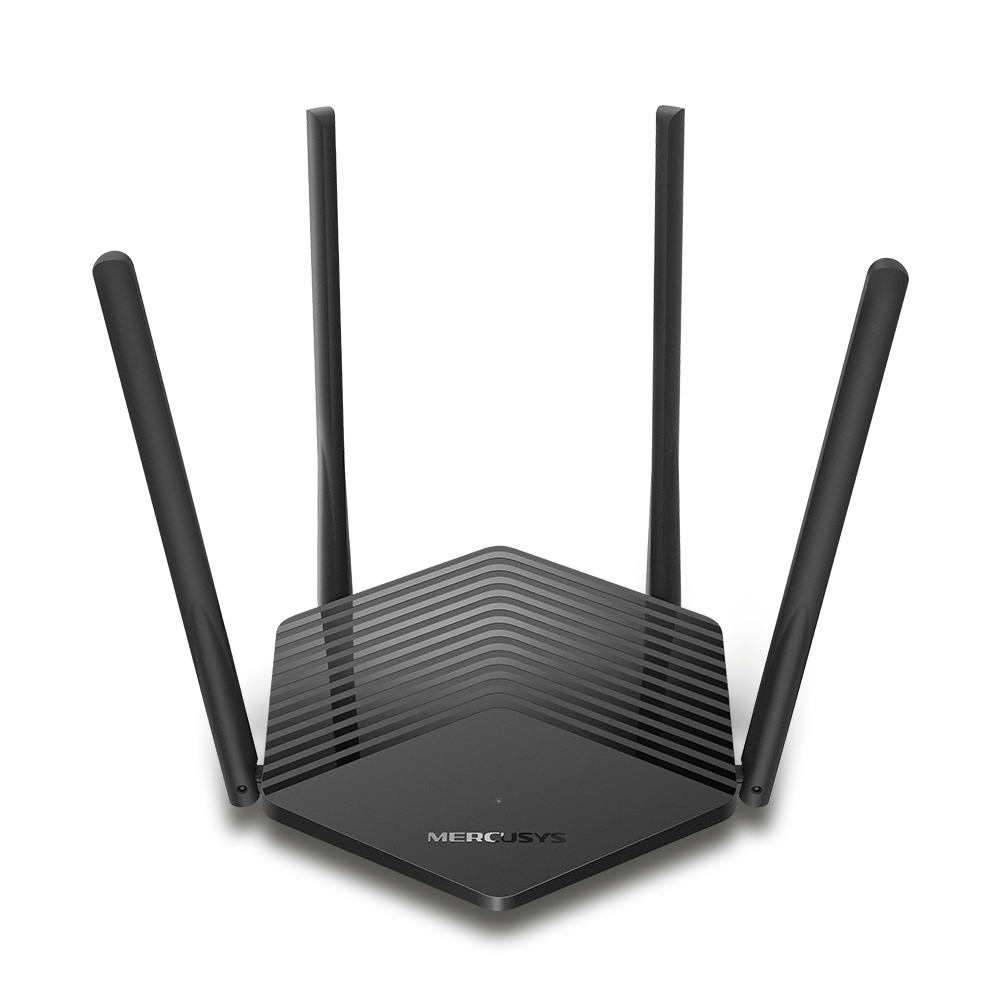
MR60X V2
AX1500 Wi-Fi 6 Router
-
2.0_01_large20200513030154.jpg)
AC12 V3
AC1200 Dual Band Wireless Router
-
1.0_01_large20200616070042.jpg)
AC10 V1
AC1200 Wireless Dual Band Router
-

MW325R V3
300Mbps Enhanced Wireless N Router
-
_1906_02_large20200513090024.jpg)
MW305R V3
300Mbps Wireless N Router
-
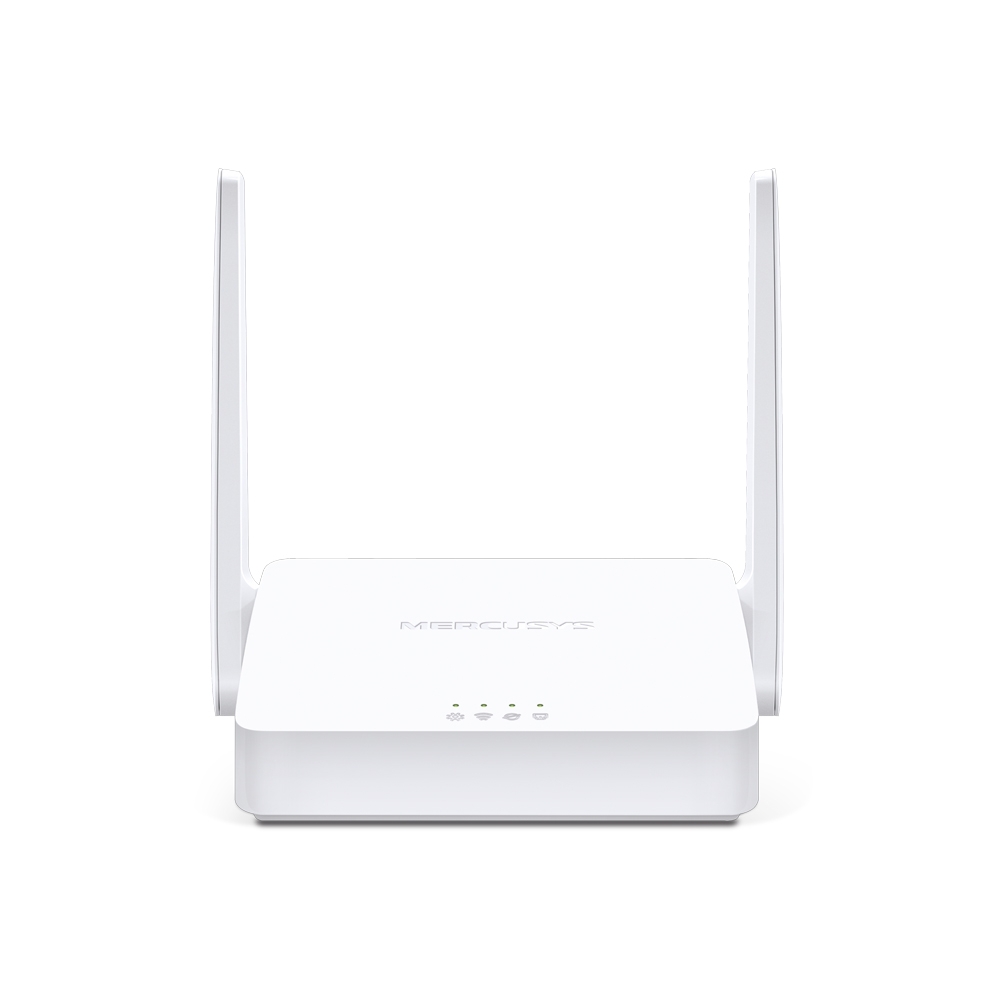
MW301R V3
300Mbps Wireless N Router
-
-
Range Extenders
-

ME70X V1
AX1800 Wi-Fi 6 Range Extender
-

ME50G V1
AC1900 Wi-Fi Range Extender
-

ME30 V1
AC1200 Wi-Fi Range Extender
-
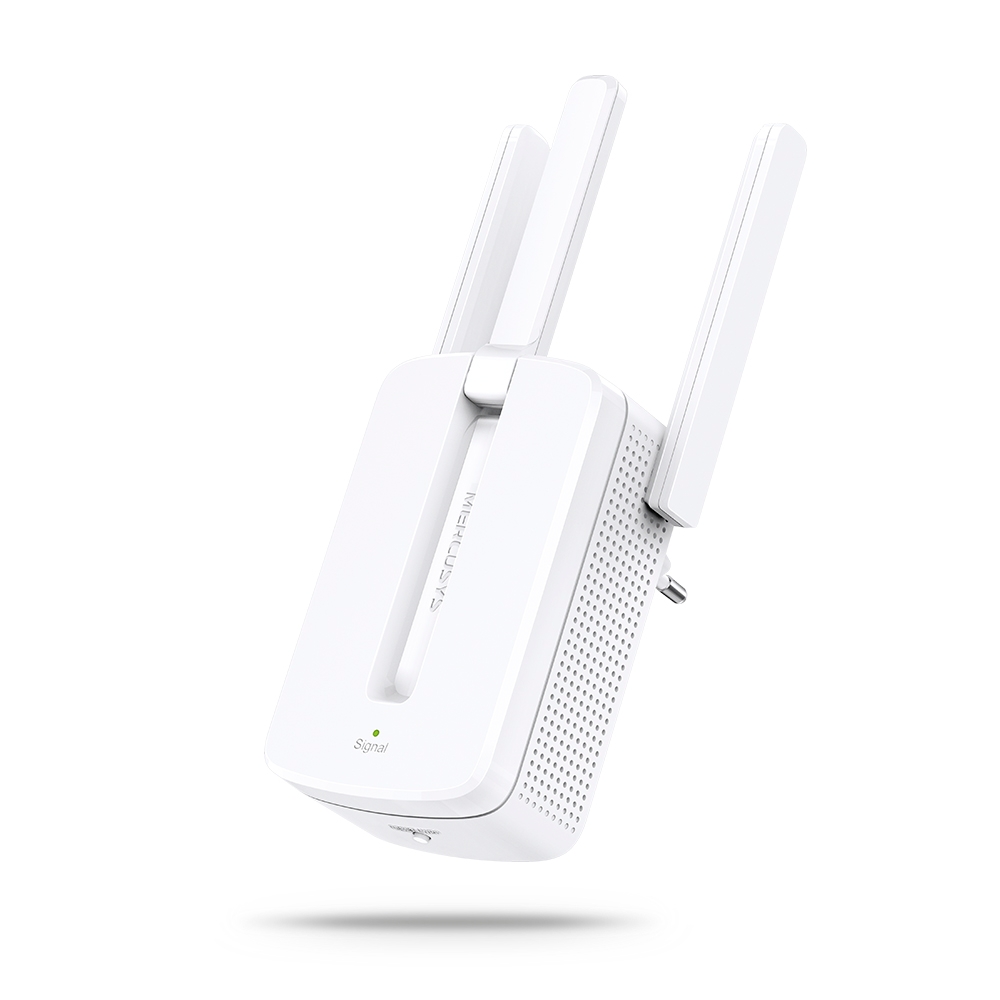
MW300RE V4
300Mbps Wi-Fi Range Extender
-
Compatible con varios idiomas
La aplicación MERCUSYS admite hasta 26 idiomas, lo que permite una fácil administración de la red para usuarios de todo el mundo.
-
English
-
Nederlands
-
Français
-
Deutsch
-
Italiano
-
日本語
-
한국어
-
Português
-
Español
-
繁體中文
-
Русский язык
-
Português Brasil
-
Español
(Latinoamérica) -
Български
-
Українська мова
-
Polski
-
Română
-
Slovenčina
-
ไทย
-
Türkçe
-
Čeština
-
Tiếng Việt
-
Eλληνικά
-
Bahasa Melayu
-
Magyar
-
עברית
-
Cellular

| Cellular Standards | Cat 4 150/50 Mbps DL/UL |
|---|---|
| Cellular Bands | EU: FDD-LTE: B1/B3/B5/B7/B8/B20/B28 (2100/1800/850/2600/900/800/700 MHz) TDD-LTE: B38/B40 (2600/2300 MHz) HSPA+/UMTS: B1/B5/B8 (2100/850/900 MHz) CN: FDD-LTE: B1/B3/B5/B8 (2100/1800/850/900 MHz) TDD-LTE: B38/B40 (2600/2300 MHz) HSPA+/UMTS: B1/B5/B8 (2100/850/900 MHz) |
| SIM | 1× Nano SIM Card Slot |
-
Wireless
| Wi-Fi Class | N300 |
|---|---|
| Wi-Fi (2.4 GHz) | 300 Mbps |
| Wireless Standards | IEEE 802.11b/g/n |
| Reception Sensitivity | 11g 54 Mbps: -74.5 dBm 11n HT20 MCS7: -73.5 dBm 11n HT40 MCS7: -70.5 dBm |
| MAX Capacity | 32 |
| Recommended Clients Limit | 16 |
| Wireless Security | WPA-PSK / WPA2-PSK |
| Wireless Functions | Smart connect WPS Wireless Schedule Wireless Clients Statistics |
-
Software
| Operation Modes | 3G/4G Router Wireless Router |
|---|---|
| Cellular Mode | 4G Preferred 4G Only 3G Only |
| Cellular APN | Data Roaming Network Search Profile Create APN Settings ISP File Upgrade PIN Management |
| WAN Mode | Dynamic IP Static IP PPPoE PPTP L2TP |
| DHCP | Server DHCP Client List Address Reservation |
| NAT Forwarding | ALG Virtual Server Port Triggering UPnP DMZ |
| Protocols | IPv4 IPv6 |
| Data Settings | Data Statistics Data Limit |
| Guest Network | 2.4 GHz Guest Network |
| Parental Controls | Time Control Website Filtering |
| DDNS | DynDNS NO-IP |
| SMS | Inbox New Message Outbox Drafts |
| Security | IPv4 SPI Firewall Access Control Service Filtering IP & MAC Binding IPv6 Firewall |
| ISP Feature | TR-069 |
| System | Time Settings LED Control Diagnostics Firmware Upgrade Backup&Restore Reboot Administration System Log CWMP Settings |
| LED Management | LED Control Night Mode |
| Device Management | MERCUSYS APP Web GUI |
| Cloud | Firmware Upgrade over the Cloud Remote Management |
| Language | English Spanish Italian Polish Russian |
-
Hardware
| Dimensions (W X D X H) | 219 × 140 × 32 mm (8.62 × 5.51 × 1.26 in) |
|---|---|
| Antenna | 2 External 4G LTE Antennas 2 External Wi-Fi Antennas |
| Interfaces | 1× FE LAN/WAN Port 3× FE LAN Ports 1× Nano SIM Card Slot |
| Button | 1×WPS Button 1×Reset Button |
| External Power Supply | 9V/0.85A |
| Installation | Desktop |
| LED | 1× POWER 1× Internet 1× LAN 3× Signal |
| Retail Package Dimension | 303 × 288 × 65 |
| Units per Carton | 10 |
| Carton Dimension | 590 × 315 × 340 |
-
Others
| Certifications | CE |
|---|---|
| Network Services Enabled by Default | Web Server Manage and configure device through web (HTTP/HTTPS) • Port: 80/443 Protocol: TCP DHCP Server IP address assignment (DHCP) • Port: 67 Protocol: UDP CWMP CWMP • Port: 7547 Protocol: TCP App management Manage and configure device through app • Port: 20001 Protocol: TCP • Port: 20002 Protocol: UDP |
| Package Contents | 300 Mbps Wireless N 4G LTE Router (MB115-4G) Power Adapter RJ45 Ethernet Cable Quick Installation Guide |
| Environment | Operating Temperature: 0 °C~40 °C (32 °F~104 °F) Storage Temperature: -40 °C~60 °C (-40 °F~140 °F) Operating Humidity: 10%~90% Non-Condensing Storage Humidity: 5%~90% Non-Condensing |