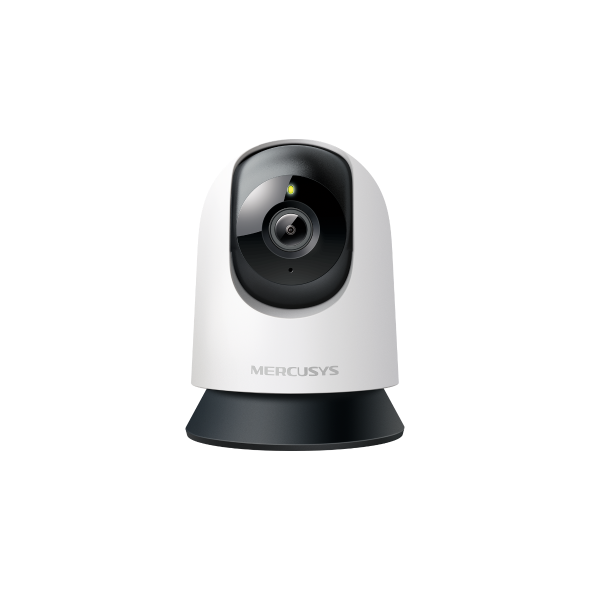
MC200 [V1] | Pan/Tilt Home Security Wi-Fi Camera






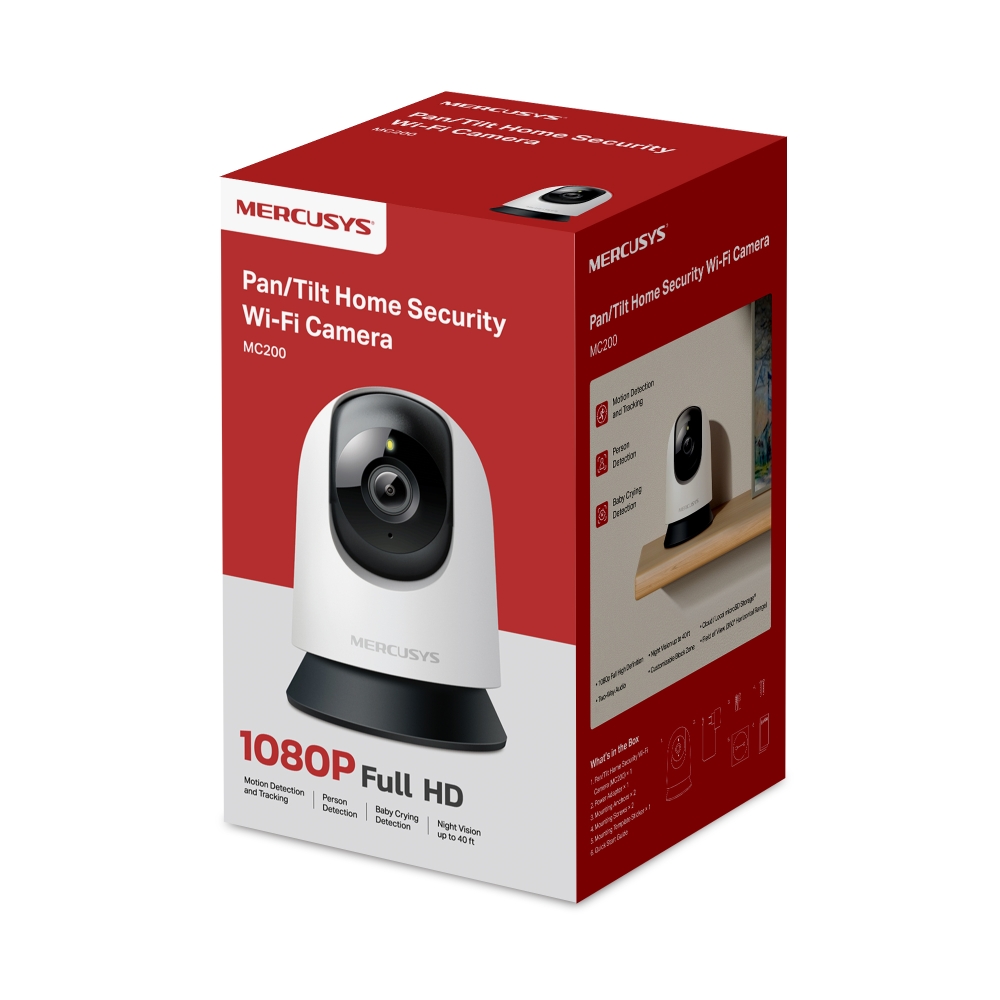
MC200
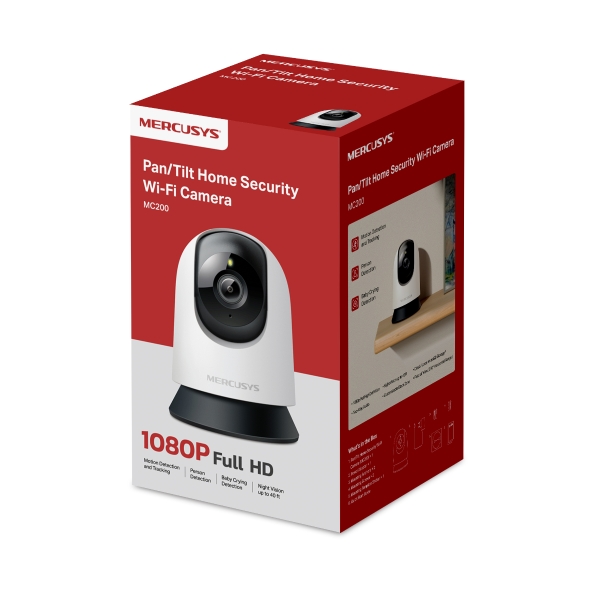
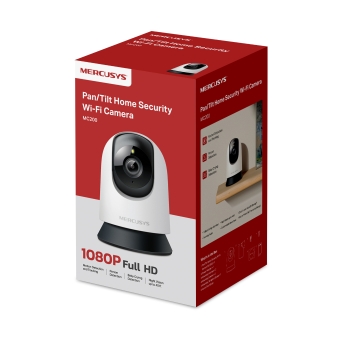
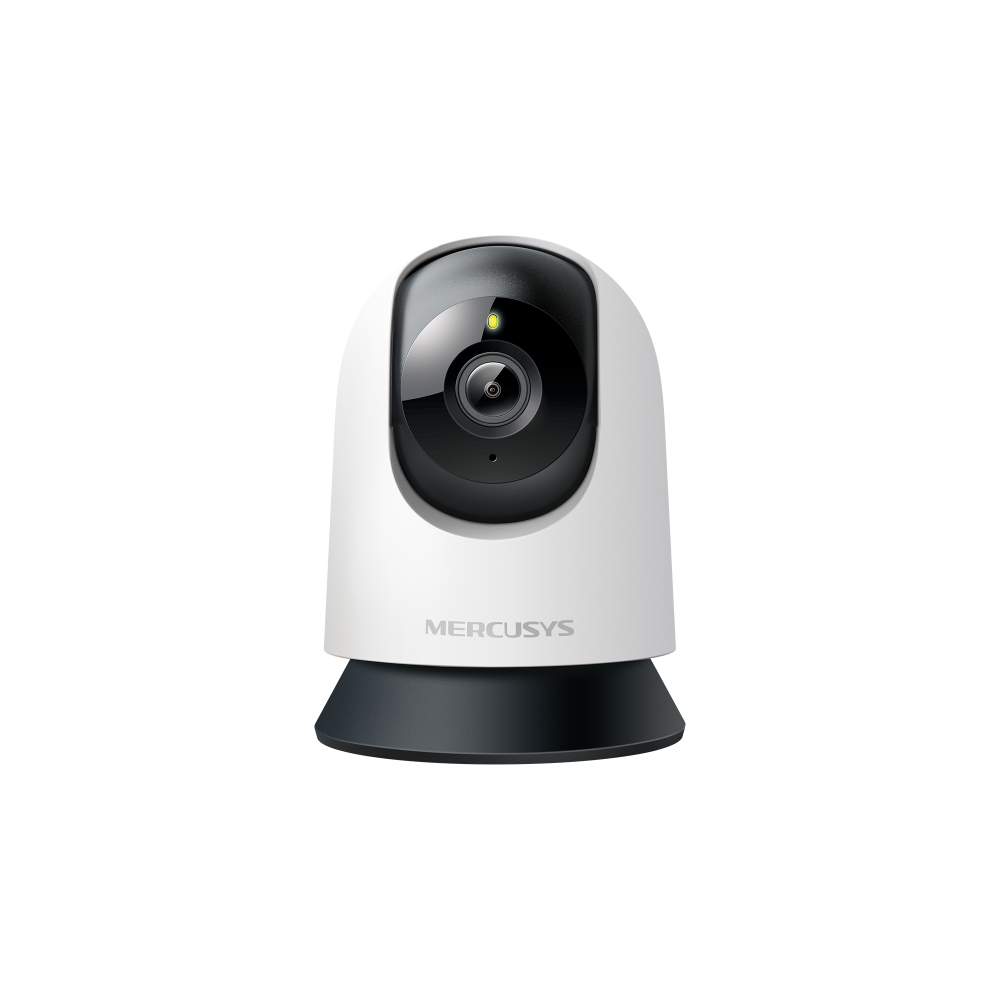
Pan/Tilt Home Security Wi-Fi Camera
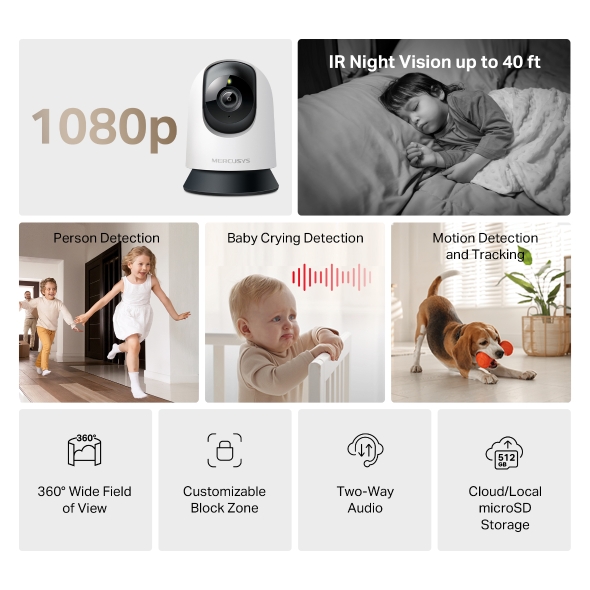
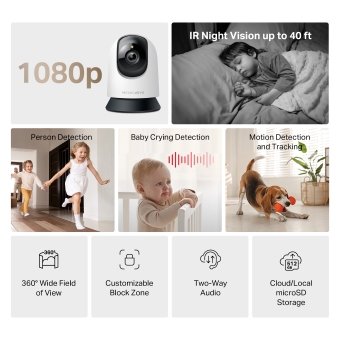
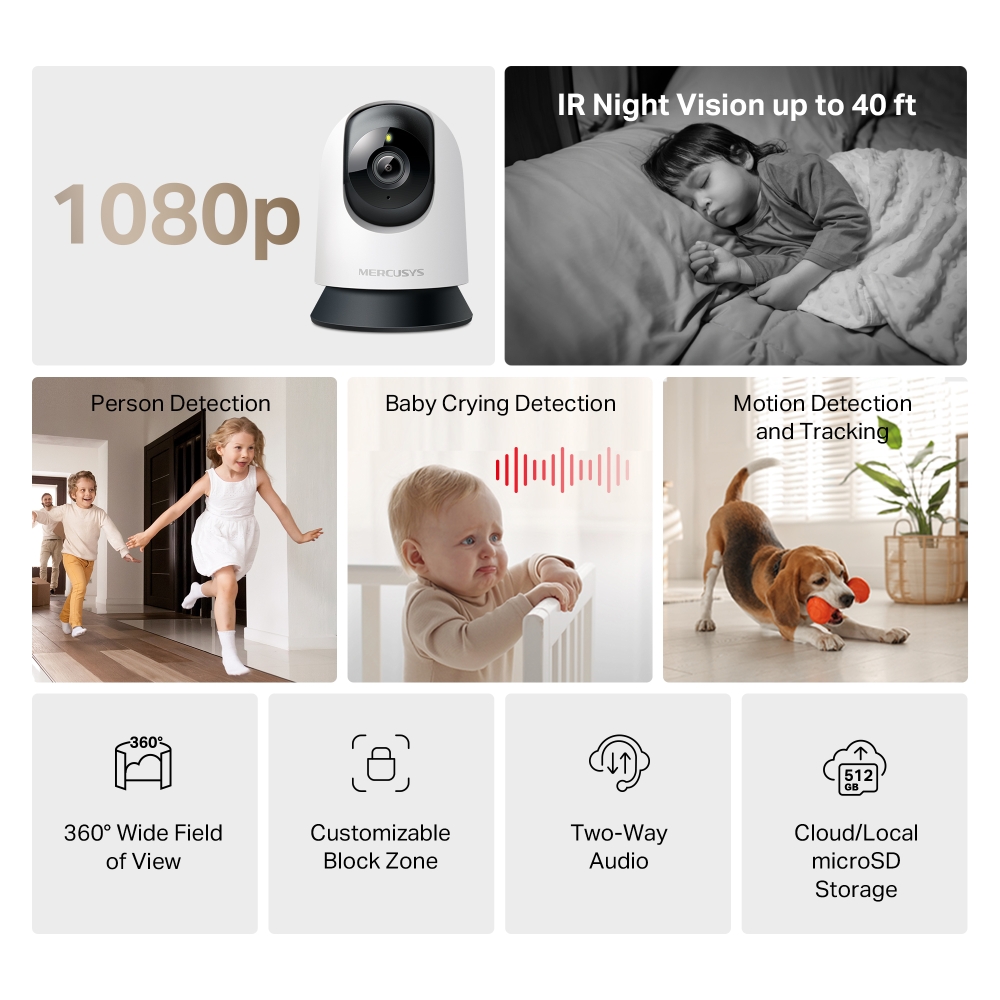
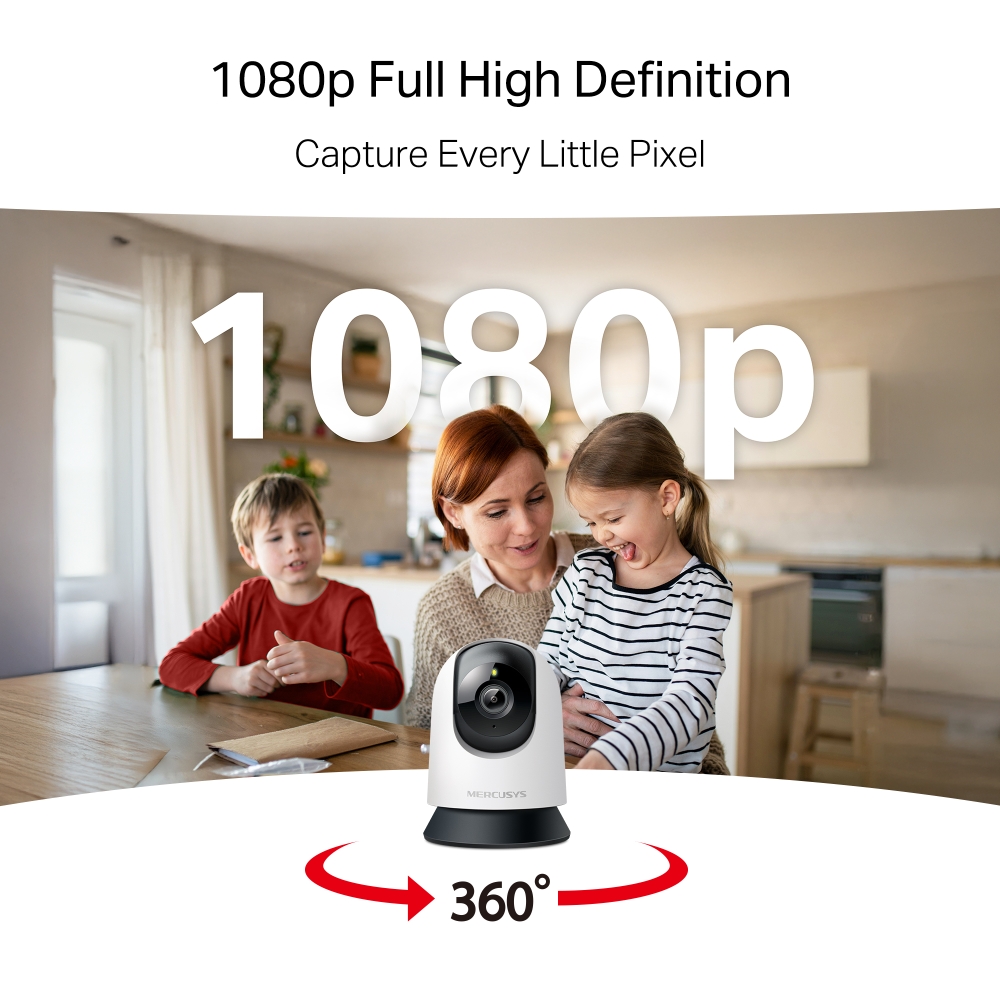
- High-Definition Video: Features 1080p high-definition video, providing users with clear and detailed footage.
- Pan and Tilt: Offers 360° horizontal, enabling complete coverage of the area.
- Smart Detection: Smartly tracks motion 24/7, ensuring subjects stay in view, even in complete darkness with night vision. Receive instant alerts for detected motion, people, or a baby's cries.
- Night Vision: With advanced night vision up to 40 ft, MC200 allows users to monitor their homes around the clock.
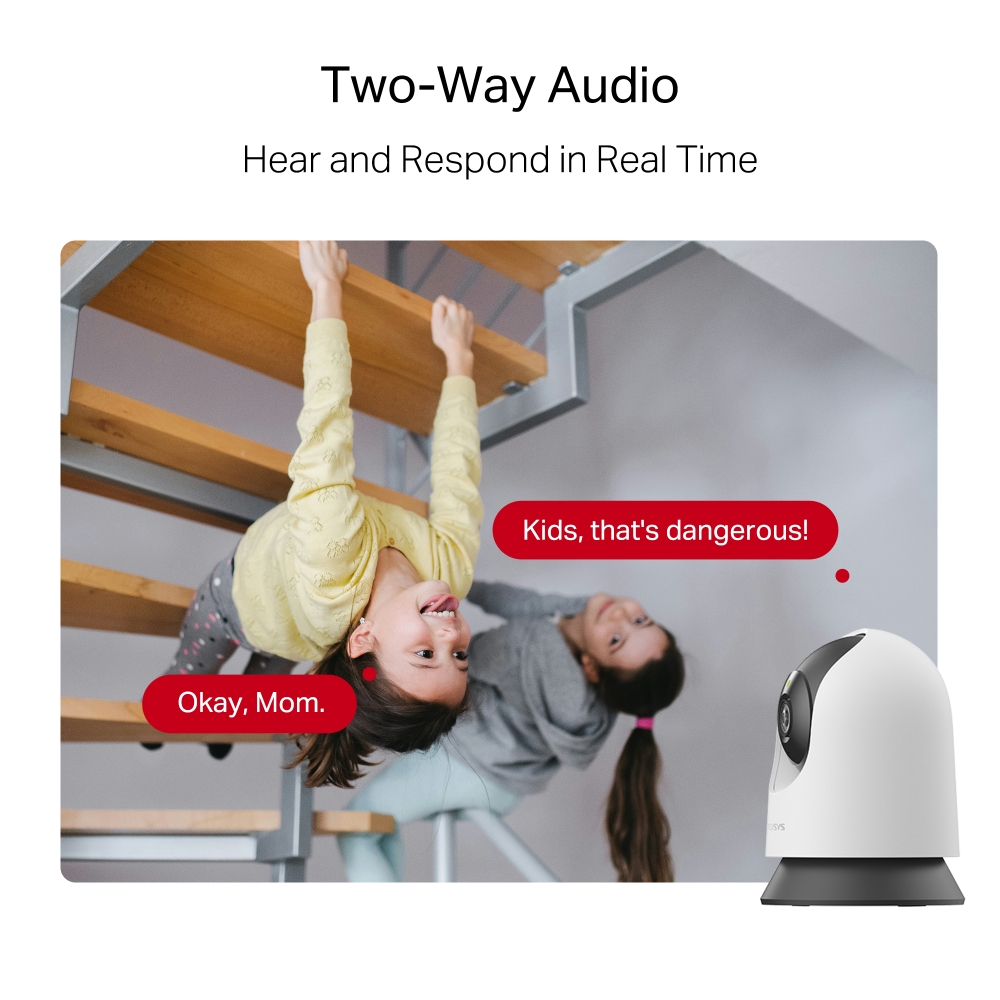
- Two-Way Audio: Hear and respond in real time through a built-in microphone and speaker. Interact with your family and pets at any time.
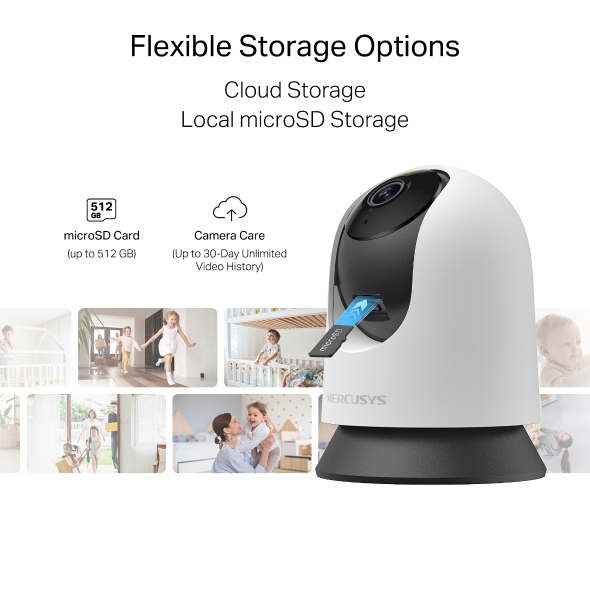
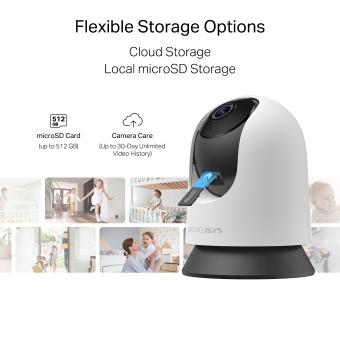
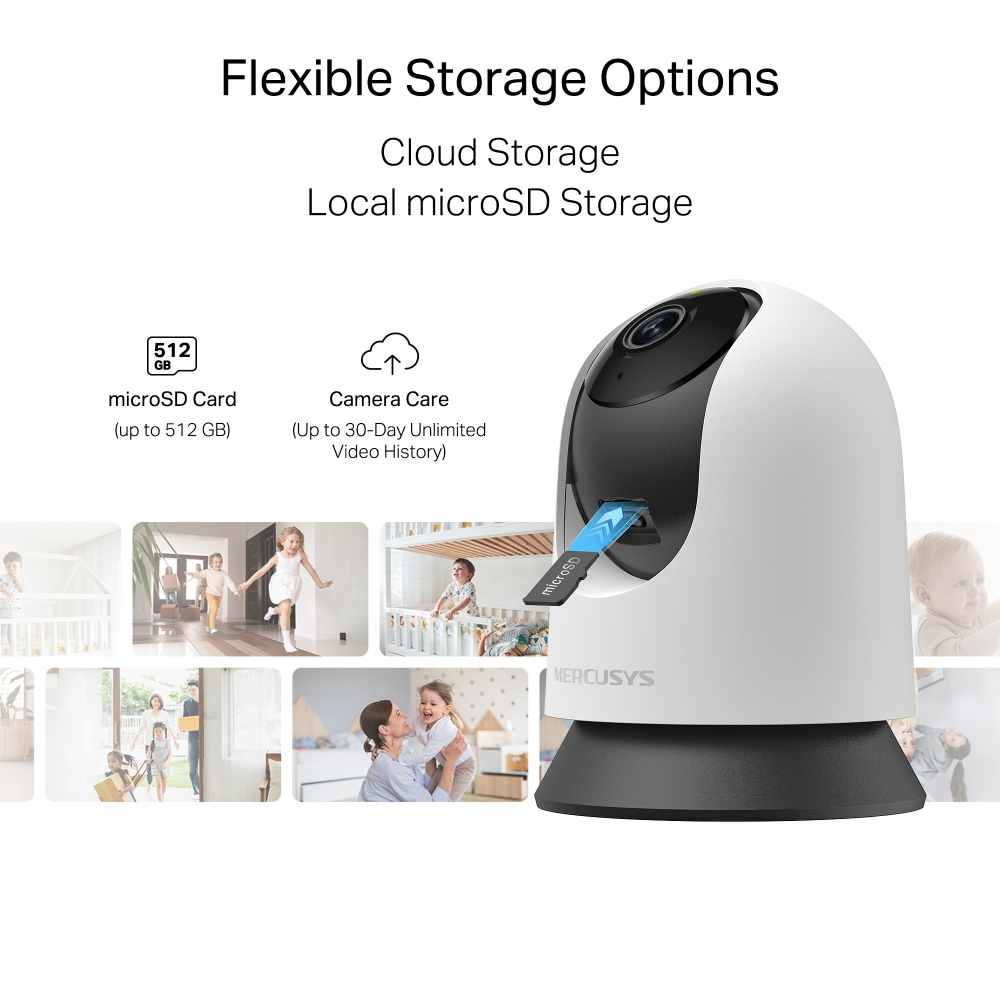
- Free Local Storage: Supports microSD card up to 512 GB for local storage, providing a secure and cost-effective way to store footage.
- Cloud Storage Supported: Store videos with MERCUSYS cloud storage services.
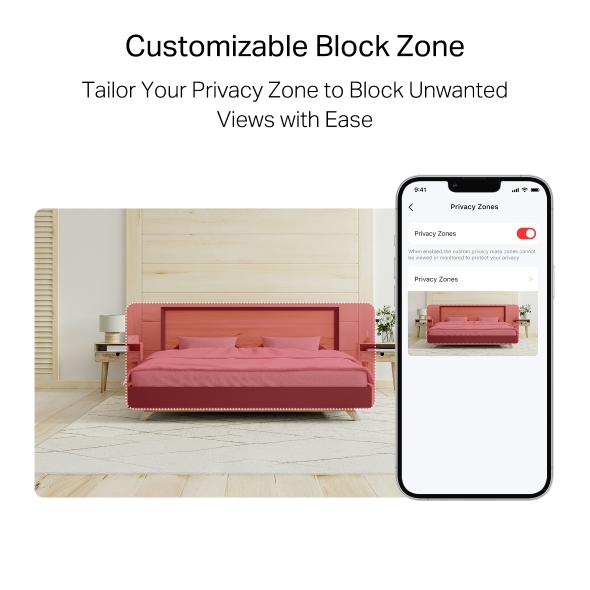
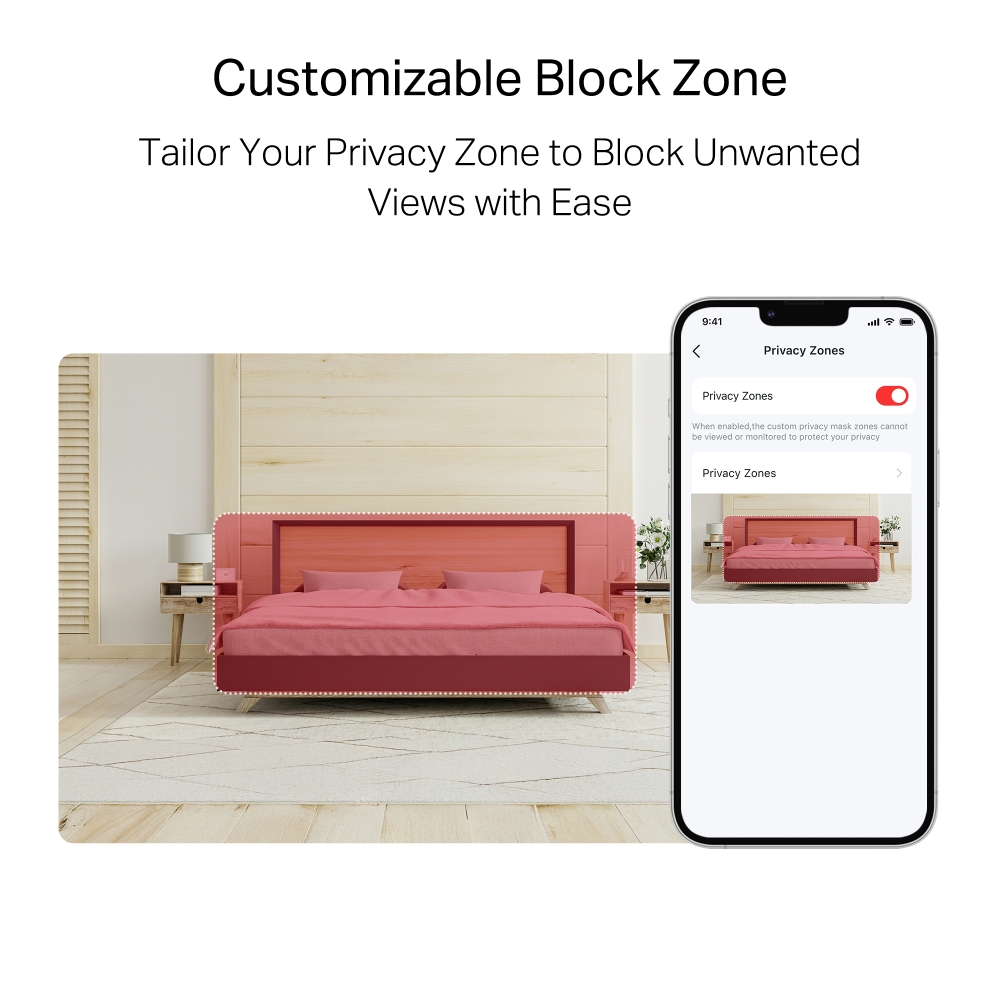
- Customizable Block Zone: Tailor your privacy zone to block unwanted views with ease.
- Voice Control: Compatible with Google Assistant and Amazon Alexa, offering hands-free control for users.
Capture Every Moment with Precision
Pan/Tilt Home Security Wi-Fi Camera
MC200


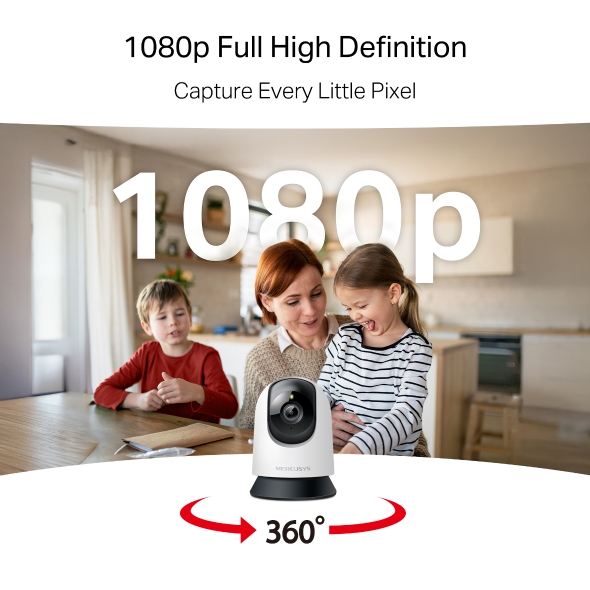
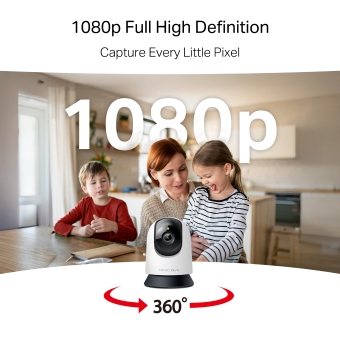
Capture Every Little Pixel
Enhance visual storytelling with 1080p full high definition. Precision-engineered optics capture vivid colors and true-to-life details, transforming moments into extraordinary memories.
Motion Detection and Tracking
No detail goes unnoticed. Smartly tracks motion 24/7, ensuring subjects stay in view. Whether for home security or business monitoring, MC200 provides reliable and comprehensive protection.
Smart Person Detection
Identifies human and object movement while minimizing false alarms from dust, light, or insects. Always stay informed about who’s around your property.
Know When You’re Needed
Detects baby cries and sends accurate alerts, keeping you informed and ready to respond.
Closer. Clearer. Nothing Overlooked.
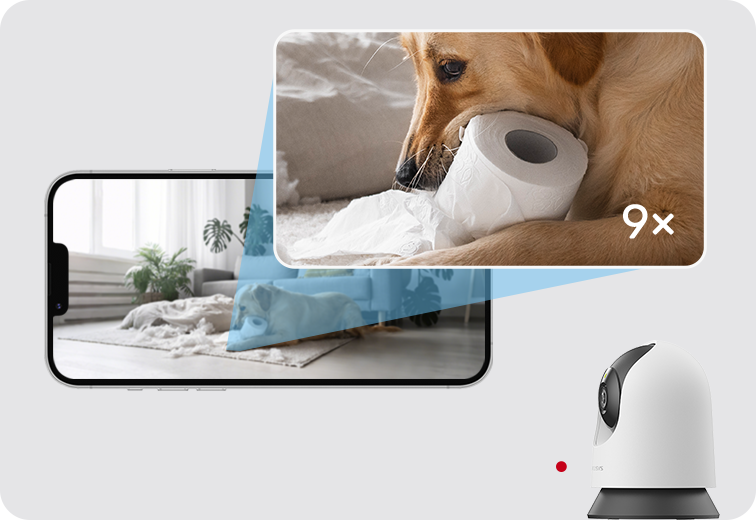

See Clearly After Dark
Night Vision offers sharp black-and-white clarity up to 40 ft, ensuring detailed visibility even in complete darkness.
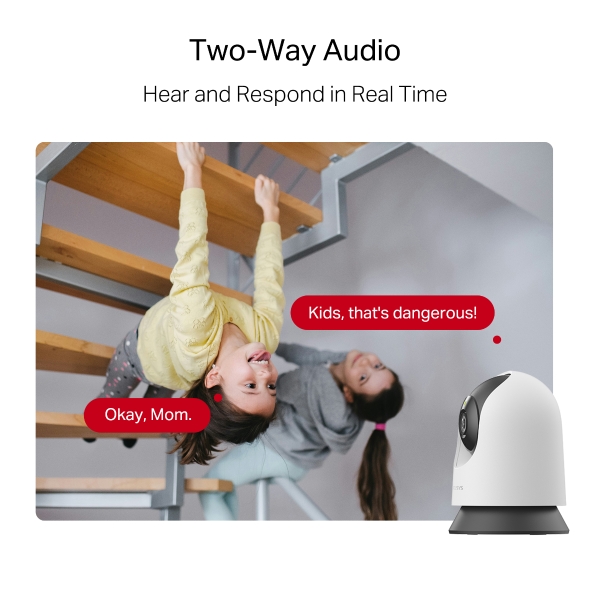
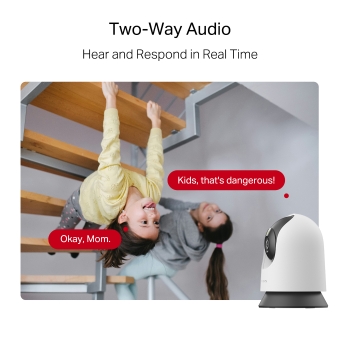
Two-Way Audio
Hear and respond in real time through a built-in microphone and speaker. Interact with your family and pets at any time.
Kids, that's dangerous!
Okay, Mom.
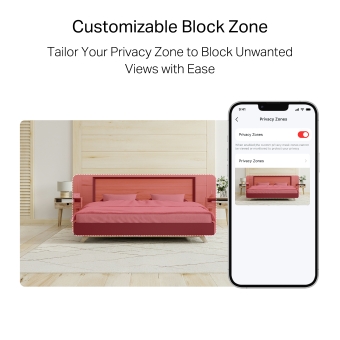
Prevent Recordings in Block Zones
Tailor your privacy zone to block unwanted views with ease. No need to worry about personal moments being leaked.
Secure Local & Cloud Storage
Save all your important moments to a microSD card (up to 512 GB) or subscribe to MERCUSYS Camera Care for cloud service after a free trial.
microSD Card (up to 512 GB)
Camera Care (Up to 30-Day Unlimited Video History)
†microSD card sold separately. ‡Subscribe for cloud storage at https://www.mercusys.com/cameracare/ §MC200 does not have an Ethernet port and can only be connected via Wi-Fi. △Compatible with Alexa and Google Assistant supported displays. User experience is dependent on the connected device's specifications. ☆The maximum supported video frame rate depends on local power supply specifications. In regions with 60 Hz power, up to 30 FPS can be achieved; in regions with 50 Hz power, the maximum is 25 FPS.
MERCUSYS
La app MERCUSYS muestra una forma más facil para configurar en minutos el WiFi estando en casa o fuera de ella, a traves de tu dispositivo iOS o Android.


MERCUSYS te ayuda a configurar en pocos Pasos
Sin conocimientos tecnicos previos o instrucciones complicadas, solo sigue las intrucciones del app. Configura tu red mesh en minutos.
-
 Halo Power Cable Ethernet Cable
Paso 1
Encuentra lo que necesites en la caja.
-

Paso 2
Conecta los dispositivos.
-

Paso 3
Luego sigue las intrucciones que aparecerán en la pantalla del app MERCUSYS.
Administra tu WiFi en Tiempo Real
Con el app MERCUSYS experimenta la gestión de la red en vivo. Mira que dispositivos estan conectados en tu red WiFi en cualquier momento desde tu celular iOS o Android .


Notice: The configuration page of different models may be different, please refer to the actual one.
Robusto Control Parental
Administra el tiempo de conexión de los niños y el contenido creando un espacion seguro y saludable en el ambiente.
-
Creación de Perfiles de Usuarios.
Create a profile for each family member you would like to manage. Assign devices to the profile to set access controls and time limits for them.
-
Tiempos Limites.
Set daily limits on how long your kids spend online and prevent them from accessing the internet on their devices for a long time to build a healthy network habit.
-
Bloquea Paginas Web Inapropiadas.
Control which sites your kids visit by setting a block list.
-
Pausa la conexión de Internet.
Suspend family members’ internet connections to take a break from the virtual world to enjoy some family time.
Administra y Proteja su Red domestica.
La app MERCUSYS te ayuda a gestionar la red WiFi de tu casa y los dispositivos que estan conectados.

Revisa el estado de Dispositivos Conectados
Revisa el estado de conexión de tus equipos HALO. Bloquea dispositivos que necesites.

Calidad de Servicios
Prrioriza los dispositivos que selecciones para un mejor rendimiento.

Alerta de nuevos dispositivos
La app MERCUSYS enviará mensajes de alerta para informar cuando un dipositivo nuevo se conecte a la red WiFi.

Configura Red de Invitados
Provee una red separada para los invitados con la finalidad de proteger la privacidad de tu Red.
Todo en Una App
Ya sea que esté buscando controlar una amplia gama de enrutadores, extensores o sistemas de malla Halo MERCUSYS, encuéntrelo todo en la aplicación.
Equipos compatiblesProductos Compatibles
Nota: El firmware del dispositivo requiere la última versión. Click Aqui para aprender como actualizar tu firmware.
Nota: Tanto las versiones de hardware enumeradas como las superiores de estos modelos son compatibles con la aplicación MERCUSYS.
CATEGORIA
-
Halo Mesh
-

Halo H50G V1
AC1900 Whole Home Mesh Wi-Fi System
-

Halo H30G V1
AC1300 Whole Home Mesh Wi-Fi System
-

Halo H80X V1
AX3000 Whole Home Mesh WiFi 6 System
-

Halo H70X V1
AX1800 Whole Home Mesh WiFi 6 System
-

Halo H30 V1
AC1200 Whole Home Mesh Wi-Fi System
-

Halo H90X V1
AX6000 Whole Home Mesh Wi-Fi System
-
-
Wi-Fi Routers
-

MR70X V1
AX1800 Dual Band Wi-Fi 6 Router
-

MR80X V1
AX3000 Dual-Band Wi-Fi 6 Router
-

MR50G V1
AC1900 Wireless Dual Band Gigabit Router
-

AC12G V2
AC1300 Wireless Dual Band Gigabit Router
-

MR30G V1
AC1200 Wireless Dual Band Gigabit Router
-
MR1200G V1
AC1200 Wireless Dual Band Gigabit Router
-
MR1900G V1
AC1200 Wireless Dual Band Gigabit Router
-

MR1800X V1
AX1800 Dual-Band WiFi 6 Router
-

MR90X V1
AX6000 8-Stream Wi-Fi 6 Router
-
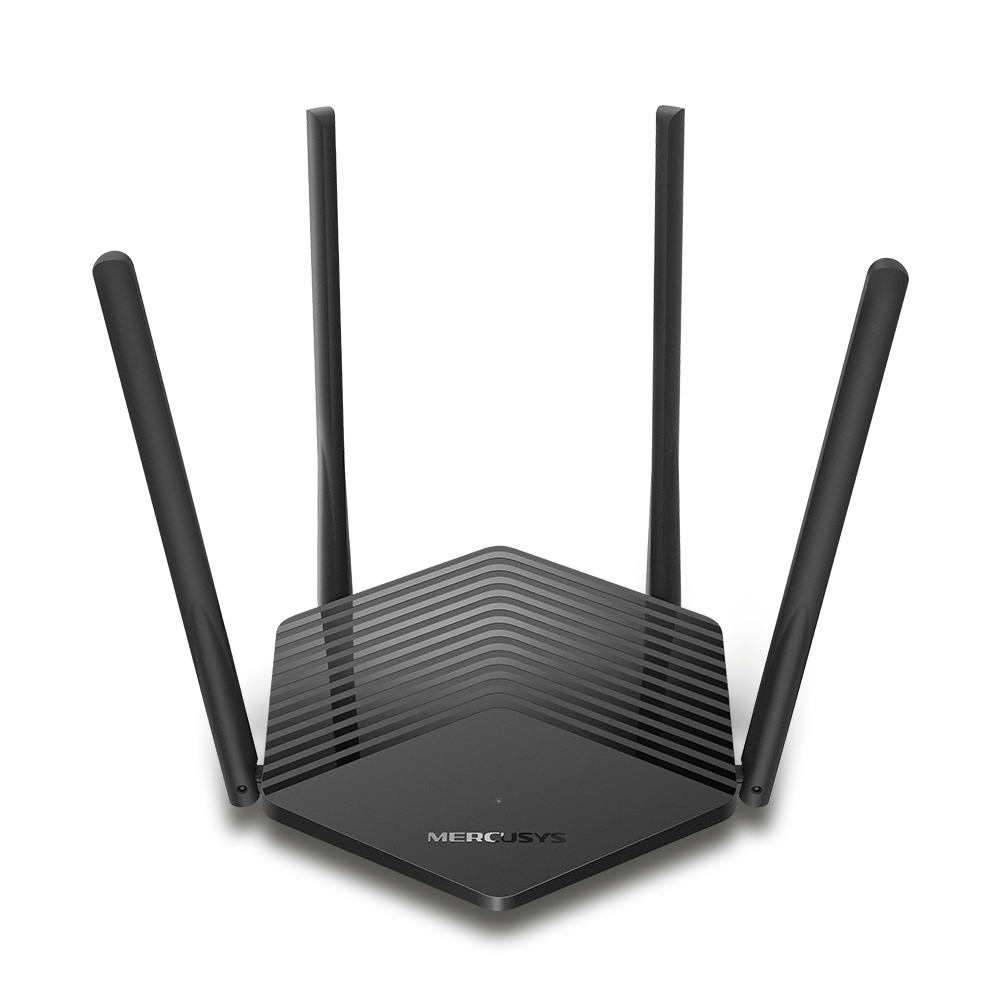
MR60X V2
AX1500 Wi-Fi 6 Router
-
2.0_01_large20200513030154.jpg)
AC12 V3
AC1200 Dual Band Wireless Router
-
1.0_01_large20200616070042.jpg)
AC10 V1
AC1200 Wireless Dual Band Router
-

MW325R V3
300Mbps Enhanced Wireless N Router
-
_1906_02_large20200513090024.jpg)
MW305R V3
300Mbps Wireless N Router
-
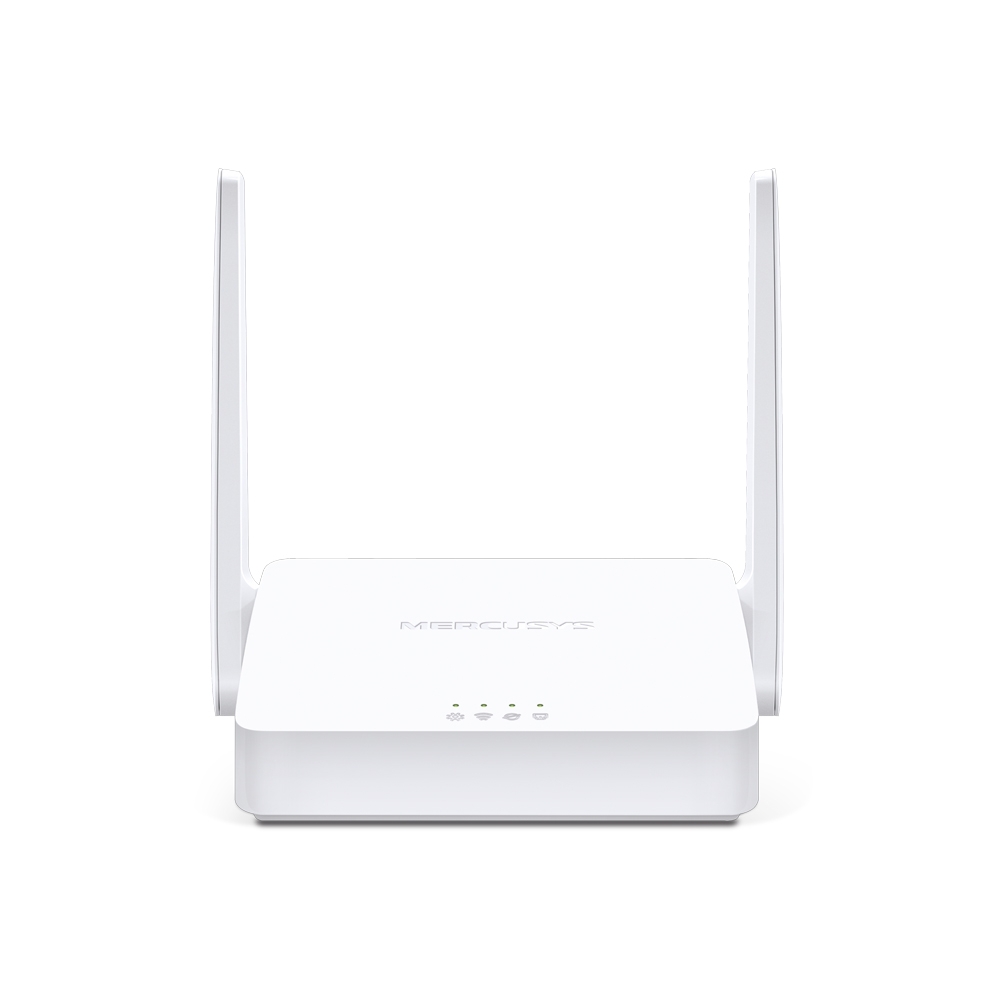
MW301R V3
300Mbps Wireless N Router
-
-
Range Extenders
-

ME70X V1
AX1800 Wi-Fi 6 Range Extender
-

ME50G V1
AC1900 Wi-Fi Range Extender
-

ME30 V1
AC1200 Wi-Fi Range Extender
-
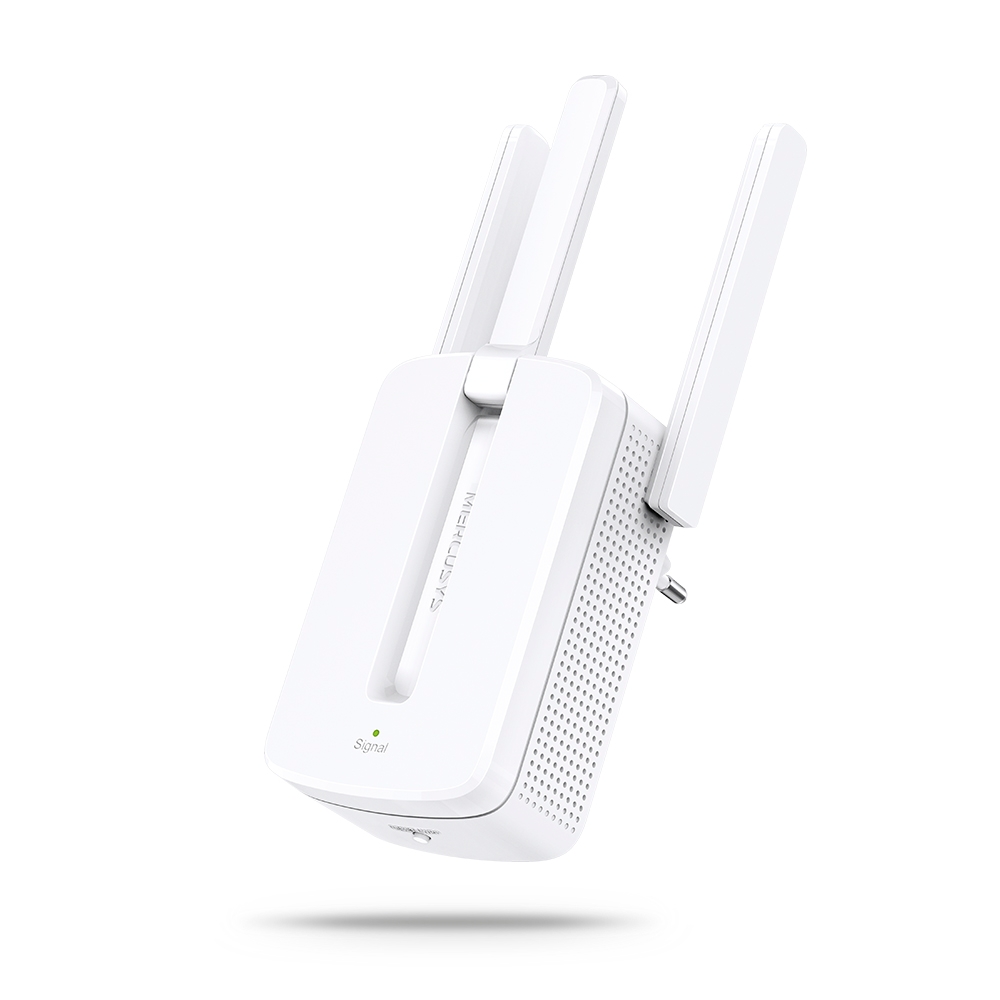
MW300RE V4
300Mbps Wi-Fi Range Extender
-
Compatible con varios idiomas
La aplicación MERCUSYS admite hasta 26 idiomas, lo que permite una fácil administración de la red para usuarios de todo el mundo.
-
English
-
Nederlands
-
Français
-
Deutsch
-
Italiano
-
日本語
-
한국어
-
Português
-
Español
-
繁體中文
-
Русский язык
-
Português Brasil
-
Español
(Latinoamérica) -
Български
-
Українська мова
-
Polski
-
Română
-
Slovenčina
-
ไทย
-
Türkçe
-
Čeština
-
Tiếng Việt
-
Eλληνικά
-
Bahasa Melayu
-
Magyar
-
עברית
-
Camera

| Image Sensor | 1/3.2'' Progressive Scan CMOS Not Starlight Sensor |
|---|---|
| Lens | Focal Length: 4 mm |
| Motion Range | Pan Mechanical Range: 340° (360° Pan Coverage) |
| Night Vision | 850 nm IR LED (40 ft / 12 m) |
| Interface & Button | 1× RESET Button |
-
Video & Audio
| Maximum Resolution | 1920 × 1080 px |
|---|---|
| Digital Zoom | Supports 9x zoom |
| Frame Rate | 15/20/25/30 fps (15 fps by default) |
| Video Compression | H.264 |
| Live View | Yes |
| Image Enhancement | / |
| Audio Input & Output | Built-in microphone and speaker |
| Audio Communication | 2-way audio |
| Siren Volume | 88dB (Level measured at 4-inch/10-cm distance) |
-
Software
| Security | 128 bit AES encryption with SSL/TLS |
|---|
-
Storage
| Local Storage | Micro SD card slot |
|---|---|
| Cloud Storage | MERCUSYS Camera Care Cloud Storage Services (Subscription required) |
-
Network
| Network Connectivity | Connect via Wi-Fi |
|---|---|
| Wireless Connectivity | 11Mbps(802.11b) |
| Max. Distance Between Hub and Camera/Doorbell | / |
| RTSP | Yes |
| ONVIF | Yes |
-
Power
| Power Source | 9V DC Power Adapter |
|---|---|
| Input Voltage | 100-240VAC, 50/60Hz, 0.3A |
| Output Voltage | 9.0V/0.6A |
-
Detection & Notifications
| Sensor | / |
|---|---|
| AI Detection | Motion detection |
| Activity Zones | Yes |
| Output Notification | System Notification |
-
General
| Smart Integration | Google Assistant, Amazon Alexa, Samsung SmartThings |
|---|---|
| Weather Resistance | / |
| Mounting Options | Tabletop |
| Operating Temperature | 0 ºC ~ 40 ºC (32°F ~ 104°F ) |
| Storage Temperature | -40°C~60°C (-40°F~140°F) |
| Operating Humidity | 10%~90%RH, Non-condensing |
| Storage Humidity | 0%~90%RH, Non-condensing |
| Charging Temperature | / |
| Dimensions ( W x D x H ) | 78.4 × 78.4 × 105.6 mm |
-
Others
| Certifications | CE, NCC, BSMI, NTRA, KC, RCM, ONVIF |
|---|---|
| Package Contents | Pan/Tilt Home Security Wi-Fi Camera (MC200) × 1 |