MB113-4G [V1] | 300 Mbps Wireless 4G LTE Portable Router
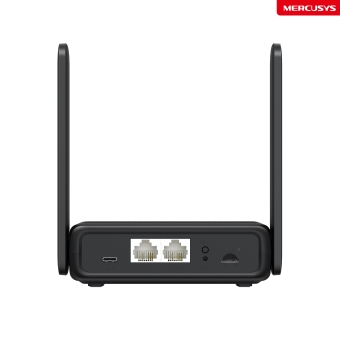
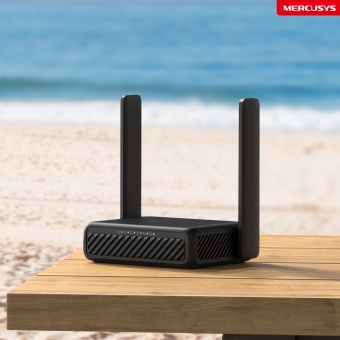
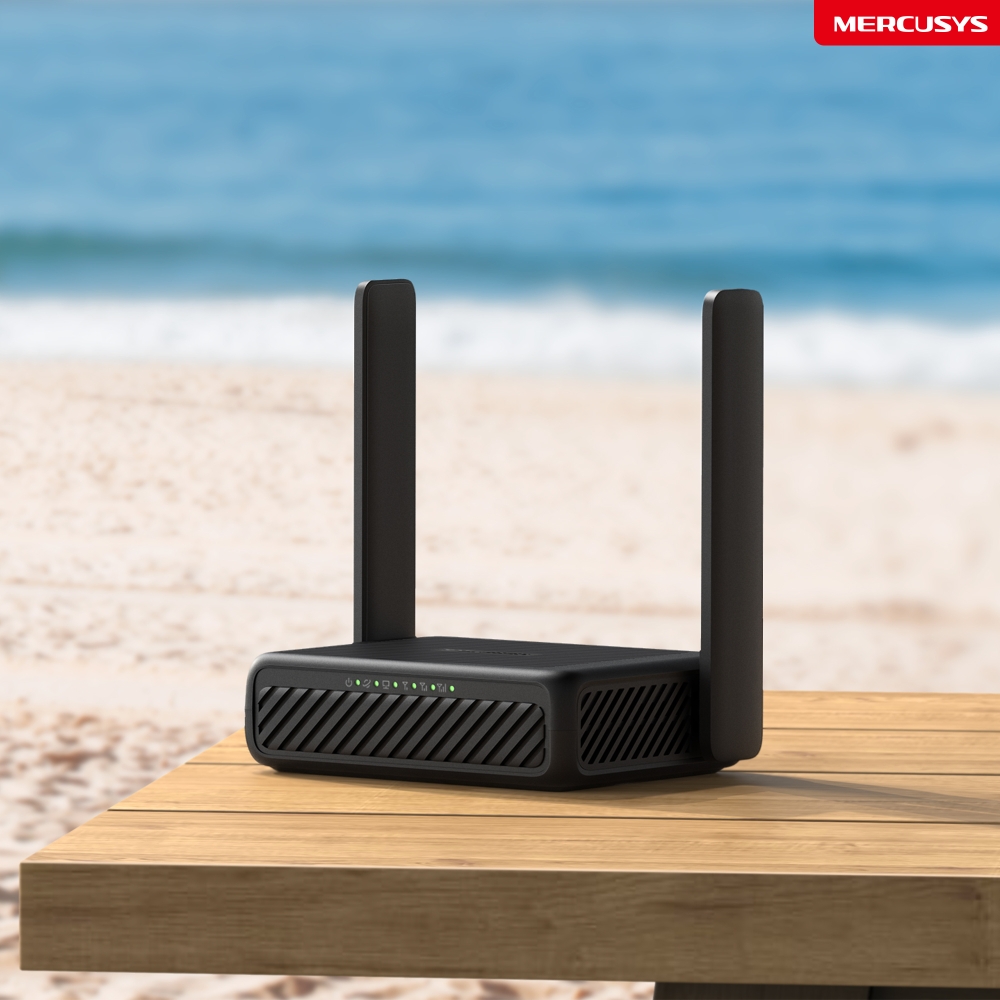
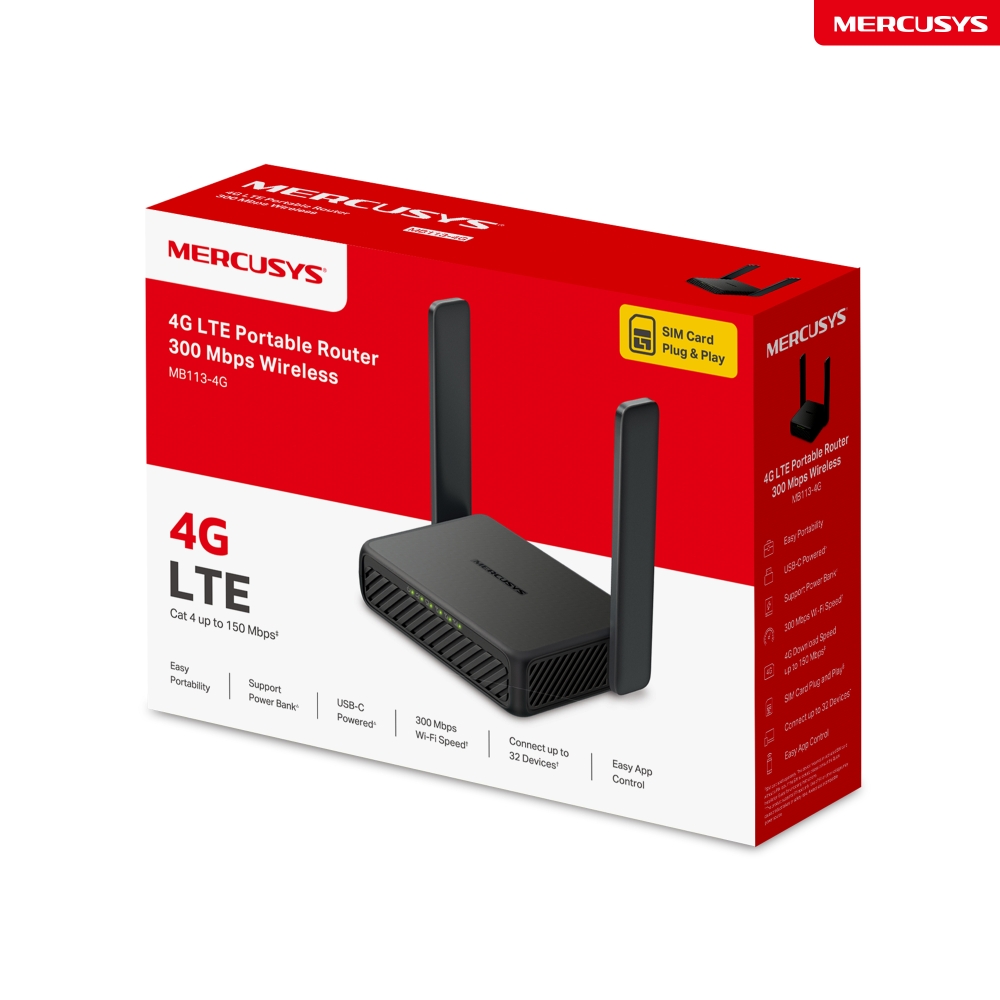
MB113-4G
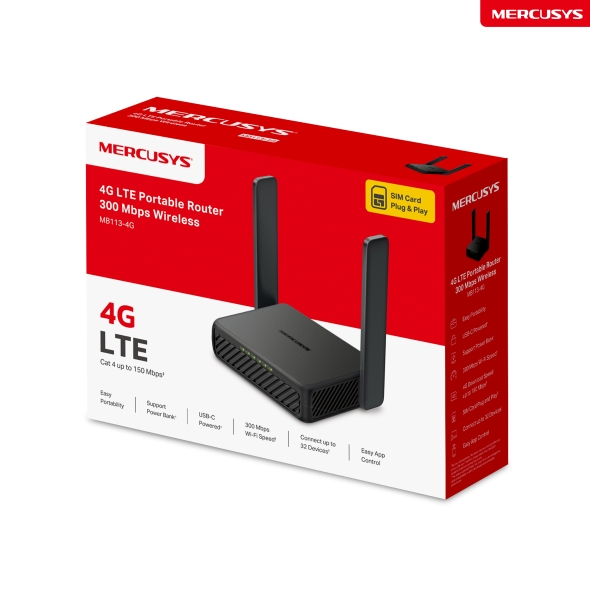
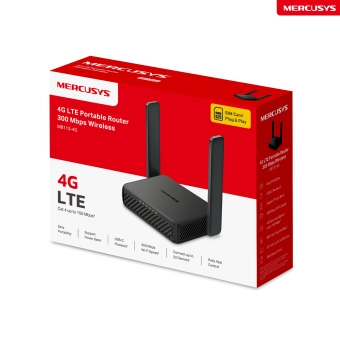
300 Mbps Wireless 4G LTE Portable Router
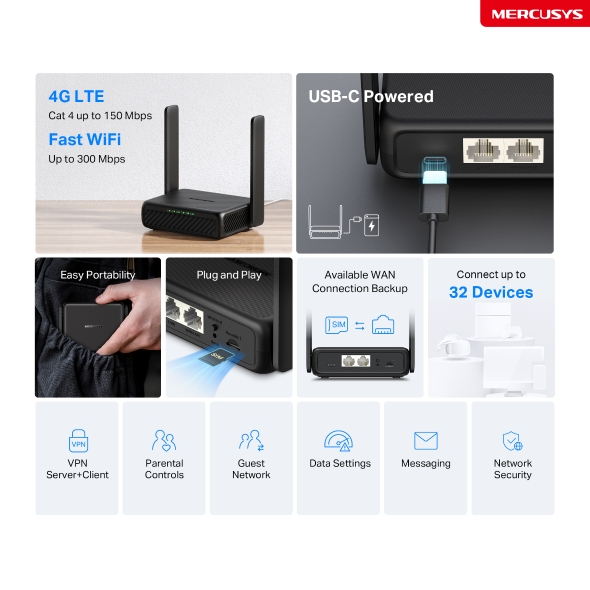
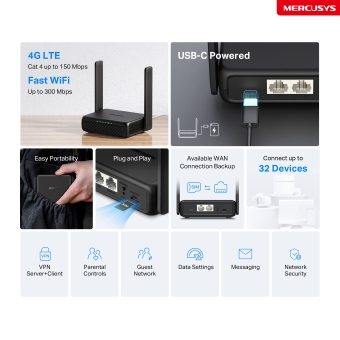
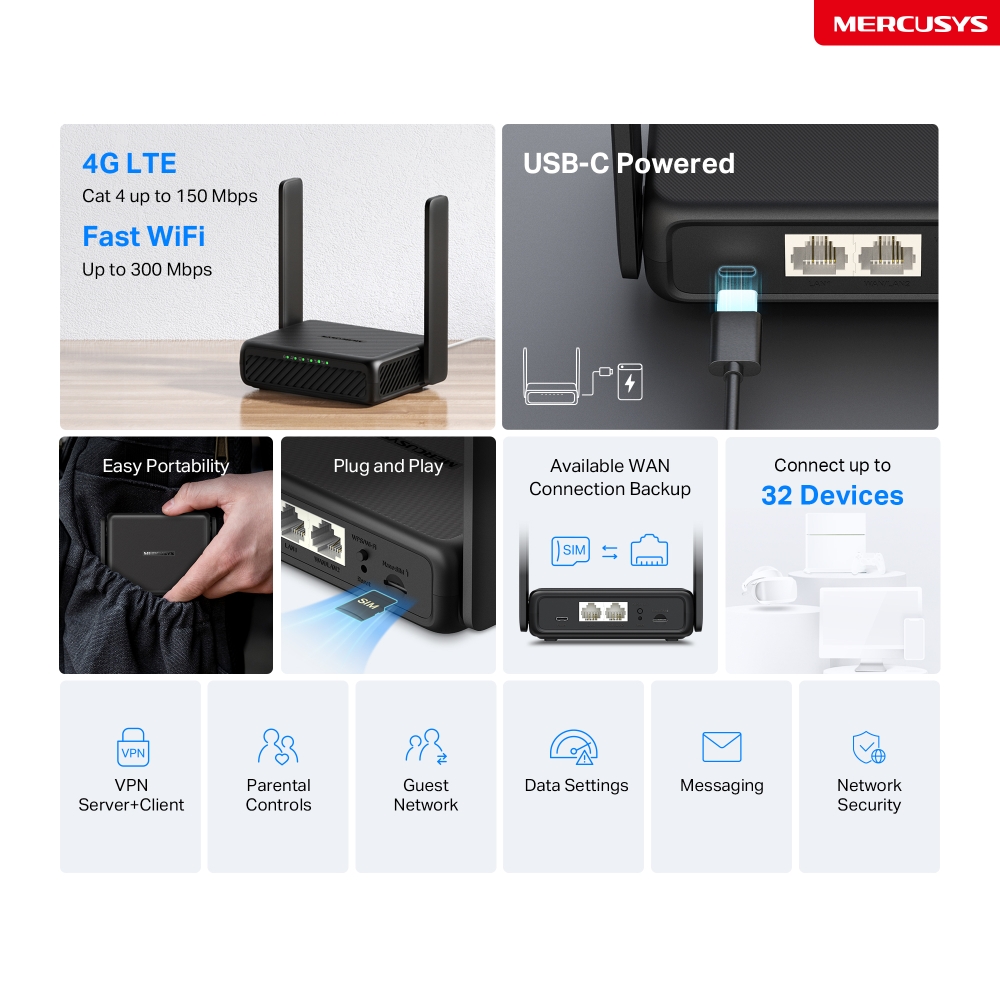
- 4G Network – Share internet access with up to 32 Wi-Fi devices and enjoy download speeds of up to 150 Mbps△.
- 300 Mbps WiFi – Fast WiFi speeds up to 300 Mbps to share your network ☆.
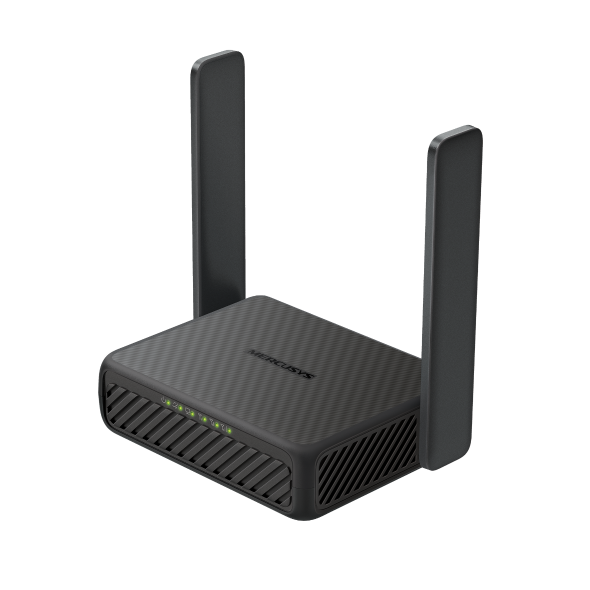
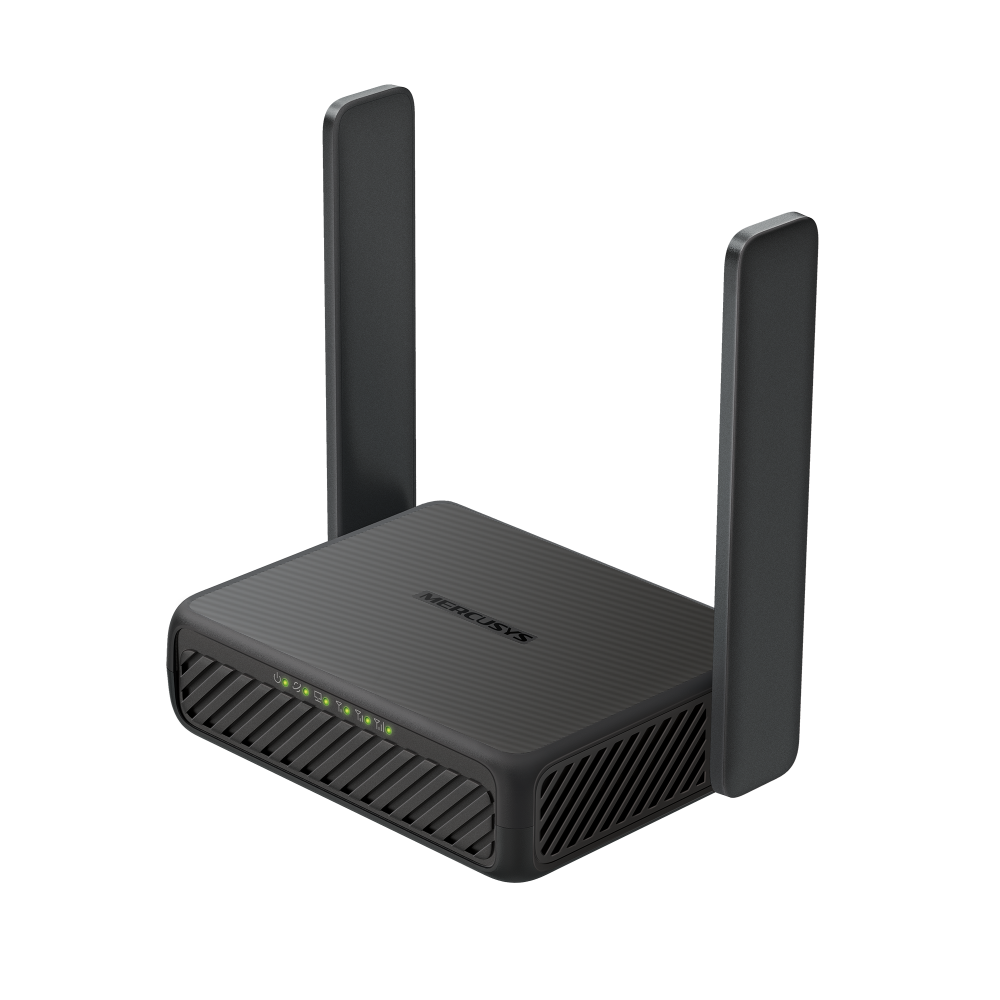
- Easy Portability – Phone-sized with foldable antennas, MB113-4G slips easily into a bag or even your pocket.
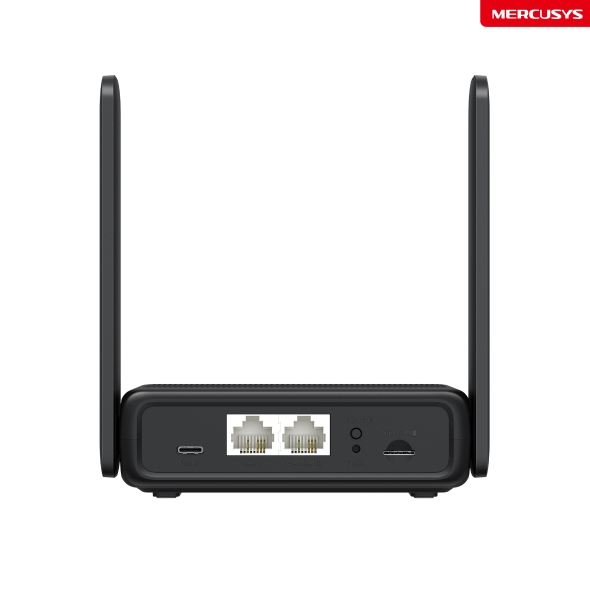
- Support Power Bank – With its USB-C port, MB113-4G also supports power bank charging ‡.
- Plug a SIM Card and Play – No configurations needed, compatibility of SIM cards are assured by years of field tests §.
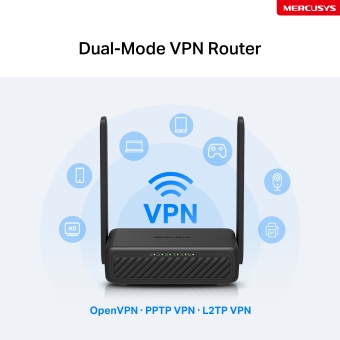
- Dual-Mode VPN Router - One device, two modes: Client Mode encrypts your entire home network; Server Mode lets you access home devices remotely.
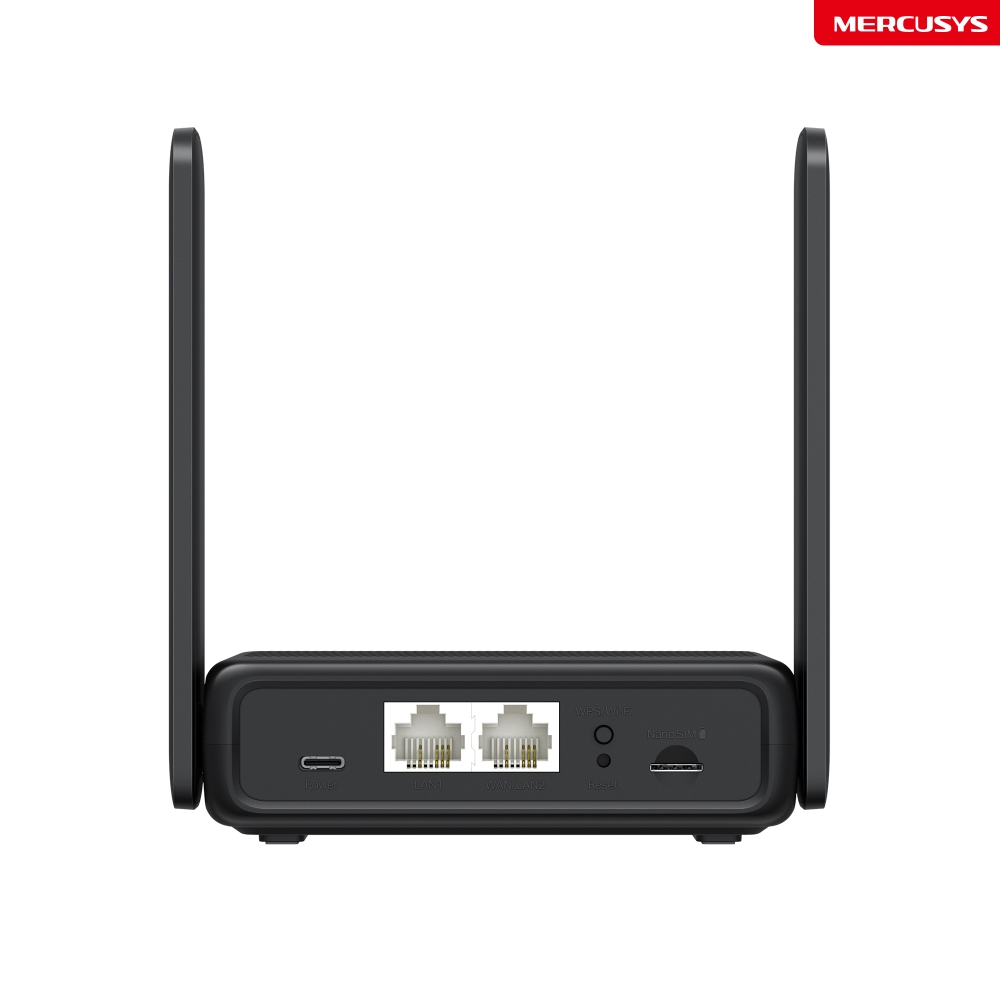
- Wi-Fi Router Mode – Plug an Ethernet cable into the LAN/WAN port for flexible access if you can't get a 4G connection.
*Notes: Make sure your SIM card is unlocked.
-
watch video: How to Set Up MERCUSYS 5G/4G Router (MB110-4G as an example)
How to Set Up MERCUSYS 5G/4G Router (MB110-4G as an example)
Server+Client
Controls
Network
Settings
Security
Get WiFi Where You Need It
Enjoy unmatched convenience and versatility with fast, stable WiFi whether you're at home or working remotely.
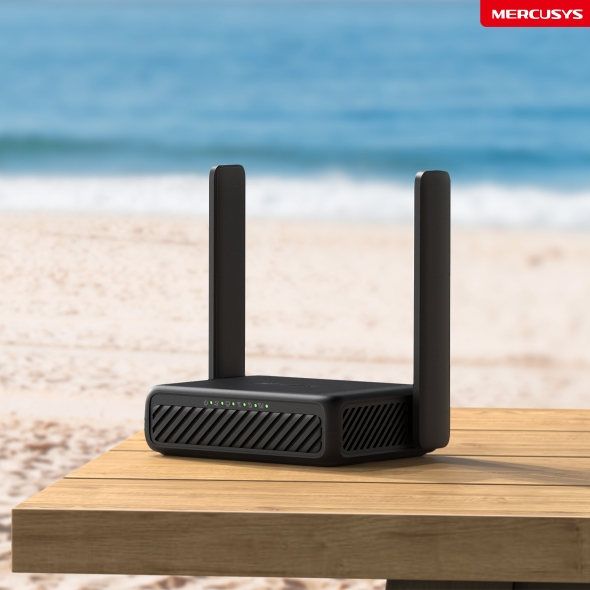
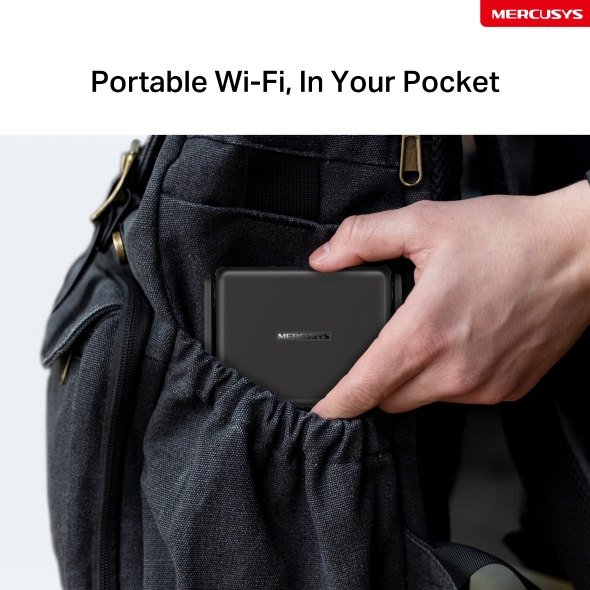
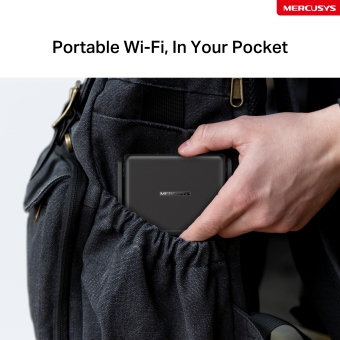
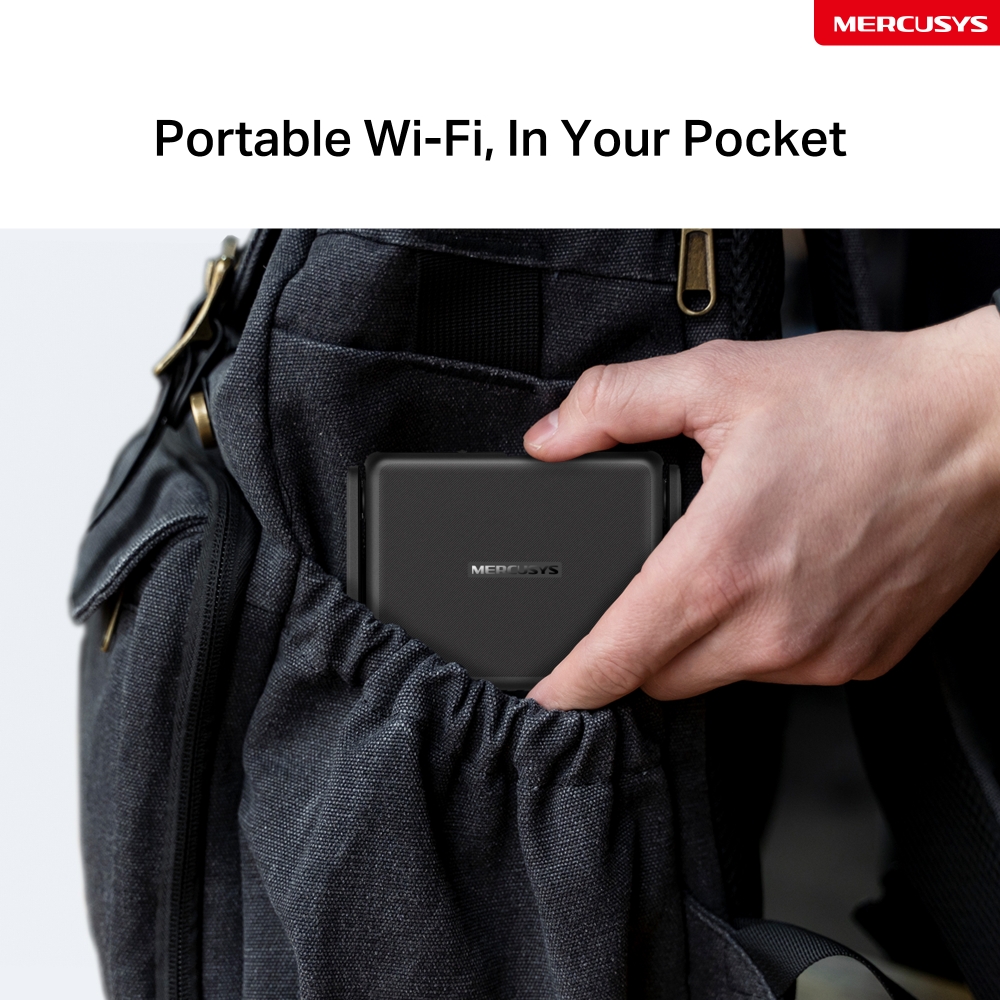
Portable Wi-Fi, In Your Pocket
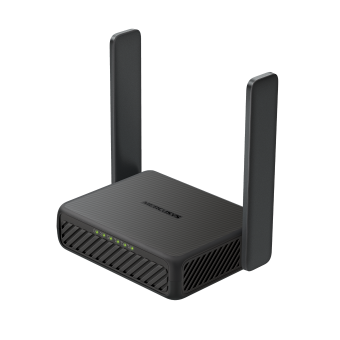
Phone-sized with foldable antenna, MB113-4G slips easily into a bag or even your pocket.
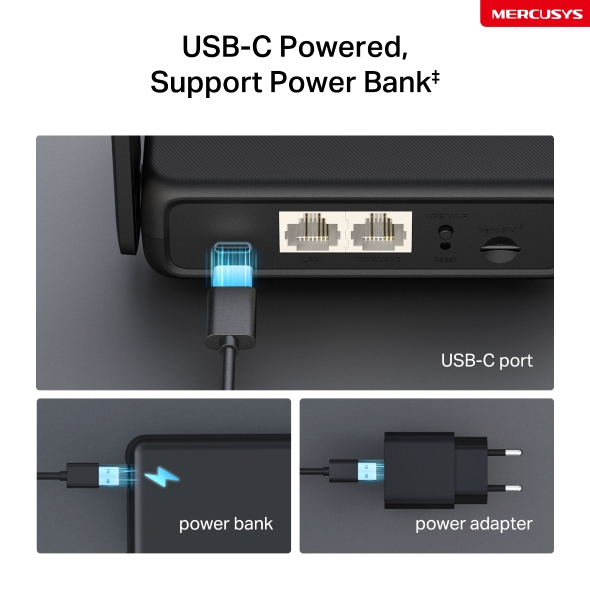
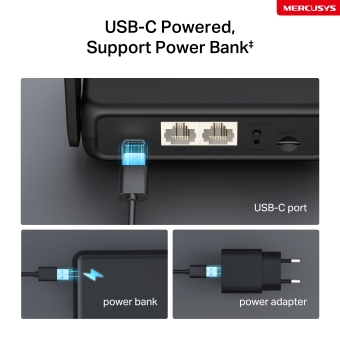
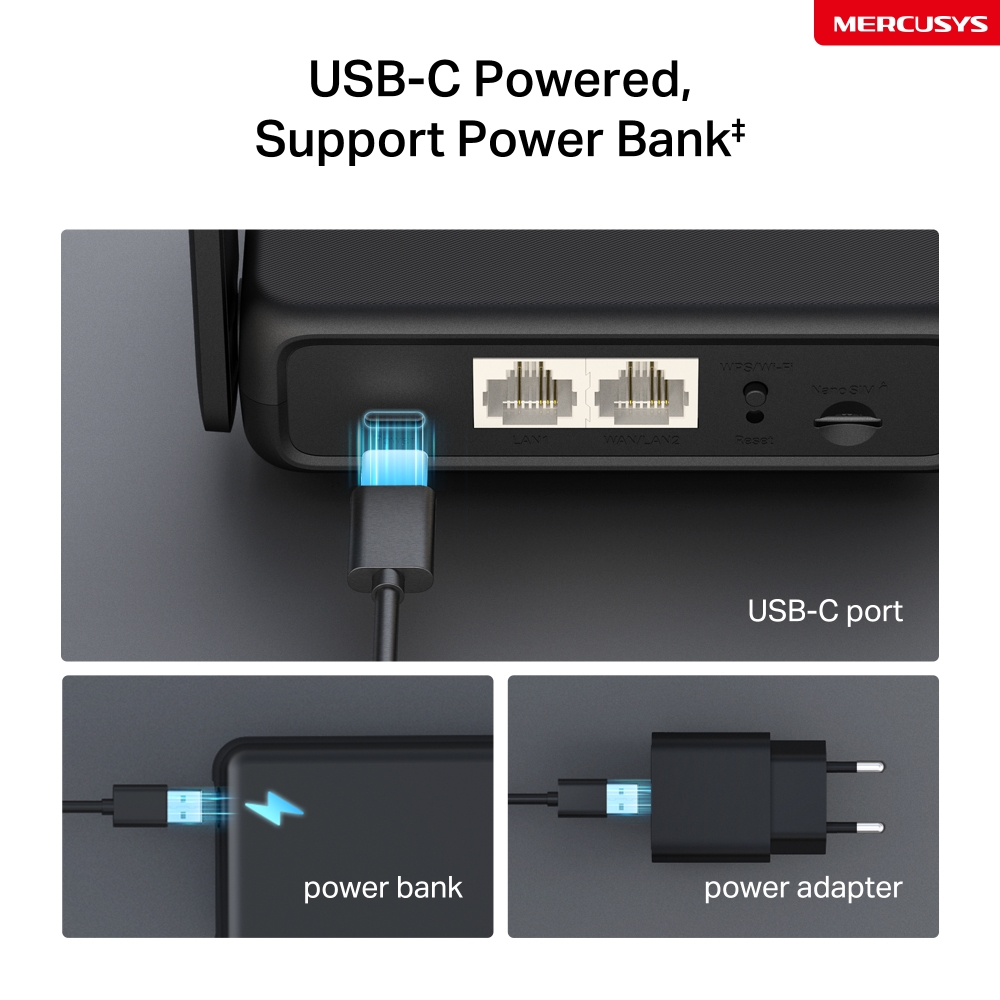
USB-C Powered, Support Power Bank‡
With its USB-C port, MB113-4G also supports power bank charging‡. Power it anywhere, even on the go without a power socket.
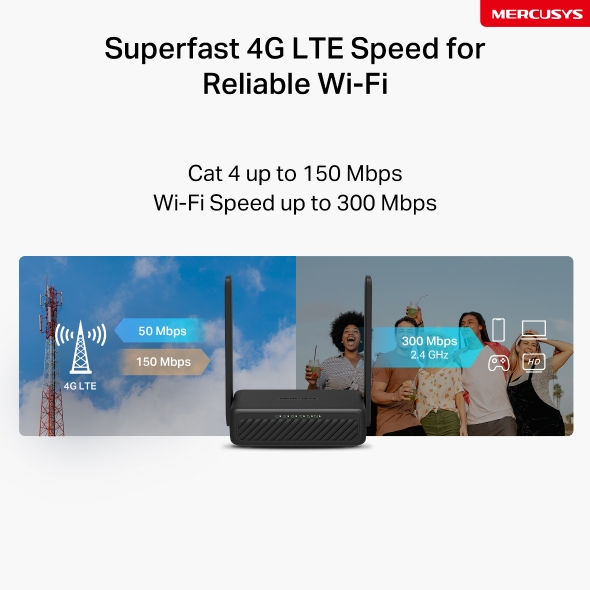
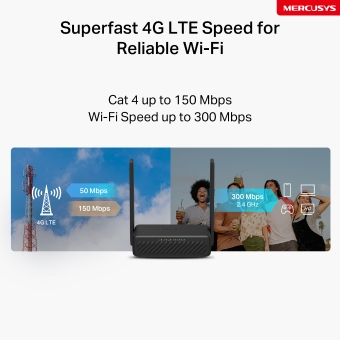
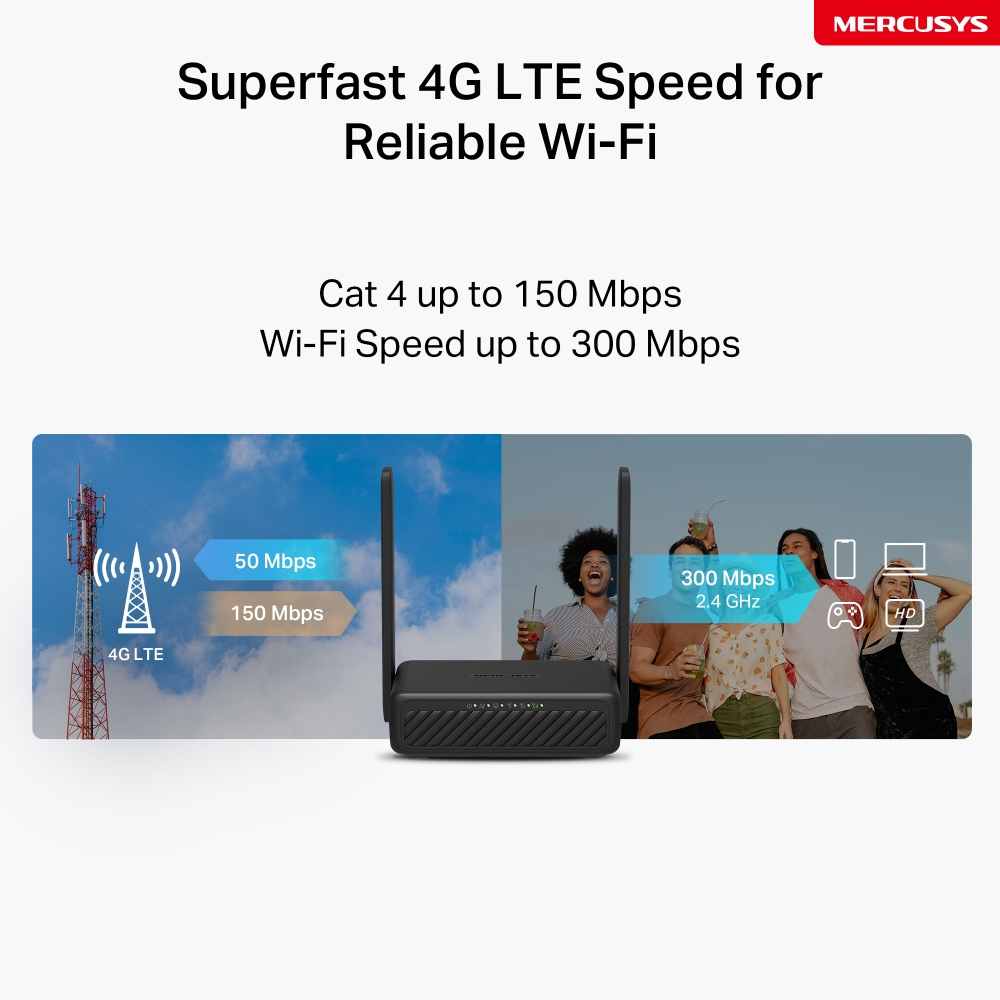
Superfast 4G LTE Speed for Reliable Wi-Fi
MB113-4G harnesses 4G LTE technology to deliver lightning-fast download speeds of up to 150 Mbps and up to 50 Mbps for uploads△. It also shares a WiFi network with a max speed of 300 Mbps on 2.4 GHz—perfect for gaming, streaming, and more☆.
*Note: Maximum wireless signal rates are the physical rates derived from IEEE Standard 802.11 specifications.
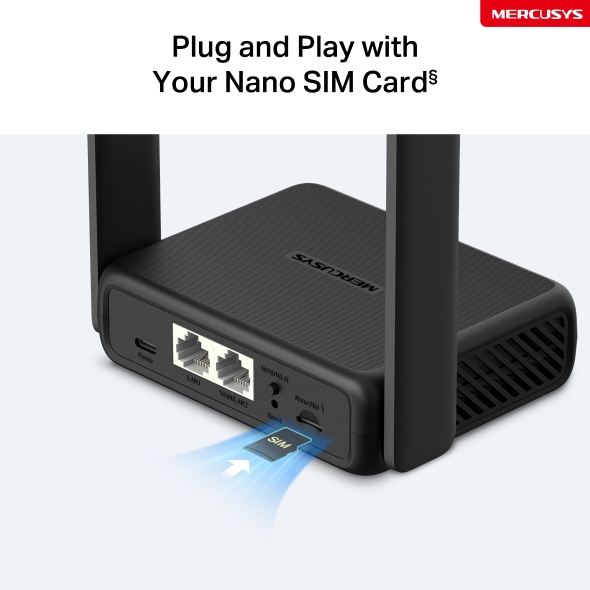
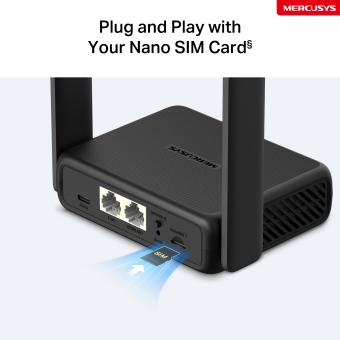
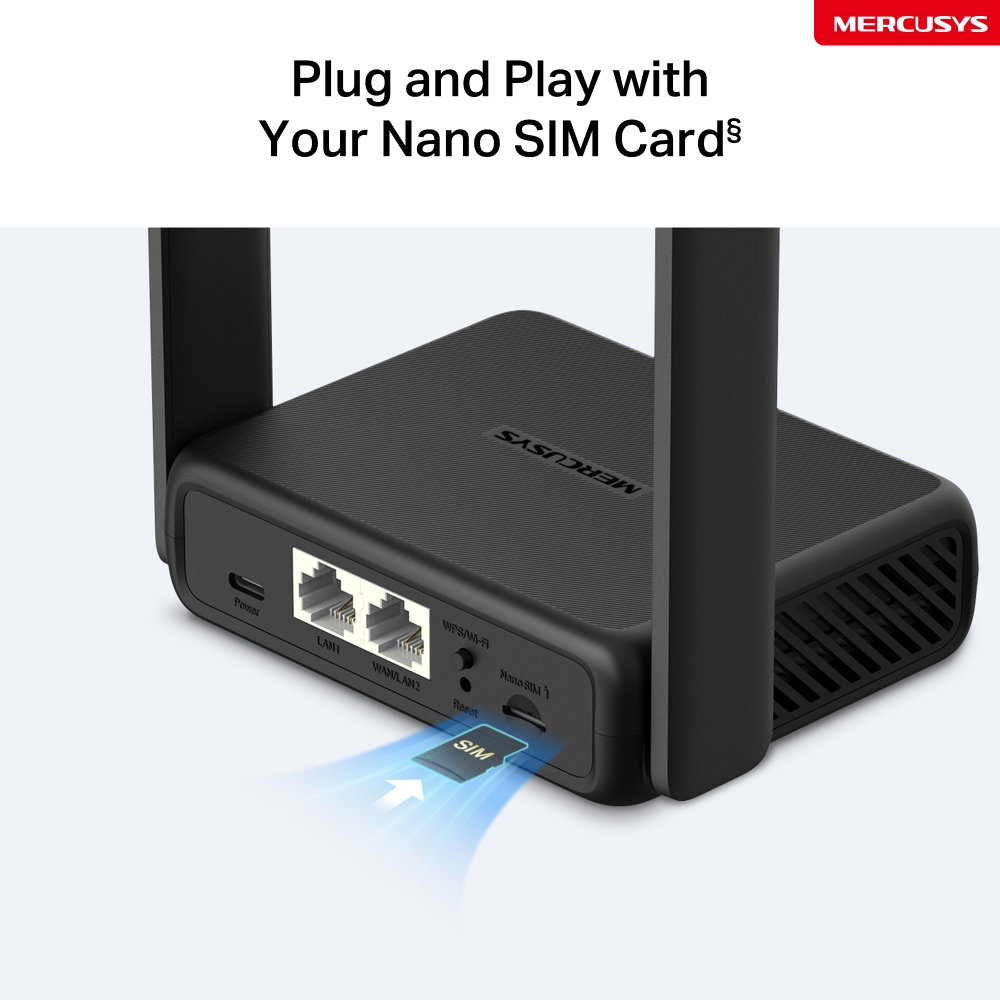
Plug and Play with Your Nano SIM Card§
Fully compatible with FDD-LTE and TDD-LTE for use with most service providers worldwide. Insert a nano SIM card and turn on the router to share your 4G LTE network with multiple WiFi devices§.
Notes: Make sure your SIM card is unlocked. If not, you can:
a. Set up the router via the MERCUSYS app and follow the app instructions to unlock your SIM card.
b. Log in to the router's web management page and go to Advanced > Network > PIN Management to verify.
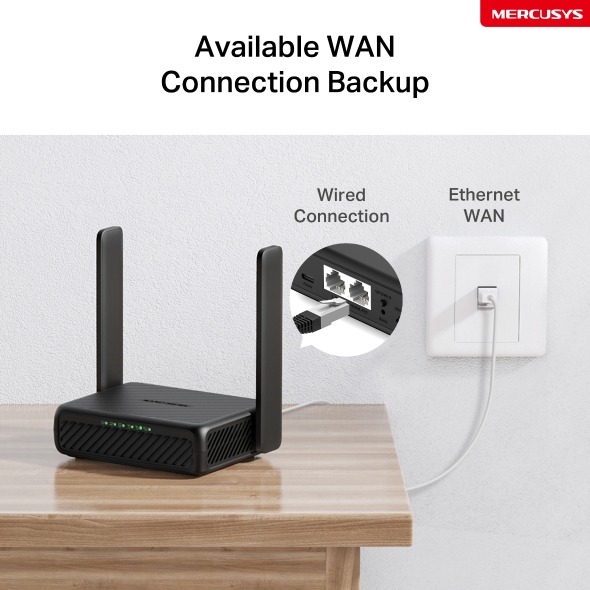
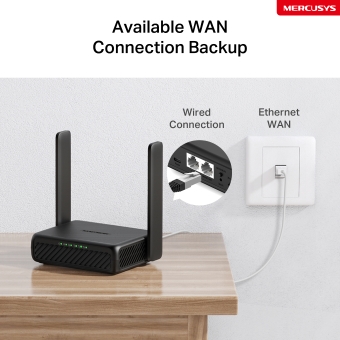
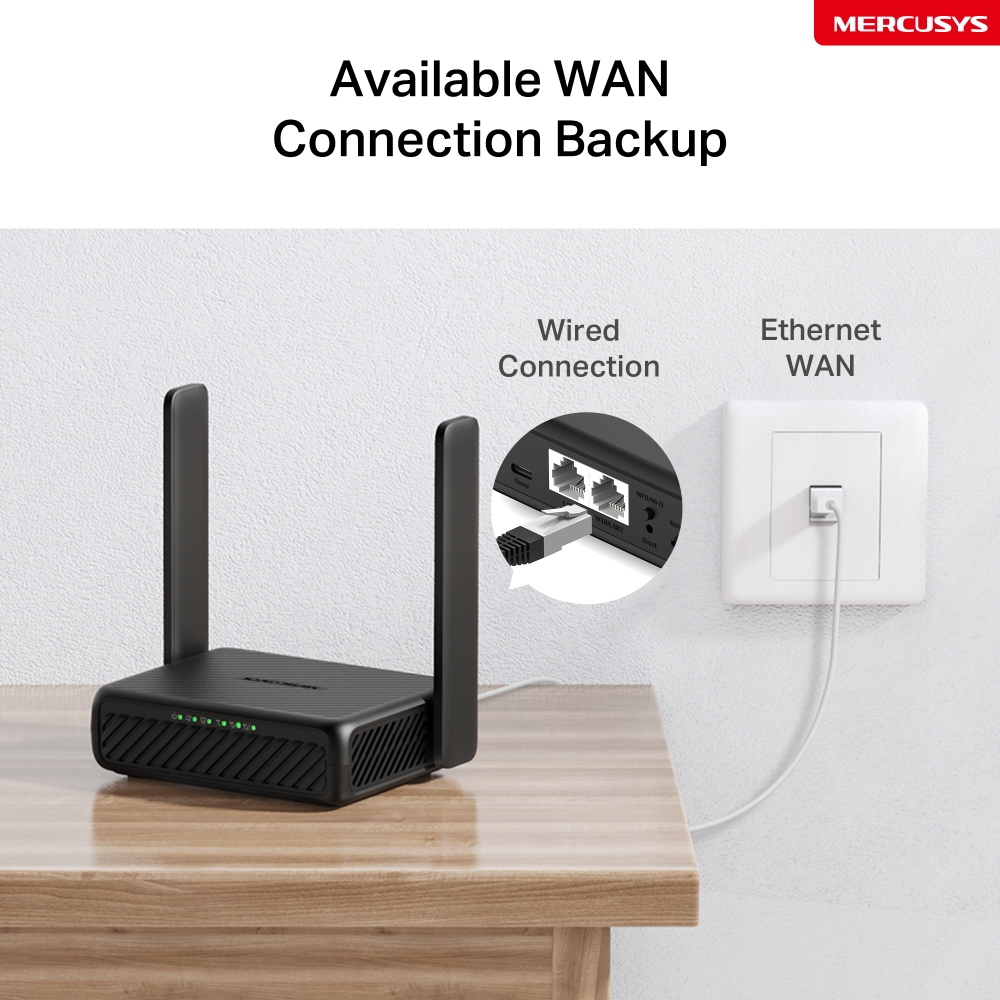
Available WAN Connection Backup
With a fully functional WAN/LAN port, MB113-4G can work as a router that is compatible with cable, fiber, and DSL modems, or provide internet for wired devices.
Note: When the router is set to Wireless Router mode, it can be used as the WAN port to connect the DSL/cable Modem or Ethernet outlet. To change to this mode, refer to Set Up the Router in Wireless Router Mode. (You can check the steps in the User Guide.)
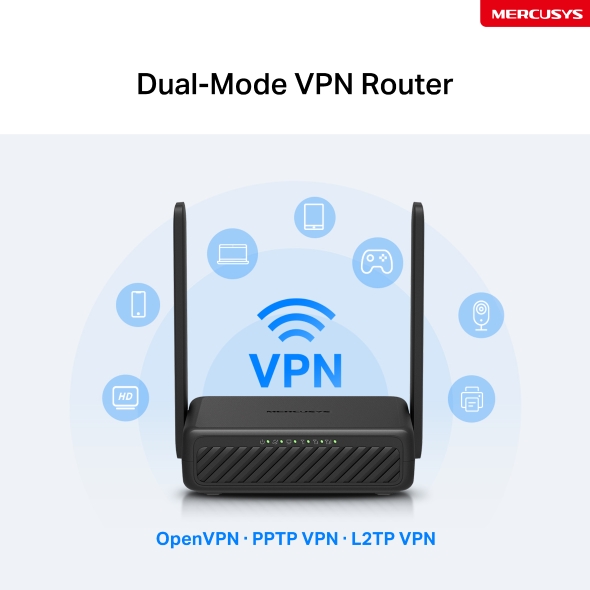
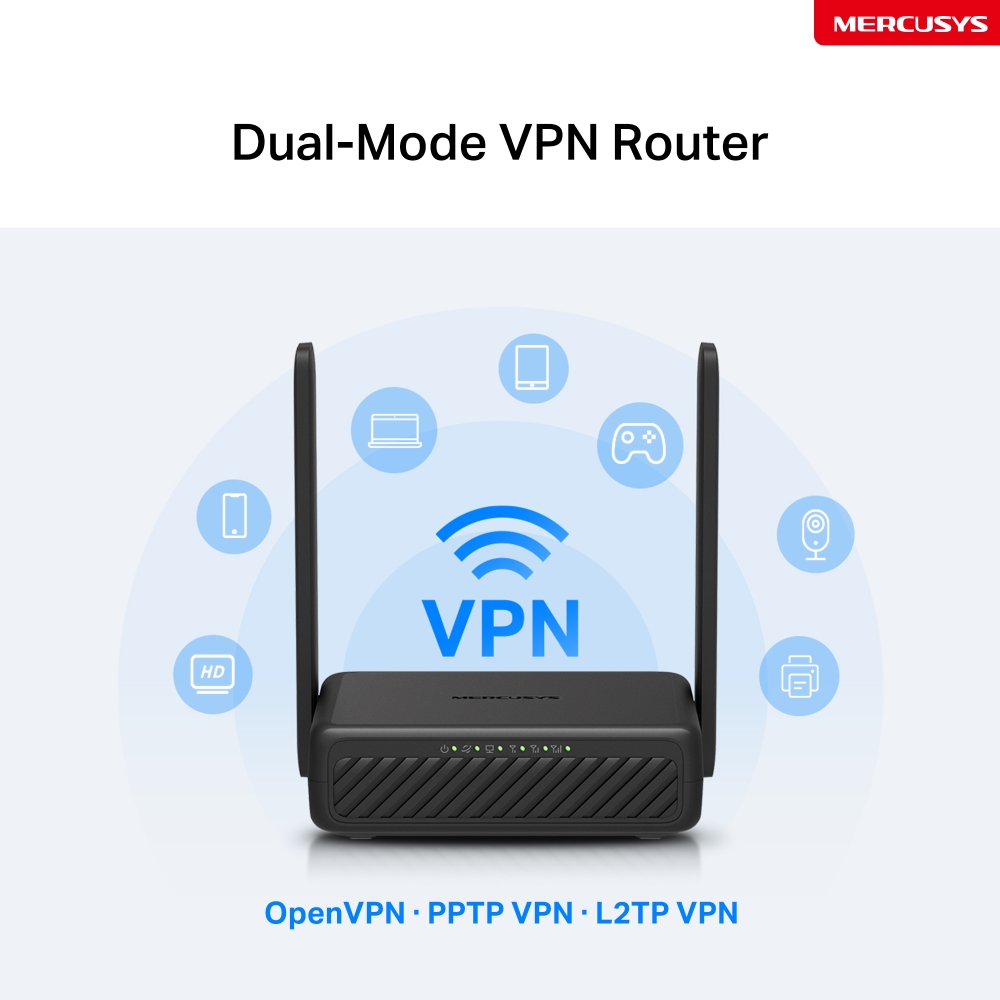
Dual-Mode VPN Router
One device, two modes. With Client Mode, your entire home network is protected: all connected devices, even those that can’t run VPN software themselves, benefit from encrypted privacy; Server Mode builds a secure tunnel to access home NAS, cameras, and more from anywhere globally.
OpenVPN · PPTP VPN · L2TP VPN
Share the WiFi with Friends
A remarkable number of wireless gadgets are compatible with this 4G router without any issues. Up to 32 simultaneous connections for tablets, laptops, mobile phones, and other devices.
Easy Setup and Management via the MERCUSYS App
Set up and manage your Wi-Fi through the MERCUSYS app from your smartphone (Android, iOS).


Comprehensive Management
-

Parental Controls
Set effective policies to ensure your children enjoy safe and responsible internet access.
-

Guest Network
Provides a separate network for guests to ensure your security and privacy.
-

Data Settings
Set a maximum data limit to prevent overspending and monitor your monthly usage with the Monthly Data Statistics feature.
-

Messaging
Set up the Message Center to access SMS features and receive alerts when nearing your data limit.
‡This product supports 5V input only. Use of 9V or other voltages may cause product failure or safety risks. Always use a compatible power source. △Maximum 4G download speeds depend on external factors such as the local 4G network coverage, data plan, real-time network capacity, client limitations, and environmental factors. ☆Maximum wireless signal rates are the physical rates derived from IEEE Standard 802.11 specifications. Actual wireless data throughput and wireless coverage, and quantity of connected devices are not guaranteed and will vary as a result of network conditions, client limitations, and environmental factors, including building materials, obstacles, volume and density of traffic, and client location. §SIM card sold separately. This device requires an activated SIM card without a PIN lock. If the SIM is locked, please consult the Quick Installation Guide for unlocking instructions.
Aplicația Mercusys
Aplicația Mercusys oferă cea mai ușoară cale pentru a configura și gestiona rețeaua Wi-Fi acasă, direct prin dispozitivele iOS sau Android.
Configurare în câțiva pași simpli
Fără a fi nevoie de cunoștințe tehnice sau de un manual cu instrucțiuni complicate, doar urmează simplu din aplicație, iar rețeaua va fi configurată în doar câteva minute.
-
 Unitate Halo Cablu alimentare Cablu Ethernet
Pasul 1
Scoate conținutul pachetului
-

Pasul 2
Conectează dispozitivul
-

Pasul 3
Urmărește instrucțiunile din aplicație
Management în timp real
Cu aplicația Mercusys, ai parte de un control complet al rețelei în timp real. Poți afla cine se conectează la rețea sau poți bloca sau restricționa anumite dispozitive.
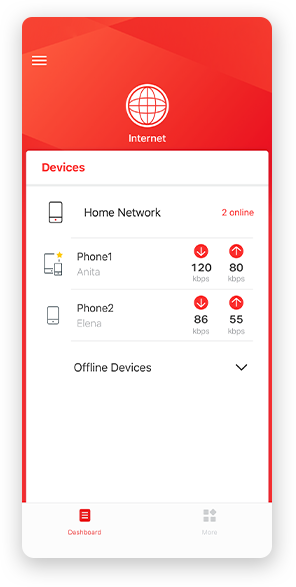
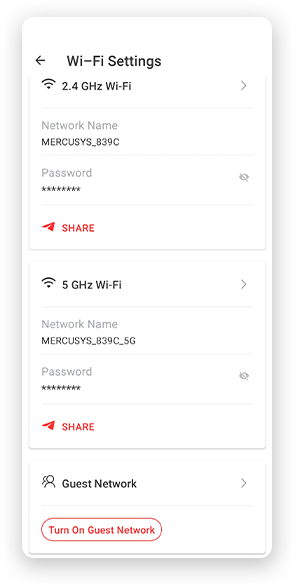
Notă: Imaginile cu aplicația Mercusys sunt cu titlul de prezentare. Cele afișate pot varia în funcție de tipul dispozitivului.
Control parental
Gestionezi ușor conținutul și timpul petrecut online al copiilor tăi, pentru a crea un mediu mai sigur.
-
Profiluri de utilizator
Creează un profil personalizat pentru fiecare membru al familiei. Atribuie dispozitive fiecărui profil și setează drepturi de acces la rețea.
-
Limite de timp online
Poți seta limite pentru accesul zilnic la internet al copiilor tăi, prevenind timpul excesiv în online și construind obiceiuri mai sănătoase.
-
Blocarea site-urilor periculoase
Blochează conținutul nepotrivit și protejează-ți familia.
-
Pauză de la internet
Oprește conexiunea la internet a membrilor familiei tale pentru a oferi o pauză de la lumea virtuală, pentru a vă putea bucura împreună de lumea reală.
Management și securitate pentru rețeaua de acasă
Aplicația Mercusys ofertă un control complet al rețelei, direct de pe telefon sau tabletă, de oriunde te-ai afla.

Statusul dispozitivelor conectate
Vezi detalii despre dispozitive și restricționează-le sau blochează-le în funcție de nevoi.

Quality of Service
Prioritizezi anumite dispozitive pentru a avea parte de performanțe wireless mai bune.

Alerte pentru dispozitive noi
Aplicația trimite notificări atunci când un dispozitiv necunoscut se conectează la rețea și poți alege să-l blochezi instant.

Rețea de vizitatori
Oferă o rețea separată pentru musafiri, pentru a proteja rețeaua principală.
Totul într-o singură aplicație
Control complet pentru toate dispozitivele Mercusys, de la sisteme mesh la routere și range extendere.
Vezi dispozitivele compatibileDispozitive compatibile
Dispozitivele trebuie să dispună de cea mai recentă versiune firmware. Click aici pentru a afla cum poți actualiza firmware-ul unui dispozitiv Mercusys.
Pentru dispozitivele listate, atât versiunile hardware de mai jos, cât și cele ulterioare, sunt și vor fi compatibile cu aplicația Mercusys.
Categorie
-
Sisteme Mesh Wi-Fi
-

Halo H50G V1
AC1900 Whole Home Mesh Wi-Fi System
-

Halo H30G V1
AC1300 Whole Home Mesh Wi-Fi System
-

Halo H80X V1
AX3000 Whole Home Mesh WiFi 6 System
-

Halo H70X V1
AX1800 Whole Home Mesh WiFi 6 System
-

Halo H30 V1
AC1200 Whole Home Mesh Wi-Fi System
-
-
Routere Wi-Fi
-

MR70X V1
AX1800 Dual Band Wi-Fi 6 Router
-

MR80X V1
AX3000 Dual-Band Wi-Fi 6 Router
-

MR50G V1
AC1900 Wireless Dual Band Gigabit Router
-

AC12G V2
AC1300 Wireless Dual Band Gigabit Router
-

MR30G V1
AC1200 Wireless Dual Band Gigabit Router
-
MR1200G V1
AC1200 Wireless Dual Band Gigabit Router
-
MR1900G V1
AC1200 Wireless Dual Band Gigabit Router
-

MR1800X V1
AX1800 Dual-Band WiFi 6 Router
-
-
Range Extendere
-
*More compatible devices are coming soon.
-
Disponibilă în multiple limbi
Prezența globală a brandului Mercusys este regăsită și în cele
26 de limbi disponibile pentru aplicația Mercusys.
-
Engleză
-
Neerlandeză
-
Franceză
-
Germană
-
Italiană
-
Japoneză
-
Coreeană
-
Portugheză
(Europa) -
Spaniolă
(Europa) -
Chineză
(tradițională) -
Rusă
-
Portugheză
(Brazilia) -
Spaniolă
(America Latină) -
Bulgară
-
Ucraineană
-
Poloneză
-
Română
-
Slovenă
-
Thailandeză
-
Turcă
-
Cehă
-
Vietnameză
-
Greacă
-
Malaeză
-
Maghiară
-
Ebraică
-
Wireless

| Tip Rețea | EU: |
|---|---|
| LTE Standard | Cat 4 |
| Clasă Wi-Fi | N300 |
| Wi-Fi (2.4 GHz) | 300 Mbps |
| Standarde Wireless | IEEE 802.11b/g/n |
| Frecvență | 2.4 GHz |
| Sensibilitate Receptor | 11b 11 Mbps: -87.5 dBm |
| Lățime Maximă Canal | 40 MHz |
| MAX Capacity | 32 |
| Limită Recomandată Clienți | 16 |
| Max Wi-Fi Modulation | MCS7 |
| Securitate Wireless | WPA-PSK / WPA2-PSK |
| Funcții Wireless | Smart connect |
-
Software
| Securitate | IPv4 SPI Firewall |
|---|---|
| Moduri Operare | 3G/4G Router |
| Mod Celular | 4G Preferred |
| APN Celular | Data Roaming |
| Mod WAN | Dynamic IP |
| DHCP | Server |
| NAT Forwarding | ALG |
| Protocoale | IPv4, IPv6 |
| Rețea Vizitatori | 2.4 GHz Guest Network |
| Setări Date | Data Statistics |
| Control Parental | Time Control |
| VPN Server | OpenVPN/L2TP/PPTP |
| DDNS | DynDNS |
| VPN Client | OpenVPN/L2TP/PPTP |
| SMS | Inbox |
| ISP Feature | TR-069 |
| System | Time Settings |
| LED Management | LED Control |
| Administrare Dispozitiv | MERCUSYS APP |
| Cloud | Firmware Upgrade over the Cloud |
| Limbă afișare | English |
-
Hardware
| Dimensiuni | 108 × 86.8 × 34 mm |
|---|---|
| Interfață | 1× 100 Mbps LAN/WAN Port |
| Antene | 2 External Non-detachable 4G LTE Antennas |
| Butoane | 1×WPS/Wi-Fi Button |
| Consum Energie | USB-C: 5V/1.5A |
| Greutate Pachet | 0.35 kg |
| Instalare | Desktop |
| LED | 1× Power |
| Retail Package Dimension | 192 × 148 × 58 |
| Units per Carton | 32 |
| Carton Dimension | 480 × 400 × 320 |
-
Altele
| Certificări | CE |
|---|---|
| Servicii Rețea Activate Implicit | Web Server DHCP Server CWMP App management |
| Conținut Pachet | 300 Mbps Wireless 4G LTE Router (MB113-4G) |
| Mediu | Operating Temperature: 0 °C~40 °C (32 °F~104 °F) |