Click to skip the navigation bar

如何在 MERCUSYS App 上使用 MERCUSYS 攝影機的旋轉功能

此文章應用於:

本文將向您展示如何在 MERCUSYS APP 上使用 MERCUSYS 攝影機的旋轉功能。

這裡我們以 MC210 為例。

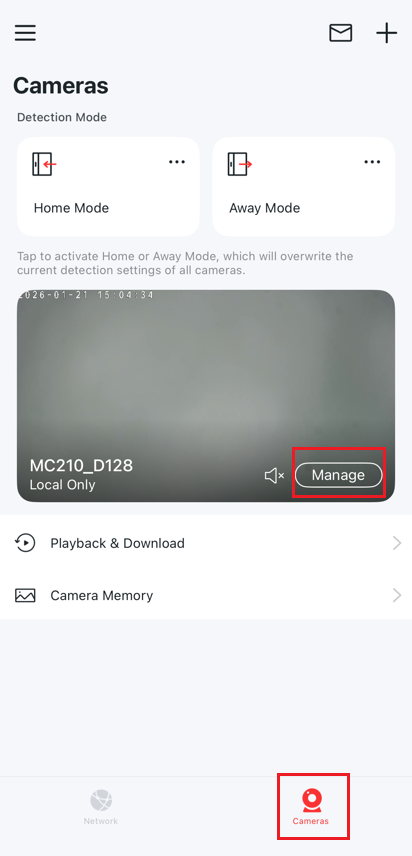
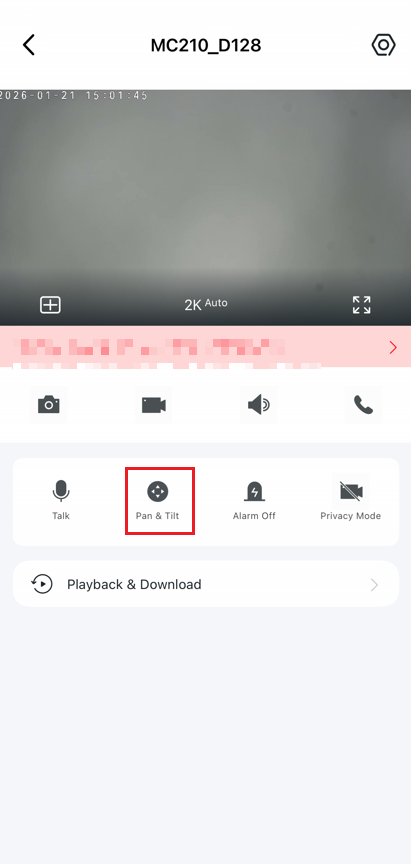
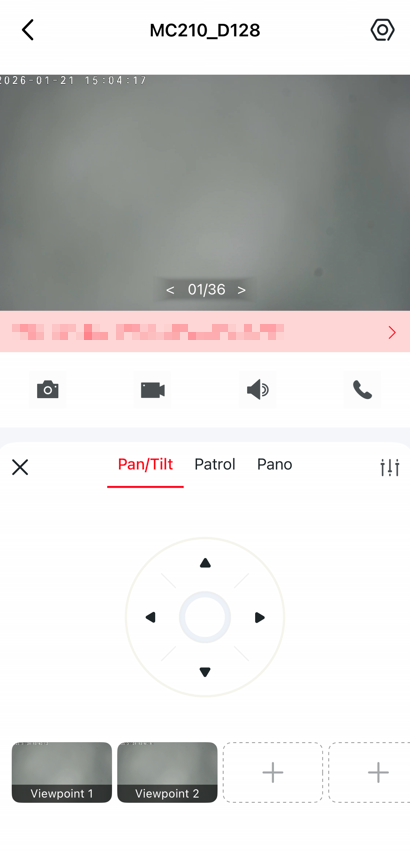
MERCUSYS app > 攝影機 > 管理 > 旋轉  進入控制頁面。

The cameras option and the manage button. The Pan & Tilt option.


旋轉功能

點擊上下左右按鈕即可控制攝影機移動。

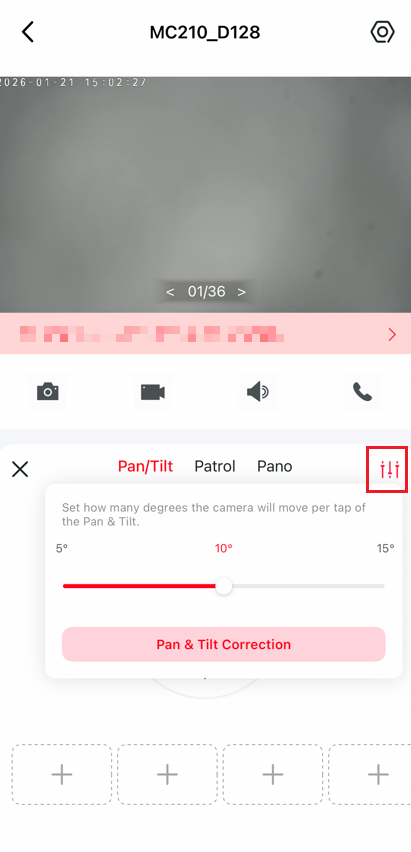
點擊設定圖示,設定每次點擊旋轉按鈕時攝影機移動的角度。
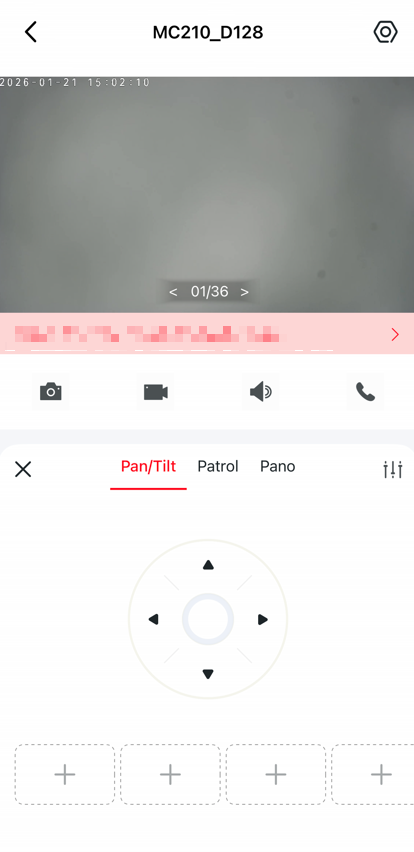
The Pan and tilt settings. The setting button on the Pan and tilt settings.

巡邏功能

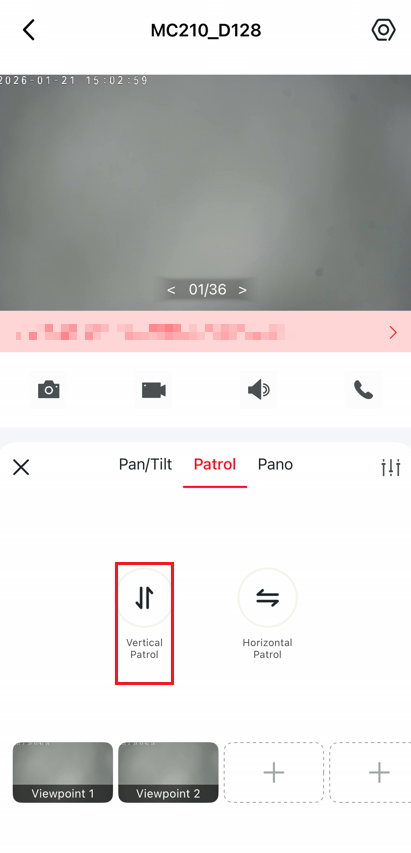
點擊 垂直巡邏 或 水平巡邏 ,使攝影機垂直或水平巡邏一次。
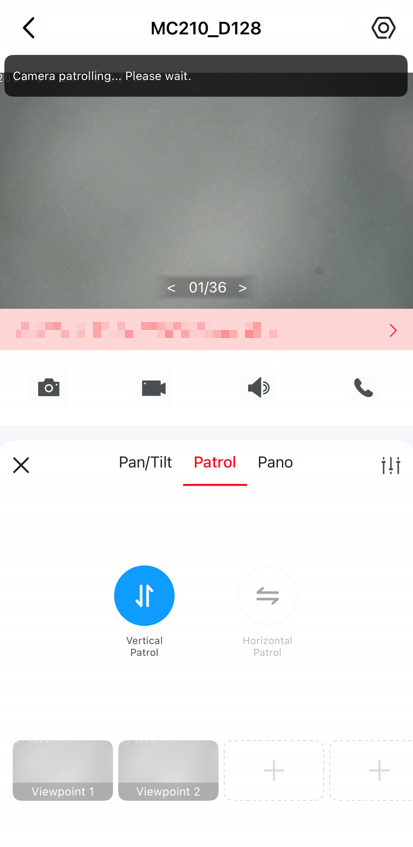
The Vertical Patrol or Horizontal Patrol options.  The camera is patrolling.


標記位置

點擊標記目前位置,然後只需輕按一下即可快速將攝影機旋轉到標記方向。
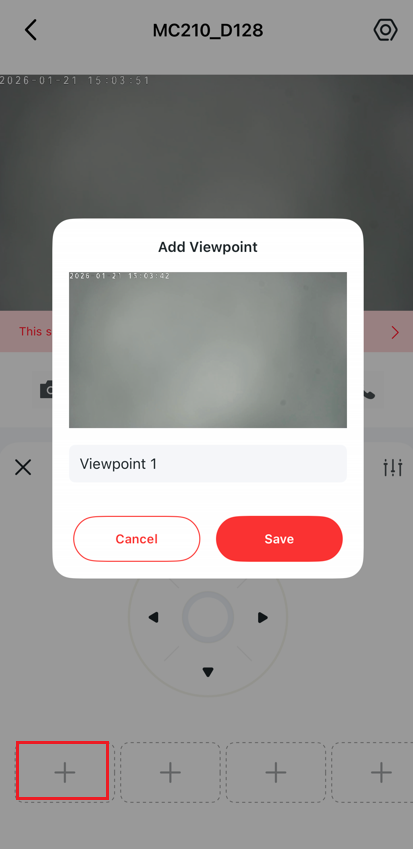
The add viewpoint settings. Different viewpoints have been added.


如需了解各項功能和設定的更多詳細資訊,請前往 支援中心 下載產品手冊。