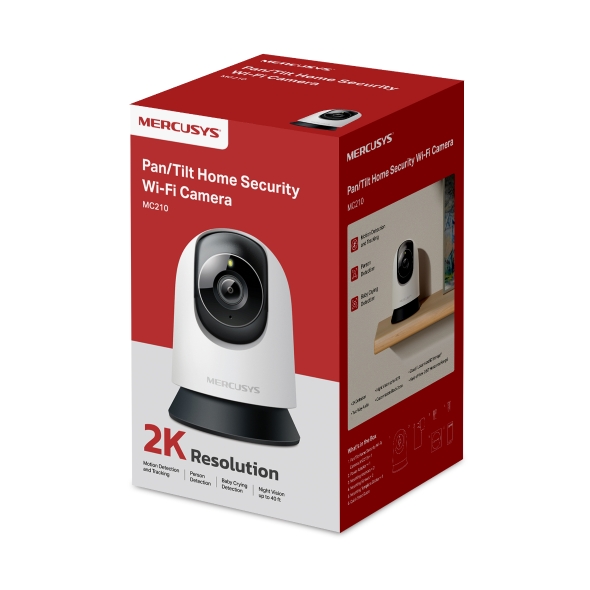
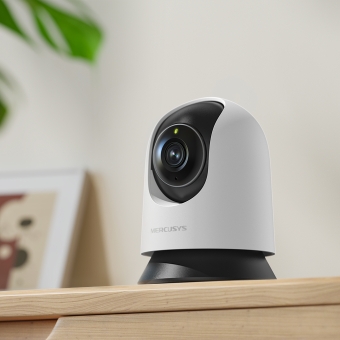
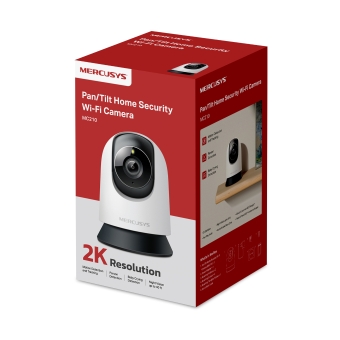
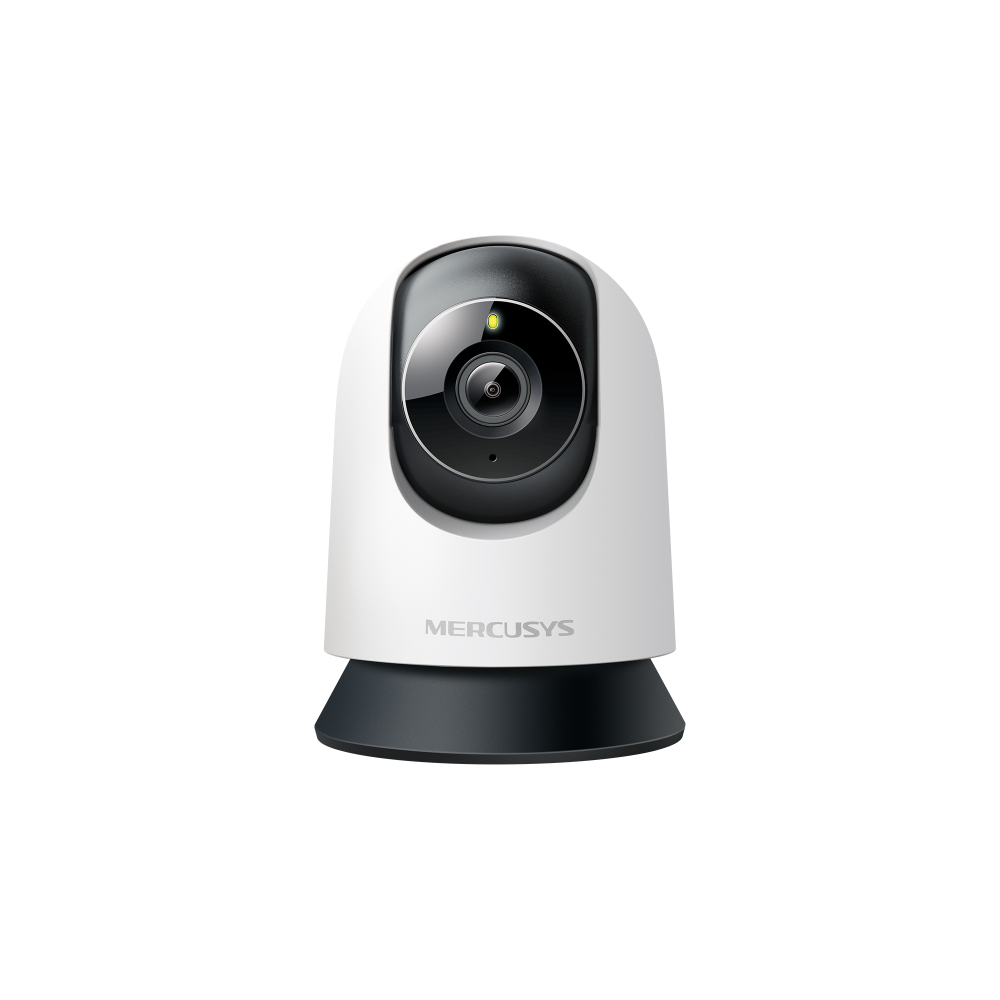
MC210 [V1] | Pan/Tilt Home Security Wi-Fi Camera






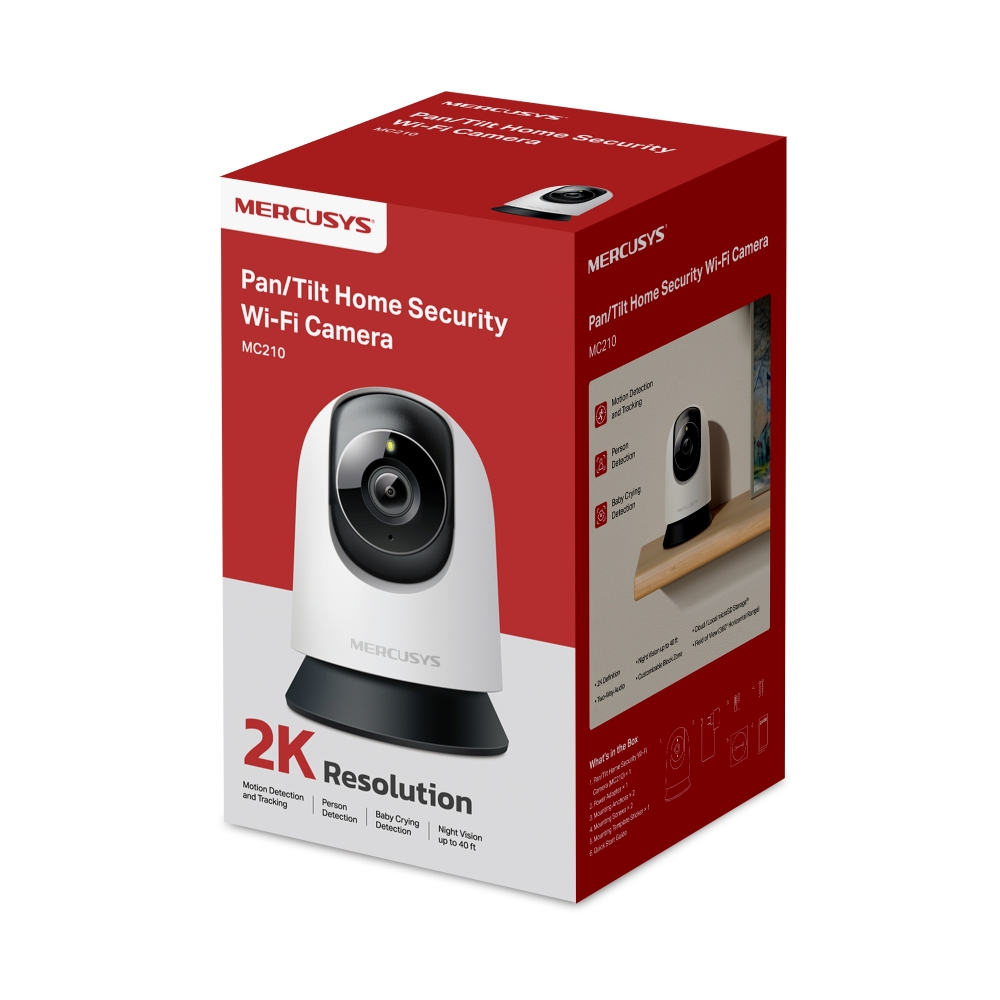
MC210
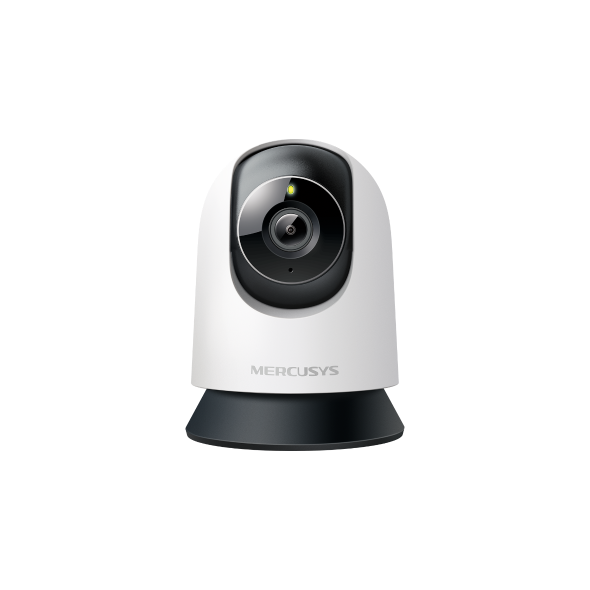
Pan/Tilt Home Security Wi-Fi Camera
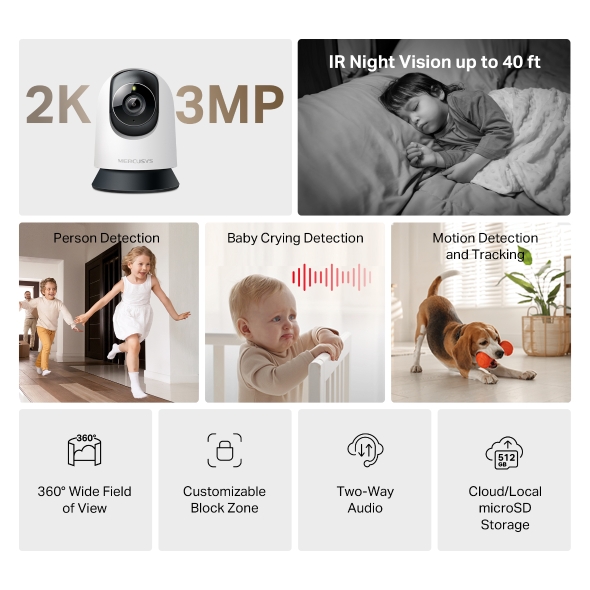
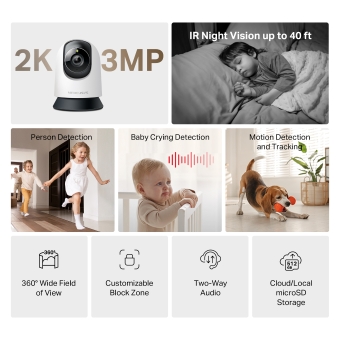
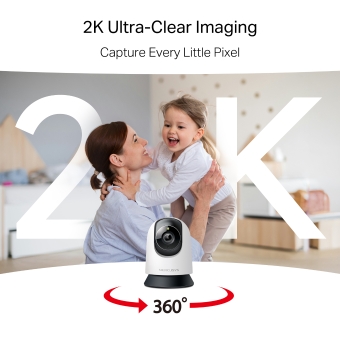
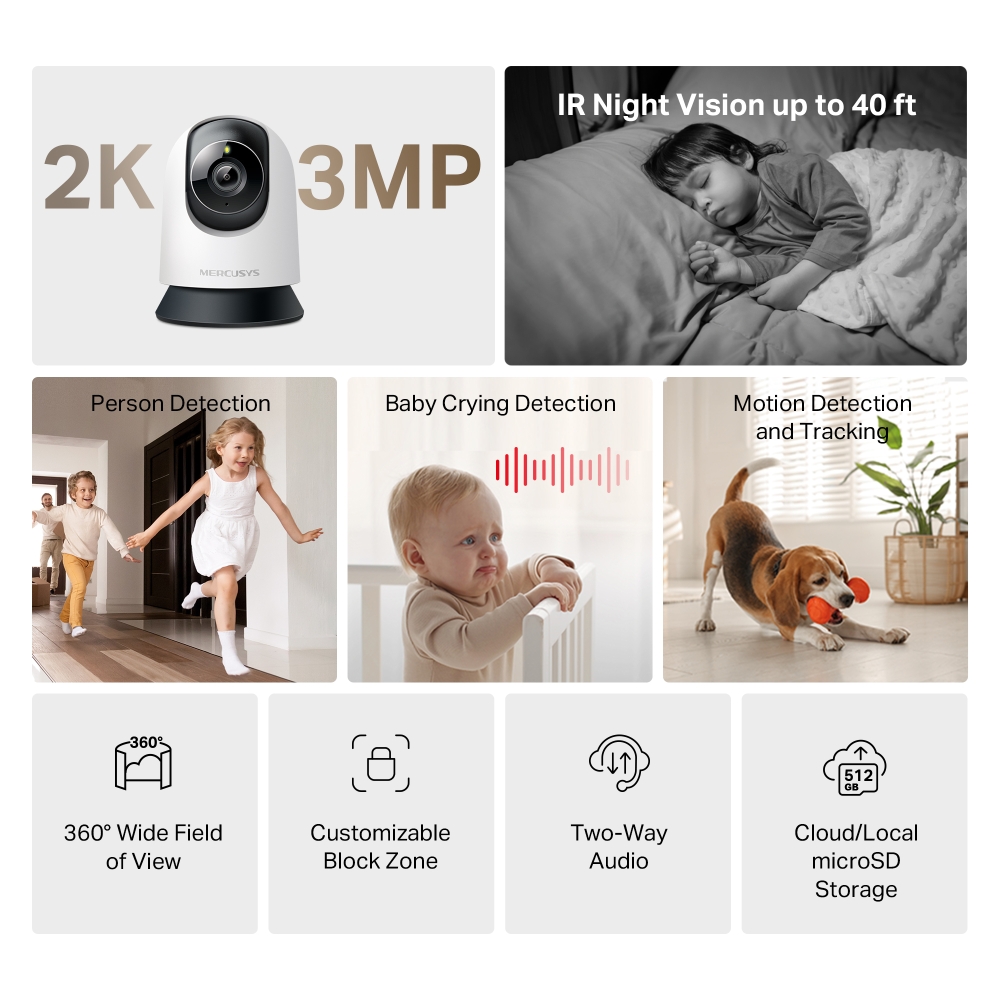
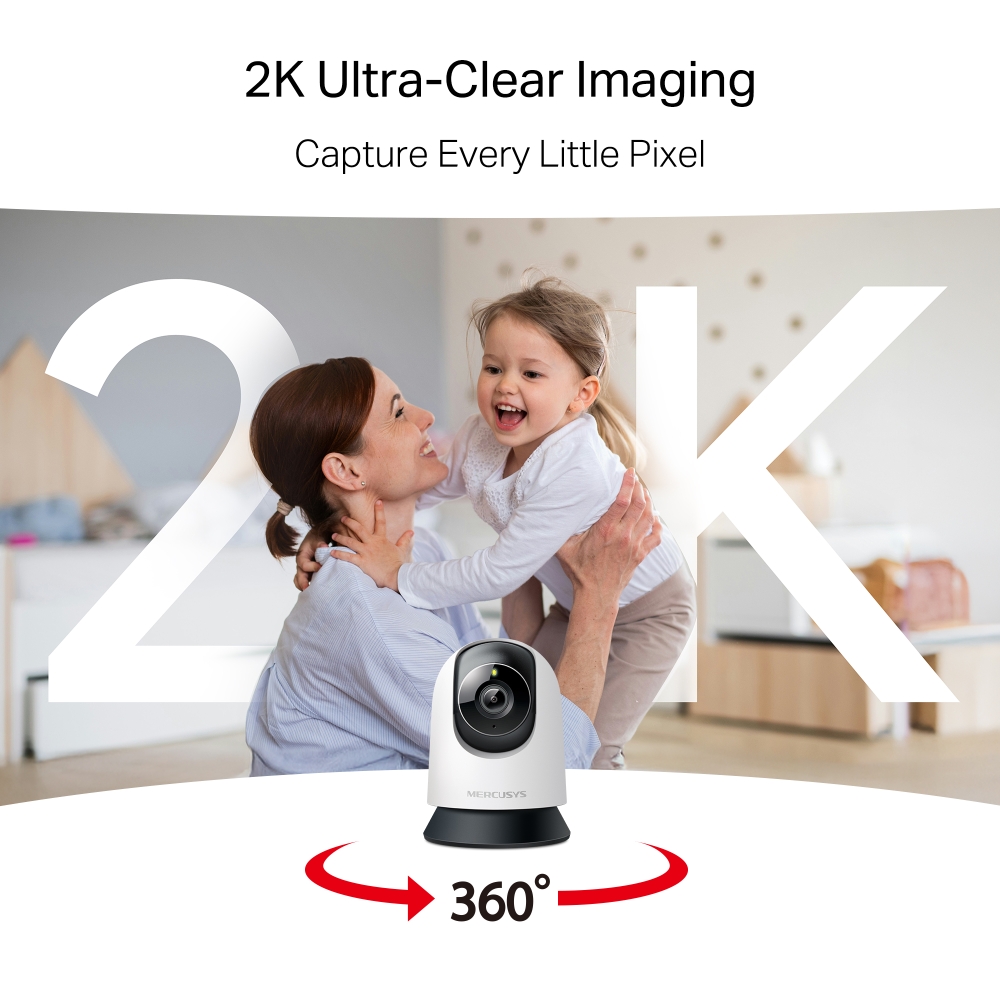
- High-Definition Video: Features 2K 3MP high-definition video, providing users with clear and detailed footage.
- Pan and Tilt: Offers 360° horizontal, enabling complete coverage of the area.
- Smart Detection: Smartly tracks motion 24/7, ensuring subjects stay in view, even in complete darkness with night vision. Receive instant alerts for detected motion, people, or a baby's cries.
- Night Vision: With advanced night vision up to 40 ft, MC210 allows users to monitor their homes around the clock.
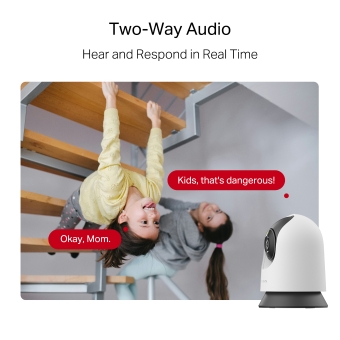
- Two-Way Audio: Hear and respond in real time through a built-in microphone and speaker. Interact with your family and pets at any time.
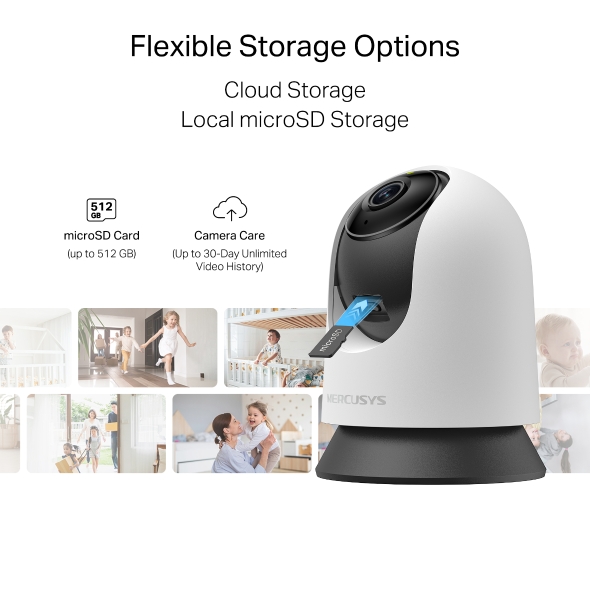
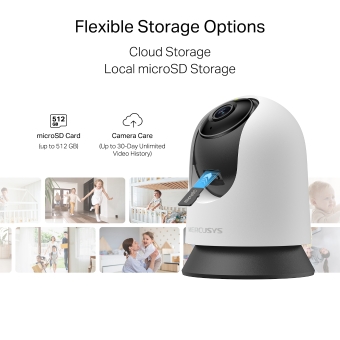
- Free Local Storage: Supports microSD card up to 512 GB for local storage, providing a secure and cost-effective way to store footage.
- Cloud Storage Supported: Store videos with MERCUSYS cloud storage services.
- Customizable Block Zone: Tailor your privacy zone to block unwanted views with ease.
- Voice Control: Compatible with Google Assistant and Amazon Alexa, offering hands-free control for users.
Capture Every Moment with Precision
Pan/Tilt Home Security Wi-Fi Camera
MC210


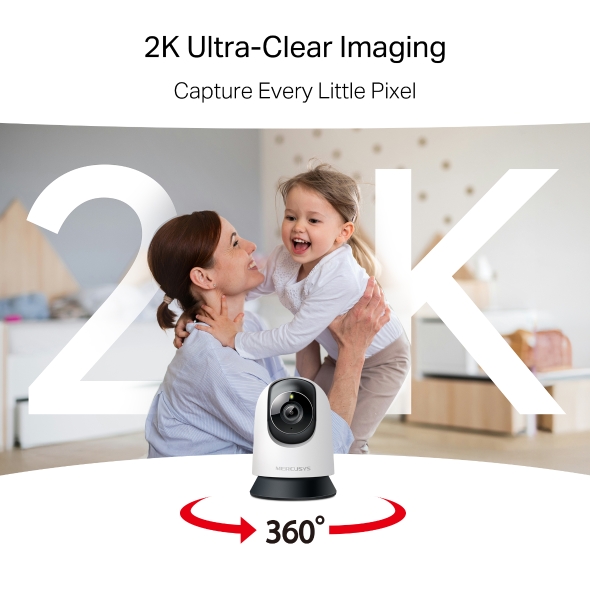
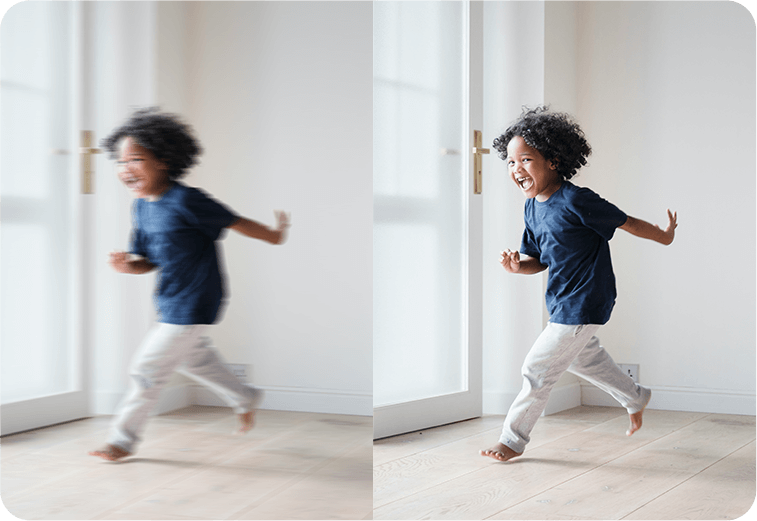
Capture Every Little Pixel
Enhance visual storytelling with 2K ultra-clear imaging. Precision-engineered optics capture vivid colors and true-to-life details, transforming moments into extraordinary memories.
Motion Detection and Tracking
No detail goes unnoticed. Smartly tracks motion 24/7, ensuring subjects stay in view. Whether for home security or business monitoring, MC210 provides reliable and comprehensive protection.
Smart Person Detection
Identifies human and object movement while minimizing false alarms from dust, light, or insects. Always stay informed about who’s around your property.
Know When You’re Needed
Detects baby cries and sends accurate alerts, keeping you informed and ready to respond.
Closer. Clearer. Nothing Overlooked.
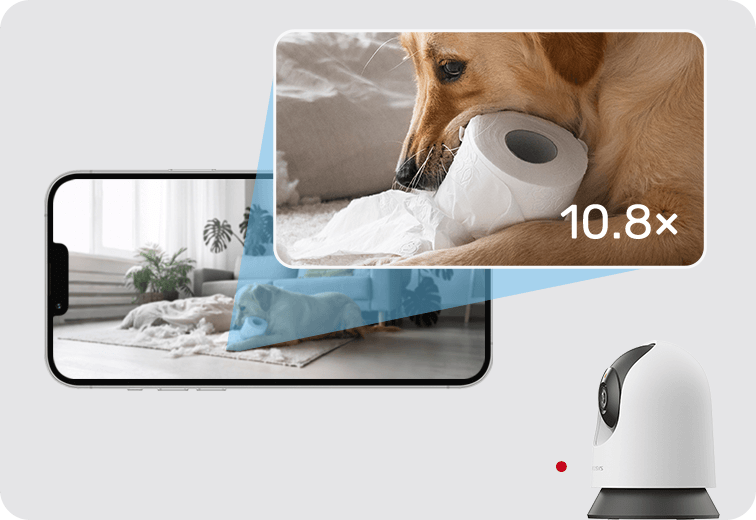
See Clearly After Dark
Night Vision offers sharp black-and-white clarity up to 40 ft, ensuring detailed visibility even in complete darkness.
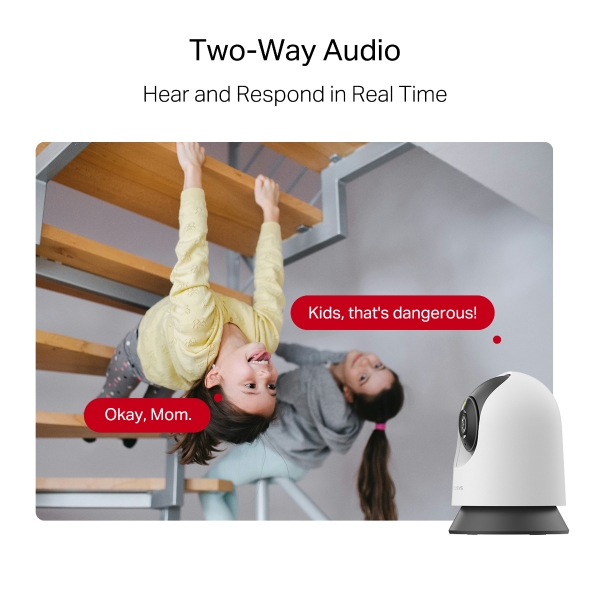
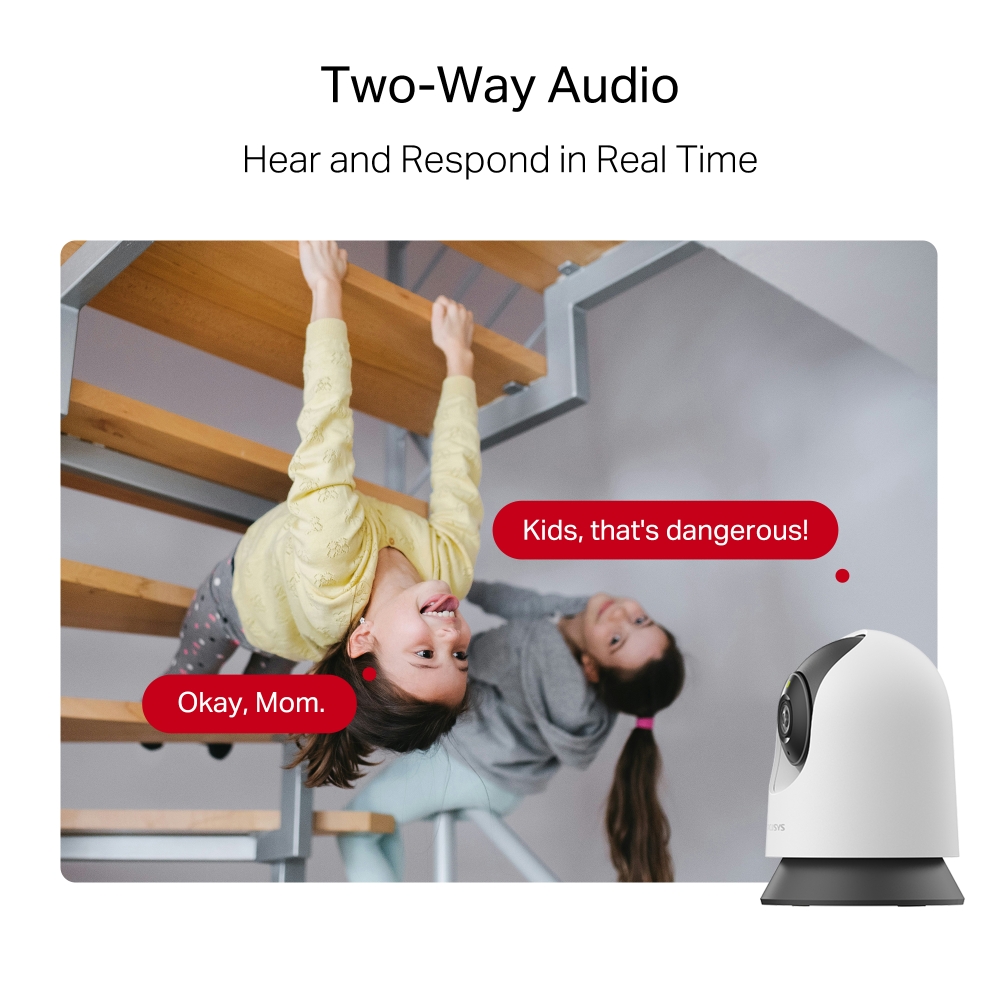
Two-Way Audio
Hear and respond in real time through a built-in microphone and speaker. Interact with your family and pets at any time.
Kids, that's dangerous!
Okay, Mom.
Prevent Recordings in Block Zones
Tailor your privacy zone to block unwanted views with ease. No need to worry about personal moments being leaked.
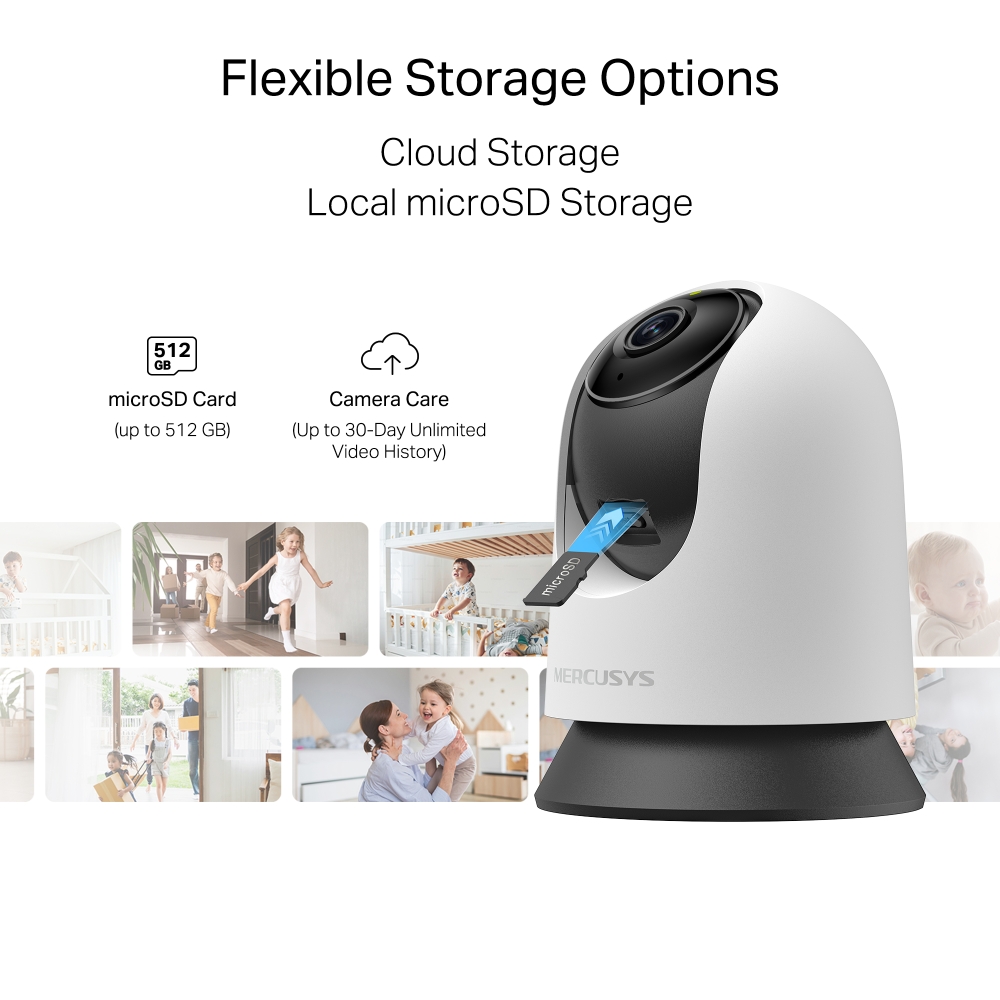
Secure Local & Cloud Storage
Save all your important moments to a microSD card (up to 512 GB) or subscribe to MERCUSYS Camera Care for cloud service after a free trial.
microSD Card (up to 512 GB)
Camera Care (Up to 30-Day Unlimited Video History)
†microSD card sold separately. ‡Subscribe for cloud storage at https://www.mercusys.com/cameracare/ §MC210 does not have an Ethernet port and can only be connected via Wi-Fi. △Compatible with Alexa and Google Assistant supported displays. User experience is dependent on the connected device's specifications. ☆The maximum supported video frame rate depends on local power supply specifications. In regions with 60 Hz power, up to 30 FPS can be achieved; in regions with 50 Hz power, the maximum is 25 FPS.
MERCUSYS
Aplikasi MERCUSYS menyediakan cara termudah bagi Anda untuk menginstal perangkat dalam hitungan menit dan mengelola WiFi di rumah atau di luar melalui perangkat iOS atau Android Anda.


MERCUSYS Membantu Anda Instalasi Perangkat dalam Beberapa Langkah
Tanpa pengetahuan teknis atau membaca petunjuk yang rumit, cukup ikuti petunjuk dalam aplikasi. Siapkan jaringan mesh Anda dalam hitungan menit.
-
 Halo Kabel Listrik Kabel Ethernet
 Langkah 1
Temukan apa yang Anda perlukan di dalam kotak
-

Langkah 2
Colokkan perangkat Anda
-

Langkah 3
Ikuti petunjuk di layar dengan aplikasi MERCUSYS
Kelola WiFi Anda secara Real Time
Dengan aplikasi MERCUSYS, nikmati manajemen jaringan langsung. Lihat siapa yang terhubung ke jaringan Anda dan kelola kapan saja dengan perangkat iOS atau Android Anda.


Perhatian: Halaman Konfigurasi model yang berbeda mungkin berbeda, silakan lihat yang sebenarnya.
Parental Controls Yang Andal
Kelola waktu dan konten online anak Anda dengan mudah untuk menciptakan lingkungan online yang aman dan sehat.
-
Buat Profil Pengguna
Create a profile for each family member you would like to manage. Assign devices to the profile to set access controls and time limits for them.
-
Batas Waktu Online
Set daily limits on how long your kids spend online and prevent them from accessing the internet on their devices for a long time to build a healthy network habit.
-
Blokir Situs Web yang Tidak Pantas
Control which sites your kids visit by setting a block list.
-
Jeda Koneksi Internet
Suspend family members’ internet connections to take a break from the virtual world to enjoy some family time.
Kelola dan Amankan Jaringan Rumah Anda
Aplikasi MERCUSYS membantu Anda mengelola WiFi di rumah atau di luar melalui perangkat iOS atau Android Anda.

Periksa Status Perangkat Terhubung
Lihat secara intuitif status kerja jaringan Halo Anda dan lihat apa yang terhubung. Prioritaskan atau blokir perangkat sesuai kebutuhan.

Quality of Services
Memprioritaskan perangkat yang Anda pilih untuk bekerja lebih baik.

Peringatan Akses Perangkat Baru
Aplikasi MERCUSYS secara proaktif mengirimkan peringatan untuk memberi tahu Anda saat perangkat asing terhubung. Ketuk untuk memblokir perangkat jika itu merupakan risiko keamanan.

Mengatur Guest Network
Menyediakan jaringan terpisah bagi para tamu untuk memastikan keamanan dan privasi Anda.
Semuanya dalam Satu Aplikasi
Apakah Anda ingin mengontrol berbagai MERCUSYS router , extender, atau sistem Halo mesh, temukan semuanya di aplikasi.
Lihat apa yang kompatibelProduk yang Kompatibel
Catatan: Firmware perangkat memerlukan versi terbaru. Klik di sini untuk mempelajari cara mengupgrade firmware Anda.
Catatan: Versi perangkat keras yang terdaftar dan yang lebih tinggi dari model ini kompatibel dengan aplikasi MERCUSYS.
KATEGORI
-
Halo Mesh
-

Halo H50G V1
AC1900 Whole Home Mesh Wi-Fi System
-

Halo H30G V1
AC1300 Whole Home Mesh Wi-Fi System
-

Halo H80X V1
AX3000 Whole Home Mesh WiFi 6 System
-

Halo H70X V1
AX1800 Whole Home Mesh WiFi 6 System
-

Halo H30 V1
AC1200 Whole Home Mesh Wi-Fi System
-

Halo H90X V1
AX6000 Whole Home Mesh Wi-Fi System
-
-
Wi-Fi Routers
-

MR70X V1
AX1800 Dual Band Wi-Fi 6 Router
-

MR80X V1
AX3000 Dual-Band Wi-Fi 6 Router
-

MR50G V1
AC1900 Wireless Dual Band Gigabit Router
-

AC12G V2
AC1300 Wireless Dual Band Gigabit Router
-

MR30G V1
AC1200 Wireless Dual Band Gigabit Router
-
MR1200G V1
AC1200 Wireless Dual Band Gigabit Router
-
MR1900G V1
AC1200 Wireless Dual Band Gigabit Router
-

MR1800X V1
AX1800 Dual-Band WiFi 6 Router
-

MR90X V1
AX6000 8-Stream Wi-Fi 6 Router
-
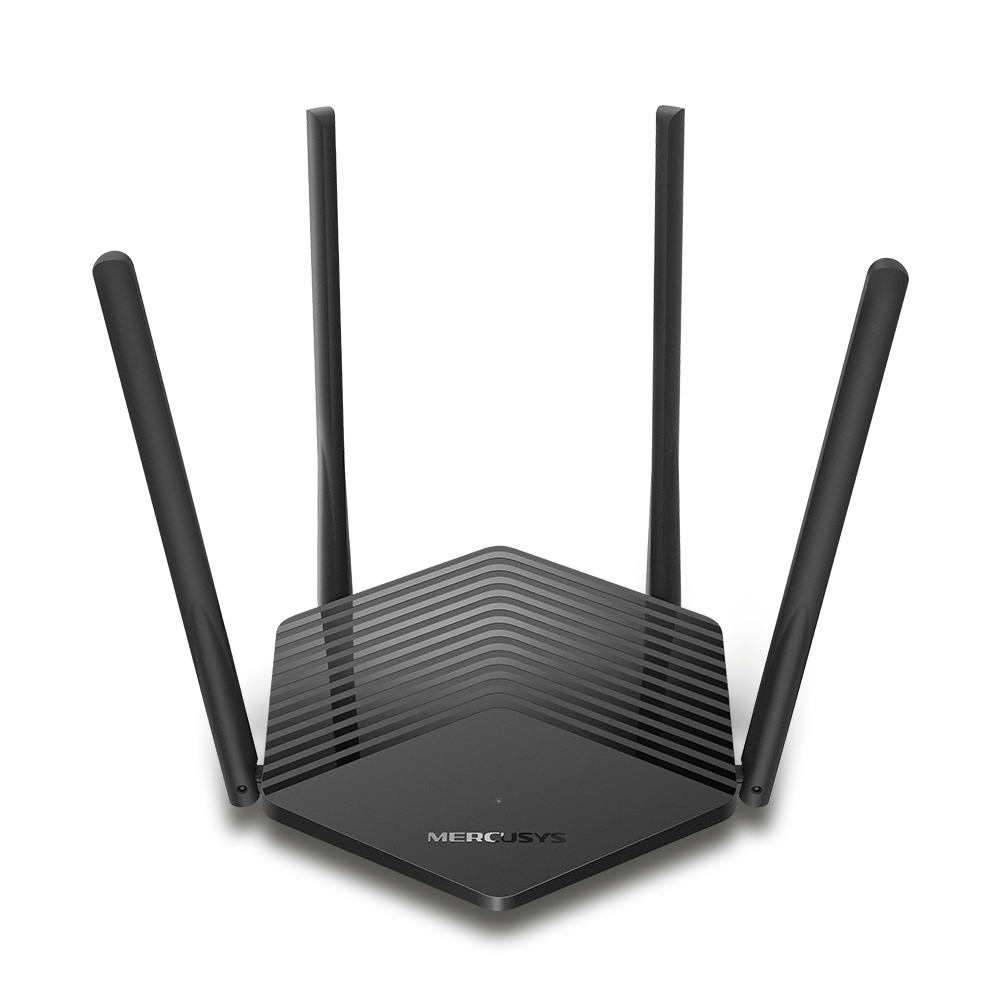
MR60X V2
AX1500 Wi-Fi 6 Router
-
2.0_01_large20200513030154.jpg)
AC12 V3
AC1200 Dual Band Wireless Router
-
1.0_01_large20200616070042.jpg)
AC10 V1
AC1200 Wireless Dual Band Router
-

MW325R V3
300Mbps Enhanced Wireless N Router
-
_1906_02_large20200513090024.jpg)
MW305R V3
300Mbps Wireless N Router
-
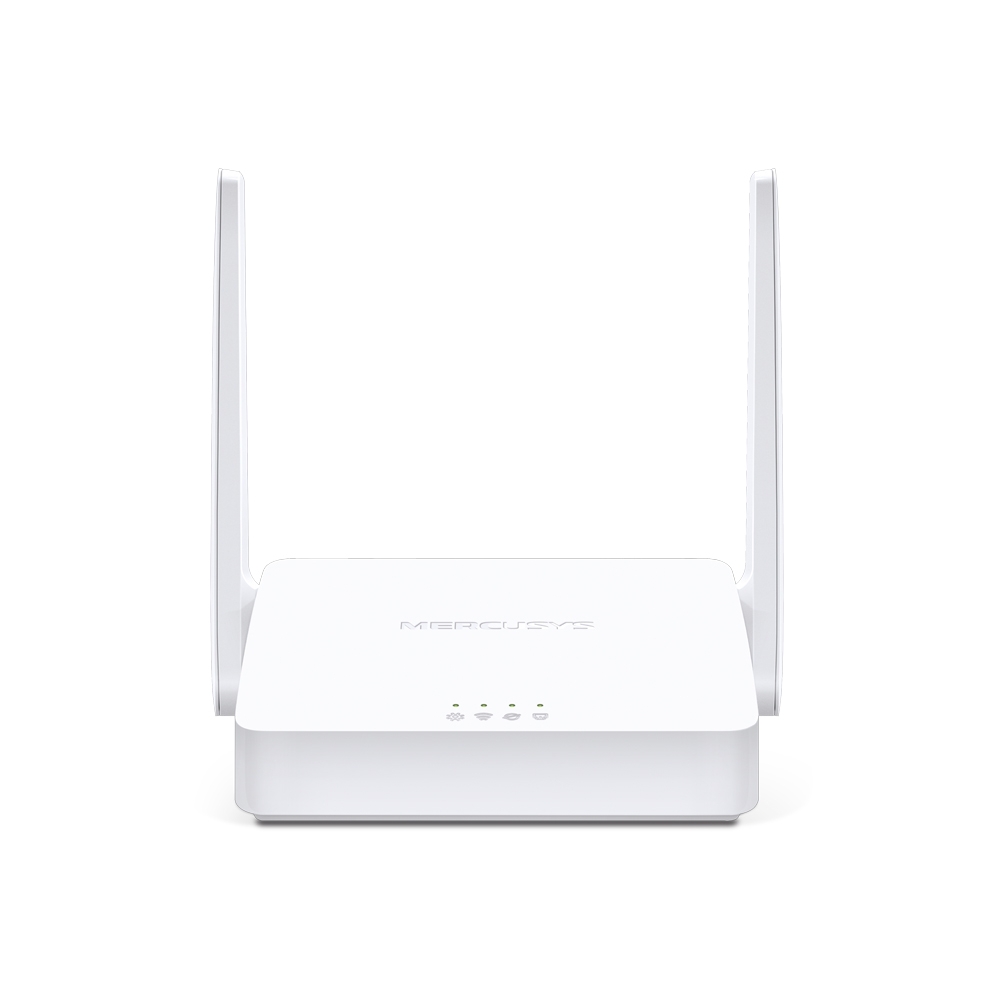
MW301R V3
300Mbps Wireless N Router
-
-
Range Extenders
-

ME70X V1
AX1800 Wi-Fi 6 Range Extender
-

ME50G V1
AC1900 Wi-Fi Range Extender
-

ME30 V1
AC1200 Wi-Fi Range Extender
-
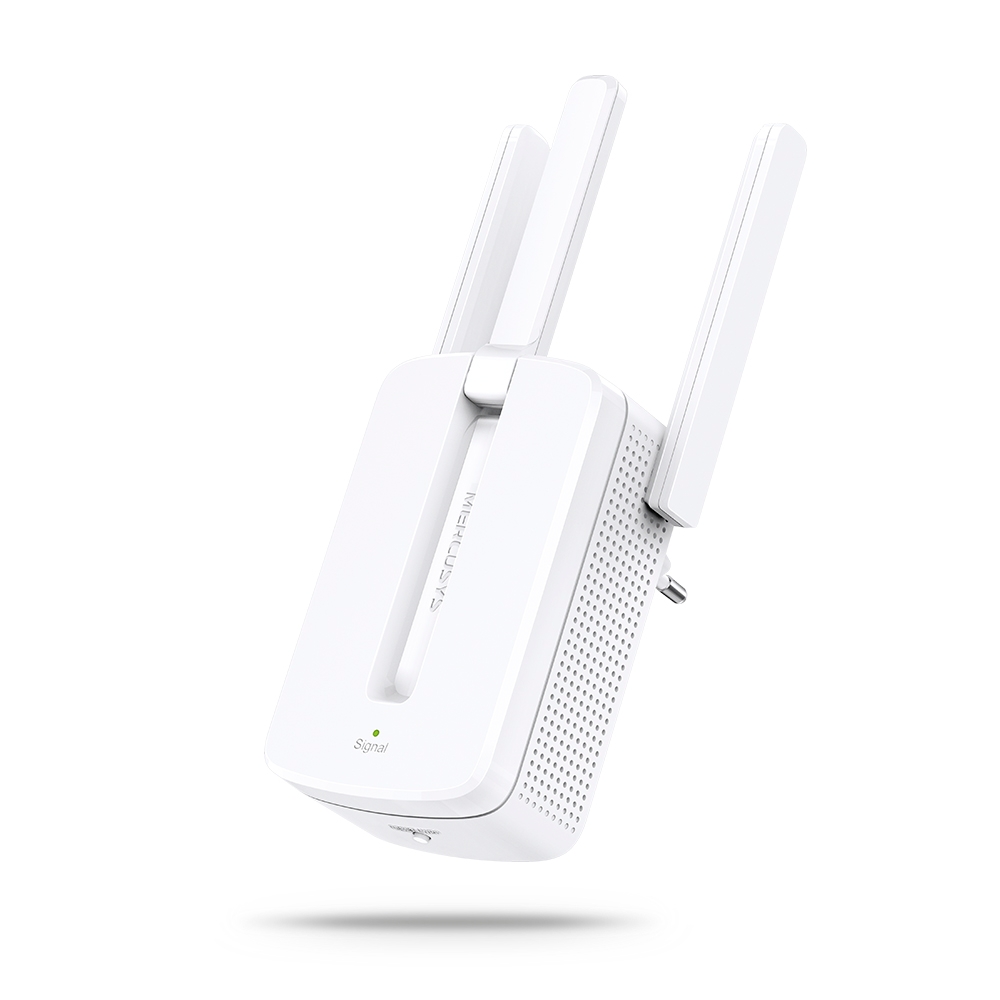
MW300RE V4
300Mbps Wi-Fi Range Extender
-
Mendukung Banyak Bahasa
Aplikasi MERCUSYS mendukung hingga 26 bahasa, memungkinkan pengelolaan jaringan yang mudah bagi pengguna di seluruh dunia.
-
English
-
Nederlands
-
Français
-
Deutsch
-
Italiano
-
日本語
-
한국어
-
Português
-
Español
-
繁體中文
-
Русский язык
-
Português Brasil
-
Español
(Latinoamérica) -
Български
-
Українська мова
-
Polski
-
Română
-
Slovenčina
-
ไทย
-
Türkçe
-
Čeština
-
Tiếng Việt
-
Eλληνικά
-
Bahasa Melayu
-
Magyar
-
עברית
-
Camera

| Image Sensor | 1/3'' Progressive Scan CMOS Not Starlight Sensor |
|---|---|
| Lens | Focal Length: 4 mm |
| Motion Range | Pan Mechanical Range: 340° (360° Pan Coverage) |
| Night Vision | 850 nm IR LED (40 ft / 12 m) |
| Interface & Button | 1× RESET Button |
-
Video & Audio
| Maximum Resolution | 2304 × 1296 px |
|---|---|
| Frame Rate | 15/20/25/30 fps ( 15fps by default) |
| Digital Zoom | Supports 10.8x zoom |
| Video Compression | H.264 |
| Live View | Yes |
| Image Enhancement | / |
| Audio Input & Output | Built-in microphone and speaker |
| Audio Communication | 2-way audio |
| Siren Volume | 88dB (Level measured at 4-inch/10-cm distance) |
-
Software
| Security | 128 bit AES encryption with SSL/TLS |
|---|
-
Storage
| Local Storage | Micro SD card slot |
|---|---|
| Cloud Storage | MERCUSYS Camera Care Cloud Storage Services (Subscription required) |
-
Power
| Power Source | 9V DC Power Adapter |
|---|---|
| Input Voltage | 100-240VAC, 50/60Hz, 0.3A |
| Output Voltage | 9.0V/0.6A |
-
General
| Smart Integration | Google Assistant, Amazon Alexa |
|---|---|
| Weather Resistance | / |
| Mounting Options | Tabletop |
| Operating Temperature | 0 ºC ~ 40 ºC (32°F ~ 104°F ) |
| Storage Temperature | -40°C~60°C (-40°F~140°F) |
| Operating Humidity | 10%~90%RH, Non-condensing |
| Storage Humidity | 0%~90%RH, Non-condensing |
| Charging Temperature | / |
| Dimensions ( W x D x H ) | 78.4 × 78.4 × 105.6 mm |
-
Detection & Notifications
| Sensor | / |
|---|---|
| AI Detection | Motion detection |
| Activity Zones | Yes |
| Output Notification | System Notification |
-
Network
| Network Connectivity | Connect via Wi-Fi |
|---|---|
| Wireless Connectivity | 11Mbps(802.11b) |
| Max. Distance Between Hub and Camera/Doorbell | / |
| RTSP | Yes |
| ONVIF | Yes |
-
Others
| Certifications | CE, NCC, BSMI, NTRA, KC, RCM, ONVIF |
|---|---|
| Package Contents | Pan/Tilt Home Security Wi-Fi Camera (MC210) × 1 |