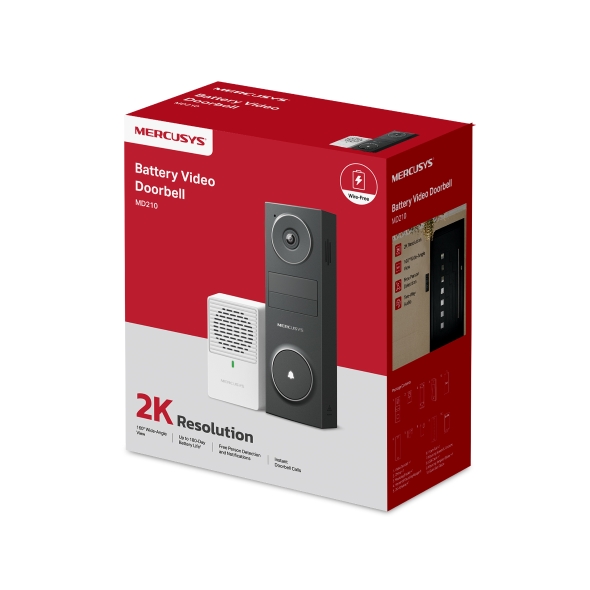
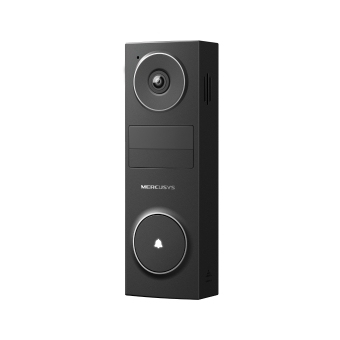
MD210 [V1] | Battery Video Doorbell
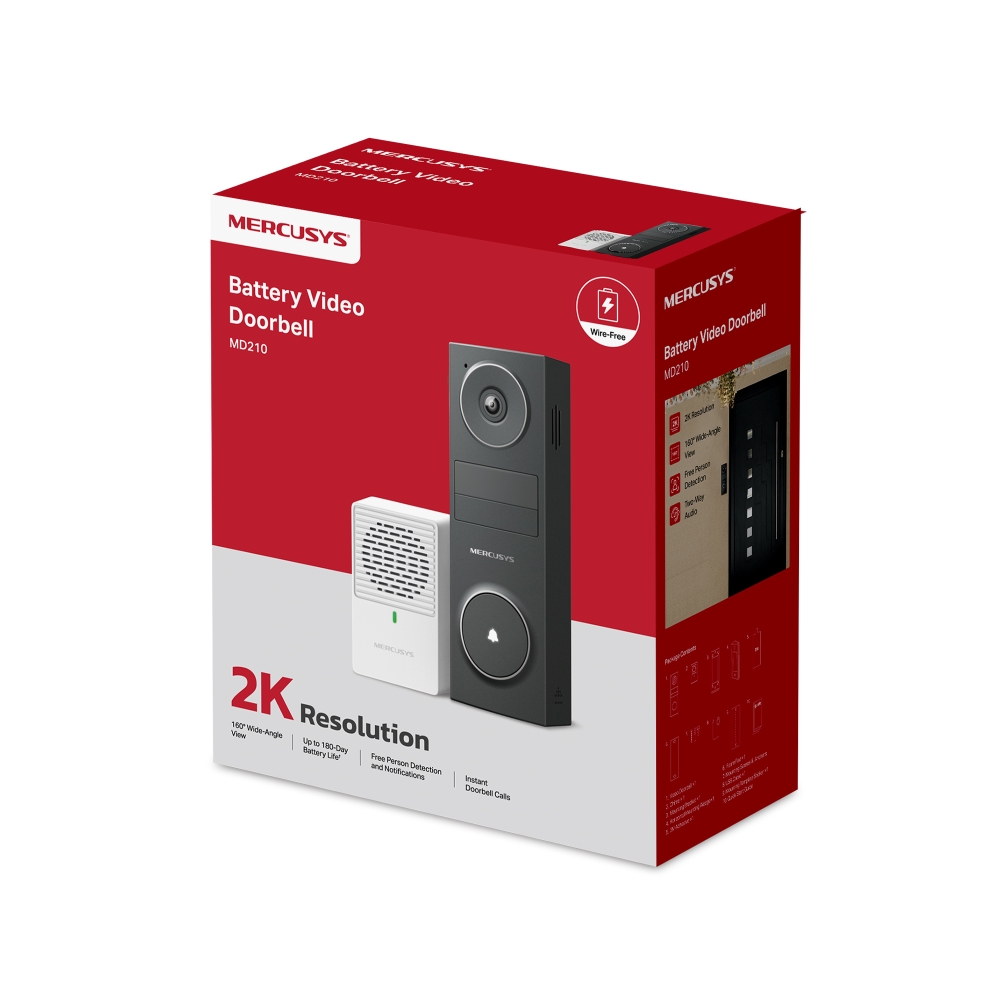
MD210
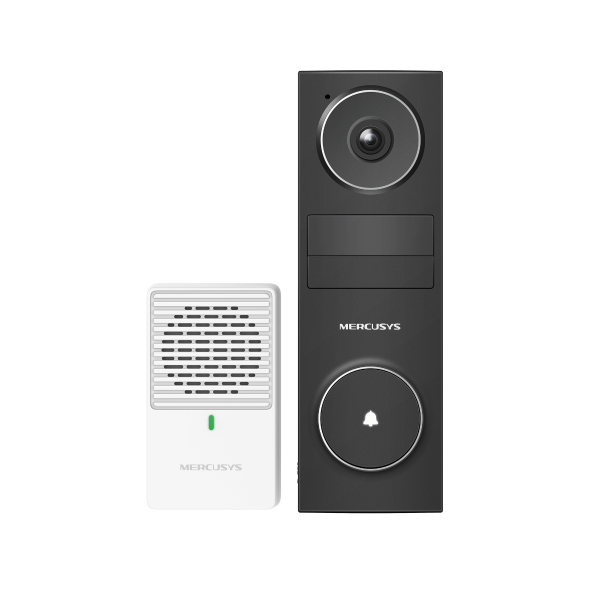
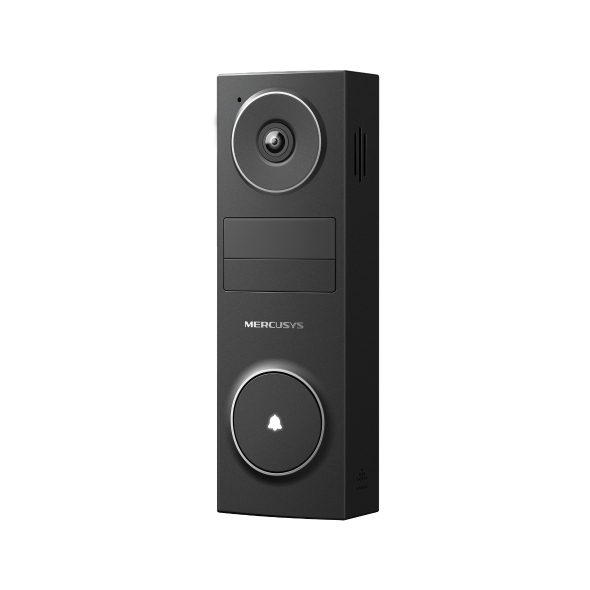
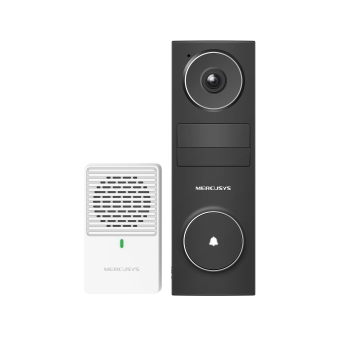
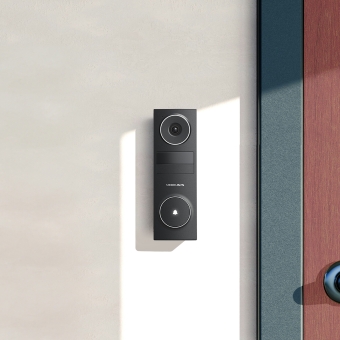
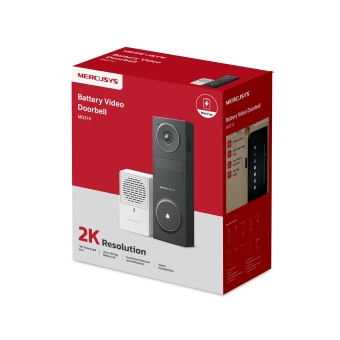
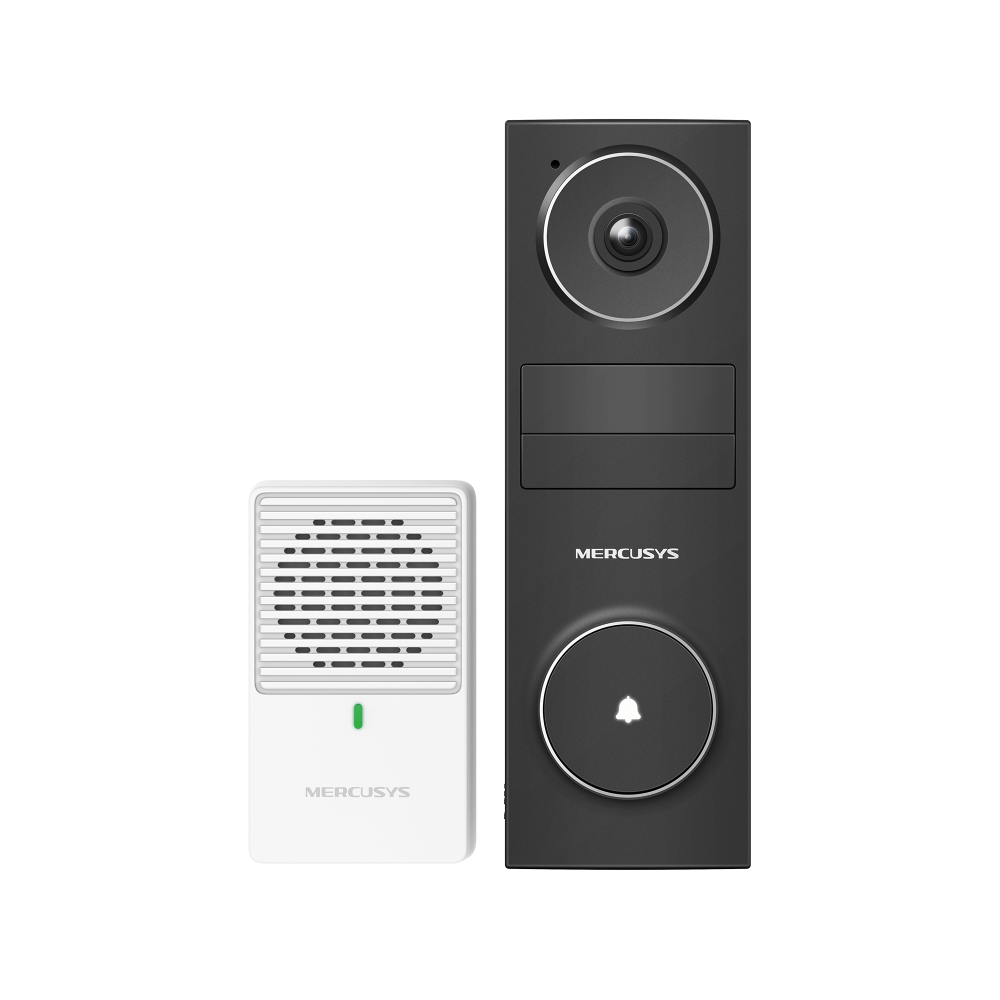
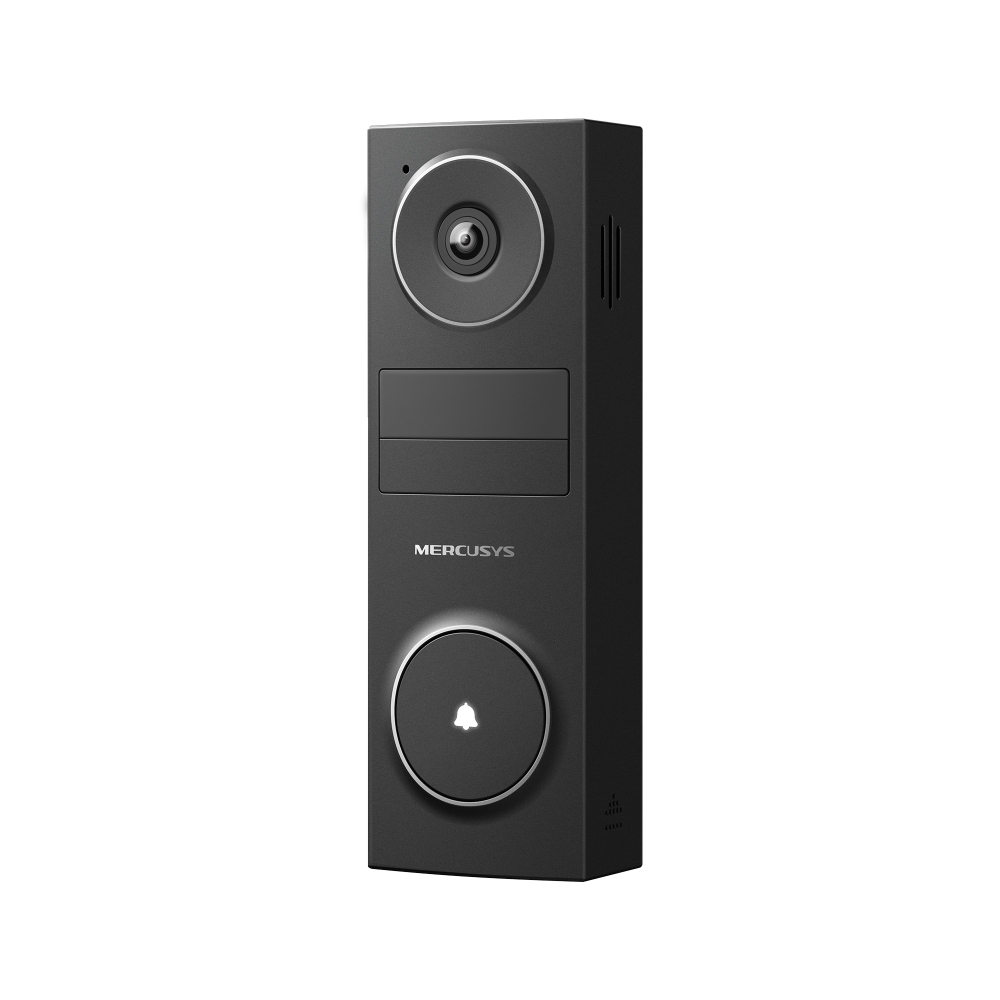
Battery Video Doorbell
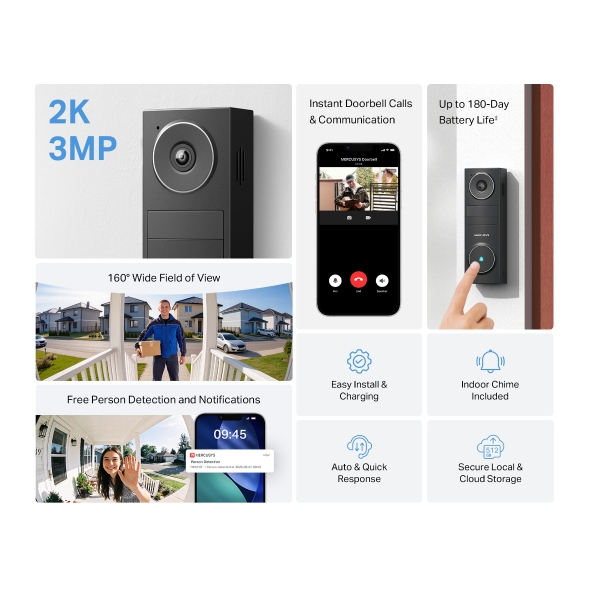
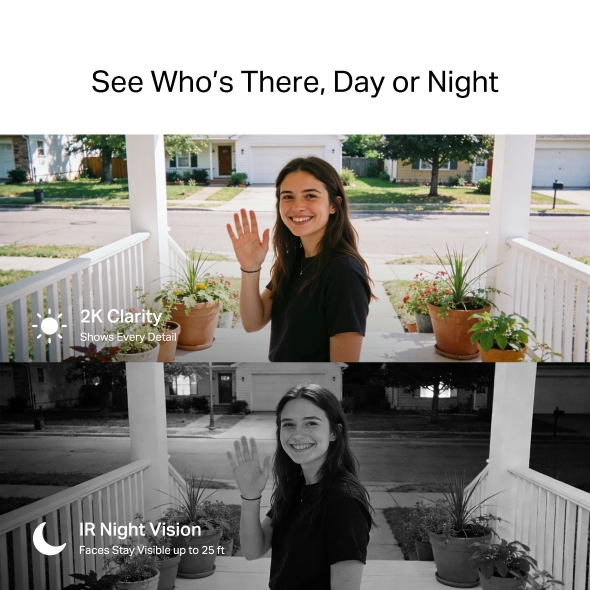
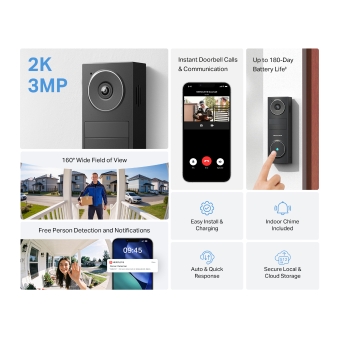
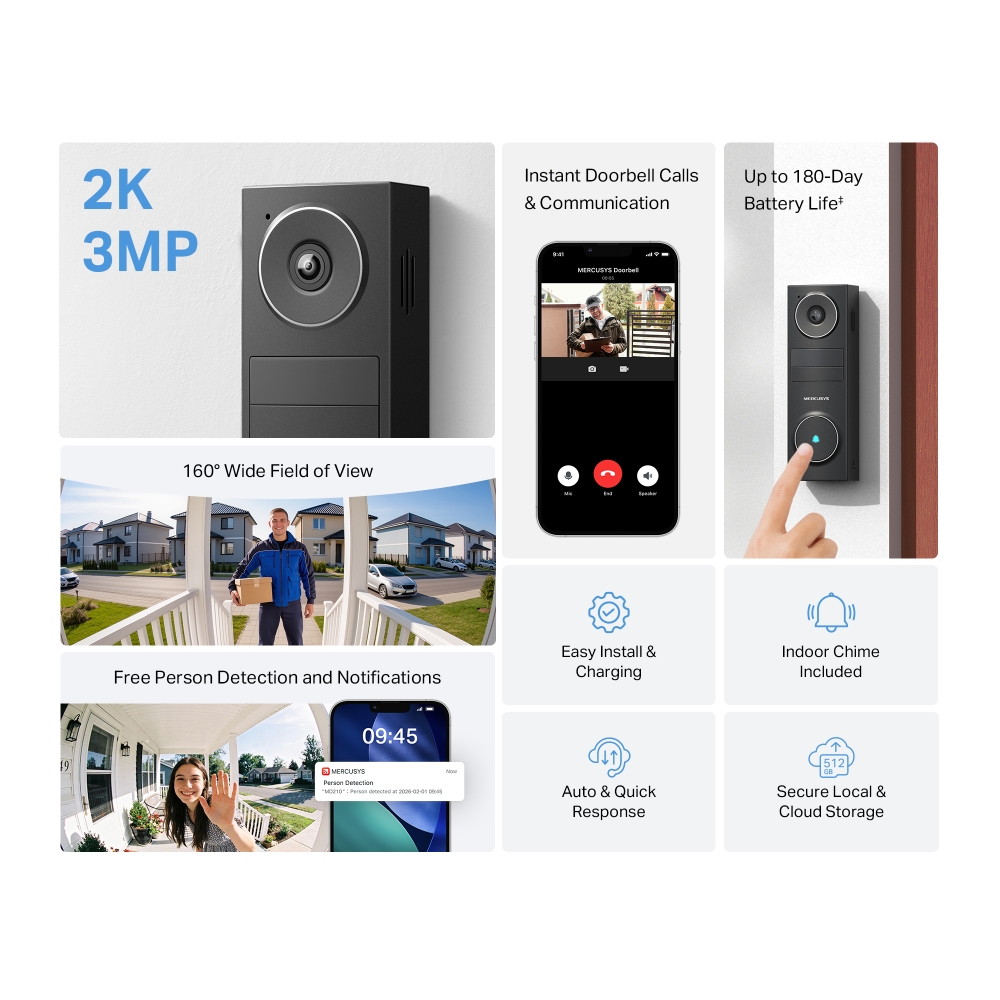
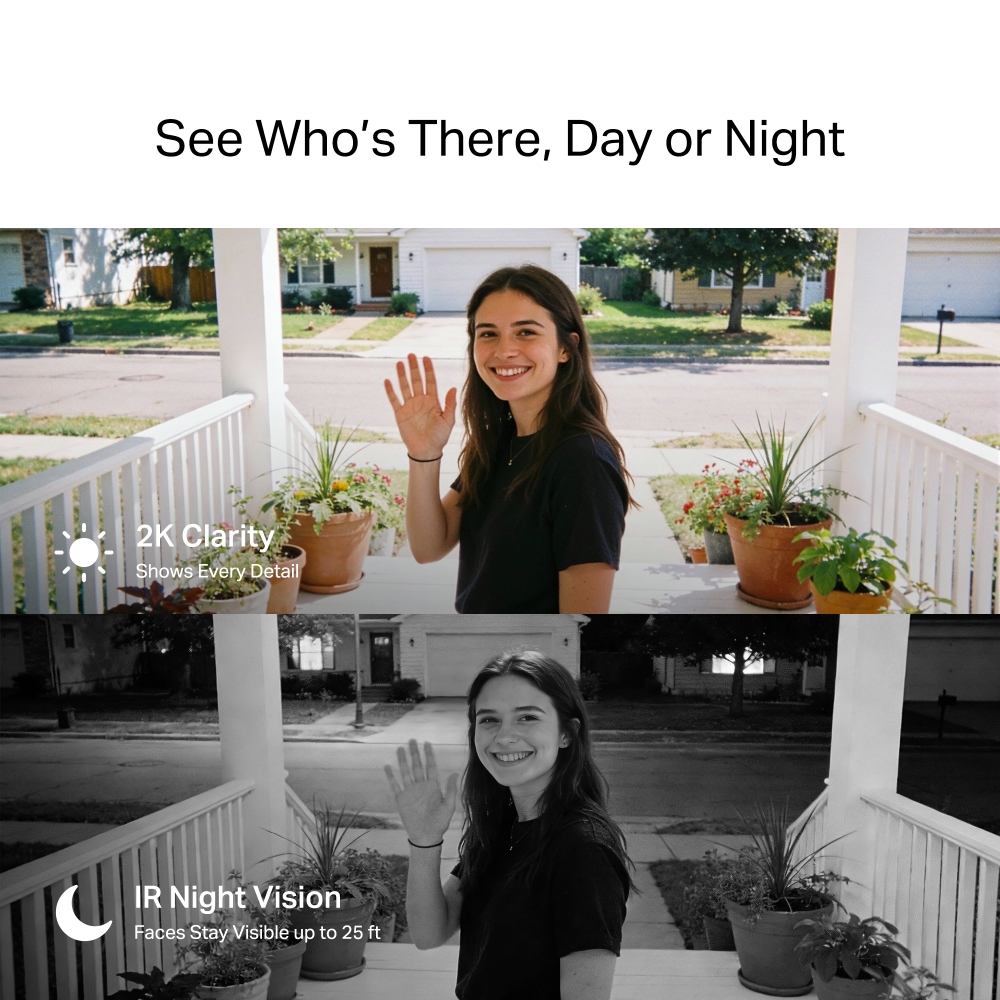
- 2K Clarity - Crisp video makes faces, packages, and doorstep details easy to see at all times.
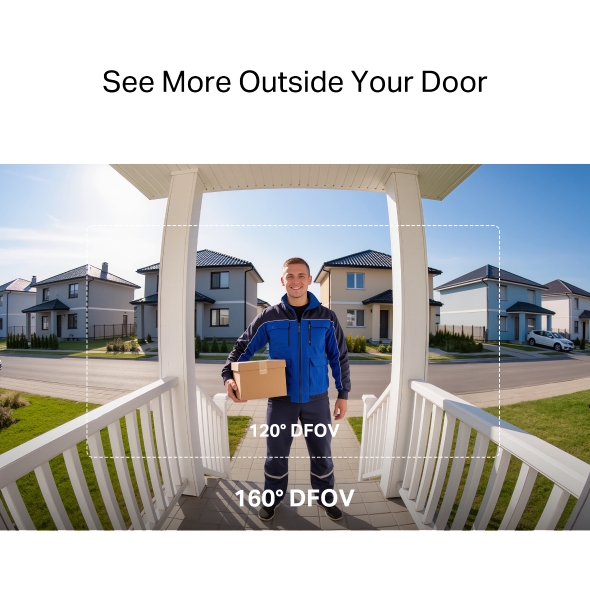
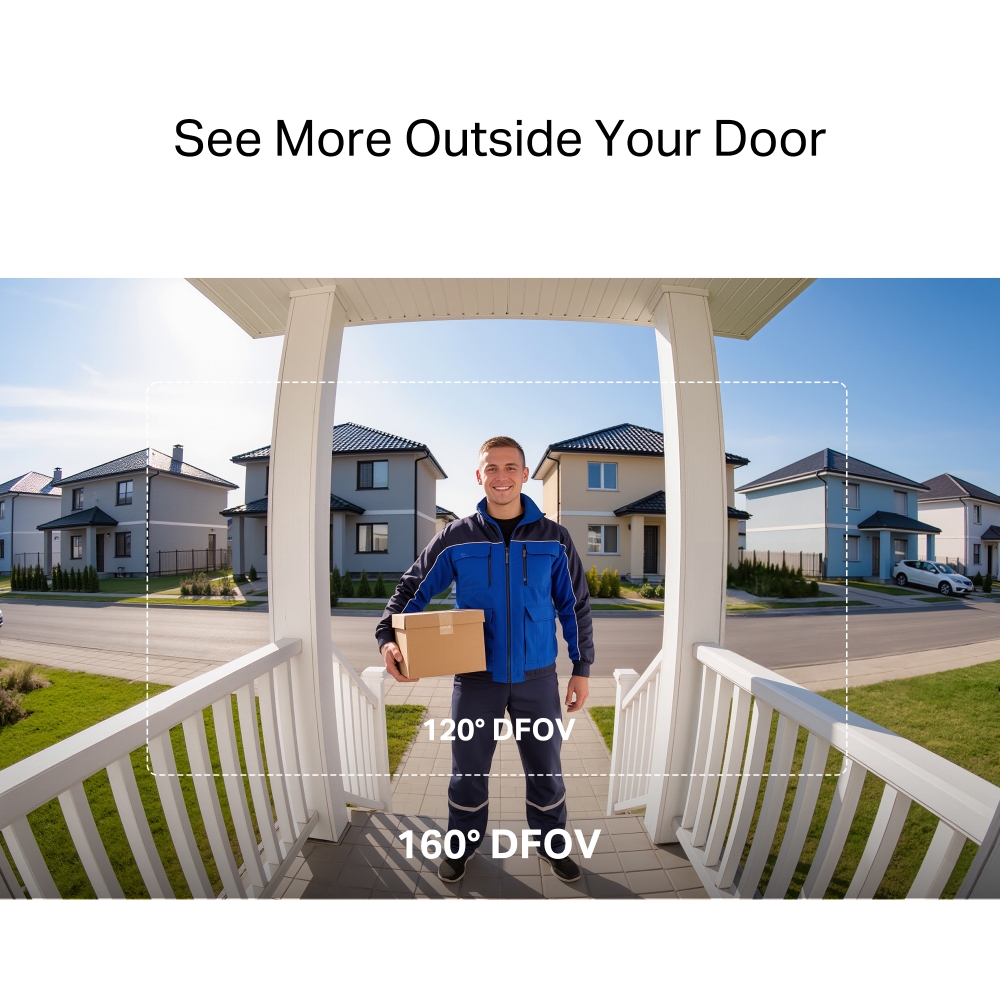
- 160° Wide Field of View - See head-to-toe view and more of your porch with fewer blind spots.†
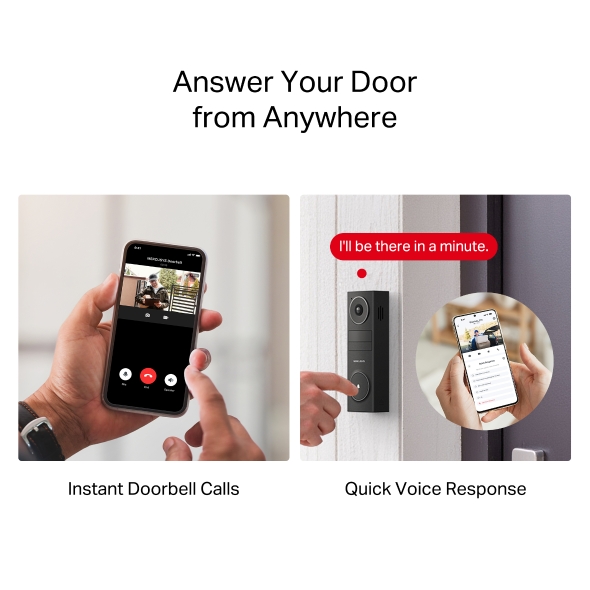
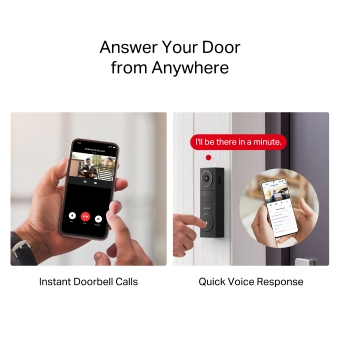
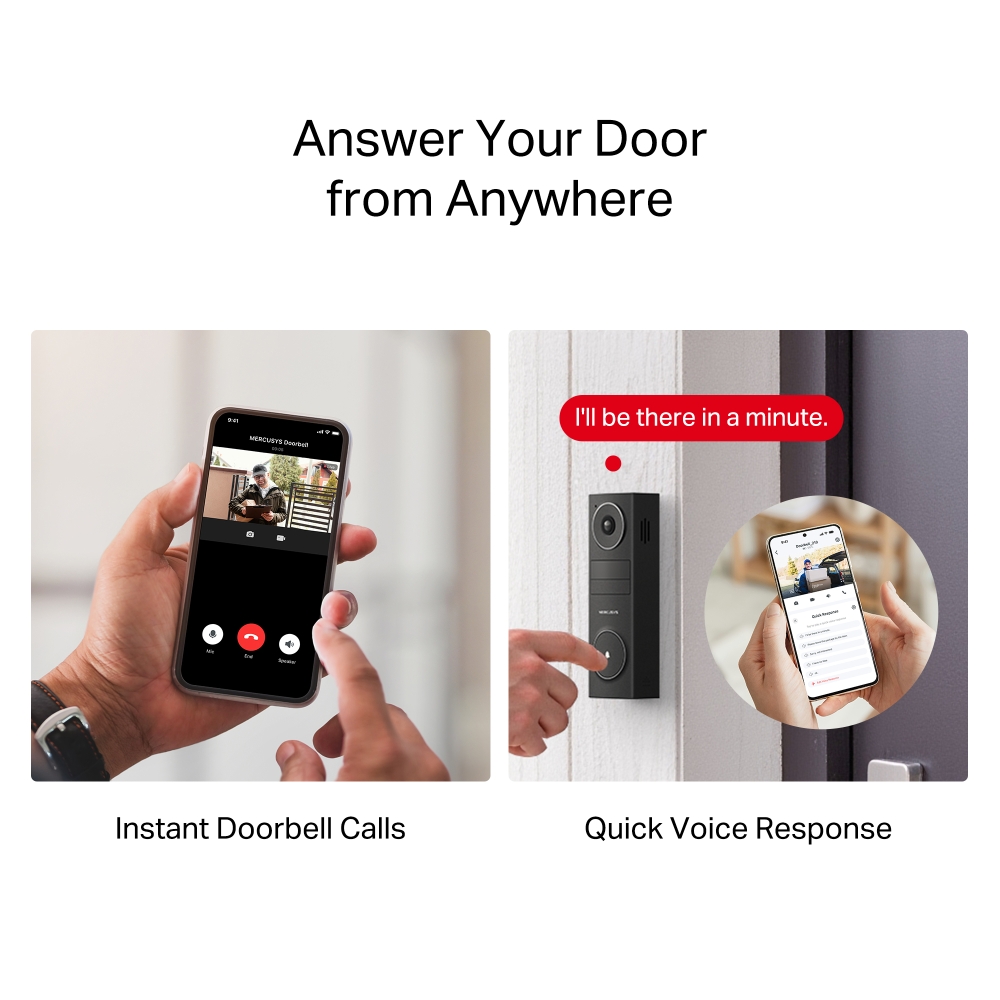
- Instant Doorbell Calls - Respond to the doorbell just like answering a phone call, ensuring no visitor or delivery is missed.
- Auto & Quick Voice Response - Use pre-set voice messages to reply when speaking is not convenient.
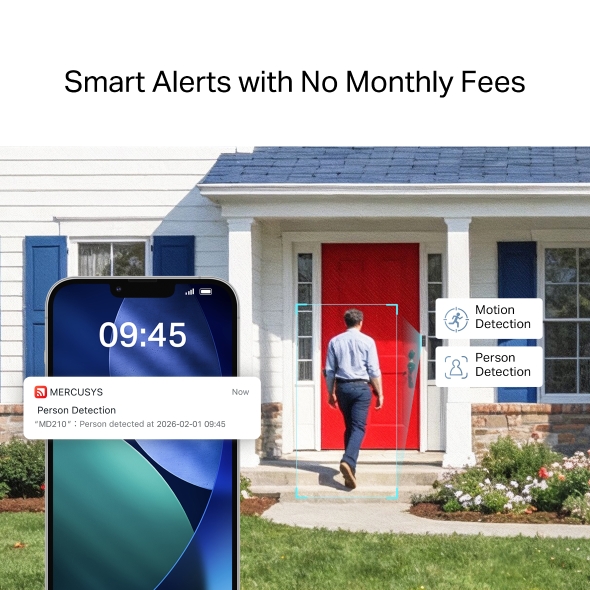
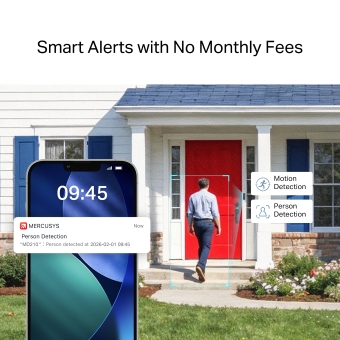
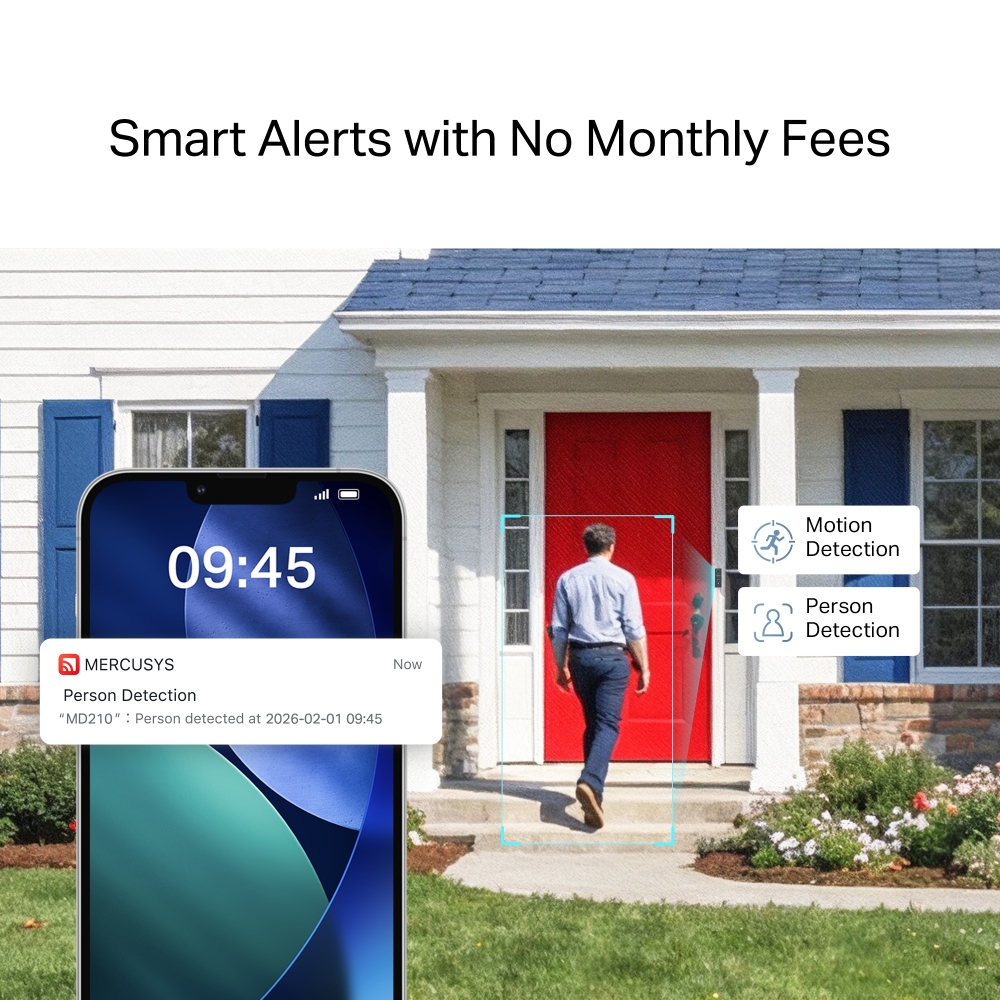
- Free Person Detection - Accurate notifications keep you informed without monthly fees.
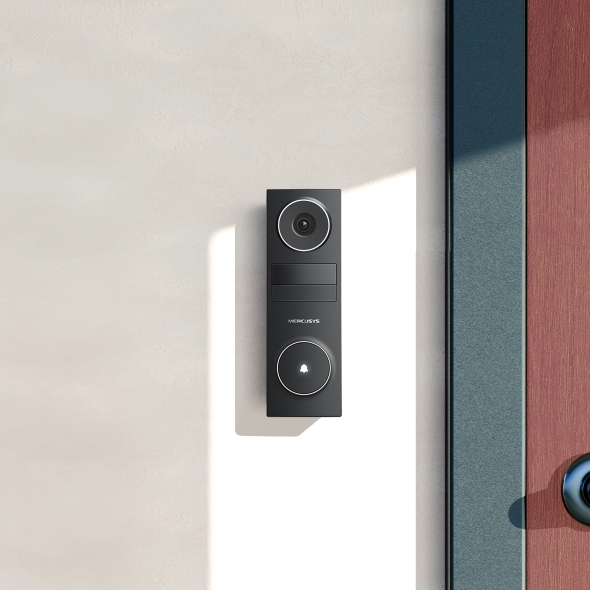
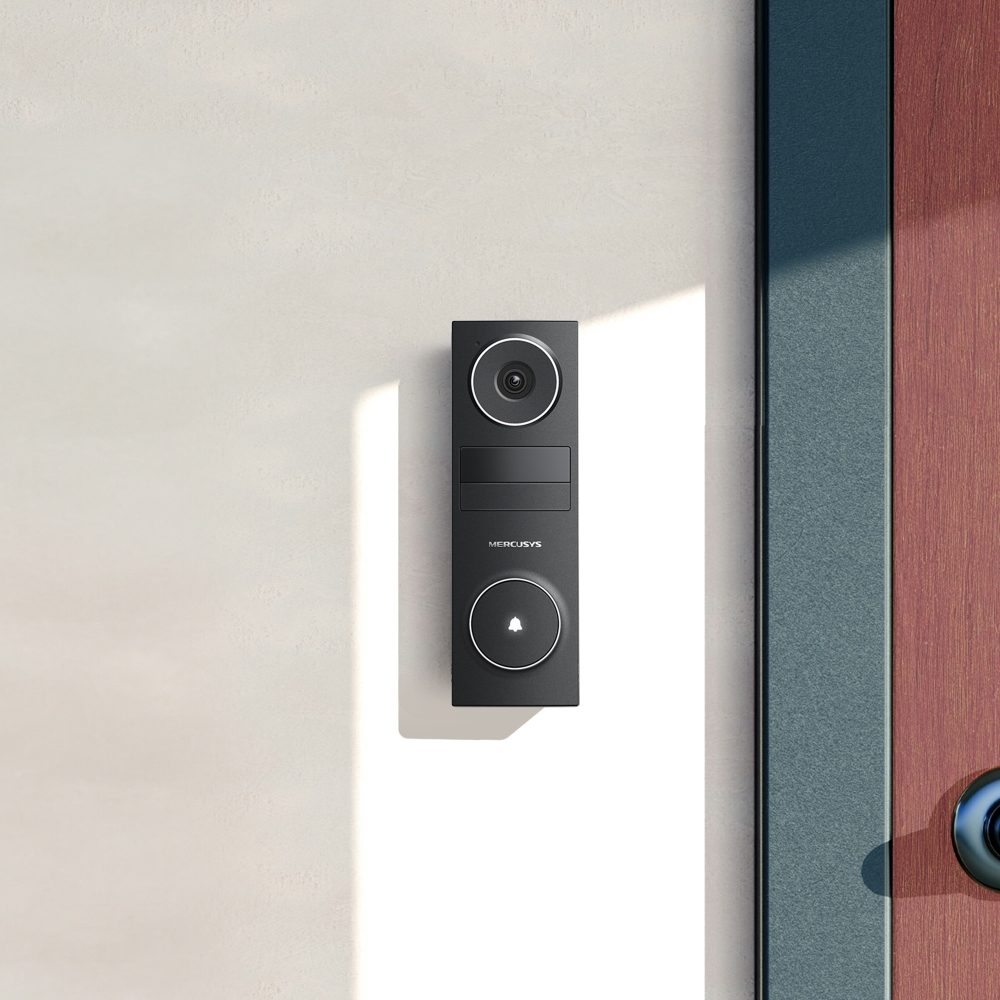
- Wire-Free Installation in Minutes - Stick it on with 3M adhesive or mount with screws—perfect for houses, apartments, and rentals.
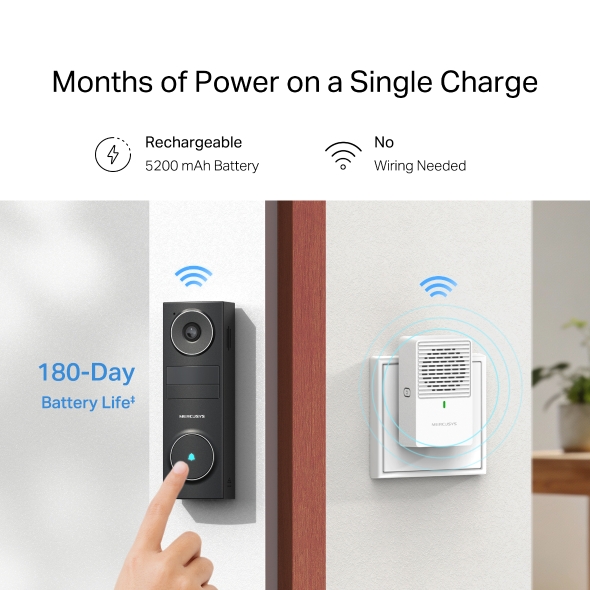
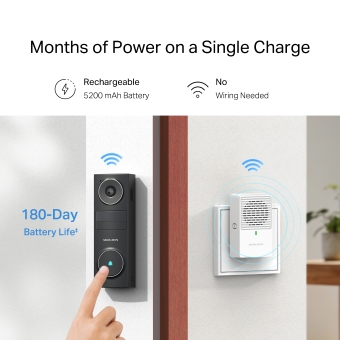
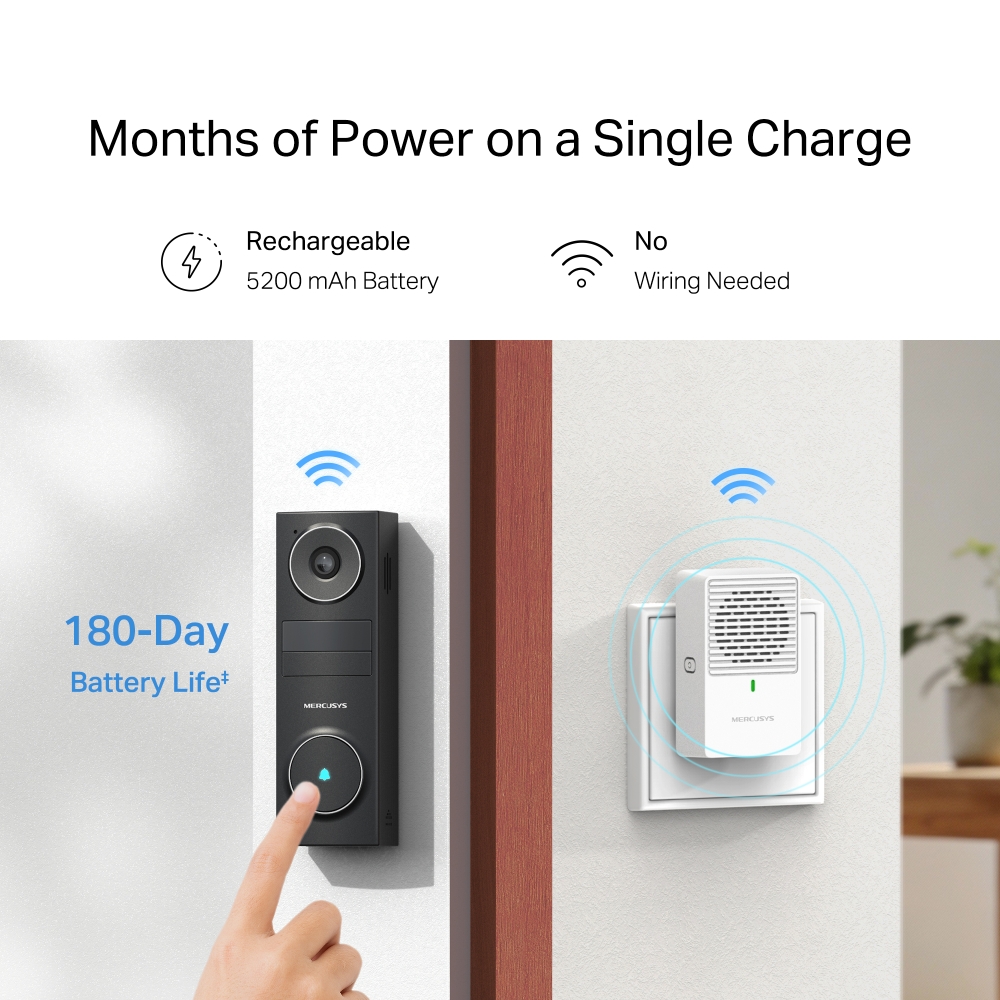
- Months of Power on a Single Charge - Use for months and recharge easily via USB-C on or off the wall.
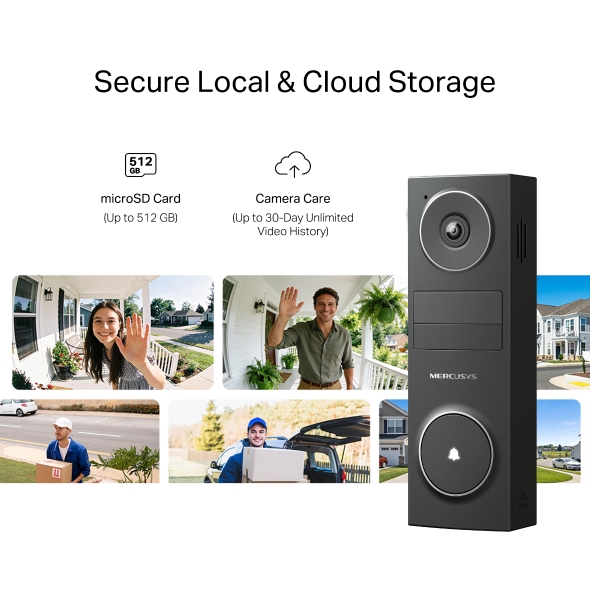
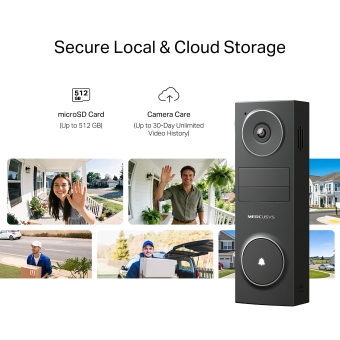
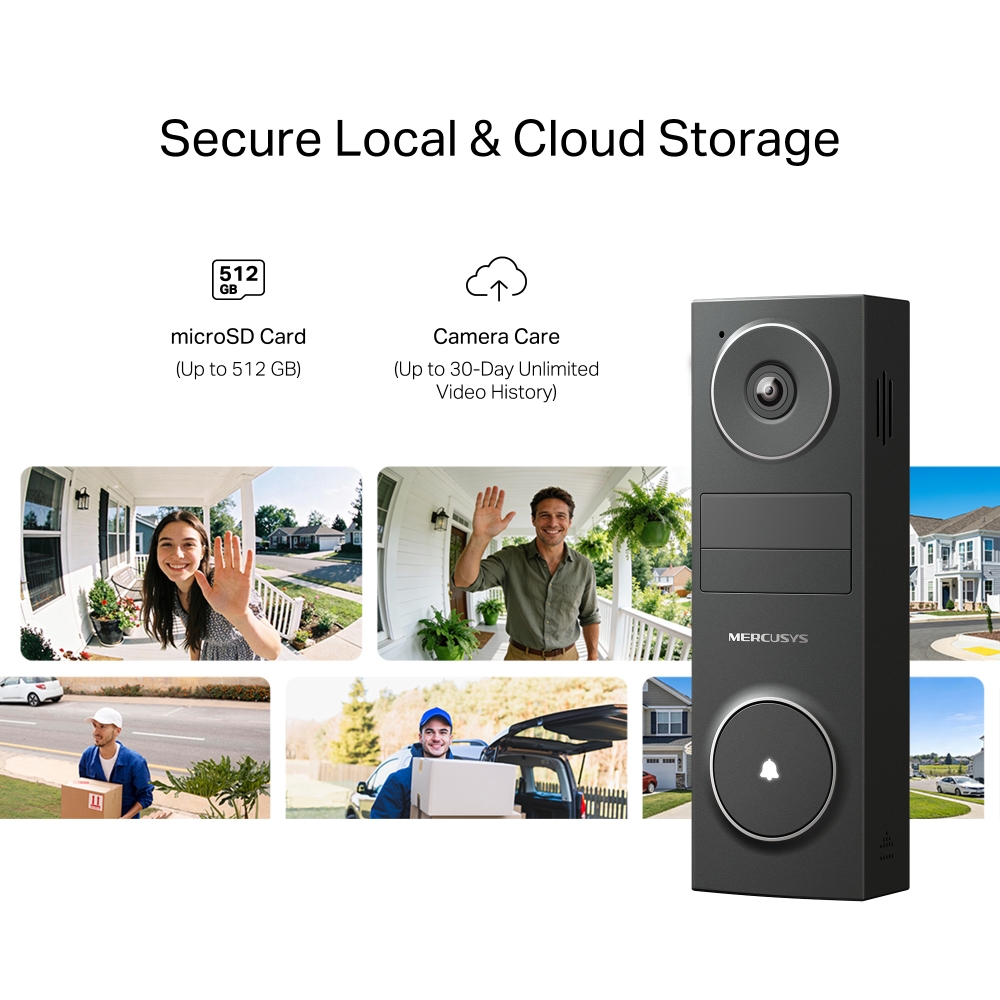
- Local & Cloud Storage - Save videos your way with microSD card up to 512 GB or cloud storage.
- Voice Control - Compatible with Google Assistant and Amazon Alexa, offering hands-free control for users.
Peace of Mind
Starts at Your Door
Battery Video Doorbell



Field of View
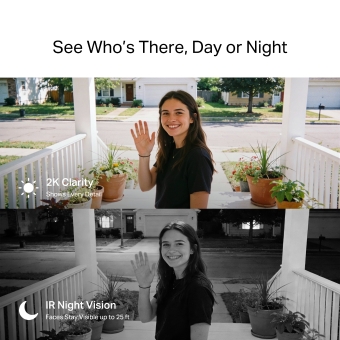
See Who’s There, Day or Night
Bright sunlight or dark nights won’t keep you from seeing clear details.




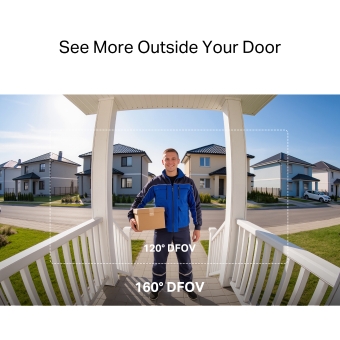
See More Outside Your Door
With a wider 160° diagonal field of view, you can see more of your doorstep and your visitor than with a typical 120° view.†
-
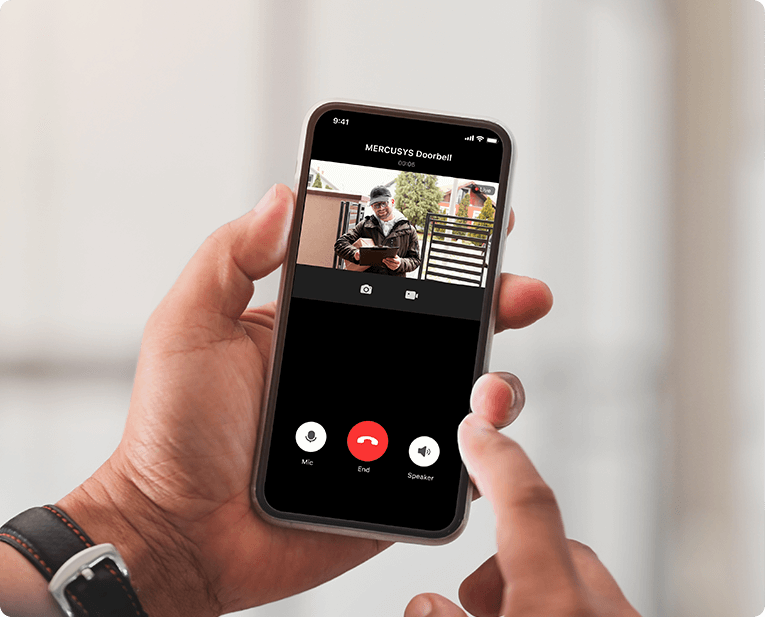
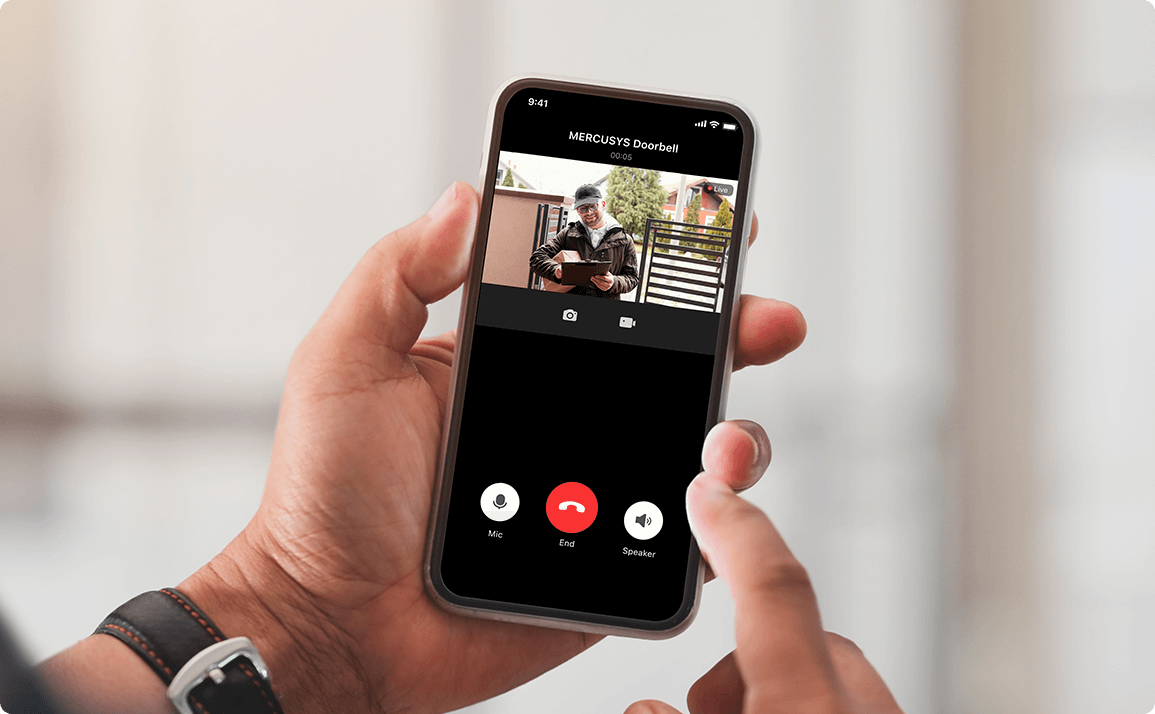
Instant Doorbell Calls
-
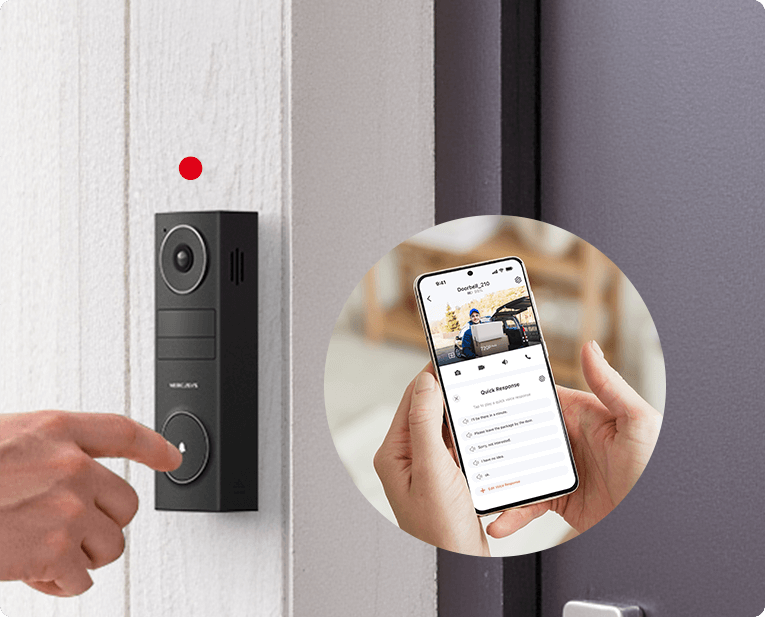
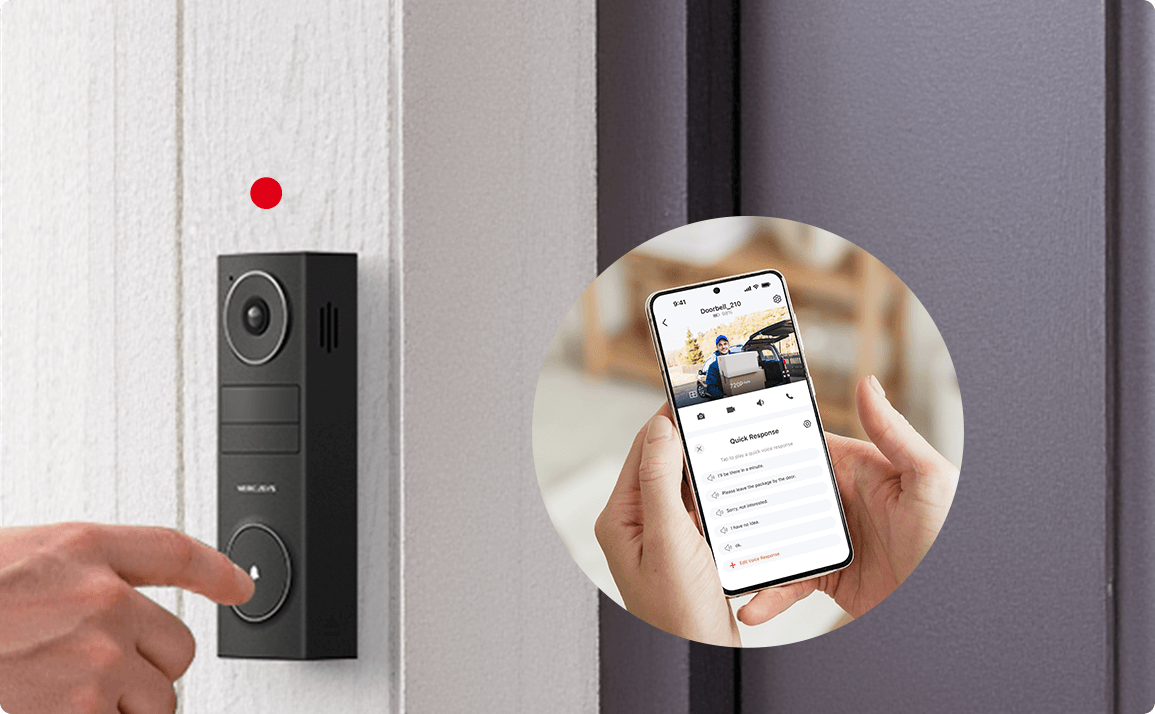 I'll be there in a minute.
Quick Voice Response
Months of Power on a Single Charge
Truly wire-free with Wi-Fi and long-lasting battery power, the doorbell installs anywhere without cables. Enjoy months of reliable performance with no hassle and no interruptions.
-

Rechargeable
5200 mAh Battery
-

No
Wiring Needed
Easy Install & Charging
Secure Local & Cloud Storage
Save all your important moments to a microSD card (up to 512 GB) or subscribe to MERCUSYS Camera Care for cloud service after a free trial.§
-

microSD Card
(up to 512 GB)
-

Camera Care
(Up to 30-Day Unlimited Video History)
Personalized for Your Home
†When installed at 1.2 meters, MD210 captures visitors head to toe at a distance of 1.5 meters. ‡180-day battery life is based on laboratory testing with 300 seconds of use per day. The time of use includes recording and watching live views. Actual battery life may vary due to device settings, usage, router specifications, and environmental factors. §microSD card sold separately. Actual storage capacity depends on the size of the microSD card used. Subscribe for cloud storage at https://www.mercusys.com/cameracare/ △The app Ul is for reference only and is subject to optimization and improvement. *Specifications are subject to change without notice.
MERCUSYS
Aplikasi MERCUSYS menyediakan cara termudah bagi Anda untuk menginstal perangkat dalam hitungan menit dan mengelola WiFi di rumah atau di luar melalui perangkat iOS atau Android Anda.


MERCUSYS Membantu Anda Instalasi Perangkat dalam Beberapa Langkah
Tanpa pengetahuan teknis atau membaca petunjuk yang rumit, cukup ikuti petunjuk dalam aplikasi. Siapkan jaringan mesh Anda dalam hitungan menit.
-
 Halo Kabel Listrik Kabel Ethernet
 Langkah 1
Temukan apa yang Anda perlukan di dalam kotak
-

Langkah 2
Colokkan perangkat Anda
-

Langkah 3
Ikuti petunjuk di layar dengan aplikasi MERCUSYS
Kelola WiFi Anda secara Real Time
Dengan aplikasi MERCUSYS, nikmati manajemen jaringan langsung. Lihat siapa yang terhubung ke jaringan Anda dan kelola kapan saja dengan perangkat iOS atau Android Anda.
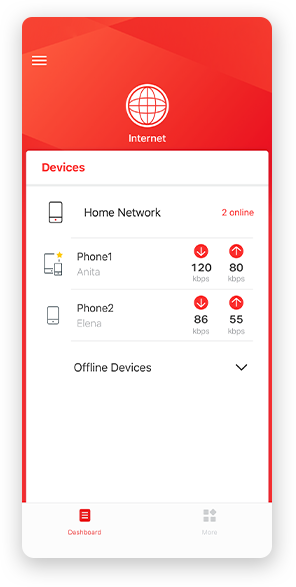
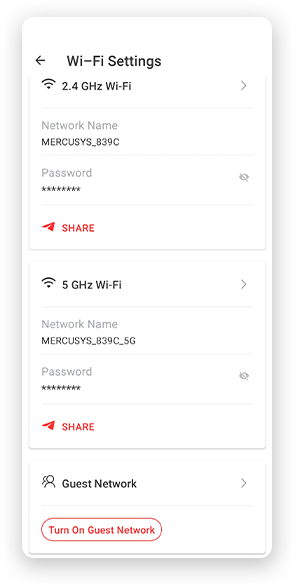
Perhatian: Halaman Konfigurasi model yang berbeda mungkin berbeda, silakan lihat yang sebenarnya.
Parental Controls Yang Andal
Kelola waktu dan konten online anak Anda dengan mudah untuk menciptakan lingkungan online yang aman dan sehat.
-
Buat Profil Pengguna
Create a profile for each family member you would like to manage. Assign devices to the profile to set access controls and time limits for them.
-
Batas Waktu Online
Set daily limits on how long your kids spend online and prevent them from accessing the internet on their devices for a long time to build a healthy network habit.
-
Blokir Situs Web yang Tidak Pantas
Control which sites your kids visit by setting a block list.
-
Jeda Koneksi Internet
Suspend family members’ internet connections to take a break from the virtual world to enjoy some family time.
Kelola dan Amankan Jaringan Rumah Anda
Aplikasi MERCUSYS membantu Anda mengelola WiFi di rumah atau di luar melalui perangkat iOS atau Android Anda.

Periksa Status Perangkat Terhubung
Lihat secara intuitif status kerja jaringan Halo Anda dan lihat apa yang terhubung. Prioritaskan atau blokir perangkat sesuai kebutuhan.

Quality of Services
Memprioritaskan perangkat yang Anda pilih untuk bekerja lebih baik.

Peringatan Akses Perangkat Baru
Aplikasi MERCUSYS secara proaktif mengirimkan peringatan untuk memberi tahu Anda saat perangkat asing terhubung. Ketuk untuk memblokir perangkat jika itu merupakan risiko keamanan.

Mengatur Guest Network
Menyediakan jaringan terpisah bagi para tamu untuk memastikan keamanan dan privasi Anda.
Semuanya dalam Satu Aplikasi
Apakah Anda ingin mengontrol berbagai MERCUSYS router , extender, atau sistem Halo mesh, temukan semuanya di aplikasi.
Lihat apa yang kompatibelProduk yang Kompatibel
Catatan: Firmware perangkat memerlukan versi terbaru. Klik di sini untuk mempelajari cara mengupgrade firmware Anda.
Catatan: Versi perangkat keras yang terdaftar dan yang lebih tinggi dari model ini kompatibel dengan aplikasi MERCUSYS.
KATEGORI
-
Halo Mesh
-

Halo H50G V1
AC1900 Whole Home Mesh Wi-Fi System
-

Halo H30G V1
AC1300 Whole Home Mesh Wi-Fi System
-

Halo H80X V1
AX3000 Whole Home Mesh WiFi 6 System
-

Halo H70X V1
AX1800 Whole Home Mesh WiFi 6 System
-

Halo H30 V1
AC1200 Whole Home Mesh Wi-Fi System
-

Halo H90X V1
AX6000 Whole Home Mesh Wi-Fi System
-
-
Wi-Fi Routers
-

MR70X V1
AX1800 Dual Band Wi-Fi 6 Router
-

MR80X V1
AX3000 Dual-Band Wi-Fi 6 Router
-

MR50G V1
AC1900 Wireless Dual Band Gigabit Router
-

AC12G V2
AC1300 Wireless Dual Band Gigabit Router
-

MR30G V1
AC1200 Wireless Dual Band Gigabit Router
-
MR1200G V1
AC1200 Wireless Dual Band Gigabit Router
-
MR1900G V1
AC1200 Wireless Dual Band Gigabit Router
-

MR1800X V1
AX1800 Dual-Band WiFi 6 Router
-

MR90X V1
AX6000 8-Stream Wi-Fi 6 Router
-
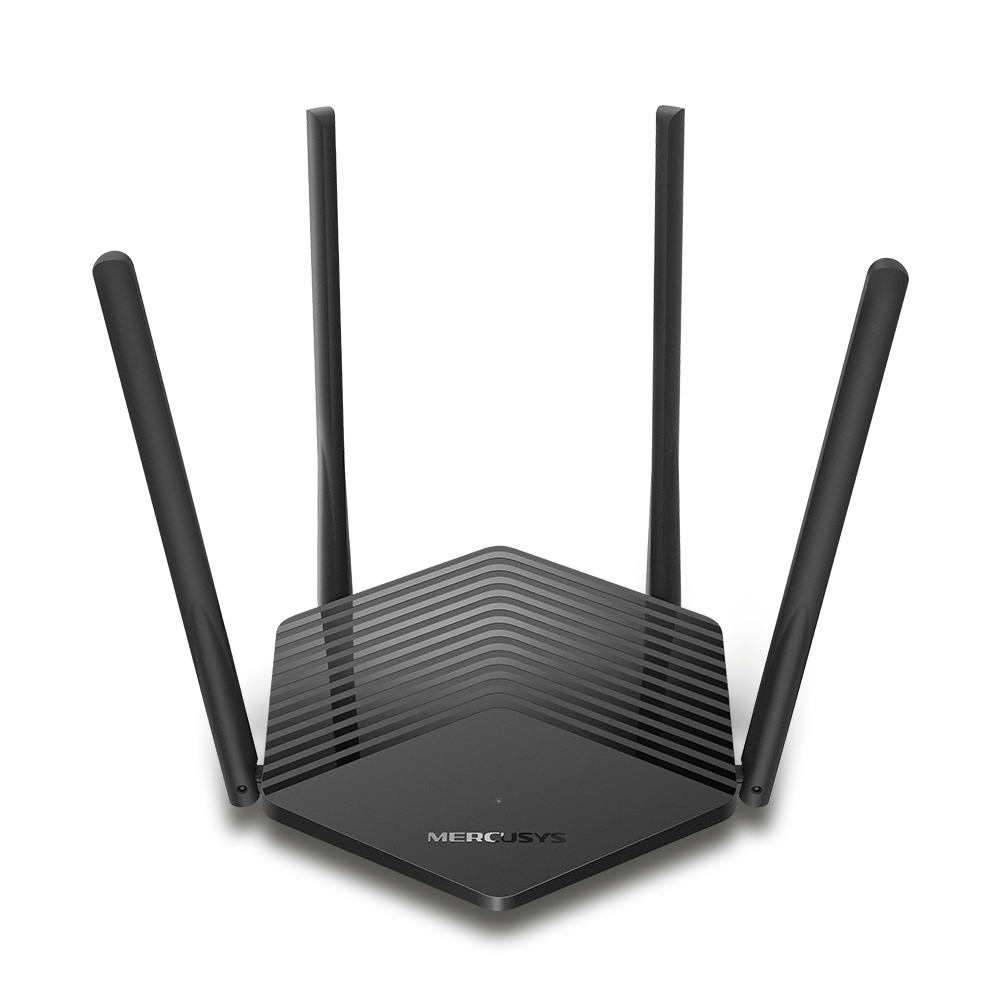
MR60X V2
AX1500 Wi-Fi 6 Router
-
2.0_01_large20200513030154.jpg)
AC12 V3
AC1200 Dual Band Wireless Router
-
1.0_01_large20200616070042.jpg)
AC10 V1
AC1200 Wireless Dual Band Router
-

MW325R V3
300Mbps Enhanced Wireless N Router
-
_1906_02_large20200513090024.jpg)
MW305R V3
300Mbps Wireless N Router
-
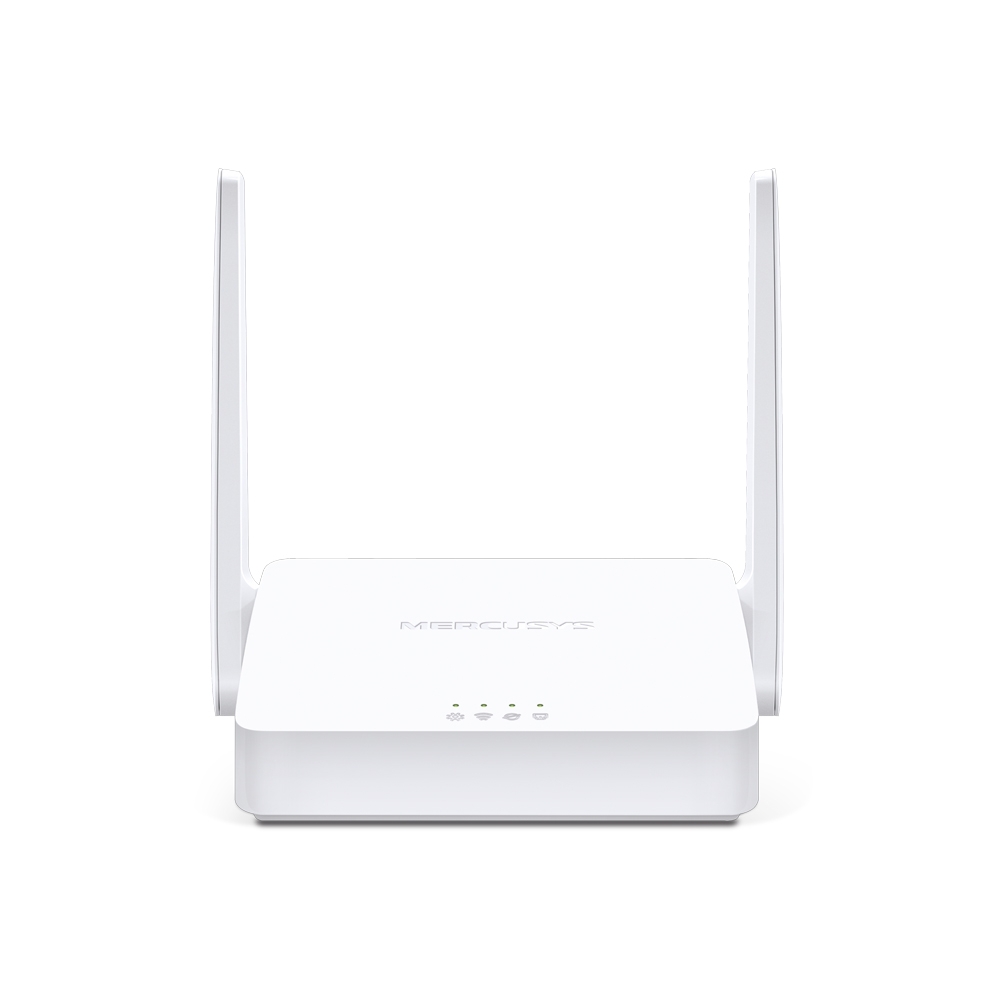
MW301R V3
300Mbps Wireless N Router
-
-
Range Extenders
-

ME70X V1
AX1800 Wi-Fi 6 Range Extender
-

ME50G V1
AC1900 Wi-Fi Range Extender
-

ME30 V1
AC1200 Wi-Fi Range Extender
-
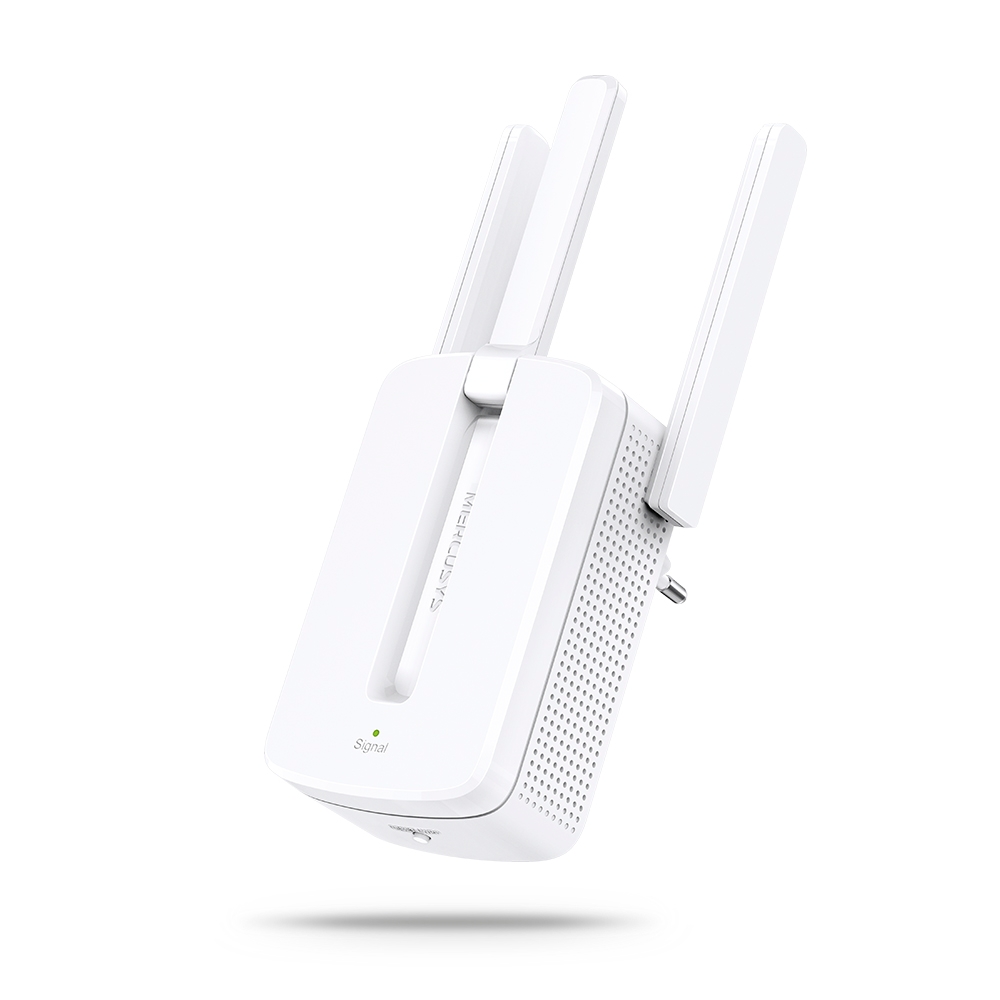
MW300RE V4
300Mbps Wi-Fi Range Extender
-
Mendukung Banyak Bahasa
Aplikasi MERCUSYS mendukung hingga 26 bahasa, memungkinkan pengelolaan jaringan yang mudah bagi pengguna di seluruh dunia.
-
English
-
Nederlands
-
Français
-
Deutsch
-
Italiano
-
日本語
-
한국어
-
Português
-
Español
-
繁體中文
-
Русский язык
-
Português Brasil
-
Español
(Latinoamérica) -
Български
-
Українська мова
-
Polski
-
Română
-
Slovenčina
-
ไทย
-
Türkçe
-
Čeština
-
Tiếng Việt
-
Eλληνικά
-
Bahasa Melayu
-
Magyar
-
עברית
-
Camera

| Image Sensor | 1/2.8” Progressive Scan CMOS Sensor |
|---|---|
| Lens | Focal Length: 2.4 mm |
| Night Vision | 2× 850 nm IR LEDs (25 ft, 7.6 m) |
| Interface & Button | Video Doorbell-MD210D: 1× RESET Button
Chime-MD210C: 1× RESET Button |
-
Video & Audio
| Maximum Resolution | 2304 × 1296 px |
|---|---|
| Frame Rate | 15 fps |
| Digital Zoom | 10.8× |
| Video Compression | H.264 |
| Live View | Yes |
| Image Enhancement | 3DNR |
| Audio Input & Output | Video Doorbell-MD210D: Built-in microphone and speaker
Chime-MD210C: Speaker |
| Audio Communication | Two-Way Audio with Noise Cancellation |
-
Software
| Security | Video Doorbell-MD210D: Local AI Detection
Chime-MD210C: 128-bit AES Encryption with SSL/TLS |
|---|
-
Storage
| Local Storage | Micro SD card slot |
|---|---|
| Cloud Storage | MERCUSYS Camera Care Cloud Storage Services (Subscription required) |
-
Hardware
| Power Consumption | Video Doorbell-MD210D: 1. Power consumption in networked standby: 0.95 W 2. Power consumption in networked standby when all wireless network ports are activated: 0.95 W 3. Power consumption in low power mode: 0.06 W 4. The default period of time after which the power management function switches the equipment automatically into a condition providing networked standby or low power mode: _20__minutes 5. Use only power supplies listed in the user instruction: Manufacturer: AOHAI Model: A806A-050100U-EU1
Chime-MD210C: 1. Power consumption in networked standby: 0.50 W 2. Power consumption in networked standby when all wireless network ports are activated: 0.50 W 3. Power consumption in low power mode: 0.48 W 4. The default period of time after which the power management function switches the equipment automatically into a condition providing networked standby or low power mode: _20__minutes |
|---|
-
Power
| Power Source | Video Doorbell-MD210D 5200 mAh Built-in Rechargeable Lithium-ion Battery Chime-MD210C Mains Electricity |
|---|
-
General
| Smart Integration | Google Assistant, Amazon Alexa, Samsung SmartThings |
|---|---|
| Weather Resistance | IP54 |
| Mounting Options | Stick to a Wall |
| Operating Temperature | -20℃~45℃ |
| Storage Temperature | -40℃~60℃ |
| Operating Humidity | 10%~90% RH, Non-condensing |
| Storage Humidity | 0~90% RH, Non-condensing |
| Dimensions ( W x D x H ) | Video Doorbell-MD210D: 140.0 × 46.0 × 32.6 mm (5.51 × 1.81 × 1.28 inches)
Chime-MD210C: 43.5 × 43.2 × 72.9 mm (1.7 × 1.7 × 2.9 inches) |
-
Detection & Notifications
| Sensor | Single PIR Motion Sensor |
|---|---|
| AI Detection | Person and Motion Detection |
| Activity Zones | Yes |
| Output Notification | System Notification |
-
Network
| Network Connectivity | Connect via Wi-Fi |
|---|---|
| Wireless Connectivity | IEEE 802.11b/g/n, 2.4 GHz Wi-Fi |
-
Others
| Certifications | CE, NTRA |
|---|---|
| Package Contents | MERCUSYS Video Doorbell × 1 |