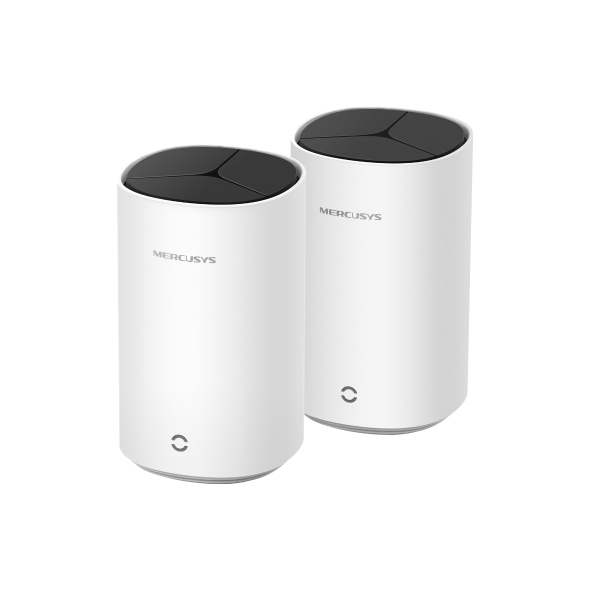
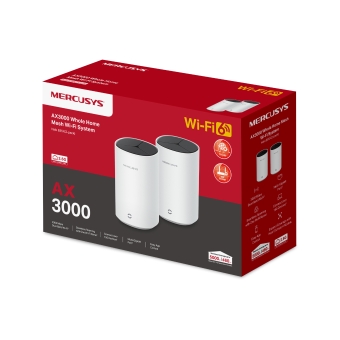
Halo E85X [V1] 2-pack | AX3000 Whole Home Mesh Wi-Fi 6 System

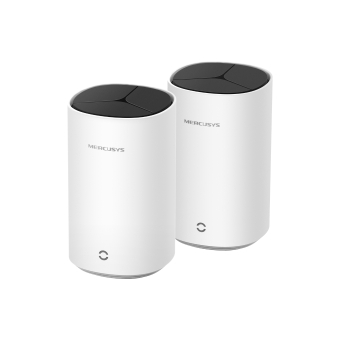

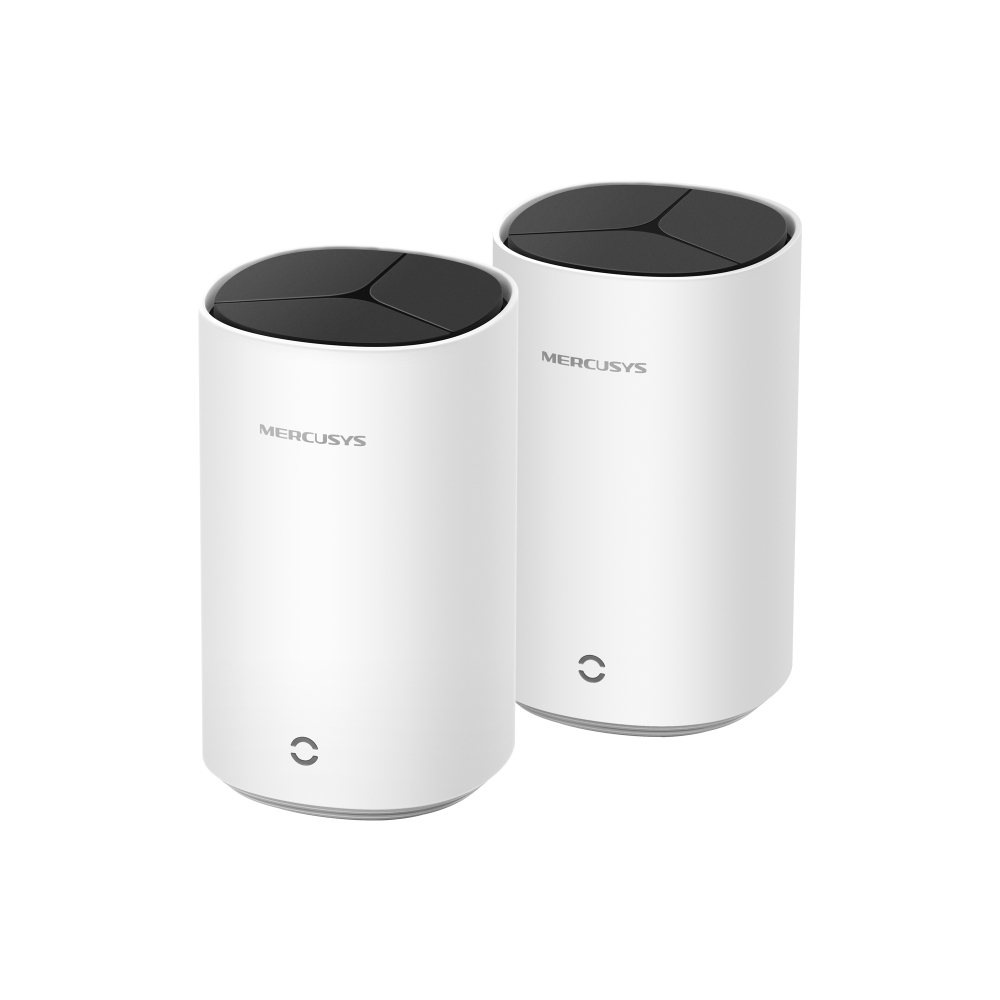

Halo E85X
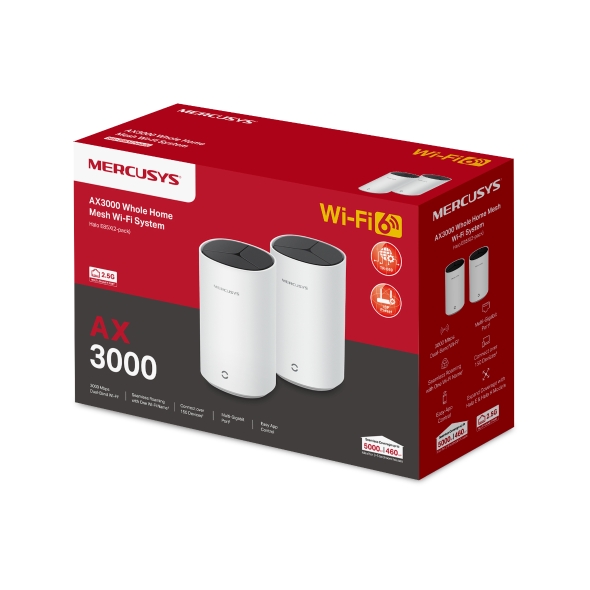
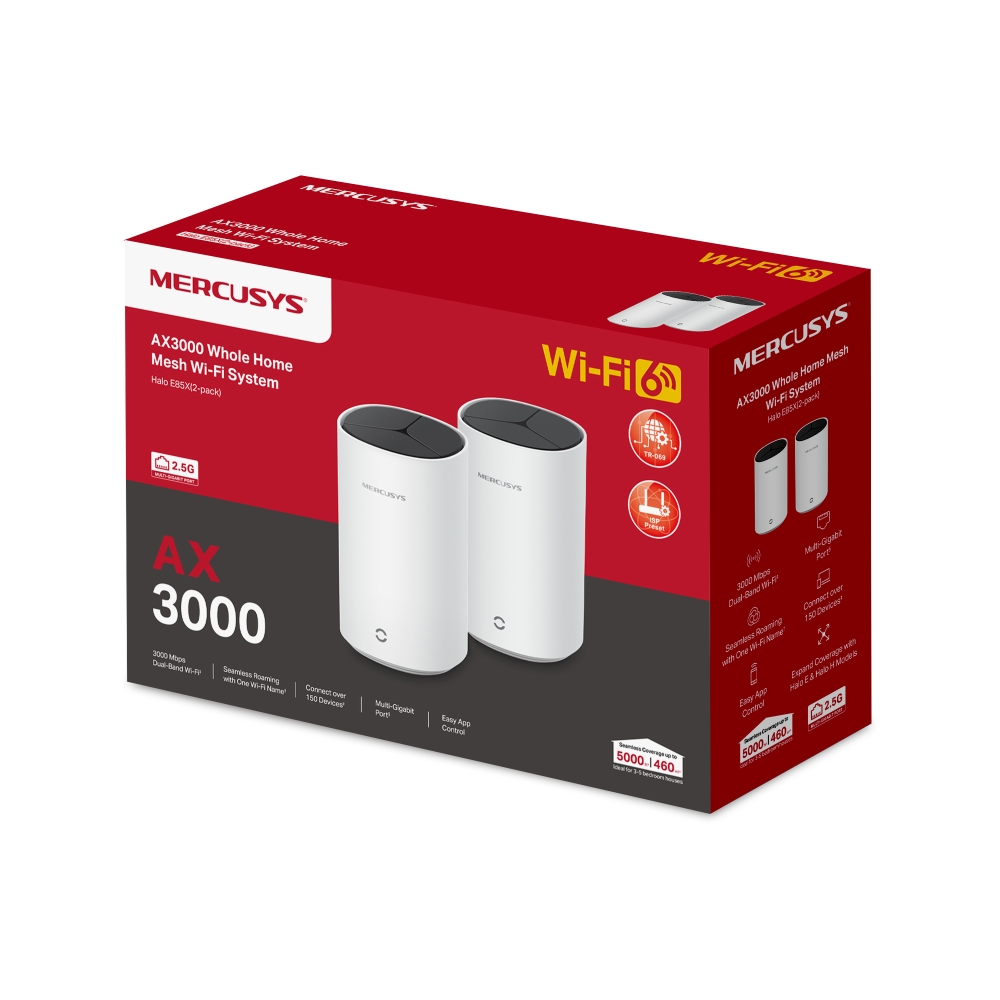
AX3000 Whole Home Mesh Wi-Fi 6 System
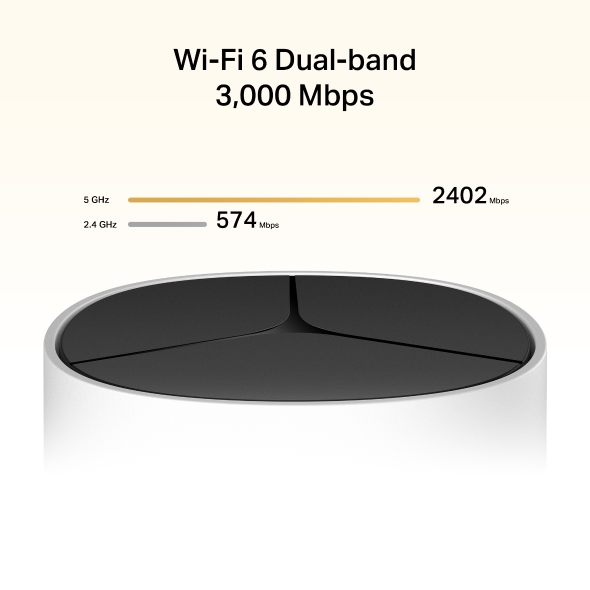
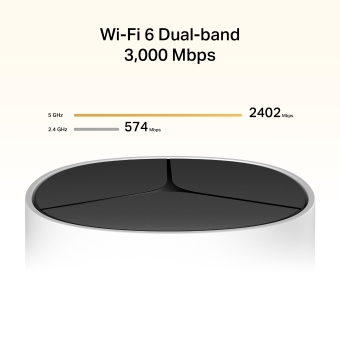
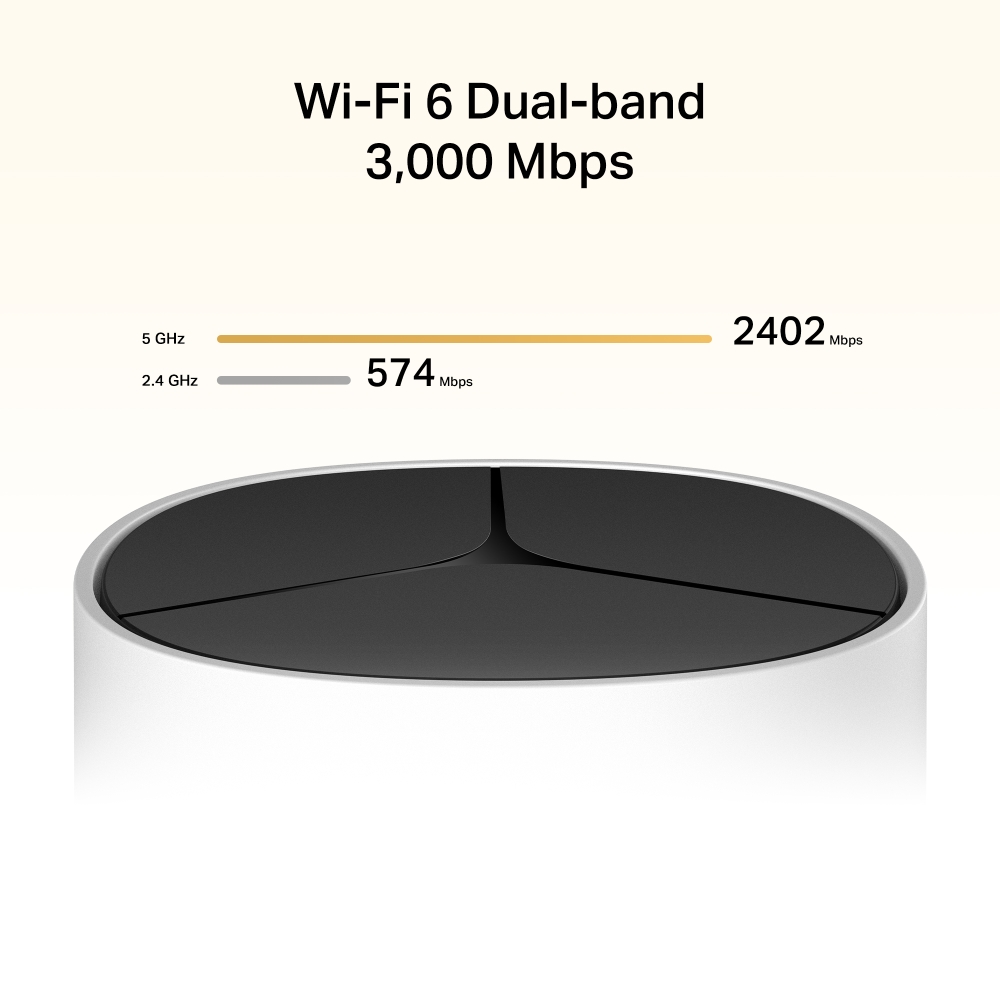
- Dual Band Wi-Fi 6 Speeds up to 3000 Mbps – 2402 Mbps on 5 GHz and 574 Mbps on 2.4 GHz.†
- Seamless Roaming with One Unified Network – Halo units work together to automatically switch between Halos as you move around your home with a single unified WiFi name and password.‡
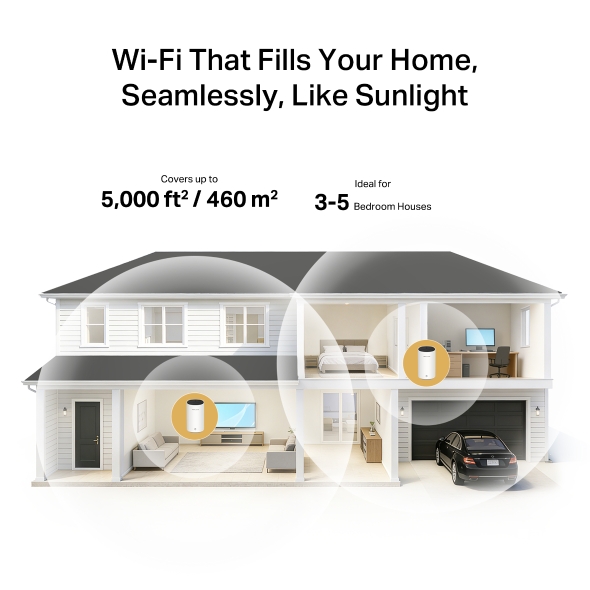
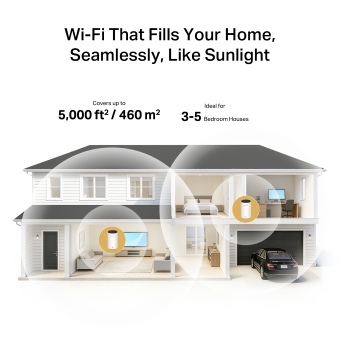
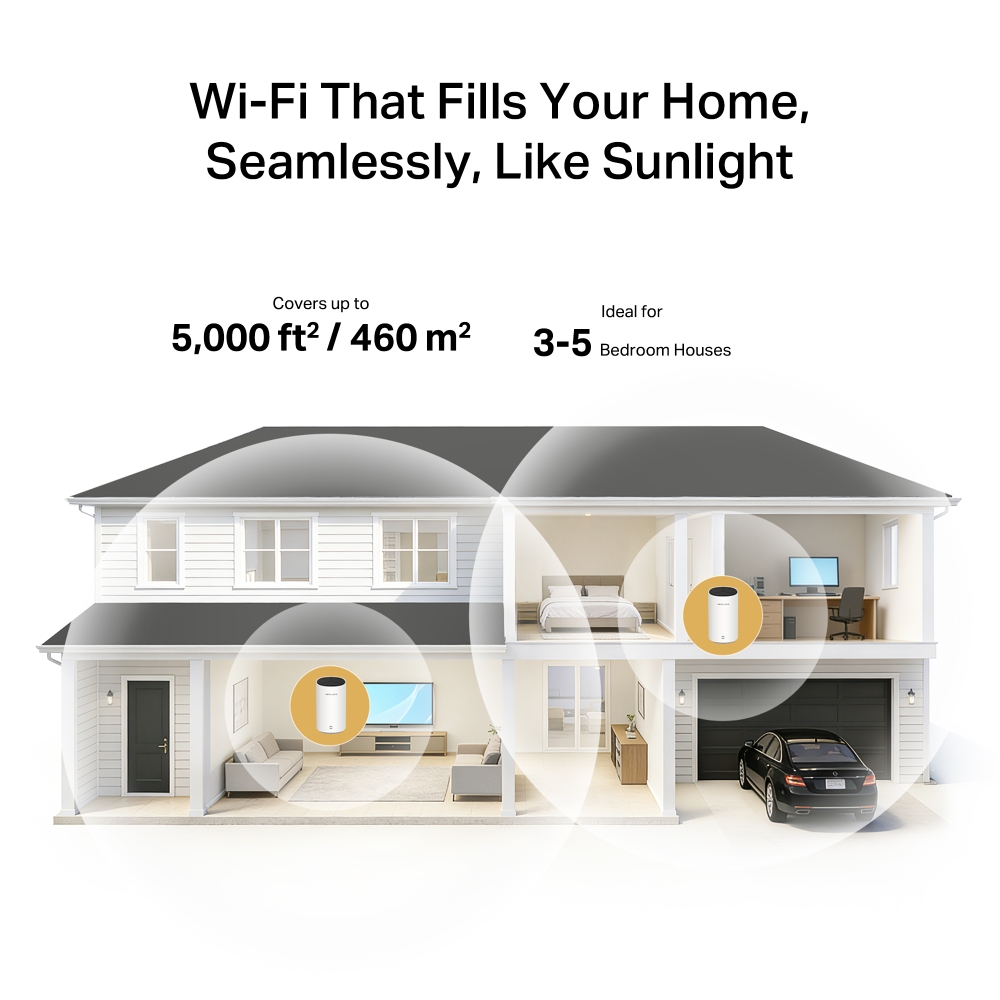
- Whole Home Coverage – Blanket up to 5,000 ft²/460 m² (ideal for 3-5 bedroom houses) with high-speed Wi-Fi, eliminating Wi-Fi dead zones at your home.†
- Connect over 150 Devices – Provide fast and stable connections over 150 devices.†
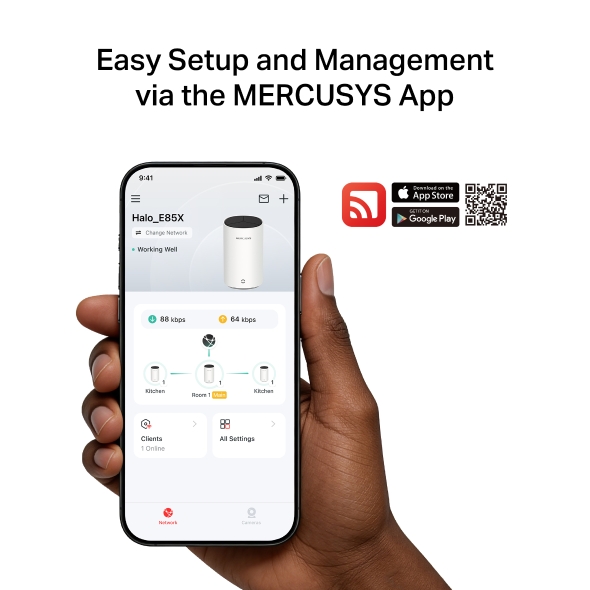
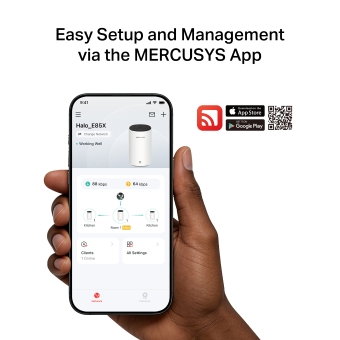
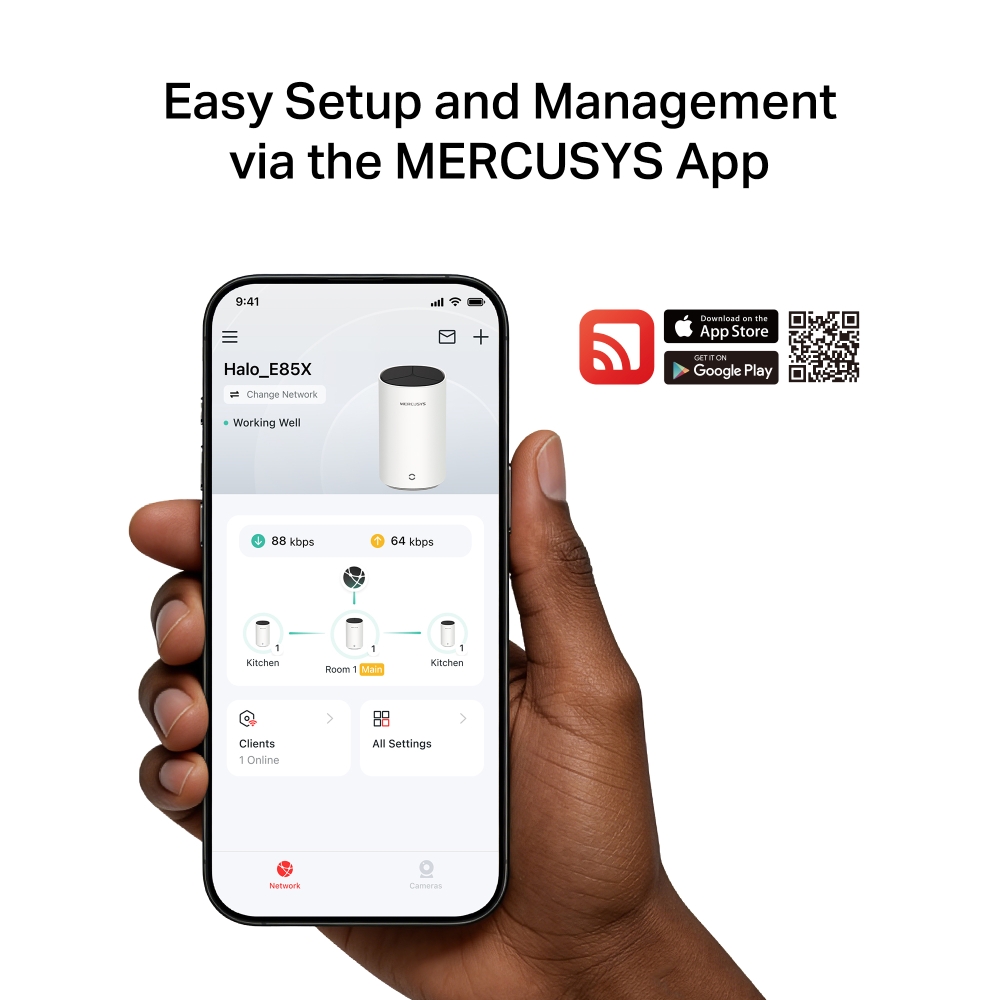
- Easily Manage Your Home Network – Use the MERCUSYS App to quickly set up and manage your Wi-Fi. You can also manage your kids’ online time and contents.
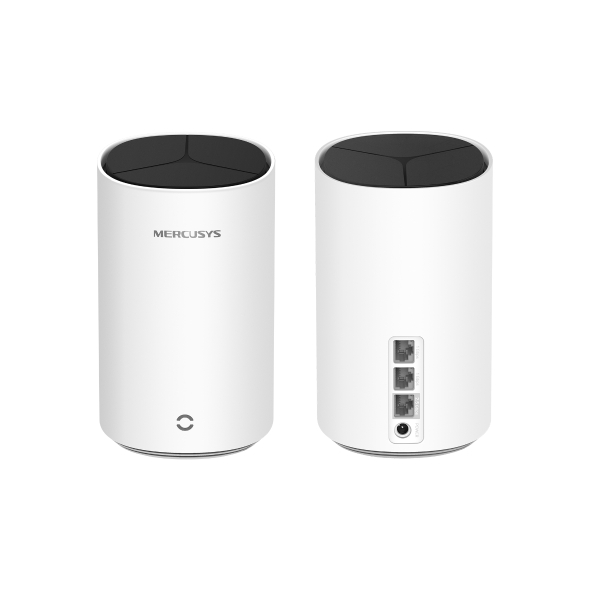
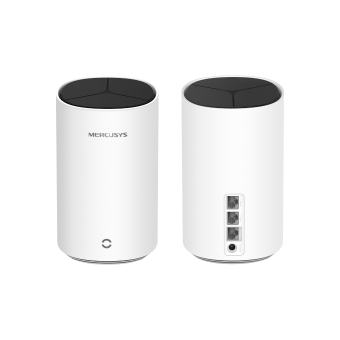
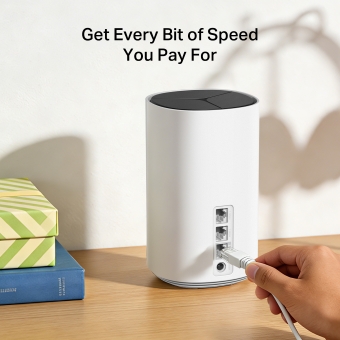
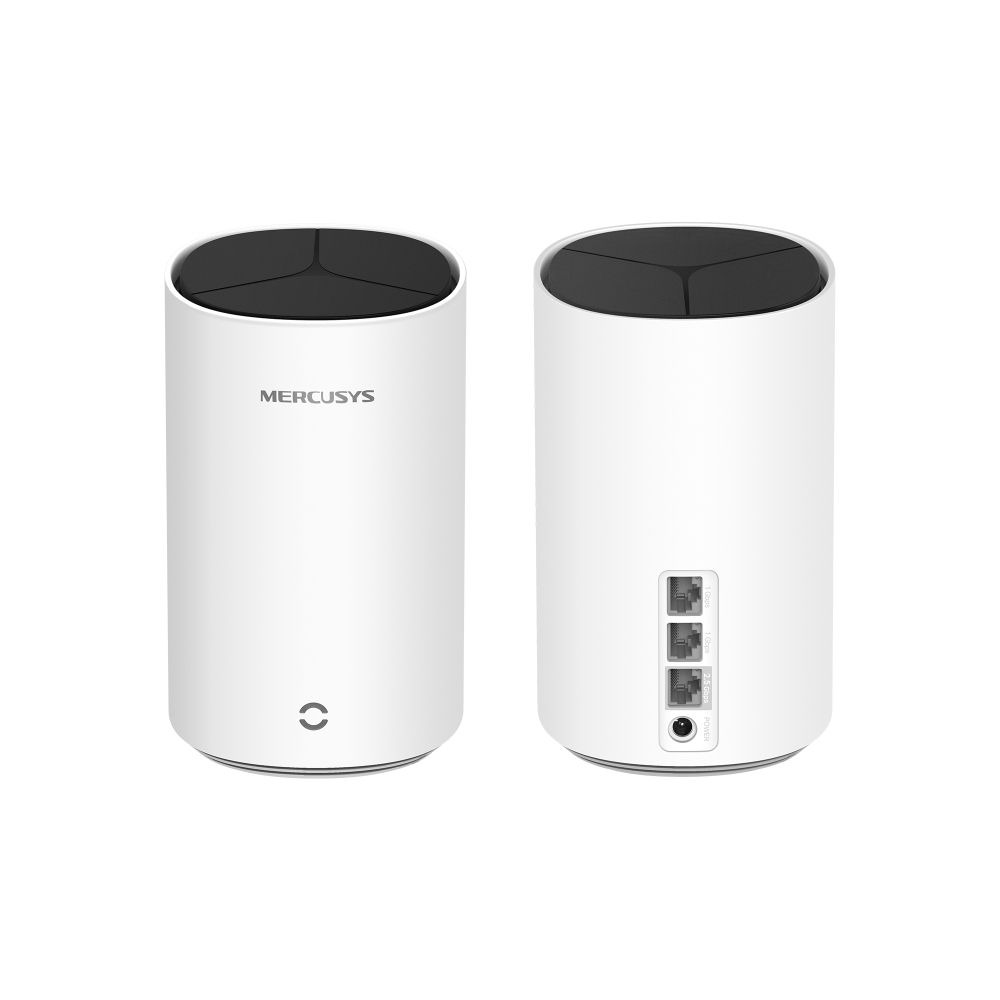
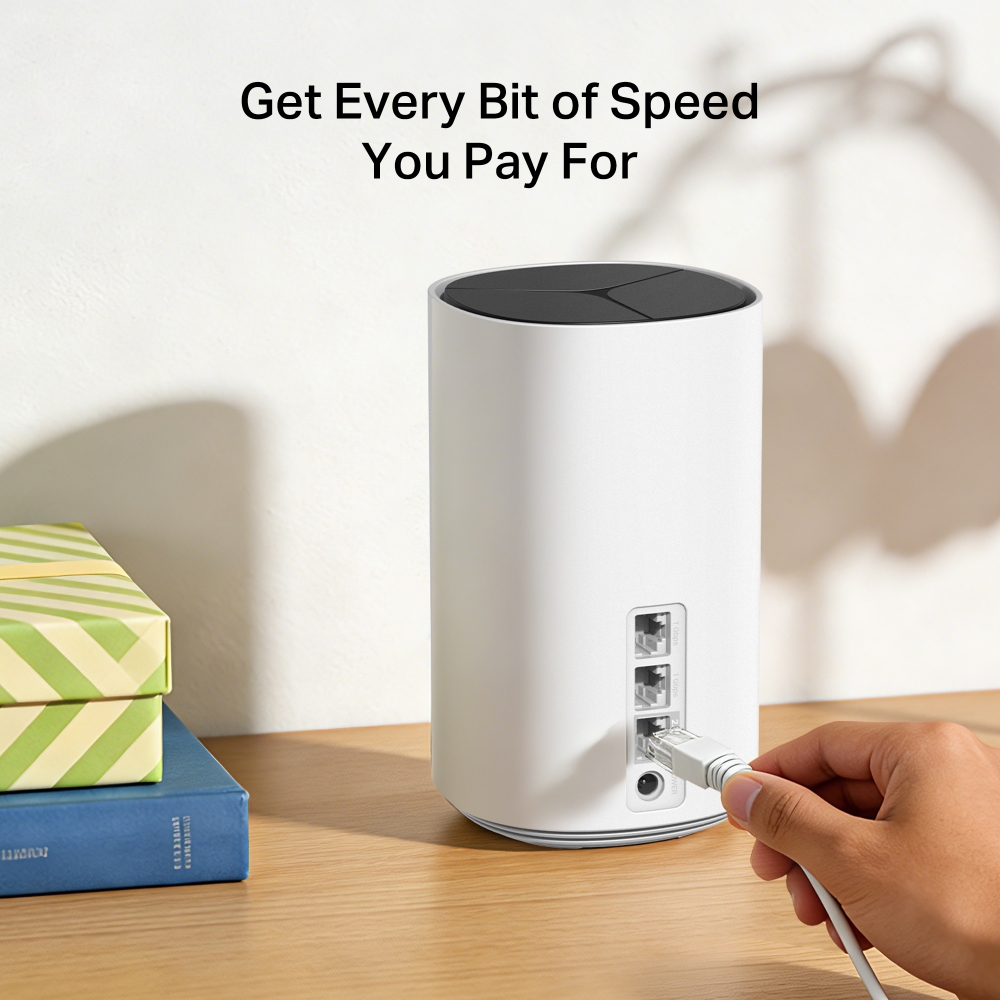
- 2.5 Gbps Multi-Gig Port – 1× 2.5 Gbps and 2× Gigabit ports per Halo E85X unit for lightning-fast wired connections.§
*Please note that the Halo H series and S series cannot work together. Halo E85X is compatible with other units from the Halo E & Halo H series to form a Mesh network.
-
watch video: How to Set Up MERCUSYS Whole Home Mesh Wi-Fi System (H90X as an example)
How to Set Up MERCUSYS Whole Home Mesh Wi-Fi System (H90X as an example)
Empower Your
Home with Seamless Mesh Wi-Fi
AX3000 Whole Home Mesh Wi-Fi System

3,000 Mbps†
2.5 Gbps
5,000 ft2 / 460 m2
3-5 Bedroom Houses
150 Devices†
Welcome to MERCUSYS Halo Mesh
Seamless, Effortless Whole-Home Wi-Fi
Say Goodbye to Buffering and Lag
Powered by Wi-Fi 6, Halo E85X delivers up to 3,000 Mbps - unleashing ultra-fast, high-capacity connectivity for every device.△
-
5 GHz
2402 Mbps
-
2.4 GHz
574 Mbps
-
4× OFDM Symbols & OFDMA
Boosts multi-device efficiency by 11%
Extends range for stronger coverage -
MU-MIMO
Eliminates congestion
Enables smooth multi-device streaming -
160 MHz & 1024-QAM△
Delivers nearly 2× speed of 80 MHz Cuts download time drastically
Experience Uninterrupted,
Ultra-Fast Wi-Fi Across Your Entire Home.
Wi-Fi That Fills Your Home, Seamlessly, Like Sunlight
One seamless network for your entire home with Halo E85X. Move freely and enjoy flawless video calls, streaming, and gaming—from room to room.†
-
Covers up to
5,000 ft2 / 460 m2 -
Ideal for
3-5 Bedroom Houses
Truly Seamless Wi-Fi. No More “Switching” Hassle.
Halo E85X lets your Wi-Fi roam with you. Enjoy clear calls, smooth streaming, and stable high speed wherever you move.‡
-
Powerful Signal Amplifiers
Refined signal amplifiers and receivers cast strong, stable WiFi signals.
-
Beamforming
Supports Beamforming technology to concentrate wireless signal strength towards devices.
-
Self-Healing
Auto-chooses the best connection route between Halos according to the stability of the network.
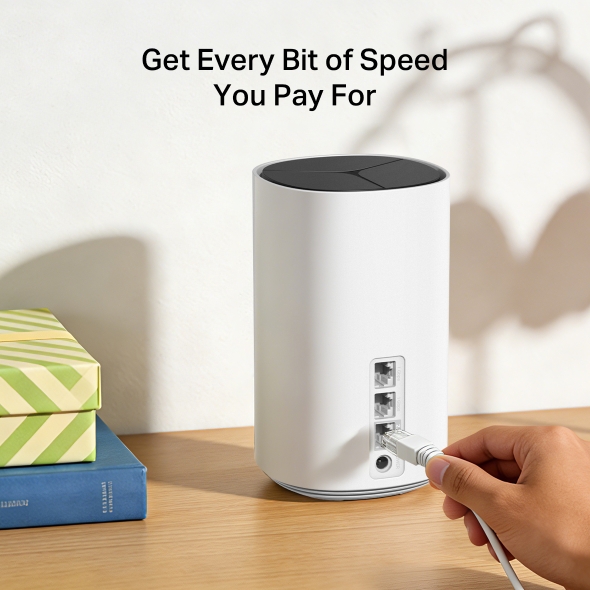
Get Every Bit of Speed You Pay For
2.5 Gbps and dual Gigabit ports unleash your ISP’s full speed. Plug your PCs, smart TVs, or game consoles into the ports for blazing-fast wired connections.§
Easy Setup and Management via the MERCUSYS App
Follow the on-screen directions to set up your network.
-
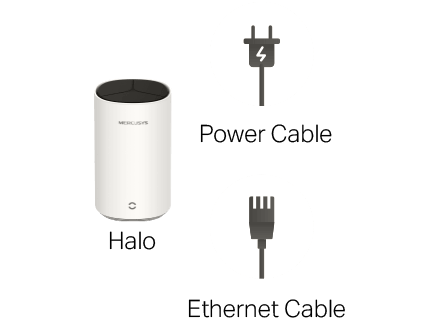
Step 1
Find what you’ll need in the box
-
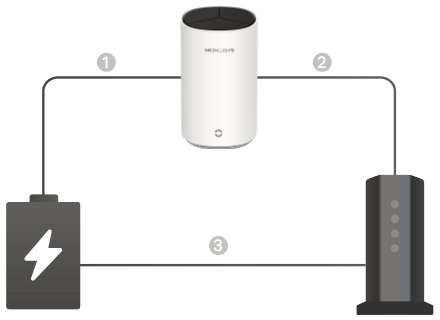
Step 2
Plug in your devices
-
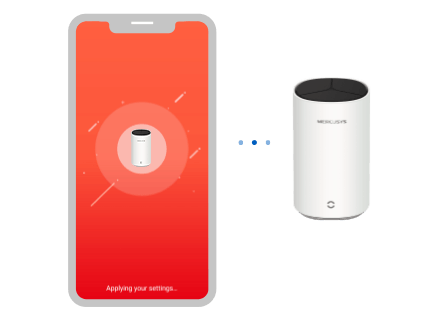
Step 3
Follow the on-screen directions with the app to configure the main Halo
-
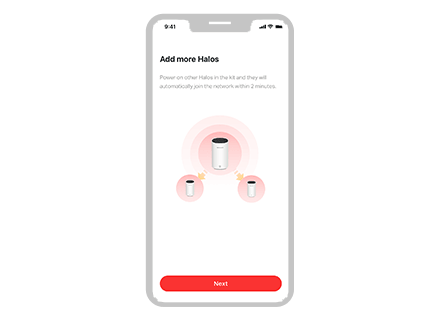
Step 4
Power up the included add-on unit and it will automatically join the network
-

Parental Controls
-

Check the Status of Connected Devices
-

Quality of Service
-

Guest Network
-

New Device
Access Alert -

Monthly Reports
Protect Your Kids Online
Manage screen time and content effortlessly to create a safer online environment.
-

Personalized Profiles
Individual settings for each member
-

Healthy Habits
Screen Time Limits for study & sleep
-

Safe Browsing
Block inappropriate sites automatically
-

Quality Time
Instant pause from virtual to family
Engineered for More Devices
With Wi-Fi 6, Halo E85X lets 150+ phones, TVs, and consoles run in parallel - No more device traffic jams.†
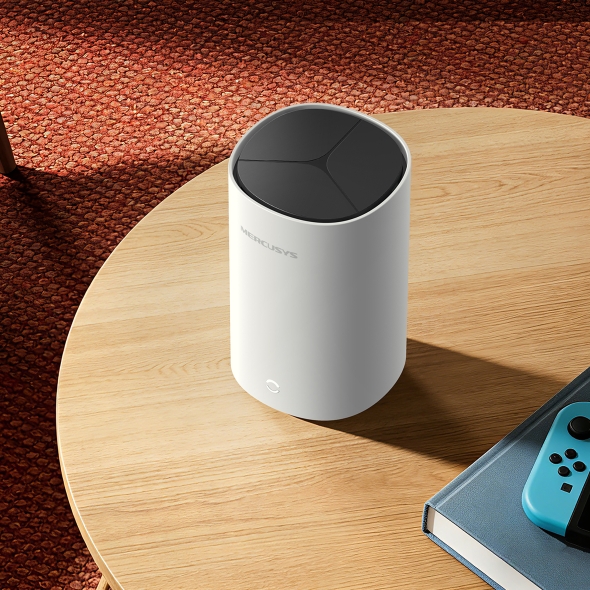
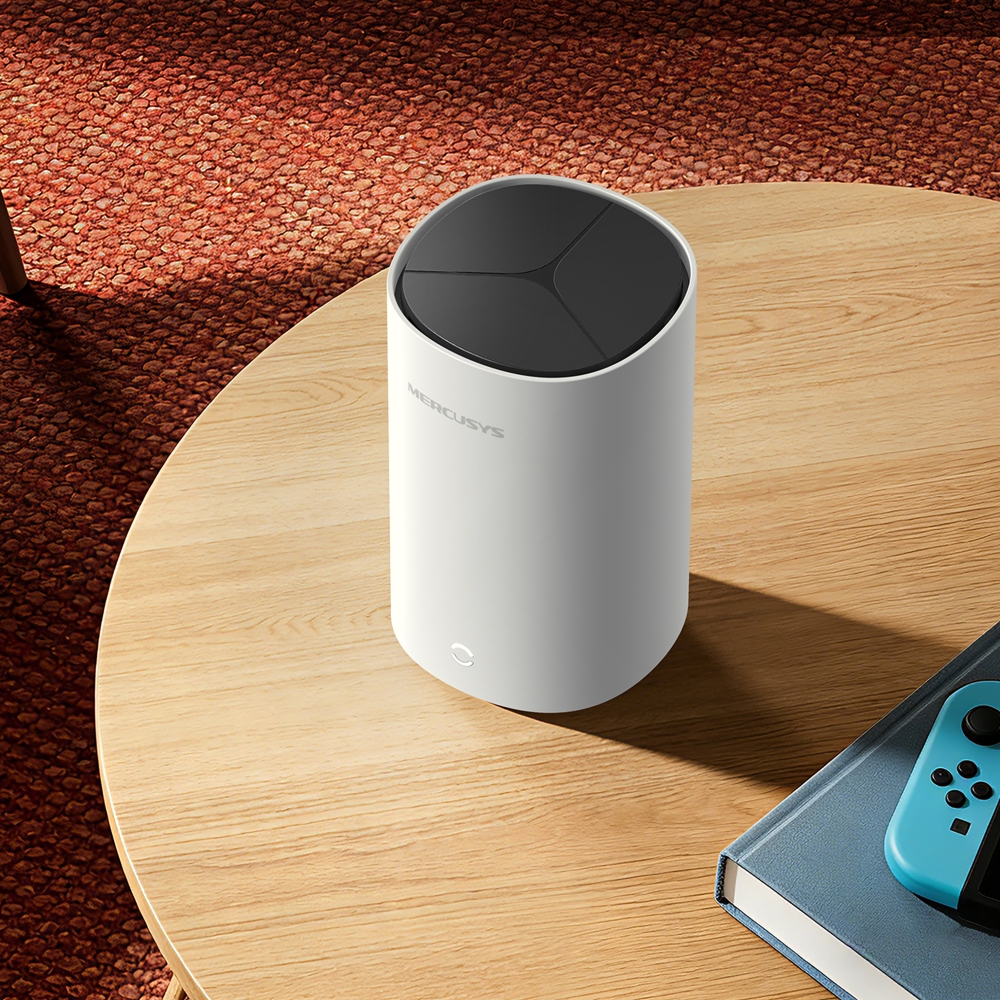
Blends into Life
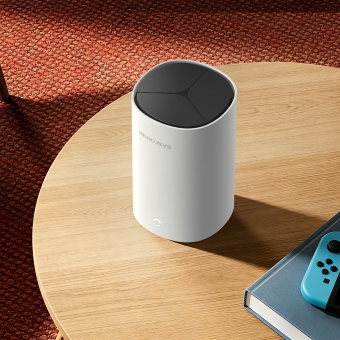
Powerful within, Elegant without
†Maximum wireless signal rates are the physical rates derived from IEEE Standard 802.11 specifications. Actual wireless data throughput and wireless coverage, and quantity of connected devices are not guaranteed and will vary as a result of network conditions, client limitations, and environmental factors, including building materials, obstacles, volume and density of traffic, and client location. ‡Seamless roaming requires clients to support 802.11k/v/r and may require additional set up. Performance may vary depending on the client device. △Use of Wi-Fi 6 and other features including OFDMA, MU-MIMO, 1024-QAM, HE160, and BSS Color requires clients to also support the corresponding features. The 160 MHz bandwidth may be unavailable in the 5 GHz band in some regions/countries due to regulatory restrictions. This product may not support all the mandatory features of IEEE 802.11AX specifications. Further software upgrades for feature availability may be required. §2.5 Gbps and 1 Gbps internet speeds require compatible service plans and equipment. All WAN/LAN ports will operate as either WAN or LAN ports. Only one port can serve as a WAN port at a time. *Please note that the Halo E & Halo H series cannot work together with Halo S series. Halo E85X is compatible with other units from the Halo E & Halo H series to form a Mesh network. **Use of WPA3 requires clients to also support WPA3.
MERCUSYS
Aplikasi MERCUSYS menyediakan cara termudah bagi Anda untuk menginstal perangkat dalam hitungan menit dan mengelola WiFi di rumah atau di luar melalui perangkat iOS atau Android Anda.


MERCUSYS Membantu Anda Instalasi Perangkat dalam Beberapa Langkah
Tanpa pengetahuan teknis atau membaca petunjuk yang rumit, cukup ikuti petunjuk dalam aplikasi. Siapkan jaringan mesh Anda dalam hitungan menit.
-
 Halo Kabel Listrik Kabel Ethernet
 Langkah 1
Temukan apa yang Anda perlukan di dalam kotak
-

Langkah 2
Colokkan perangkat Anda
-

Langkah 3
Ikuti petunjuk di layar dengan aplikasi MERCUSYS
Kelola WiFi Anda secara Real Time
Dengan aplikasi MERCUSYS, nikmati manajemen jaringan langsung. Lihat siapa yang terhubung ke jaringan Anda dan kelola kapan saja dengan perangkat iOS atau Android Anda.
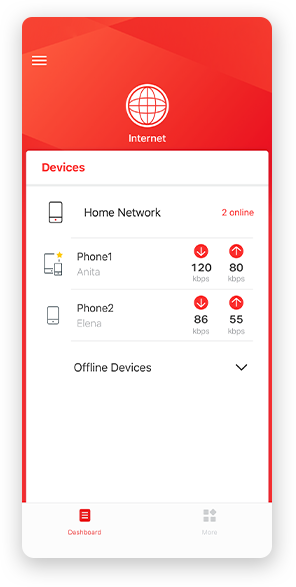
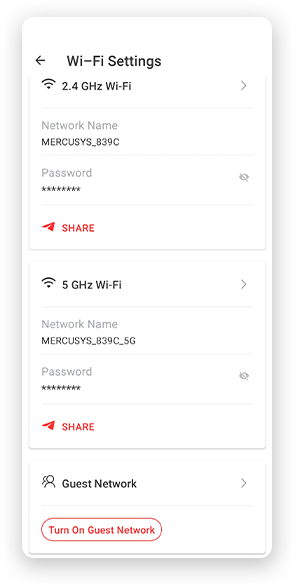
Perhatian: Halaman Konfigurasi model yang berbeda mungkin berbeda, silakan lihat yang sebenarnya.
Parental Controls Yang Andal
Kelola waktu dan konten online anak Anda dengan mudah untuk menciptakan lingkungan online yang aman dan sehat.
-
Buat Profil Pengguna
Create a profile for each family member you would like to manage. Assign devices to the profile to set access controls and time limits for them.
-
Batas Waktu Online
Set daily limits on how long your kids spend online and prevent them from accessing the internet on their devices for a long time to build a healthy network habit.
-
Blokir Situs Web yang Tidak Pantas
Control which sites your kids visit by setting a block list.
-
Jeda Koneksi Internet
Suspend family members’ internet connections to take a break from the virtual world to enjoy some family time.
Kelola dan Amankan Jaringan Rumah Anda
Aplikasi MERCUSYS membantu Anda mengelola WiFi di rumah atau di luar melalui perangkat iOS atau Android Anda.

Periksa Status Perangkat Terhubung
Lihat secara intuitif status kerja jaringan Halo Anda dan lihat apa yang terhubung. Prioritaskan atau blokir perangkat sesuai kebutuhan.

Quality of Services
Memprioritaskan perangkat yang Anda pilih untuk bekerja lebih baik.

Peringatan Akses Perangkat Baru
Aplikasi MERCUSYS secara proaktif mengirimkan peringatan untuk memberi tahu Anda saat perangkat asing terhubung. Ketuk untuk memblokir perangkat jika itu merupakan risiko keamanan.

Mengatur Guest Network
Menyediakan jaringan terpisah bagi para tamu untuk memastikan keamanan dan privasi Anda.
Semuanya dalam Satu Aplikasi
Apakah Anda ingin mengontrol berbagai MERCUSYS router , extender, atau sistem Halo mesh, temukan semuanya di aplikasi.
Lihat apa yang kompatibelProduk yang Kompatibel
Catatan: Firmware perangkat memerlukan versi terbaru. Klik di sini untuk mempelajari cara mengupgrade firmware Anda.
Catatan: Versi perangkat keras yang terdaftar dan yang lebih tinggi dari model ini kompatibel dengan aplikasi MERCUSYS.
KATEGORI
-
Halo Mesh
-

Halo H50G V1
AC1900 Whole Home Mesh Wi-Fi System
-

Halo H30G V1
AC1300 Whole Home Mesh Wi-Fi System
-

Halo H80X V1
AX3000 Whole Home Mesh WiFi 6 System
-

Halo H70X V1
AX1800 Whole Home Mesh WiFi 6 System
-

Halo H30 V1
AC1200 Whole Home Mesh Wi-Fi System
-

Halo H90X V1
AX6000 Whole Home Mesh Wi-Fi System
-
-
Wi-Fi Routers
-

MR70X V1
AX1800 Dual Band Wi-Fi 6 Router
-

MR80X V1
AX3000 Dual-Band Wi-Fi 6 Router
-

MR50G V1
AC1900 Wireless Dual Band Gigabit Router
-

AC12G V2
AC1300 Wireless Dual Band Gigabit Router
-

MR30G V1
AC1200 Wireless Dual Band Gigabit Router
-
MR1200G V1
AC1200 Wireless Dual Band Gigabit Router
-
MR1900G V1
AC1200 Wireless Dual Band Gigabit Router
-

MR1800X V1
AX1800 Dual-Band WiFi 6 Router
-

MR90X V1
AX6000 8-Stream Wi-Fi 6 Router
-
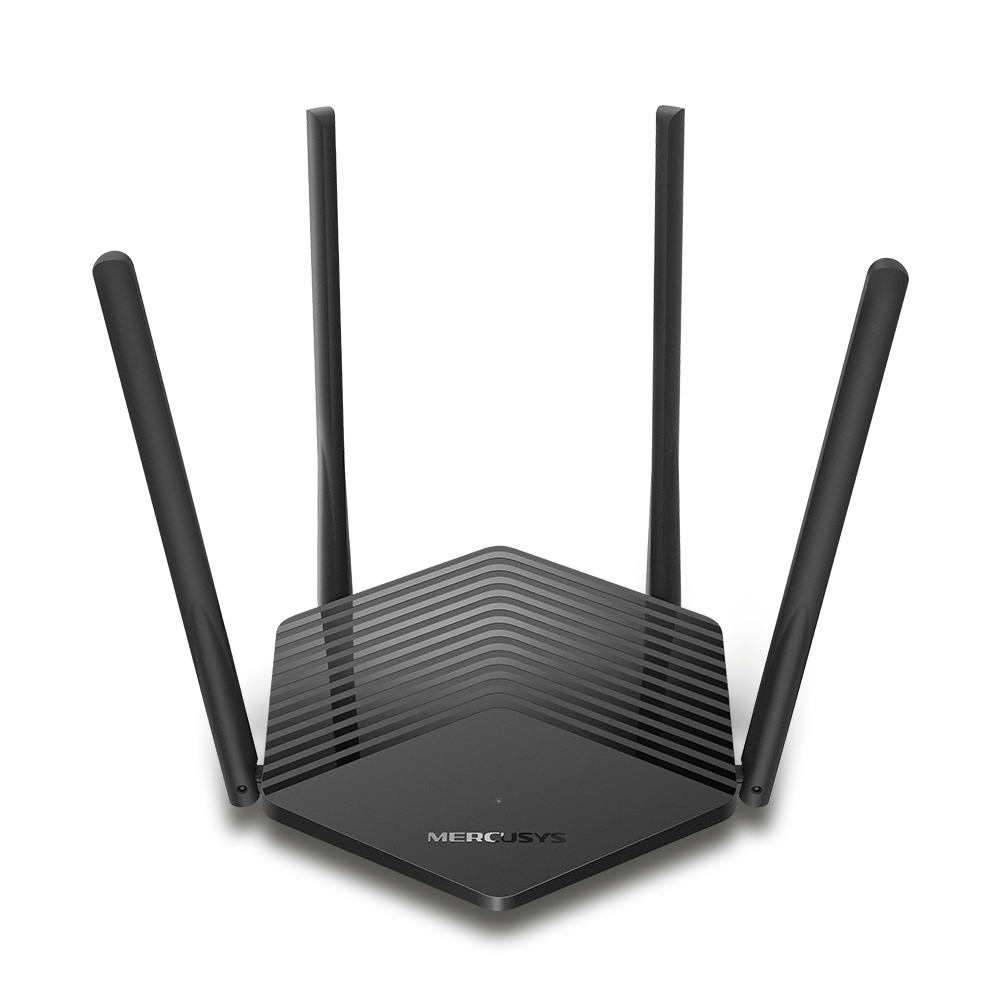
MR60X V2
AX1500 Wi-Fi 6 Router
-
2.0_01_large20200513030154.jpg)
AC12 V3
AC1200 Dual Band Wireless Router
-
1.0_01_large20200616070042.jpg)
AC10 V1
AC1200 Wireless Dual Band Router
-

MW325R V3
300Mbps Enhanced Wireless N Router
-
_1906_02_large20200513090024.jpg)
MW305R V3
300Mbps Wireless N Router
-
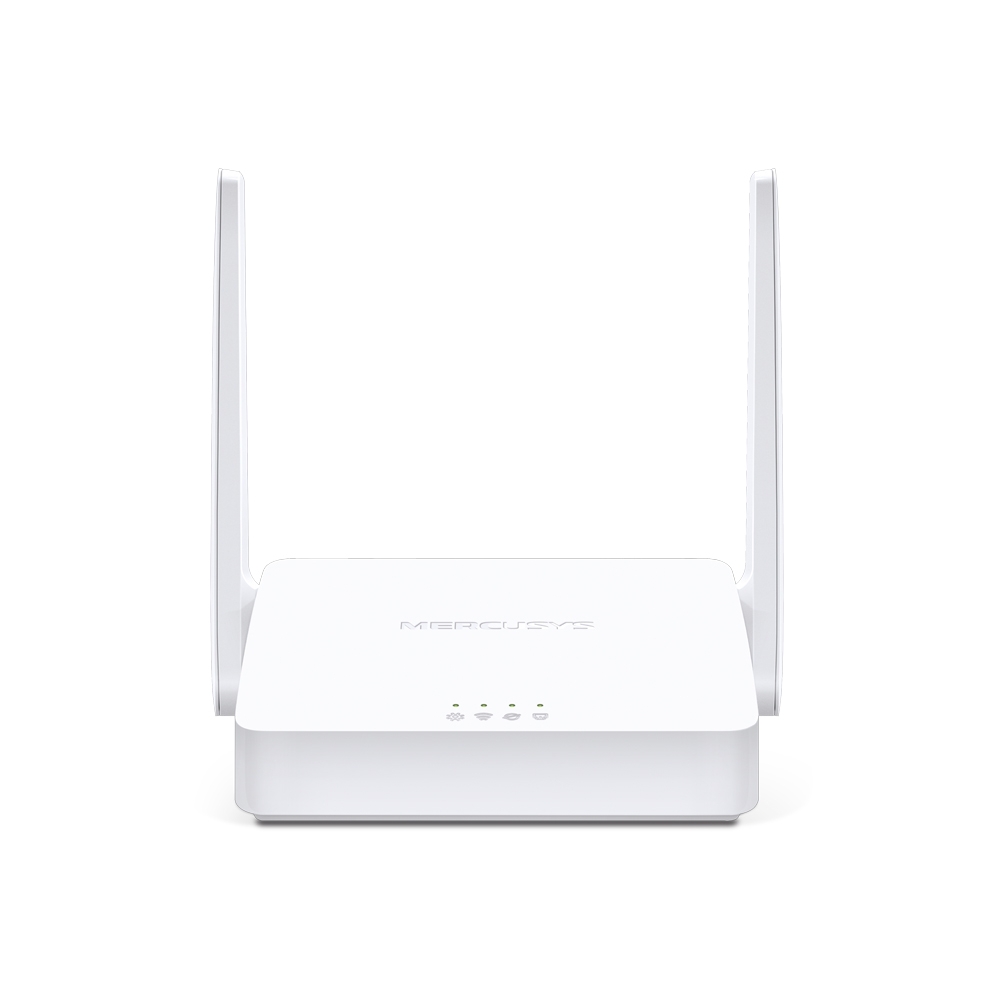
MW301R V3
300Mbps Wireless N Router
-
-
Range Extenders
-

ME70X V1
AX1800 Wi-Fi 6 Range Extender
-

ME50G V1
AC1900 Wi-Fi Range Extender
-

ME30 V1
AC1200 Wi-Fi Range Extender
-
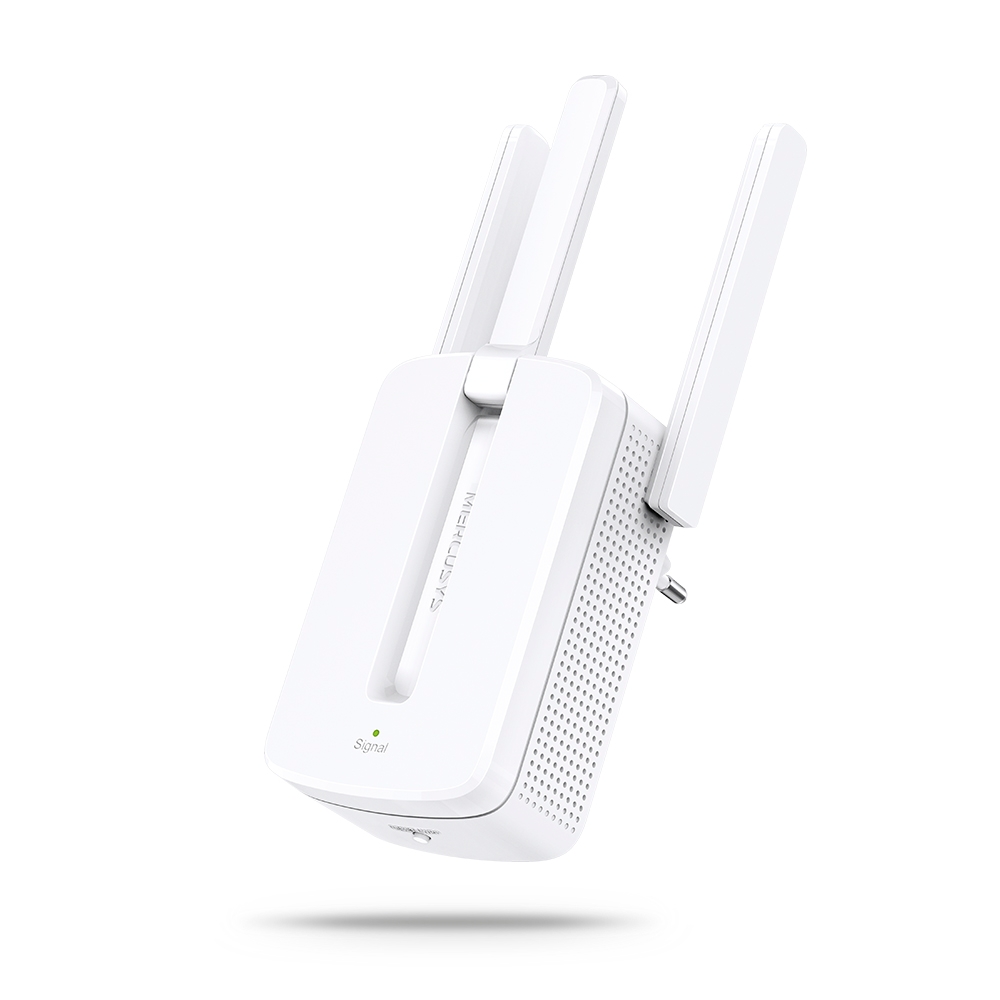
MW300RE V4
300Mbps Wi-Fi Range Extender
-
Mendukung Banyak Bahasa
Aplikasi MERCUSYS mendukung hingga 26 bahasa, memungkinkan pengelolaan jaringan yang mudah bagi pengguna di seluruh dunia.
-
English
-
Nederlands
-
Français
-
Deutsch
-
Italiano
-
日本語
-
한국어
-
Português
-
Español
-
繁體中文
-
Русский язык
-
Português Brasil
-
Español
(Latinoamérica) -
Български
-
Українська мова
-
Polski
-
Română
-
Slovenčina
-
ไทย
-
Türkçe
-
Čeština
-
Tiếng Việt
-
Eλληνικά
-
Bahasa Melayu
-
Magyar
-
עברית
-
Wireless

| Wireless Standards | Wi-Fi 6 |
|---|---|
| WiFi Speeds | 2402 Mbps on 5 GHz, 574 Mbps on 2.4 GHz |
| Reception Sensitivity | 2.4GHz:
11ax HE20 MCS0:-97dBm
11ax HE40 MCS0:-93dBm 11ax HE20 MCS11:-67dBm 11ax HE40 MCS11:-63dBm 5GHz:
11ax HE20 MCS0:-96.5dBm
11ax HE80 MCS0:-90dBm 11ax HE160 MCS0:-85.5dBm 11ax HE20 MCS11:-66dBm
11ax HE80 MCS11:-60.5dBm 11ax HE160 MCS11:-57dBm |
| Transmission Power | 2.4 GHz < 20dBm (EIRP) |
| Wireless Security | WPA-PSK/WPA2-PSK/WPA3 |
| Mesh protocol | 802.11k/v/r |
-
Software
| Operation Modes | Router, Access Point |
|---|---|
| Quality of Service | WMM |
| WAN Type | Dynamic IP/Static IP/PPPoE/L2TP/PPTP |
| Management | Local Management, Remote Management, Multi-Managers |
| DHCP | Server, Client |
| Firewall Security | SPI Firewall |
| Protocols | Supports IPv4 and IPv6 |
| Guest Network | 2.4 GHz Guest Network, |
| VPN Sever | OpenVPN |
| VPN Client | OpenVPN |
-
Hardware
| Dimensions | 100 × 100 × 167.65 mm (3.9 × 3.9 × 6.6 in) |
|---|---|
| Interfaces | 1× 2.5 Gbps Port + 2× 1 Gbps Ports (WAN/LAN auto-sensing) |
| Button | Reset button |
| Max Power Consumption | • Power consumption in networked standby: _4.62_ W • Power consumption in networked standby when all wired network ports are connected and all wireless network ports are activated: _6.68_ W. • The default period of time after which the power management function switches the equipment automatically into a condition providing networked standby: _20__minutes • How to activate and deactivate wireless network: Enter the webpage of product through wired connecting. The wireless function can be turn on/off via ‘Advanced -> System -> Wi-Fi Network Enable Checkbox’ |
-
Others
| Network Services Enabled by Default | Web Server Manage and configure device through web (HTTP/HTTPS) • Port: 80/443; Protocol: TCP DHCP Server IP address assignment (DHCP) • Port: 67; Protocol: UDP DNS DNS • Port: 53; Protocol: TCP & UDP App management Manage and configure device through app • Port: 20001; Protocol: TCP • Port: 20002; Protocol: UDP |
|---|---|
| Package Contents | 2-pack 2× Halo E85X Units |
| Environment | Operating Temperature: 0°C~40°C (32°F~104°F) Storage Temperature: -40°C~60°C (-40°F ~ 140°F) Operating Humidity: 10%~90% Non-Condensing Storage Humidity: 5%~90% Non-Condensing |