MT115 [V1] | 4G LTE Mobile Wi-Fi

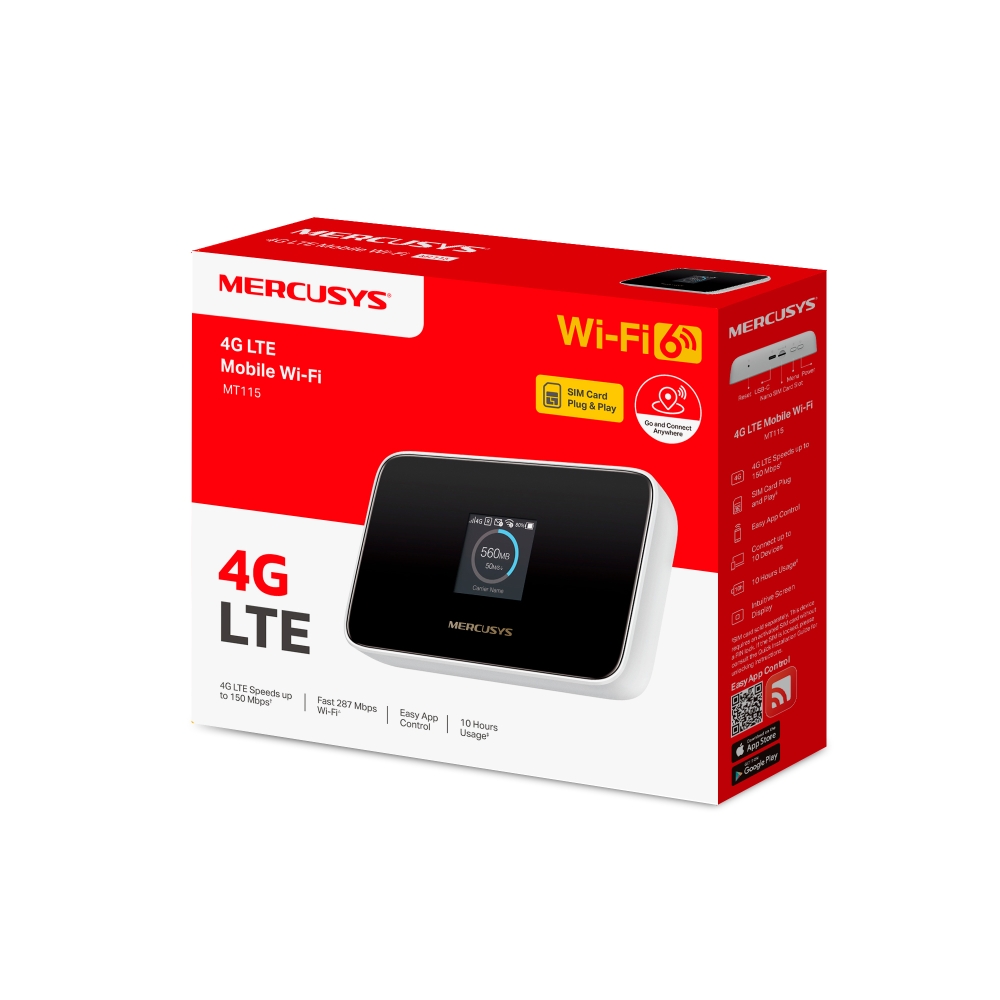
MT115
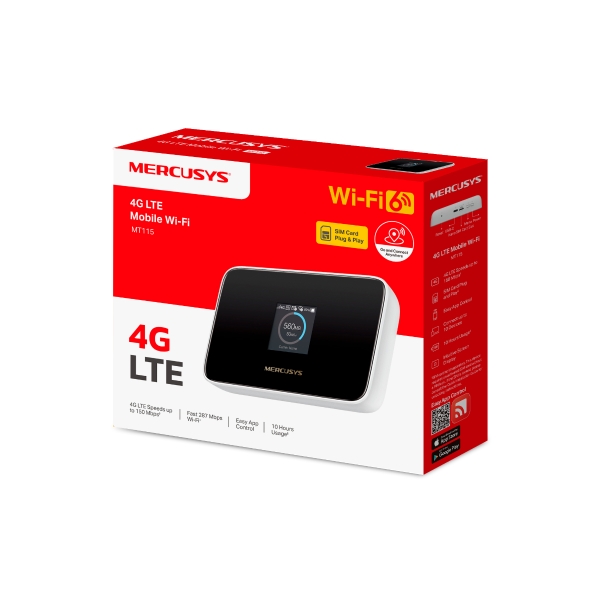
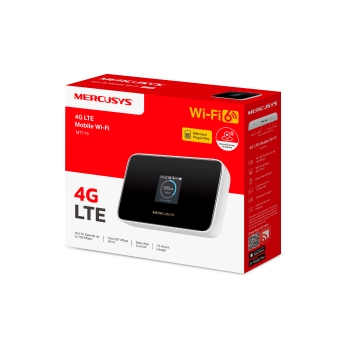
4G LTE Mobile Wi-Fi
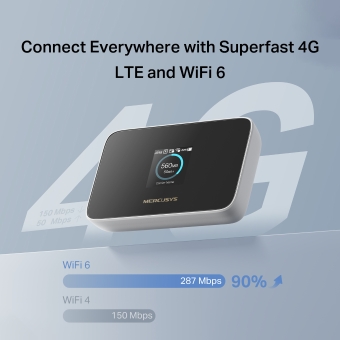
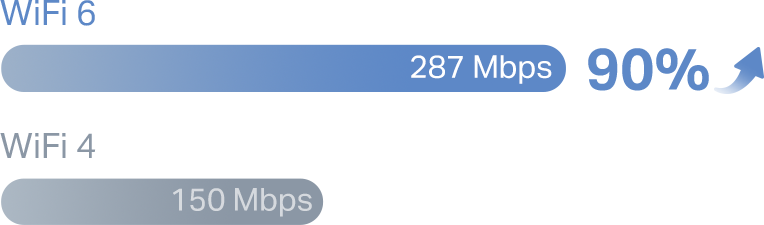
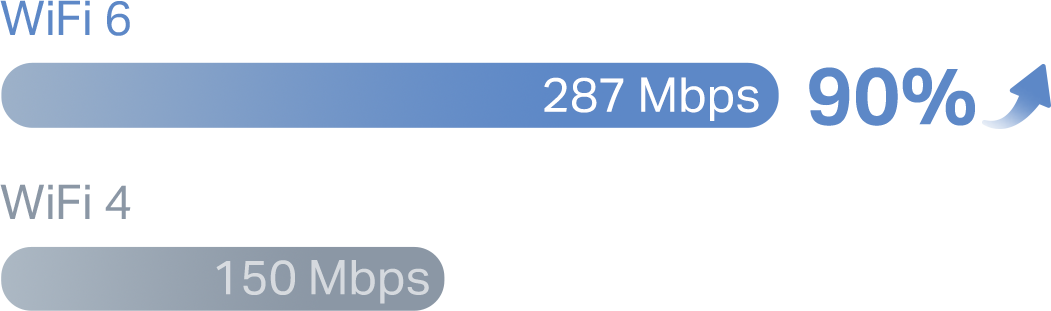
- AX300 WiFi 6 – Fast WiFi speeds up to 287 Mbps on the 2.4 GHz band.
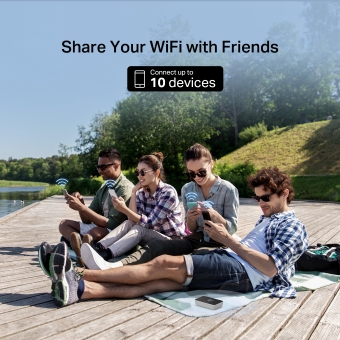
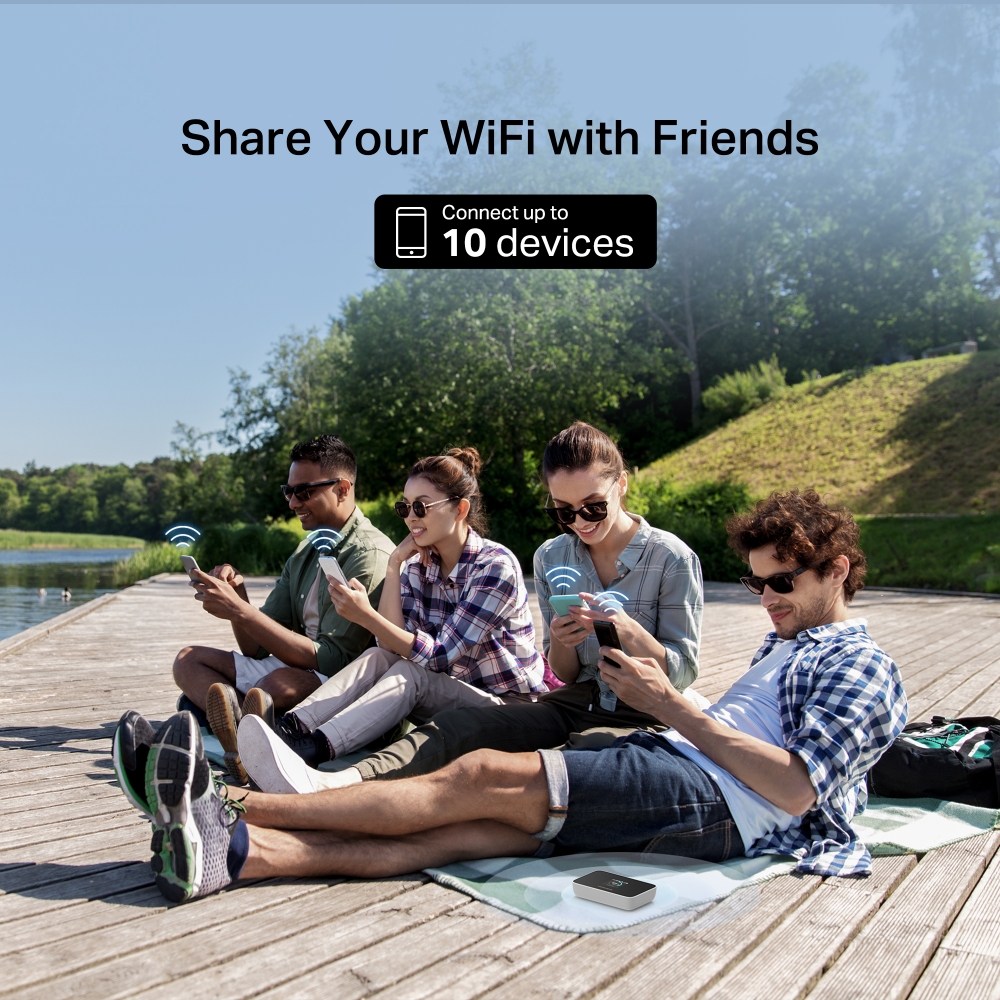
- More Connections – Share with friends internet access for up to 10 devices simultaneously.
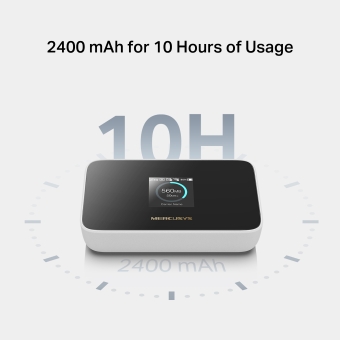
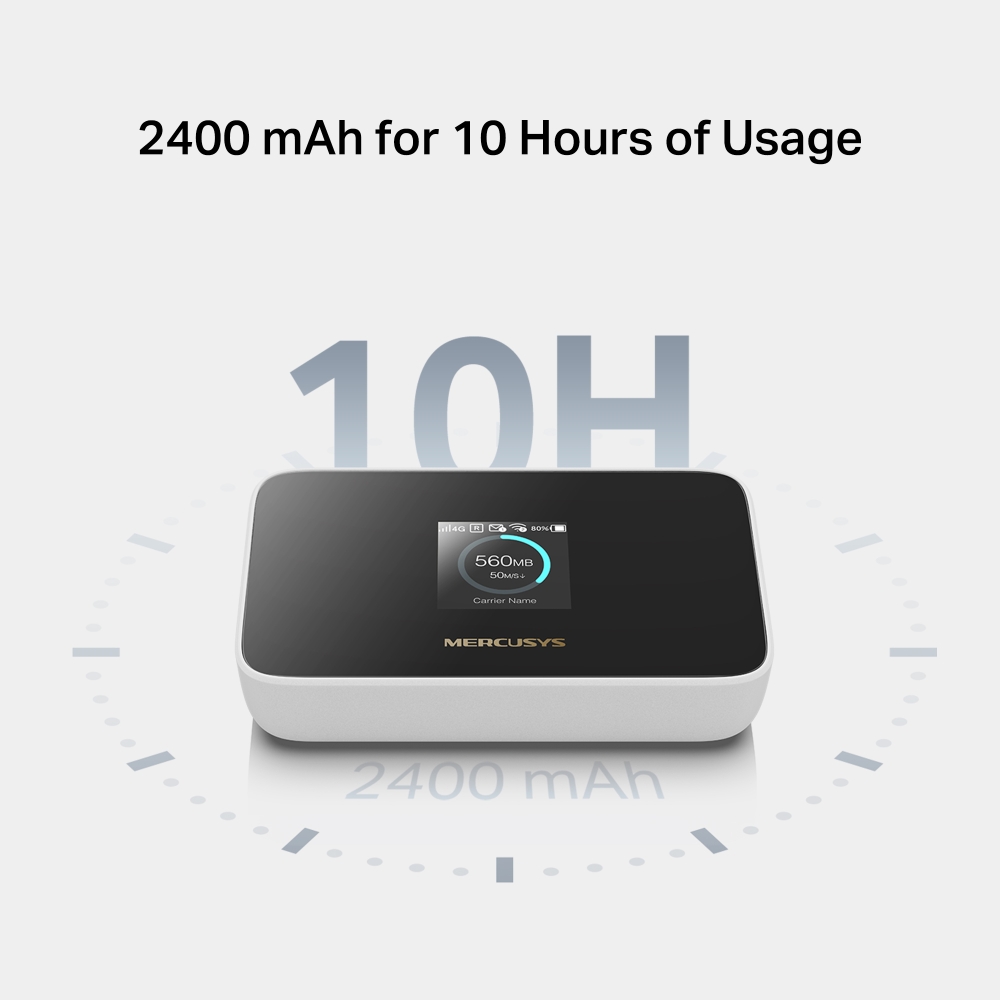
- Long usage – 2400 mAh battery for 10 hours.
- 4G Network – Supports 4G FDD/TDD-LTE, compatible with the network of most countries and regions, and enjoy download speeds of up to 150 Mbps.
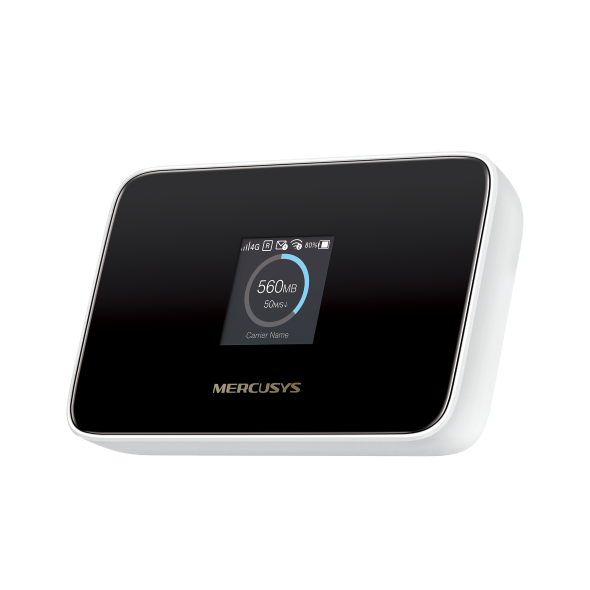
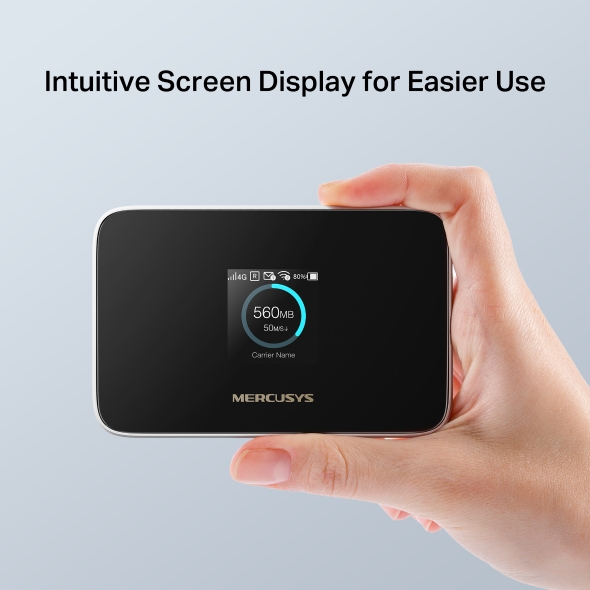
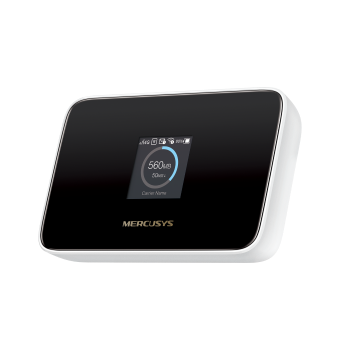
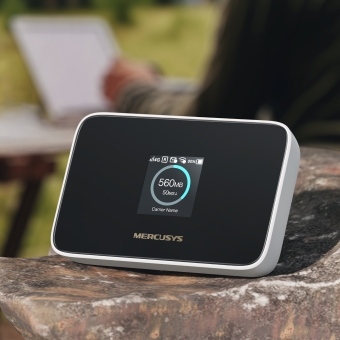
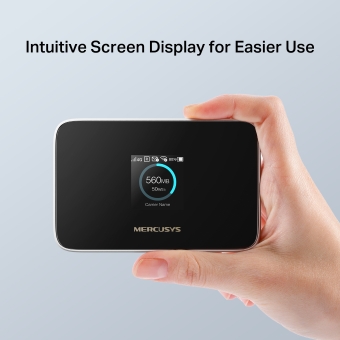
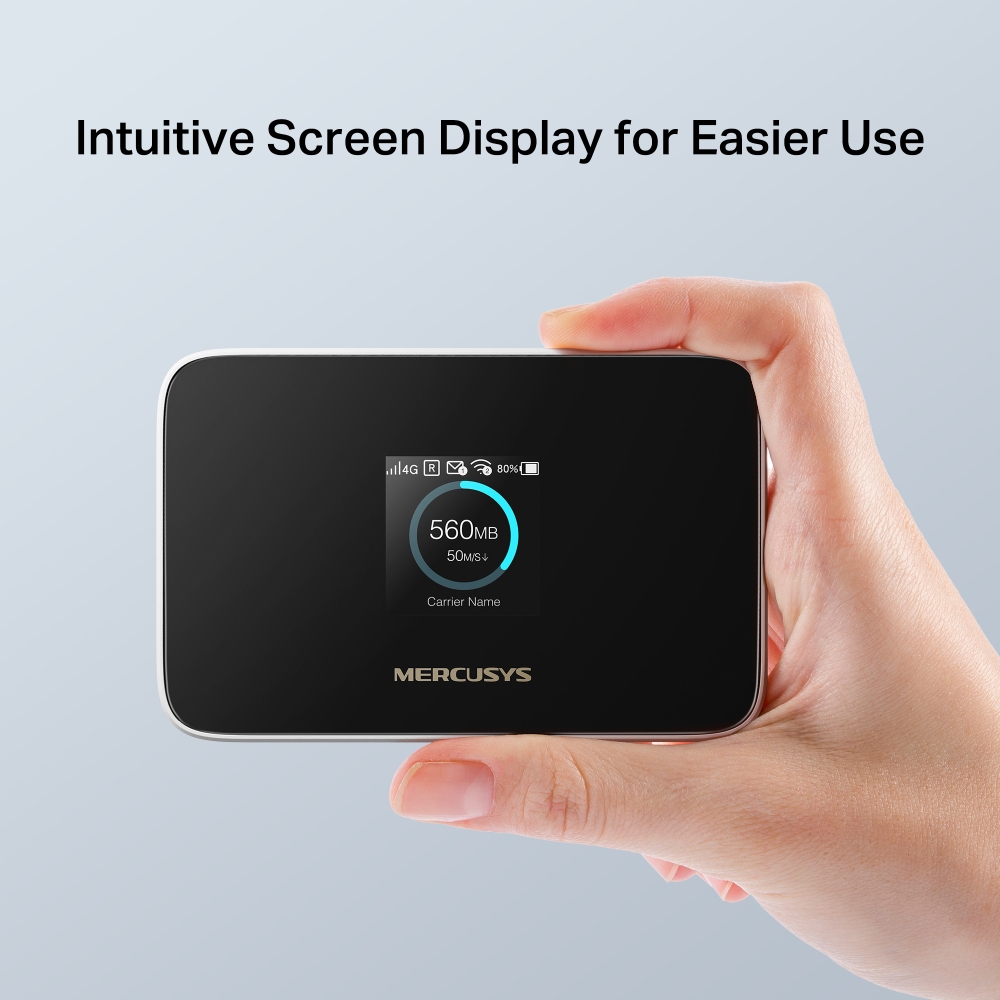
- Intuitive Screen Display for Easier Use – All useful info at a glance. Make it easy to stay within your data budget and avoid going over the monthly data cap.
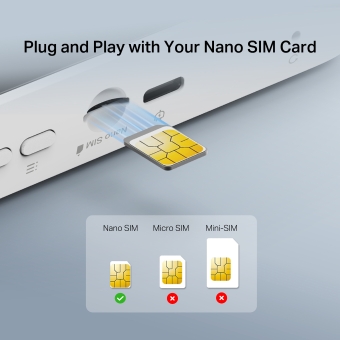
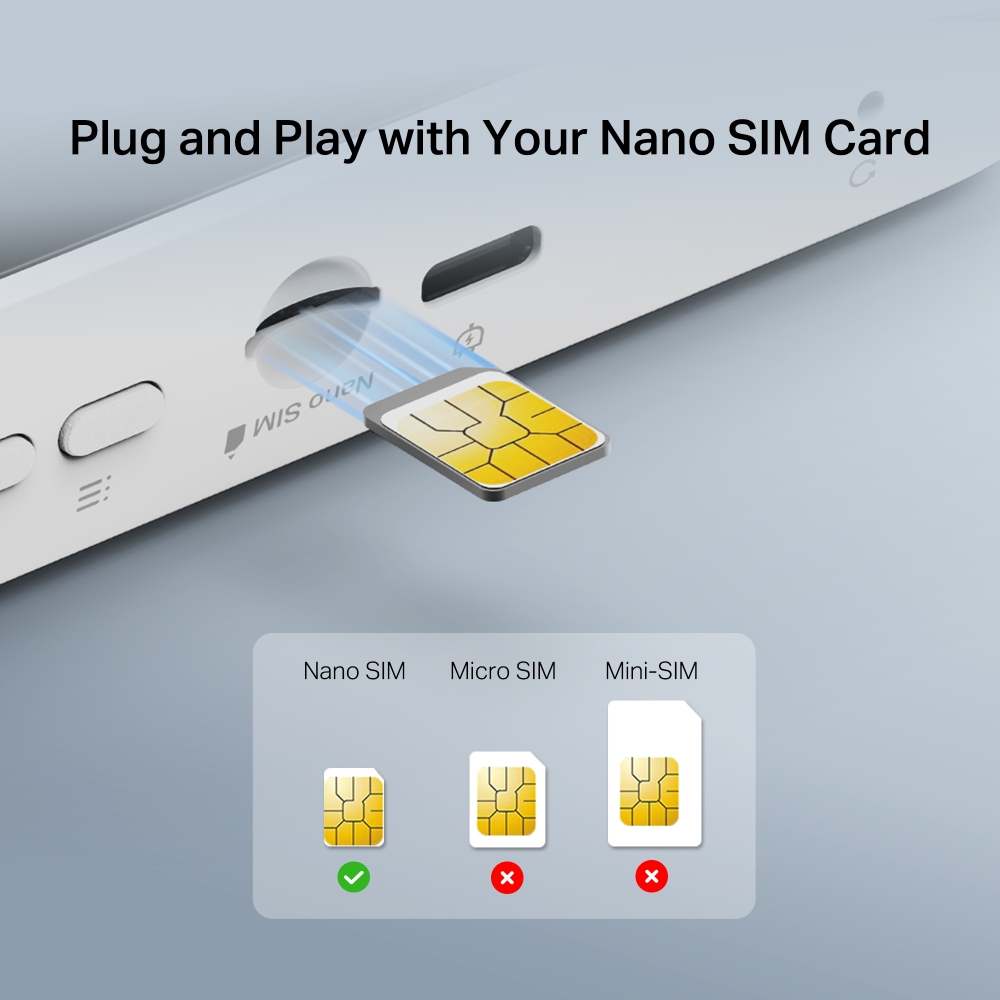
- SIM Card Plug and Play – Go anywhere and connect everywhere easily.
- Easy App Control – Management with the MERCUSYS App.
-
watch video: Set Up a MERCUSYS Mobile Wi-Fi on the MERCUSYS APP
Set Up a MERCUSYS Mobile Wi-Fi on the MERCUSYS APP

Go and Connect Anywhere
4G LTE Mobile WiFi
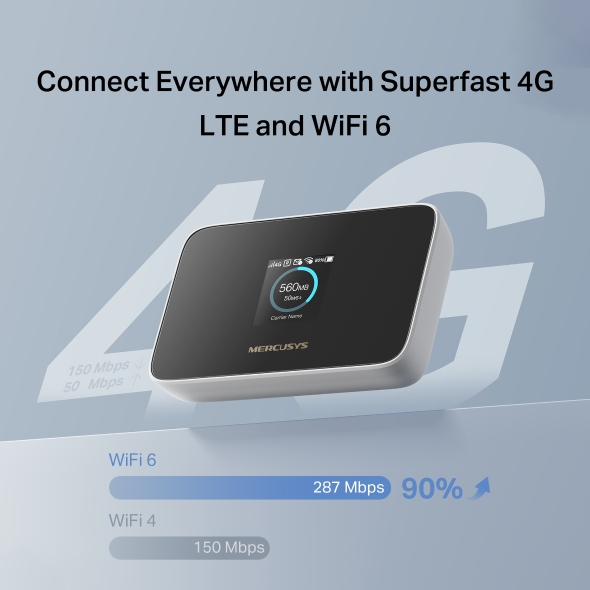
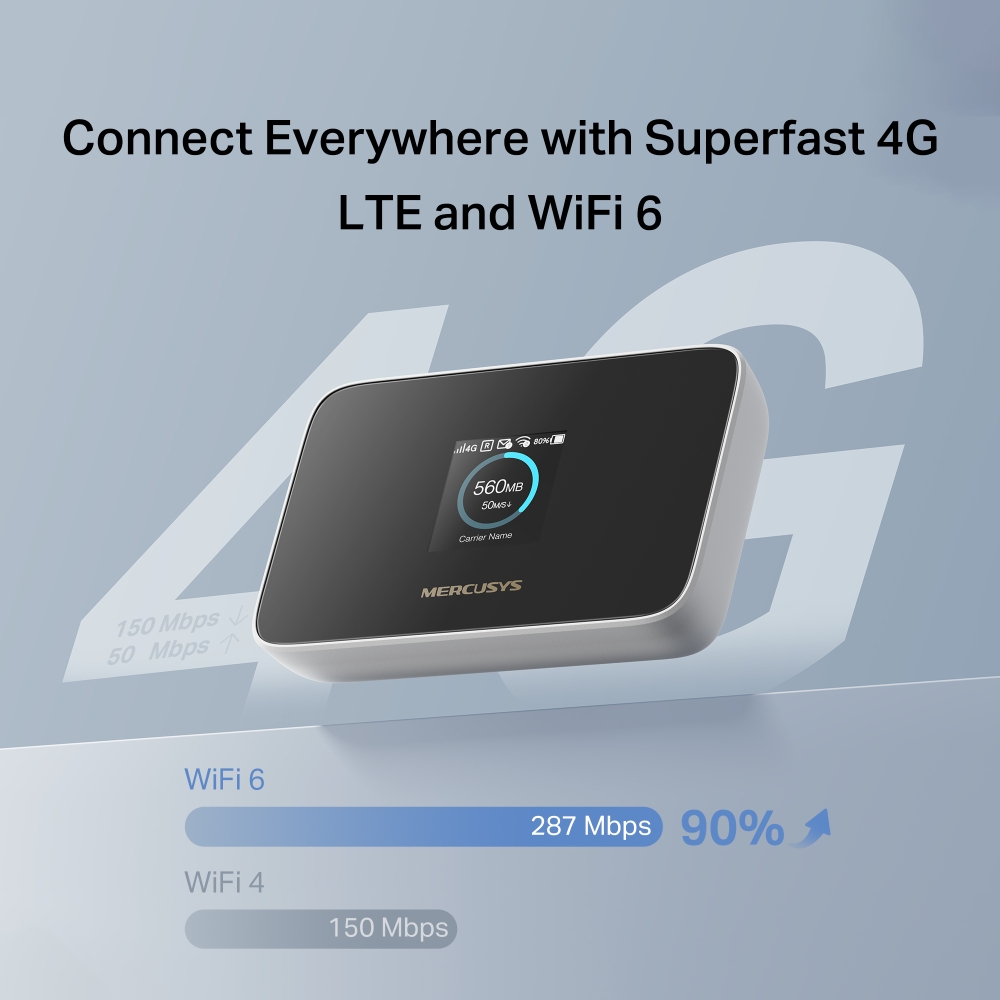
Connect Everywhere with Superfast 4G LTE and WiFi 6
MT115 uses 4G LTE technology to achieve superfast speeds up to 150 Mbps download and 50 Mbps upload. It can also share a WiFi network with a maximum speed of 287 Mbps on 2.4 GHz for gaming, streaming, and more.
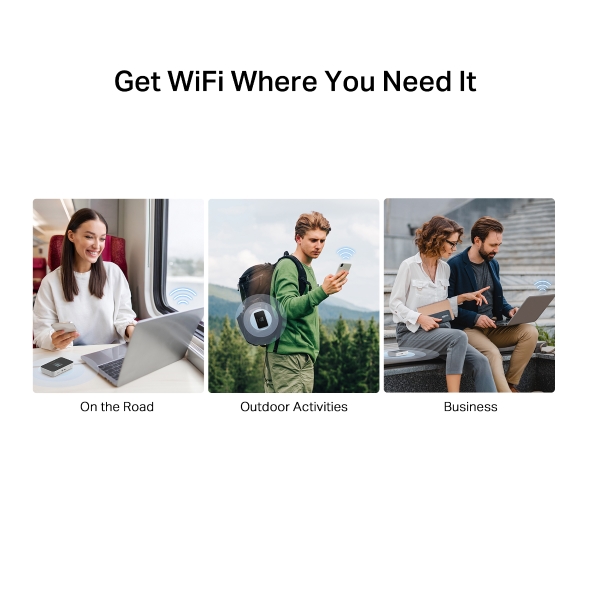
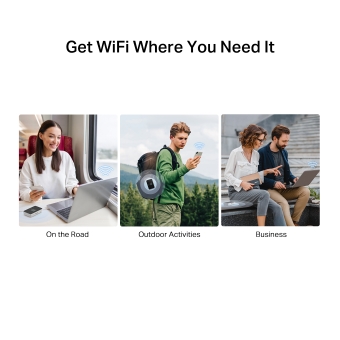
Get WiFi Where You Need It
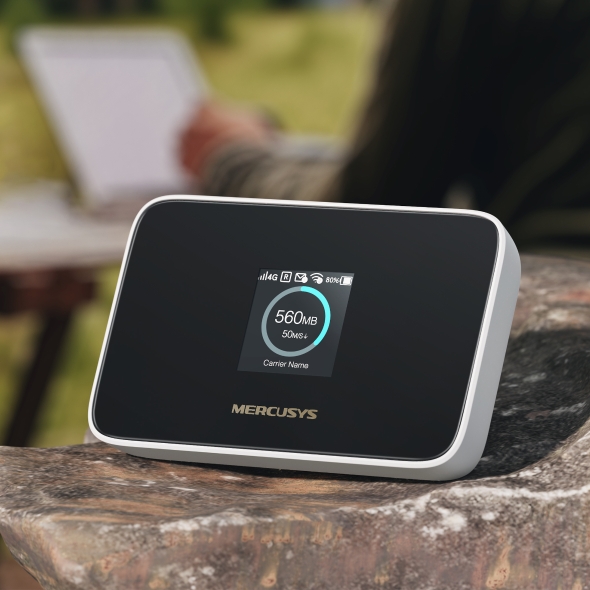
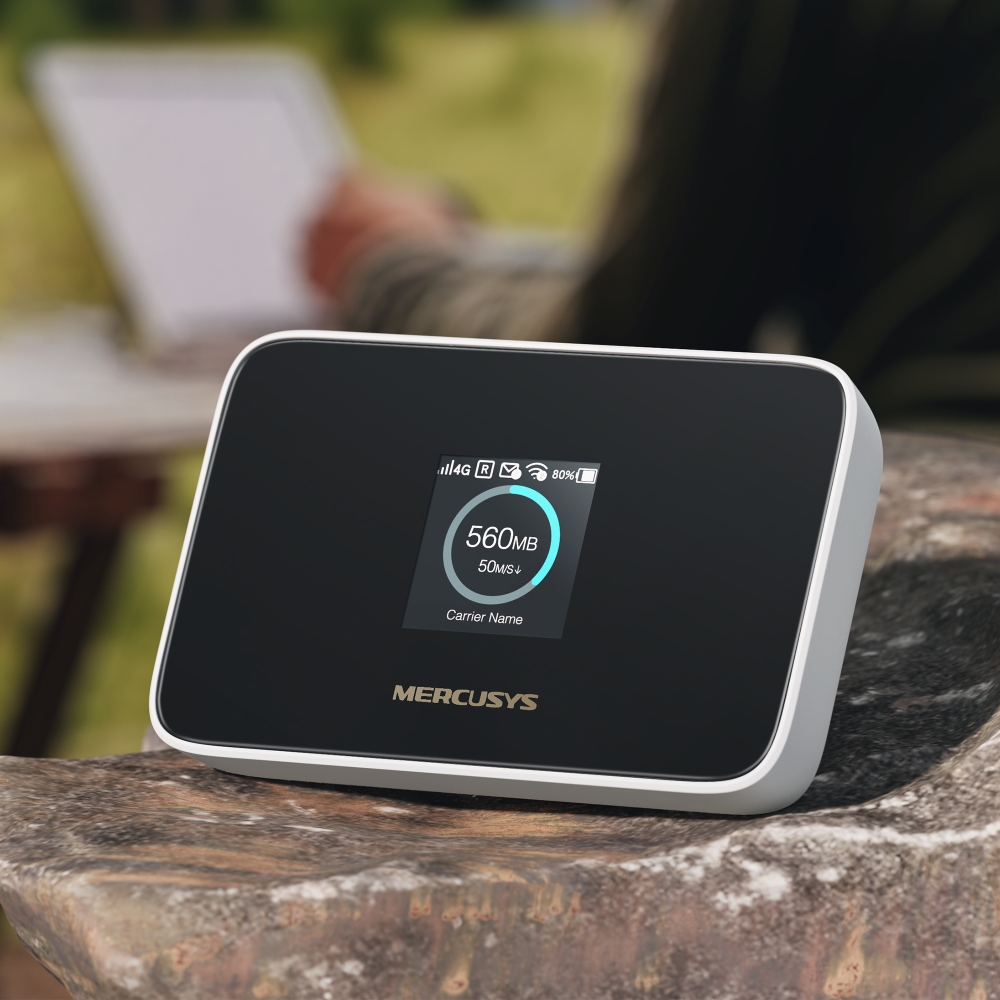
Enjoy unmatched convenience and versatility, proven by years of field testing. Advanced LTE antenna compatibility ensures broad compatibility and smooth connectivity, with fast, stable WiFi—perfect for home and remote work.
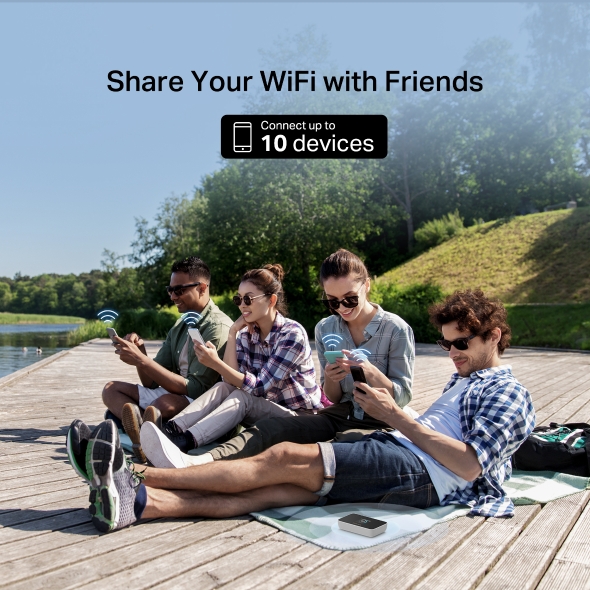
Share Your WiFi with Friends
A remarkable number of wireless gadgets are compatible with this small mobile hotspot without any issues. Up to 10 simultaneous connections for tablets, laptops, mobile phones, and other devices are supported by MT115.

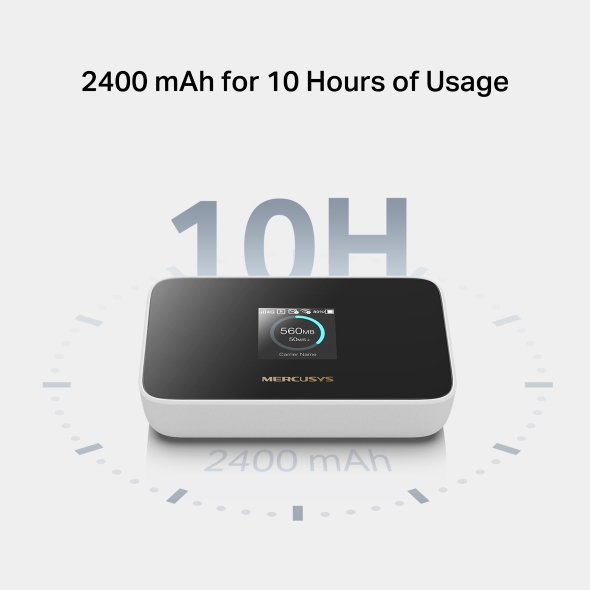
2400 mAh for 10 Hours of Usage
MT115 is the ideal travel companion with its long-lasting 2400mAh battery that enables up to 10 hours of wireless access for various occasions, including business trips, outdoor sports, and more.
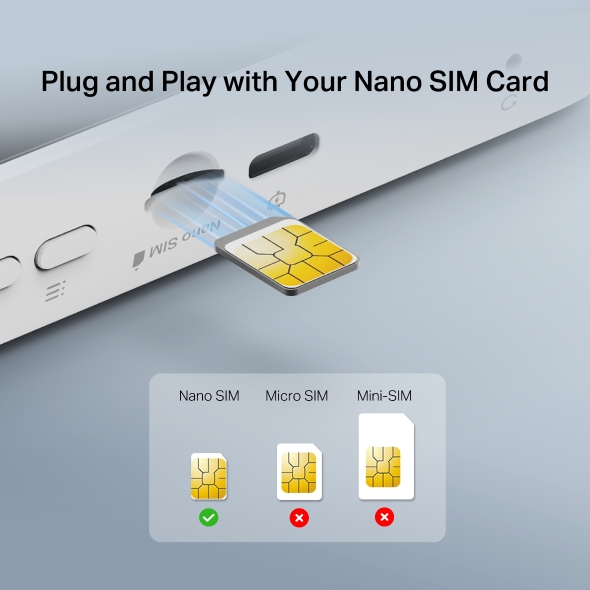
Plug and Play with Your Nano SIM Card
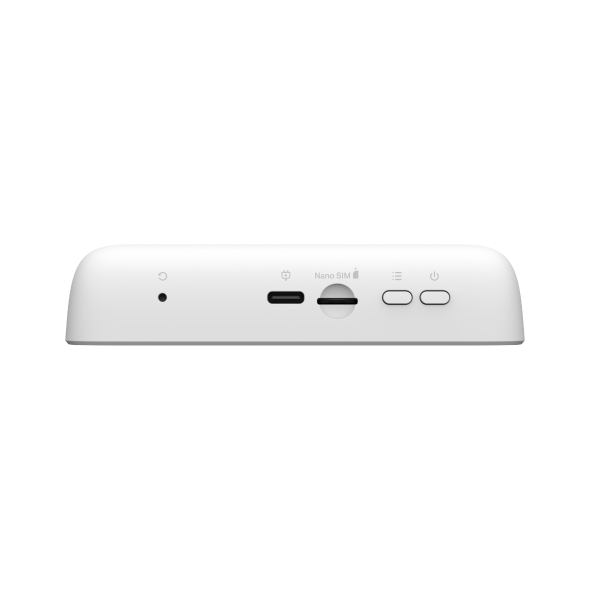
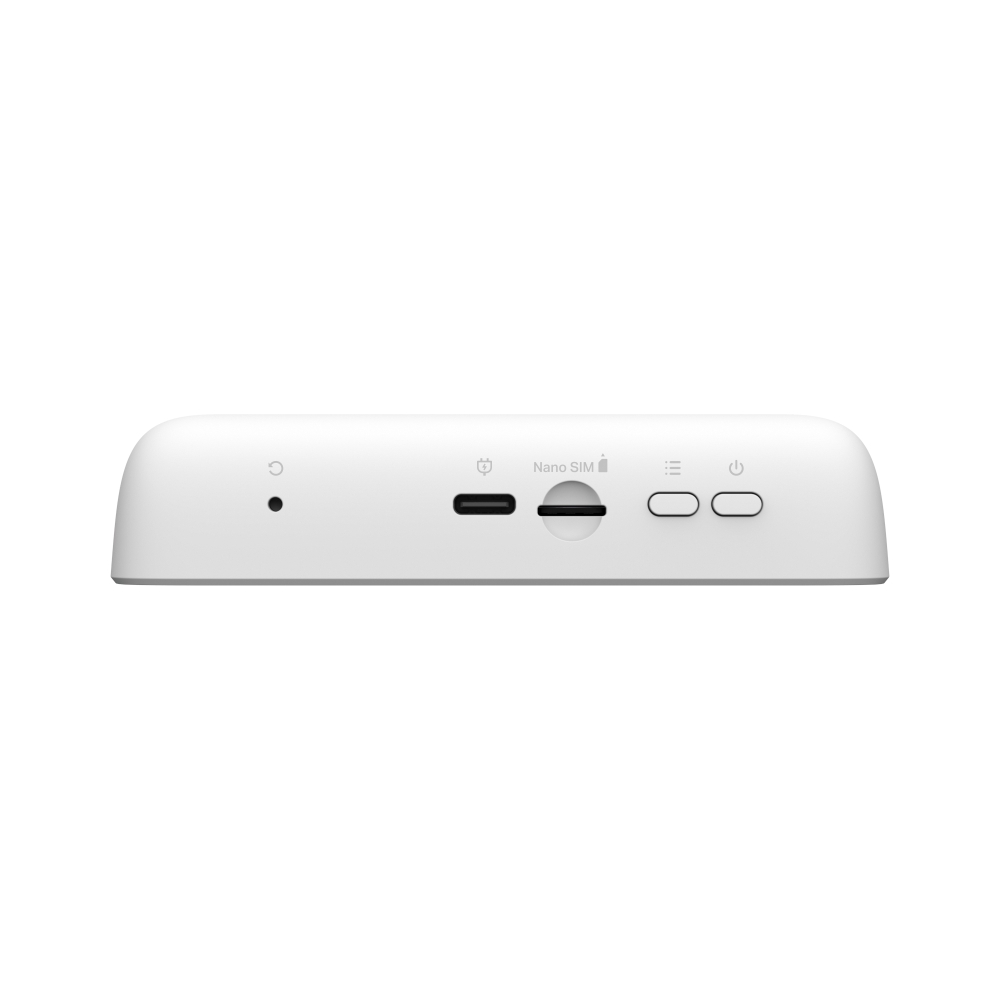
No configuration needed. Simply insert a nano SIM card, power on MT115, and enjoy your WiFi in seconds.*
*SIM card sold separately. This device requires an activated SIM card without a PIN lock. If the SIM is locked, please consult the Quick Installation Guide for unlocking instructions.
Intuitive Screen Display for Easier Use
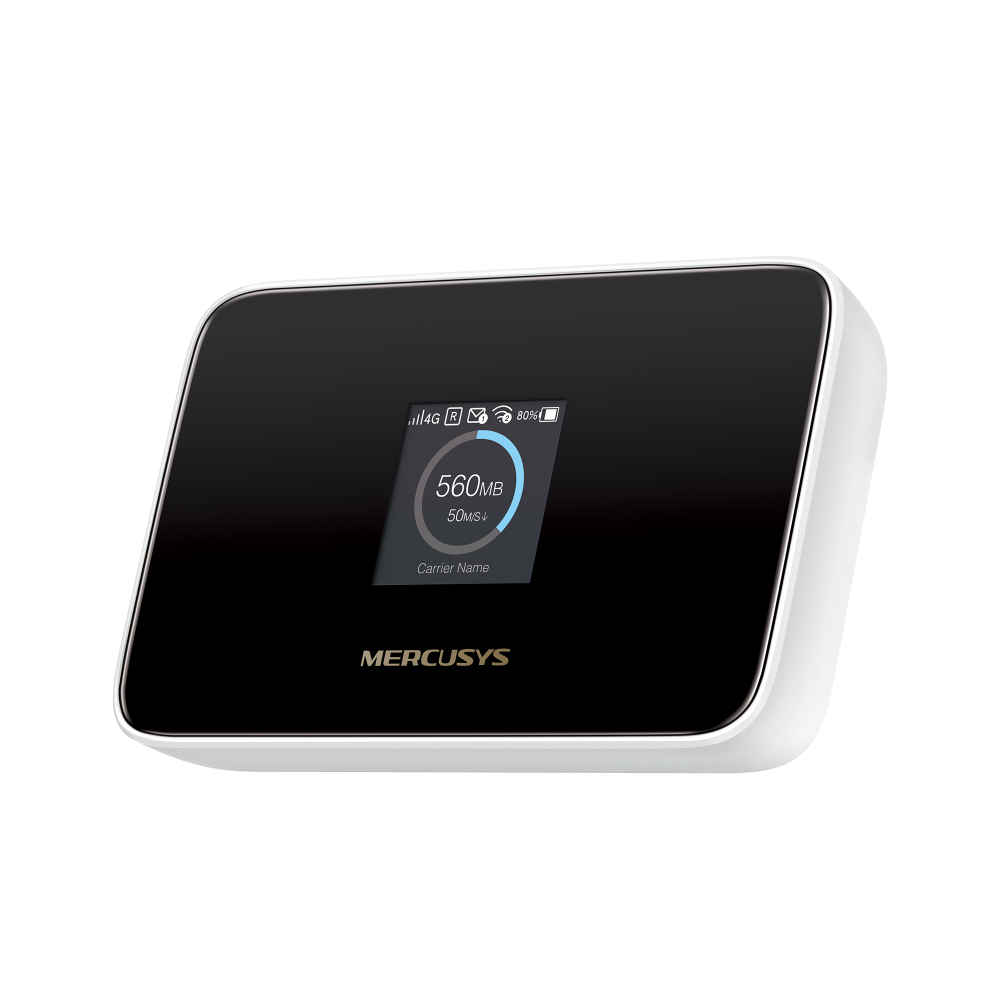
All useful info at a glance. Stay within your data budget and avoid going over your monthly data cap. The screen also displays battery, signal strength, WiFi status, connected users, and more.
-

Home
-

Device
Info -

Power Saving
-

WPS
-

WiFi
Band -

Network Mode
-

Data Roading
-

App Download
Easy Control with the MERCUSYS App
Set up and manage your WiFi through the MERCUSYS app from your phone (Android or iOS).




†Maximum 4G download speeds depend on external factors such as the local 4G network coverage, data plan, real-time network capacity, client limitations, and environmental factors. ‡Actual battery time may vary due to different user environments. §SIM card sold separately. This device requires an activated SIM card without a PIN lock. If the SIM is locked, please consult the Quick Installation Guide for unlocking instructions. △Maximum wireless signal rates are the physical rates derived from IEEE Standard 802.11 specifications. Actual wireless data throughput and wireless coverage, and quantity of connected devices are not guaranteed and will vary as a result of network conditions, client limitations, and environmental factors, including building materials, obstacles, volume and density of traffic, and client location.
MERCUSYS
Aplikasi MERCUSYS menyediakan cara termudah bagi Anda untuk menginstal perangkat dalam hitungan menit dan mengelola WiFi di rumah atau di luar melalui perangkat iOS atau Android Anda.

MERCUSYS Membantu Anda Instalasi Perangkat dalam Beberapa Langkah
Tanpa pengetahuan teknis atau membaca petunjuk yang rumit, cukup ikuti petunjuk dalam aplikasi. Siapkan jaringan mesh Anda dalam hitungan menit.
-
 Halo Kabel Listrik Kabel Ethernet
 Langkah 1
Temukan apa yang Anda perlukan di dalam kotak
-

Langkah 2
Colokkan perangkat Anda
-

Langkah 3
Ikuti petunjuk di layar dengan aplikasi MERCUSYS
Kelola WiFi Anda secara Real Time
Dengan aplikasi MERCUSYS, nikmati manajemen jaringan langsung. Lihat siapa yang terhubung ke jaringan Anda dan kelola kapan saja dengan perangkat iOS atau Android Anda.


Perhatian: Halaman Konfigurasi model yang berbeda mungkin berbeda, silakan lihat yang sebenarnya.
Parental Controls Yang Andal
Kelola waktu dan konten online anak Anda dengan mudah untuk menciptakan lingkungan online yang aman dan sehat.
-
Buat Profil Pengguna
Create a profile for each family member you would like to manage. Assign devices to the profile to set access controls and time limits for them.
-
Batas Waktu Online
Set daily limits on how long your kids spend online and prevent them from accessing the internet on their devices for a long time to build a healthy network habit.
-
Blokir Situs Web yang Tidak Pantas
Control which sites your kids visit by setting a block list.
-
Jeda Koneksi Internet
Suspend family members’ internet connections to take a break from the virtual world to enjoy some family time.
Kelola dan Amankan Jaringan Rumah Anda
Aplikasi MERCUSYS membantu Anda mengelola WiFi di rumah atau di luar melalui perangkat iOS atau Android Anda.

Periksa Status Perangkat Terhubung
Lihat secara intuitif status kerja jaringan Halo Anda dan lihat apa yang terhubung. Prioritaskan atau blokir perangkat sesuai kebutuhan.

Quality of Services
Memprioritaskan perangkat yang Anda pilih untuk bekerja lebih baik.

Peringatan Akses Perangkat Baru
Aplikasi MERCUSYS secara proaktif mengirimkan peringatan untuk memberi tahu Anda saat perangkat asing terhubung. Ketuk untuk memblokir perangkat jika itu merupakan risiko keamanan.

Mengatur Guest Network
Menyediakan jaringan terpisah bagi para tamu untuk memastikan keamanan dan privasi Anda.
Semuanya dalam Satu Aplikasi
Apakah Anda ingin mengontrol berbagai MERCUSYS router , extender, atau sistem Halo mesh, temukan semuanya di aplikasi.
Lihat apa yang kompatibelProduk yang Kompatibel
Catatan: Firmware perangkat memerlukan versi terbaru. Klik di sini untuk mempelajari cara mengupgrade firmware Anda.
Catatan: Versi perangkat keras yang terdaftar dan yang lebih tinggi dari model ini kompatibel dengan aplikasi MERCUSYS.
KATEGORI
-
Halo Mesh
-

Halo H50G V1
AC1900 Whole Home Mesh Wi-Fi System
-

Halo H30G V1
AC1300 Whole Home Mesh Wi-Fi System
-

Halo H80X V1
AX3000 Whole Home Mesh WiFi 6 System
-

Halo H70X V1
AX1800 Whole Home Mesh WiFi 6 System
-

Halo H30 V1
AC1200 Whole Home Mesh Wi-Fi System
-

Halo H90X V1
AX6000 Whole Home Mesh Wi-Fi System
-
-
Wi-Fi Routers
-

MR70X V1
AX1800 Dual Band Wi-Fi 6 Router
-

MR80X V1
AX3000 Dual-Band Wi-Fi 6 Router
-

MR50G V1
AC1900 Wireless Dual Band Gigabit Router
-

AC12G V2
AC1300 Wireless Dual Band Gigabit Router
-

MR30G V1
AC1200 Wireless Dual Band Gigabit Router
-
MR1200G V1
AC1200 Wireless Dual Band Gigabit Router
-
MR1900G V1
AC1200 Wireless Dual Band Gigabit Router
-

MR1800X V1
AX1800 Dual-Band WiFi 6 Router
-

MR90X V1
AX6000 8-Stream Wi-Fi 6 Router
-
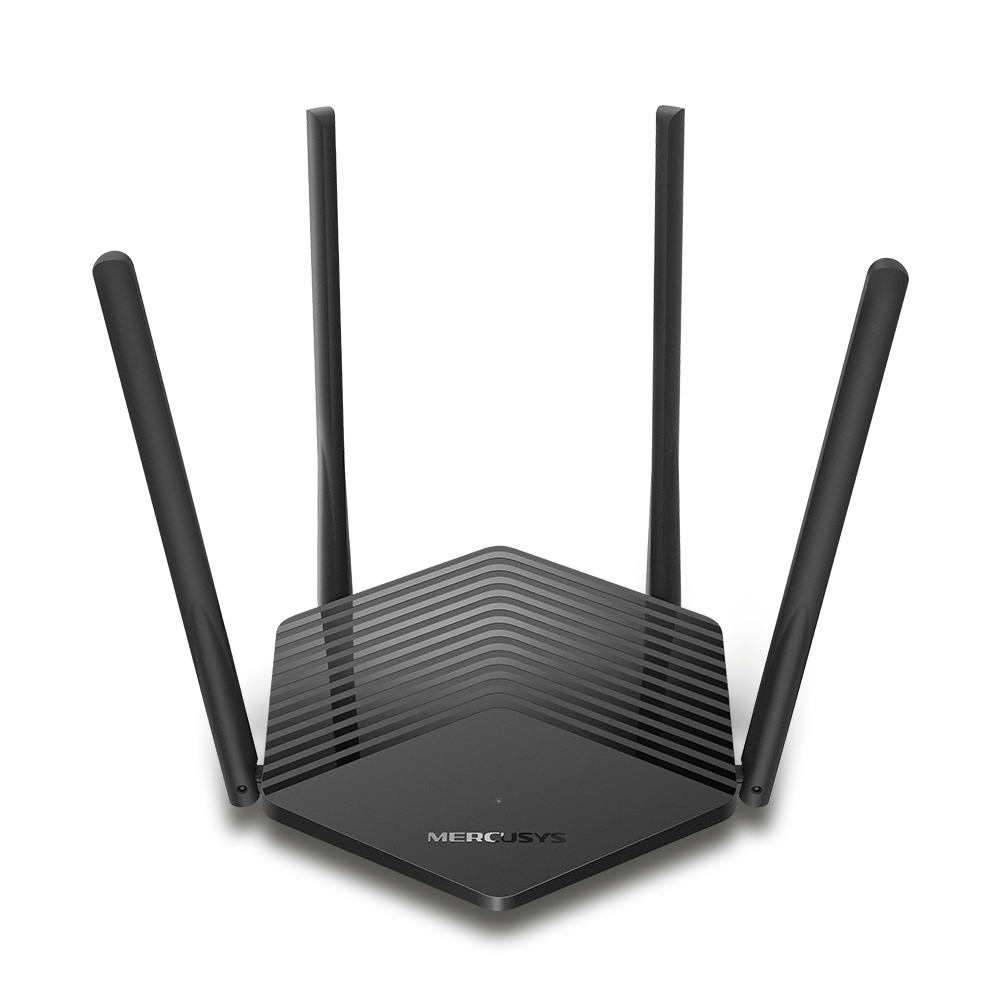
MR60X V2
AX1500 Wi-Fi 6 Router
-
2.0_01_large20200513030154.jpg)
AC12 V3
AC1200 Dual Band Wireless Router
-
1.0_01_large20200616070042.jpg)
AC10 V1
AC1200 Wireless Dual Band Router
-

MW325R V3
300Mbps Enhanced Wireless N Router
-
_1906_02_large20200513090024.jpg)
MW305R V3
300Mbps Wireless N Router
-
MW301R V3
300Mbps Wireless N Router
-
-
Range Extenders
-

ME70X V1
AX1800 Wi-Fi 6 Range Extender
-

ME50G V1
AC1900 Wi-Fi Range Extender
-

ME30 V1
AC1200 Wi-Fi Range Extender
-
MW300RE V4
300Mbps Wi-Fi Range Extender
-
Mendukung Banyak Bahasa
Aplikasi MERCUSYS mendukung hingga 26 bahasa, memungkinkan pengelolaan jaringan yang mudah bagi pengguna di seluruh dunia.
-
English
-
Nederlands
-
Français
-
Deutsch
-
Italiano
-
日本語
-
한국어
-
Português
-
Español
-
繁體中文
-
Русский язык
-
Português Brasil
-
Español
(Latinoamérica) -
Български
-
Українська мова
-
Polski
-
Română
-
Slovenčina
-
ไทย
-
Türkçe
-
Čeština
-
Tiếng Việt
-
Eλληνικά
-
Bahasa Melayu
-
Magyar
-
עברית
-
Wireless

| Network Type | Support 4G/3G network FDD-LTE: B1/B3/B5/B7/B8/B20/B28(2100/1800/850/2600/900/800/700 MHz) TDD-LTE: B38/B40 (2600/2300 ΜHz) HSPA+/UMTS: B1/B5/B8 (2100/850/900 ΜHz) |
|---|---|
| Wireless Standards | IEEE 802.11ax/b/g/n 2.4 GHz |
| Frequency | 2.4 GHz |
| Reception Sensitivity | 11b 11Mbps: -87.5dBm |
| Transmission Power | <20dBm |
| Wireless Security | Support WPA-PSK/WPA2-PSK,Wireless MAC Filtering, Enable/Disable SSID Broadcast |
-
Software
| DHCP | Server, Client, DHCP Client List |
|---|
-
Hardware
| Dimensions | 111.1 × 71.6 × 24.2 mm (4.37 × 2.82 × 0.95 in) |
|---|---|
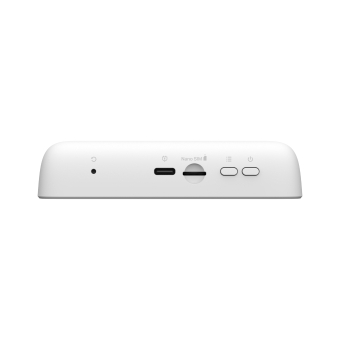
| Interfaces | 1 USB-C port for power supply |
| Button | Power Button, Reset Button, Menu Button |
| External Power Supply | 5V/1A |
| Antenna Type | Internal Antennas |
| Data Rates | 4G LTE Speed: DL: 150 Mbps, UL: 50 Mbps WiFi Speed: 287 Mbps on 2.4 GHz |
| Screen Display | 1.44 inch TFT |
-
Others
| Network Services Enabled by Default | Web Server Manage and configure device through web • Port: 80/443 Protocol: HTTP/HTTPS DHCP/DHCPv6 IP address assignment • Port: 67/547 Protocol: UDP DNS DNS • Port: 53 Protocol: UDP Dropbear Manage and configure device through app • Port: 20001 Protocol: SSH App management Manage and configure device through app • Port: 20002 Protocol: TMP |
|---|---|
| Package Contents | Mobile Wi-Fi MT115 |
| Environment | Operating Temperature: 0°C~35°C (32°F ~95°F) |
| System Requirements | Windows 11/10/8/7, Mac OS, Android, iOS, Windows Phone |