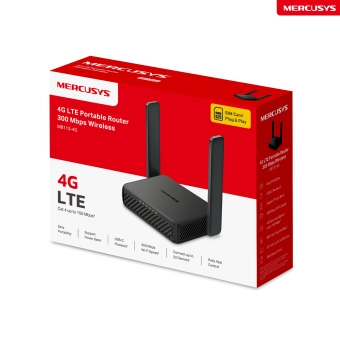
MB113-4G [V1] | Router da viaggio 4G LTE Wi-Fi 300Mbps
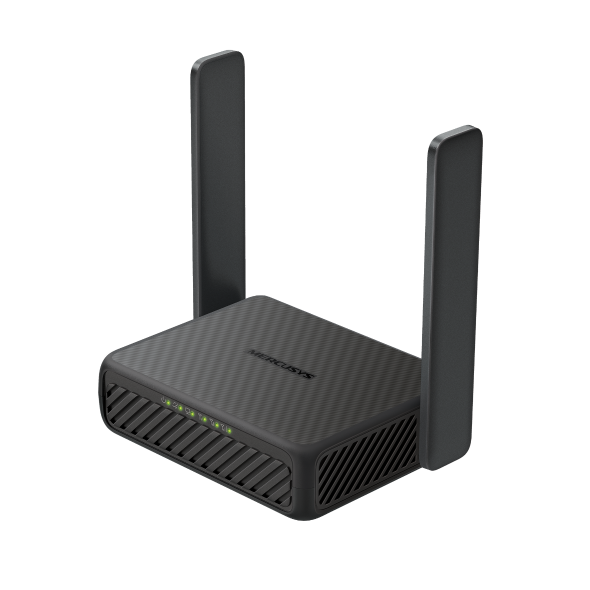
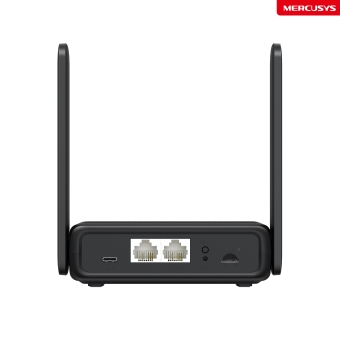
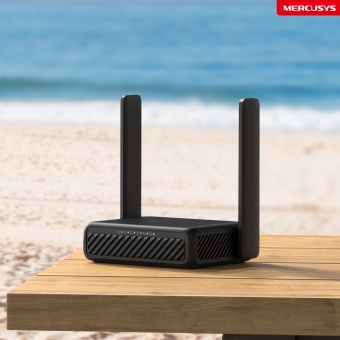
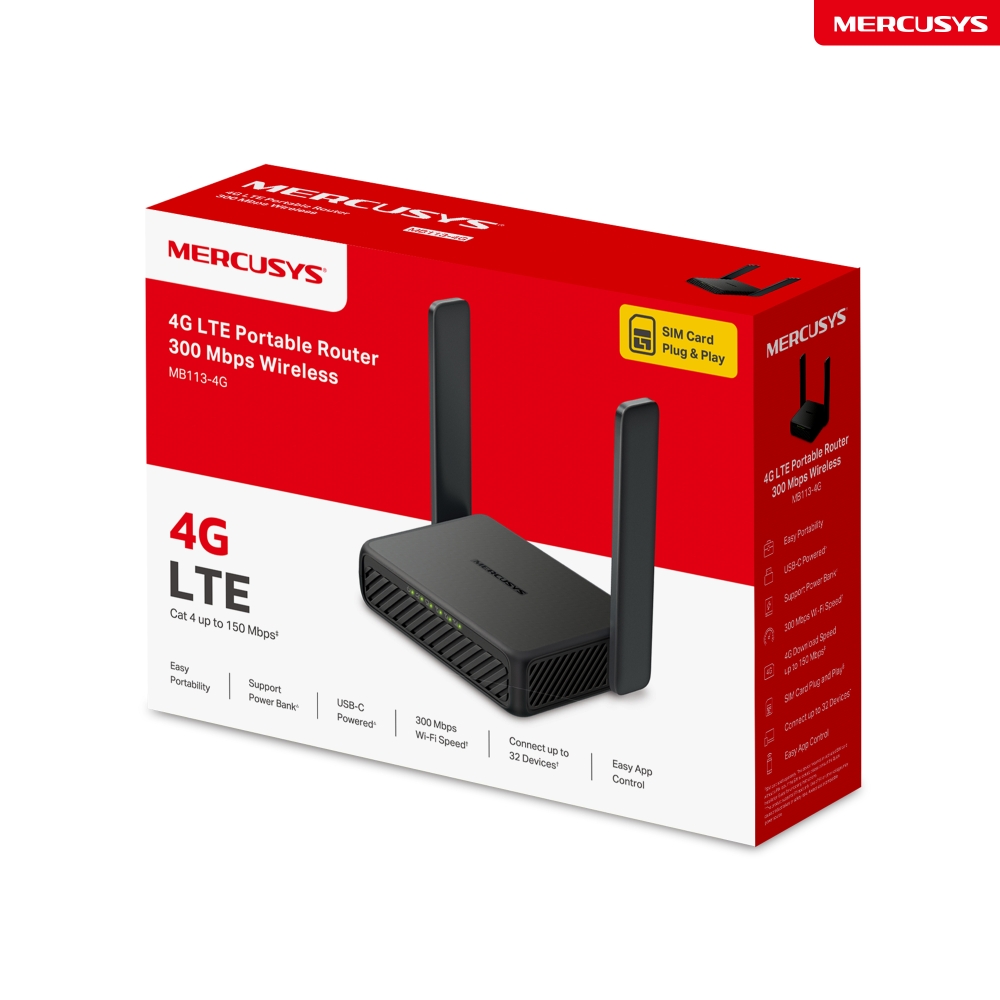
MB113-4G
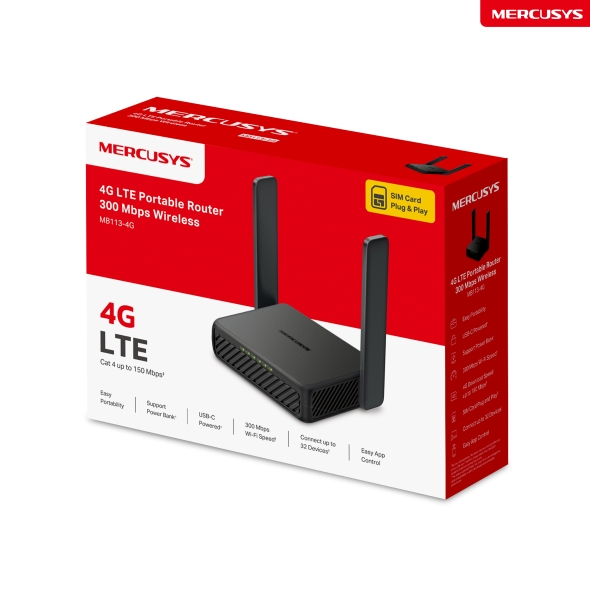
Router da viaggio 4G LTE Wi-Fi 300Mbps
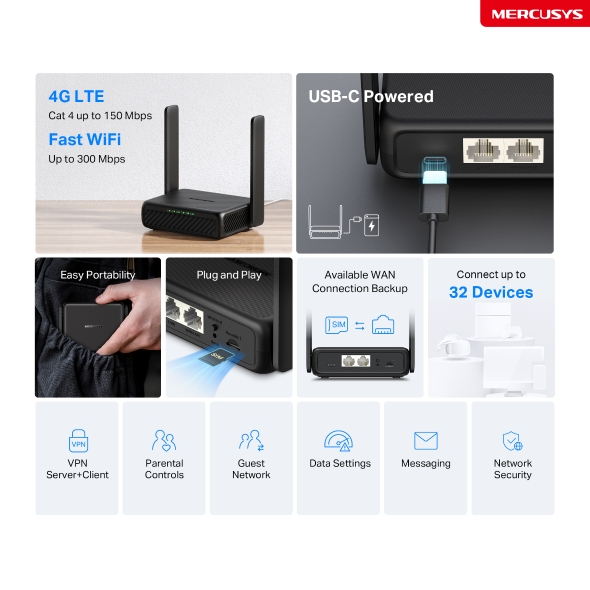
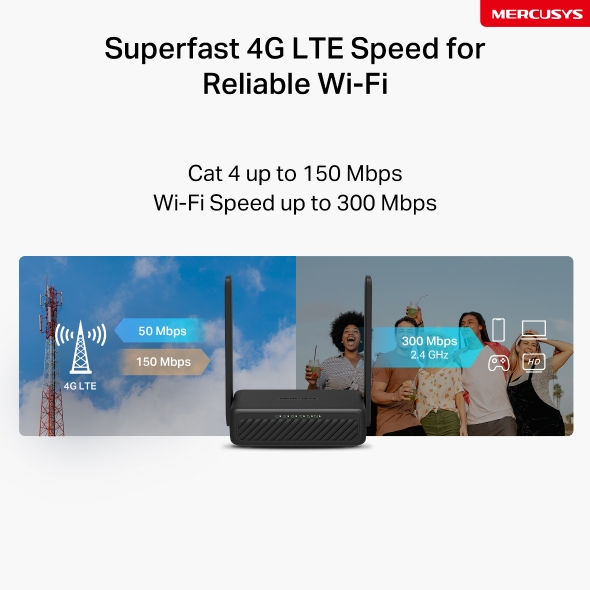
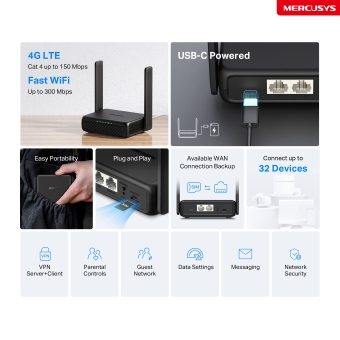
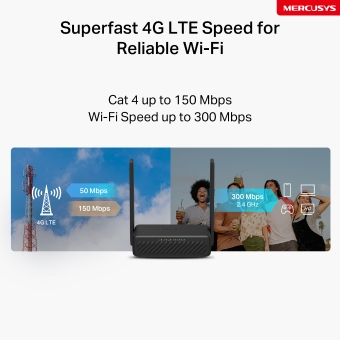
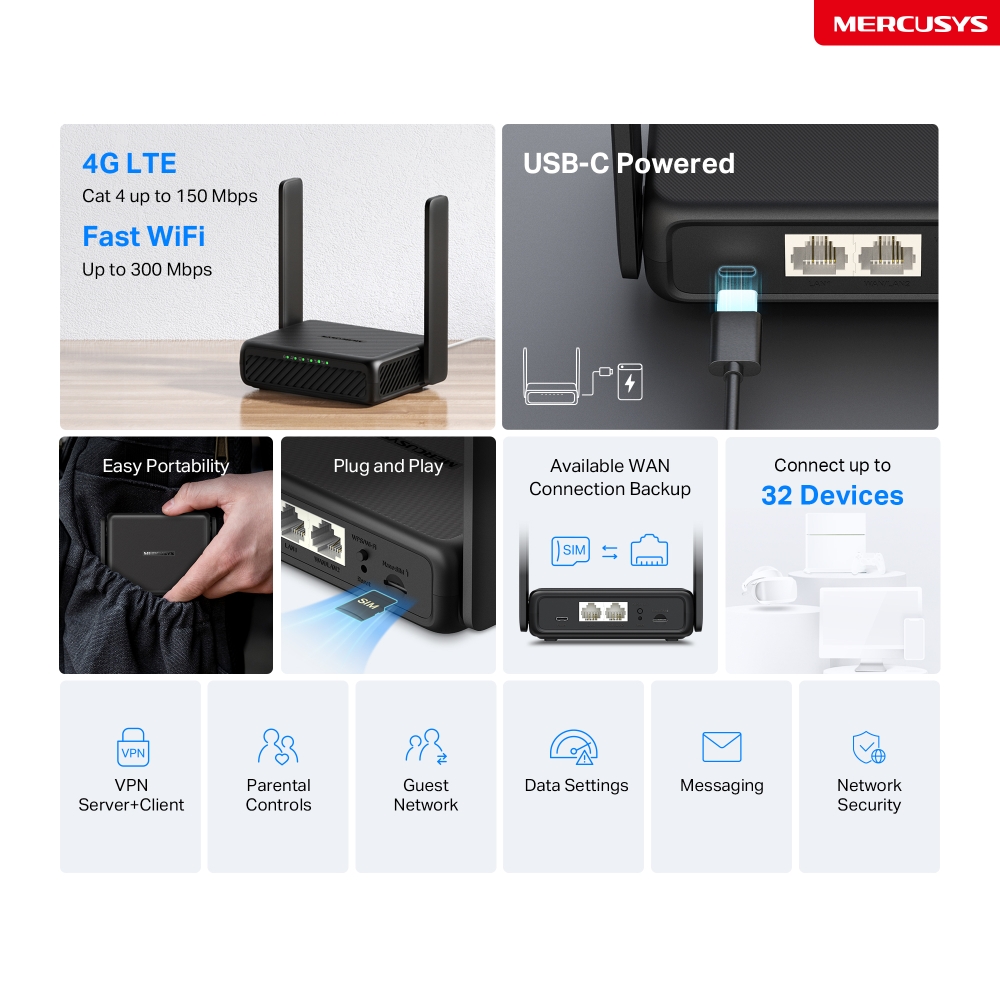
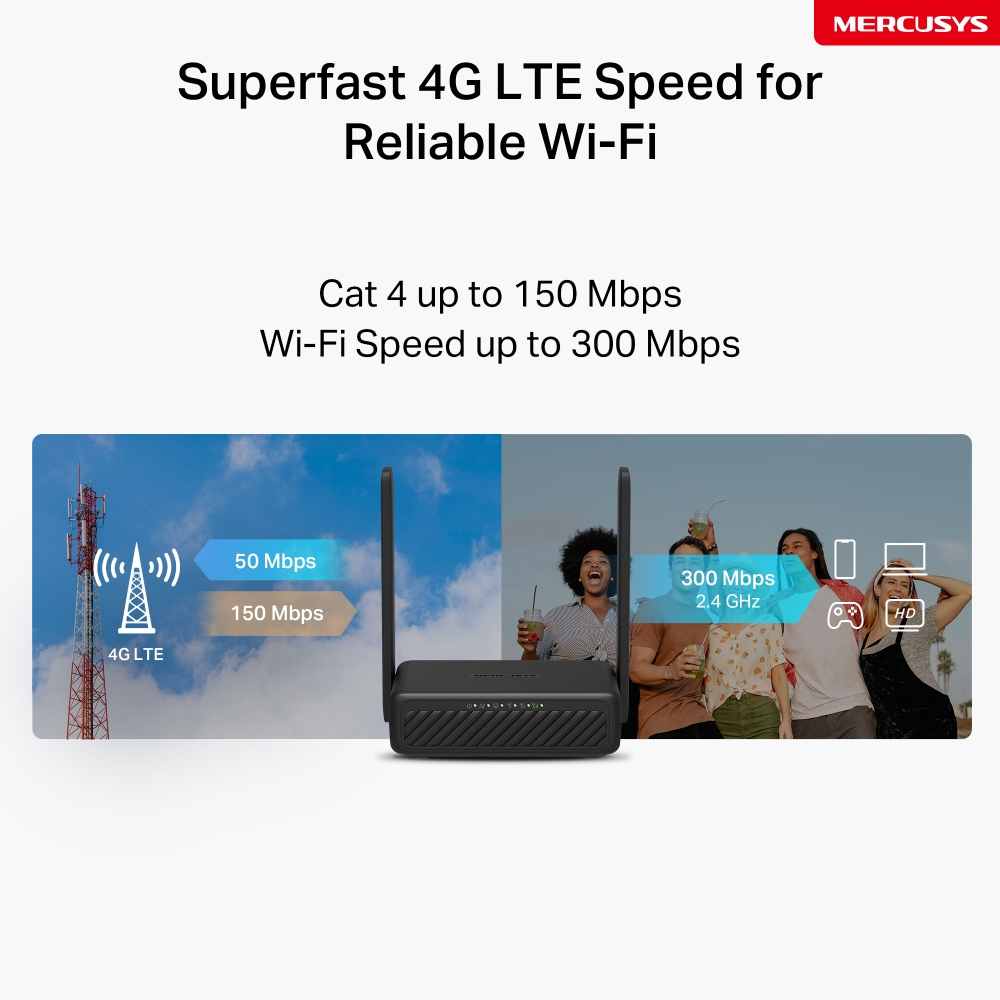
- Connettività 4G LTE – Condividi l'accesso a internet fino a 32 dispositivi Wi-Fi con velocità di download fino a 150Mbps△.
- Wi-Fi elevato – Condividi la tua rete con velocità Wi-Fi fino a 300Mbps☆.
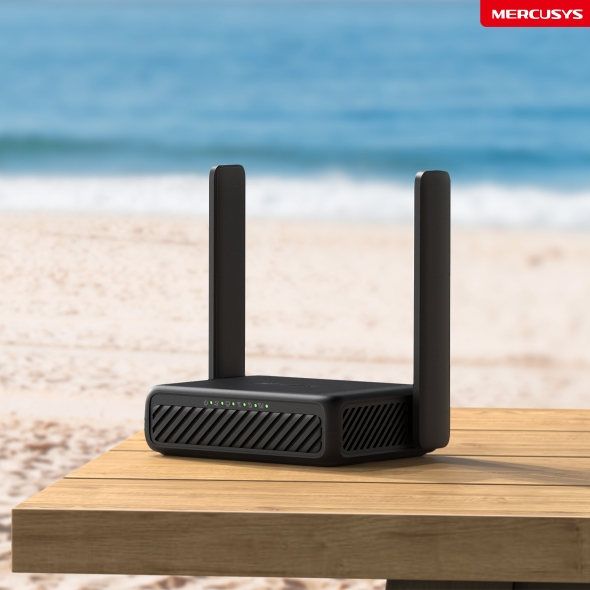
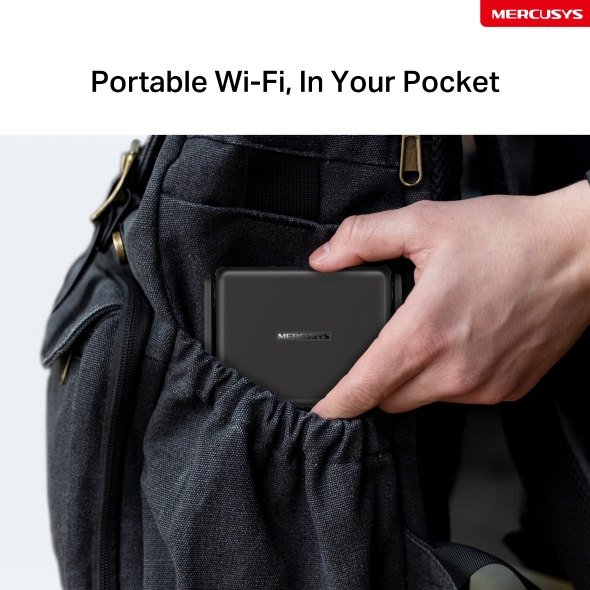
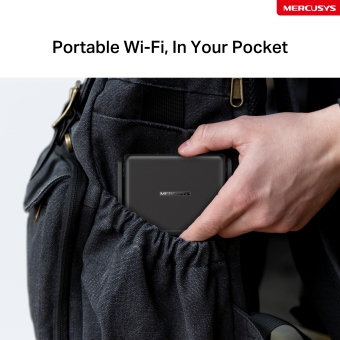
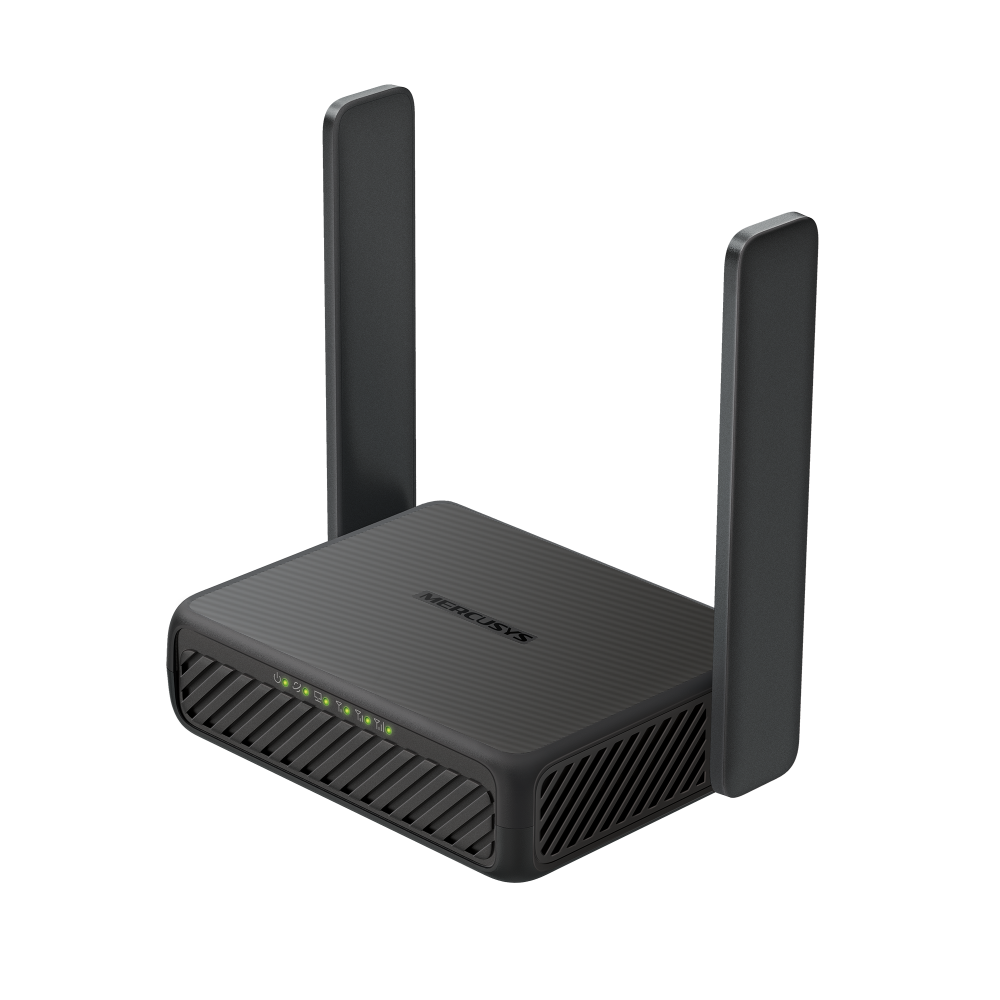
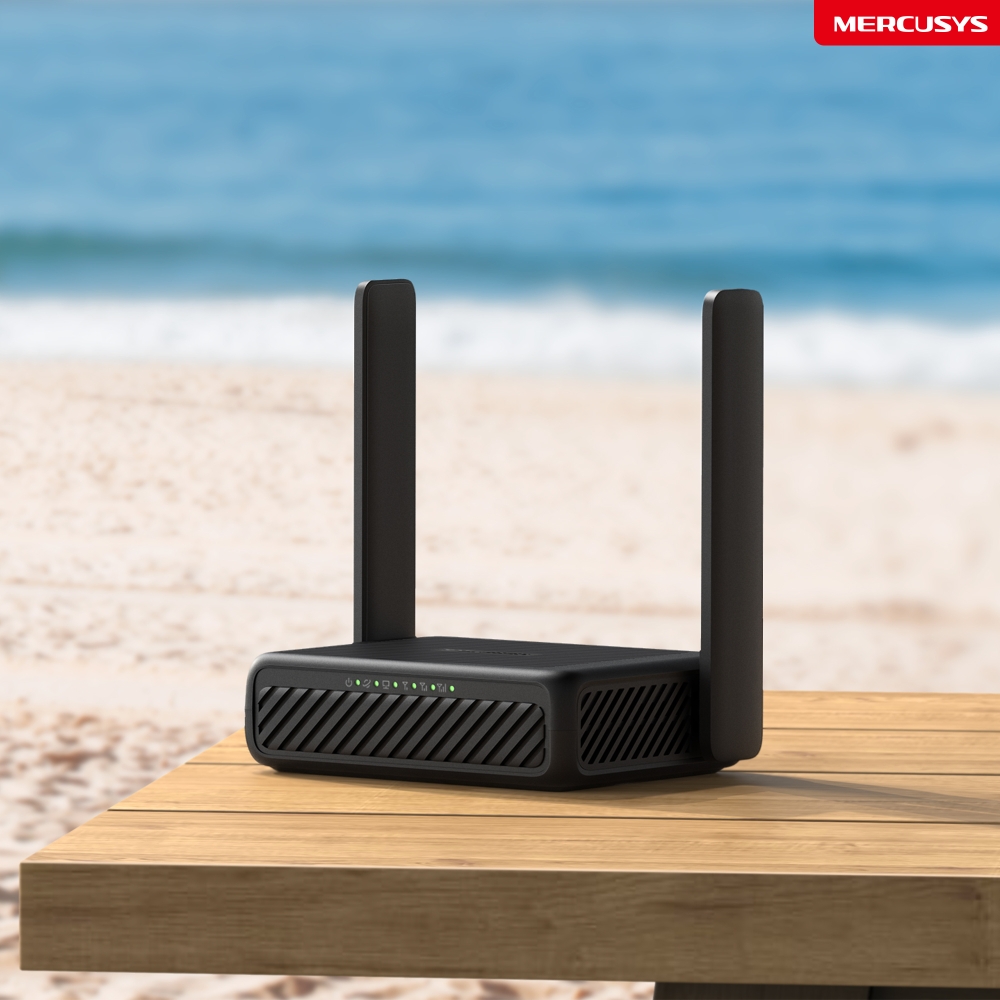
- Design compatto – MB113-4G è un router tascabile progettato per accompagnarti ovunque.
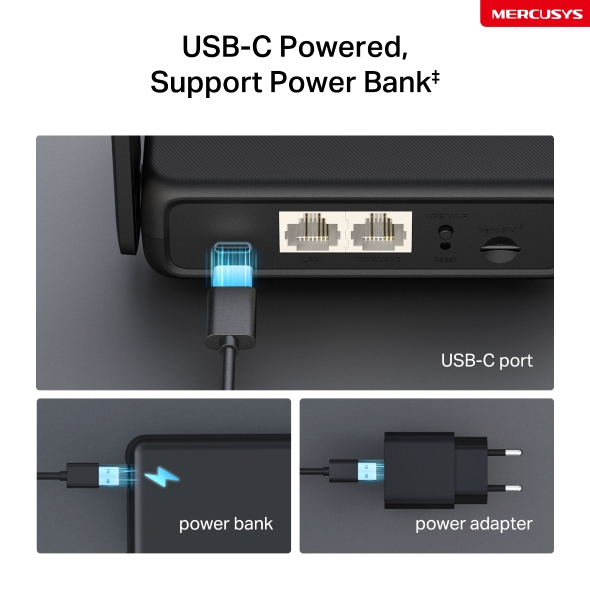
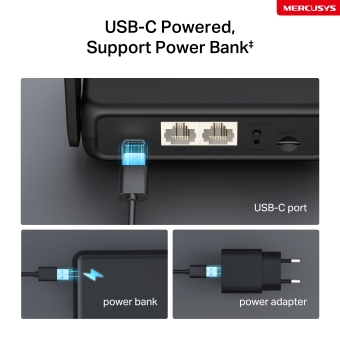
- Supporto PowerBank – Grazie alla porta USB-C, MB113-4G supporta la ricarica tramite powerbank ‡.
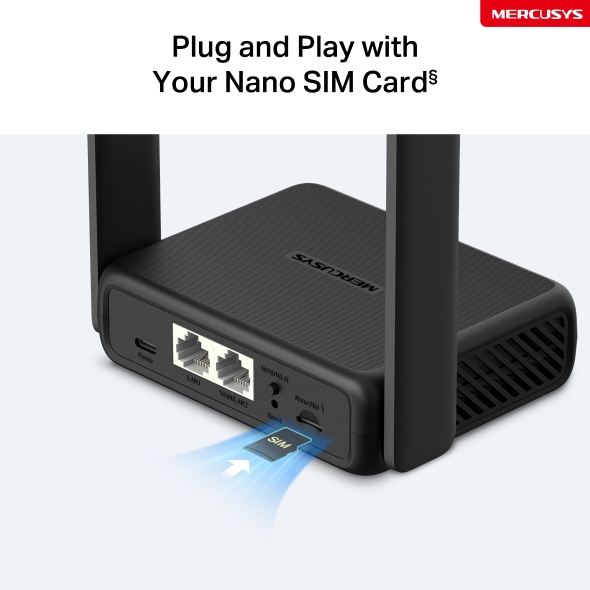
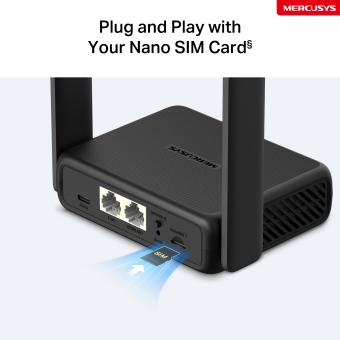
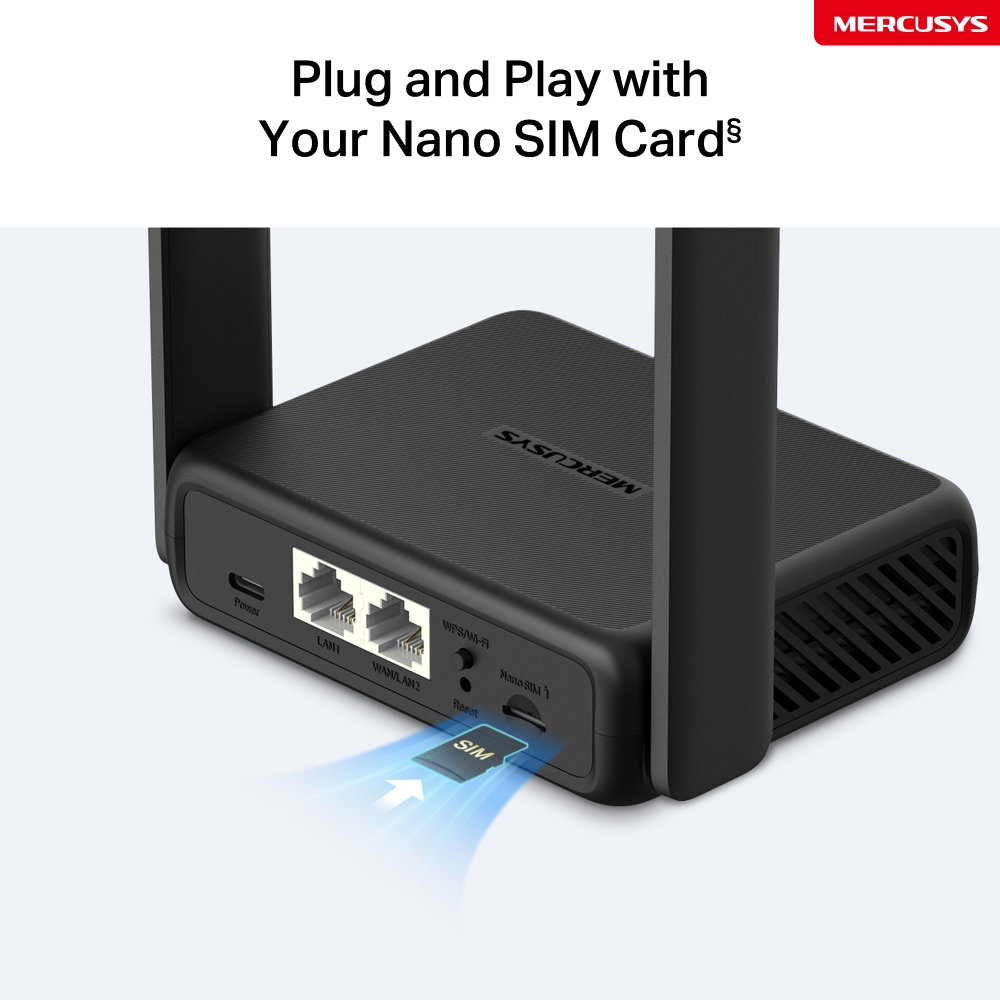
- Scheda SIM Plug & Play – Nessuna configurazione necessaria, la compatibilità delle schede SIM è garantita da anni di test sul campo. §.
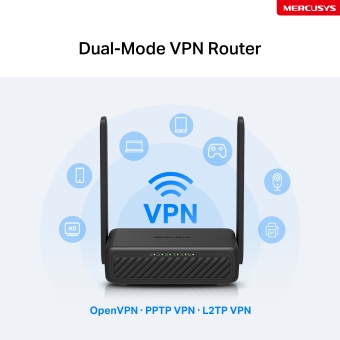
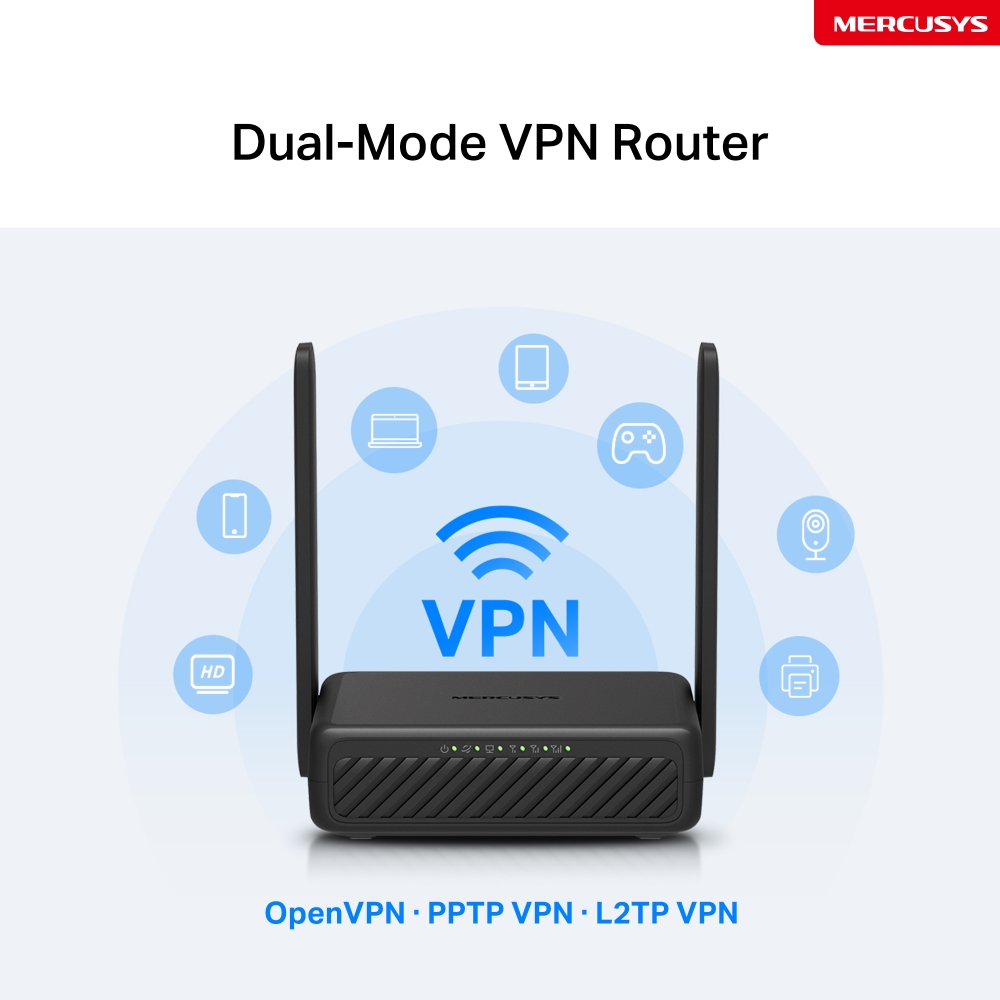
- Router VPN a doppia modalità - La modalità Client crittografa l'intera rete domestica; mentre la modalità Server consente di accedere ai dispositivi da remoto.
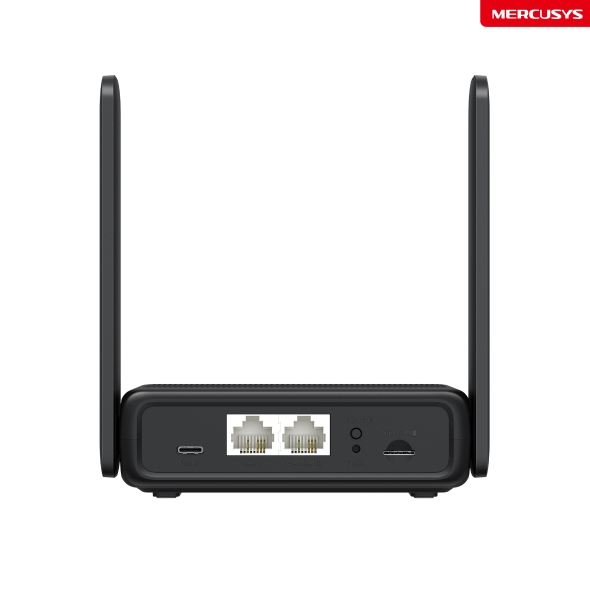
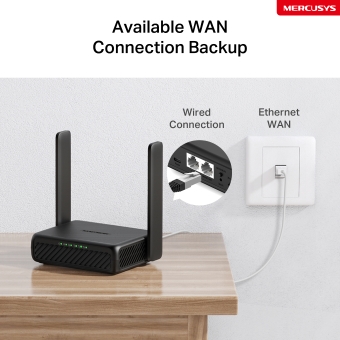
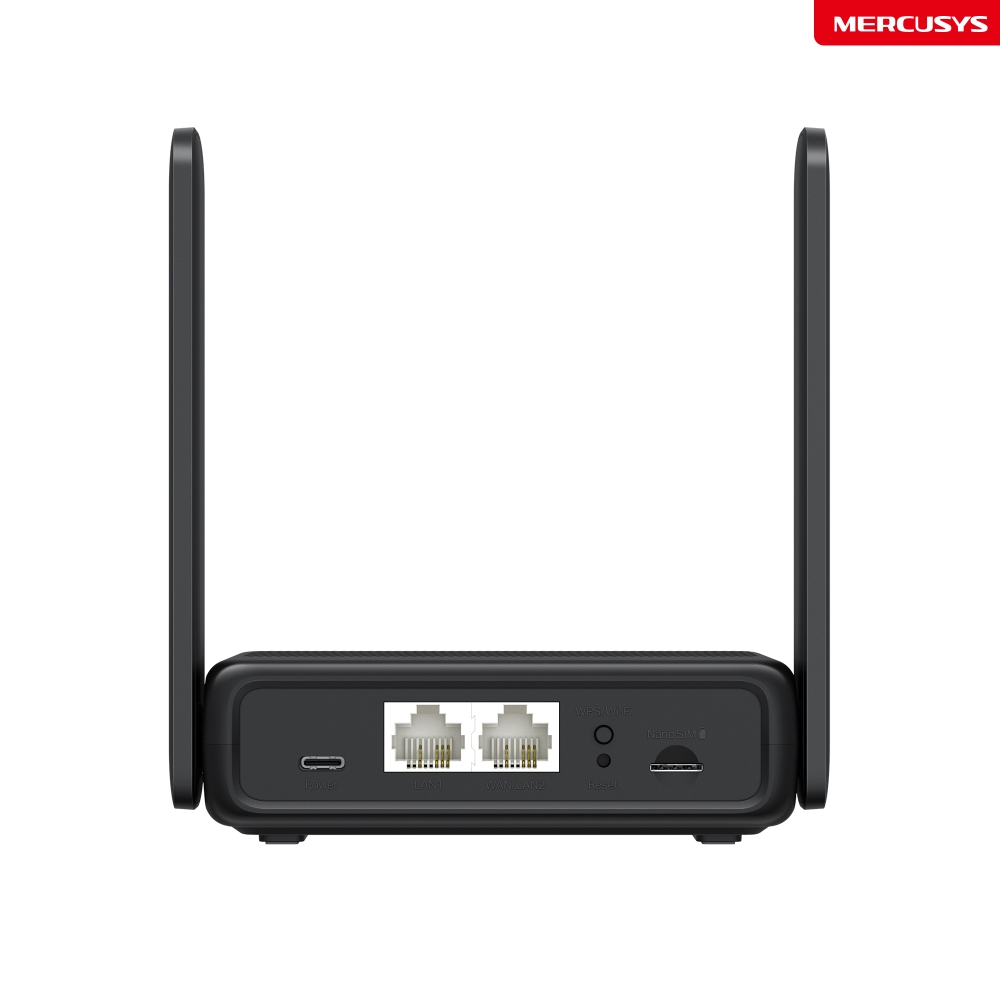
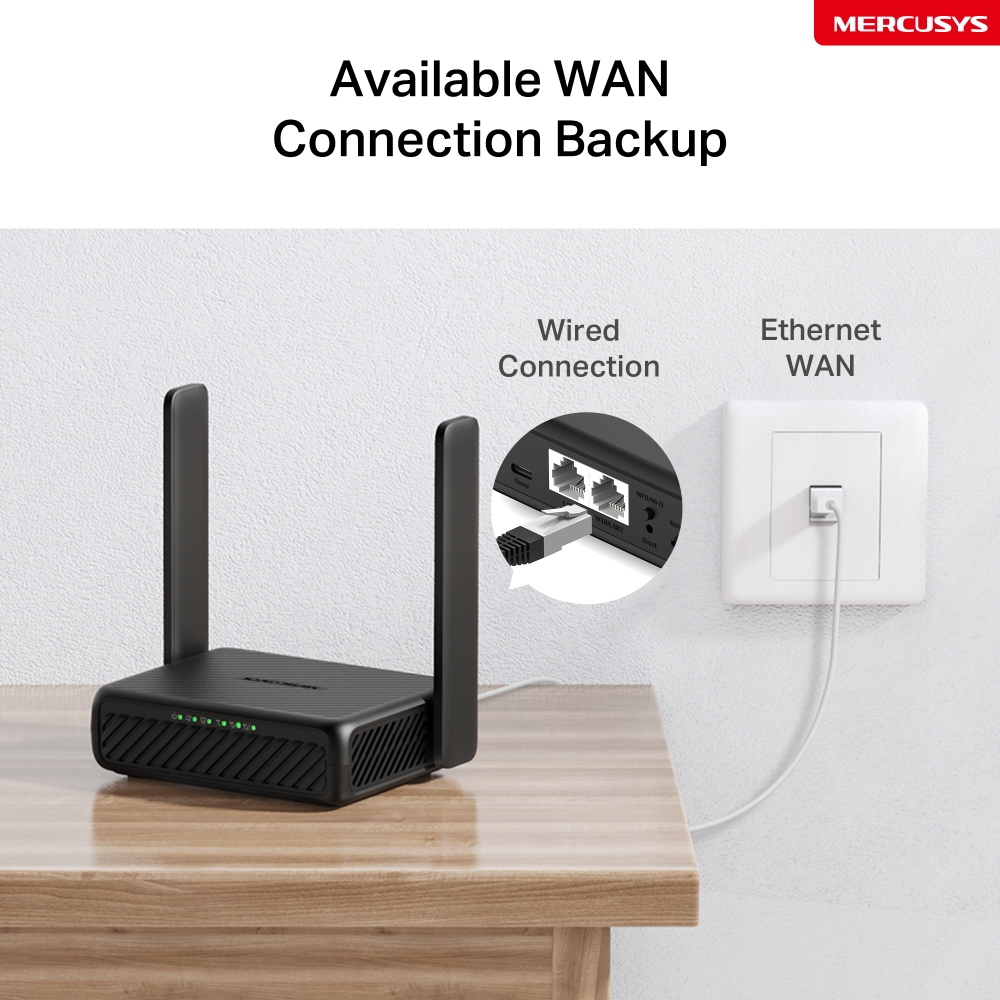
- Modalità Router Wi-Fi – Se non riesci a ottenere una connessione 4G, collega un cavo Ethernet alla porta LAN/WAN per un accesso flessibile.
*Nota: Assicurati che la tua scheda SIM non sia bloccata.
Control
Network
Wi-Fi ovuqnue ne hai bisogno
Goditi praticità e versatilità con una connessione veloce e stabile sia a casa che in mobilità.
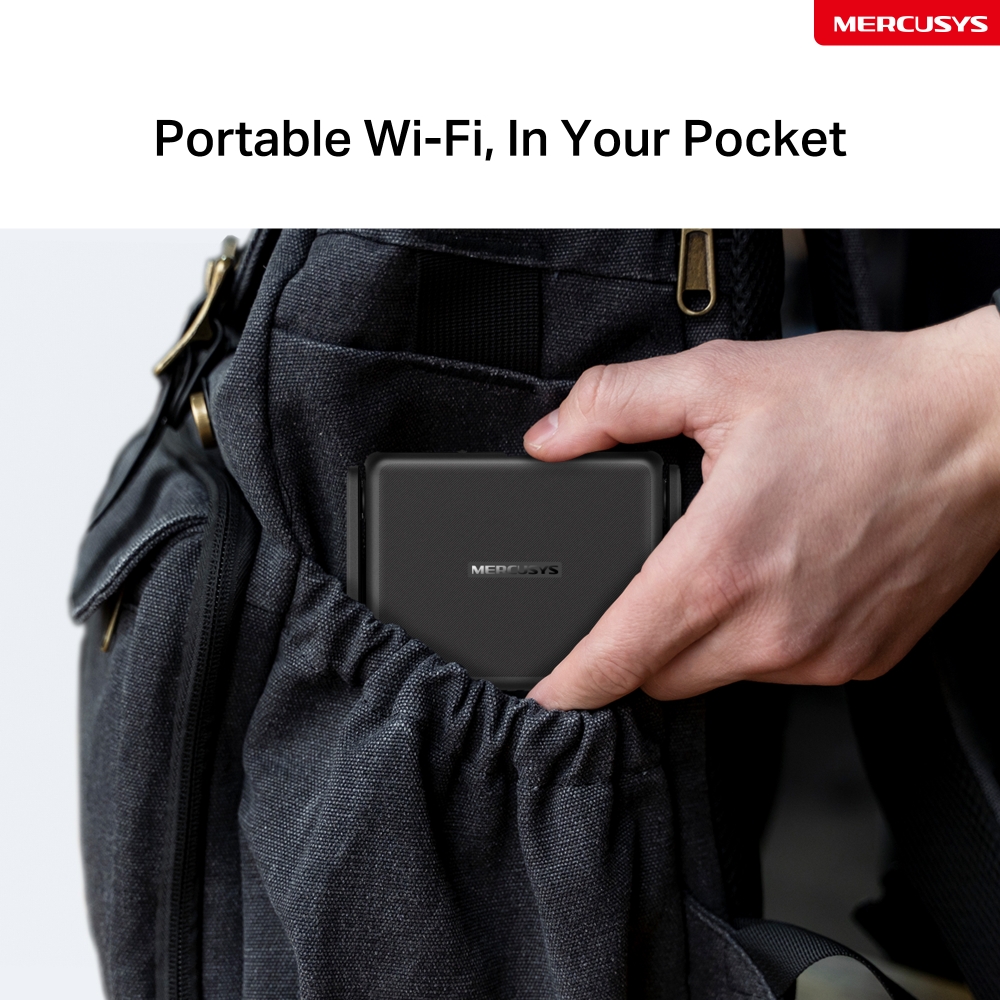
Design compatto
Grazie alla sue dimensioni e le antenne pieghevoli, MB113-4G si infila facilemente in borsa e in tasca.
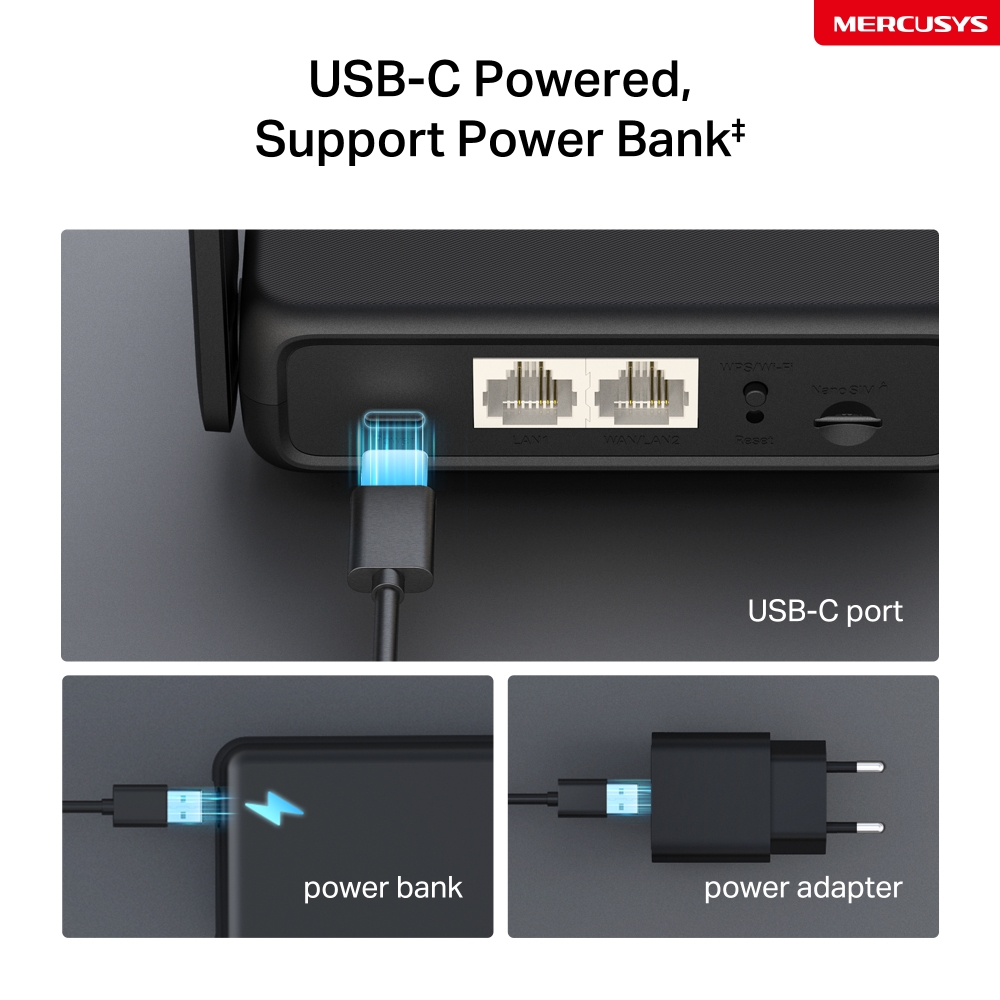
Alimentazione flessibile con interfaccia Type-C‡
Grazie alla porta USB-C, MB113-4G supporta la ricarica tramite power bank ‡. Ricaricalo ovunque, senza bisogno della presa di corrente.
Sfrutta le velocità del 4G LTE per un Wi-Fi affidabile
MB113-4G sfrutta la tecnologia 4G LTE per raggiungere velocità fino a 150Mbps in download e 50Mbps in upload△. Condividi anche la rete Wi-Fi con velocità fino a 300Mbps in 2.4GHz—perfetta per il gaming, streaming, e molto altro☆.
*Note: Le velocità massime della connessione wireless sono le velocità fisiche derivate dalle specifiche dello standard IEEE 802.11.
Plug & Play con la tua Nano SIM Card§
Compatibile con FDD-LTE e TDD-LTE per funzionare con tutti gli operatori telefonici. Inserisci una nano SIM e accendi il router per condividere la rete 4G LTE con più dispositivi Wi-Fi§.
Note: Assicurati che la tua SIM card non sia bloccata. In caso contrario, puoi:
a. Configurare il router tramite l'app MERCUSYS e seguire le istruzioni per sbloccare la SIM.
b. Accedere alla pagina di gestione web del router e andare su Avanzate > Rete > Gestione PIN per verificare.
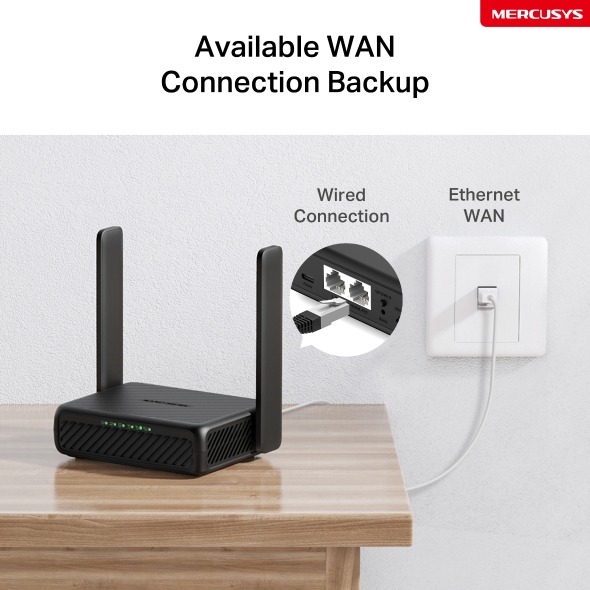
Connessione WAN di supporto
Dotato di porta WAN/LAN, MB113 - 4G può essere connesso come router a modem via cavo, fibra o DSL compatibili, assicurando una connessione senza interruzioni.
Nota: quando il router è impostato in modalità Router Wireless, può essere utilizzato come porta WAN per collegare il modem DSL/via cavo o la presa Ethernet. Per passare a questa modalità, consultare la sezione "Configurazione del router in modalità Router Wireless". (È possibile consultare la procedura nella Guida per l'utente).
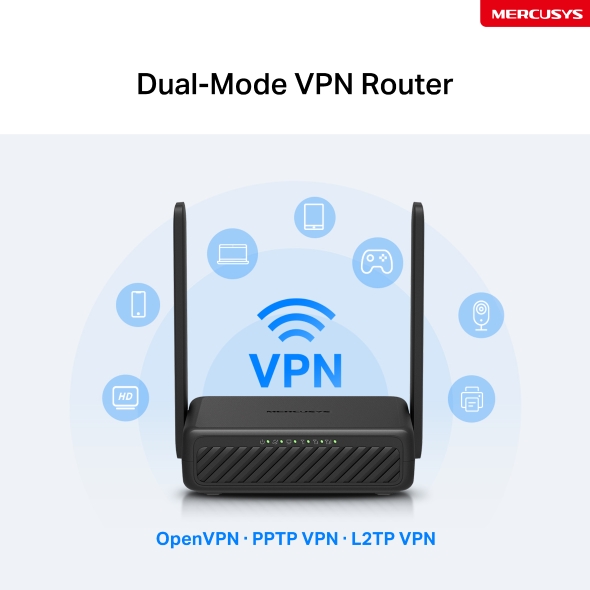
Router VPN a doppia modalità
Con la modalità Client, l'intera rete domestica è protetta: tutti i dispositivi connessi, compresi quelli che normalmente non supportano software VPN, beneficiano di una navigazione privata e crittografata; mentre la modalità Server crea un tunnel sicuro che ti permette di accedere ai tuoi file sul NAS di casa, controllare telecamere di sicurezza e gestire altri dispositivi domesitici.
OpenVPN · PPTP VPN · L2TP VPN
Condividi la tua connessione
Connetti fino a 32 dispositivi wireless contemporaneamente grazie alla compatibilità del router con numerosi dispositivi come tablet, laptop e smartphone.
Gestione intuitiva con l'app MERCUSYS
Gestisci comodamente il tuo hotspot tascabile dall'app MERCUSYS per dispositivi iOS/Android.


Gestione Completa
-

Parental Control
Imposta limiti di utilizzo per garantire ai tuoi figli un accesso a Internet sicuro.
-

Rete ospiti
Crea una rete separata per i tuoi ospiti mantenendo la tua privacy.
-

Configurazione dati
Tieni sotto controllo l'utilizzo dati con le statistiche mensili e imposta un limite massimo di consumo dati.
-

Messaggistica
Imposta il Message Center per ricevere via SMS la notifica di avvicinamento al limite di traffico dati.
‡This product supports 5V input only. Use of 9V or other voltages may cause product failure or safety risks. Always use a compatible power source. △Maximum 4G download speeds depend on external factors such as the local 4G network coverage, data plan, real-time network capacity, client limitations, and environmental factors. ☆Maximum wireless signal rates are the physical rates derived from IEEE Standard 802.11 specifications. Actual wireless data throughput and wireless coverage, and quantity of connected devices are not guaranteed and will vary as a result of network conditions, client limitations, and environmental factors, including building materials, obstacles, volume and density of traffic, and client location. §SIM card sold separately. This device requires an activated SIM card without a PIN lock. If the SIM is locked, please consult the Quick Installation Guide for unlocking instructions.
App MERCUSYS
L'app MERCUSYS ti permette di configurare e gestire in modo rapido e semplice la tua rete Wi-Fi domestica ovunque ti trovi, direttamente dal tuo smartphone.
MERCUSYS configura la tua rete in pochi step
Configurare la tua rete domestica richiede pochissimi passaggi con app MERCUSYS. Non dovrai decifrare complicati manuali o avere conoscenze tecniche pregresse: segui semplicemente le istruzioni in-app per creare il tuo network in pochi minuti.
-
 Halo alimentazione cavo Ethernet
Step 1
Apri la confezione
-

Step 2
Collega i dispositivi
-

Step 3
Segui le istruzioni di MERCUSYS app
Gestisci il tuo WI-Fi in tempo reale
MERCUSYS app ti permette di tenere sotto controllo la rete in qualunque momento. Verifica gli utenti connessi alla rete e monitorane le attività dal tuo dispositivo iOS o Android.


NB.La pagina di configurazione può variare a seconda del modello.
Parental Control
Crea un ambiente di rete sicuro per i tuoi bambini con la funzionalità Parental Control.
-
Crea Profili Utente
Crea un profilo per ogni membro della famiglia e assegna a ciascuno i suoi dispositivi per impostare il controllo accessi e le limitazioni di tempo.
-
Online Time Limit
Imposta limiti alla permanenza in rete per evitare eccessi.
-
Black-list
Blocca contenuti inappropriati limitando l'accesso a determinati siti con le black list.
-
Sospendi la connessione
Goditi qualche istante in famiglia sospendendo la connessione per tutti!
Gestione intuitiva
MERCUSYS app mette a tua disposizione una serie completa di funzionalità per gestire la rete in modo semplice e sicuro tramite dispositivo iOS o Android.

Controlla lo Status dei dispositivi connessi
Osserva in modo intuitivo lo stato della rete e dei dispositivi connessi. Puoi dare priorità o bloccare alcuni dispositivi, se necessario.

Quality of Services
Dai priorità alle applicazioni e ai dispositivi che ne hanno più bisogno per ottenere le migliori performance di connessione.

Notifica di nuovo accesso
MERCUSYS app ti informa quando un nuovo dispositivo accede alla tua rete inviando una notifica istantanea. In questo modo puoi bloccare tempestivamente il dispositivo, se ritieni che rappresenti una minaccia alla sicurezza.

Rete Ospiti
Crea una rete WI-Fi separata per i tuoi ospiti mantenendo inalterata la sicurezza del network prinipale e la tua privacy.
Prodotti compatibili
Nota: I prodotti presenti nella lista e le versioi hardware successive sono compatibili con MERCUSYS app.
CATEGORIE
-
Halo Mesh
-

Halo H50G V1 EU
AC1900 Whole Home Mesh Wi-Fi System
-

Halo H30G V1 EU
AC1300 Whole Home Mesh Wi-Fi System
-
-
Router Wi-Fi
-

MR30G V1 BR
AC1200 Wireless Dual Band Gigabit Router
-

MR70X V1 EU/US
AX1800 Dual Band Wi-Fi 6 Router
-

MR50G V1 EU/US/RU
AC1900 Wireless Dual Band Gigabit Router
-
Coming Soon

MR30G V1 EU/US/RU
AC1200 Wireless Dual Band Gigabit Router
-
-
Range Extender
-
*More compatible devices are coming soon.
-
Supporto multilingua
-
English
-
Nederlands
-
Français
-
Deutsch
-
Italiano
-
日本語
-
한국어
-
Português
-
Español
-
繁體中文
-
Русский язык
-
Português Brasil
-
Español
(Latinoamérica) -
Български
-
Українська мова
-
Polski
-
Română
-
Slovenčina
-
ไทย
-
Türkçe
-
Čeština
-
Tiếng Việt
-
Eλληνικά
-
Bahasa Melayu
-
Magyar
-
עברית
- Wireless
- Network Type
EU:
FDD-LTE: B1/B3/B5/B7/B8/B20/B28 (2100/1800/850/2600/900/800/700 MHz)
TDD-LTE: B38/B40 (2600/2300 MHz)
HSPA+/UMTS: B1/B5/B8 (2100/850/900 MHz)- LTE Standard
Cat 4
150/50 Mbps DL/UL- Wi-Fi Class
N300
- Wi-Fi (2.4 GHz)
300 Mbps
- Wireless Standards
IEEE 802.11b/g/n
- Frequency
2.4 GHz
- Reception Sensitivity
11b 11 Mbps: -87.5 dBm
11g 54 Mbps: -74 dBm
11n HT20 MCS7: -71 dBm
11n HT40 MCS7: -69 dBm- Max Channel Width
40 MHz
- MAX Capacity
32
- Recommended Clients Limit
16
- Max Wi-Fi Modulation
MCS7
- Wireless Security
WPA-PSK / WPA2-PSK
- Wireless Functions
Smart connect
WPS
Wireless Schedule
Wireless Clients Statistics
- Software
- Operation Modes
3G/4G Router
Wireless Router- Cellular Mode
4G Preferred
4G Only
3G Only- Cellular APN
Data Roaming
Network Search
Profile Create
APN Settings
ISP File Upgrade
PIN Management- WAN Mode
Dynamic IP
Static IP
PPPoE
PPTP
L2TP- DHCP
Server
DHCP Client List
Address Reservation- NAT Forwarding
ALG
Virtual Server
Port Triggering
UPnP
DMZ- Protocols
IPv4, IPv6
- Data Settings
Data Statistics
Data Limit- Guest Network
2.4 GHz Guest Network
- Parental Controls
Time Control
Website Filtering- DDNS
DynDNS
NO-IP- VPN Sever
OpenVPN
PPTP VPN
L2TP VPN- SMS
Inbox
New Message
Outbox
Drafts- Security
IPv4 SPI Firewall
Access Control
Service Filtering
IP & MAC Binding
IPv6 Firewall- ISP Feature
TR-069
- System
Time Settings
LED Control
Diagnostics
Firmware Upgrade
Backup&Restore
Reboot
Administration
System Log
CWMP Settings- LED Management
LED Control
Night Mode- Device Management
MERCUSYS APP
Web GUI- Cloud
Firmware Upgrade over the Cloud
Remote Management- Language
English
Spanish
Italian
Polish
Russian
- Hardware
- Dimensioni (W X D X H)
108 × 86.8 × 34 mm
(4.3 × 3.4 × 1.3 in)- Interfaces
1× 100 Mbps LAN/WAN Port
1× 100 Mbps LAN Port
1× Nano SIM Card Slot- Antenna
2 External Non-detachable 4G LTE Antennas
2 Internal Wi-Fi Antennas- Button
1×WPS/Wi-Fi Button
1×Reset Button- Retail Package Weight
0.35 kg
- Installation
Desktop
- LED
1× Power
1× Internet
1× LAN
3× Signal- Retail Package Dimension
192 × 148 × 58
- Units per Carton
32
- Carton Dimension
480 × 400 × 320
- Power Consumption
USB-C: 5V/1.5A
- Others
- Certifications
CE
- Network Services Enabled by Default
Web Server
Manage and configure device through web (HTTP/HTTPS)
• Port: 80/443 Protocol: TCPDHCP Server
IP address assignment (DHCP)
• Port: 67 Protocol: UDPCWMP
CWMP
• Port: 7547 Protocol: TCPApp management
Manage and configure device through app
• Port: 20001 Protocol: TCP
• Port: 20002 Protocol: UDP- Package Contents
300 Mbps Wireless 4G LTE Router (MB113-4G)
Power Adapter
RJ45 Ethernet Cable
Quick Installation Guide- Environment
Operating Temperature: 0 °C~40 °C (32 °F~104 °F)
Storage Temperature: -40 °C~60 °C (-40 °F~140 °F)
Operating Humidity: 10%~90% Non-Condensing
Storage Humidity: 5%~90% Non-Condensing