MB118-4G [V1] | 300 Mbps Wireless 4G LTE Outdoor/Indoor Router
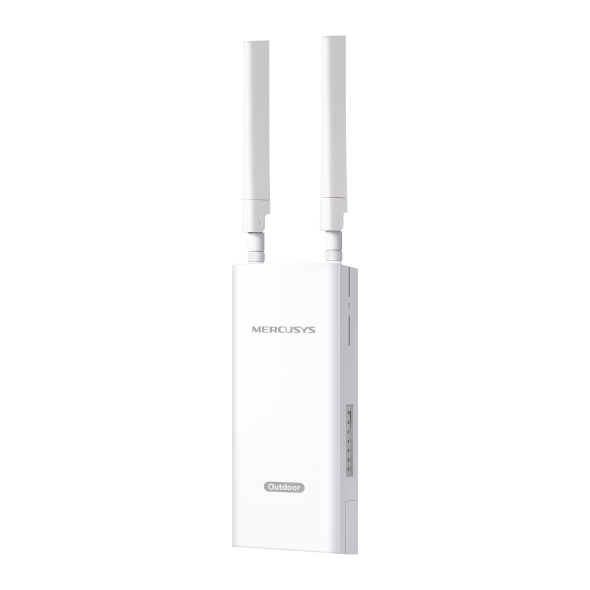
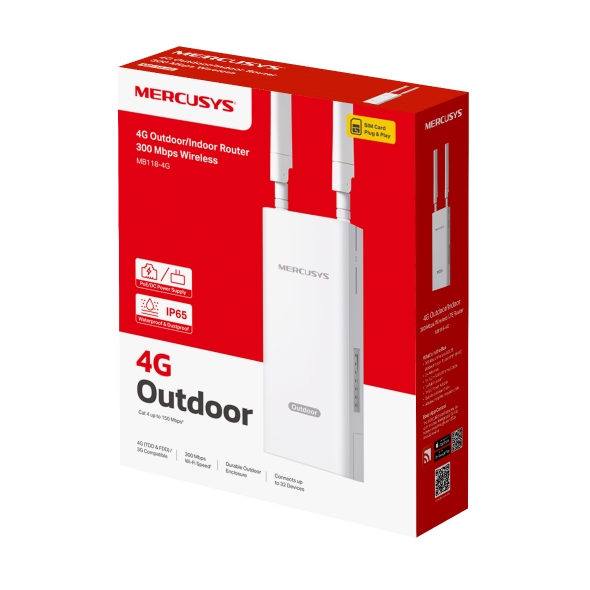
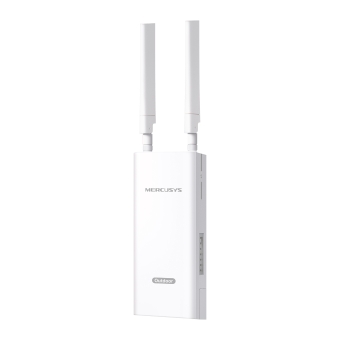
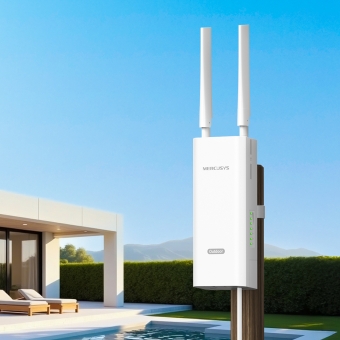
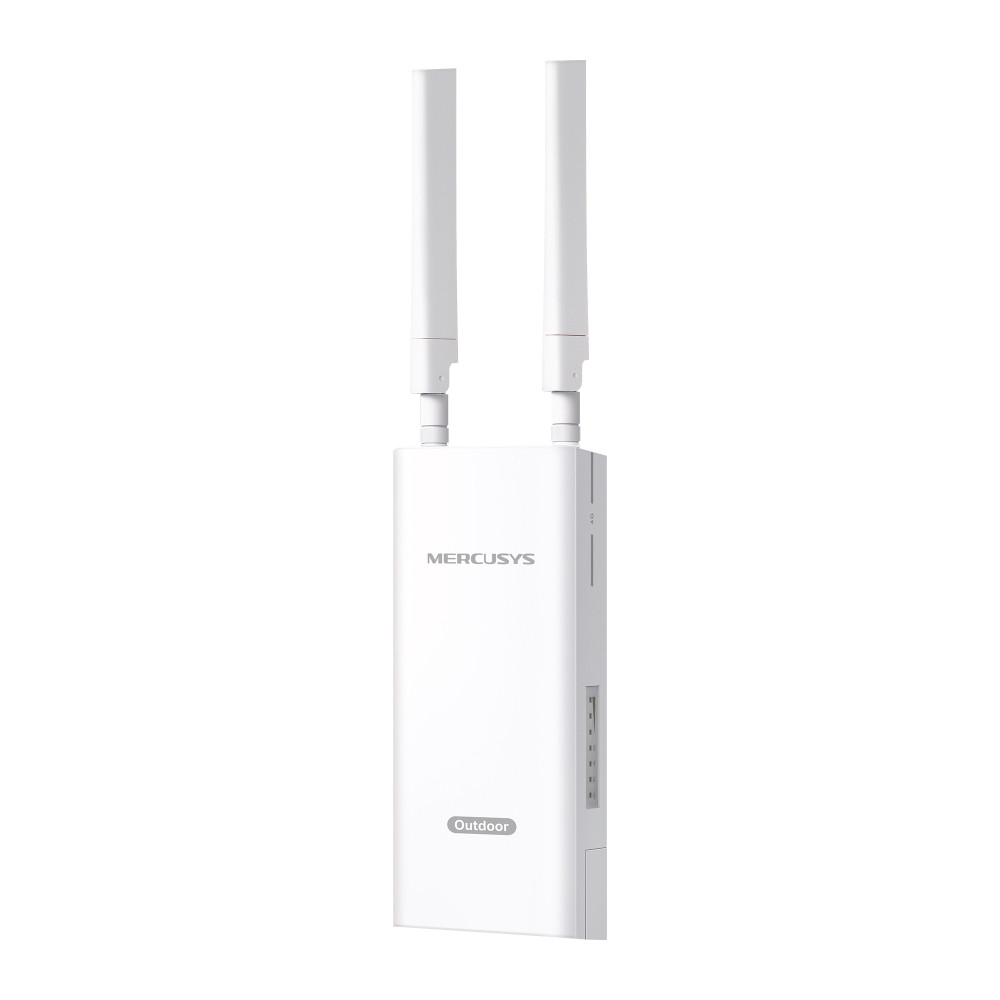
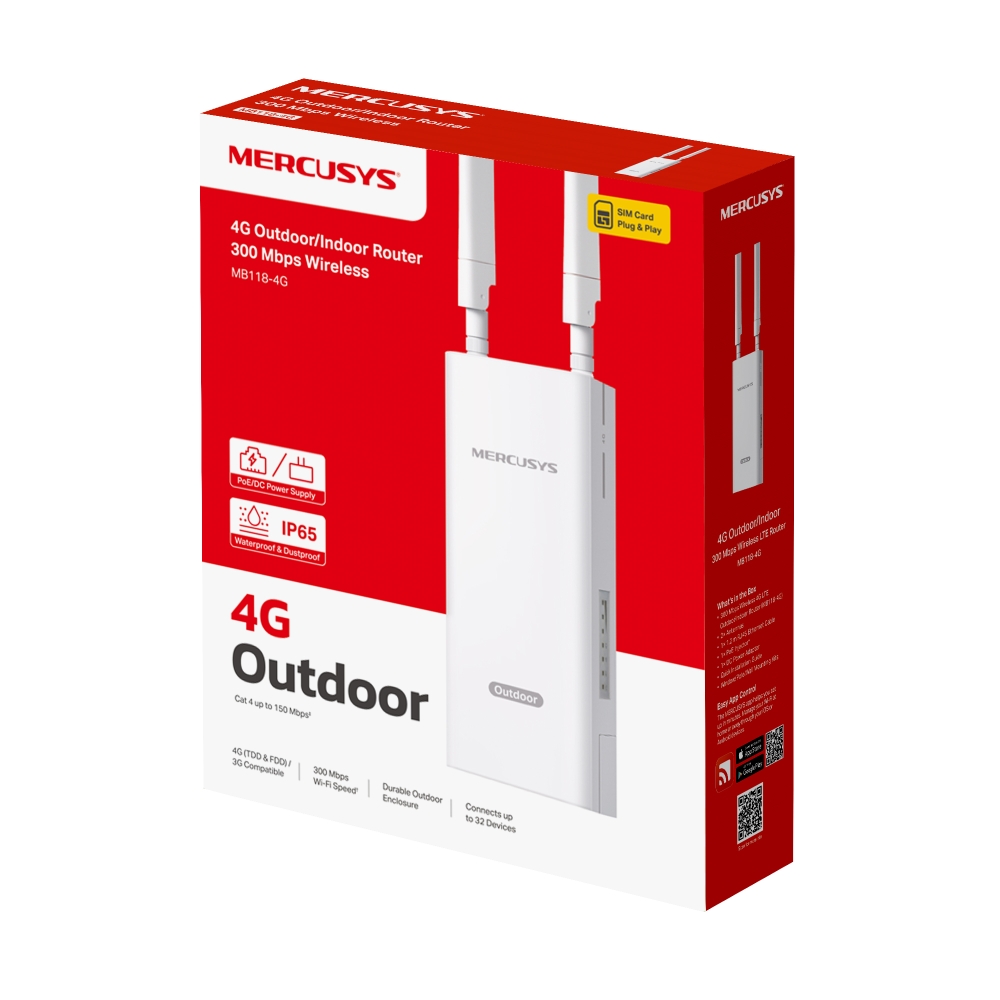
MB118-4G
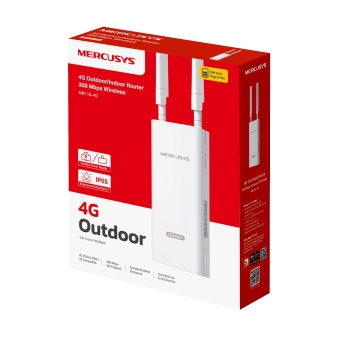
300 Mbps Wireless 4G LTE Outdoor/Indoor Router
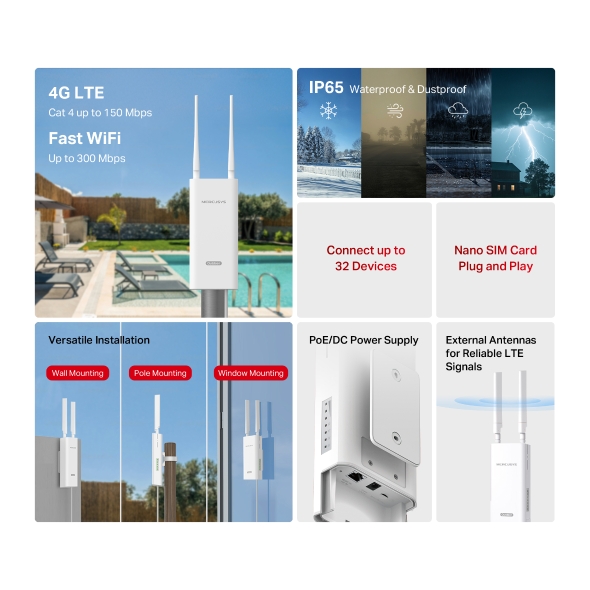
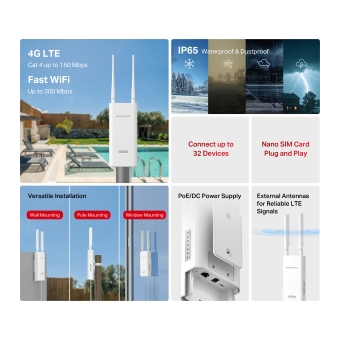
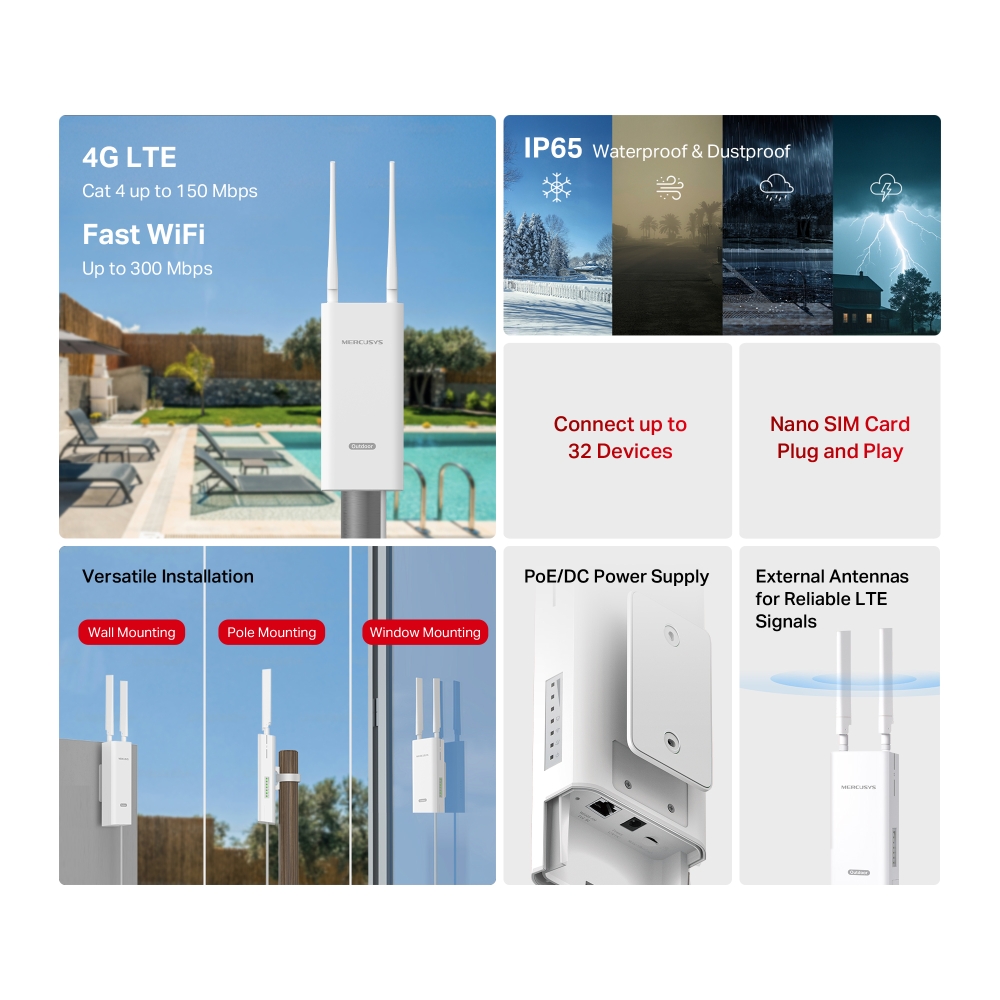
- 4G network – Share internet access with up to 32 Wi-Fi devices and enjoy download speeds of up to 150 Mbps.
- Plug a SIM card and play – No configurations needed, compatibility of SIM cards are assured by years of field tests.**
- 300 Mbps WiFi – Fast WiFi speeds up to 300 Mbps to share your network.
-
Durable Outdoor Enclosure – Robust outdoor connectivity and reliability with IP65 weatherproof protection§ and ±6kV lightning protection & ±15kV ESD protection△.
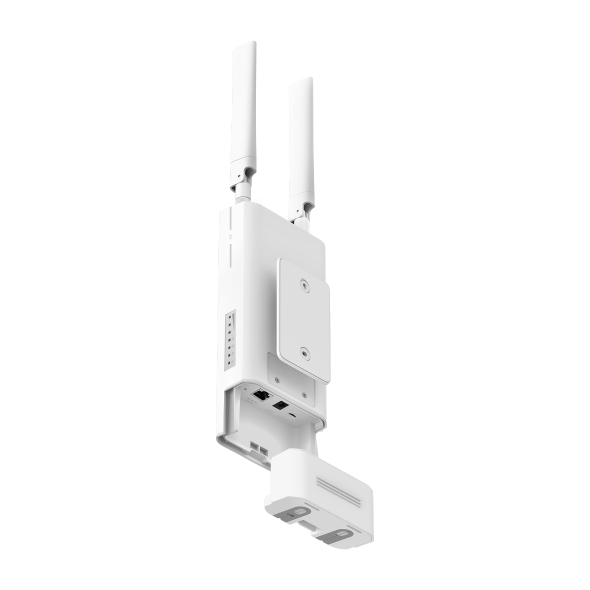
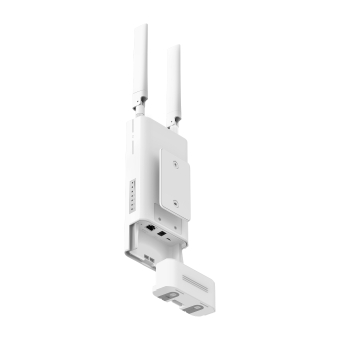
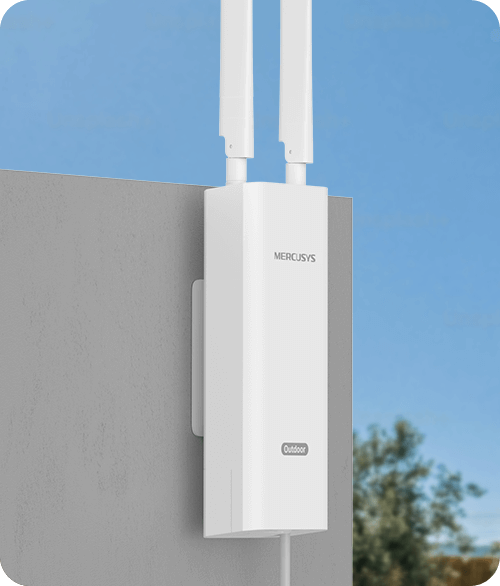
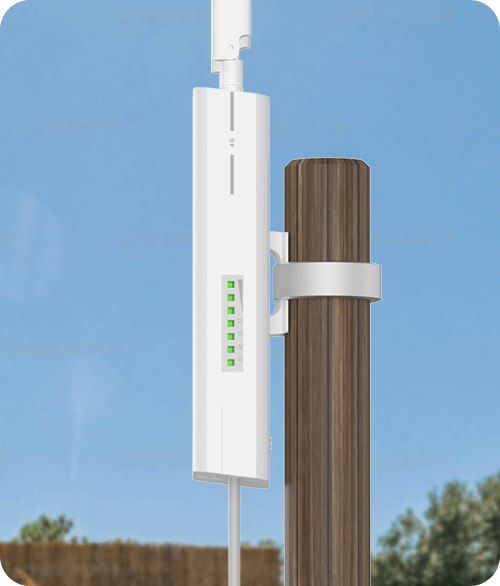
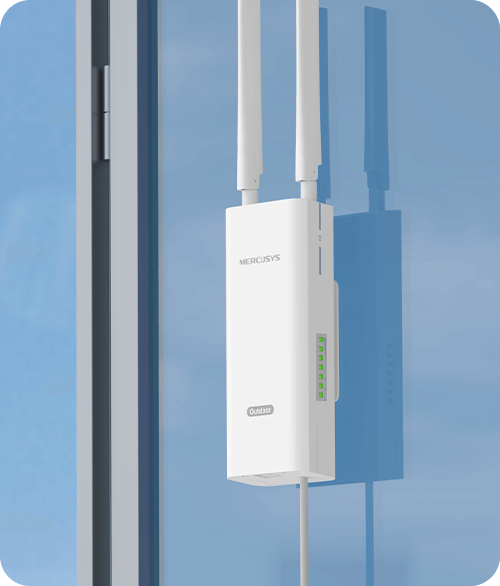
- Multiple Mounting Installation – Install easily anywhere with pole, wall, or window mounting for flexible, convenient use.
-
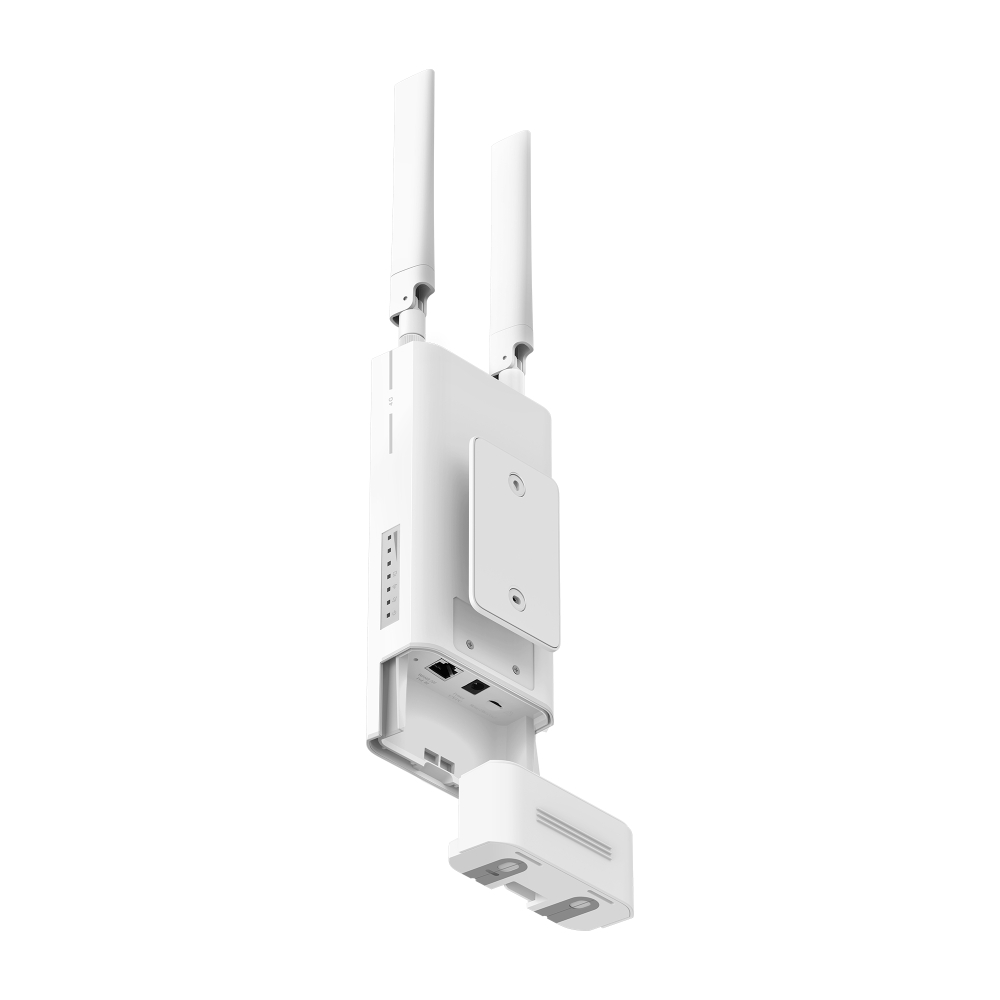
PoE/DC Power Supply – Supports 802.3af/802.3at PoE and passive PoE, enabling easy deployment.*
-
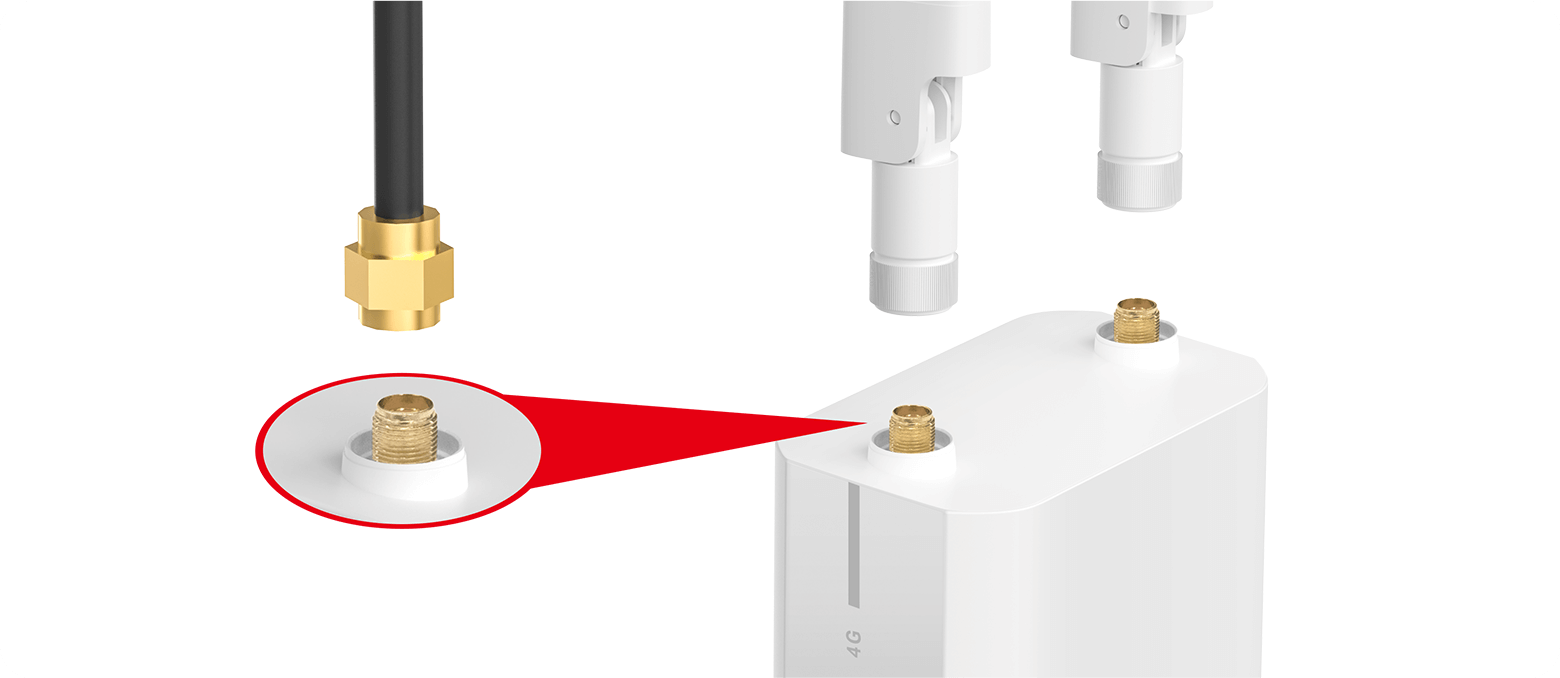
Maximum Network Coverage – Enjoy stable and efficient connections to every device thanks to the external antennas. LTE antennas can be replaced with high-power alternatives for enhanced 4G LTE signal strength and coverage.
**Notes: Make sure your SIM card is unlocked.
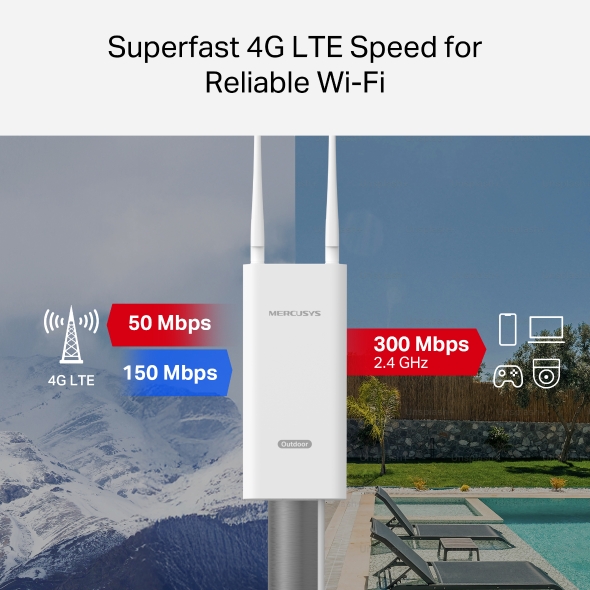
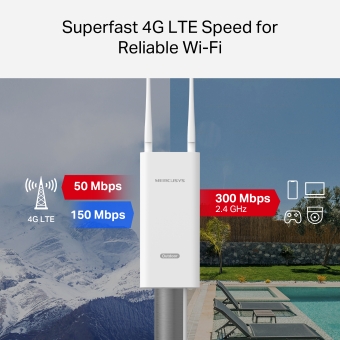
Superfast 4G LTE Speed for Reliable WiFi
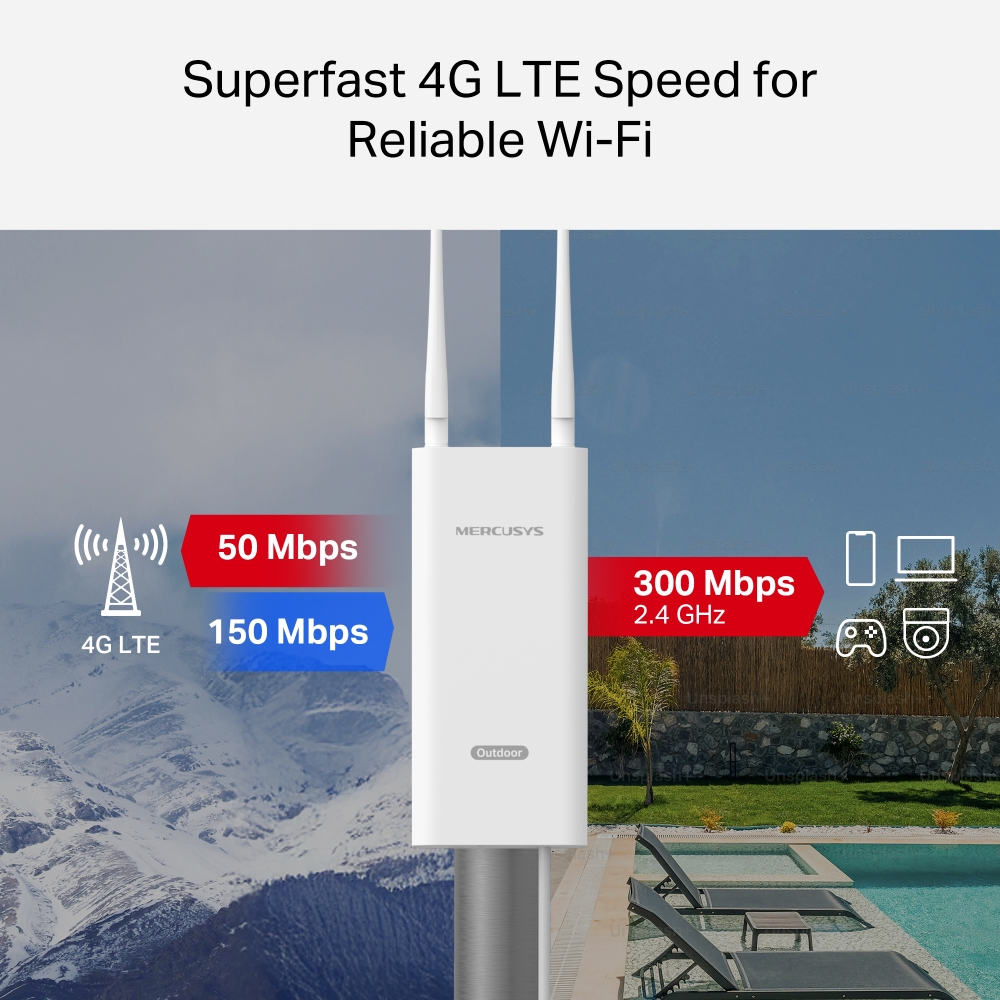
MB118-4G harnesses 4G LTE technology to deliver lightning-fast download speeds of up to 150 Mbps and up to 50 Mbps for uploads.‡ It also shares a WiFi network with a max speed of 300 Mbps on 2.4 GHz—perfect for gaming, streaming, and more.†
2.4 GHz
Note: Maximum wireless signal rates are the physical rates derived from IEEE Standard 802.11 specifications.
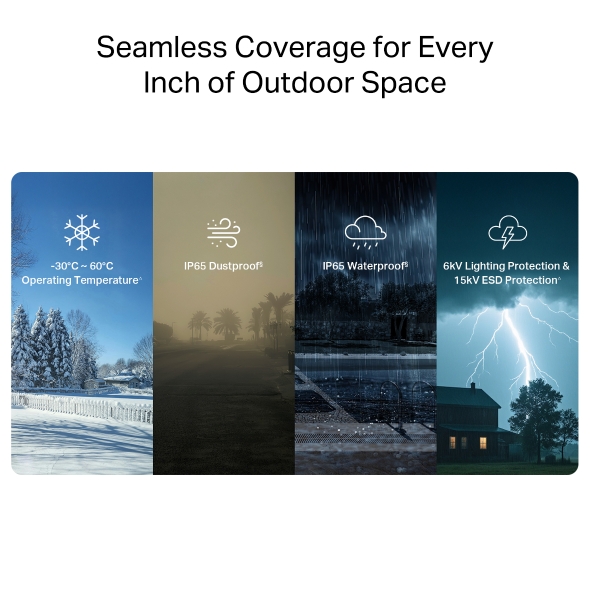
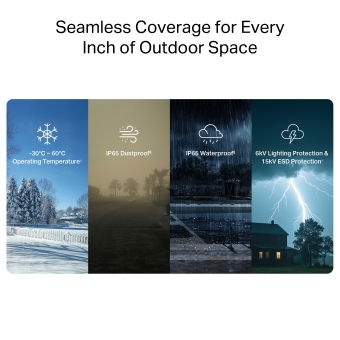
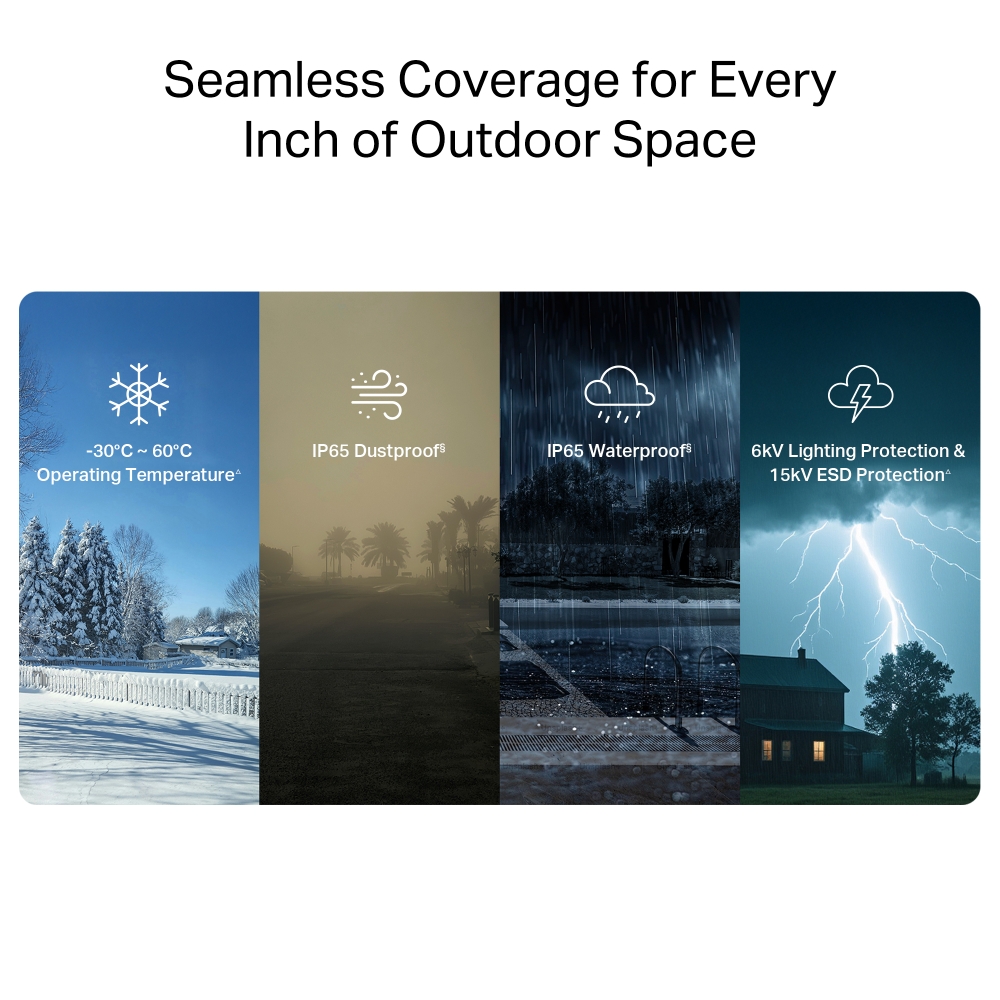
Seamless Coverage for Every Inch of Outdoor Space
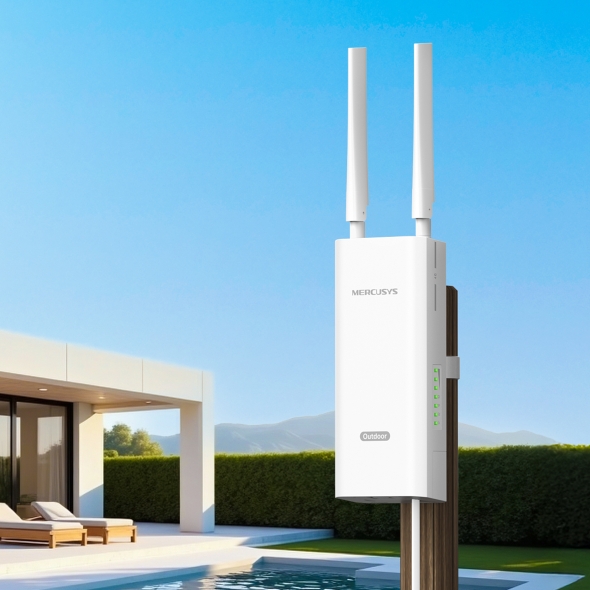
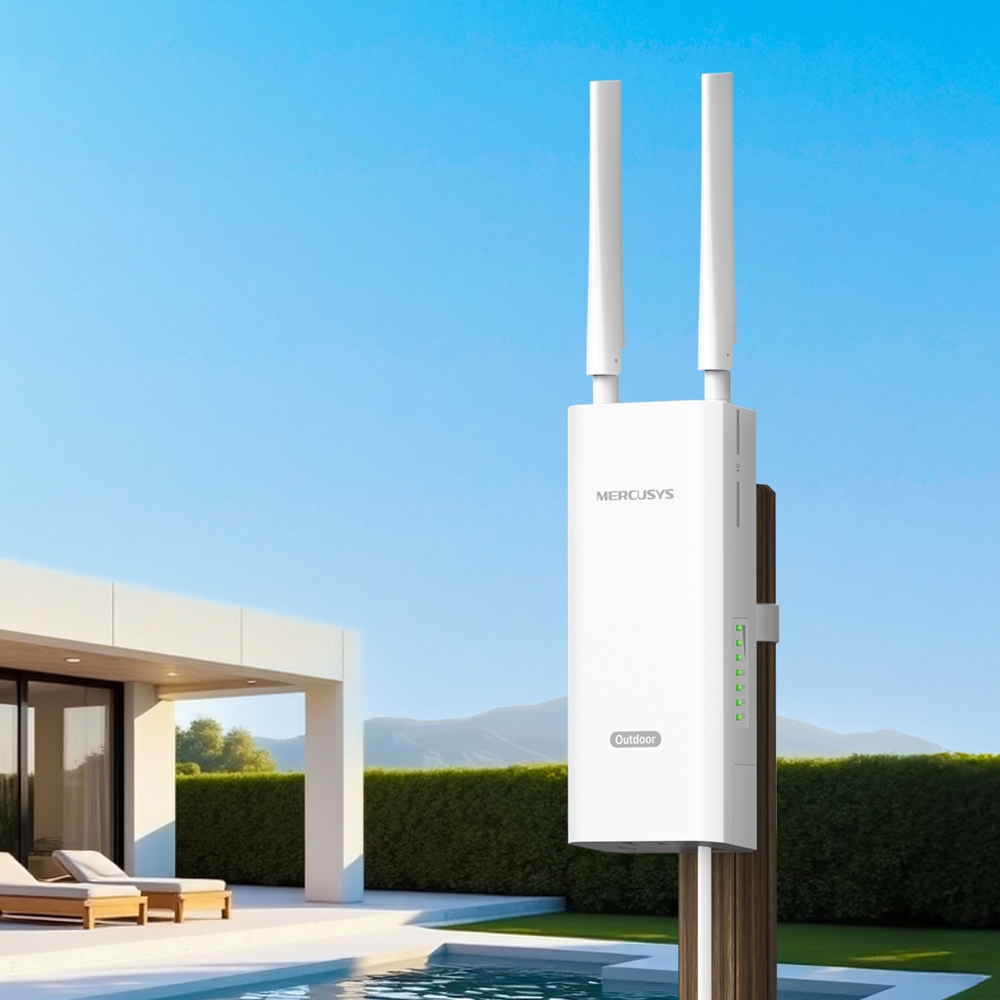
Perfect for outdoor events, backyard WiFi, gardens, patios, pools, cafés, barns, and sheds.
Operating Temperature△
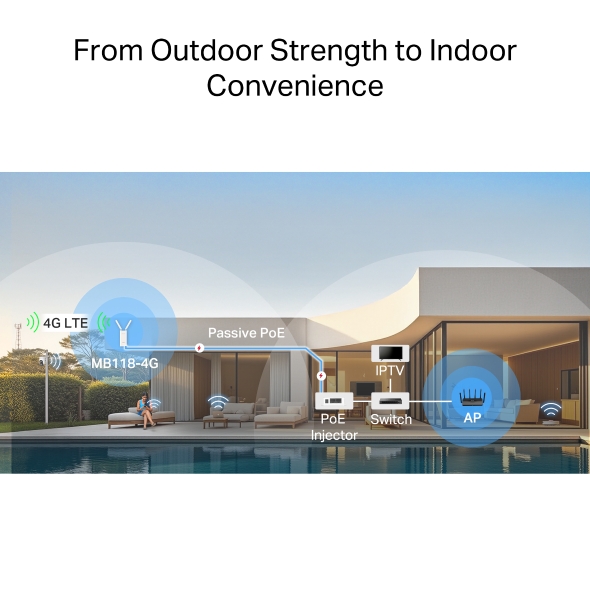
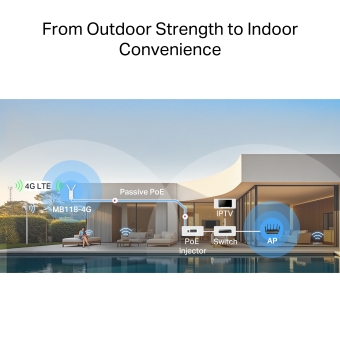
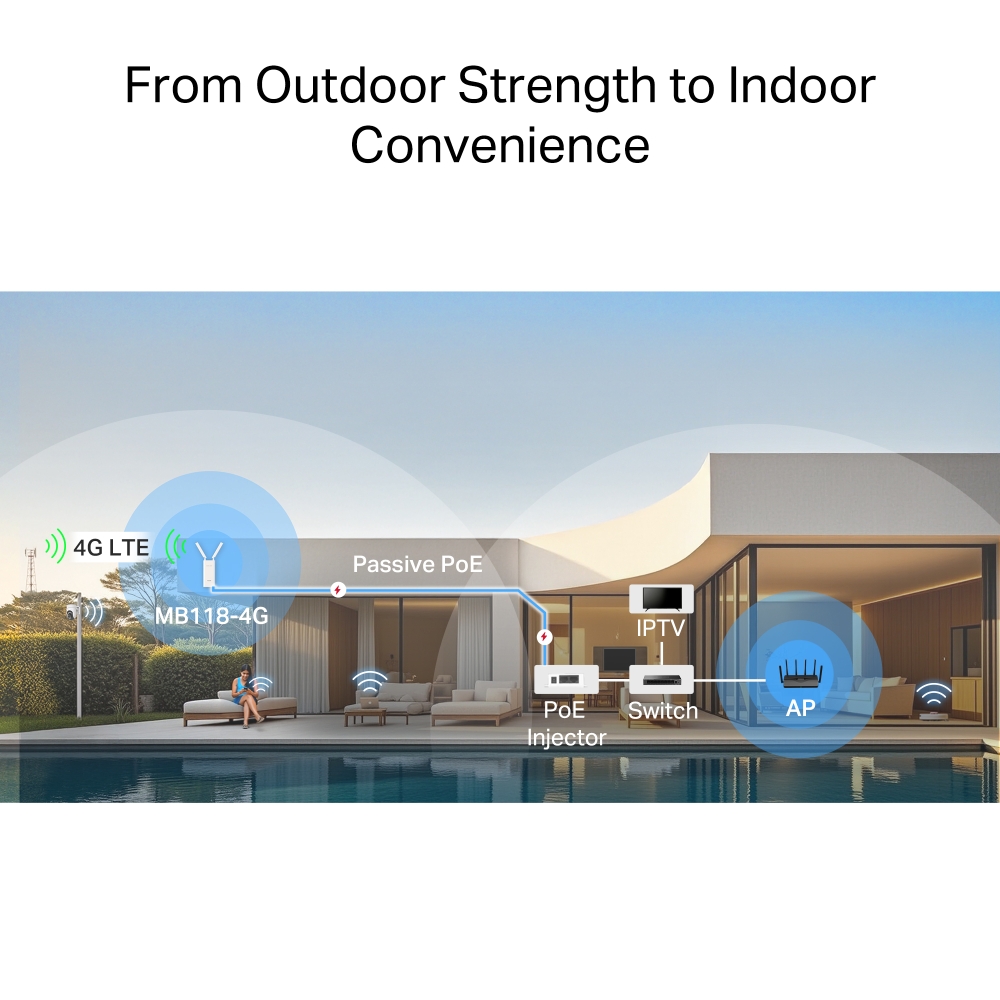
From Outdoor Strength to Indoor Convenience
Place the 4G outdoor router where the LTE signal is strongest. Then, simply run a PoE-compatible Ethernet cable from the router's PoE port to your indoor device.*
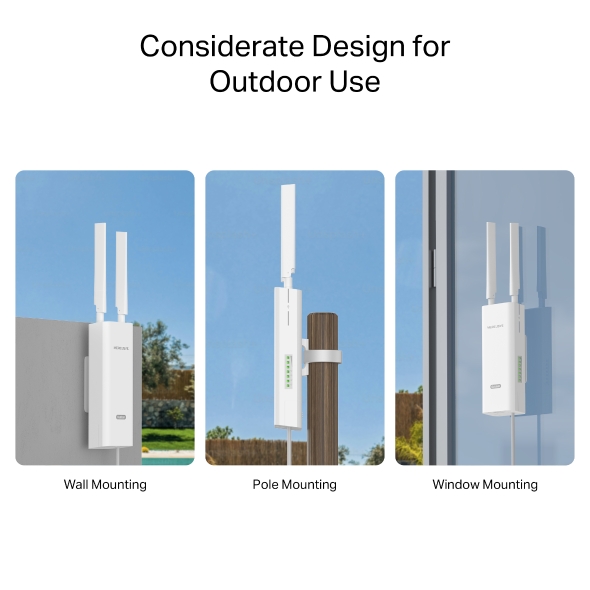
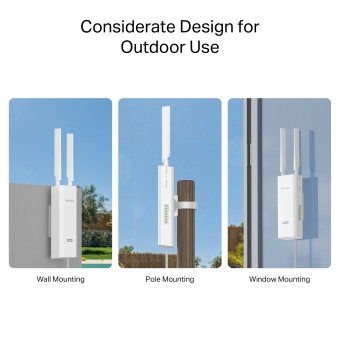
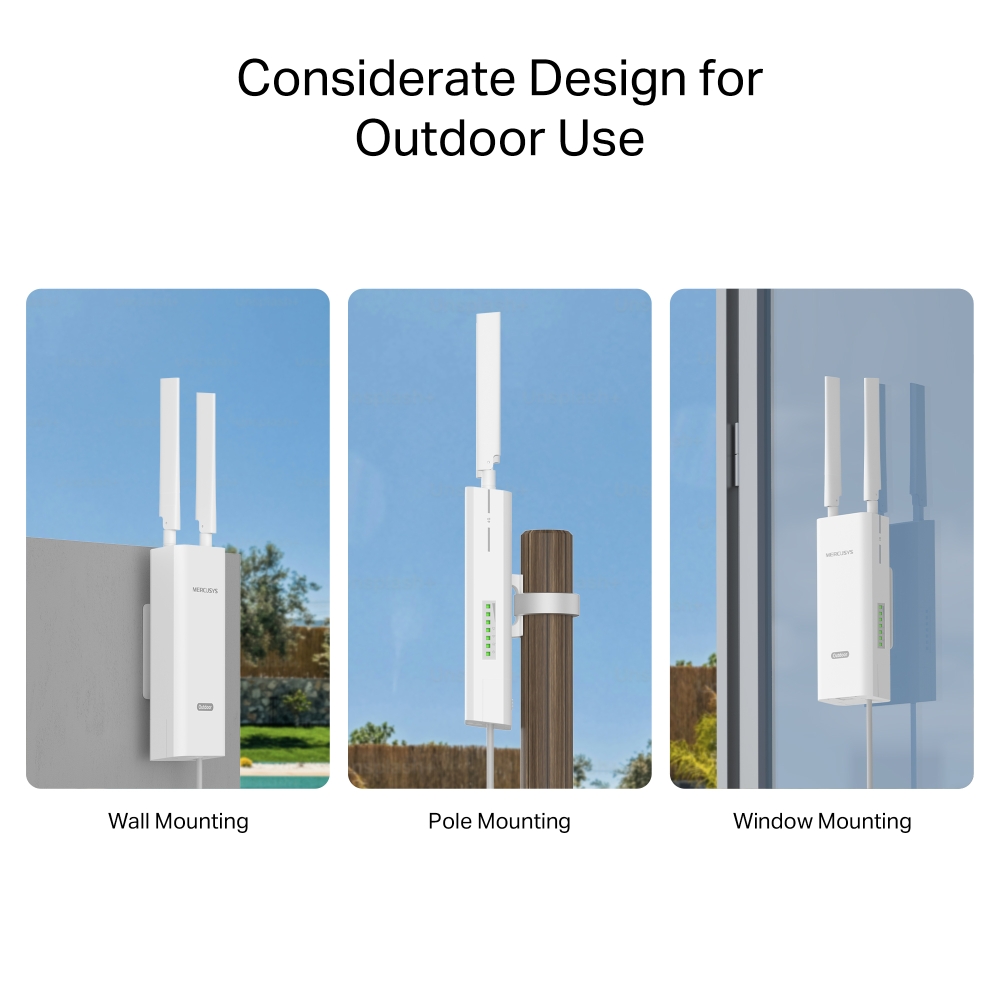
Considerate Design for Outdoor Use
With multiple mounting options and a durable design, MB118-4G is simple to set up in various outdoor settings. LTE antennas can be replaced with high-power alternatives for enhanced 4G LTE signal strength and coverage.
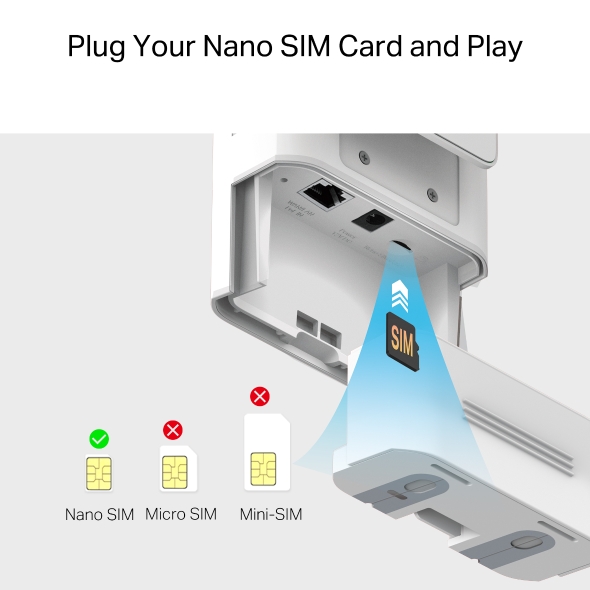
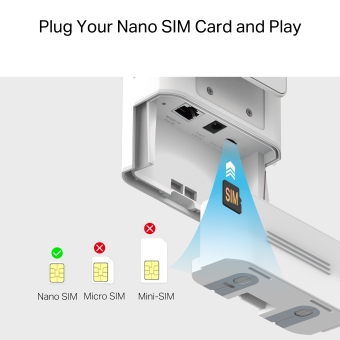
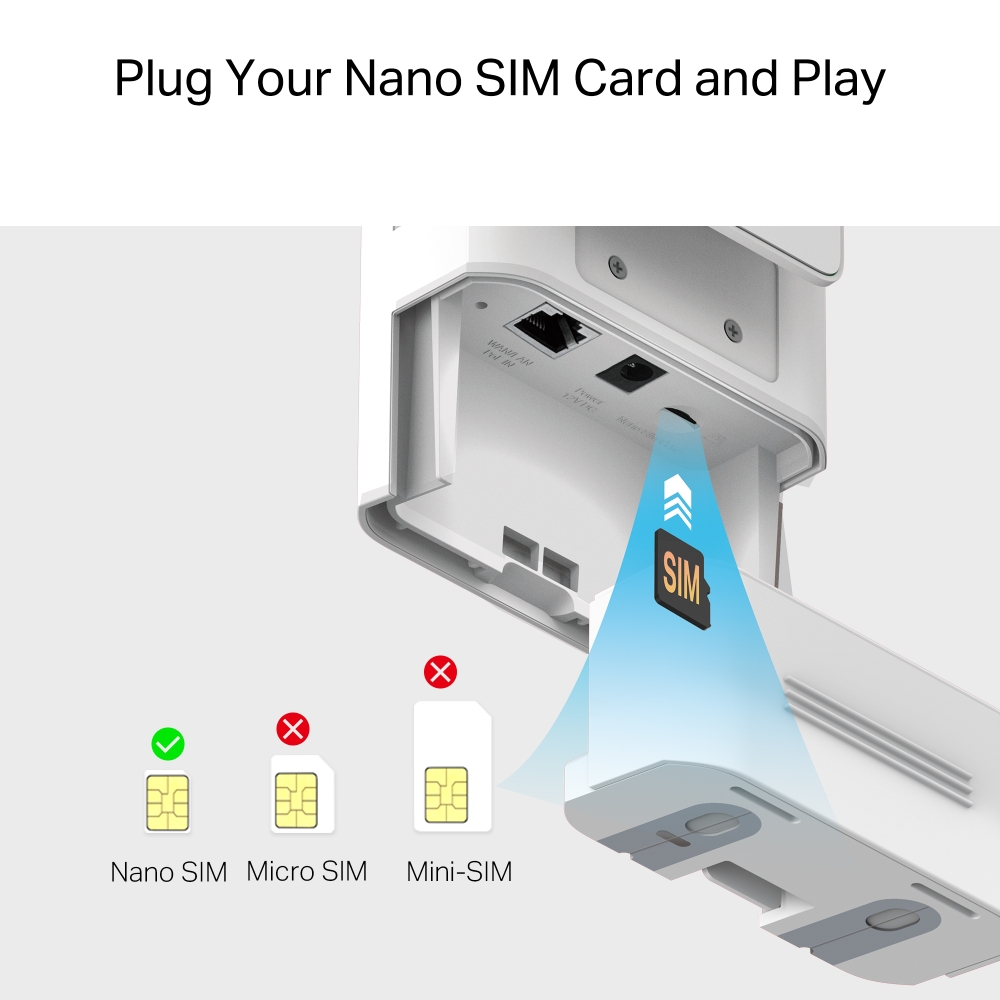
Plug Your Nano SIM Card and Play
Fully compatible with FDD-LTE and TDD-LTE for use with most service providers worldwide. Insert a nano SIM card and turn on the router to share your 4G LTE network with multiple WiFi devices.
Issues with Wired Broadband (DSL/Fiber/Cable)

SIM Card Plug and Play**
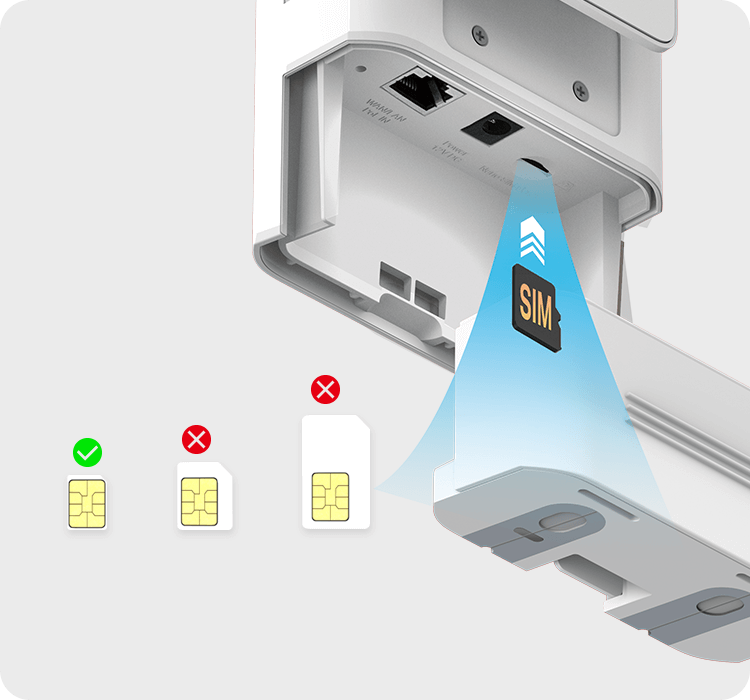
**SIM card sold separately. This device requires an activated SIM card without a PIN lock. If the SIM is locked, please consult the Quick Installation Guide for unlocking instructions.
Easy Setup and Management via the MERCUSYS App
Set up and manage your WiFi through the MERCUSYS app from your phone (Android, iOS).
†Maximum wireless signal rates are the physical rates derived from IEEE Standard 802.11 specifications. Actual wireless data throughput and wireless coverage, and quantity of connected devices are not guaranteed and will vary as a result of network conditions, client limitations, and environmental factors, including building materials, obstacles, volume and density of traffic, and client location. ‡Maximum 4G download speeds depend on external factors such as the local 4G network coverage, data plan, real-time network capacity, client limitations, and environmental factors. §This product has an IP65 dustproof and waterproof rating, but it is unsuitable for prolonged immersion or high-pressure water jets. Please install and use it according to the manual; otherwise, the protective features may fail. △Tested under controlled laboratory conditions. Per CE standards, protection levels are: Lightning/Surge Protection at 2kV for Differential Mode (DM) and 4kV for Common Mode (CM), and ESD Protection at 4kV for Contact Protection and 8kV for Air Protection. For optimal protection, please follow the setup instructions in the manual. *MB118-4G supports IEEE 802.3af/at PoE, passive PoE, or DC adapter power. IEEE 802.3af/at PoE provides up to 100m power supply distance, while passive PoE supports up to 30m. Actual distance may vary due to the environment and cable quality. For reliable performance, use Cat5e or higher, 24 AWG or thicker copper Ethernet cables. The included Ethernet cable is 1.2-meter long. If you need a longer cable, please purchase it separately. **SIM card sold separately. This device requires an activated SIM card without a PIN lock. If the SIM is locked, please consult the Quick Installation Guide for unlocking instructions.
MERCUSYS
Приложение MERCUSYS позволит настроить Wi-Fi сеть за пару минут и управлять ею из дома и дистанционно с устройств iOS и Android.


Настройка за пару минут
Чтобы быстро настроить сеть Mesh через приложение MERCUSYS, не нужно обладать никакими глубокими познаниями или читать сложные инструкции — простой следуйте указаниям в приложении.
-
 Halo Шнур питания Кабель Ethernet
Шаг 1
Вытащите содержимое коробки
-

Шаг 2
Подключите устройства
-

Шаг 3
Следуйте указаниям в приложении
Управление Wi-Fi сетью в режиме реального времени
Смотрите, какие устройства подключены к сети, и вносите изменения в сетевые параметры в любое время прямо с устройства iOS или Android.


Интерфейс настройки на разных моделях может выглядеть по-разному.
Родительский контроль
Контролируйте время, проводимое детьми в сети, а также посещаемые ими сайты.
-
Профили
Создавайте профили для членов семьи и добавляйте в профили используемые ими устройства для контроля доступа и установки ограничений по времени.
-
Ограничение времени в сети
Устанавливайте дневные ограничения на время, проводимое детьми онлайн, а также блокируйте для них доступ ночью и на время выполнения уроков.
-
Блокировка сайтов
Создайте список сайтов, к которым у детей не будет доступа.
-
Приостановка подключения
Временно отключайте интернет для членов семьи, чтобы они могли отдохнуть от виртуального мира и вернуться в реальный.
Возможности приложения

Состояние сети
Узнавайте состояние сети каждого модуля Halo, просматривайте списки подключённых к ним устройств и при необходимости блокируйте доступ к сети или присваивайте приоритет нужным устройствам.

Приоритизация
Повышает сетевую производительность выбранных устройств.

Уведомления
При подключении неизвестных устройств будет приходить уведомление — одно нажатие, и доступ к сети для подозрительного устройства будет заблокирован.

Гостевая сеть
Отдельная сеть для гостей ради безопасности основной сети.
Всё в одном приложении
Приложение MERCUSYS позволит настроить множество параметров Mesh-систем и роутеров.
Список совместимых устройствСовместимые устройства
Для работы приложения на устройстве должна быть установлена последняя версия прошивки.
Приложение будет работать не только на указанных, но и на более новых аппаратных версиях указанных устройств.
- Wi-Fi
- Тип сети
FDD-LTE: B1/B3/B5/B7/B8/B20/B28 (2100/1800/850/2600/900/800/700 MHz)
TDD-LTE: B38/B40 (2600/2300 MHz)
HSPA+/UMTS: B1/B5/B8 (2100/850/900 MHz)- Класс Wi-Fi
N300
- Wi-Fi (2.4 ГГц)
300 Mbps
- Стандарты беспроводной связи
IEEE 802.11b/g/n
- Диапазон частот (приём и передача)
2.4 GHz
- Чувствительность (приём)
11g 54M:-74.5dBm
11n HT20 MCS7:-74.5dBm
11n HT40 MCS7:-71.5dBm- Мощность передатчика
-
< 20 dBm (2.4 GHz)
-
- Защита беспроводной сети
WPA-PSK / WPA2-PSK
- Функции беспроводной сети
smart connect
WPS
Wireless Schedule
Wireless Clients Statistics
- Программные
- Режимы рабoты
3G/4G Router
Wireless Router- Безопасность
IPv4 SPI Firewall
Access Control
Service Filtering
IP & MAC Binding
IPv6 Firewall- Режим сотовой связи
4G Preferred
4G Only
3G Only- Точка доступа APN
Data Roaming
Network Search
Profile Create
APN Settings
ISP File Upgrade
PIN Management- Режим WAN
Dynamic IP
Static IP
PPPoE
PPTP
L2TP- DHCP
Server
DHCP Client List
Address Reservation- Проброс NAT
ALG
Virtual Server
Port Triggering
UPnP
DMZ- Протоколы
IPv4, IPv6
- Настройки данных
Data Statistics
Data Limit- Гостевая сеть
2.4 GHz Guest Network
- Родительский контроль
Time Control
Website Filtering- DDNS
MERCUSYS DDNS
DynDns
NO-IP- SMS
Inbox
New Message
Outbox
Drafts- Системные настройки
Time Settings
LED Control
Diagnostics
Firmware Upgrade
Backup&Restore
Reboot
Administration
System Log
CWMP Settings- Управление устройствами
MERCUSYS APP
Web GUI- Язык системы
English
Spanish
Italian
Polish
Russian- TR-069
√
- Аппаратные
- Размеры (Ш × Д × В)
230.9 × 97.2 × 54.7 mm
(9.1 × 3.8 × 2.2 in)- Интерфейсы
MB118-4G:
1× 10/100 Mbps LAN (PoE in)
1× Nano SIM Card Slot
1× DC Port
PoE Injector:
1× PoE Out Port
1× LAN Port
1× DC Port- Антенна
2× External Detachable LTE Antennas +
2× Internal Wi-Fi Antennas- Кнопки
Reset Button
- Внешний источник питания
12V/1A
support 12V passive PoE,
support 802.3af / 802.3at PoE- Светодиодные индикаторы
1× POWER
1× Internet
1× Wi-Fi
1× LAN
3× Signal- Стандарт LTE
Cat 4
150/50Mbps DL/UL
- Прочее
- Комплект поставки
300 Mbps Wireless 4G LTE Outdoor/Indoor Router (MB118-4G)
2× Antennas
1× 1.2 m RJ45 Ethernet Cable
1× PoE Injector
1× DC Power Adapter
Quick Installation Guide
Window/Pole/Wall Mounting Kits- Параметры окружающей среды
IP65 weatherproof protection
Operating Temperature: -30°C~60°C (-22°F~140°F)
Storage Temperature: -40°C~70°C (-40 °F~158 °F)
Operating Humidity: 10%~90% RH
Storage Humidity: 5%~90% RH