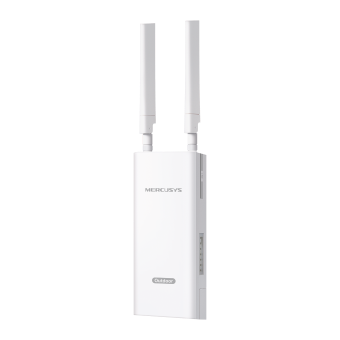
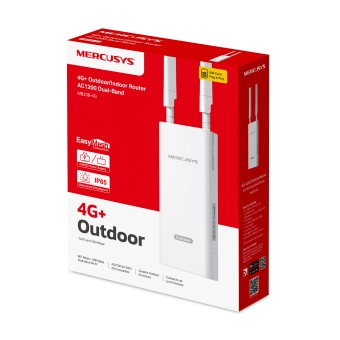
MB238-4G [V1] | Двухдиапазонный гигабитный роутер Wi-Fi AC1200 с поддержкой 4G+ Cat6 для улицы и помещений
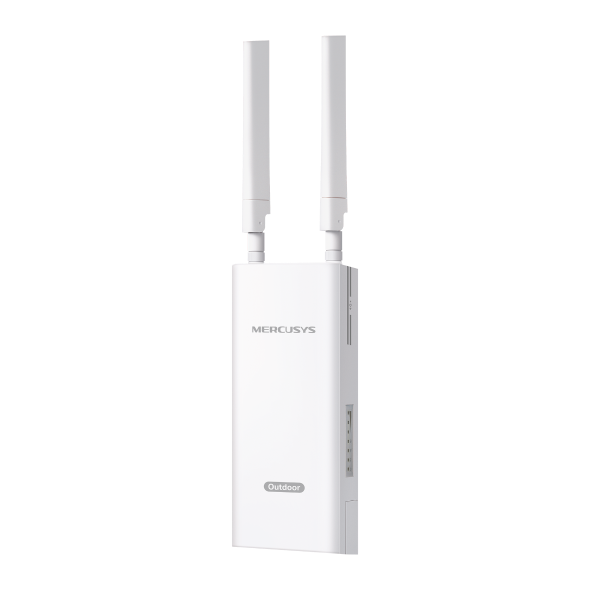
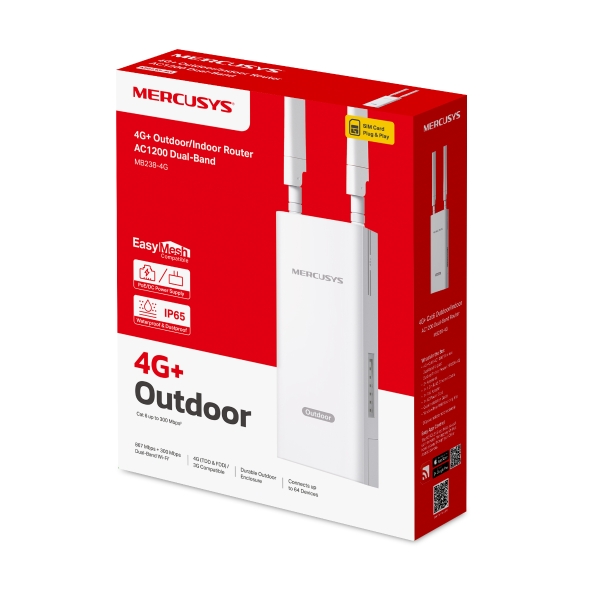
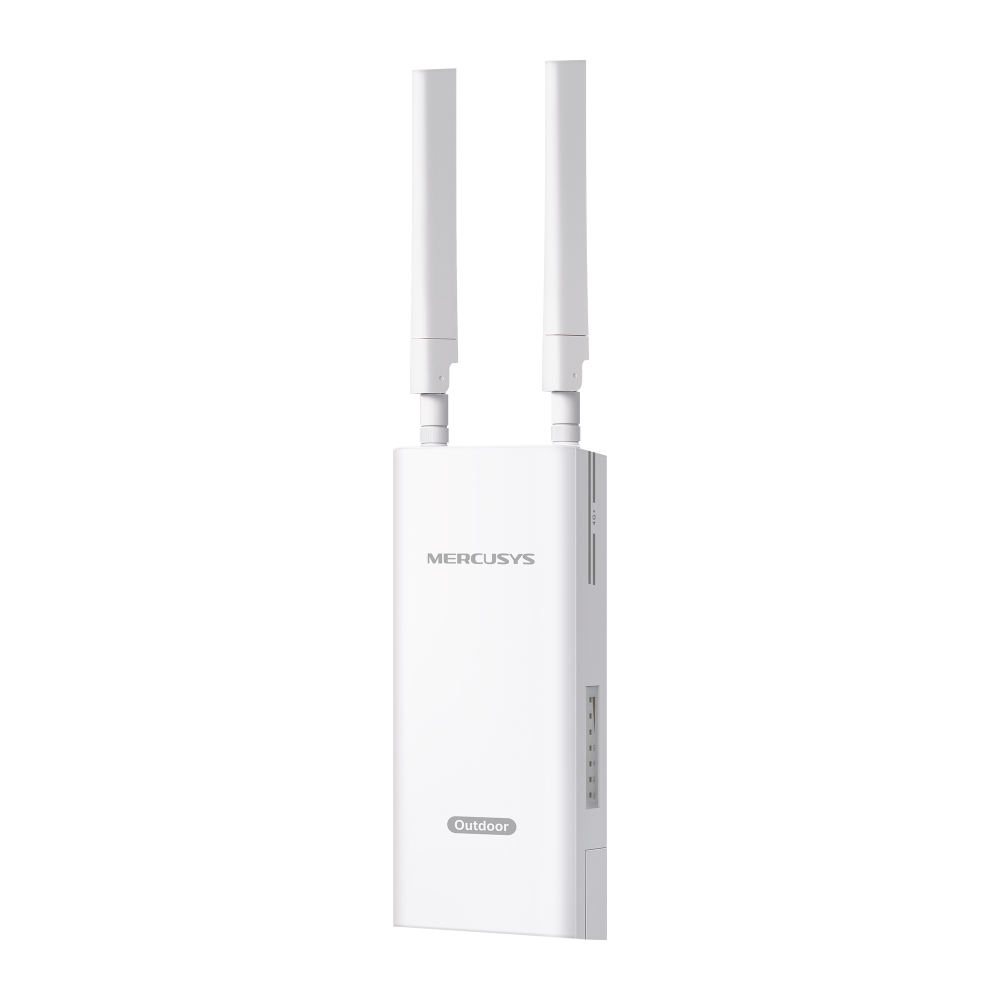
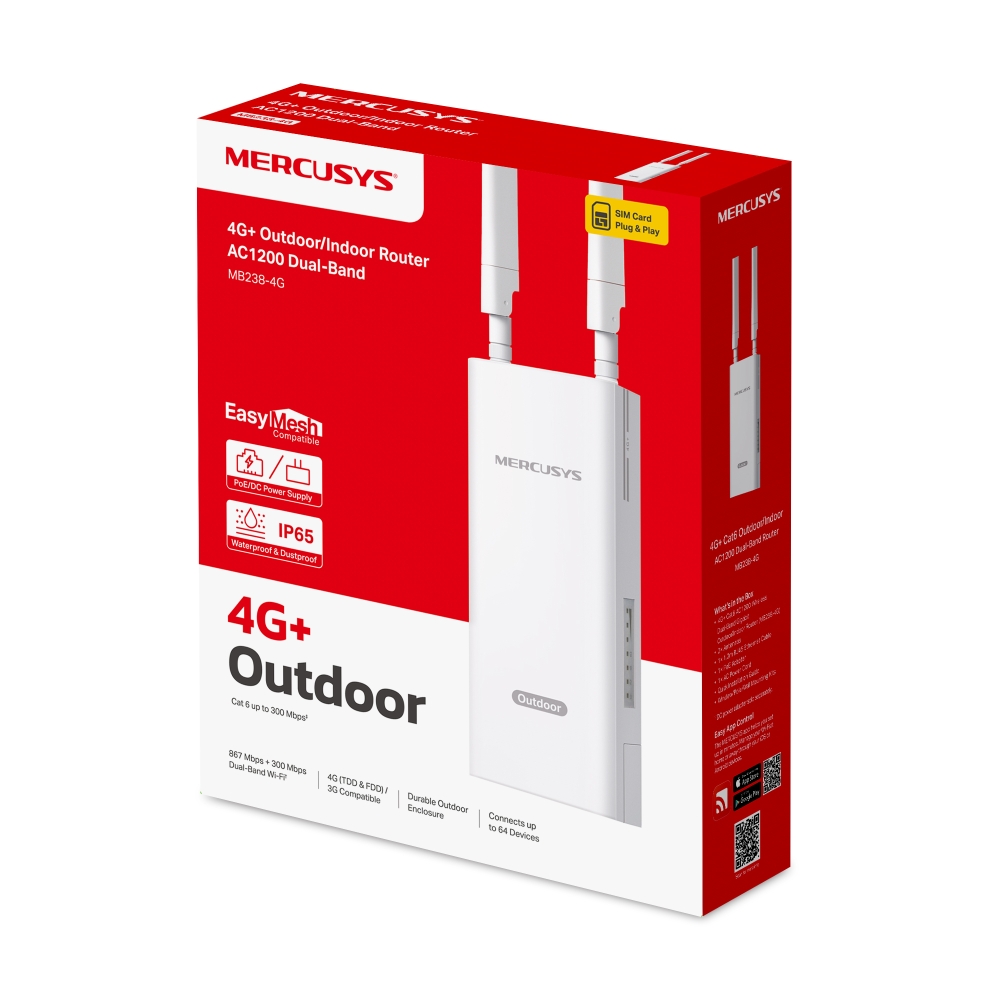
MB238-4G
Двухдиапазонный гигабитный роутер Wi-Fi AC1200 с поддержкой 4G+ Cat6 для улицы и помещений
**Примечание: убедитесь, что SIM-карта разблокирована.
Надёжное подключение Wi-Fi на высокой скорости с 4G+ Cat 6
MB238-4G сочетает возможности роутера 4G+ и Wi-Fi. Технология 4G+ Cat 6 обеспечивает входящую скорость до 300 Мбит/с и исходящую скорость до 50 Мбит/с. Роутер также создаёт двухдиапазонную сеть Wi-Fi со скоростью до 1,2 Гбит/с. Диапазон
2,4 ГГц отлично подходит для прослушивания музыки и онлайн-покупок, а диапазон 5 ГГц со скоростью до 867 Мбит/с — для требовательного к пропускной способности стриминга HD-видео и онлайн-игр.
Примечание: максимальные скорости беспроводного сигнала являются физическими значениями,
рассчитанными на основе спецификаций стандарта IEEE 802.11.
Стабильное покрытие на всей территории
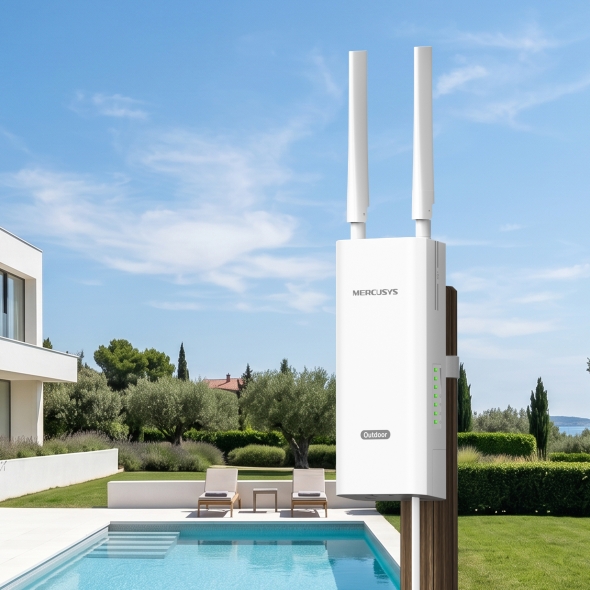
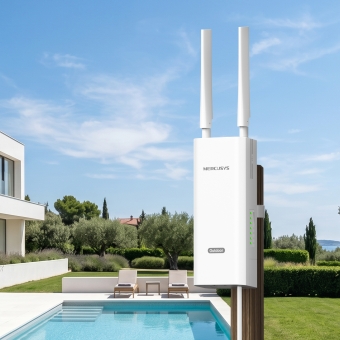
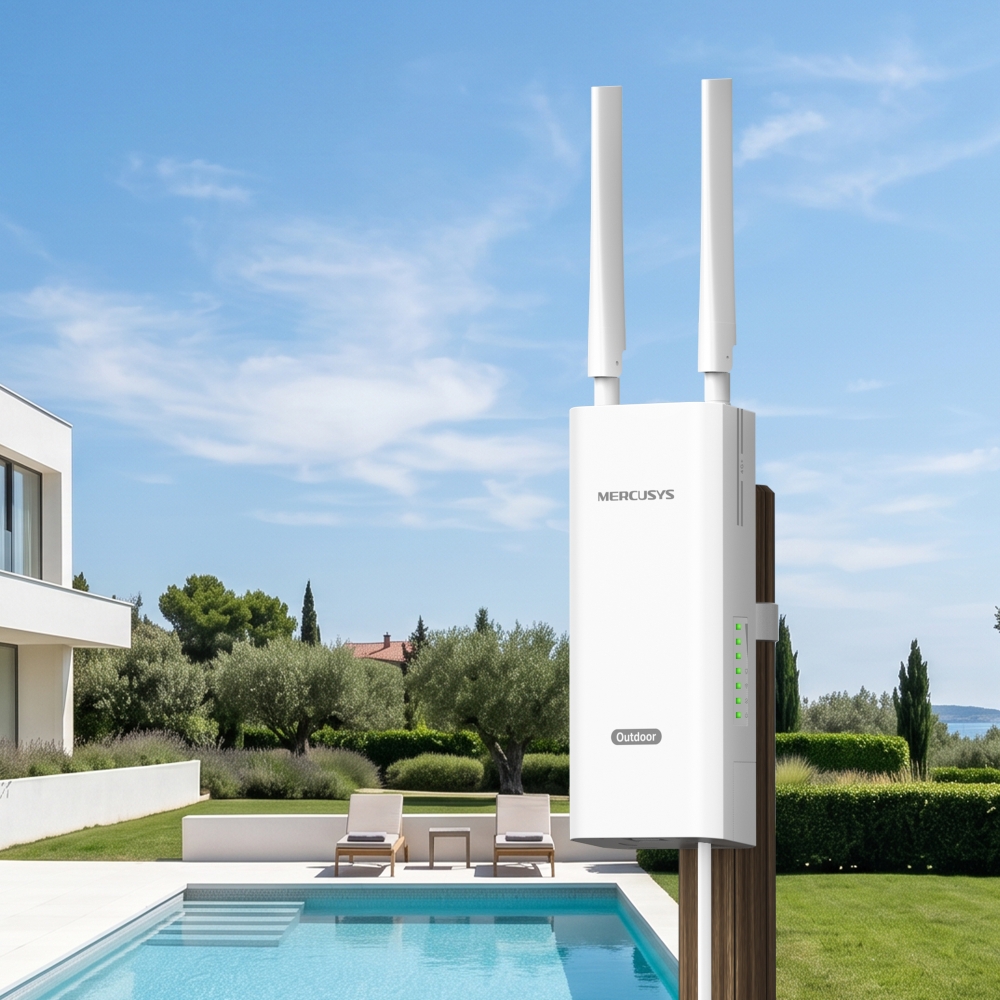
Отличный вариант для мероприятий на открытом воздухе, во дворе, в саду, террасе, зоны у бассейна, кафе, или фермы.
от −30 до 60 °C△
Сильный сигнал снаружи —
стабильное подключение внутри
Установите 4G-роутер на улице там, где сигнал LTE наиболее сильный, а затем
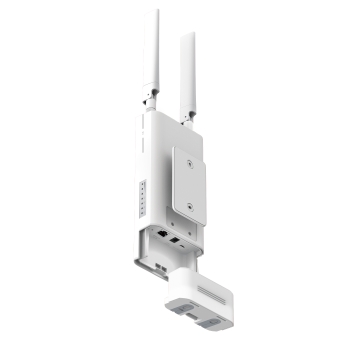
подключите его Ethernet-кабелем с поддержкой PoE.*
*MB238-4G поддерживает питание по стандарту IEEE 802.3af/at PoE, пассивное PoE и питание от адаптера постоянного тока. При использовании IEEE 802.3af/at PoE расстояние подачи питания может достигать 100 м, а при использовании пассивного PoE — 30 м. Фактическое расстояние зависит от условий эксплуатации и качества кабеля. Для стабильной работы используйте медный кабель Ethernet категории Cat 5e или выше с проводниками 24 AWG или толще.
Продуманная конструкция для уличной установки
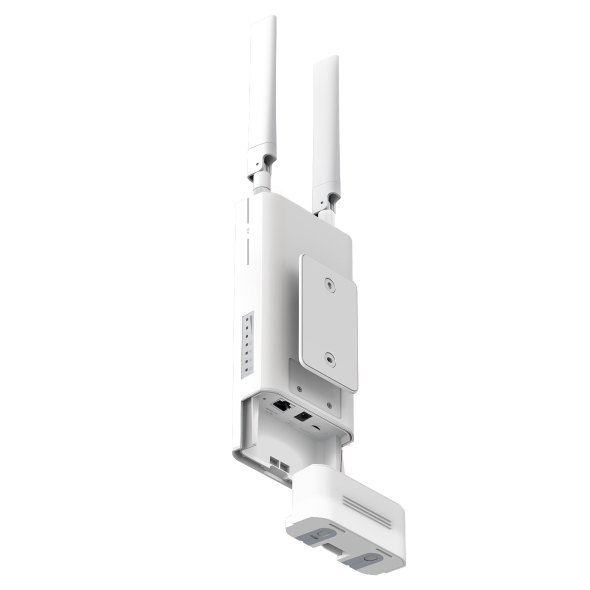
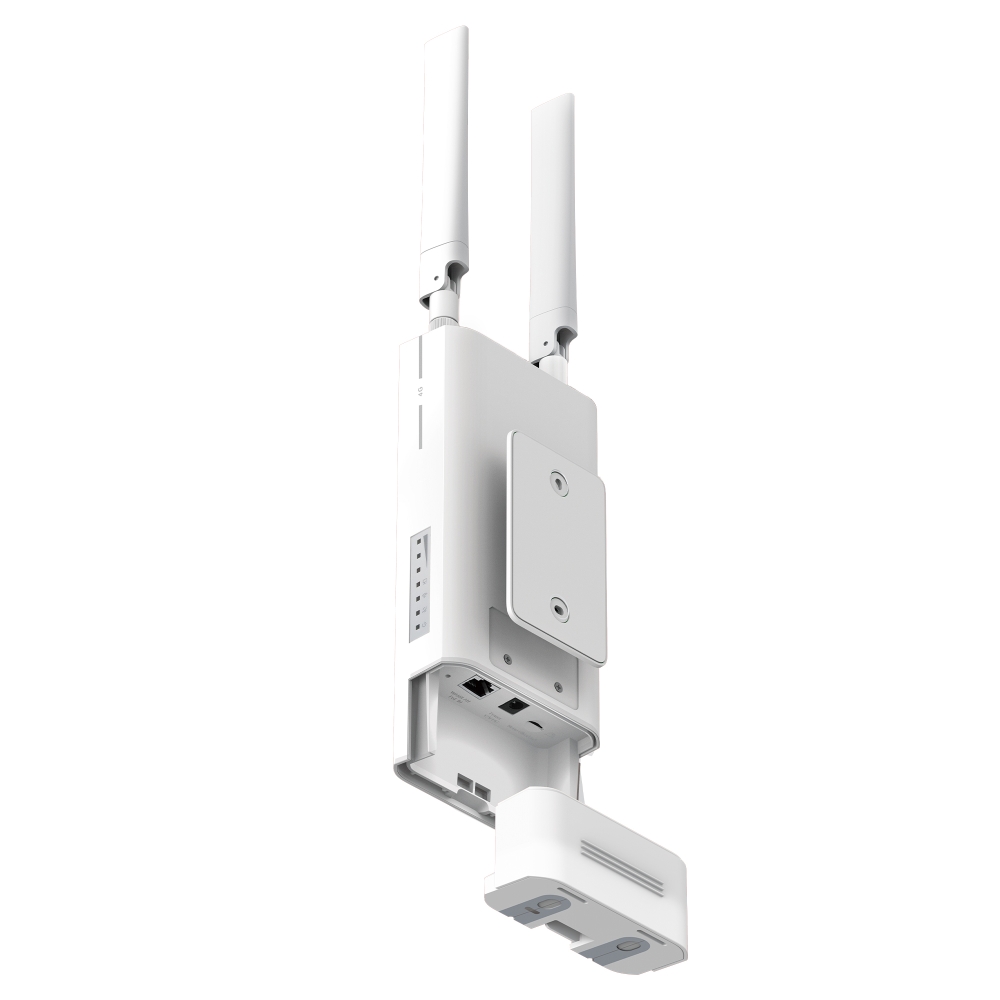
Несколько вариантов крепления и прочный корпус позволяют легко и просто установить MB238-4G в различных условиях. Антенны LTE можно заменить более мощными моделями для усиления сигнала и расширения зоны покрытия сети 4G LTE.
-
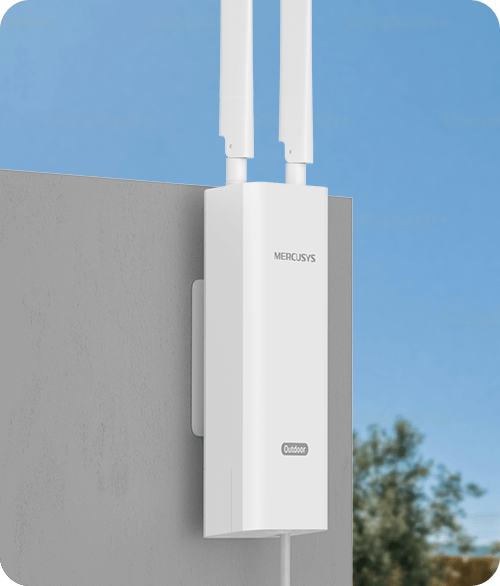
Установка на стене
-
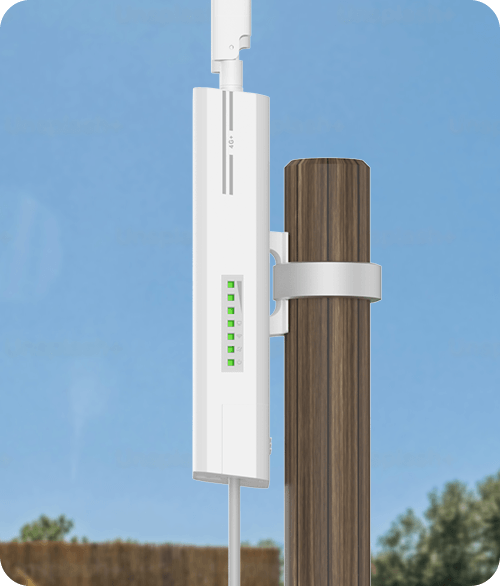
Установка на опоре
-
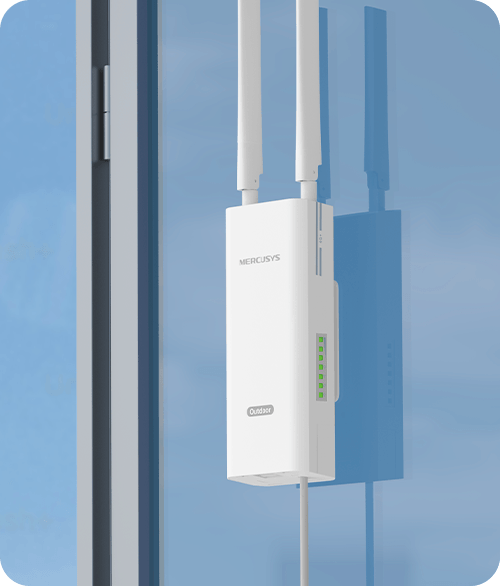
Установка на окне
Съёмные внешние антенны
Достаточно вставить SIM-карту
Поддержка технологий FDD-LTE и TDD-LTE обеспечивает совместимость с большинством операторов мобильной связи по всему миру. Вставьте SIM-карту и включите роутер, чтобы предоставить нескольким устройствам Wi-Fi доступ к сети 4G LTE.
-
Недостатки проводного интернета
(DSL, оптика или кабель)Отсутствие покрытия в нужном местеРемонт и прокладка новых кабелейВысокая стоимостьСложная настройка и дополнительные траты на подключение -
Подключите SIM-карту
и пользуйтесь**
**SIM-карта приобретается отдельно. Для работы устройства требуется активированная SIM-карта без блокировки PIN-кодом.
Если SIM-карта заблокирована, обратитесь к руководству по быстрой настройке за инструкциями по её разблокировке.
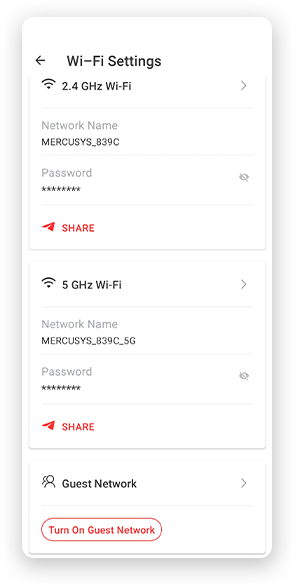
Простая настройка и управление через приложение MERCUSYS
Настраивайте Wi-Fi и управляйте им со смартфона Android или iOS через приложение MERCUSYS.
†Максимальные скорости беспроводного сигнала являются физическими значениями, рассчитанными на основе спецификаций стандарта IEEE 802.11. Фактическая скорость беспроводной передачи данных, зона покрытия и количество подключённых устройств не гарантируются и могут различаться в зависимости от условий сети, ограничений клиентских устройств и факторов окружающей среды, включая строительные материалы, препятствия, объём и плотность трафика, а также расположение клиентского устройства. ‡Максимальная скорость загрузки в сети 4G зависит от внешних факторов, включая покрытие локальной сети 4G, тарифный план, текущую пропускную способность сети, ограничения клиентских устройств и факторы окружающей среды. §Данное устройство имеет степень защиты IP65 от пыли и воды, однако не предназначено для длительного погружения в воду или воздействия струй воды под высоким давлением. Устанавливайте и используйте устройство в соответствии с руководством по быстрой настройке, иначе его защитные свойства могут быть нарушены. △Испытания проводились в контролируемых лабораторных условиях. В соответствии со стандартами CE обеспечиваются следующие уровни защиты: защита от грозовых разрядов и перенапряжения — 2 кВ в дифференциальном режиме (DM) и 4 кВ в синфазном режиме (CM); защита от электростатического разряда — 4 кВ при контактном разряде и 8 кВ при воздушном разряде. Для обеспечения оптимальной защиты следуйте инструкциям по установке, приведённым в руководстве. *MB238-4G поддерживает питание по стандарту IEEE 802.3af/at PoE, пассивное PoE и питание от адаптера постоянного тока. При использовании IEEE 802.3af/at PoE расстояние подачи питания может достигать 100 м, а при использовании пассивного PoE — 30 м. Фактическое расстояние зависит от условий эксплуатации и качества кабеля. Для стабильной работы используйте медный кабель Ethernet категории Cat 5e или выше с проводниками 24 AWG или толще. Длина входящего в комплект кабеля Ethernet составляет 1,2 м. Кабель большей длины приобретается отдельно. **SIM-карта приобретается отдельно. Для работы устройства требуется активированная SIM-карта без блокировки PIN-кодом. Если SIM-карта заблокирована, обратитесь к руководству по быстрой настройке за инструкциями по её разблокировке.
MERCUSYS
Приложение MERCUSYS позволит настроить Wi-Fi сеть за пару минут и управлять ею из дома и дистанционно с устройств iOS и Android.


Настройка за пару минут
Чтобы быстро настроить сеть Mesh через приложение MERCUSYS, не нужно обладать никакими глубокими познаниями или читать сложные инструкции — простой следуйте указаниям в приложении.
-
 Halo Шнур питания Кабель Ethernet
Шаг 1
Вытащите содержимое коробки
-

Шаг 2
Подключите устройства
-

Шаг 3
Следуйте указаниям в приложении
Управление Wi-Fi сетью в режиме реального времени
Смотрите, какие устройства подключены к сети, и вносите изменения в сетевые параметры в любое время прямо с устройства iOS или Android.
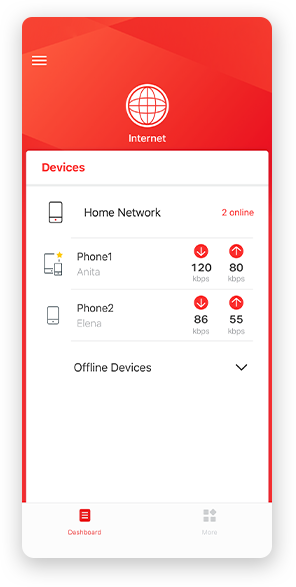
Интерфейс настройки на разных моделях может выглядеть по-разному.
Родительский контроль
Контролируйте время, проводимое детьми в сети, а также посещаемые ими сайты.
-
Профили
Создавайте профили для членов семьи и добавляйте в профили используемые ими устройства для контроля доступа и установки ограничений по времени.
-
Ограничение времени в сети
Устанавливайте дневные ограничения на время, проводимое детьми онлайн, а также блокируйте для них доступ ночью и на время выполнения уроков.
-
Блокировка сайтов
Создайте список сайтов, к которым у детей не будет доступа.
-
Приостановка подключения
Временно отключайте интернет для членов семьи, чтобы они могли отдохнуть от виртуального мира и вернуться в реальный.
Возможности приложения

Состояние сети
Узнавайте состояние сети каждого модуля Halo, просматривайте списки подключённых к ним устройств и при необходимости блокируйте доступ к сети или присваивайте приоритет нужным устройствам.

Приоритизация
Повышает сетевую производительность выбранных устройств.

Уведомления
При подключении неизвестных устройств будет приходить уведомление — одно нажатие, и доступ к сети для подозрительного устройства будет заблокирован.

Гостевая сеть
Отдельная сеть для гостей ради безопасности основной сети.
Всё в одном приложении
Приложение MERCUSYS позволит настроить множество параметров Mesh-систем и роутеров.
Список совместимых устройствСовместимые устройства
Для работы приложения на устройстве должна быть установлена последняя версия прошивки.
Приложение будет работать не только на указанных, но и на более новых аппаратных версиях указанных устройств.
-
Wi-Fi

| Класс Wi-Fi | AC1200 |
|---|---|
| Wi-Fi (2.4 ГГц) | 300 Мбит/с |
| Wi-Fi (5 ГГц) | 867 Мбит/с |
| Стандарты беспроводной связи | IEEE 802.11ac/a/b/g/n |
| Чувствительность (приём) | 11g 6 Мбит/с: -95 дБм |
| Защита беспроводной сети | WPA-PSK / WPA2-PSK / WPA3-SAE |
| Функции беспроводной сети | Smart Connect |
-
Программные
| Безопасность | Межсетевой экран IPv4 SPI |
|---|---|
| Режим сотовой связи | Предпочтительно 4G |
| Точка доступа APN | Роуминг данных |
| Режим WAN | Динамический IP |
| DHCP | Сервер |
| Гостевая сеть | Гостевая сеть 2,4 ГГц |
| Настройки данных | Статистика данных |
| DDNS | DynDns |
| SMS | Входящие |
| QoS | √ |
| Функции ISP | TR-069 |
| Система | Настройки времени |
| Управление индикацией LED | Управление LED-индикатором |
| Управление устройствами | Приложение MERCUSYS |
| Язык | Английский |
-
Аппаратные
| Размеры (Ш × Д × В) | 230.9*97.2*54.7 мм |
|---|---|
| Интерфейсы | 1× гигабитный порт LAN/WAN |
| Антенна | 2 съёмные внешние водонепроницаемые антенны 4G LTE |
| Кнопки | Кнопка Reset |
| Светодиодные индикаторы | 1× Питание |
-
Прочее
| Параметры окружающей среды | Рабочая температура: 0°C~40°C Температура хранения: -40°C~60°C Рабочая влажность: 10%~90% без конденсации Влажность хранения: 5%~90% без конденсации |
|---|