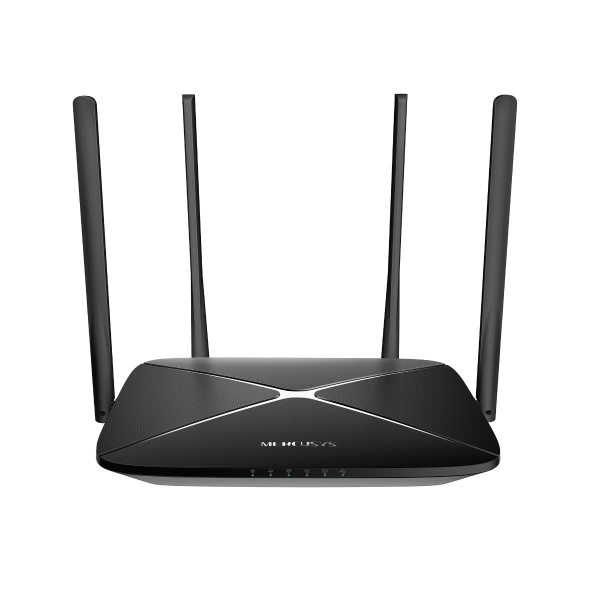
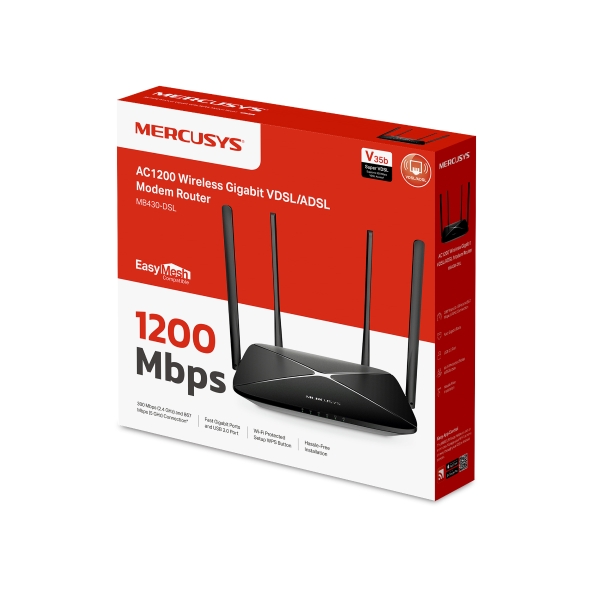
MB430-DSL [V1] | Гигабитный роутер Wi-Fi AC1200 с модемом VDSL/ADSL
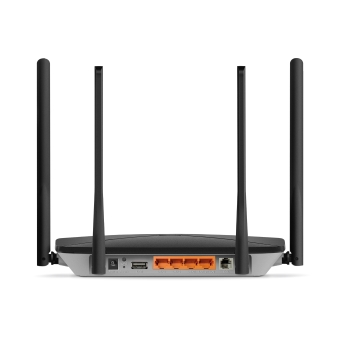
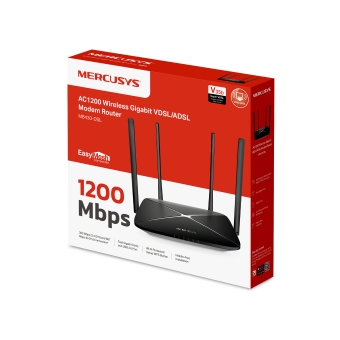
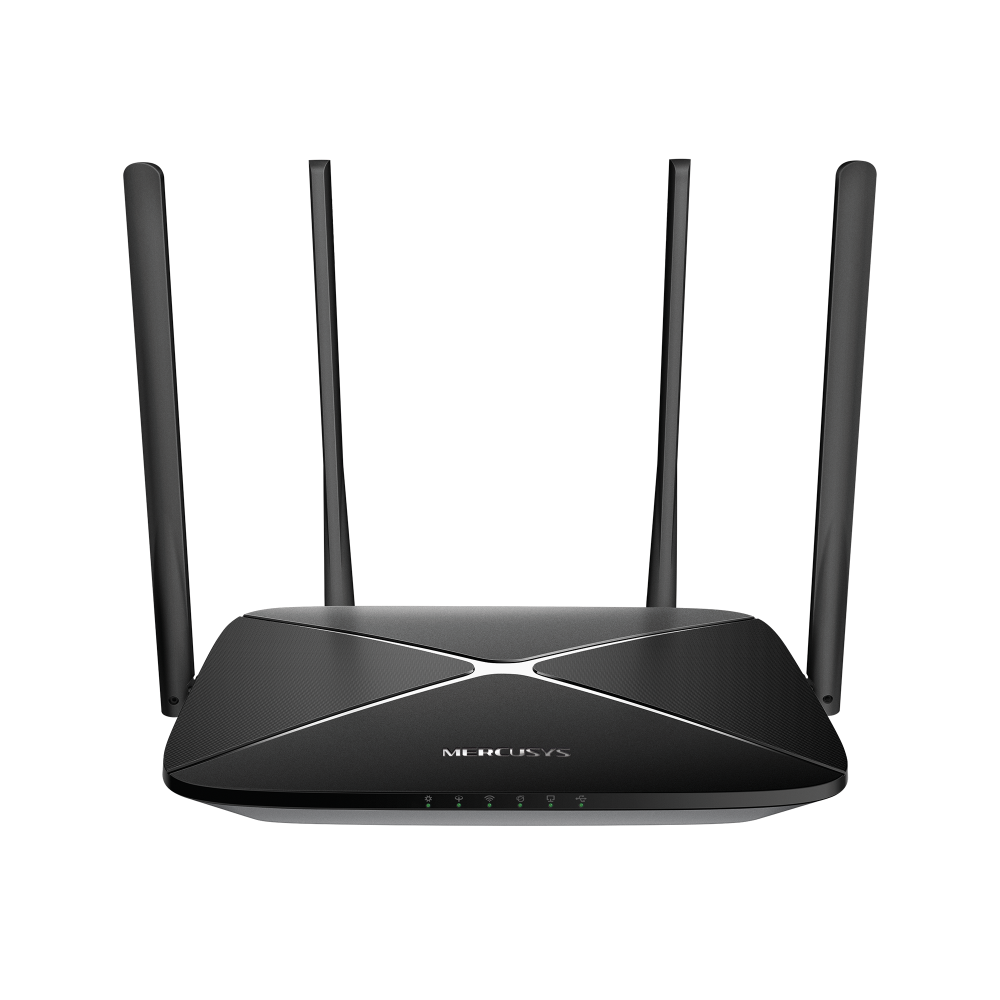
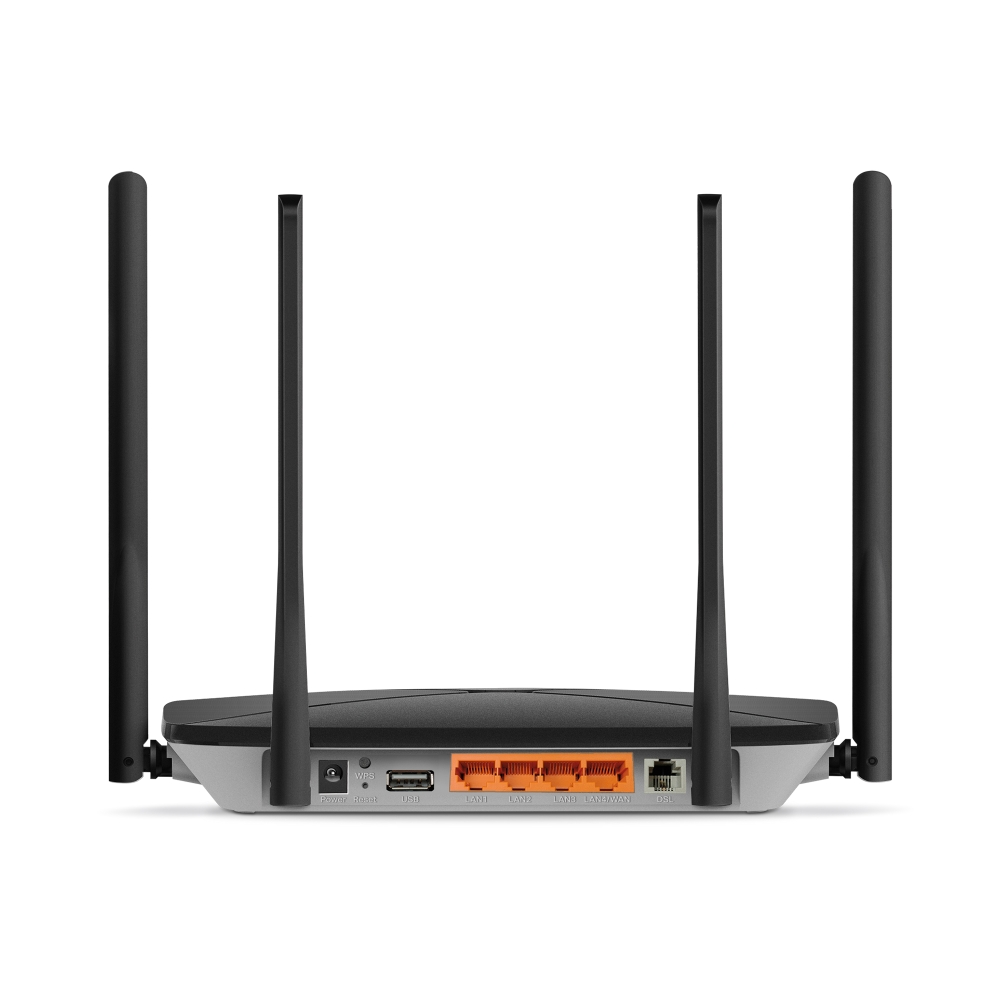
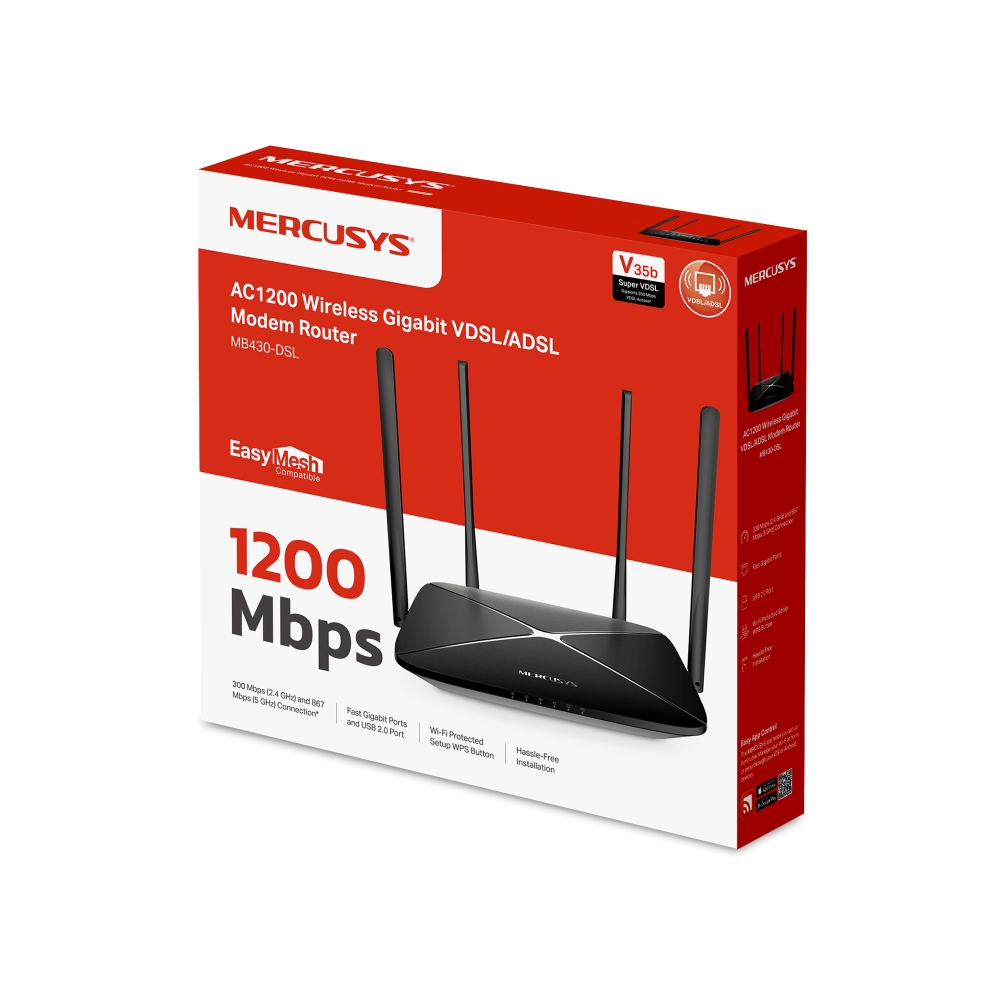
MB430-DSL
Гигабитный роутер Wi-Fi AC1200 с модемом VDSL/ADSL
Сверхбыстрый Super VDSL: скорость загрузки до 350 Мбит/с благодаря новейшей технологии VDSL2 Profile 35b — в 3,5 раза выше, чем у стандартного VDSL2.†
Широкая совместимость с DSL: поддержка VDSL, ADSL2+, ADSL2 и ADSL обеспечивает совместимость с различными интернет-провайдерами.
Двухдиапазонный Wi-Fi до 1200 Мбит/с: наслаждайтесь плавным стримингом 4K и онлайн-играми с низкой задержкой на нескольких устройствах.‡
Гибкие варианты подключения к интернету: поддержка DSL, оптоволоконных и кабельных сетей упрощает переход на более быстрое подключение или смену провайдера.
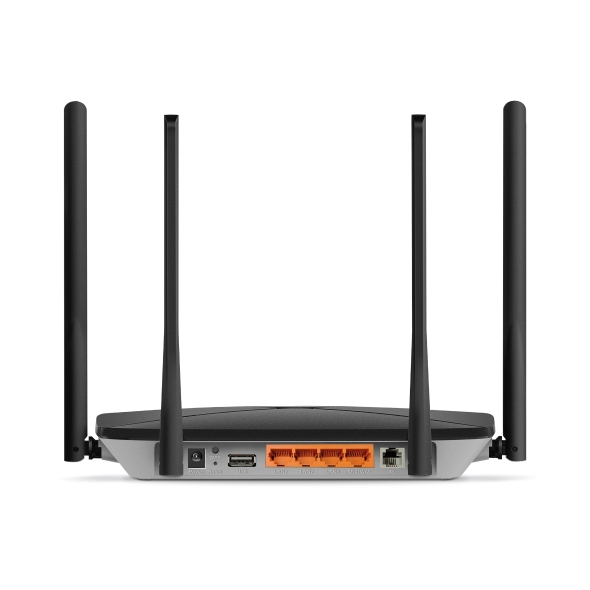
Все порты гигабитные: обеспечивают быстрое и надёжное проводное подключение для ваших устройств.§
Порт USB 2.0: универсальный порт USB поддерживает общий доступ к файлам и принтерам, потоковую передачу мультимедиа и другие функции.
Совместимость с EasyMesh: работает с роутерами и усилителями сигнала EasyMesh для создания бесшовной Mesh Wi-Fi сети во всём доме, предотвращая обрывы и задержки при переключении между устройствами.
Простая настройка и использование: управлять сетью ещё никогда не было так просто благодаря приложению MERCUSYS.
(5 ГГц)
(2,4 ГГц)
WPA3
сервер
Сверхвысокая скорость с Super VDSL
MB430-DSL поддерживает Super VDSL (VDSL2 Profile 35b) — новейшее поколение технологии DSL, обеспечивающее скорость загрузки до 350 Мбит/с. Обратная совместимость с VDSL, ADSL2+, ADSL2 и ADSL упрощает переход на более быстрое подключение и обеспечивает поддержку большинства интернет-провайдеров.†
Двухдиапазонный Wi-Fi до 1200 Мбит/с
Скорость до 867 Мбит/с в диапазоне 5 ГГц и до 300 Мбит/с в диапазоне 2,4 ГГц обеспечивает плавный стриминг 4K, быструю загрузку файлов и онлайн-игры с низкой задержкой — отличный вариант для повседневного использования на нескольких устройствах.‡
Широкое покрытие благодаря 4 антеннам с высоким усилением
Четыре внешние антенны с высоким усилением обеспечивают мощный и стабильный сигнал во всём доме, устраняя мёртвые зоны и расширяя надёжное покрытие Wi-Fi.
Покрытие во всём доме с EasyMesh
MB430-DSL совместим с EasyMesh и позволяет создать домашнюю Mesh-сеть с единым именем и паролем Wi-Fi вместе с другими точками доступа разных производителей, поддерживающими EasyMesh. Наслаждайтесь гибкой, масштабируемой и бесшовной Mesh Wi-Fi сетью во всём доме!△
-

Гибкое расширение
покрытия Wi-Fi -

Работа с устройствами
разных производителей -

Бесшовное подключение
Wi-Fi
Простая настройка и управление через приложение MERCUSYS
Без специальных технических знаний и предварительного изучения инструкций — просто следуйте подсказкам на экране в приложении MERCUSYS, чтобы настроить роутер за несколько минут. Приложение MERCUSYS позволяет настраивать Wi-Fi и управлять им дома или удалённо с устройств iOS и Android.




†Фактическая скорость нисходящего DSL-соединения может различаться в разных домохозяйствах. На скорость DSL влияют тарифный план интернет-провайдера, текущая нагрузка на сеть, ограничения оборудования и клиентских устройств, а также факторы окружающей среды. ‡Максимальные скорости беспроводного сигнала являются физическими значениями, рассчитанными на основе спецификаций стандарта IEEE 802.11. Фактическая скорость беспроводной передачи данных и зона покрытия не гарантируются и могут различаться в зависимости от: 1) факторов окружающей среды, включая строительные материалы, физические объекты и препятствия; 2) условий сети, включая локальные помехи, объём и плотность трафика, расположение устройства, сложность сети и служебную нагрузку; 3) ограничений клиентских устройств, включая их номинальную производительность, расположение, тип и качество подключения, а также техническое состояние. §Фактическая скорость сети может быть ограничена скоростью Ethernet-порта WAN или LAN устройства, скоростью, поддерживаемой сетевым кабелем, факторами интернет-провайдера и другими условиями окружающей среды. △Устройства с поддержкой EasyMesh могут объединяться в сеть с другими устройствами, использующими EasyMesh. Ошибки подключения могут быть связаны с несовместимостью прошивок разных производителей. Поддержка EasyMesh для некоторых моделей всё ещё находится в разработке и будет добавлена в последующих обновлениях программного обеспечения. Данный продукт совместим со стандартизированной технологией EasyMesh, но не имеет сертификации Wi-Fi EasyMeshTM.
MERCUSYS
Приложение MERCUSYS позволит настроить Wi-Fi сеть за пару минут и управлять ею из дома и дистанционно с устройств iOS и Android.

Настройка за пару минут
Чтобы быстро настроить сеть Mesh через приложение MERCUSYS, не нужно обладать никакими глубокими познаниями или читать сложные инструкции — простой следуйте указаниям в приложении.
-
 Halo Шнур питания Кабель Ethernet
Шаг 1
Вытащите содержимое коробки
-

Шаг 2
Подключите устройства
-

Шаг 3
Следуйте указаниям в приложении
Управление Wi-Fi сетью в режиме реального времени
Смотрите, какие устройства подключены к сети, и вносите изменения в сетевые параметры в любое время прямо с устройства iOS или Android.


Интерфейс настройки на разных моделях может выглядеть по-разному.
Родительский контроль
Контролируйте время, проводимое детьми в сети, а также посещаемые ими сайты.
-
Профили
Создавайте профили для членов семьи и добавляйте в профили используемые ими устройства для контроля доступа и установки ограничений по времени.
-
Ограничение времени в сети
Устанавливайте дневные ограничения на время, проводимое детьми онлайн, а также блокируйте для них доступ ночью и на время выполнения уроков.
-
Блокировка сайтов
Создайте список сайтов, к которым у детей не будет доступа.
-
Приостановка подключения
Временно отключайте интернет для членов семьи, чтобы они могли отдохнуть от виртуального мира и вернуться в реальный.
Возможности приложения

Состояние сети
Узнавайте состояние сети каждого модуля Halo, просматривайте списки подключённых к ним устройств и при необходимости блокируйте доступ к сети или присваивайте приоритет нужным устройствам.

Приоритизация
Повышает сетевую производительность выбранных устройств.

Уведомления
При подключении неизвестных устройств будет приходить уведомление — одно нажатие, и доступ к сети для подозрительного устройства будет заблокирован.

Гостевая сеть
Отдельная сеть для гостей ради безопасности основной сети.
Всё в одном приложении
Приложение MERCUSYS позволит настроить множество параметров Mesh-систем и роутеров.
Список совместимых устройствСовместимые устройства
Для работы приложения на устройстве должна быть установлена последняя версия прошивки.
Приложение будет работать не только на указанных, но и на более новых аппаратных версиях указанных устройств.
-
Wi-Fi

| Класс Wi-Fi | AC1200 |
|---|---|
| Wi-Fi (2.4 ГГц) | 300 Мбит/с |
| Wi-Fi (5 ГГц) | 867 Мбит/с |
| Wireless Standards | IEEE 802.11ac/n/a 5 ГГц |
| Максимальная ширина канала | 80 МГц |
| Max Wi-Fi Modulation | 256 QAM |
| Защита беспроводной сети | WPA/WPA2/WPA3 |
| Функции беспроводной сети | Гостевая сеть |
-
Программные
| Режимы рабoты | Роутер VDSL/ADSL |
|---|---|
| Безопасность | Межсетевой экран и защита от DoS-атак |
| Режим WAN | DSL-WAN |
| DHCP | Сервер |
| Проброс NAT | ALG |
| Гостевая сеть | Гостевая сеть 2,4 ГГц |
| Родительский контроль | Настройки профиля |
| DDNS | MERCUSYS |
| Easy Mesh | Совместим с Easymesh |
| QoS | Управление приоритетами |
| Функции ISP | CWMP |
| Система | Обновление прошивки |
| Диагностика | Пинг |
| Управление индикацией LED | Управление LED-индикацией |
| Управление устройствами | Приложение MERCUSYS |
| Облако | Облако MERCUSYS |
| Язык | Немецкий |
| Дополнительные настройки | USB Sharing |
| VPN-сервер | OpenVPN |
-
Аппаратные
| Размеры (Ш × Д × В) | 222 × 140 × 32 мм |
|---|---|
| Антенна | 4× внешние антенны |
| Интерфейсы | 1× GE WAN/LAN |
| Кнопки | 1× кнопка WPS |
| Энергопотребление | 12В/1A |
| Установка | Настольный |
| Стандарты и протоколы | VDSL2: ADSL: ADSL2: ADSL2+ |
| Светодиодные индикаторы | SYS |
| Размеры розничной упаковки | 303 × 288 × 65 мм |
| Количество единиц в коробке | 10 |
| Размеры коробки | 600 × 325 × 355 мм |
-
Прочее
| Комплект поставки | Роутер Wi-FI AC1200 с модемом VDSL/ADSL MB430-DSL |
|---|---|
| Параметры окружающей среды | Рабочая температура: 0°C~40°C Рабочая влажность: 10%~90% без конденсации Влажность при хранении: 5%~90% без конденсации |