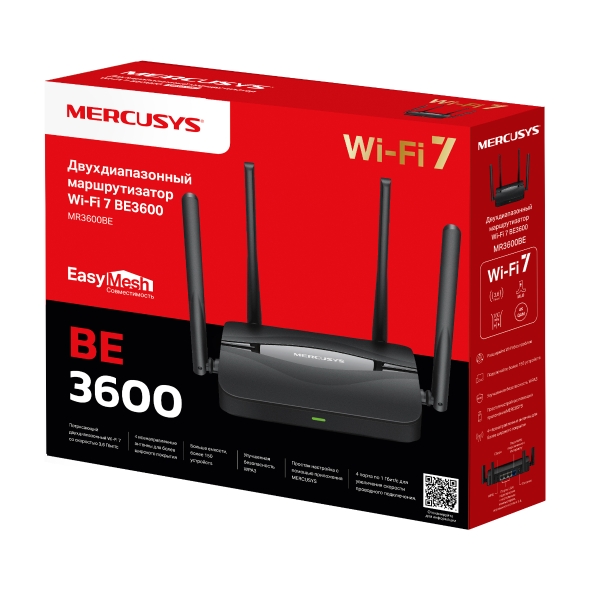
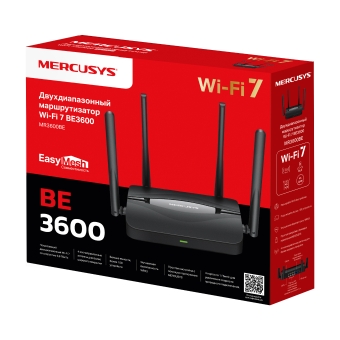
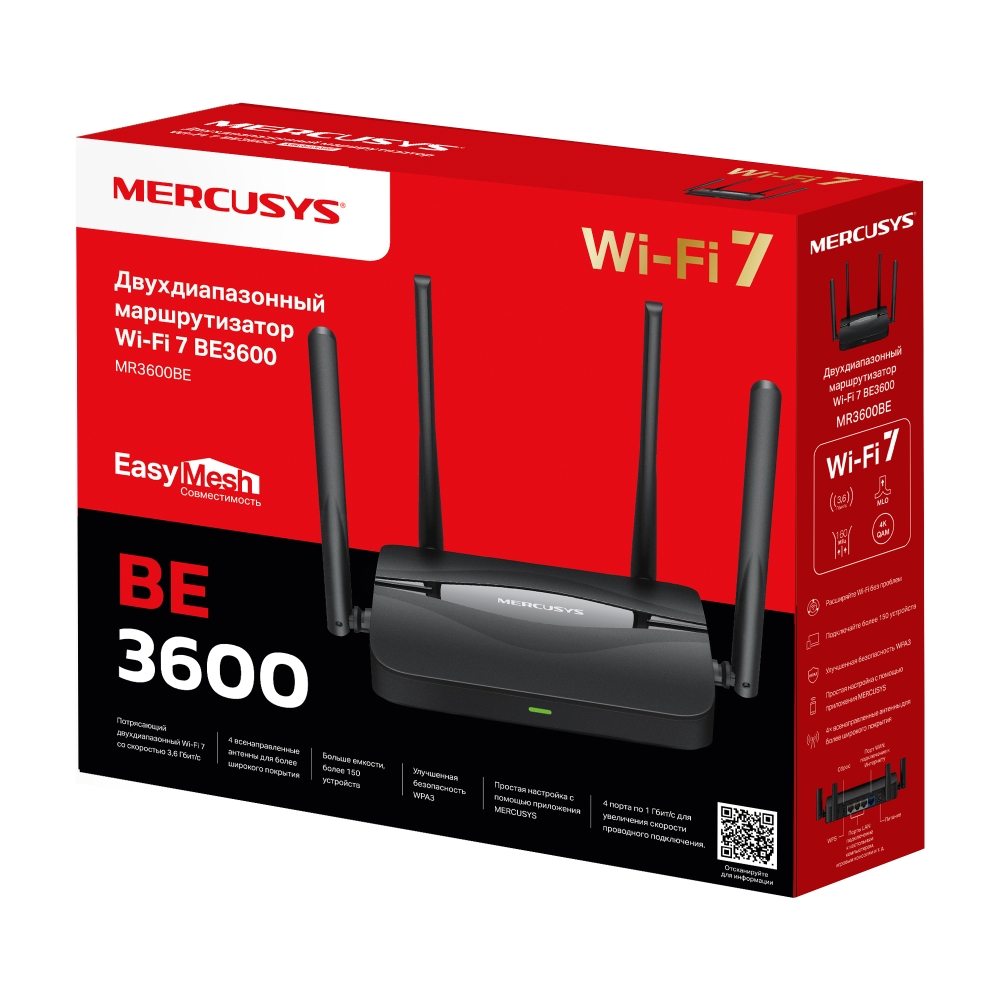
MR3600BE [V1] | BE3600 Двухдиапазонный гигабитный беспроводной маршрутизатор Wi-Fi 7






MR3600BE
BE3600 Двухдиапазонный гигабитный беспроводной маршрутизатор Wi-Fi 7
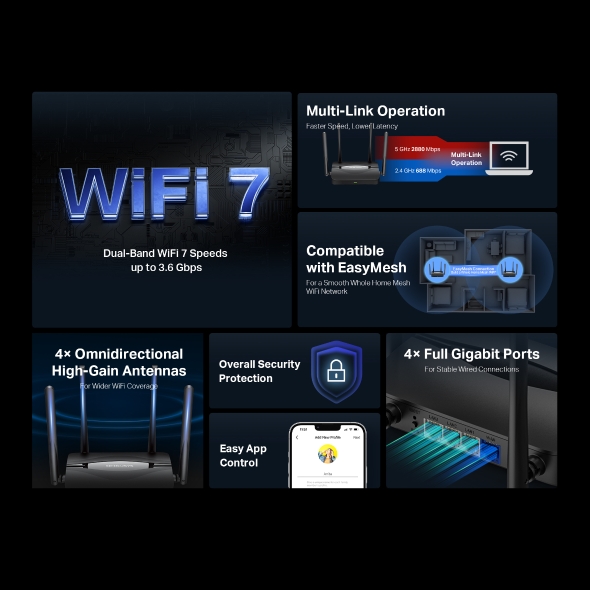
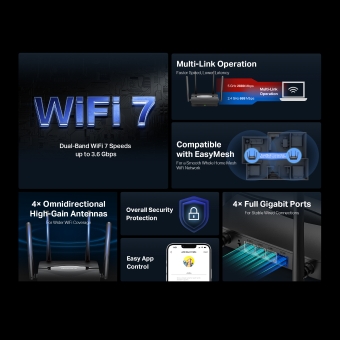
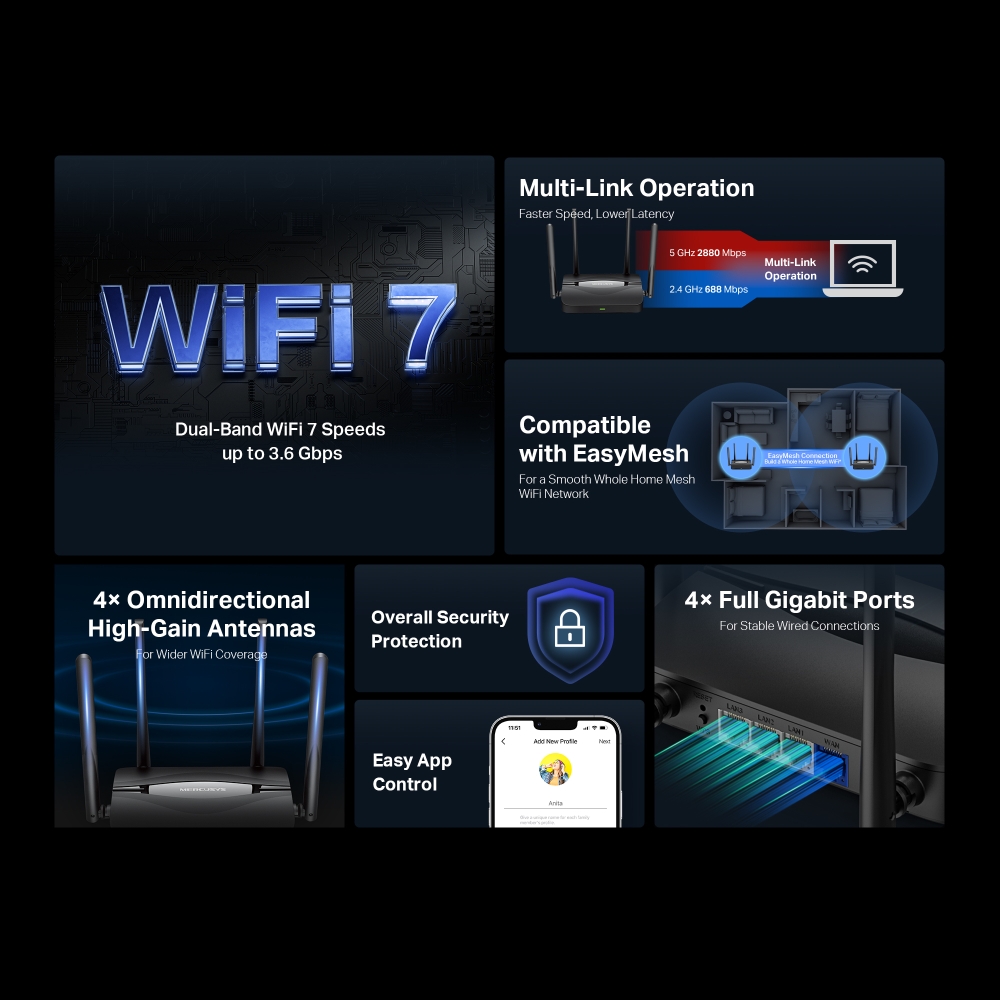
Fast 3.6 Gbps Mbps Dual-Band Speeds: Enables your devices to run at full speed. Enjoy fluent 4K/8K streaming, immersive AR/VR gaming, and blazing-fast downloads.†
Newest WiFi 7: Armed with the 160 MHz channels, 4K-QAM, MLO, and other features that WiFi 7 offers, your network will arrive with a jaw-dropping performance.‡
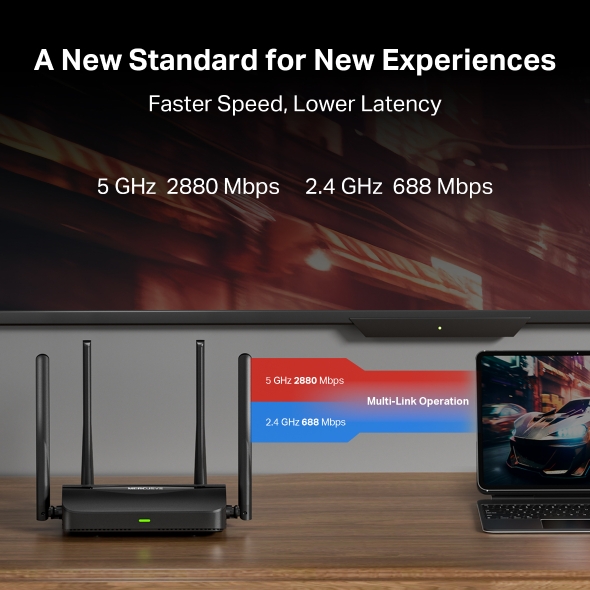
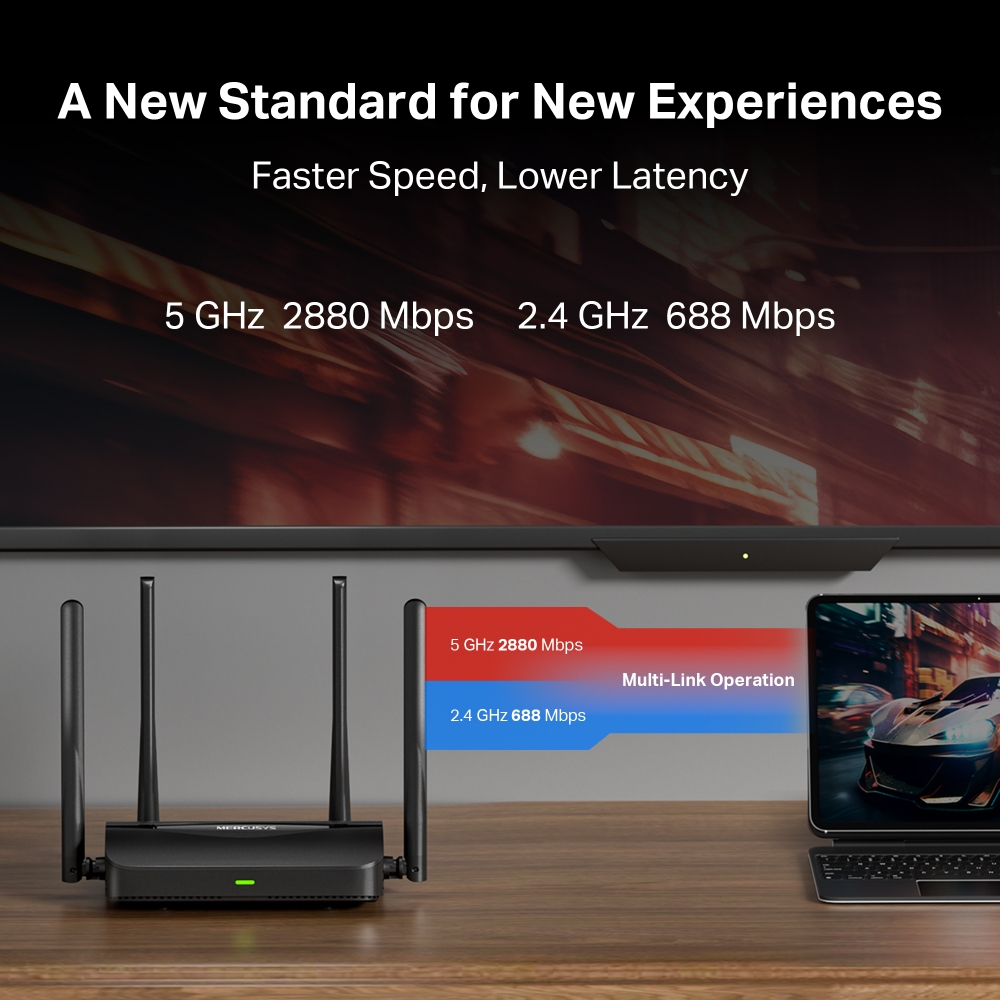
Multi-Link Operation (MLO): Increases throughput, reduces latency, and improves reliability for emerging applications.‡
Gigabit Wired Connections: Make full use of your internet access and transfer data at dizzying speeds for peak performance.
Maximized Coverage: 4× Omnidirectional antennas, proprietary WiFi optimization, and Beamforming technology deliver broader coverage, more capacity, stronger and more reliable connections, and less interference.
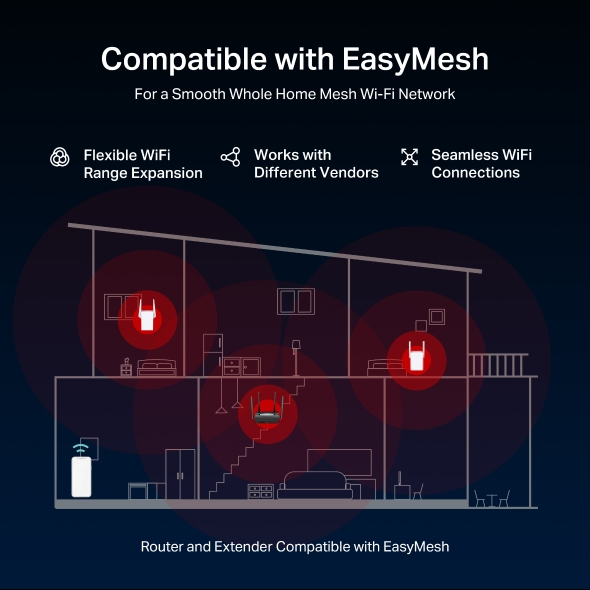
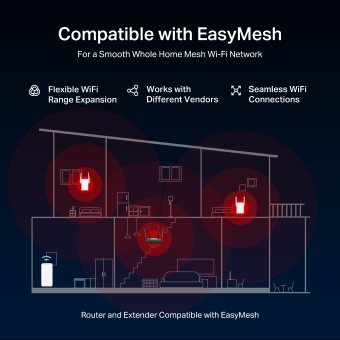
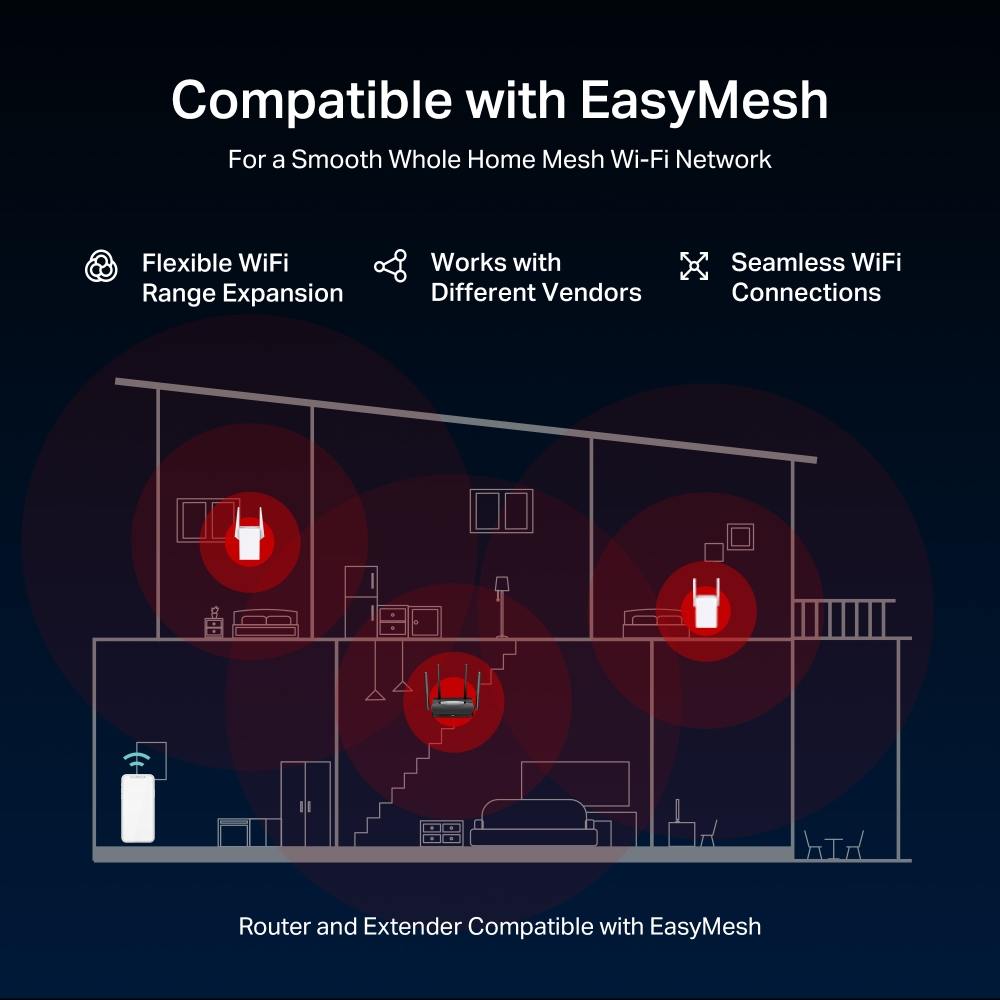
EasyMesh-Compatible: Works with EasyMesh routers and range extenders to form seamless whole home Mesh WiFi, preventing drops and lag when moving between signals.*
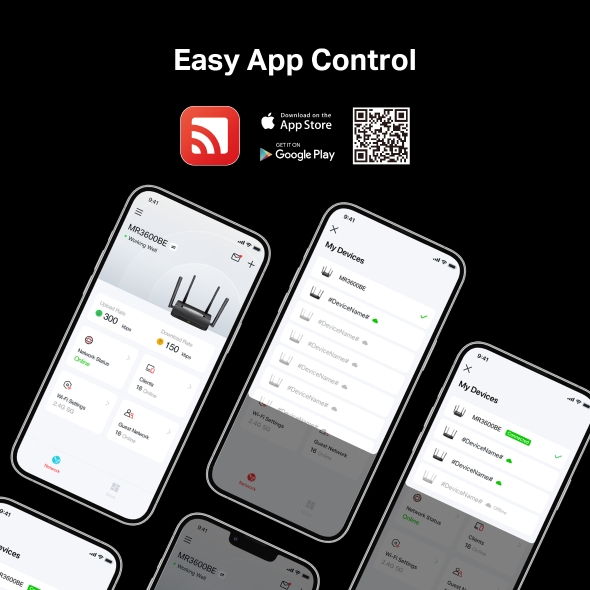
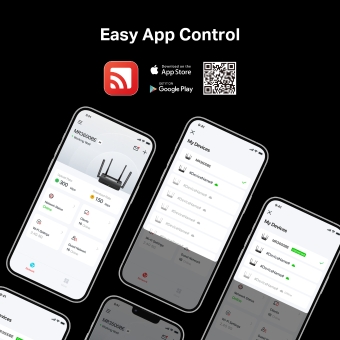
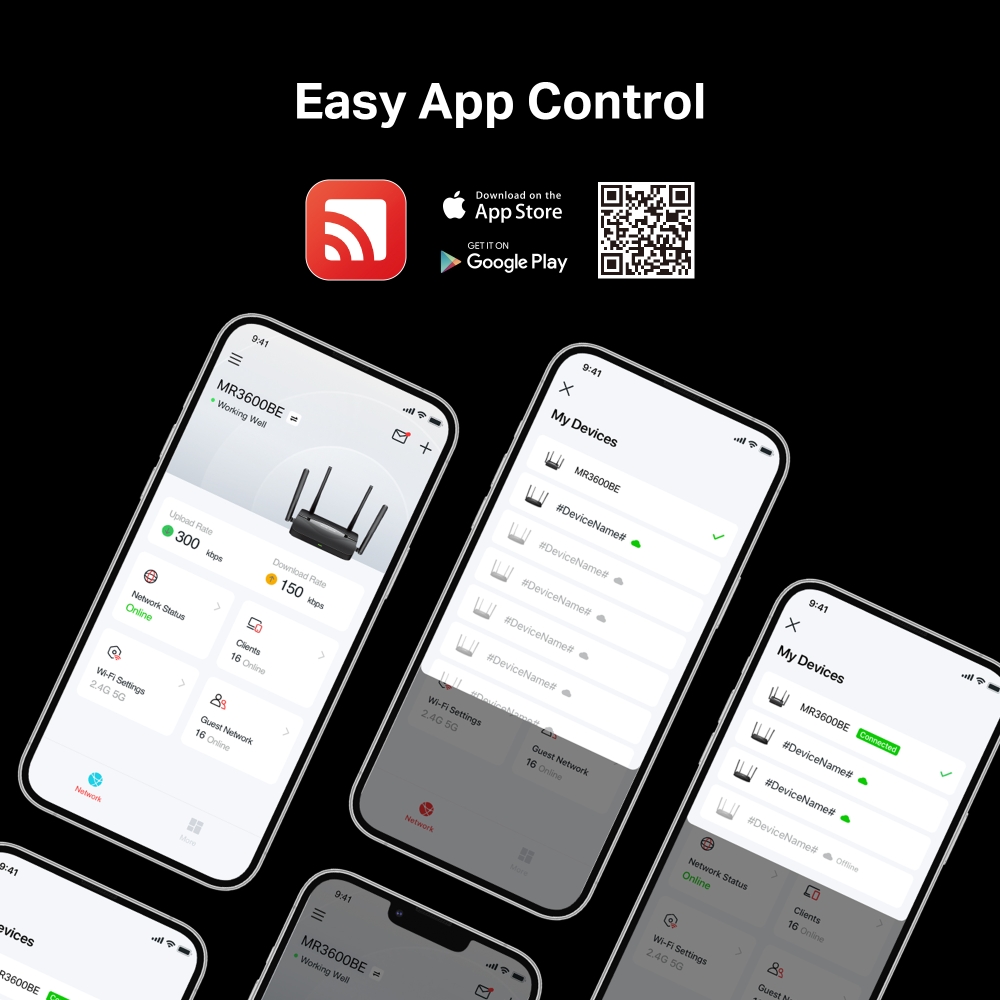
Easy Setup and Use: Network management has never been easier with the MERCUSYS app.
Upgrade Your Home Network to the New Era of WiFi 7
BE3600 Dual-Band WiFi 7 Router
MR3600BE



WiFi 7 Brings Your Network to the Next Level
WiFi 7 has arrived with jaw-dropping performance, offering accelerated throughput, lower latency, stronger anti-jamming, and higher efficiency. Join the pros and experience the sheer performance the next generation of WiFi.
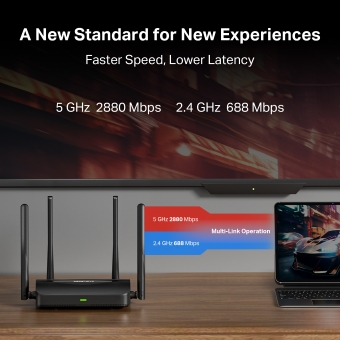
A New Standard for New Experiences
Armed with WiFi 7, MR3600BE lets you enjoy fluid 8K streaming, VR/AR, video conferencing, online gaming, and fast downloads.
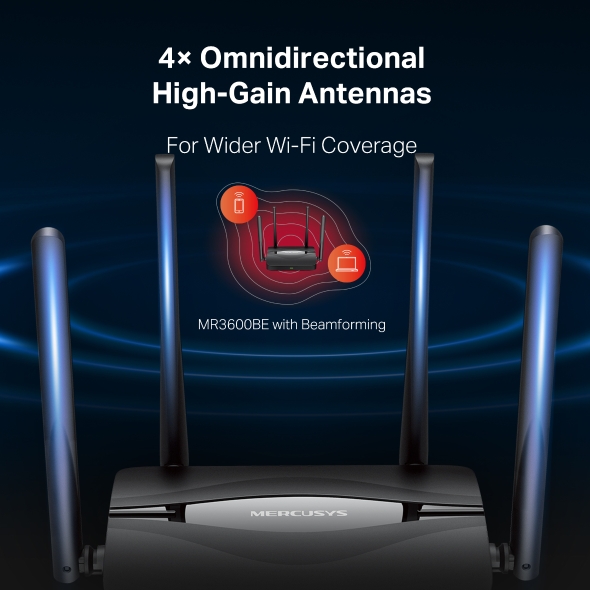
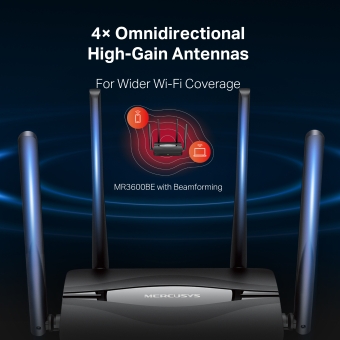
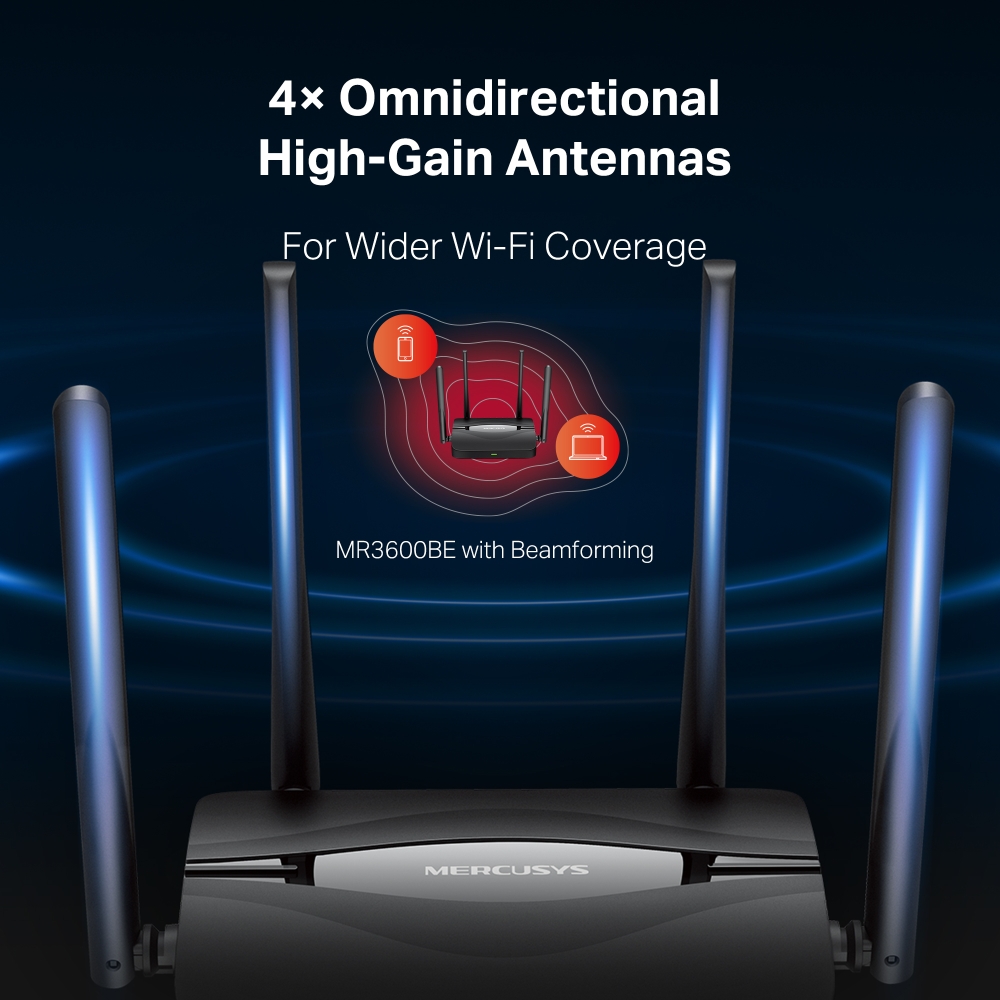
More Targeted Signals that Penetrate Walls
Four omnidirectional antennas, proprietary WiFi optimization, and Beamforming technology deliver broader coverage, more capacity, stronger and more reliable connections, and less interference.
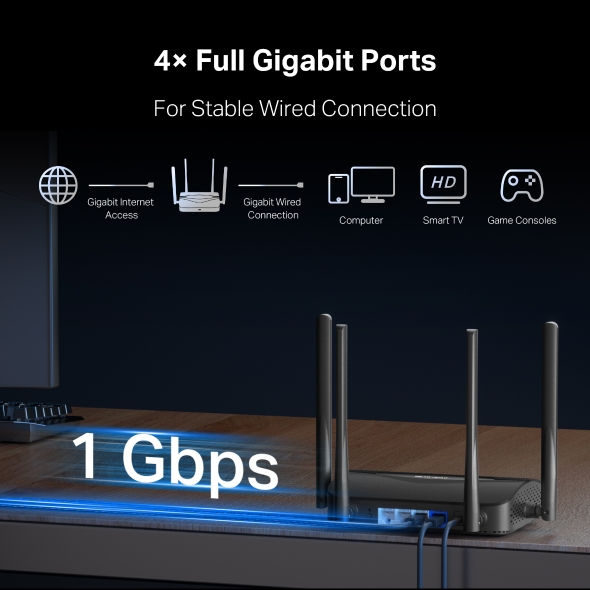
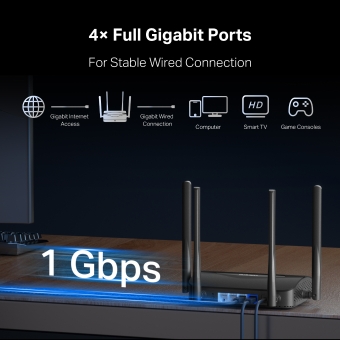
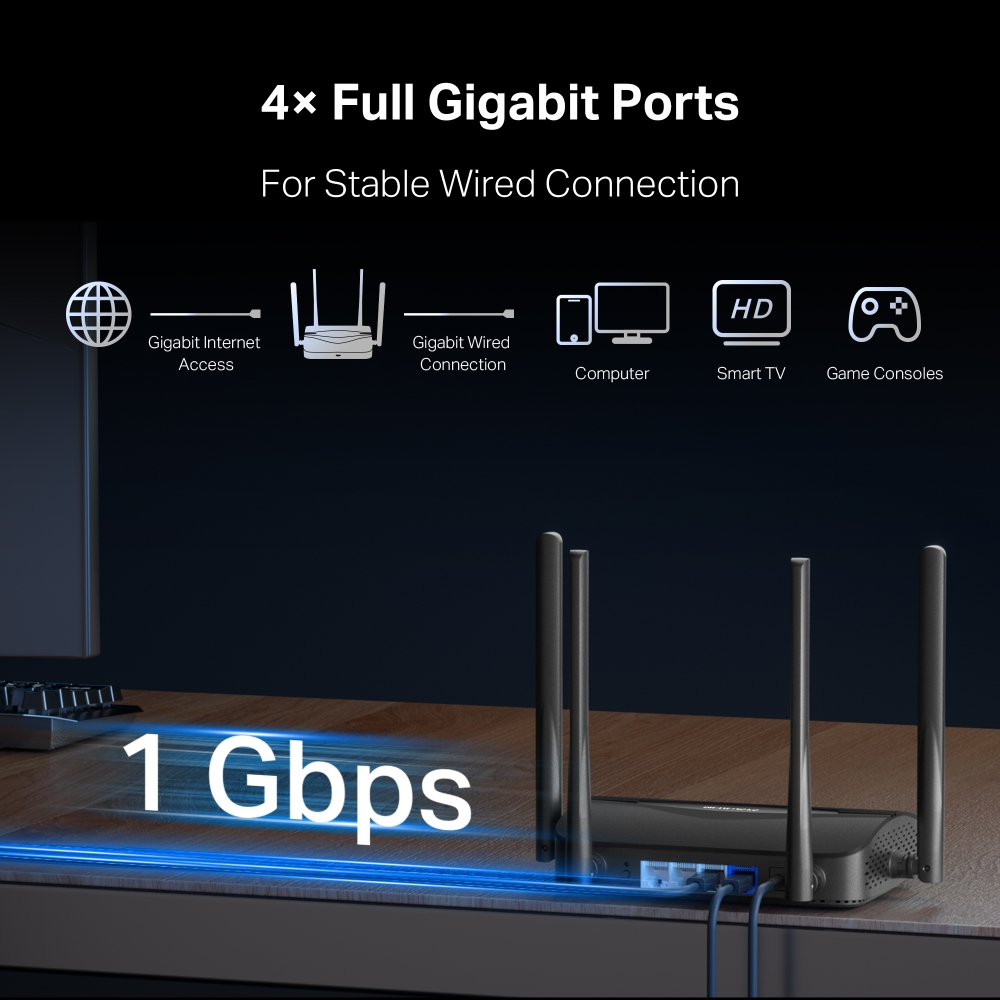
Gigabit Ports for Stable Wired Connectivity
Equipped with 1× 1 Gbps WAN port and 3× 1 Gbps LAN ports, MR3600BE allows you to take full advantage of your broadband speed. Plug your PCs, smart TVs, game consoles, or NAS devices into the ports for blazing-fast wired connections.
Cover Your Whole Home with EasyMesh
MR3600BE is compatible with EasyMesh, enabling you to set up a whole home mesh network with one WiFi name and password with any other APs that support EasyMesh from multiple vendors. Enjoy flexible, scalable, and seamless mesh WiFi throughout your home!
-
Flexible WiFi Range Expansion
-
Works with Different Vendors
-
Seamless WiFi Connections
-
Traditional Router and Extender
-
Router and Extender Compatible with EasyMesh
Easy Setup and Management via the MERCUSYS App
Without needing technical knowledge or reading installation instructions in advance, just follow the on-screen directions with the MERCUSYS app to set up your router in minutes. The MERCUSYS app helps you set and manage your WiFi at home or away through your iOS or Android devices.


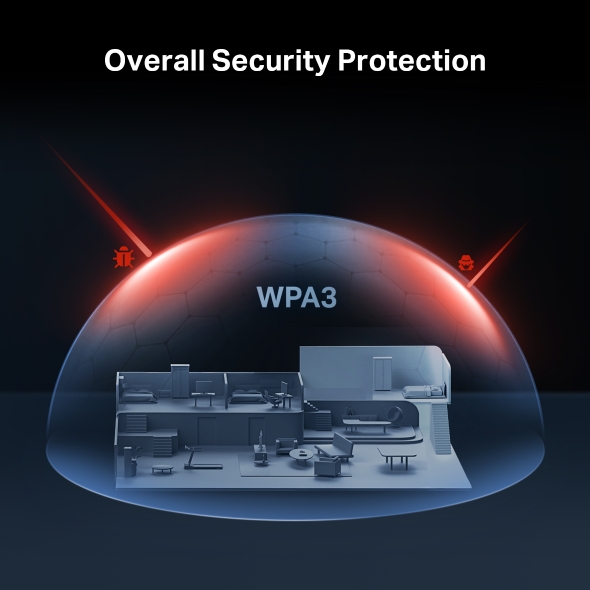
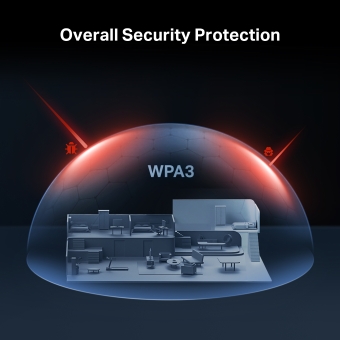
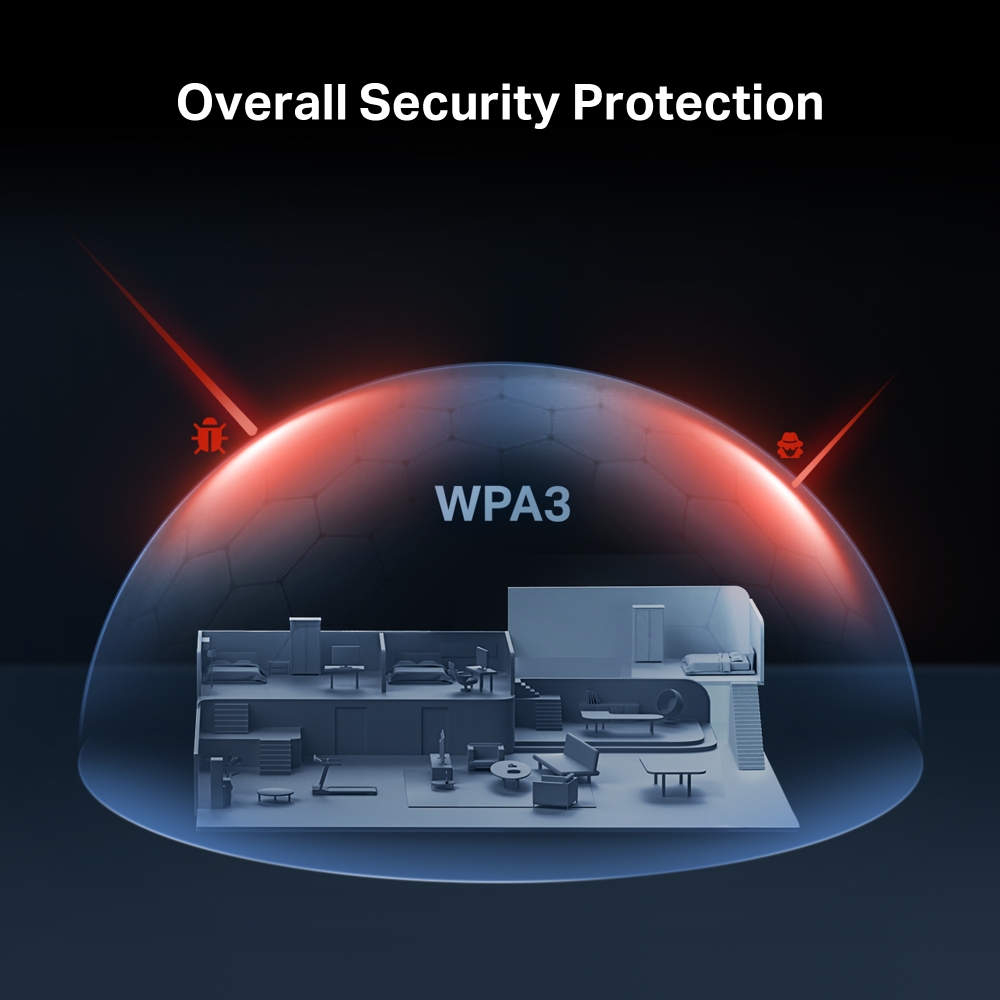
The Latest WPA3 Protects Your Personal Network
The latest security standard, WPA3, offers improved comprehensive WiFi protection to defend your devices and private information against brute-force attacks.
Protect Your Kids When They’re Online
Easily manage your kids’ online time and content to create a healthy online environment for all.
-
Create User Profiles
Create a profile for each family member you would like to manage. Assign devices to the profile to set access controls and time limits for them.
-
Online Time Limits
Set daily limits on how long your kids spend online and prevent them from accessing the internet on their devices while doing homework or after bedtime.
-
Block Inappropriate Websites
Simply set a blacklist to block inappropriate sites for your children.
-
Pause Internet Connection
Suspend family members’ internet connections to take a break from the virtual world to enjoy some family time.
Rigorous Testing for High-Quality Products
-
UES Stability Test
≥ 1500 hours
Working in a device-rich environment
-
Power ON/OFF Test
≥ 10,000 test cycles
Cumulative number over 3 scenarios
-
Extreme Environment Test
≥ 7200 hours
Devices work continuously in extreme environments
-
Vibration Test
≥ 100 cycles
Cumulative testing with multiple devices for product endurance
-
Drop Test
≥ 30 cycles
Dropped from surfaces 80 cm high onto a concrete floor
-
Memory Stress Test
≥ 900,000 cycles
Consecutive memory read/write tests
*All data is based on MERCUSYS lab testing.
†Maximum wireless signal rates are the physical rates derived from IEEE Standard 802.11 specifications. Up to 150 device connections is based on laboratory test data, which analyzed the connections of different devices on the 5 GHz, and 2.4 GHz bands simultaneously. These devices simulated a typical home scenario by running simultaneous applications in the same room that included 4K video, 1080p video, 720p video, file downloading, web browsing, IP cameras, and other loT devices. Actual wireless data throughput, wireless coverage, and connected devices are not guaranteed and will vary as a result of internet service provider factors, network conditions, client limitations, and environmental factors, including building materials, obstacles, volume and density of traffic, and client location. ‡Use of Wi-Fi 7 (802.11be), Wi-Fi 6 (802.11ax), and features including Multi-Link Operation (MLO), 160 MHz Bandwidth, 4K-QAM, Multi-RUs, OFDMA, and MU-MIMO requires clients to also support the corresponding features. The 160 MHz bandwidth on the 5 GHz band may be unavailable in some regions/countries due to regulatory restrictions. This router may not support all the mandatory features as ratified in the IEEE 802.11be specification. Further software upgrades for feature availability may be required. *EasyMesh-compatible products can network with other devices that use EasyMesh. Failed connections may be due to firmware conflicts of different vendors. The EasyMesh-compatible function is still being developed on some models and will be supported in subsequent software updates. This product is compatible with standardized EasyMesh technology but has not obtained the Wi-Fi EasyMeshTM certification. **Use of WPA3 requires clients to also support the corresponding feature. Actual network speed may be limited by the rate of the product‘s Ethernet WAN or LAN port, the rate supported by the network cable, internet service provider factors, and other environmental conditions.
MERCUSYS
Приложение MERCUSYS позволит настроить Wi-Fi сеть за пару минут и управлять ею из дома и дистанционно с устройств iOS и Android.
Настройка за пару минут
Чтобы быстро настроить сеть Mesh через приложение MERCUSYS, не нужно обладать никакими глубокими познаниями или читать сложные инструкции — простой следуйте указаниям в приложении.
-
 Halo Шнур питания Кабель Ethernet
Шаг 1
Вытащите содержимое коробки
-

Шаг 2
Подключите устройства
-

Шаг 3
Следуйте указаниям в приложении
Управление Wi-Fi сетью в режиме реального времени
Смотрите, какие устройства подключены к сети, и вносите изменения в сетевые параметры в любое время прямо с устройства iOS или Android.


Интерфейс настройки на разных моделях может выглядеть по-разному.
Родительский контроль
Контролируйте время, проводимое детьми в сети, а также посещаемые ими сайты.
-
Профили
Создавайте профили для членов семьи и добавляйте в профили используемые ими устройства для контроля доступа и установки ограничений по времени.
-
Ограничение времени в сети
Устанавливайте дневные ограничения на время, проводимое детьми онлайн, а также блокируйте для них доступ ночью и на время выполнения уроков.
-
Блокировка сайтов
Создайте список сайтов, к которым у детей не будет доступа.
-
Приостановка подключения
Временно отключайте интернет для членов семьи, чтобы они могли отдохнуть от виртуального мира и вернуться в реальный.
Возможности приложения

Состояние сети
Узнавайте состояние сети каждого модуля Halo, просматривайте списки подключённых к ним устройств и при необходимости блокируйте доступ к сети или присваивайте приоритет нужным устройствам.

Приоритизация
Повышает сетевую производительность выбранных устройств.

Уведомления
При подключении неизвестных устройств будет приходить уведомление — одно нажатие, и доступ к сети для подозрительного устройства будет заблокирован.

Гостевая сеть
Отдельная сеть для гостей ради безопасности основной сети.
Всё в одном приложении
Приложение MERCUSYS позволит настроить множество параметров Mesh-систем и роутеров.
Список совместимых устройствСовместимые устройства
Для работы приложения на устройстве должна быть установлена последняя версия прошивки.
Приложение будет работать не только на указанных, но и на более новых аппаратных версиях указанных устройств.
- Wi-Fi
- Стандарты беспроводной связи
Wi-Fi стандарты: 802.11be/ax/ac/a/b/g/n
- Максимальная скорость
BE3600
• 5 Гц: 2880 Мбит/с
• 2.4 Гц: 688 Мбит/с- Защита беспроводной сети
WPA-PSK/WPA2-PSK/WPA3-SAE**
- Функции беспроводной сети
• Multi-Link Operation (MLO)
• Канал 160 МГц
• 4K-QAM
• Multi-RUs
- Программные
- Тип WAN
Динамический IP-адрес / Статический IP-адрес / PPPoE / PPTP / L2TP
- Управление
Контроль доступа
Локальное управление
Удалённое управление- DHCP
Сервер, список клиентов DHCP
- Проброс NAT
Port Forwarding, Port Triggering, UPnP, DMZ
- Межсетевой экран
Межсетевой экран SPI
Привязка IP- и MAC-адресов- Гостевая сеть
1 × Гостевая сеть 5 ГГц
1 × Гостевая сеть 2.4 ГГц- VPN-сервер
OpenVPN/PPTP/L2TP/ WireGuard VPN серверы и клиенты
- Аппаратные
- Размеры (Ш × Д × В)
167 × 117.5 × 41.5 мм
- Интерфейсы
1× порт WAN 1 Гбит/с, 3 × порта LAN 1 Гбит/с
- Кнопки
Reset/WPS (сброс настроек/WPS)
- Тип антенны
4 фиксированные всенаправленные антенны
- Прочее
- Комплект поставки
• Роутер
• Адаптер питания
• Руководство по быстрой настройке
• Кабель Ethernet RJ45- Параметры окружающей среды
Рабочая температура: 0...+40 °C
Влажность воздуха при эксплуатации: 10–90% без образования конденсата
Влажность воздуха при хранении: 5–90% без образования конденсата