MR84X-Travel [V1] | Router Du Lịch Wi-Fi 6 AX3000


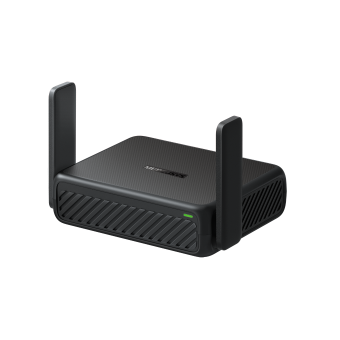




MR84X-Travel
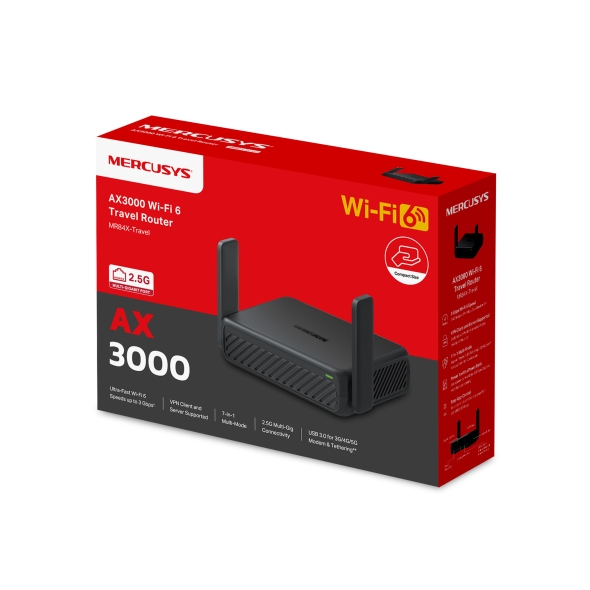
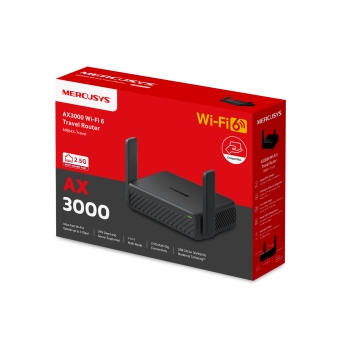
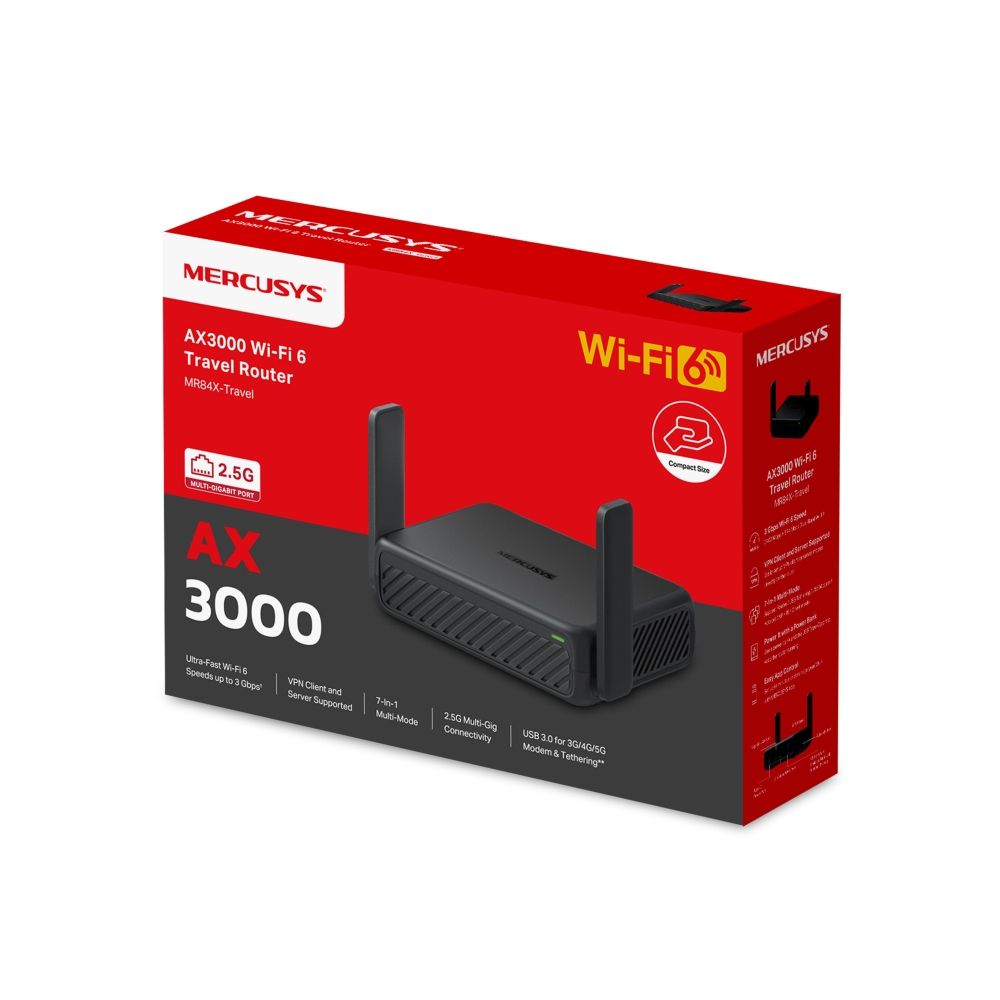
Router Du Lịch Wi-Fi 6 AX3000
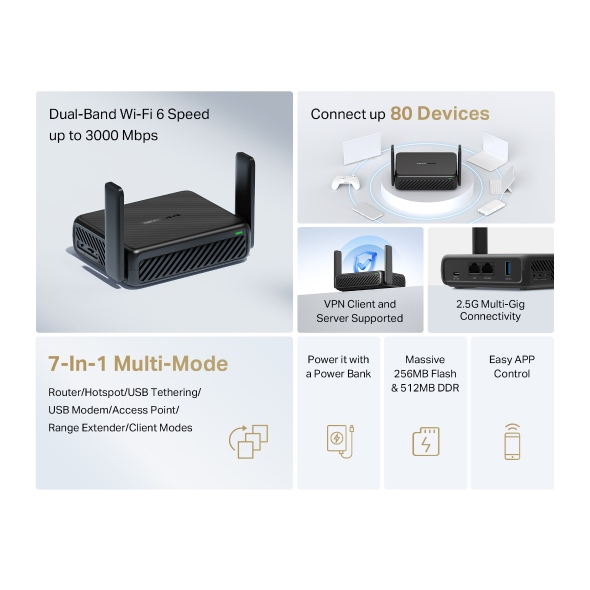
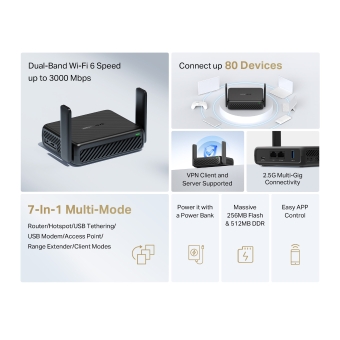
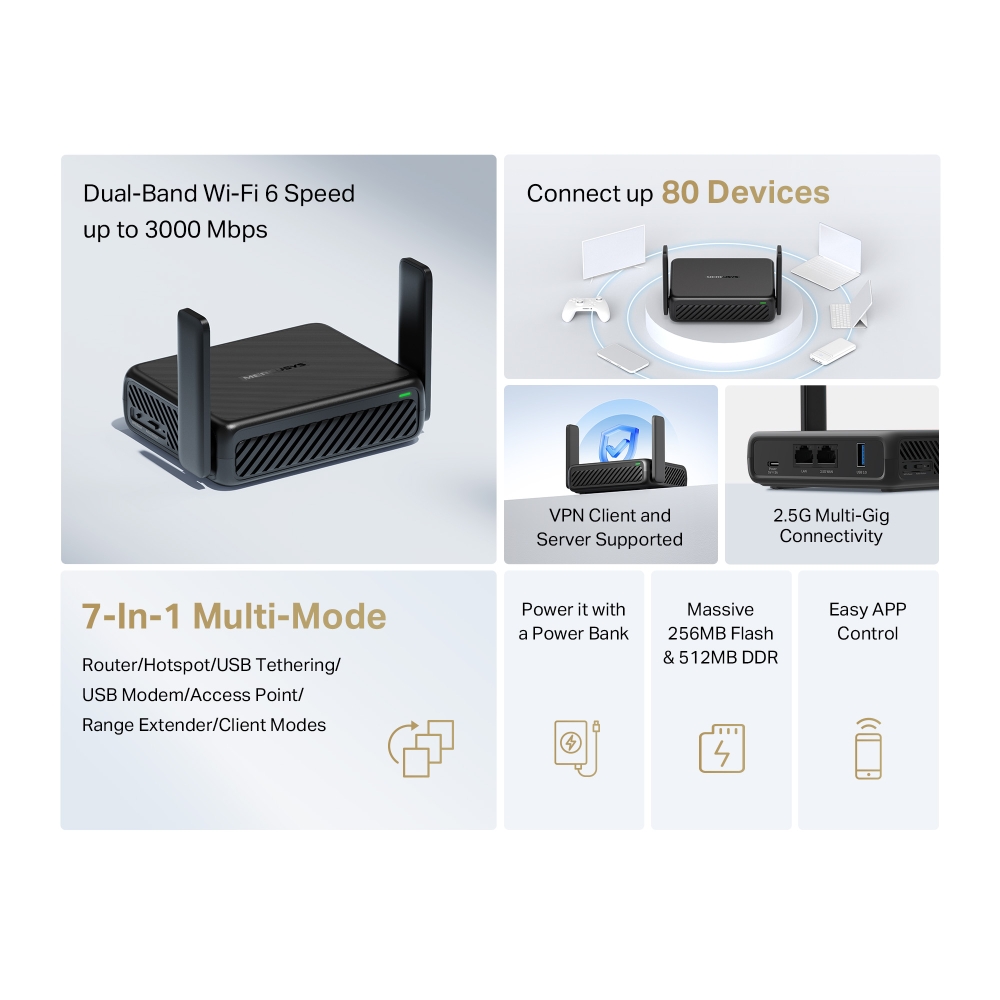
- Router Du Lịch Wi-Fi 6 AX3000: Trải nghiệm hiệu suất không dây băng tần kép siêu nhanh với tốc độ lên đến 2402 Mbps trên băng tần 5 GHz và 574 Mbps trên băng tần 2.4 GHz, lý tưởng cho việc phát trực tuyến 4K, họp trực tuyến và chơi game khi đi du lịch.†‡
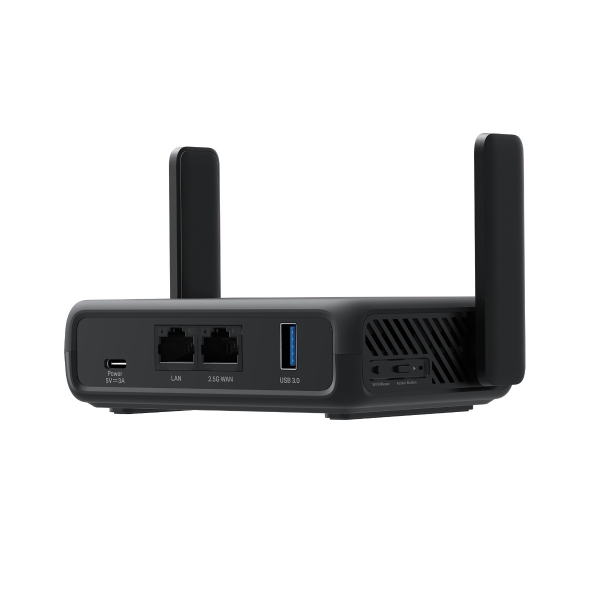
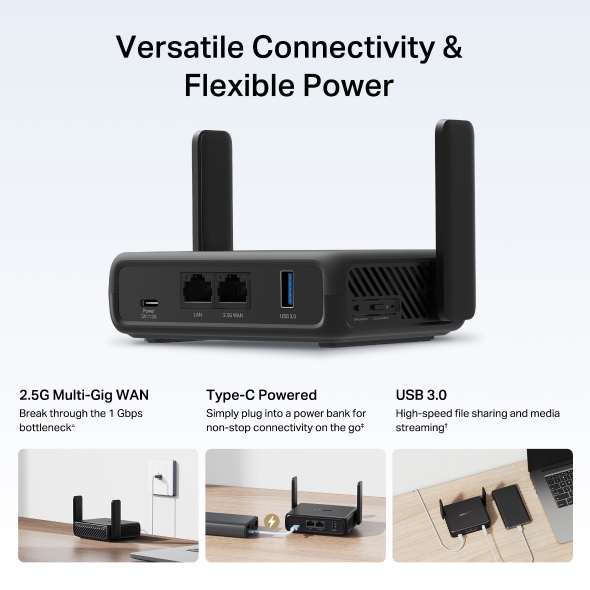
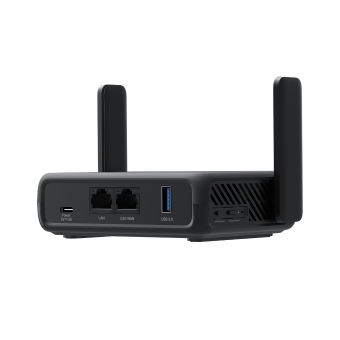
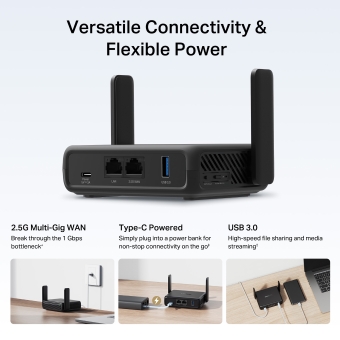
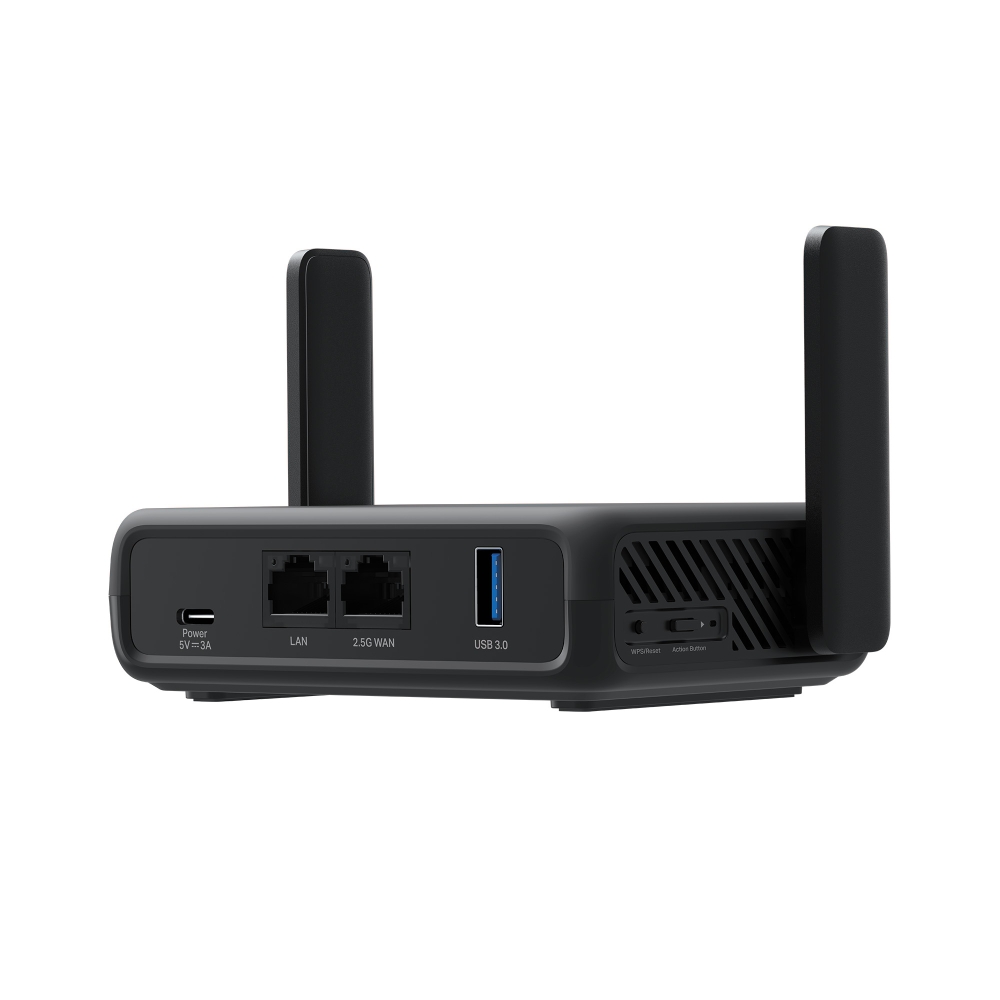
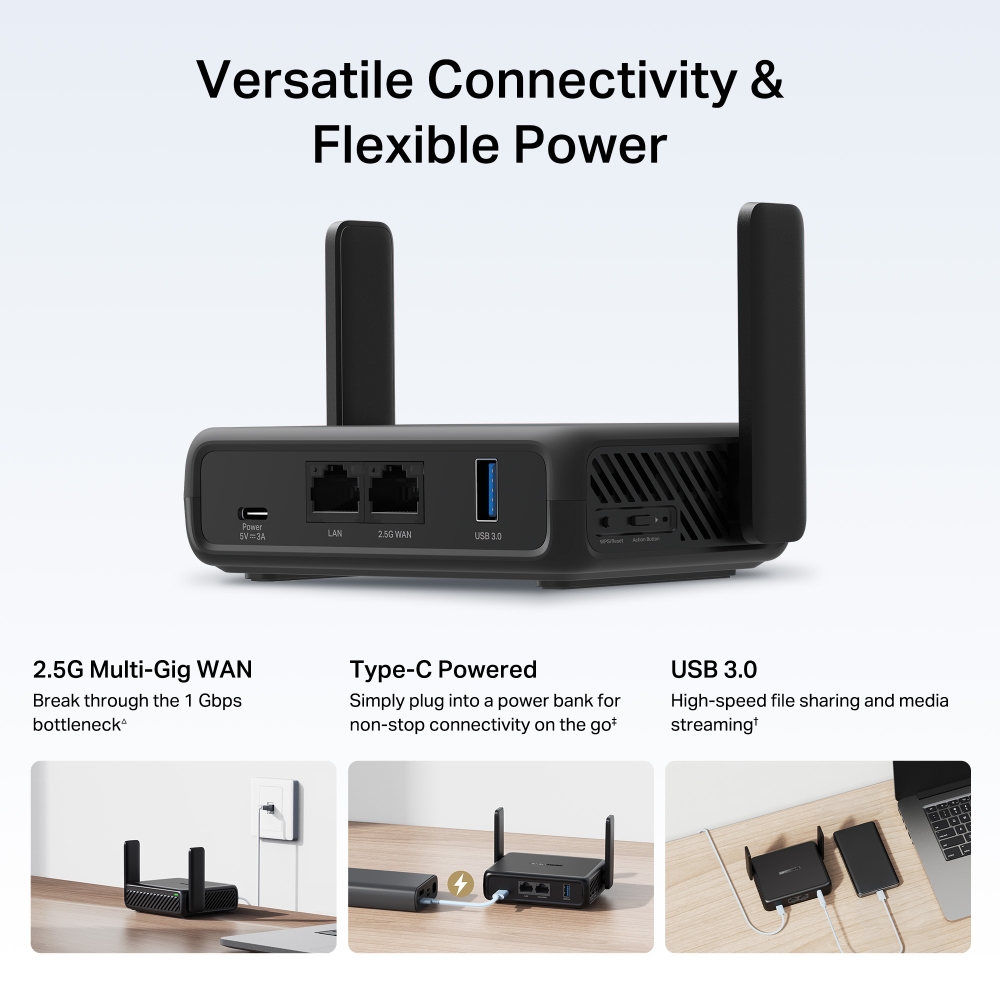
- Kết Nối Multi-Gig 2.5G: Được trang bị 1×cổng WAN 2.5 Gbps và 1×cổng LAN 1 Gbps đảm bảo truyền tải dữ liệu nhanh như chớp dù bạn ở bất cứ đâu.△
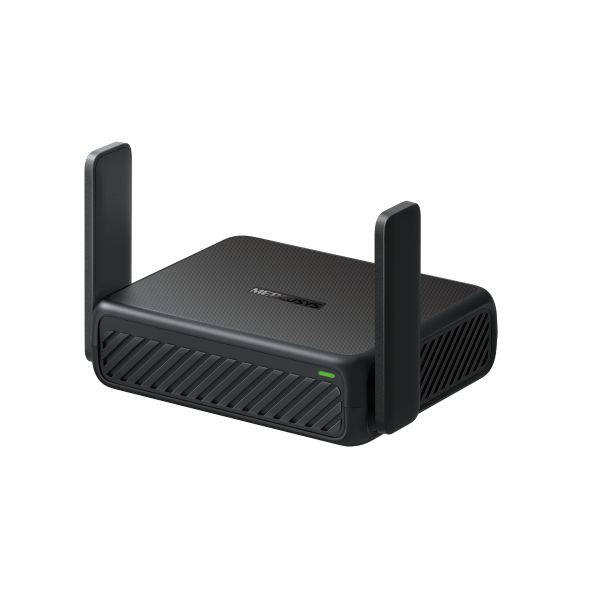
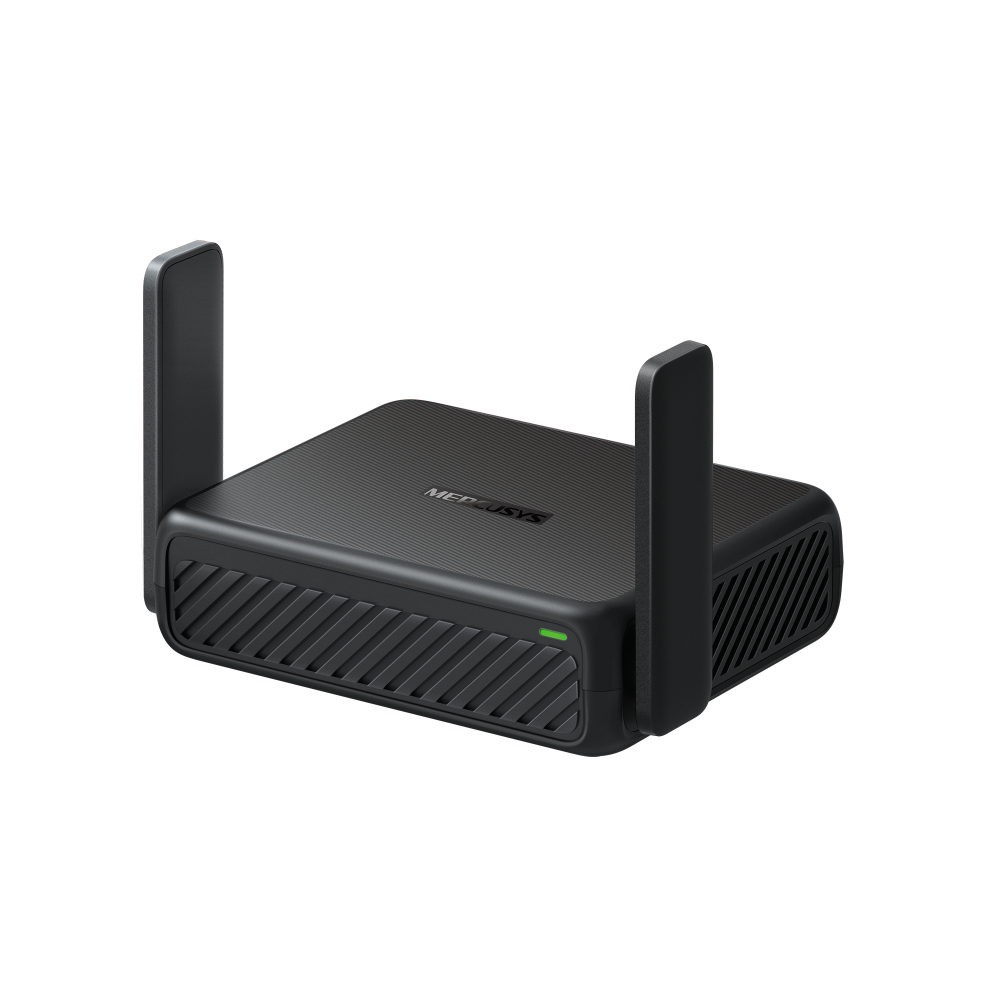
- Thiết Kế Nhỏ Gọn Cho Nhu Cầu Di Chuyển: Được thiết kế với kích thước vừa lòng bàn tay, MR84X-travel dễ dàng nằm gọn trong túi xách của bạn, trở thành người bạn đồng hành hoàn hảo cho các kỳ nghỉ, chuyến công tác hoặc thiết lập làm việc từ xa.
- Chế Độ Kết Nối Tất Cả Trong Một: Hỗ trợ nhiều chế độ mạng bao gồm Router, Chia sẻ kết nối qua USB (USB Tethering), Modem di động (3G/4G), Hotspot, Access Point, Bộ mở rộng sóng (Range Extender) và Client—sẵn sàng xử lý mọi kết nối trong khách sạn, trên xe hoặc không gian làm việc tạm thời. *
- Chia Sẻ Tệp Nhanh Chóng: Cắm ổ cứng USB để chia sẻ tài liệu và phương tiện truyền thông trên các thiết bị kết nối của bạn mà không cần máy tính.
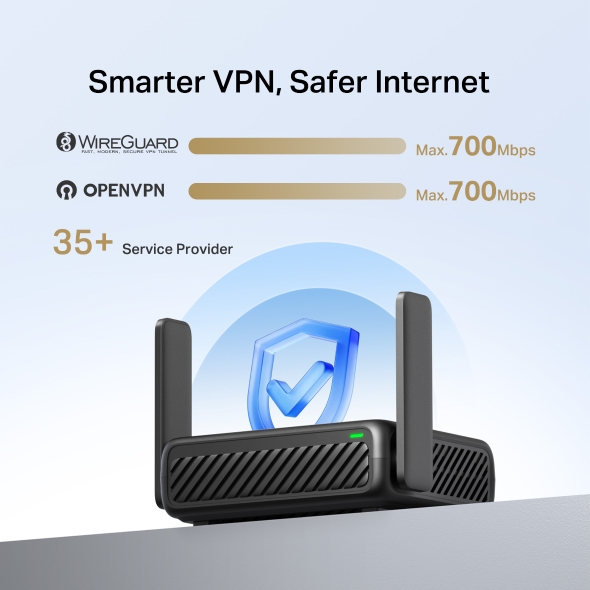
- Tích Hợp VPN Bảo Vệ Luôn Sẵn Sàng: Hỗ trợ các giao thức VPN chính như OpenVPN, WireGuard, L2TP và PPTP để giữ cho hoạt động trực tuyến của bạn luôn an toàn và riêng tư—bất kể bạn kết nối ở đâu.
- Cấp Nguồn Qua USB-C, Sẵn Sàng Cho Sạc Dự Phòng: Sử dụng sạc dự phòng và cổng USB Type-C để duy trì hoạt động của router mà không cần nguồn điện từ ổ cắm tường, mang lại cho bạn sự linh hoạt và tính di động đích thực.**
Flash 256MB & DDR 512MB
Ứng Dụng Dễ Dàng
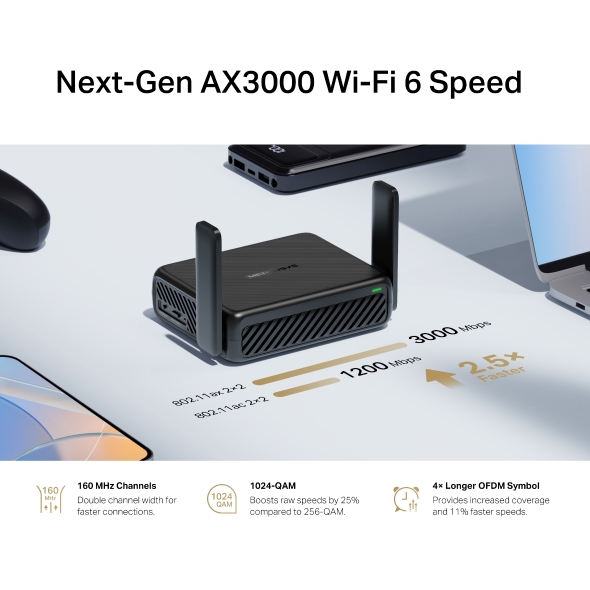
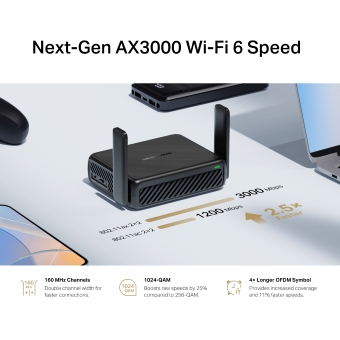
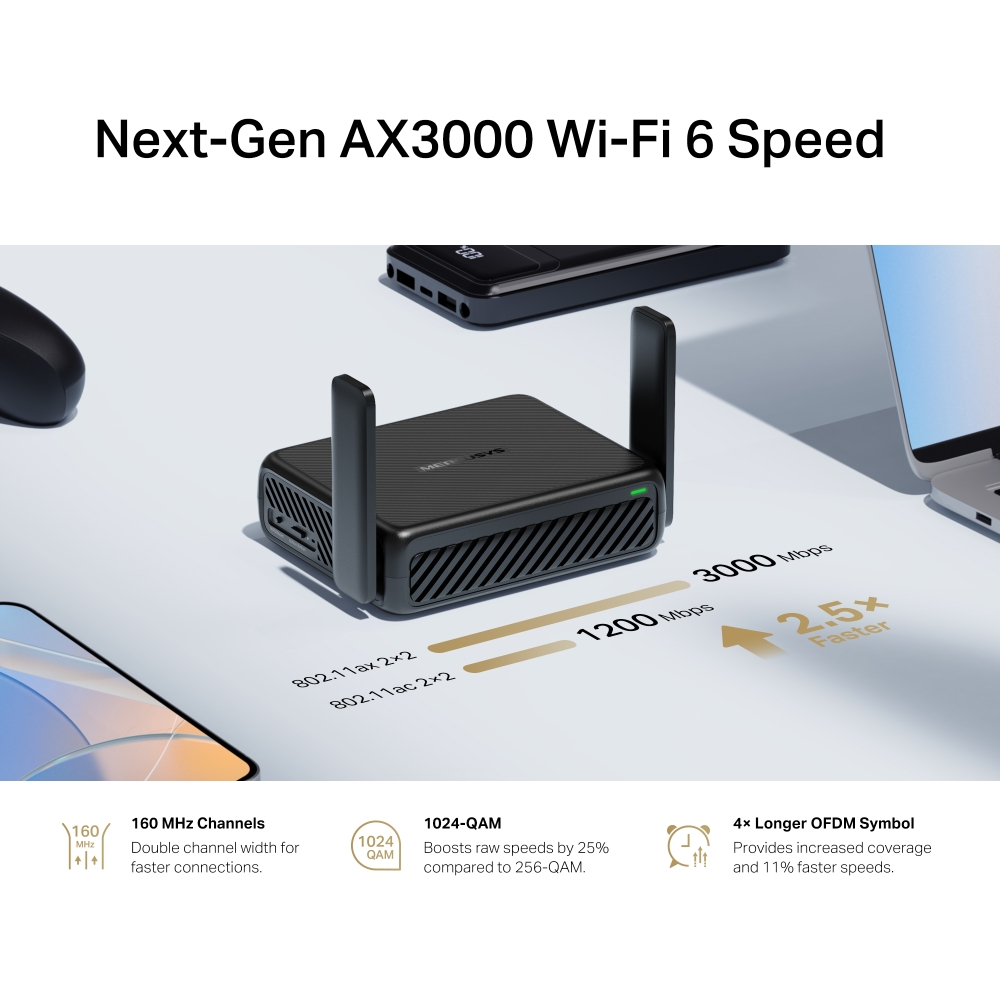
Tốc Độ Wi-Fi 6 AX3000 Thế Hệ Mới
Từ những đêm xem phim 4K đến tải xuống nhanh như chớp khi đang di chuyển, hãy nâng tầm Wi-Fi du lịch của bạn với băng thông 160 MHz và tốc độ lên đến 3000 Mbps.*
-

Băng Thông 160 MHz
Nhân đôi chiều rộng kênh để kết nối nhanh hơn.
-

1024-QAM
Tăng 25% tốc độ thô so với 256-QAM.
-

Ký Hiệu OFDM Dài Hơn Gấp 4 Lần
Cung cấp vùng phủ sóng rộng hơn và tốc độ nhanh hơn 11%.
Đa Chế Độ 7-trong-1 Cho Mọi Kịch Bản
-

Chế Độ
Router -

Chế Độ
Hotspot -

Chế Độ Chia Sẻ
Kết Nối Qua USB -

Chế Độ
USB Modem -

Chế Độ
Access Point -

Chế Độ Bộ
Mở Rộng Sóng -

Chế Độ
Client
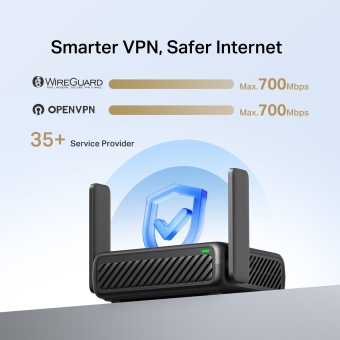
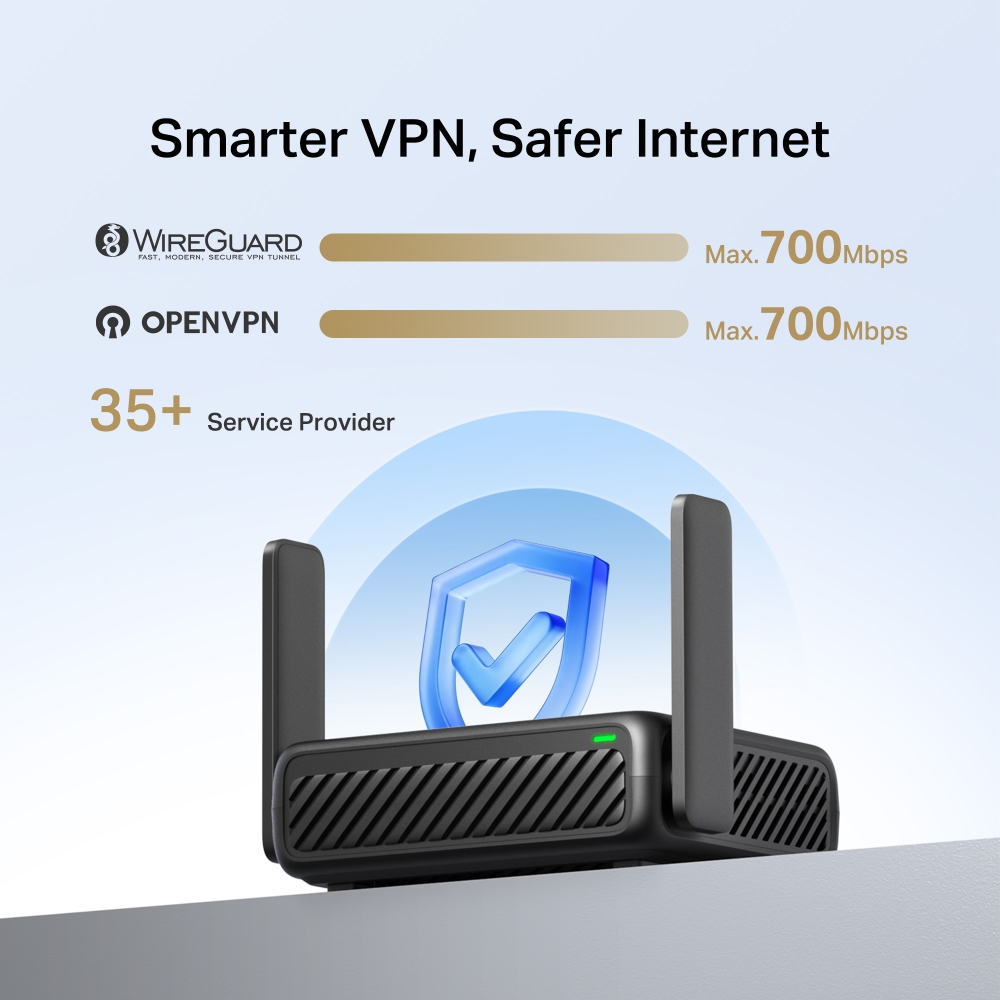
VPN Thông Minh Hơn, Internet An Toàn Hơn
Hỗ trợ OpenVPN, WireGuard, PPTP và L2TP/IPsec — hoạt động với hơn 35 nhà cung cấp phổ biến để truy cập an toàn, linh hoạt.***
Hơn 35 Nhà Cung Cấp Dịch Vụ
-

 Tối đa 700 Mbps
 -

 Tối đa 700 Mbps
Kết Nối Đa Dạng & Nguồn Điện Linh Hoạt
Kích Thước Nhỏ Gọn, Hiệu Suất Mạnh Mẽ
MR84X-Travel đủ gọn gàng để vừa trong túi của bạn nhưng đủ bền bỉ để chống chọi với những khắc nghiệt của chuyến đi.
trong túi xách
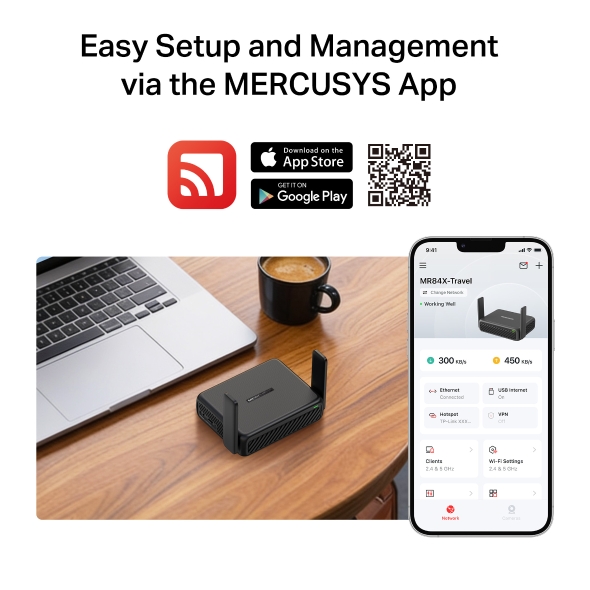
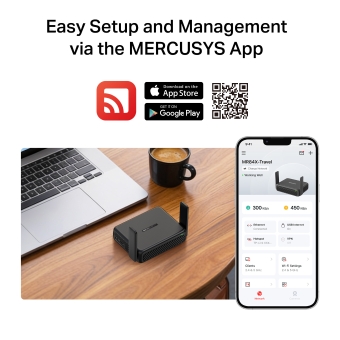
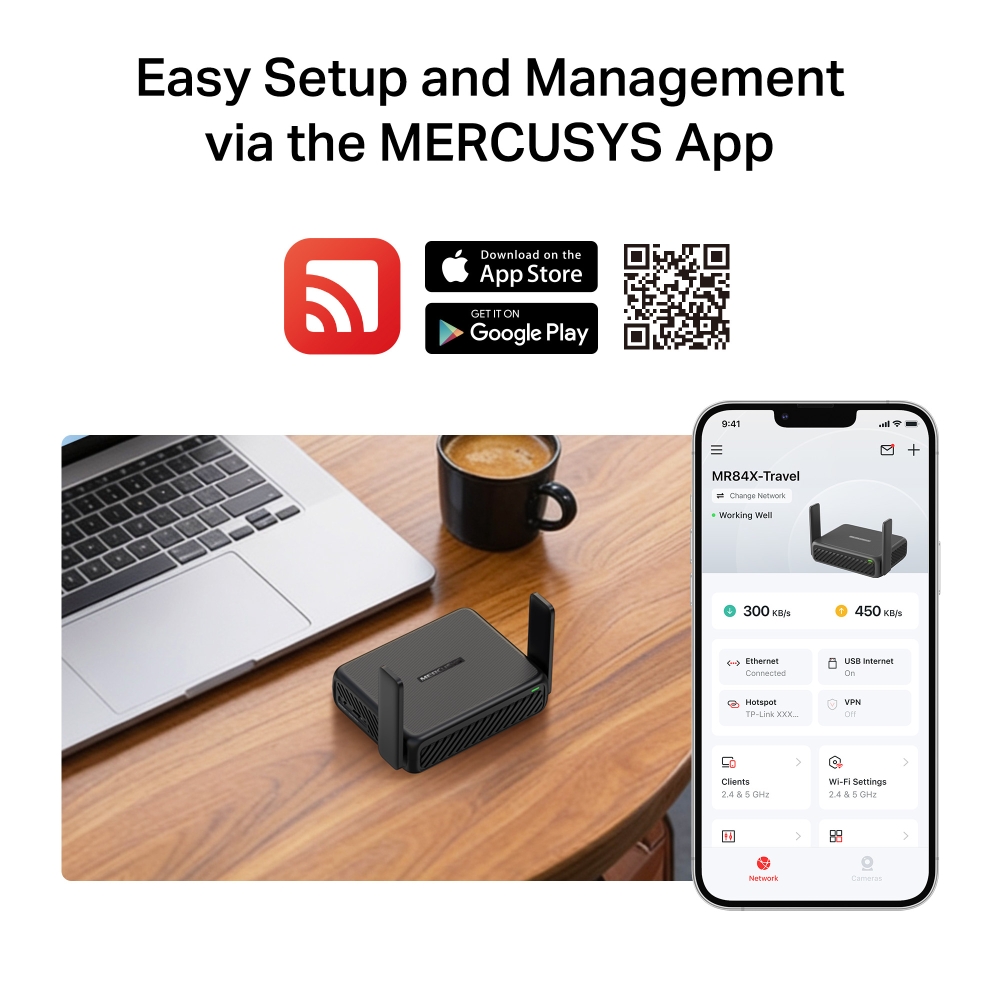
Thiết Lập Và Quản Lý Dễ Dàng Qua Ứng Dụng MERCUSYS
MR84X-Travel đủ gọn gàng để vừa trong túi của bạn nhưng đủ bền bỉ để chống chọi với những khắc nghiệt của chuyến đi.


†Tốc độ tín hiệu không dây tối đa là tốc độ vật lý được tính từ các thông số kỹ thuật của Tiêu chuẩn IEEE 802.11. Tốc độ truyền tải dữ liệu không dây thực tế, vùng phủ sóng không dây và số lượng thiết bị kết nối không được đảm bảo và sẽ thay đổi tùy theo điều kiện mạng, giới hạn của thiết bị khách và các yếu tố môi trường, bao gồm vật liệu xây dựng, vật cản, lưu lượng và mật độ mạng, cũng như vị trí của thiết bị khách. ‡Việc sử dụng 802.11ax (Wi-Fi 6) và các tính năng bao gồm OFDMA, Băng thông 160 MHz, MU-MIMO, 1024-QAM, BSS Coloring và Target Wake Time (TWT) yêu cầu thiết bị khách cũng phải hỗ trợ các tính năng tương ứng. Mức giảm tiêu thụ điện năng thực tế bởi Target Wake Time có thể thay đổi tùy thuộc vào điều kiện mạng, giới hạn của thiết bị khách và các yếu tố môi trường. Băng thông 160 MHz có thể không khả dụng ở băng tần 5 GHz tại một số khu vực/quốc gia do các hạn chế về mặt pháp lý. △Tốc độ internet 2.5 Gbps yêu cầu các gói dịch vụ và thiết bị tương thích. Tốc độ mạng thực tế có thể bị giới hạn bởi tốc độ của cổng Ethernet WAN hoặc LAN của sản phẩm, tốc độ hỗ trợ của cáp mạng, các yếu tố từ nhà cung cấp dịch vụ internet và các điều kiện môi trường khác. *Các kịch bản chỉ mang tính chất minh họa và người dùng có thể chọn chế độ tương ứng tùy theo nhu cầu thực tế. Việc chức năng Chia Sẻ Internet Qua USB có thể sử dụng được hay không phụ thuộc vào tính tương thích của USB Modem 3G/4G hoặc thiết bị di động, và không đảm bảo tương thích với tất cả các thiết bị. **Khuyến nghị sử dụng bộ đổi nguồn đi kèm. Nếu bạn sử dụng các bộ đổi nguồn khác, có nguy cơ làm hỏng thiết bị.
MERCUSYS
Ứng dụng MERCUSYS cung cấp cách dễ dàng nhất để bạn thiết lập và quản lý WiFi ở nhà hoặc ở xa thông qua thiết bị iOS hoặc Android của bạn chỉ trong vài phút.
MERCUSYS giúp bạn cài đặt chỉ trong vài bước
Không cần bất kỳ bí quyết kỹ thuật nào hoặc đọc hướng dẫn phức tạp, chỉ cần làm theo hướng dẫn trong ứng dụng. Thiết lập hệ thống mạng WiFi của bạn trong vài phút.
-
 Halo Cáp nguồn Cáp mạng
Bước 1
Tìm những thứ cần thiết trong hộp
-

Bước 2
Cắm dây cho thiết bị
-

Bước 3
Làm theo hướng dẫn trên màn hình với ứng dụng MERCUSYS
Quản lý WiFi của bạn theo thời gian thực
Với ứng dụng MERCUSYS, hãy trải nghiệm quản lý mạng trực tiếp. Xem ai đang kết nối với mạng của bạn và quản lý mạng đó bất kỳ lúc nào bằng thiết bị iOS hoặc Android của bạn.
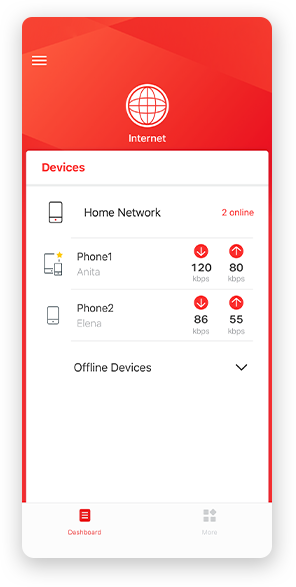
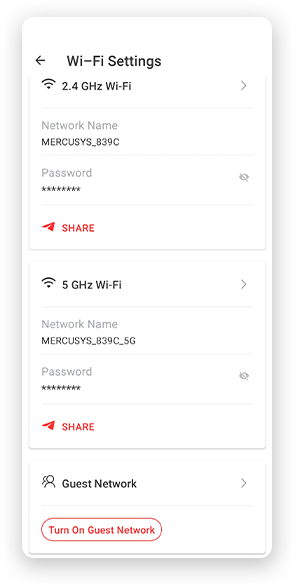
Lưu ý: Trang cấu hình của các kiểu máy khác nhau có thể khác nhau, vui lòng tham khảo trang thực tế.
Quản lý của phụ huynh mạnh mẽ
Dễ dàng quản lý thời gian và nội dung trực tuyến của con bạn để tạo ra một môi trường trực tuyến an toàn và lành mạnh.
-
Tạo hồ sơ quản lý
Tạo hồ sơ cho từng thành viên gia đình mà bạn muốn quản lý. Chỉ định thiết bị để đặt kiểm soát truy cập và giới hạn thời gian cho chúng.
-
Giới hạn thời gian trực tuyến
Đặt giới hạn hàng ngày về thời gian con bạn trực tuyến và ngăn chúng truy cập internet trên thiết bị của chúng trong một thời gian dài để xây dựng thói quen mạng lành mạnh.
-
Chặn các trang web không phù hợp
Kiểm soát những trang web mà con bạn truy cập bằng cách đặt danh sách chặn.
-
Tạm dừng kết nối Internet
Tạm dừng kết nối internet của các thành viên trong gia đình để tạm rời xa thế giới ảo, giúp tận hưởng thời gian bên gia đình.
Quản lý và bảo mật mạng gia đình của bạn
Ứng dụng MERCUSYS giúp bạn quản lý WiFi ở nhà hoặc ở xa thông qua thiết bị iOS hoặc Android của bạn.

Kiểm tra trạng thái của thiết bị được kết nối
Xem trạng thái làm việc của mạng Halo của bạn một cách trực quan và xem các thiết bị đang được kết nối. Ưu tiên hoặc chặn thiết bị khi cần.

Ưu tiên dịch vụ QoS
Ưu tiên các thiết bị bạn chọn để hoạt động tốt hơn.

Cảnh báo thiết bị mới truy cập
Ứng dụng MERCUSYS chủ động gửi cảnh báo để thông báo cho bạn khi một thiết bị lạ được kết nối. Nhấn để chặn thiết bị nếu đó là rủi ro bảo mật.

Cài đặt mạng khách
Cung cấp một mạng riêng cho khách để đảm bảo an ninh và quyền riêng tư của bạn.
Mọi thứ trong một ứng dụng
Cho dù bạn đang cần quản lý nhiều loại Router MERCUSYS, bộ mở rộng sóng hay hệ thống Mesh WiFi Halo, tất cả đều có trên ứng dụng.
Xem sản phẩm tương thíchSản phẩm tương thích
Lưu ý: Firmware của thiết bị yêu cầu phiên bản mới nhất. Nhấp vào đây đây để tìm hiểu cách nâng cấp firmware của bạn.
Lưu ý: Cả phiên bản phần cứng được liệt kê và phiên bản phần cứng cao hơn của các mẫu này đều tương thích với ứng dụng MERCUSYS.
CATEGORY
-
Halo Mesh
-

Halo H50G V1
AC1900 Whole Home Mesh Wi-Fi System
-

Halo H30G V1
AC1300 Whole Home Mesh Wi-Fi System
-

Halo H80X V1
AX3000 Whole Home Mesh WiFi 6 System
-

Halo H70X V1
AX1800 Whole Home Mesh WiFi 6 System
-

Halo H30 V1
AC1200 Whole Home Mesh Wi-Fi System
-

Halo H90X V1
AX6000 Whole Home Mesh Wi-Fi System
-
-
Wi-Fi Routers
-

MR70X V1
AX1800 Dual Band Wi-Fi 6 Router
-

MR80X V1
AX3000 Dual-Band Wi-Fi 6 Router
-

MR50G V1
AC1900 Wireless Dual Band Gigabit Router
-

AC12G V2
AC1300 Wireless Dual Band Gigabit Router
-

MR30G V1
AC1200 Wireless Dual Band Gigabit Router
-
MR1200G V1
AC1200 Wireless Dual Band Gigabit Router
-
MR1900G V1
AC1200 Wireless Dual Band Gigabit Router
-

MR1800X V1
AX1800 Dual-Band WiFi 6 Router
-

MR90X V1
AX6000 8-Stream Wi-Fi 6 Router
-
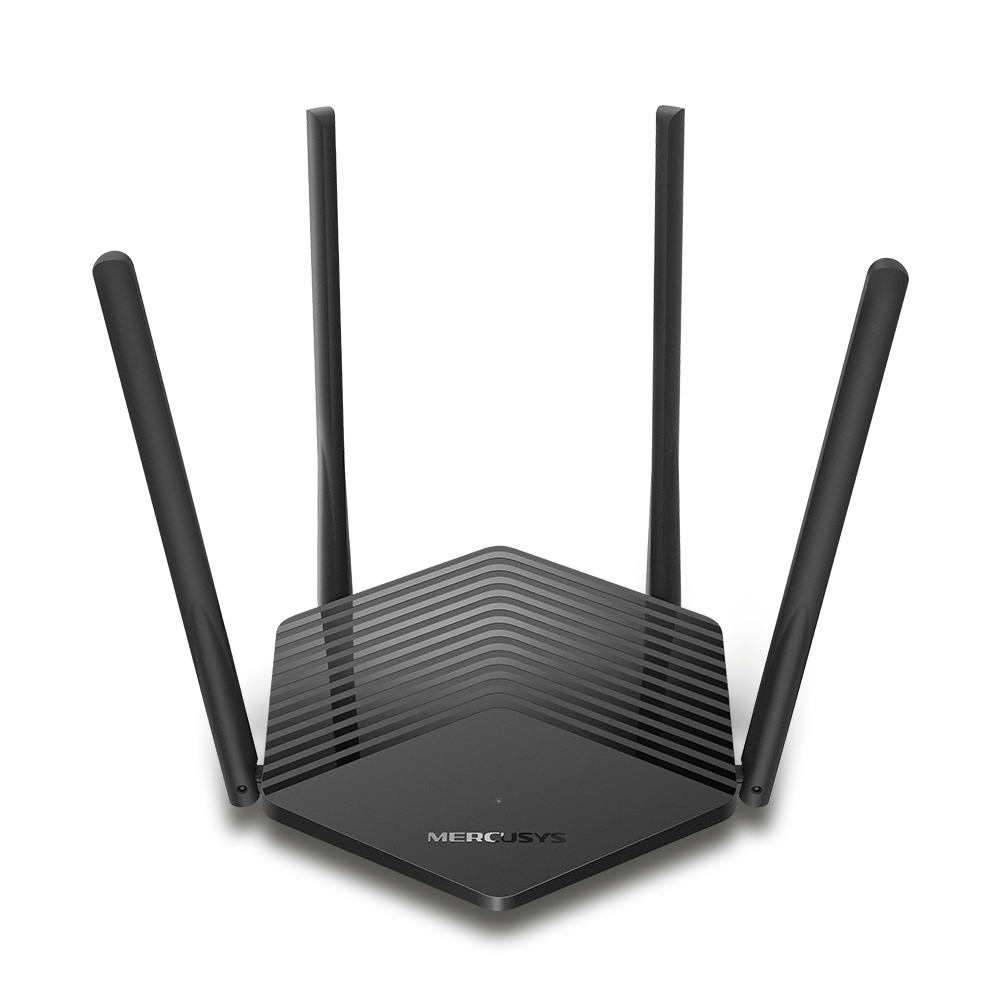
MR60X V2
AX1500 Wi-Fi 6 Router
-
2.0_01_large20200513030154.jpg)
AC12 V3
AC1200 Dual Band Wireless Router
-
1.0_01_large20200616070042.jpg)
AC10 V1
AC1200 Wireless Dual Band Router
-

MW325R V3
300Mbps Enhanced Wireless N Router
-
_1906_02_large20200513090024.jpg)
MW305R V3
300Mbps Wireless N Router
-
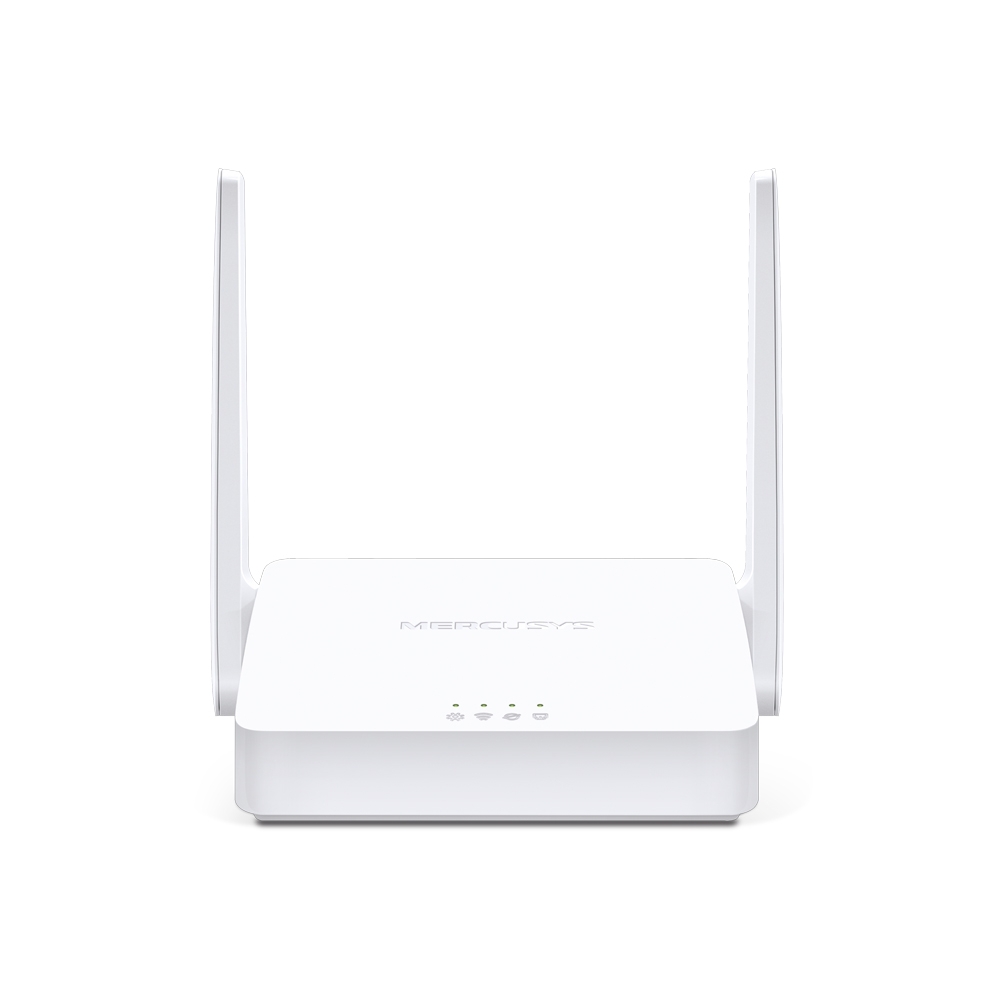
MW301R V3
300Mbps Wireless N Router
-
-
Range Extenders
-

ME70X V1
AX1800 Wi-Fi 6 Range Extender
-

ME50G V1
AC1900 Wi-Fi Range Extender
-

ME30 V1
AC1200 Wi-Fi Range Extender
-
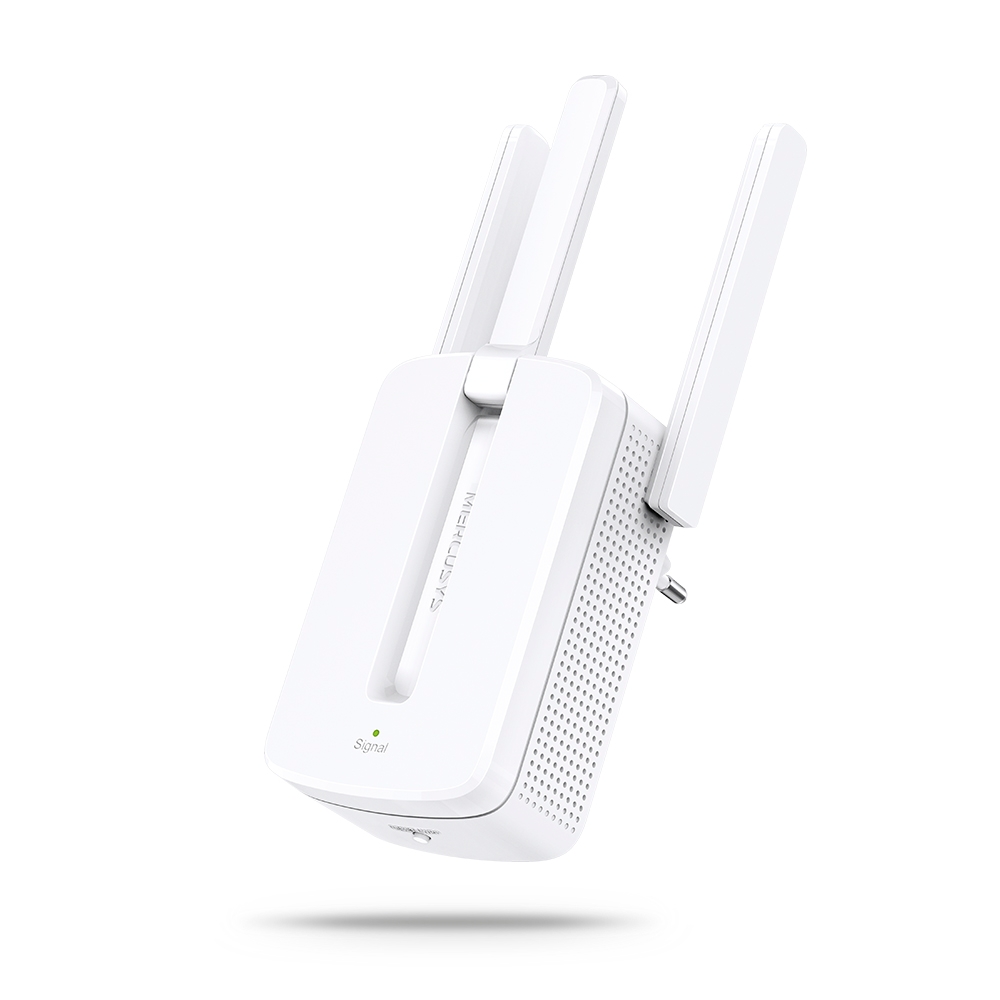
MW300RE V4
300Mbps Wi-Fi Range Extender
-
-
4G WiFi Router
-

MB230-4G
Router 4G+ Cat6 AC1200 Gigabit Băng Tần Kép
-

MB112-4G
Router 4G LTE Chuẩn N 300 Mbps
-

MB115-4G
Router Wi-Fi N 4G LTE 300 Mbps
-
Hỗ trợ nhiều ngôn ngữ
Ứng dụng MERCUSYS hỗ trợ 26 ngôn ngữ, bao gồm cả tiếng Việt.
-
English
-
Nederlands
-
Français
-
Deutsch
-
Italiano
-
日本語
-
한국어
-
Português
-
Español
-
繁體中文
-
Русский язык
-
Português Brasil
-
Español
(Latinoamérica) -
Български
-
Українська мова
-
Polski
-
Română
-
Slovenčina
-
ไทย
-
Türkçe
-
Čeština
-
Tiếng Việt
-
Eλληνικά
-
Bahasa Melayu
-
Magyar
-
עברית
-
Thông số không dây

| Wi-Fi Class | AX3000 |
|---|---|
| Wi-Fi (2.4 GHz) | 574Mbps |
| Wi-Fi (5 GHz) | 2402 Mbps |
| Chuẩn Wi-Fi | 802.11ax/ac/a/b/g/n |
| Max Channel Width | 160MHz |
| Max Wi-Fi Modulation | 1024 QAM |
| Bảo mật không dây | WPA/WPA2/WPA3 |
| Tính năng không dây | Guest Network |
-
Phần mềm
| Chế độ hoạt động | Router Mode |
|---|---|
| WAN Mode | Dynamic IP |
| DHCP | Address Reservation |
| NAT Forwarding | Port Forwarding |
| Protocols | IPv4 |
| Mạng khách | 2.4G Guest Network |
| Parental Controls | Profile Settings |
| VPN Sever | OpenVPN |
| DDNS | MERCUSYS |
| VPN Client | OpenVPN |
| QoS | Time Settings |
| Bảo mật | SPI Firewall |
| Kill Switch | Support |
| System | Firmware Upgrade |
| Diagnostics | Ping |
| LED Management | LED Control |
| Device Management | MERCUSYS APP |
| Cloud | MERCUSYS ID |
| Advanced Features | OFDMA |
-
Phần cứng
| Kết nối | 1× 2.5G WAN |
|---|---|
| Antenna | 2×External Omni-directional Antennas |
| Nút nhấn | 1× Action Button (User Defined) 1× WPS/Reset Button |
| LED | 1× SYS |
| Tiêu thụ năng lượng | 5V/3A |
-
Khác
| Môi trường | • Operating Temperature: 0°C~40°C (32°F~104°F) |
|---|