How to use Alexa Snapshot with MERCUSYS Camera
Introduction
Alexa Snapshot is an Amazon feature designed to help users quickly monitor and control their smart home devices. Once enabled, Alexa can provide a snapshot of the footage from connected devices. This allows users to track their smart home at a glance without having to open multiple apps or check each device individually.
Configuration
Step1. Open the MERCUSYS app. Tap the icon in the top left corner of the app to enter Me page > Third-Party Services > Amazon Alexa, turn on the Snapshot.
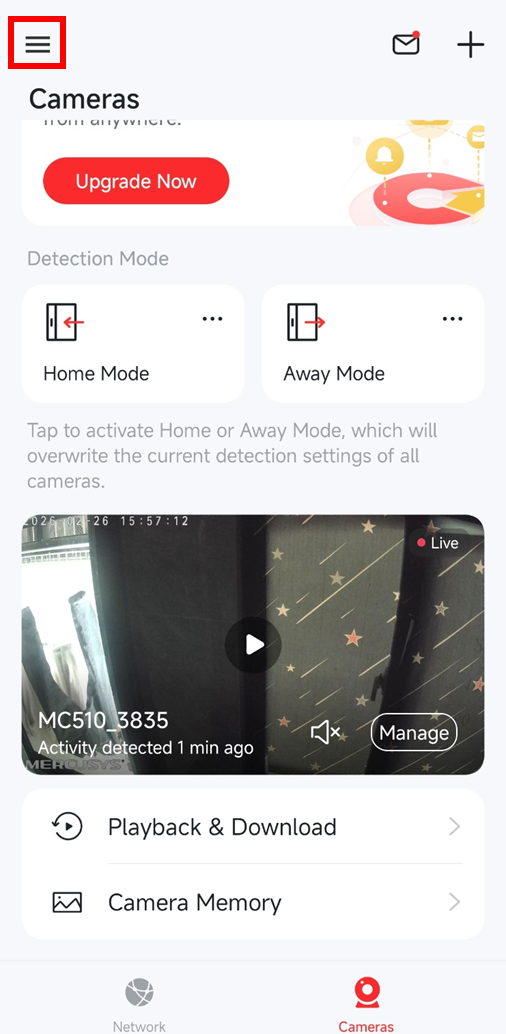
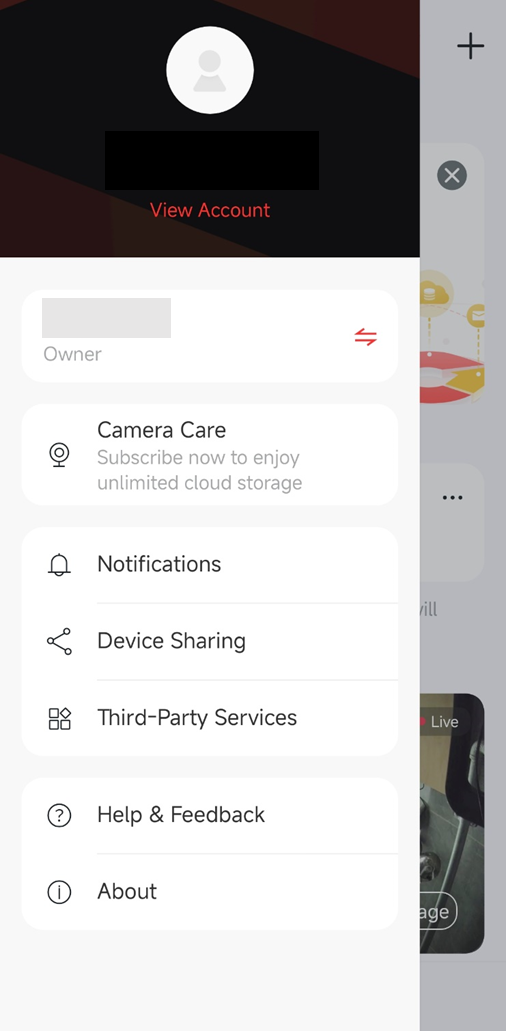
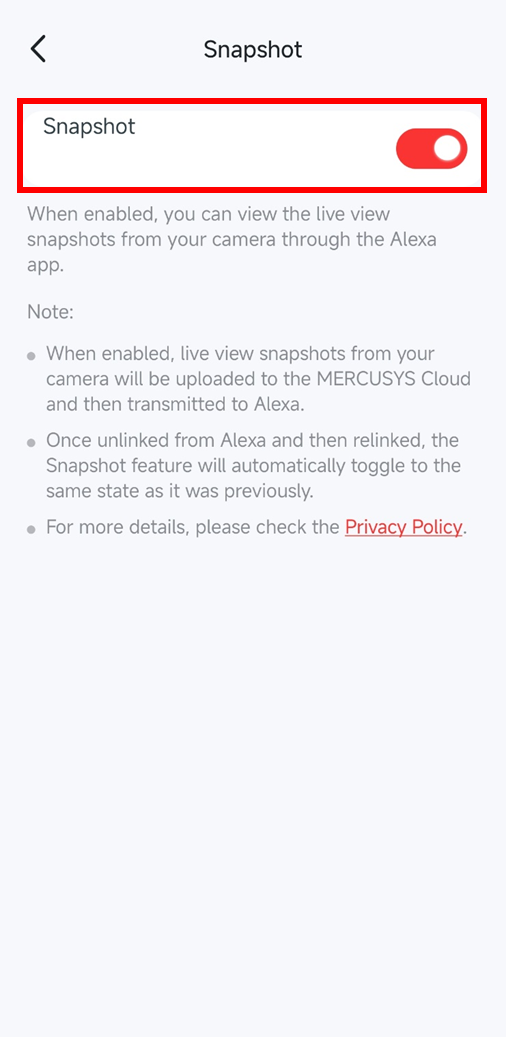
Step2. Open the Amazon Alexa app. It will automatically detect and connect to the MERCUSYS cameras linked to your MERCUSYS ID.
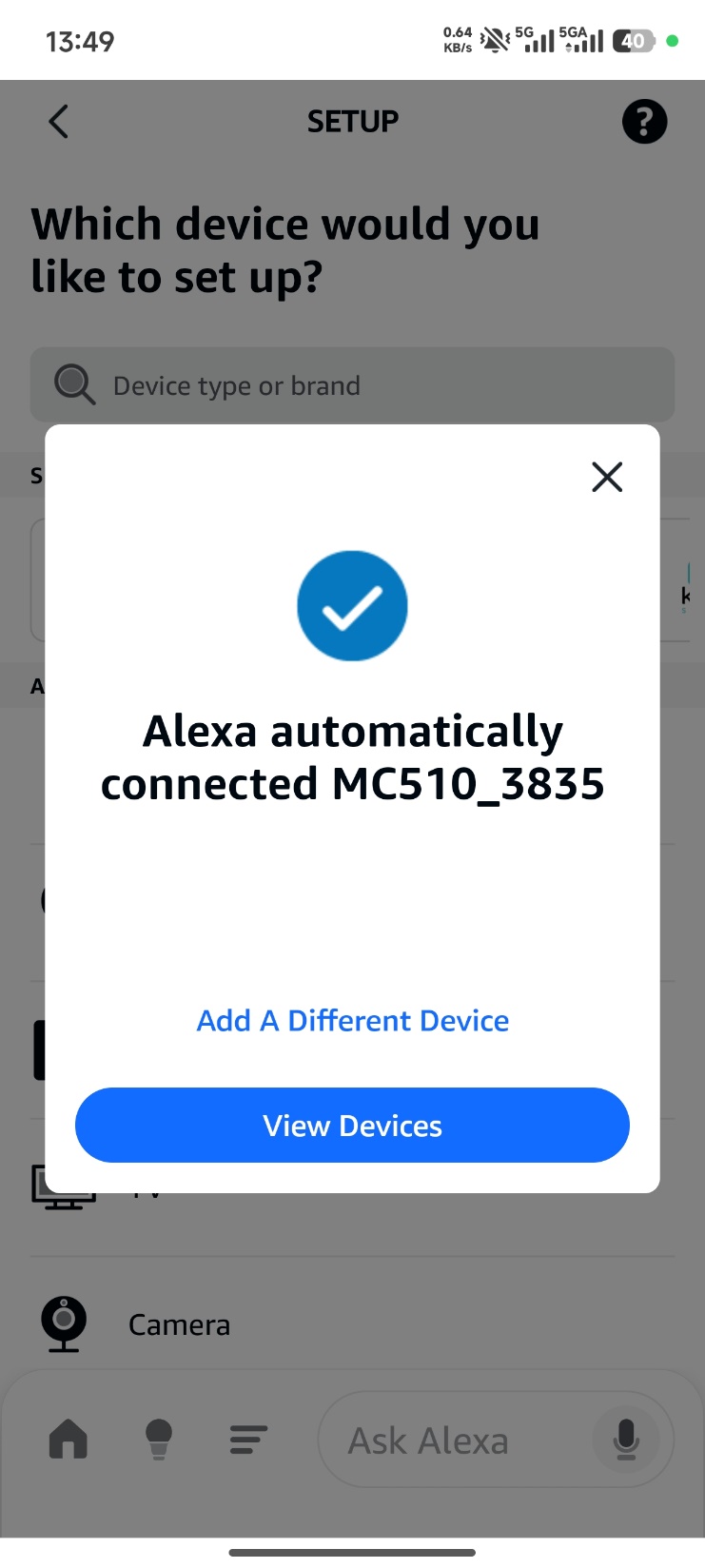
Step3. Go to Home page, tap Add favourites and then choose your MERCUSYS device.
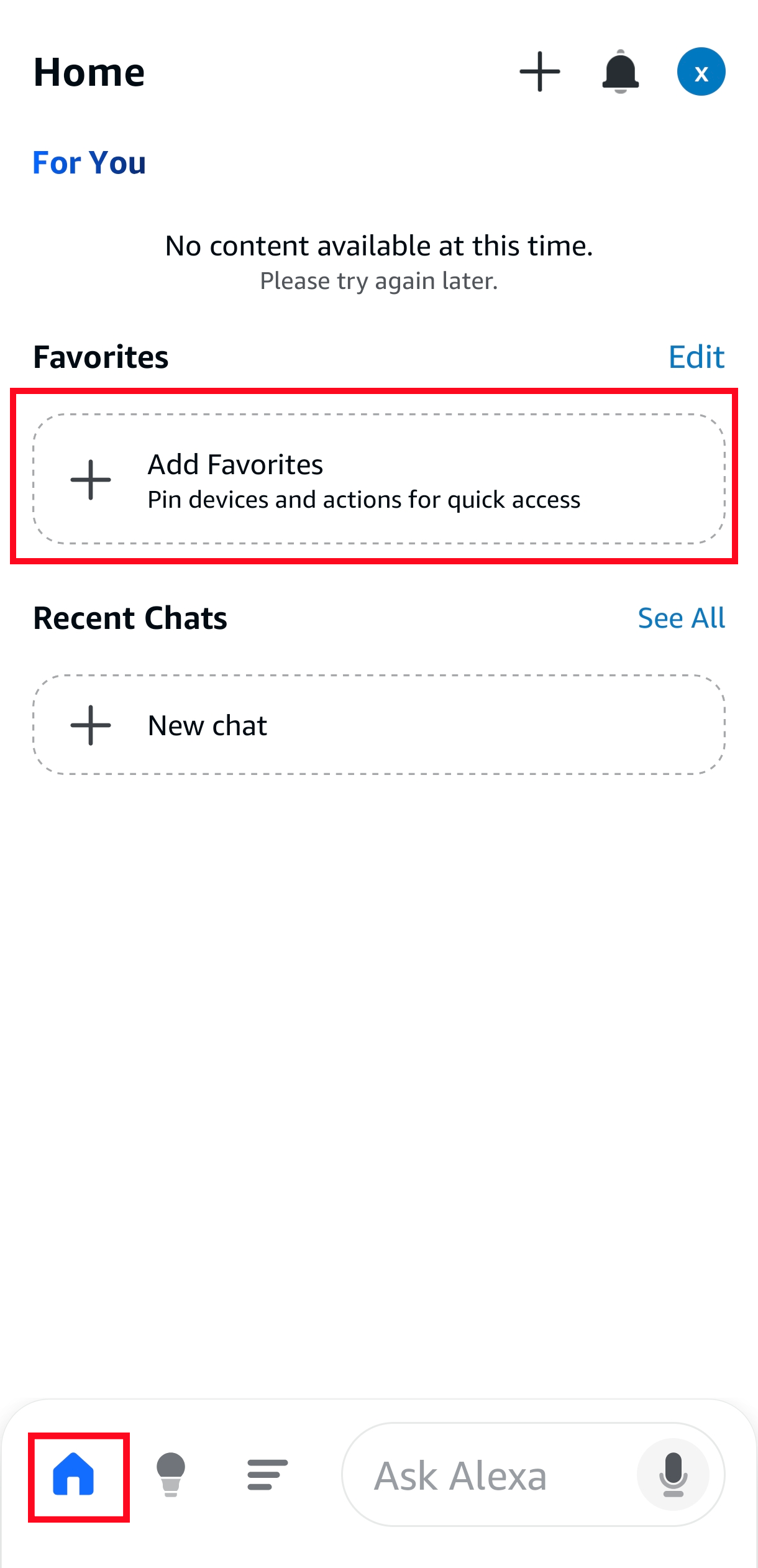
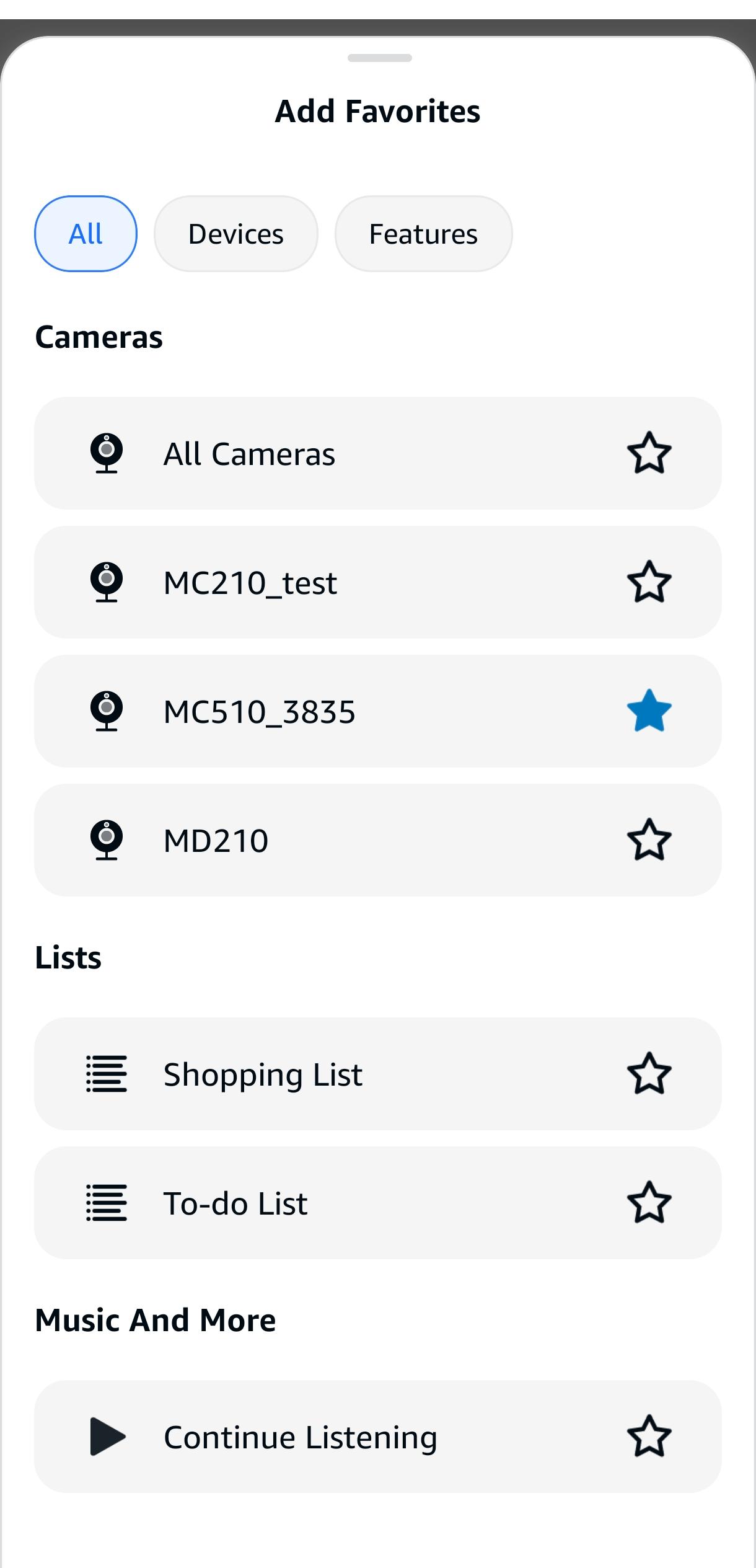
Step4. Get the snapshot by:
Watching live feed from the Alexa app
Watching live feed from Echo Show/Dot
Talking to Echo Show/Dot: ”Alexa, discover devices.”
And then the snapshot will appear.