ME10 [V1] | 300 Mbps Wi-Fi Range Extender




ME10
300 Mbps Wi-Fi Range Extender
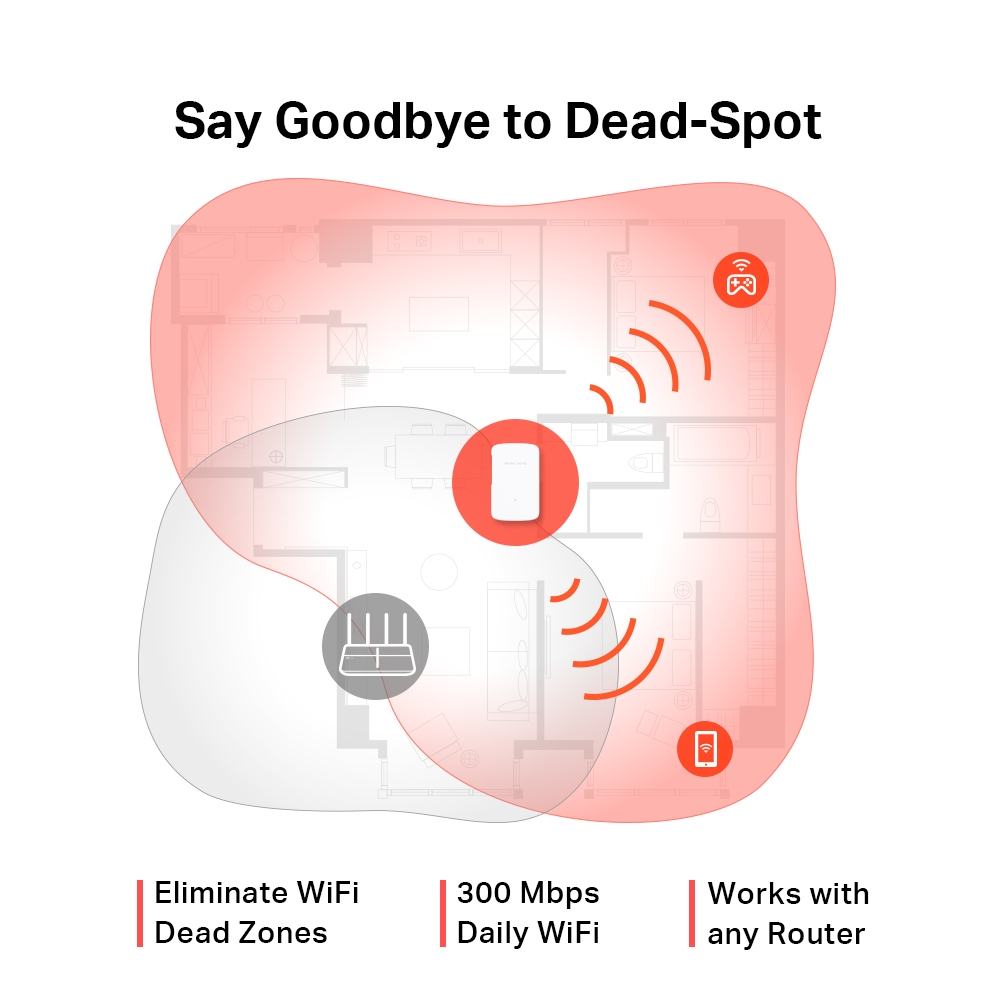
- Εξαλείψτε τις νεκρές ζώνες WiFi — Ενισχύει άψογα το σήμα WiFi σε περιοχές που προηγουμένως ήταν απρόσιτες ή δύσκολα καλωδιωμένες
- 300 Mbps WiFi καθημερινά — Απολαύστε ένα γρήγορο και σταθερό εκτεταμένο WiFi οπουδήποτε έως και 300 Mbps, καλύπτοντας τις ανάγκες της καθημερινής σας ζωής
- Εύκολη εγκατάσταση με ένα άγγιγμα — Απλώς πατήστε το κουμπί WPS για να επεκτείνετε την κάλυψη WiFi σε δευτερόλεπτα
- Ένδειξη σήματος — Η πολύχρωμη λυχνία LED σάς βοηθά να βρείτε τη σωστή τοποθεσία για την επέκταση εμβέλειας για την καλύτερη επέκταση WiFi
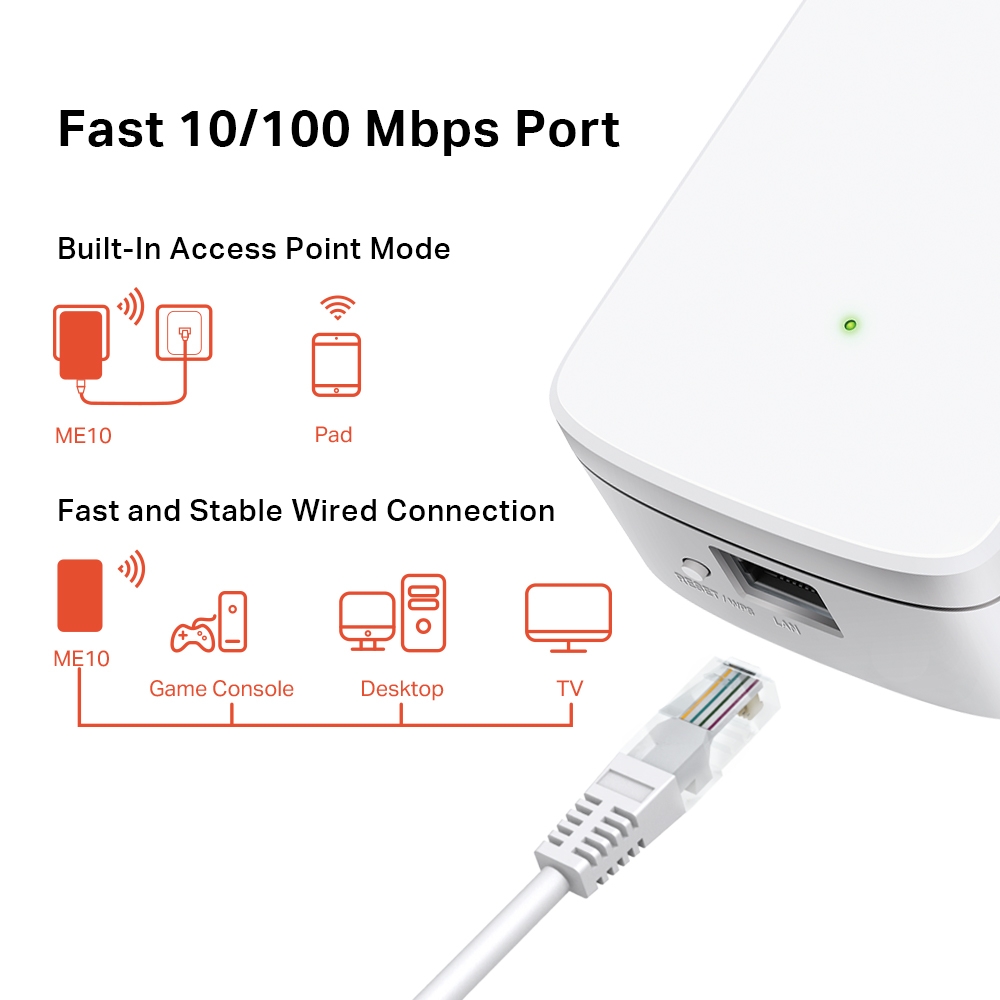
- Γρήγορη θύρα 10/100 Mbps — Παρέχει γρήγορες ενσύρματες συνδέσεις για υπολογιστές, IPTV και κονσόλες παιχνιδιών
- Λειτουργεί με οποιονδήποτε δρομολογητή ή σημείο ασύρματης πρόσβασης
-
watch video: How to Set Up Your MERCUSYS Range Extender via Web Browser(ME30, etc.)
How to Set Up Your MERCUSYS Range Extender via Web Browser(ME30, etc.)
-
watch video: Set Up MERCUSYS Range Extender via App
Set Up MERCUSYS Range Extender via App
-
watch video: Set Up a MERCUSYS Range Extender via Management Page on your Smartphone
Set Up a MERCUSYS Range Extender via Management Page on your Smartphone
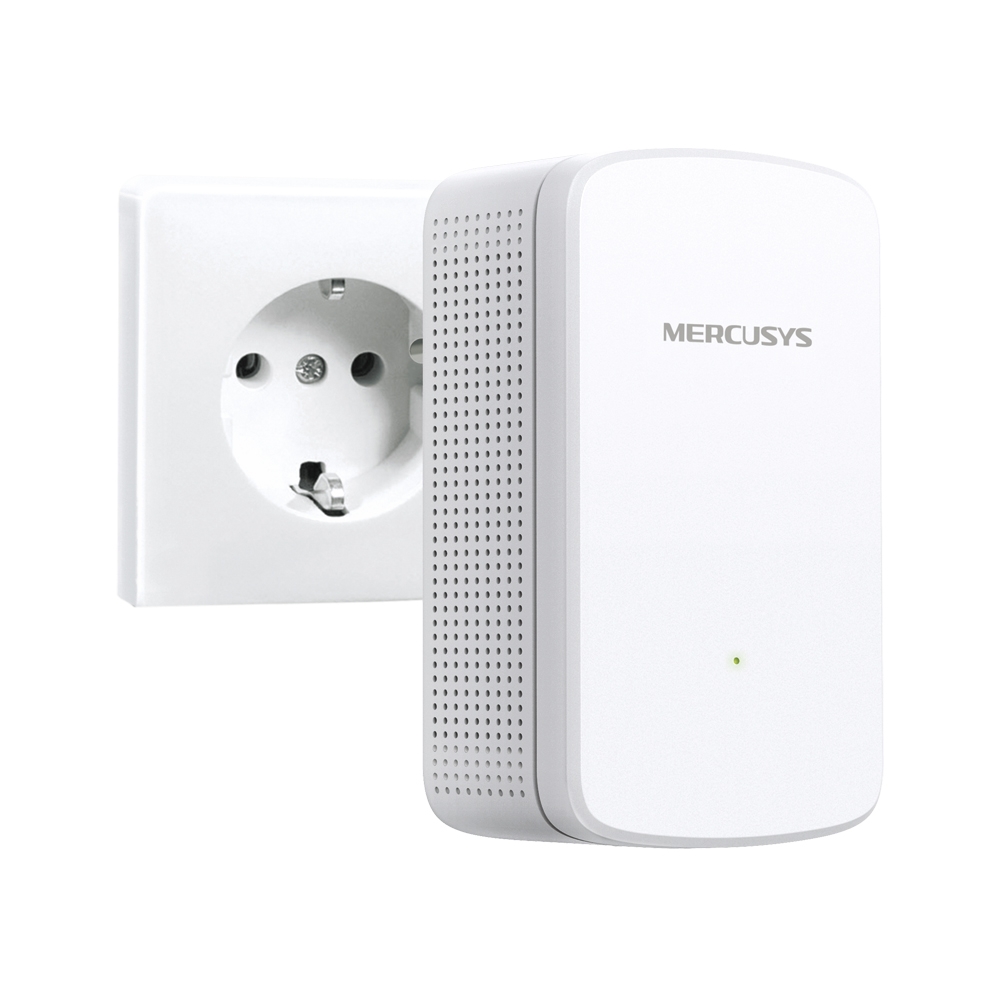
Επεκτείνετε το WiFi σας όπου χρειάζεστε
Επέκταση εύρους Wi-Fi 300 Mbps
ΜΕ10
Πείτε αντίο στο Dead-Spot
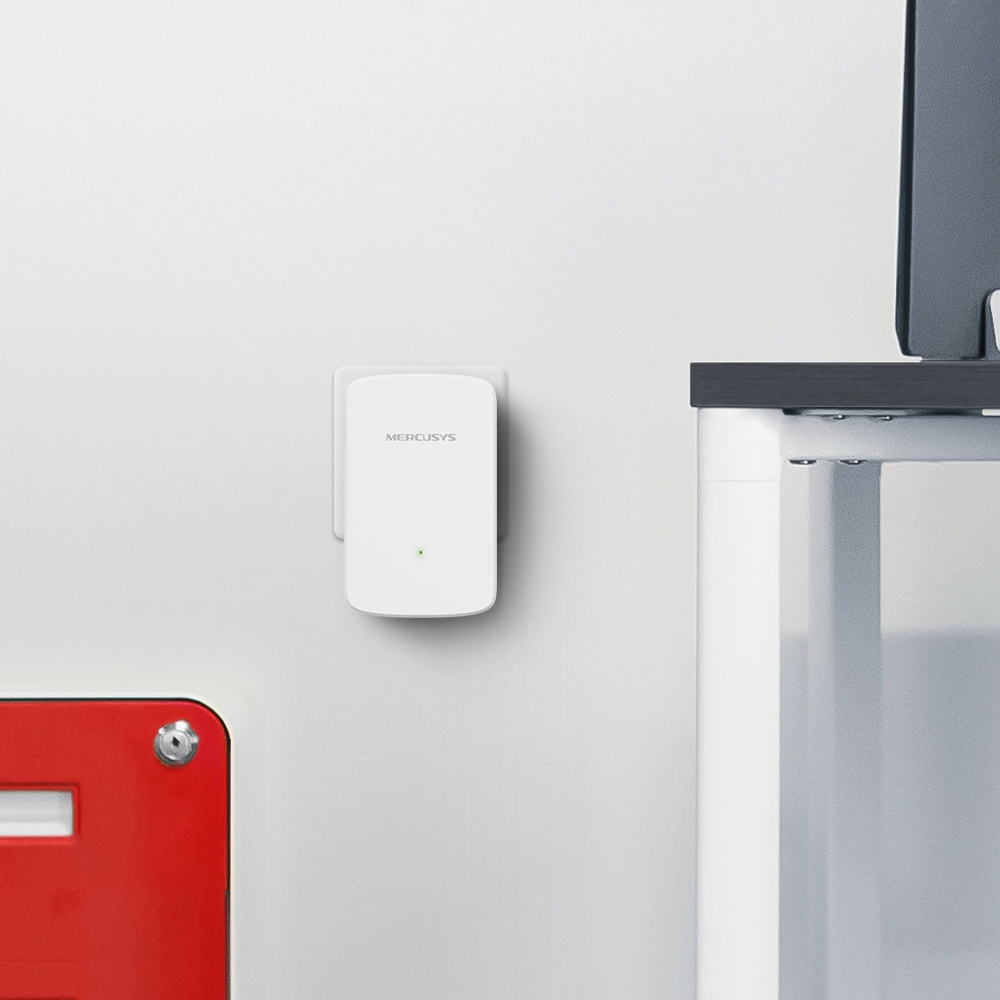
Η επιτοίχια επέκταση εμβέλειας ME10 έχει σχεδιαστεί για να επεκτείνει την κάλυψη WiFi και να βελτιώνει την ισχύ του σήματος του υπάρχοντος δικτύου σας. Με ταχύτητες έως και 300 Mbps, μπορείτε να απολαμβάνετε γρήγορο καθημερινό WiFi για διαδικτυακά παιχνίδια, λήψη μεγάλων αρχείων και παρακολούθηση ταινιών όπου θέλετε.
Βρείτε την Ιδανική τοποθεσία με το Smart Signal Indicator
Το πολύχρωμο LED σάς βοηθά να βρείτε τη βέλτιστη τοποθεσία για την επέκταση εμβέλειας για την καλύτερη επέκταση WiFi.
 Καλή σύνδεση
 Πολύ μακριά από τον κεντρικό δρομολογητή
Εύκολη εγκατάσταση σε δευτερόλεπτα
Πατήστε το κουμπί WPS στο δρομολογητή σας και το κουμπί WPS στο Extender για να επεκτείνετε την κάλυψη WiFi σε δευτερόλεπτα.
Βήμα 1: Πατήστε το κουμπί WPS στο δρομολογητή σας και στο ME10 σας
Βήμα 2: Μετακινήστε το ME10 στην καλύτερη θέση, χρησιμοποιώντας την έξυπνη ένδειξη σήματος του
Πατήστε το κουμπί WPS
Ενσωματωμένη λειτουργία σημείου πρόσβασης
Το ME10 είναι κάτι περισσότερο από μια απλή επέκταση εύρους WiFi. Συνδέστε την ενσύρματη σύνδεσή σας στο Διαδίκτυο στο ME10 μέσω καλωδίου Ethernet για να το μετατρέψετε σε σημείο πρόσβασης διπλής ζώνης WiFi.
Control at Your Fingertips
Set up and manage your Wi-Fi through the MERCUSYS app from your smartphone (Android, iOS).


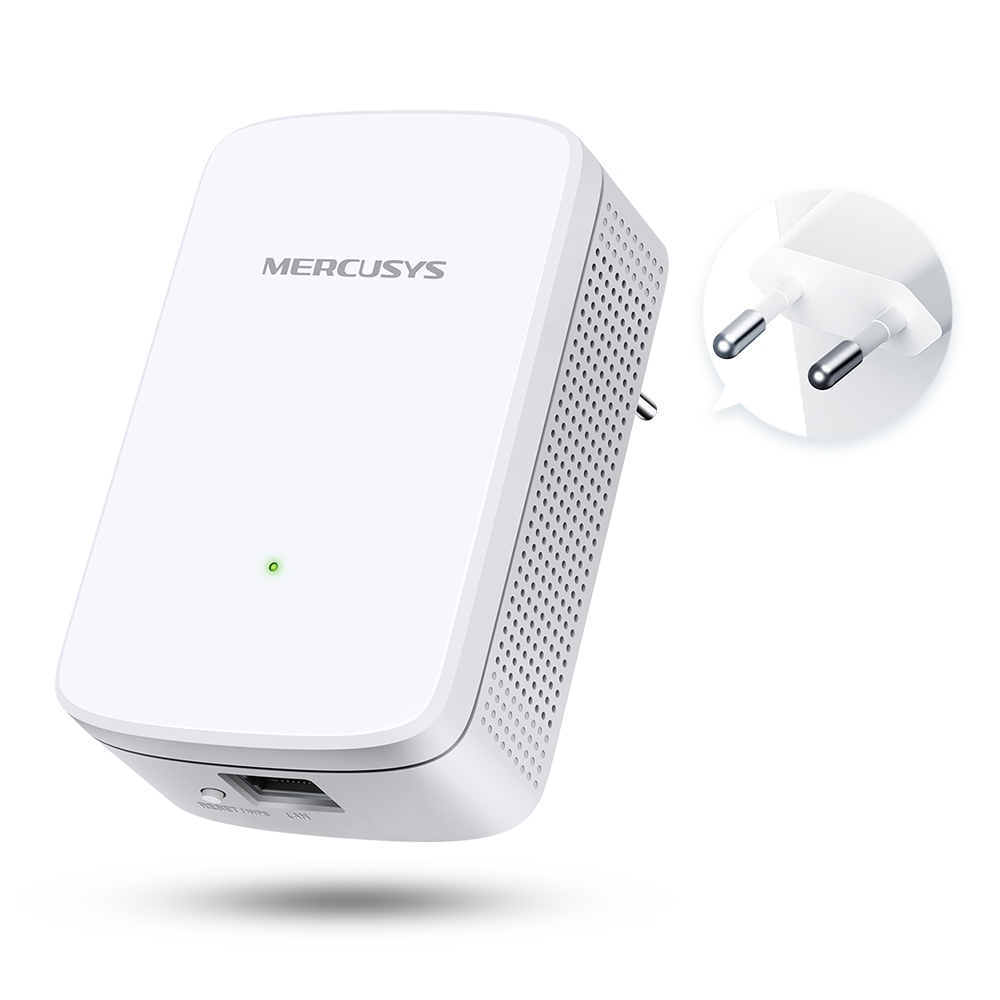
Εμφάνιση
101 χλστ
36 χλστ
60 χλστ
-
Ένδειξη σήματος
Το πολύχρωμο LED σάς βοηθά να βρείτε τη σωστή τοποθεσία για το Range Extender για την καλύτερη επέκταση Wi-Fi
-
Κουμπί WPS/Reset
-
Γρήγορη θύρα 10/100 Mbps
Παρέχει γρήγορες ενσύρματες συνδέσεις για υπολογιστές, IPTV και κονσόλες παιχνιδιών
*Maximum wireless signal rates are the physical rates derived from IEEE Standard 802.11 specifications. Actual wireless data throughput and wireless coverage per ft2 are not guaranteed and will vary as a result of 1) environmental factors, including building materials, physical objects, and obstacles, 2) network conditions, including local interference, volume and density of traffic, product location, network complexity, and network overhead, and 3) client limitations, including rated performance, location, connection quality, and client condition.
MERCUSYS
The MERCUSYS app provides the easiest way for you to set up in minutes and manage your WiFi at home or away through your iOS or Android devices.
MERCUSYS Helps You Set Up in A Few Steps
Without any technical know-how or reading complicated instructions, simply follow the in-app instructions. Set up your mesh network in minutes.
-
 Halo Power Cable Ethernet Cable
Step 1
Find what you’ll need in the box
-

Step 2
Plug in your devices
-

Step 3
Follow the on-screen directions with the MERCUSYS app
Manage Your WiFi in Real Time
With the MERCUSYS app, experience live network management. See who’s connecting to your network and manage it at any time with your iOS or Android devices.


Notice: The configuration page of different models may be different, please refer to the actual one.
Powerful Parental Controls
Easily manage your kids’ online time and content to create a safe and healthy online environment.
-
Create User Profiles
Create a profile for each family member you would like to manage. Assign devices to the profile to set access controls and time limits for them.
-
Online Time Limits
Set daily limits on how long your kids spend online and prevent them from accessing the internet on their devices for a long time to build a healthy network habit.
-
Block Inappropriate Websites
Control which sites your kids visit by setting a block list.
-
Pause Internet Connection
Suspend family members’ internet connections to take a break from the virtual world to enjoy some family time.
Manage and Secure Your Home Network
The MERCUSYS app helps you manage your WiFi at home or away through your iOS or Android devices.

Check the Status of Connected Devices
Intuitively view the working status of your Halo network and see what is connected. Prioritize or block devices as needed.

Quality of Services
Prioritizes devices you select to perform better.

New Device Access Alert
The MERCUSYS app proactively sends out an alert to inform you when an unfamiliar device is connected. Tap to block the device if it is a security risk.

Set Up a Guest Network
Provides a separate network for guests to ensure your security and privacy.
Everything in One App
Whether you’re looking to control a wide range of MERCUSYS routers, extenders, or Halo mesh systems, find it all on the app.
See what’s compatibleCompatible Products
Note: The device's firmware requires the latest version. Click here to learn how to upgrade your firmware.
Note: Both listed and higher hardware versions of these models are compatible with the MERCUSYS app.
Supporting Multiple Languages
MERCUSYS app supports up to 26 languages, enabling easy network management for users all over the world.
-
English
-
Nederlands
-
Français
-
Deutsch
-
Italiano
-
日本語
-
한국어
-
Português
-
Español
-
繁體中文
-
Русский язык
-
Português Brasil
-
Español
(Latinoamérica) -
Български
-
Українська мова
-
Polski
-
Română
-
Slovenčina
-
ไทย
-
Türkçe
-
Čeština
-
Tiếng Việt
-
Eλληνικά
-
Bahasa Melayu
-
Magyar
-
עברית
- Wireless
- Wireless Standards
IEEE 802.11b/g/n 2.4 GHz
- Frequency
2.4 - 2.5 GHz
- WiFi Speeds
Up to 300 Mbps
- Reception Sensitivity
2.4GHz:
11B 1M < -94 dBm
11N HT40 MCS7 < -72 dBm- Transmission Power
≤ 20 dBm
- Wireless Security
WPA-PSK/WPA2-PSK
- Hardware
- Dimensions
101 x 60 x 36 mm
- Interfaces
10/100Mbps RJ45 Port
- Button
RESET/WPS Button
- Power Consumption
≤ 3.2 W
- Others
- Certifications
CE, RoHS
- Package Contents
• Wi-Fi Range Extender (ME10)
• Quick Installation Guide- Environment
• Operating Temperature: 0°C~40°C (32°F~104°F)
• Operating Humidity: 10%~90% Non-Condensing