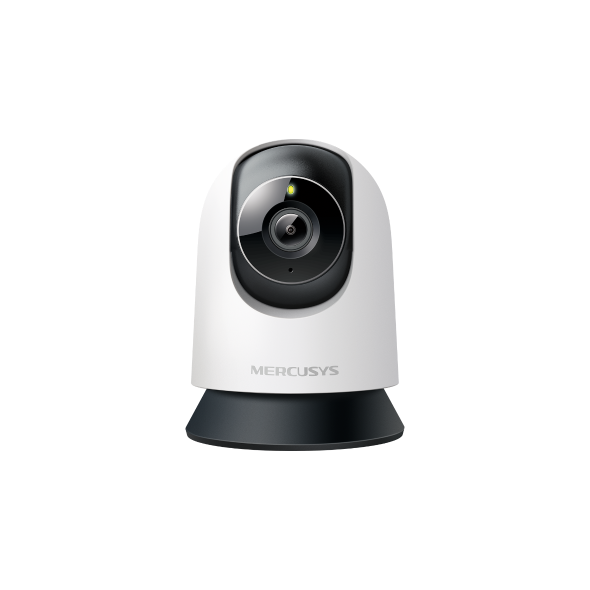
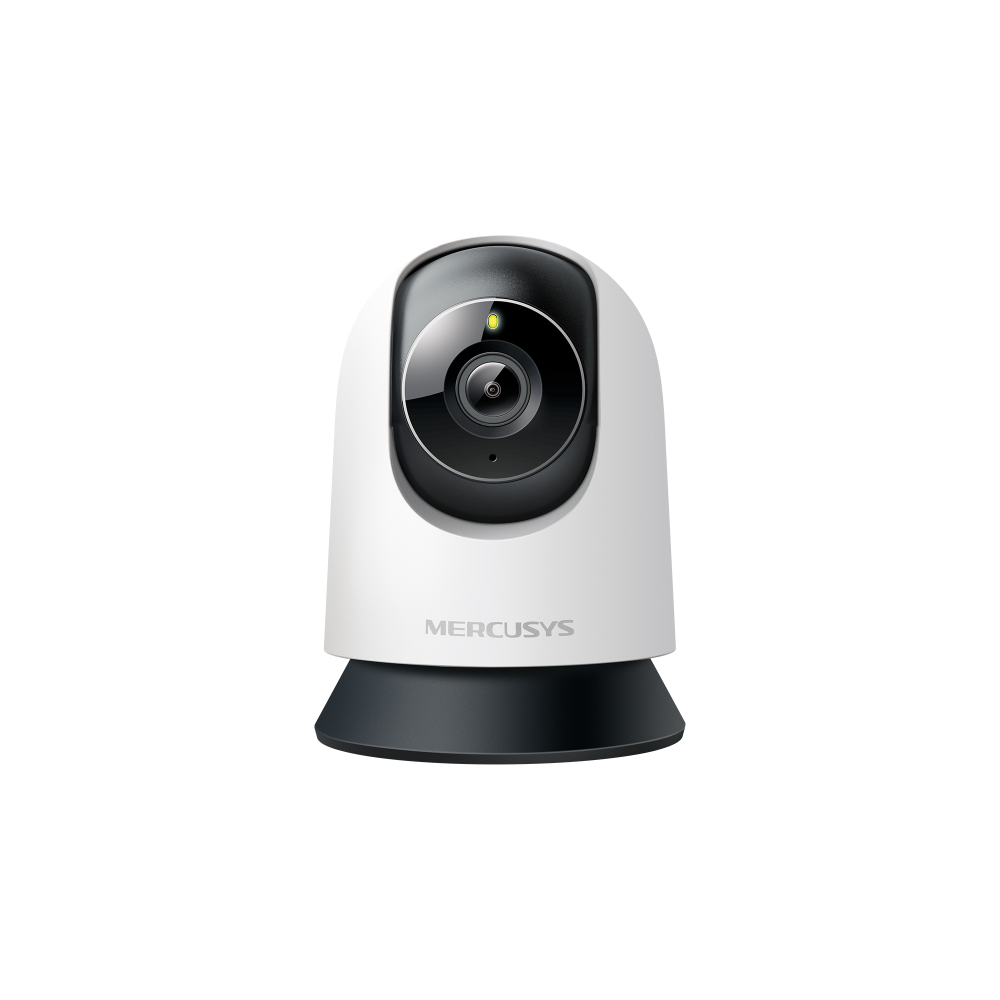
MC210 [V1] | Pan/Tilt Home Security Wi-Fi Camera









MC210
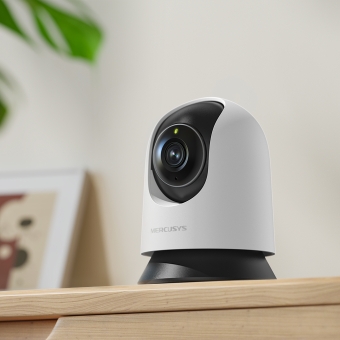
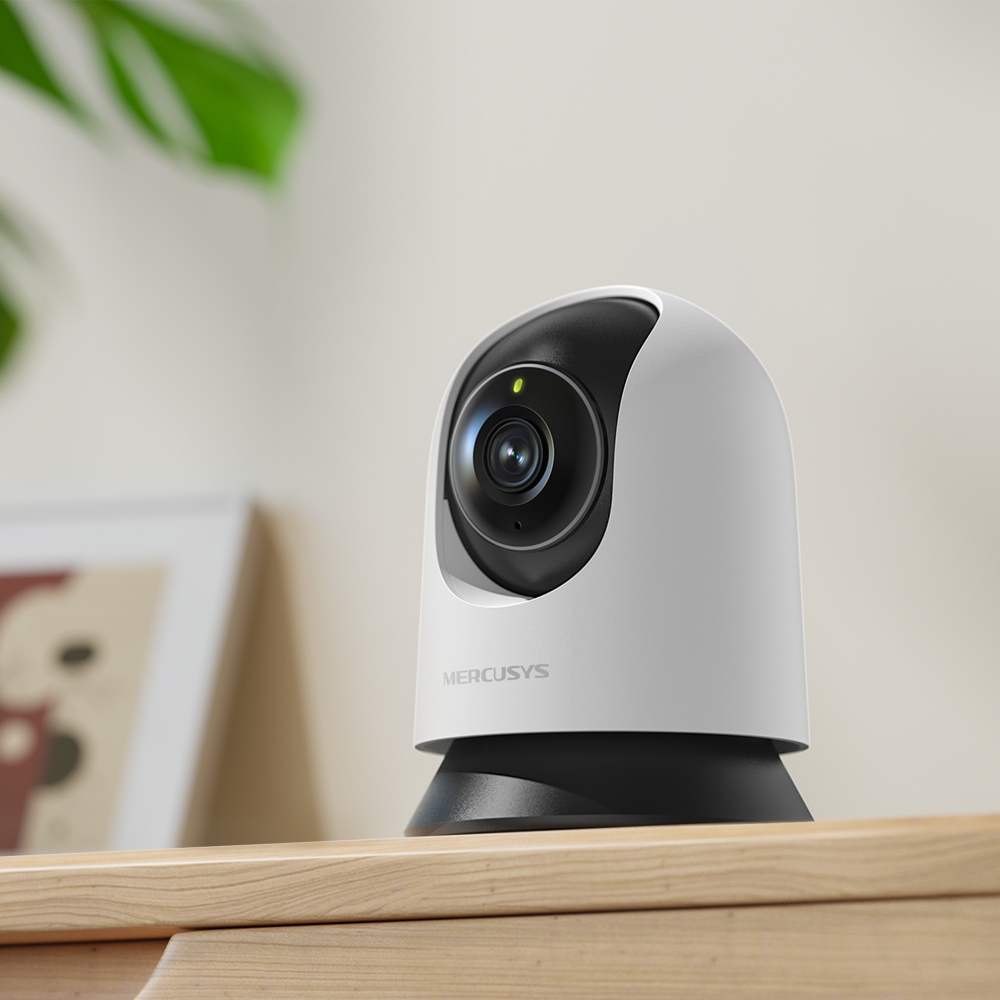
Pan/Tilt Home Security Wi-Fi Camera
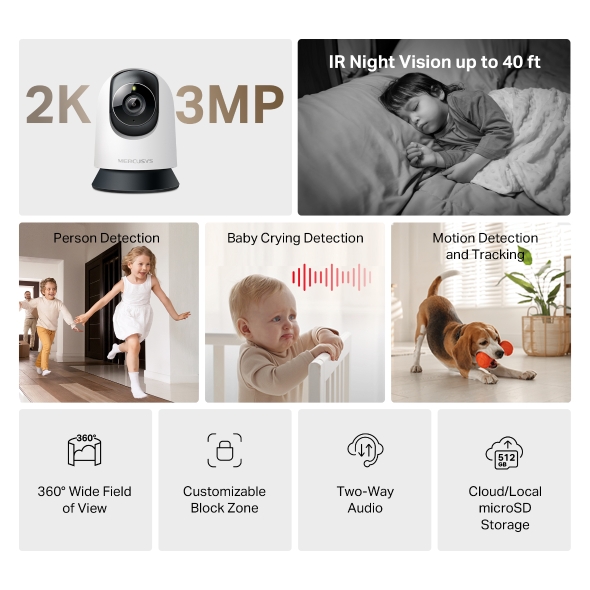
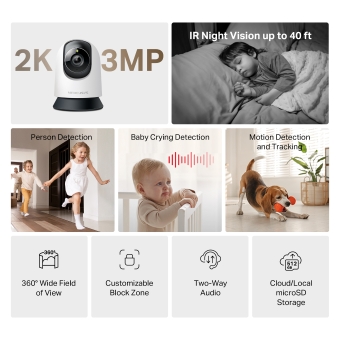
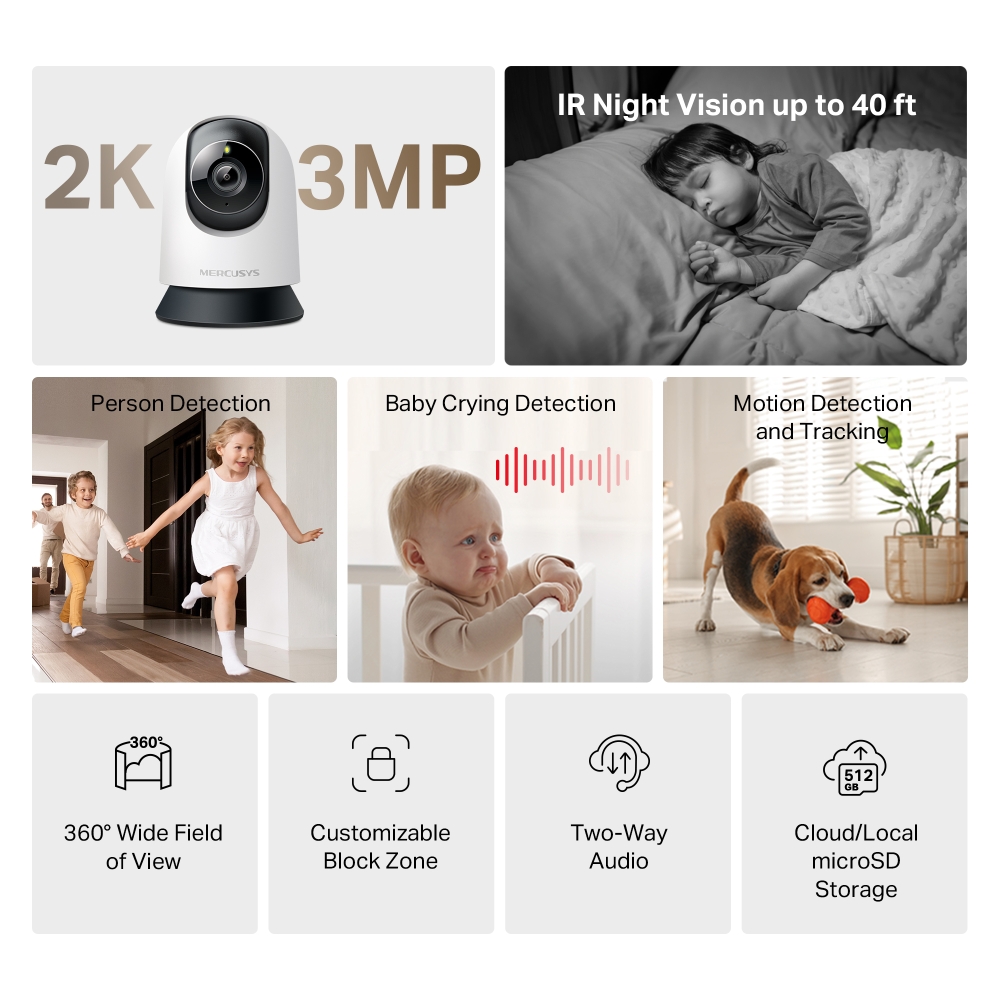
- High-Definition Video: Features 2K 3MP high-definition video, providing users with clear and detailed footage.
- Pan and Tilt: Offers 360° horizontal, enabling complete coverage of the area.
- Smart Detection: Smartly tracks motion 24/7, ensuring subjects stay in view, even in complete darkness with night vision. Receive instant alerts for detected motion, people, or a baby's cries.
- Night Vision: With advanced night vision up to 40 ft, MC210 allows users to monitor their homes around the clock.
- Two-Way Audio: Hear and respond in real time through a built-in microphone and speaker. Interact with your family and pets at any time.
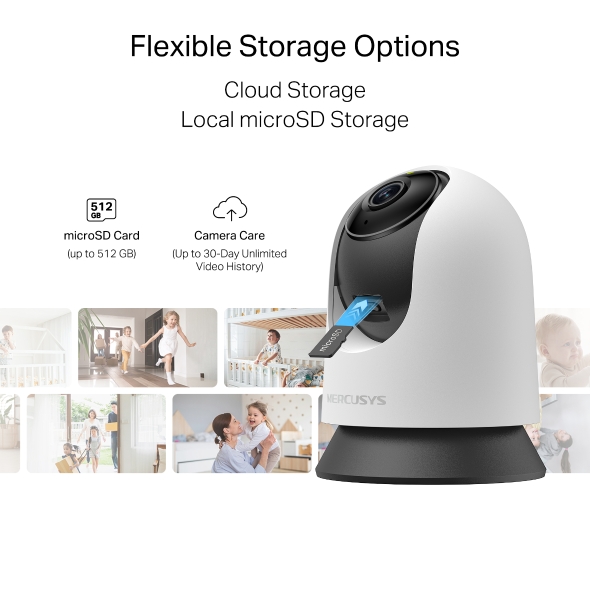
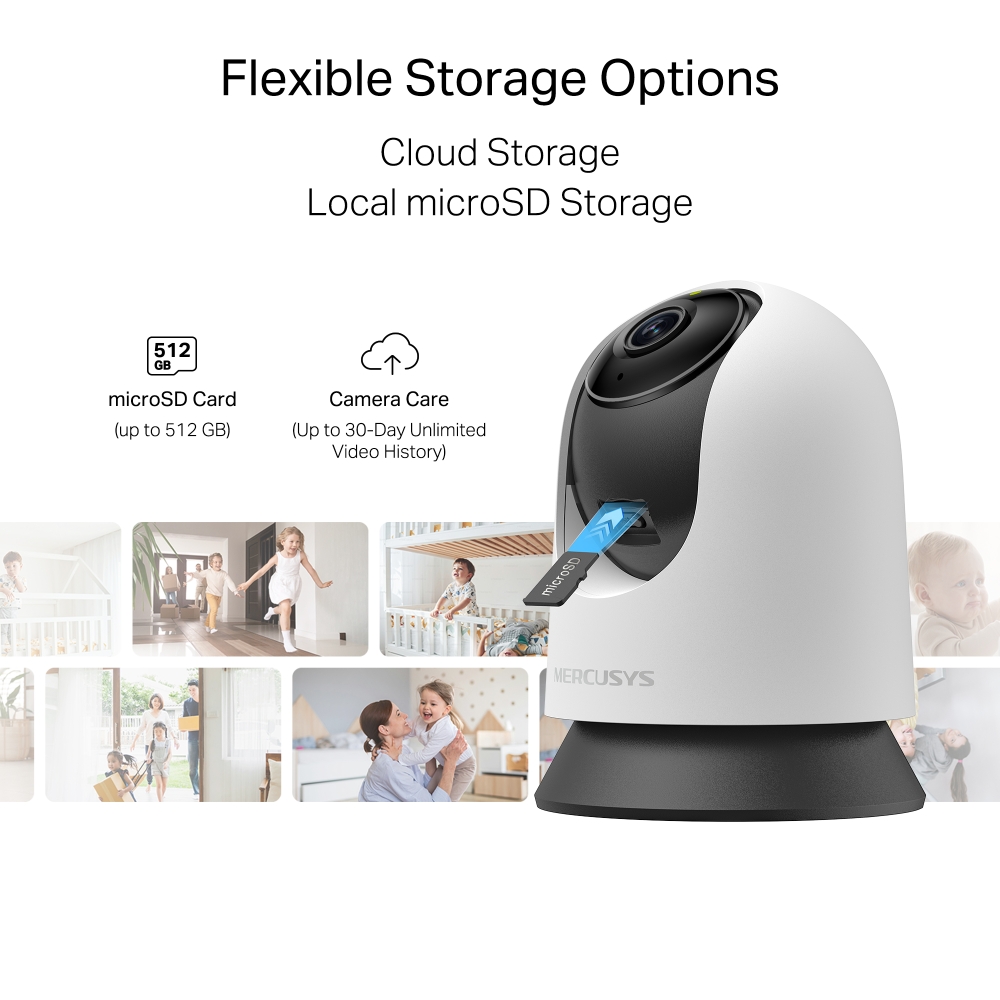
- Free Local Storage: Supports microSD card up to 512 GB for local storage, providing a secure and cost-effective way to store footage.
- Cloud Storage Supported: Store videos with MERCUSYS cloud storage services.
- Customizable Block Zone: Tailor your privacy zone to block unwanted views with ease.
- Voice Control: Compatible with Google Assistant and Amazon Alexa, offering hands-free control for users.
-
watch video: How to Set Up Your Pan/Tilt Home Security Wi-Fi Camera (MC230/MC210/MC200)
How to Set Up Your Pan/Tilt Home Security Wi-Fi Camera (MC230/MC210/MC200)
-
watch video: How to Mount Your Pan/Tilt Home Security Wi-Fi Camera (MC230/MC210/MC200)
How to Mount Your Pan/Tilt Home Security Wi-Fi Camera (MC230/MC210/MC200)
Capture Every Moment with Precision
Pan/Tilt Home Security Wi-Fi Camera
MC210


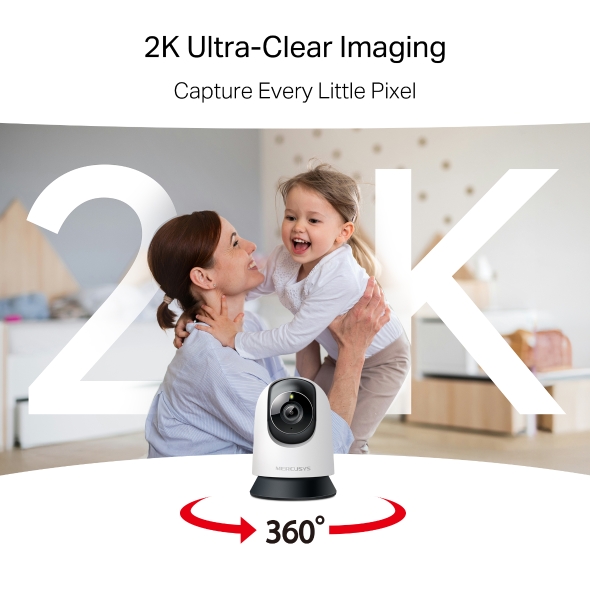
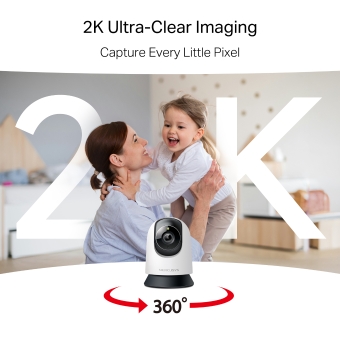
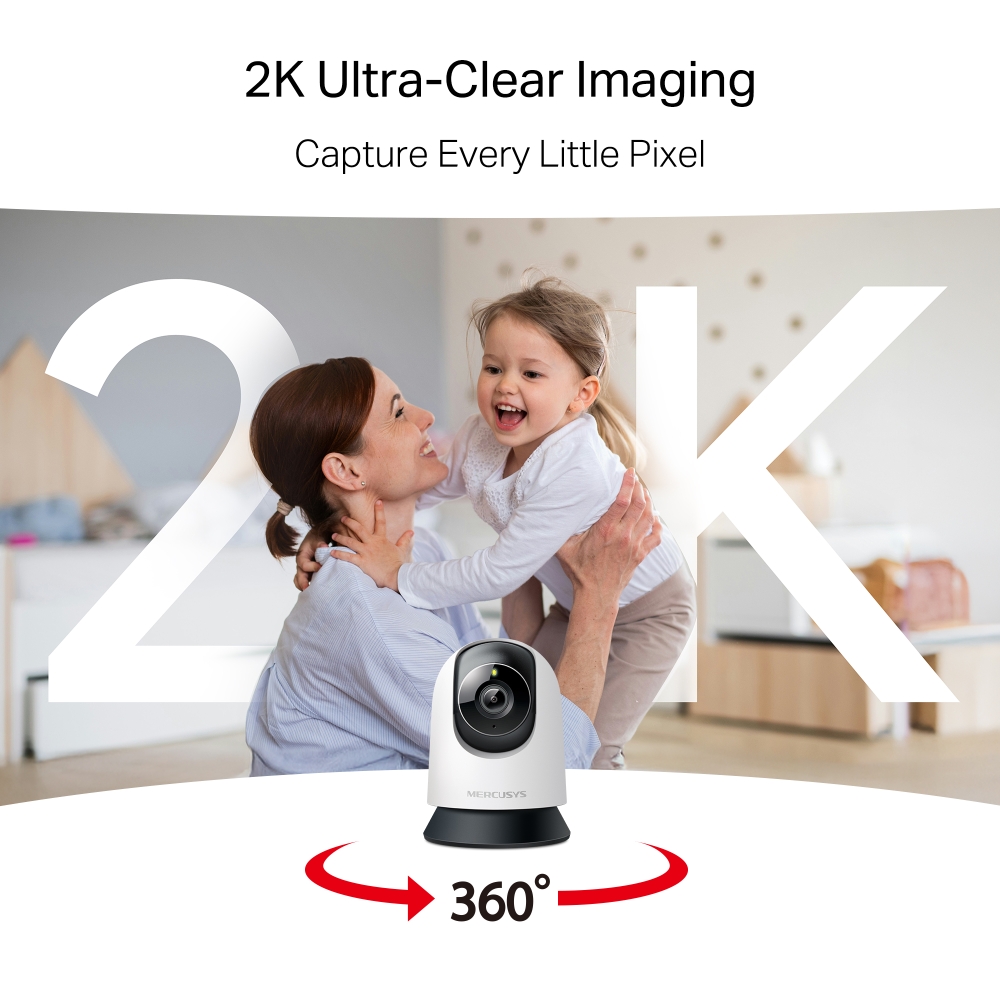
Capture Every Little Pixel
Enhance visual storytelling with 2K ultra-clear imaging. Precision-engineered optics capture vivid colors and true-to-life details, transforming moments into extraordinary memories.
Motion Detection and Tracking
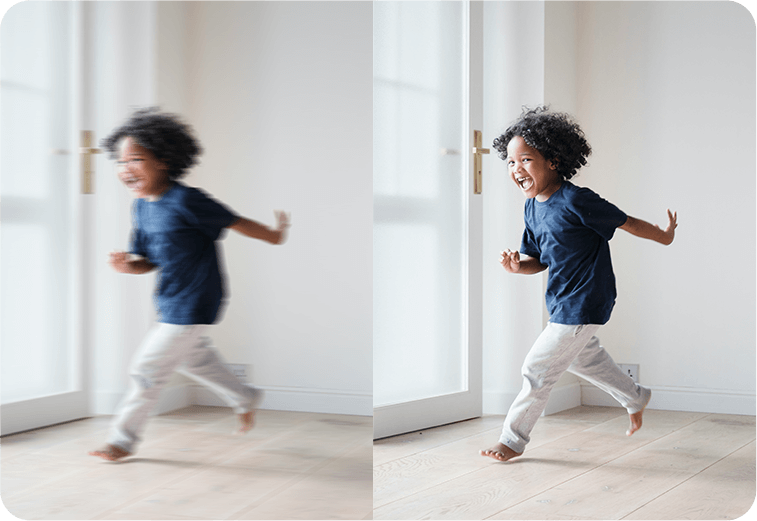
No detail goes unnoticed. Smartly tracks motion 24/7, ensuring subjects stay in view. Whether for home security or business monitoring, MC210 provides reliable and comprehensive protection.
Smart Person Detection
Identifies human and object movement while minimizing false alarms from dust, light, or insects. Always stay informed about who’s around your property.
Know When You’re Needed
Detects baby cries and sends accurate alerts, keeping you informed and ready to respond.
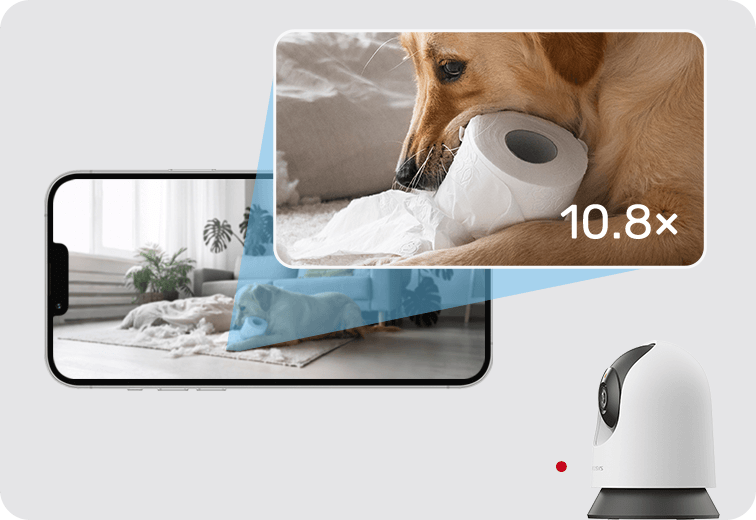
Closer. Clearer. Nothing Overlooked.
See Clearly After Dark
Night Vision offers sharp black-and-white clarity up to 40 ft, ensuring detailed visibility even in complete darkness.
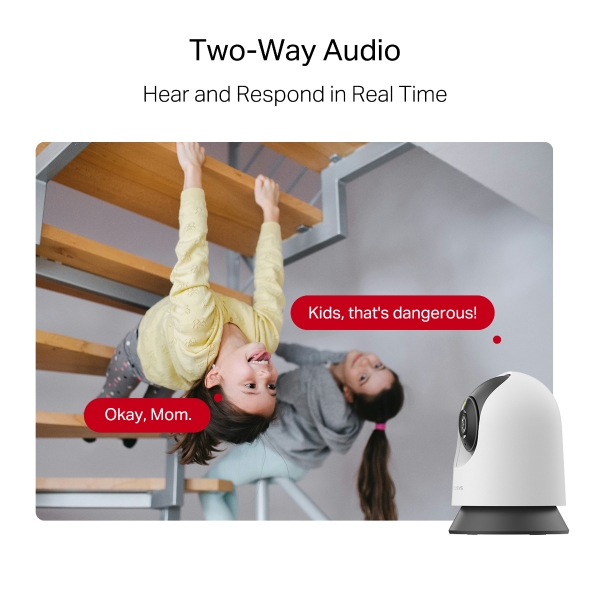
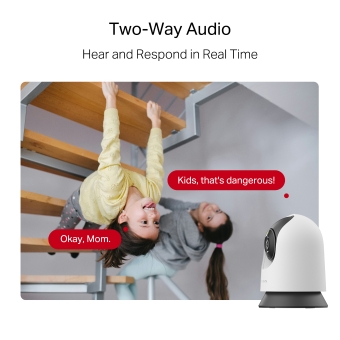
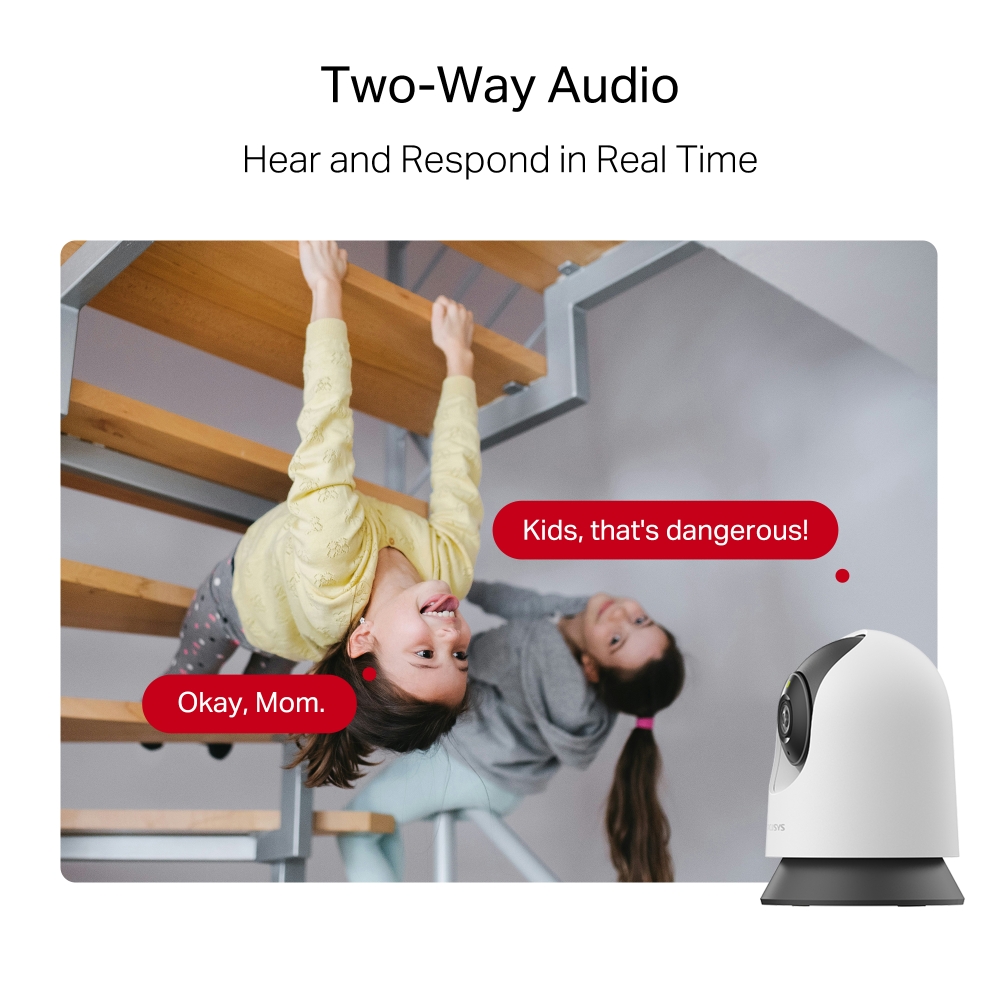
Two-Way Audio
Hear and respond in real time through a built-in microphone and speaker. Interact with your family and pets at any time.
Kids, that's dangerous!
Okay, Mom.
Prevent Recordings in Block Zones
Tailor your privacy zone to block unwanted views with ease. No need to worry about personal moments being leaked.
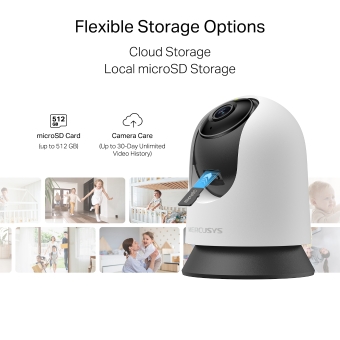
Secure Local & Cloud Storage
Save all your important moments to a microSD card (up to 512 GB) or subscribe to MERCUSYS Camera Care for cloud service after a free trial.
microSD Card (up to 512 GB)
Camera Care (Up to 30-Day Unlimited Video History)
†microSD card sold separately. ‡Subscribe for cloud storage at https://www.mercusys.com/cameracare/ §MC210 does not have an Ethernet port and can only be connected via Wi-Fi. △Compatible with Alexa and Google Assistant supported displays. User experience is dependent on the connected device's specifications. ☆The maximum supported video frame rate depends on local power supply specifications. In regions with 60 Hz power, up to 30 FPS can be achieved; in regions with 50 Hz power, the maximum is 25 FPS.
MERCUSYS
The MERCUSYS app provides the easiest way for you to set up in minutes and manage your WiFi at home or away through your iOS or Android devices.


MERCUSYS Helps You Set Up in A Few Steps
Without any technical know-how or reading complicated instructions, simply follow the in-app instructions. Set up your mesh network in minutes.
-
 Halo Power Cable Ethernet Cable
Step 1
Find what you’ll need in the box
-

Step 2
Plug in your devices
-

Step 3
Follow the on-screen directions with the MERCUSYS app
Manage Your WiFi in Real Time
With the MERCUSYS app, experience live network management. See who’s connecting to your network and manage it at any time with your iOS or Android devices.


Notice: The configuration page of different models may be different, please refer to the actual one.
Powerful Parental Controls
Easily manage your kids’ online time and content to create a safe and healthy online environment.
-
Create User Profiles
Create a profile for each family member you would like to manage. Assign devices to the profile to set access controls and time limits for them.
-
Online Time Limits
Set daily limits on how long your kids spend online and prevent them from accessing the internet on their devices for a long time to build a healthy network habit.
-
Block Inappropriate Websites
Control which sites your kids visit by setting a block list.
-
Pause Internet Connection
Suspend family members’ internet connections to take a break from the virtual world to enjoy some family time.
Manage and Secure Your Home Network
The MERCUSYS app helps you manage your WiFi at home or away through your iOS or Android devices.

Check the Status of Connected Devices
Intuitively view the working status of your Halo network and see what is connected. Prioritize or block devices as needed.

Quality of Services
Prioritizes devices you select to perform better.

New Device Access Alert
The MERCUSYS app proactively sends out an alert to inform you when an unfamiliar device is connected. Tap to block the device if it is a security risk.

Set Up a Guest Network
Provides a separate network for guests to ensure your security and privacy.
Everything in One App
Whether you’re looking to control a wide range of MERCUSYS routers, extenders, or Halo mesh systems, find it all on the app.
See what’s compatibleCompatible Products
Note: The device's firmware requires the latest version. Click here to learn how to upgrade your firmware.
Note: Both listed and higher hardware versions of these models are compatible with the MERCUSYS app.
Supporting Multiple Languages
MERCUSYS app supports up to 26 languages, enabling easy network management for users all over the world.
-
English
-
Nederlands
-
Français
-
Deutsch
-
Italiano
-
日本語
-
한국어
-
Português
-
Español
-
繁體中文
-
Русский язык
-
Português Brasil
-
Español
(Latinoamérica) -
Български
-
Українська мова
-
Polski
-
Română
-
Slovenčina
-
ไทย
-
Türkçe
-
Čeština
-
Tiếng Việt
-
Eλληνικά
-
Bahasa Melayu
-
Magyar
-
עברית
-
Kamera

| Képszenzor | 1/3'' Progressive Scan CMOS Not Starlight Sensor |
|---|---|
| Objektív | Focal Length: 4 mm |
| Mozgás tartománya | Pan Mechanical Range: 340° (360° Pan Coverage) |
| Éjszakai látás | 850 nm IR LED (40 ft / 12 m) |
| Felület és gombok | 1× RESET Button |
-
Videó és audió
| Maximális felbontás | 2304 × 1296 px |
|---|---|
| Digitális zoom | Supports 10.8x zoom |
| Képkockasebesség | 15/20/25/30 fps ( 15fps by default) |
| Videótömörítés | H.264 |
| Élő nézet | Yes |
| Képjavítás | / |
| Audió bemenet és kimenet | Built-in microphone and speaker |
| Audió kommunikáció | 2-way audio |
| Sirén hangereje | 88dB (Level measured at 4-inch/10-cm distance) |
-
Software
| Biztonság | 128 bit AES encryption with SSL/TLS |
|---|
-
Tárhely
| Helyi tárhely | Micro SD card slot |
|---|---|
| Felhőalapú tárhely | MERCUSYS Camera Care Cloud Storage Services (Subscription required) |
-
Hálózat
| Hálózati kapcsolat | Connect via Wi-Fi |
|---|---|
| Vezeték nélküli kapcsolat | 11Mbps(802.11b) |
| A Hub és a kamera/ajtócsengő közötti max távolság | / |
| RTSP | Yes |
| ONVIF | Yes |
-
Áramellátás
| Áramforrás | 9V DC Power Adapter |
|---|---|
| Bemeneti feszültség | 100-240VAC, 50/60Hz, 0.3A |
| Kimeneti feszültség | 9.0V/0.6A |
-
Észlelés és értesítések
| Érzékelő | / |
|---|---|
| AI észlelés | Motion detection |
| Aktivitási zónák | Yes |
| Kimeneti értesítés | System Notification |
-
Általános
| Okos integráció | Google Assistant, Amazon Alexa |
|---|---|
| Időjárásállóság | / |
| Szerelési lehetőségek | Tabletop |
| Üzemi hőmérséklet | 0 ºC ~ 40 ºC (32°F ~ 104°F ) |
| Tárolási hőmérséklet | -40°C~60°C (-40°F~140°F) |
| Működési páratartalom | 10%~90%RH, Non-condensing |
| Tárolási páratartalom | 0%~90%RH, Non-condensing |
| Töltési hőmérséklet | / |
| Méretek (Szélesség x Mélység x Magasság) | 78.4 × 78.4 × 105.6 mm |
-
Egyéb
| Tanúsítványok | CE, NCC, BSMI, NTRA, KC, RCM, ONVIF |
|---|---|
| A csomag tartalma | Pan/Tilt Home Security Wi-Fi Camera (MC210) × 1 |