ME10 [V1] | 300 Mbps Wi-Fi Range Extender




ME10
300 Mbps Wi-Fi Range Extender
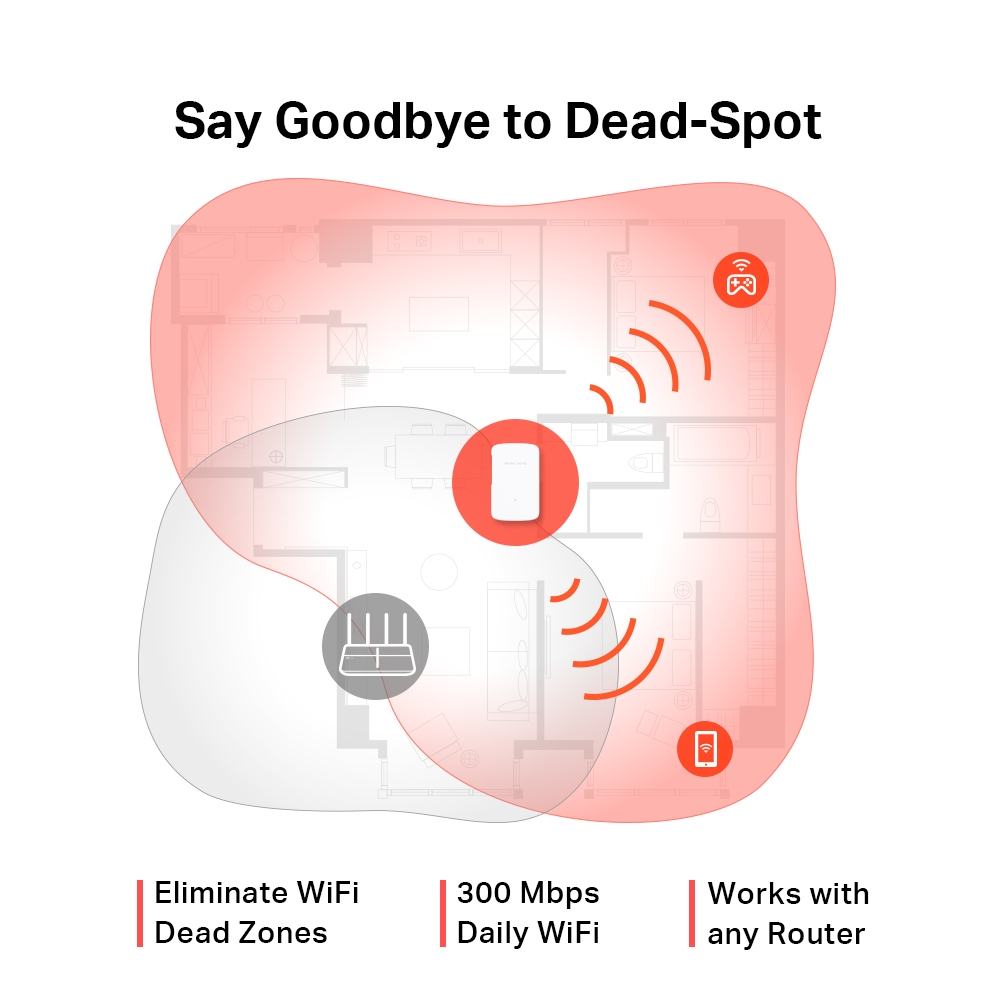
- Szüntesse meg a WiFi-holttereket — Zökkenőmentesen megerősíti a WiFi-jelet a korábban elérhetetlen vagy nehezen kábelezhető területeken
- 300 Mbit/s-os WiFi a mindennapokra — Élvezze a gyors és stabil, akár 300 Mbit/s-os kibővített WiFi-kapcsolatot bárhol, amely megfelel mindennapi igényeinek
- Egyszerű, egyérintéses beállítás — Egyszerűen nyomja meg a WPS gombot, és másodpercek alatt bővítse WiFi-lefedettségét
- Jelzőfény — A többszínű LED segít megtalálni a hatótávnövelő számára az optimális helyet a lehető legjobb WiFi-bővítéshez
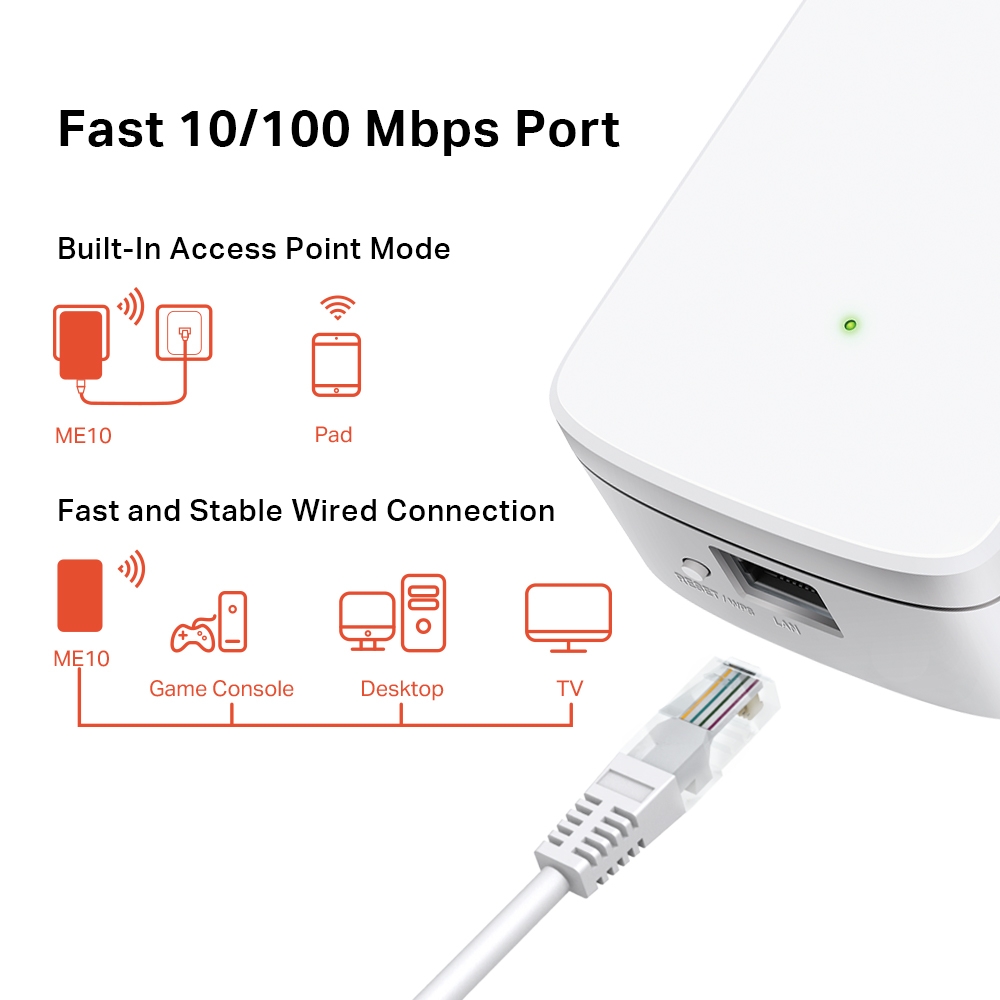
- Gyors 10/100 Mbit/s-os port — Gyors vezetékes kapcsolatot biztosít számítógépekhez, IPTV-khez és játékkonzolokhoz
- Bármilyen routerrel vagy vezeték nélküli Access Pointtal használható
-
watch video: How to Set Up Your MERCUSYS Range Extender via Web Browser(ME30, etc.)
How to Set Up Your MERCUSYS Range Extender via Web Browser(ME30, etc.)
-
watch video: Set Up MERCUSYS Range Extender via App
Set Up MERCUSYS Range Extender via App
-
watch video: Set Up a MERCUSYS Range Extender via Management Page on your Smartphone
Set Up a MERCUSYS Range Extender via Management Page on your Smartphone
Bővítse WiFi-lefedettségét ott, ahol szüksége van rá
300 Mbit/s-os Wi-Fi hatótávnövelő
ME10
Intsen búcsút a WiFi-holttereknek
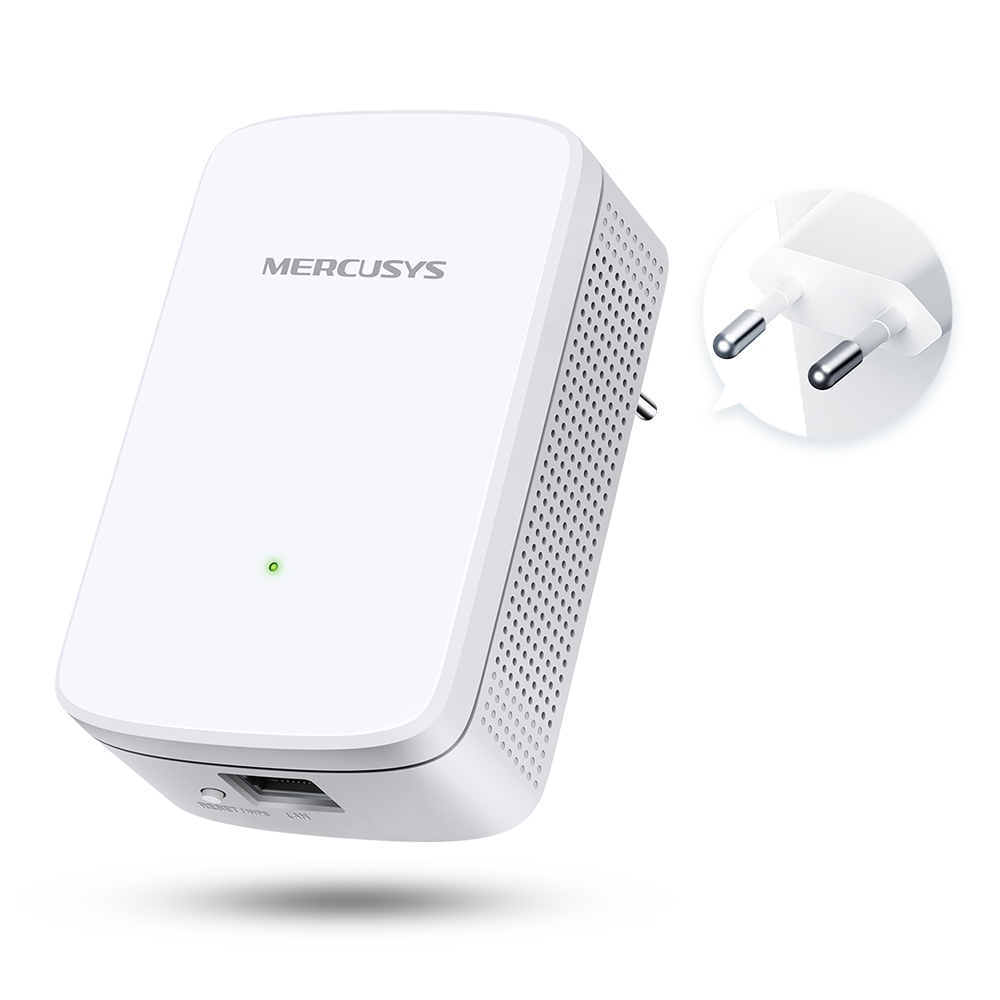
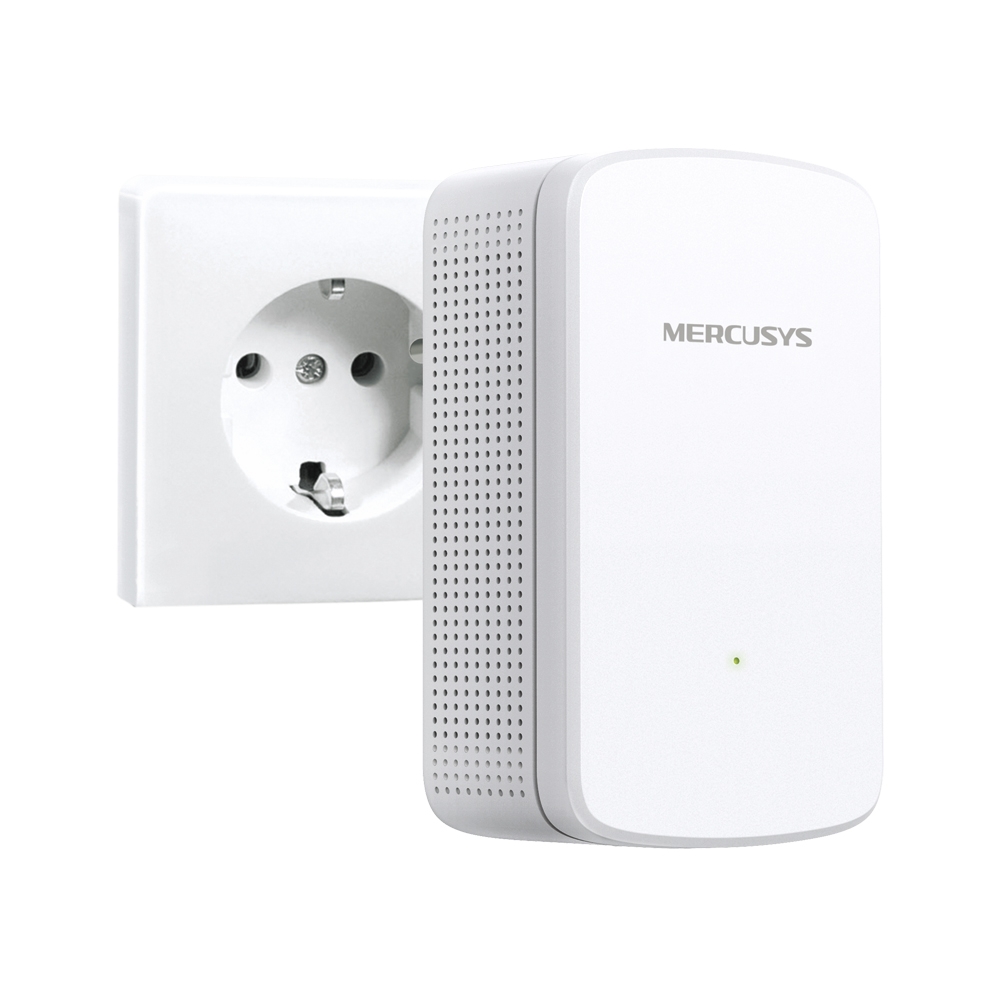
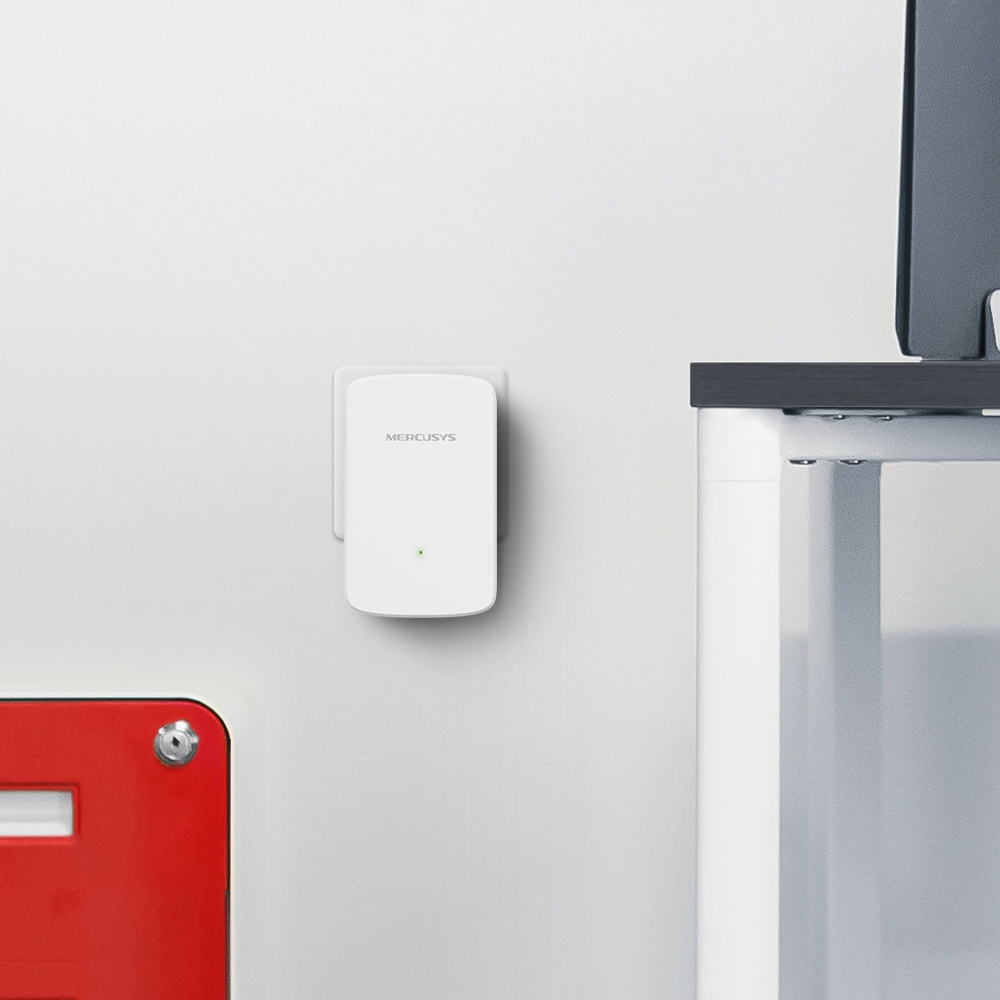
A falra szerelhető ME10 hatótávnövelőt arra tervezték, hogy kibővítse WiFi-lefedettségét és javítsa meglévő fő hálózatának jelerősségét. Akár 300 Mbit/s-os sebességével gyors WiFi-kapcsolatot élvezhet a mindennapokban, legyen szó online játékról, nagyméretű fájlok letöltéséről vagy filmnézésről, bárhol is legyen rá szüksége.
Találja meg az ideális helyet az intelligens jelzőfény segítségével
A többszínű LED segít megtalálni a hatótávnövelő számára az optimális helyet a lehető legjobb WiFi-bővítéshez.
 Jó kapcsolat
 Túl messze van a fő routertől
Egyszerű beállítás másodpercek alatt
Nyomja meg a WPS gombot routerén és hatótávnövelőjén, és másodpercek alatt bővítse WiFi-lefedettségét.
1. lépés: Nyomja meg a WPS gombot routerén és az ME10-en
2. lépés: Helyezze át az ME10-et az optimális helyre az intelligens jelzőfény segítségével
Nyomja meg a WPS gombot
Beépített Access Point mód
Az ME10 több mint egyszerű WiFi hatótávnövelő. Csatlakoztassa vezetékes internetkapcsolatát Ethernet-kábellel az ME10-hez, és alakítsa WiFi Access Pointtá.
Vezérlés egyetlen érintéssel
Állítsa be és kezelje Wi-Fi-hálózatát okostelefonjáról (Android, iOS) a MERCUSYS App segítségével.


Kialakítás
101 mm
36 mm
60 mm
-
Jelzőfény
A többszínű LED segít megtalálni a hatótávnövelő számára az optimális helyet a lehető legjobb Wi-Fi-bővítéshez
-
WPS/Reset gomb
-
Gyors 10/100 Mbit/s-os port
Gyors vezetékes kapcsolatot biztosít számítógépekhez, IPTV-khez és játékkonzolokhoz
*Maximum wireless signal rates are the physical rates derived from IEEE Standard 802.11 specifications. Actual wireless data throughput and wireless coverage per ft2 are not guaranteed and will vary as a result of 1) environmental factors, including building materials, physical objects, and obstacles, 2) network conditions, including local interference, volume and density of traffic, product location, network complexity, and network overhead, and 3) client limitations, including rated performance, location, connection quality, and client condition.
MERCUSYS
The MERCUSYS app provides the easiest way for you to set up in minutes and manage your WiFi at home or away through your iOS or Android devices.
MERCUSYS Helps You Set Up in A Few Steps
Without any technical know-how or reading complicated instructions, simply follow the in-app instructions. Set up your mesh network in minutes.
-
 Halo Power Cable Ethernet Cable
Step 1
Find what you’ll need in the box
-

Step 2
Plug in your devices
-

Step 3
Follow the on-screen directions with the MERCUSYS app
Manage Your WiFi in Real Time
With the MERCUSYS app, experience live network management. See who’s connecting to your network and manage it at any time with your iOS or Android devices.
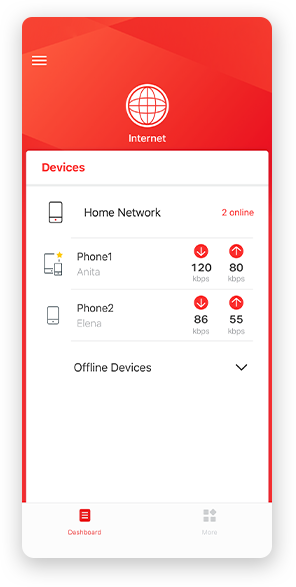
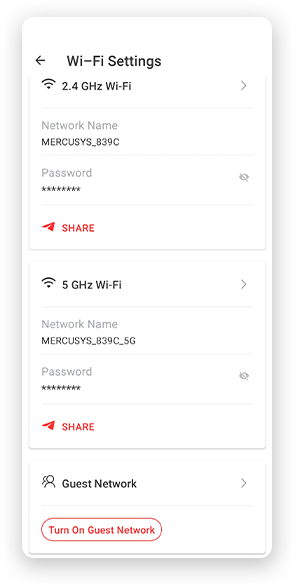
Notice: The configuration page of different models may be different, please refer to the actual one.
Powerful Parental Controls
Easily manage your kids’ online time and content to create a safe and healthy online environment.
-
Create User Profiles
Create a profile for each family member you would like to manage. Assign devices to the profile to set access controls and time limits for them.
-
Online Time Limits
Set daily limits on how long your kids spend online and prevent them from accessing the internet on their devices for a long time to build a healthy network habit.
-
Block Inappropriate Websites
Control which sites your kids visit by setting a block list.
-
Pause Internet Connection
Suspend family members’ internet connections to take a break from the virtual world to enjoy some family time.
Manage and Secure Your Home Network
The MERCUSYS app helps you manage your WiFi at home or away through your iOS or Android devices.

Check the Status of Connected Devices
Intuitively view the working status of your Halo network and see what is connected. Prioritize or block devices as needed.

Quality of Services
Prioritizes devices you select to perform better.

New Device Access Alert
The MERCUSYS app proactively sends out an alert to inform you when an unfamiliar device is connected. Tap to block the device if it is a security risk.

Set Up a Guest Network
Provides a separate network for guests to ensure your security and privacy.
Everything in One App
Whether you’re looking to control a wide range of MERCUSYS routers, extenders, or Halo mesh systems, find it all on the app.
See what’s compatibleCompatible Products
Note: The device's firmware requires the latest version. Click here to learn how to upgrade your firmware.
Note: Both listed and higher hardware versions of these models are compatible with the MERCUSYS app.
Supporting Multiple Languages
MERCUSYS app supports up to 26 languages, enabling easy network management for users all over the world.
-
English
-
Nederlands
-
Français
-
Deutsch
-
Italiano
-
日本語
-
한국어
-
Português
-
Español
-
繁體中文
-
Русский язык
-
Português Brasil
-
Español
(Latinoamérica) -
Български
-
Українська мова
-
Polski
-
Română
-
Slovenčina
-
ไทย
-
Türkçe
-
Čeština
-
Tiếng Việt
-
Eλληνικά
-
Bahasa Melayu
-
Magyar
-
עברית
-
Vezeték nélküli

| Vezeték nélküli szabványok | IEEE 802.11b/g/n 2.4 GHz |
|---|---|
| Frekvencia | 2.4 - 2.5 GHz |
| Wi-Fi sebesség | Up to 300 Mbps |
| Vételi érzékenység | 2.4GHz: |
| Átviteli teljesítmény | ≤ 20 dBm |
| Vezeték nélküli biztonság | WPA-PSK/WPA2-PSK |
-
Hardware
| Dimenziók | 101 x 60 x 36 mm |
|---|---|
| Interfészek | 10/100Mbps RJ45 Port |
| Gomb | RESET/WPS Button |
| Energiafogyasztás | ≤ 3.2 W |
-
Egyéb
| Tanúsítványok | CE, RoHS |
|---|---|
| A csomag tartalma | • Wi-Fi Range Extender (ME10) |
| Környezet | • Operating Temperature: 0°C~40°C (32°F~104°F) |