MB113-4G [V1, V1.20] | Портативный роутер Wi-Fi N300 с поддержкой 4G LTE
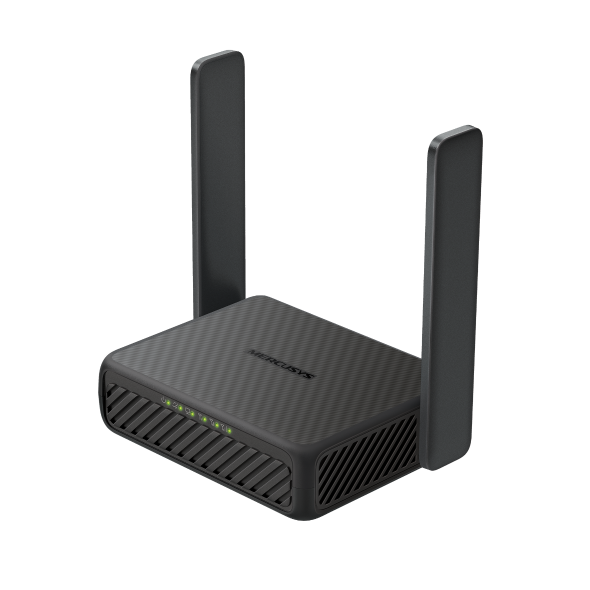
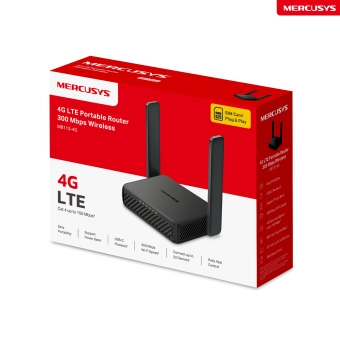
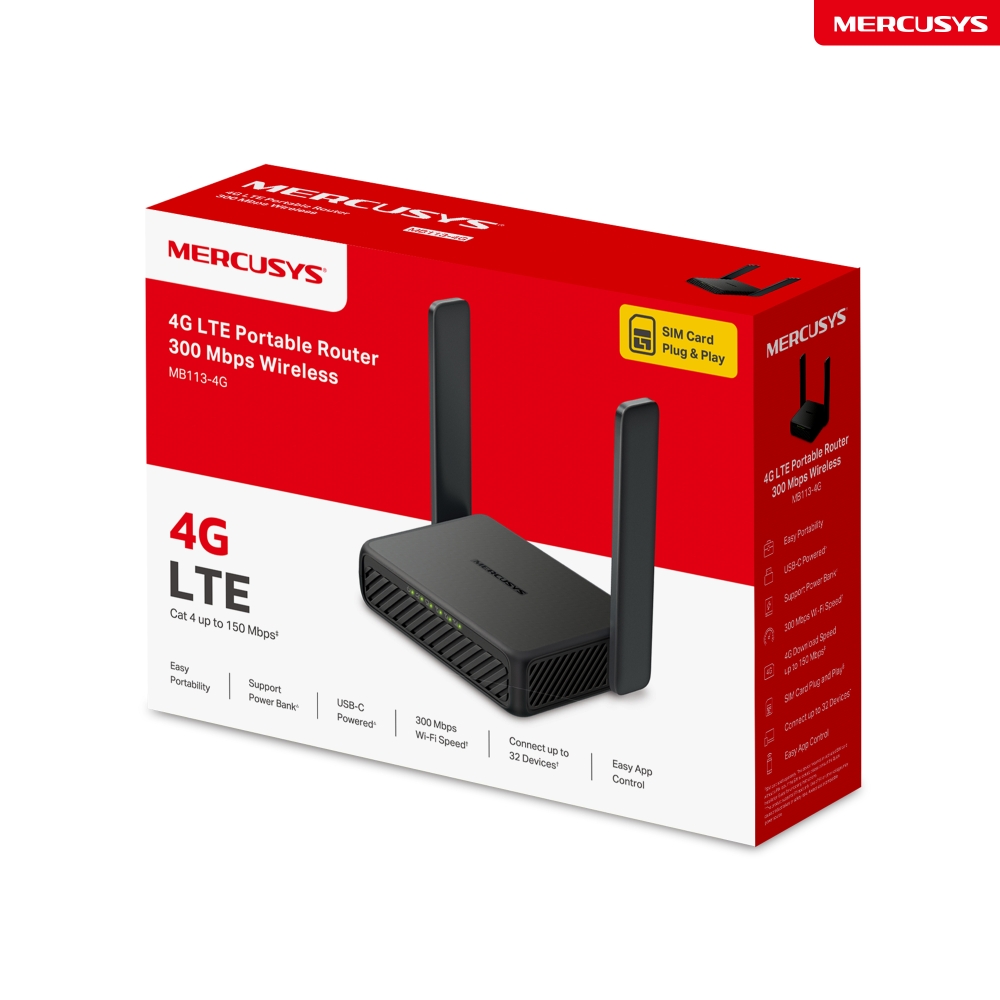
Портативный роутер Wi-Fi N300 с поддержкой 4G LTE
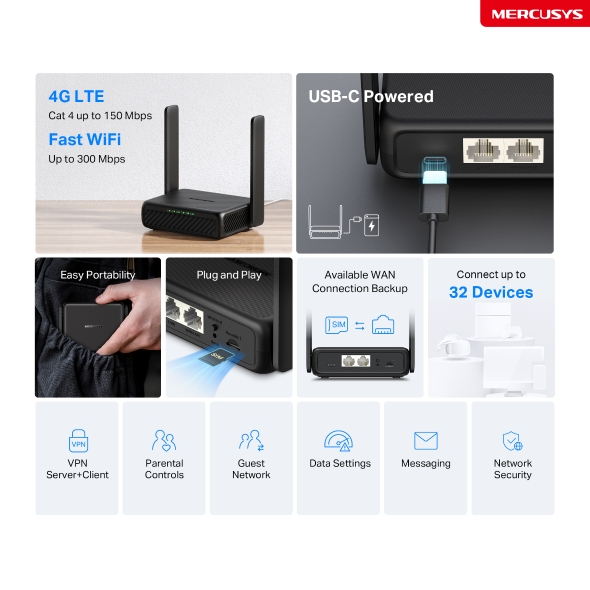
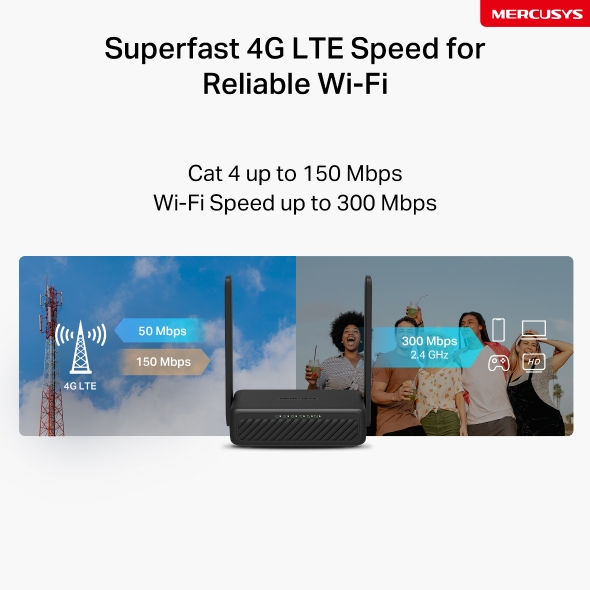
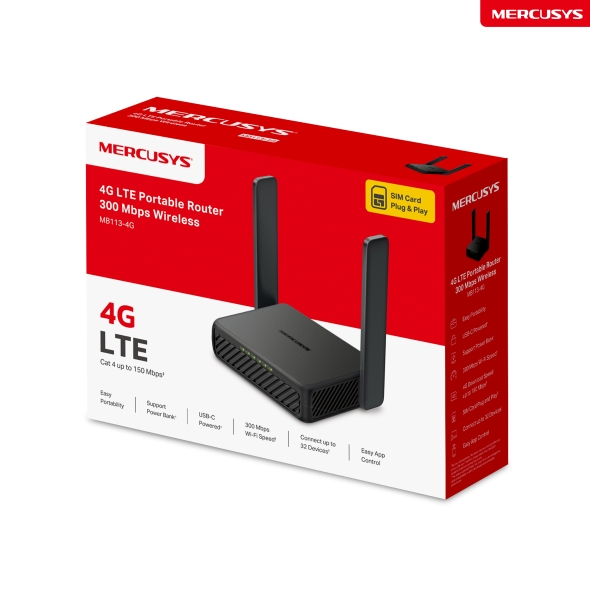
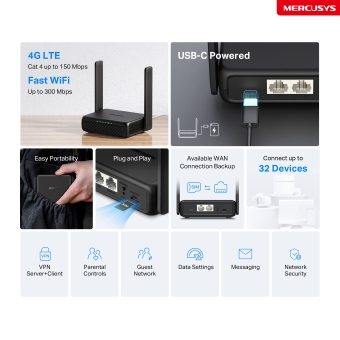
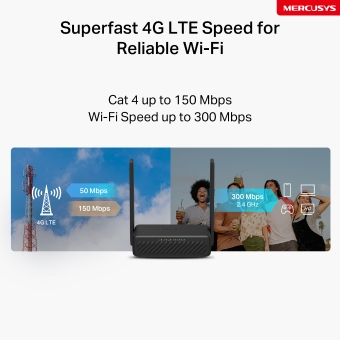
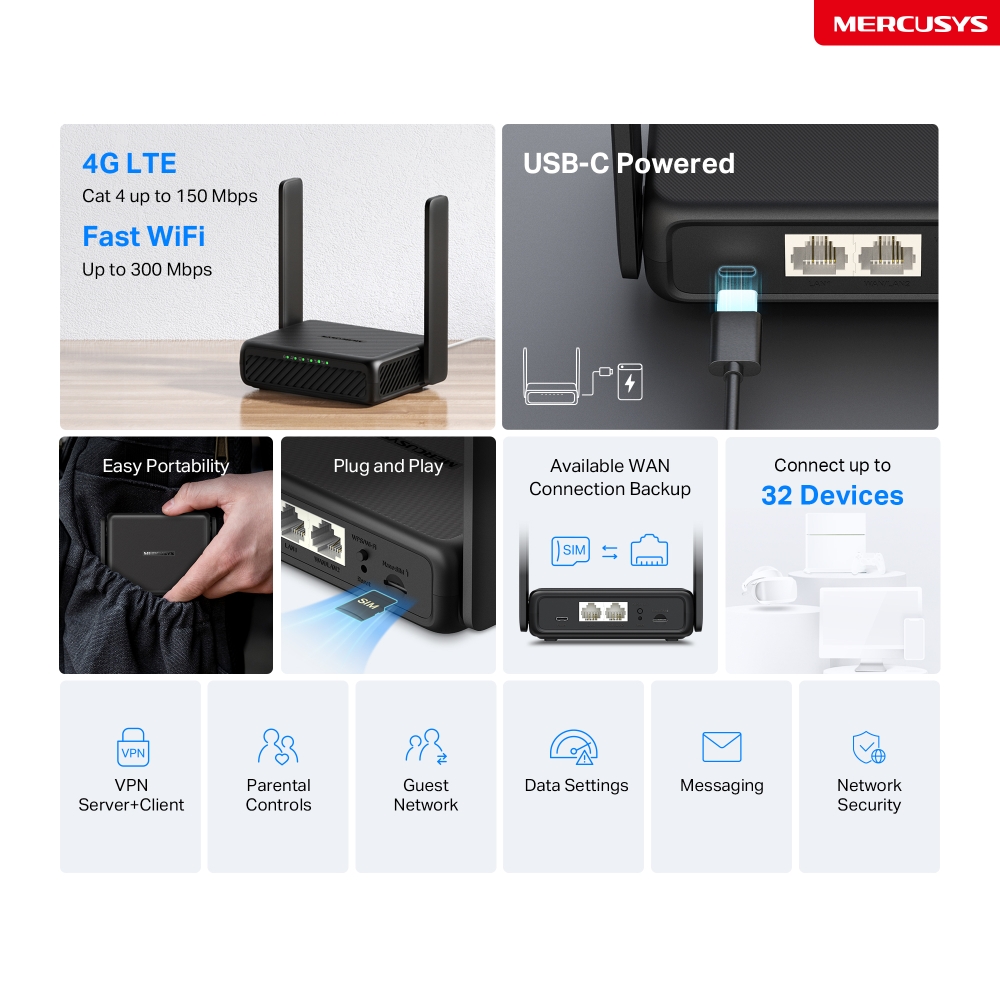
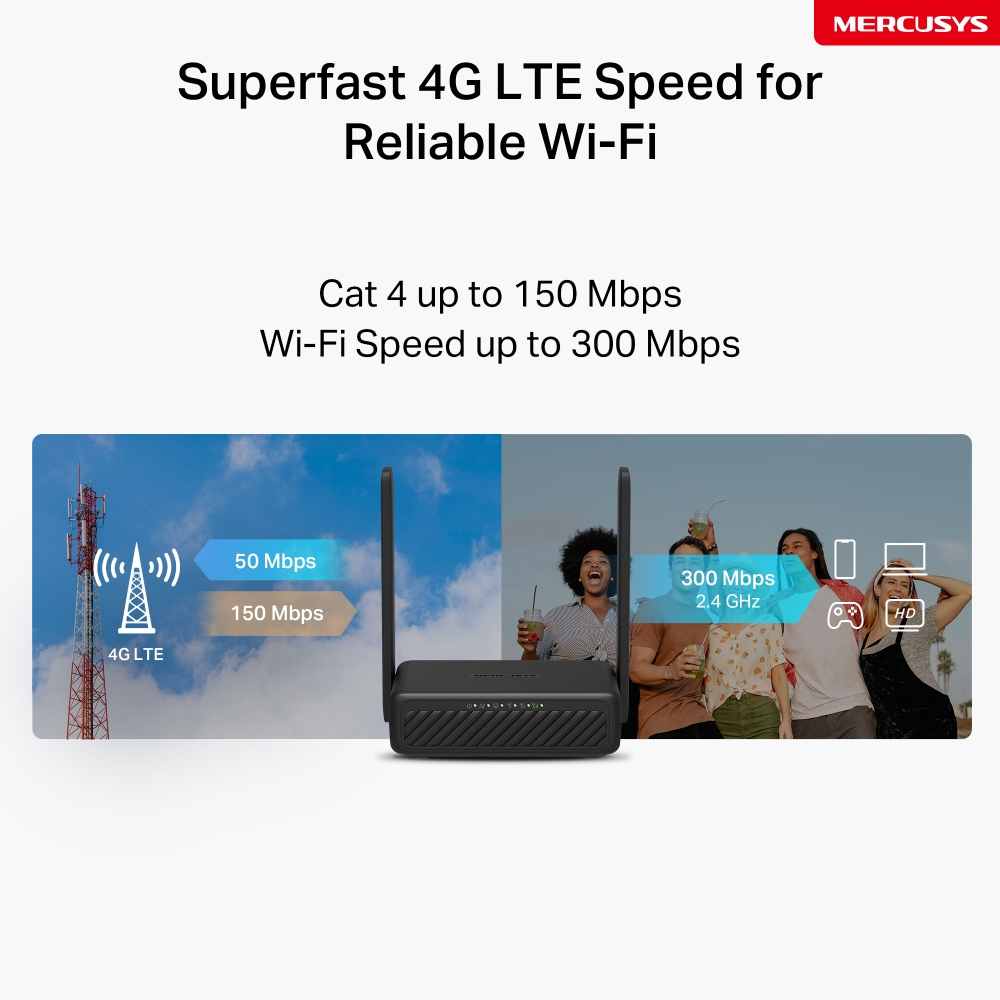
- Сеть 4G – делитесь интернетом с 32 Wi-Fi-устройствами и получайте скорость загрузки до 150 Мбит/с△.
- Wi-Fi до 300 Мбит/с – высокая скорость Wi-Fi до 300 Мбит/с для совместного доступа к сети☆.
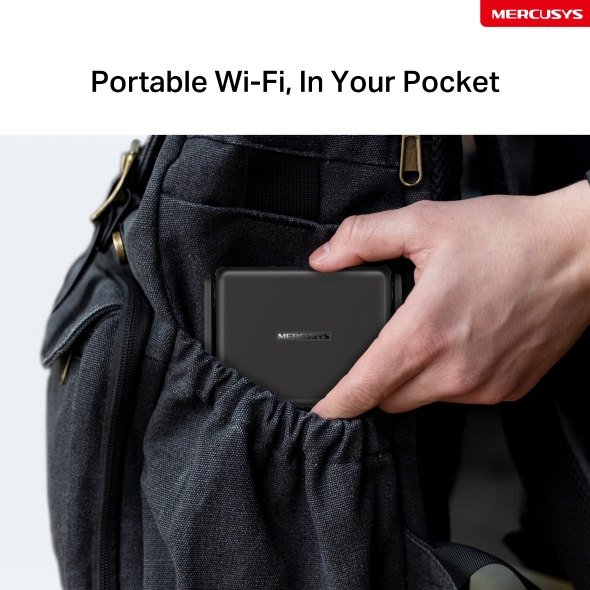
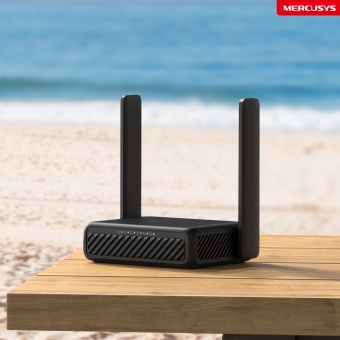
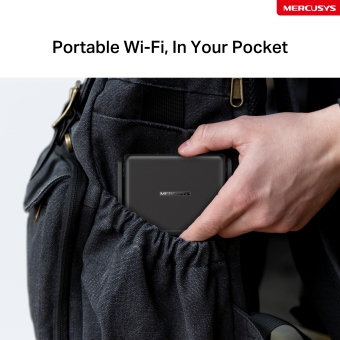
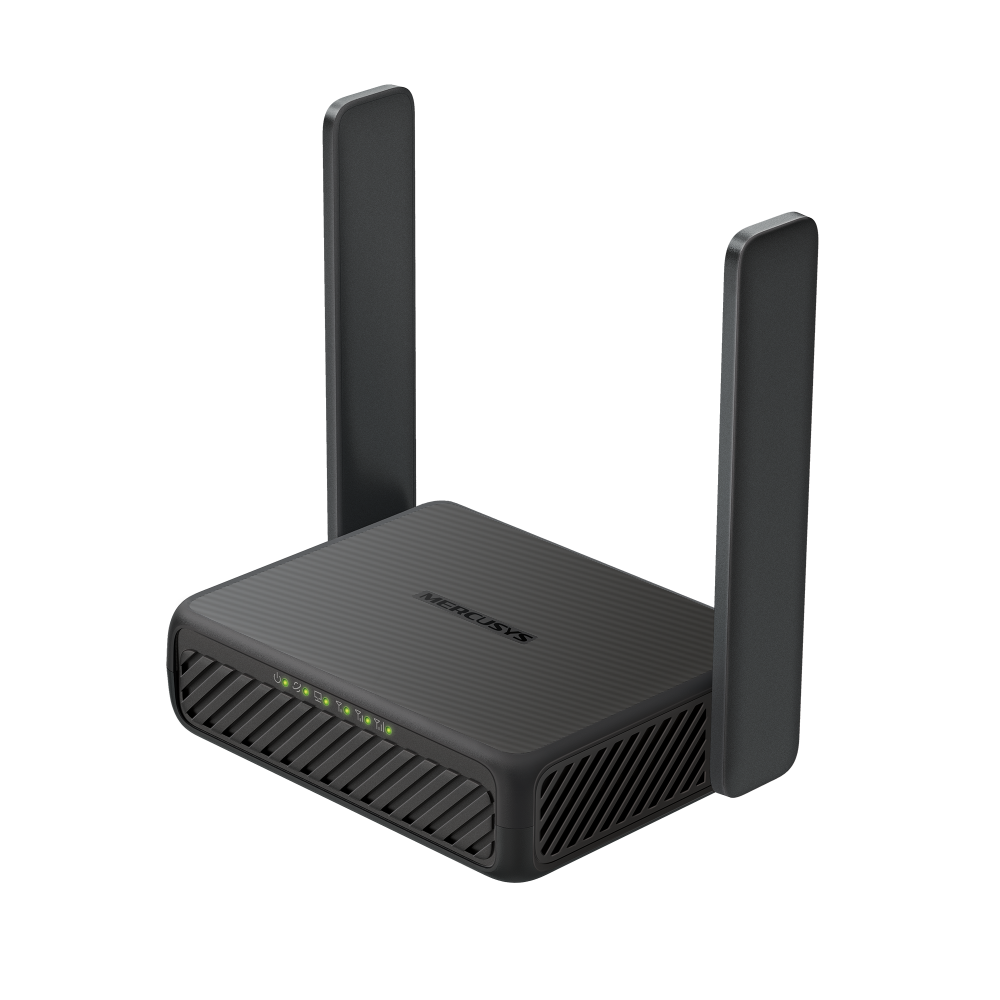
- Удобно брать с собой – компактный корпус размером со смартфон и складные антенны позволяют легко положить MB113-4G в сумку или даже в карман.
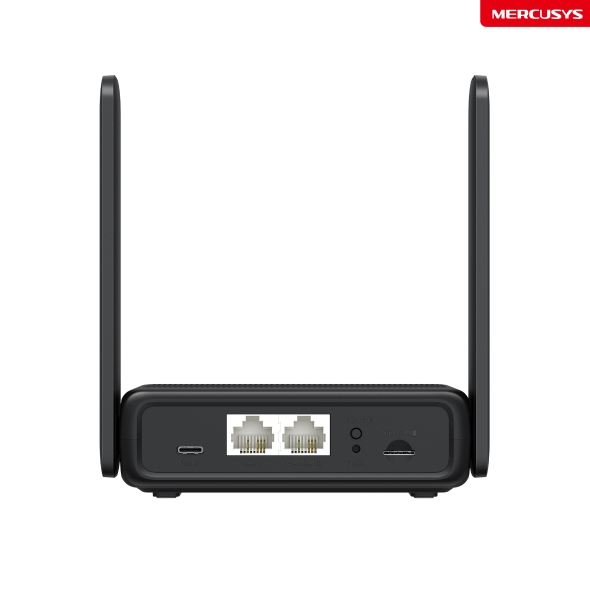
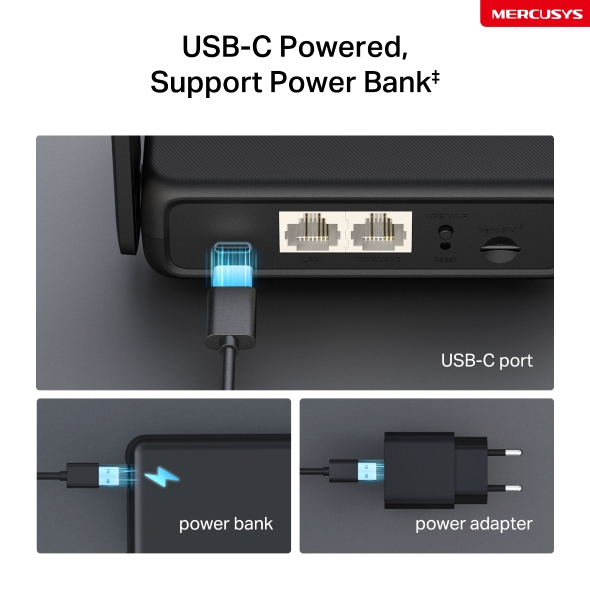
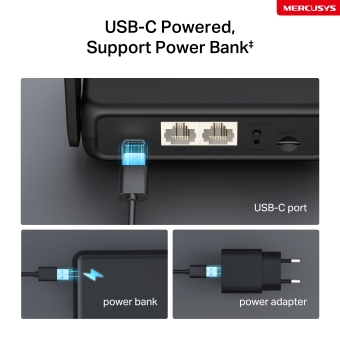
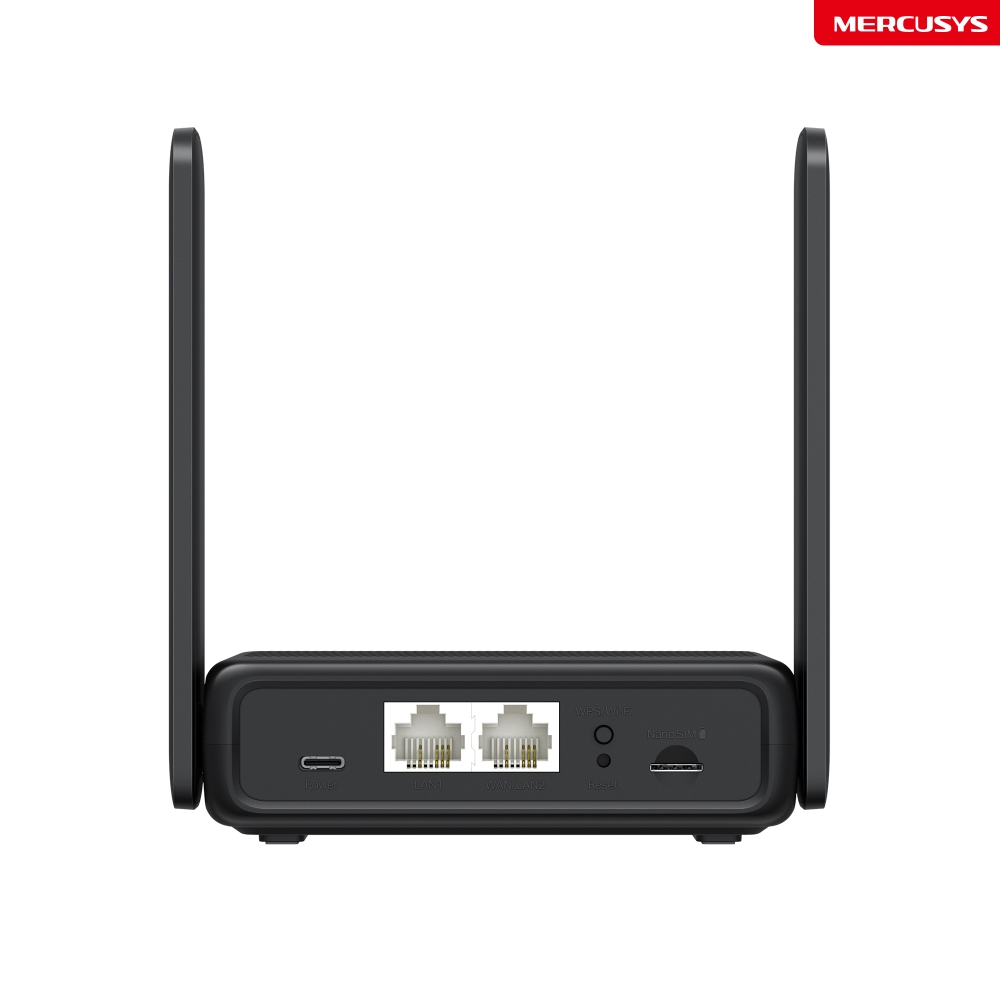
- Поддержка питания от пауэрбанка – благодаря порту USB-C MB113-4G можно питать и от пауэрбанка ‡.
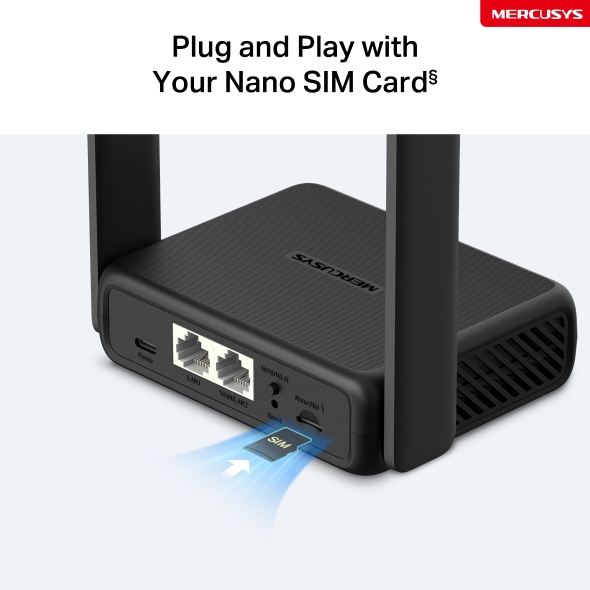
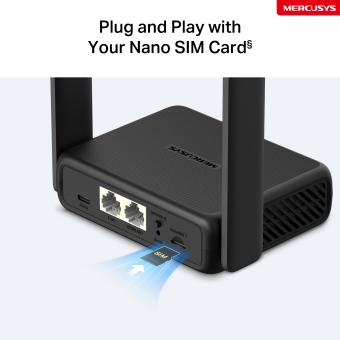
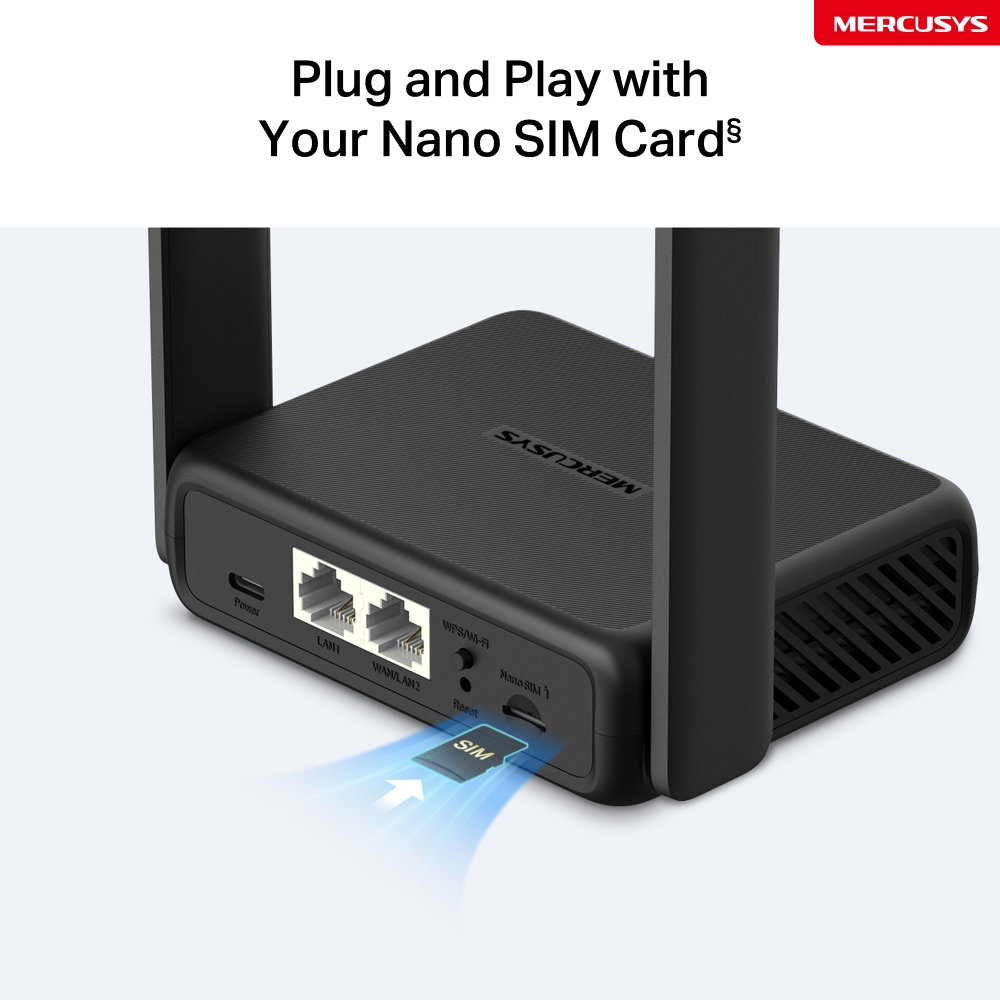
- Вставьте SIM-карту и пользуйтесь – никаких настроек не требуется, а совместимость с SIM-картами подтверждена многолетними полевыми испытаниями§.
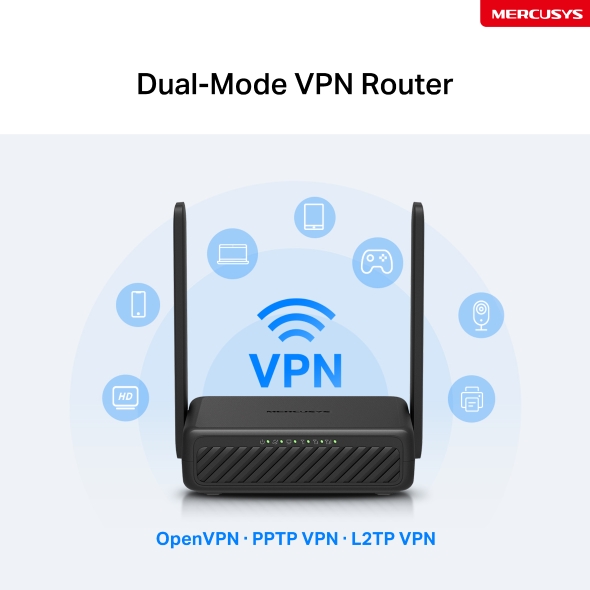
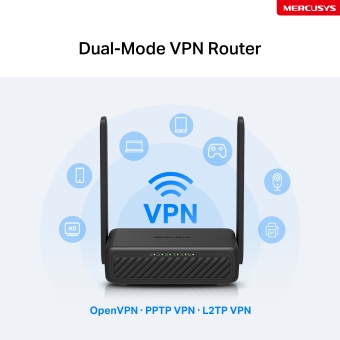
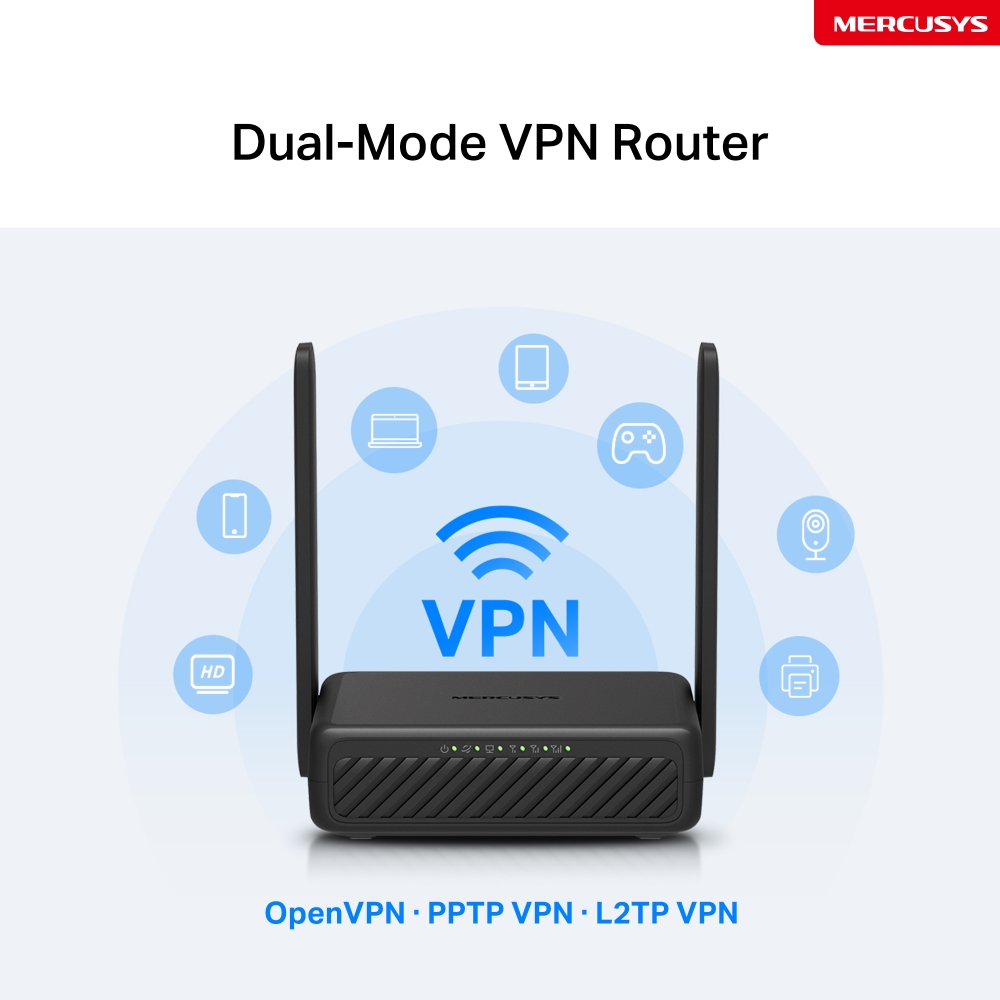
- Роутер с двумя режимами VPN – одно устройство, два режима: режим клиента шифрует всю домашнюю сеть, а режим сервера позволяет получать удалённый доступ к домашним устройствам.
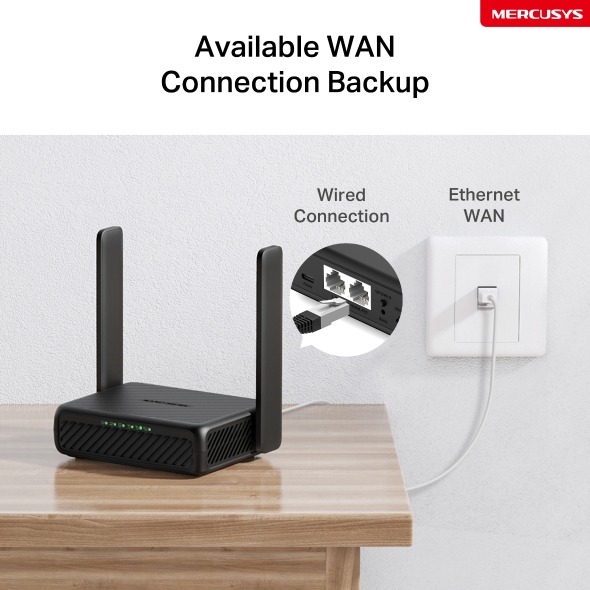
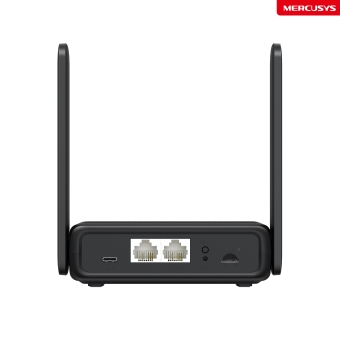
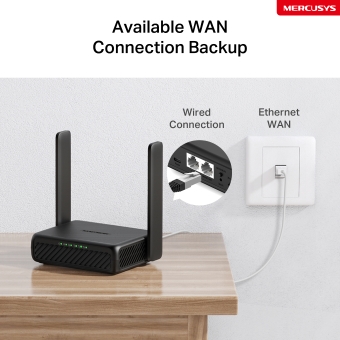
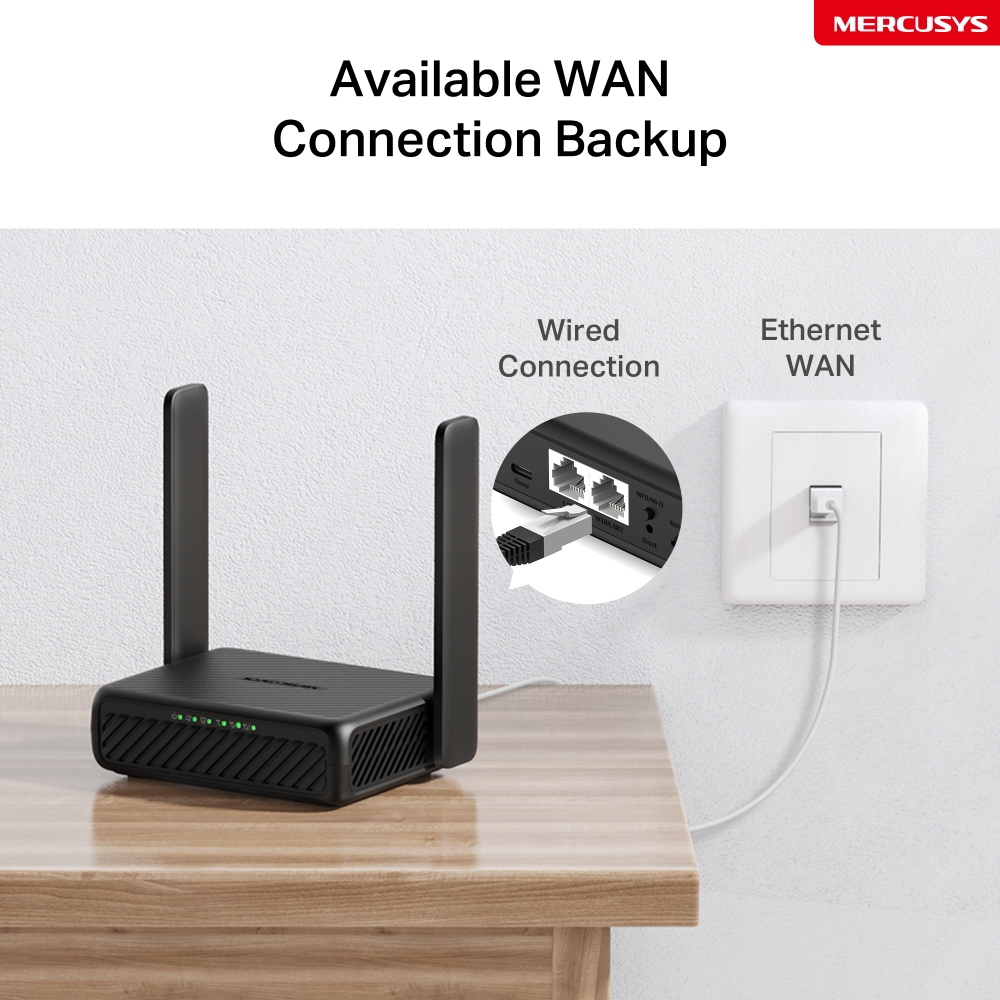
- Режим Wi-Fi роутера – подключите Ethernet-кабель к порту LAN/WAN, чтобы получить доступ к интернету, если подключение 4G недоступно.
*Примечание: убедитесь, что ваша SIM-карта разблокирована.
сервер+клиент
контроль
сеть
трафика
сети
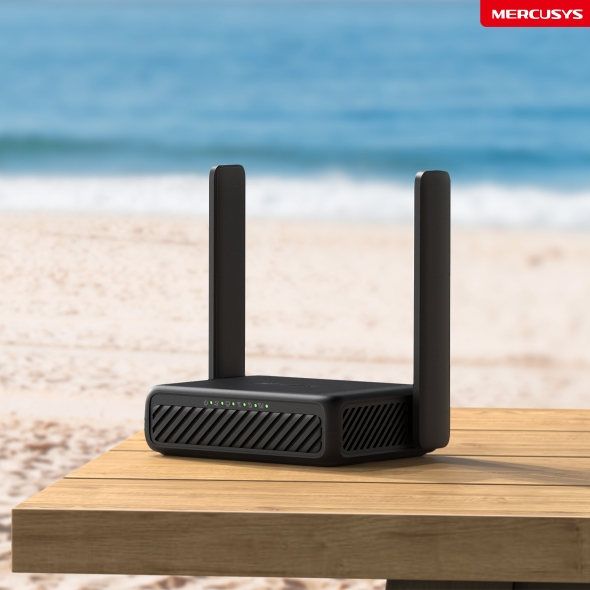
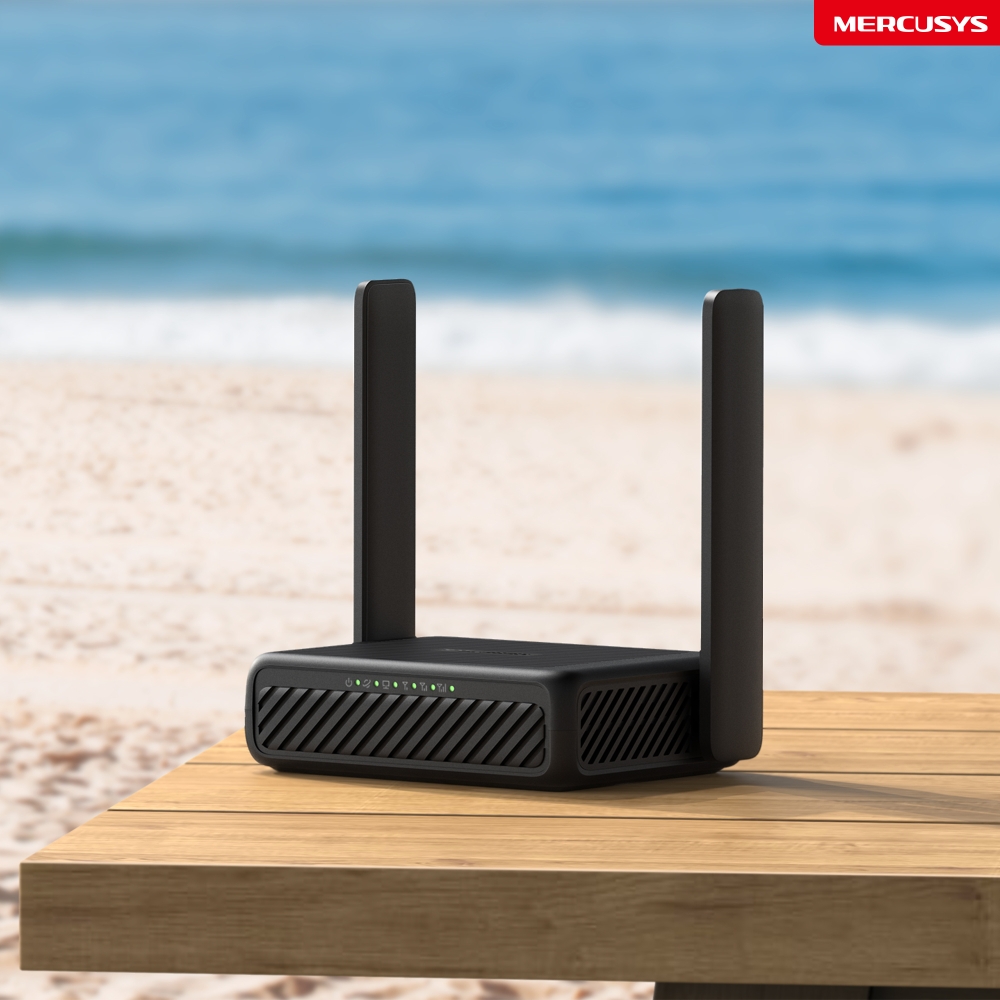
Wi-Fi там, где он нужен
Наслаждайтесь быстрым и стабильным Wi-Fi дома, в поездке и при удалённой работе.
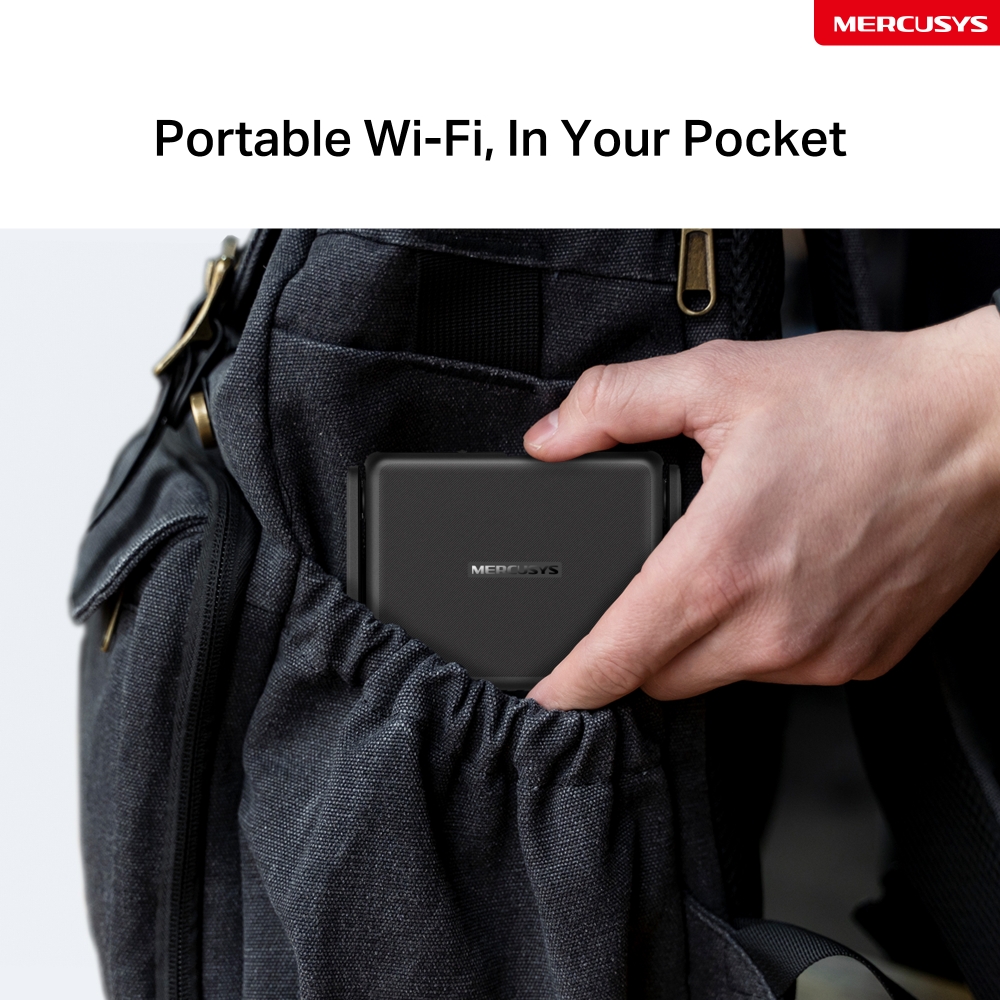
Портативный Wi-Fi у вас в кармане
Компактный корпус размером со смартфон и складная антенна позволяют легко положить
MB113-4G в сумку или даже в карман.
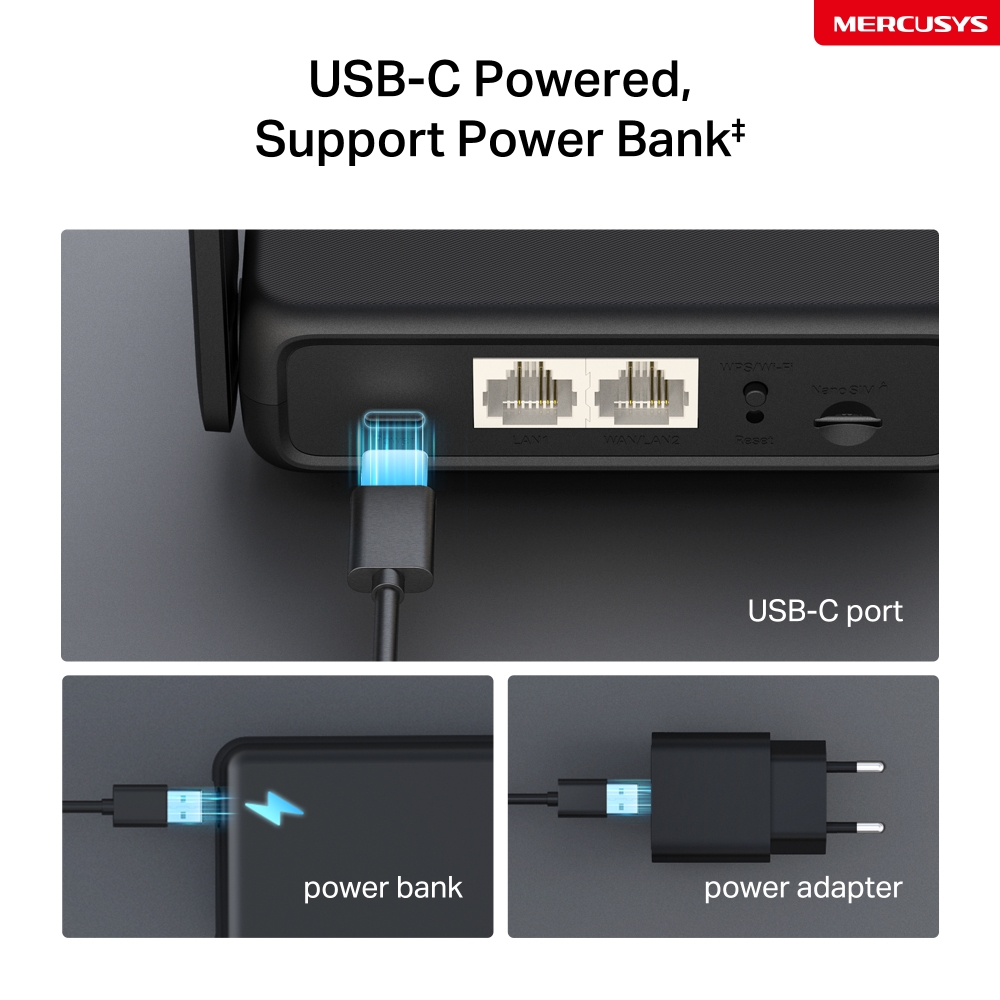
Питание через USB-C, поддержка пауэрбанка‡
Благодаря порту USB-C MB113-4G можно питать и от пауэрбанка‡. Пользуйтесь им где угодно, даже в дороге без розетки.
Высокая скорость 4G LTE для стабильного Wi-Fi
MB113-4G использует технологию 4G LTE, обеспечивая скорость загрузки до 150 Мбит/с и скорость отдачи до 50 Мбит/с△. Также он раздаёт Wi-Fi на частоте 2,4 ГГц со скоростью до 300 Мбит/с — отлично подходит для игр, стриминга и других задач☆.
*Примечание: максимальные скорости беспроводного сигнала являются физическими значениями, рассчитанными на основе спецификаций стандарта IEEE 802.11.
Вставьте nano SIM-карту и пользуйтесь§
Полностью совместим с FDD-LTE и TDD-LTE для работы с большинством операторов по всему миру. Вставьте nano SIM-карту и включите роутер, чтобы раздать сеть 4G LTE сразу на несколько
Wi-Fi-устройств§.
Примечание: убедитесь, что ваша SIM-карта разблокирована. Если нет, можно:
a. Настроить роутер через приложение MERCUSYS и следовать инструкциям в приложении для разблокировки SIM-карты.
b. Войти на веб-страницу управления роутером и перейти в Advanced > Network > PIN Management для проверки.
Резервное подключение через WAN
Благодаря полноценному порту WAN/LAN MB113-4G может работать как роутер, совместимый с кабельными, оптоволоконными и DSL-модемами, а также обеспечивать интернетом проводные устройства.
Примечание: когда роутер работает в режиме Wi-Fi роутера, этот порт можно использовать как WAN-порт для подключения DSL/кабельного модема или Ethernet-розетки. Чтобы переключиться в этот режим, обратитесь к разделу Set Up the Router in Wireless Router Mode. (Пошаговое описание доступно в руководстве пользователя.)
Роутер с двумя режимами VPN
Одно устройство, два режима. В режиме клиента защищается вся домашняя сеть: все подключённые устройства, даже те, которые сами не поддерживают VPN, получают преимущества шифрованного соединения. В режиме сервера создаётся защищённый туннель для доступа к домашнему NAS, камерам и другим устройствам из любой точки мира.
OpenVPN · PPTP VPN · L2TP VPN
Поделитесь Wi-Fi с друзьями
Этот 4G роутер без проблем поддерживает большое количество беспроводных устройств. До 32 одновременных подключений для планшетов, ноутбуков, смартфонов и других устройств.
Простая настройка и управление через приложение MERCUSYS
Настраивайте Wi-Fi и управляйте им через приложение MERCUSYS со смартфона (Android, iOS).


Расширенные возможности управления
-

Родительский контроль
Настраивайте ограничения, чтобы дети пользовались интернетом безопасно и ответственно.
-

Гостевая сеть
Создаёт отдельную сеть для гостей, чтобы обеспечить вашу безопасность и конфиденциальность.
-

Настройки трафика
Устанавливайте лимит трафика, чтобы избежать лишних расходов, и следите за ежемесячным использованием с помощью статистики трафика.
-

Сообщения
Настройте центр сообщений для работы с SMS и получения уведомлений при приближении к лимиту трафика.
‡Данное устройство поддерживает только входное напряжение 5 В. Использование напряжения 9 В или другого значения может привести к неисправности устройства или создать угрозу безопасности. Всегда используйте совместимый источник питания. △Максимальная скорость загрузки по сети 4G зависит от внешних факторов, таких как уровень покрытия локальной сети 4G, тарифный план, текущая загруженность сети, ограничения клиентских устройств и условия окружающей среды. ☆Максимальные скорости беспроводного сигнала являются физическими значениями, рассчитанными на основе спецификаций стандарта IEEE 802.11. Фактическая скорость беспроводной передачи данных, зона покрытия и количество подключённых устройств не гарантируются и могут отличаться в зависимости от условий сети, ограничений клиентских устройств и факторов окружающей среды, включая строительные материалы, препятствия, объём и плотность трафика, а также местоположение клиента. §SIM-карта приобретается отдельно. Для работы устройства требуется активированная SIM-карта без PIN-блокировки. Если SIM-карта заблокирована, обратитесь к краткому руководству по установке для получения инструкций по разблокировке.
MERCUSYS
Приложение MERCUSYS позволит настроить Wi-Fi сеть за пару минут и управлять ею из дома и дистанционно с устройств iOS и Android.
Настройка за пару минут
Чтобы быстро настроить сеть Mesh через приложение MERCUSYS, не нужно обладать никакими глубокими познаниями или читать сложные инструкции — простой следуйте указаниям в приложении.
-
 Halo Шнур питания Кабель Ethernet
Шаг 1
Вытащите содержимое коробки
-

Шаг 2
Подключите устройства
-

Шаг 3
Следуйте указаниям в приложении
Управление Wi-Fi сетью в режиме реального времени
Смотрите, какие устройства подключены к сети, и вносите изменения в сетевые параметры в любое время прямо с устройства iOS или Android.


Интерфейс настройки на разных моделях может выглядеть по-разному.
Родительский контроль
Контролируйте время, проводимое детьми в сети, а также посещаемые ими сайты.
-
Профили
Создавайте профили для членов семьи и добавляйте в профили используемые ими устройства для контроля доступа и установки ограничений по времени.
-
Ограничение времени в сети
Устанавливайте дневные ограничения на время, проводимое детьми онлайн, а также блокируйте для них доступ ночью и на время выполнения уроков.
-
Блокировка сайтов
Создайте список сайтов, к которым у детей не будет доступа.
-
Приостановка подключения
Временно отключайте интернет для членов семьи, чтобы они могли отдохнуть от виртуального мира и вернуться в реальный.
Возможности приложения

Состояние сети
Узнавайте состояние сети каждого модуля Halo, просматривайте списки подключённых к ним устройств и при необходимости блокируйте доступ к сети или присваивайте приоритет нужным устройствам.

Приоритизация
Повышает сетевую производительность выбранных устройств.

Уведомления
При подключении неизвестных устройств будет приходить уведомление — одно нажатие, и доступ к сети для подозрительного устройства будет заблокирован.

Гостевая сеть
Отдельная сеть для гостей ради безопасности основной сети.
Всё в одном приложении
Приложение MERCUSYS позволит настроить множество параметров Mesh-систем и роутеров.
Список совместимых устройствСовместимые устройства
Для работы приложения на устройстве должна быть установлена последняя версия прошивки.
Приложение будет работать не только на указанных, но и на более новых аппаратных версиях указанных устройств.
-
Wi-Fi

| LTE Standard | Cat 4 |
|---|---|
| Тип сети | EU: |
| Класс Wi-Fi | N300 |
| Wi-Fi (2.4 ГГц) | 300 Мбит/с |
| Стандарты беспроводной связи | IEEE 802.11b/g/n |
| Диапазон частот (приём и передача) | 2.4 ГГц |
| Максимальная ширина канала | 40 ГГц |
| Чувствительность (приём) | 11b 11 Мбит/с: -87,5 дБм |
| Максимальная пропускная способность | 32 |
| Рекомендуемое количество клиентов | 16 |
| Max Wi-Fi Modulation | MCS7 |
| Защита беспроводной сети | WPA-PSK / WPA2-PSK |
| Функции беспроводной сети | Smart Connect |
-
Программные
| Режимы рабoты | Роутер 3G/4G |
|---|---|
| Безопасность | Межсетевой экран IPv4 SPI |
| Режим сотовой связи | Предпочтительно 4G |
| Точка доступа APN | Роуминг данных |
| Режим WAN | Динамический IP |
| DHCP | Сервер |
| Проброс NAT | ALG |
| Протоколы | IPv4, IPv6 |
| Настройки данных | Статистика данных |
| Гостевая сеть | 2.4 ГГц гостевая сеть |
| Родительский контроль | Контроль времени |
| DDNS | DynDNS |
| VPN-клиент | OpenVPN/L2TP/PPTP |
| SMS | Входящие |
| Функции ISP | TR-069 |
| Система | Настройки времени |
| Управление индикацией LED | Управление LED-светодиодами |
| Управление устройствами | Приложение MERCUSYS |
| Облако | Обновление прошивки через облако |
| Язык | Английский |
| VPN-сервер | OpenVPN/L2TP/PPTP |
-
Аппаратные
| Размеры (Ш × Д × В) | 108 × 86.8 × 34 мм |
|---|---|
| Антенна | 2 внешние несъемные антенны 4G LTE |
| Интерфейсы | 1 порт LAN/WAN 100 Мбит/с |
| Кнопки | 1 кнопка WPS/Wi-Fi |
| Энергопотребление | USB-C: 5В/1.5A |
| Вес розничной упаковки | 0.35 кг |
| Установка | Настольный |
| Светодиодные индикаторы | 1× Питание |
| Размеры розничной упаковки | 192 × 148 × 58 |
| Количество единиц в коробке | 32 |
| Размеры коробки | 480 × 400 × 320 |
-
Прочее
| Сертификация | CE |
|---|---|
| Сетевые службы включенные по умолчанию | Веб-сервер DHCP-сервер CWMP Управление приложением |
| Комплект поставки | Беспроводной 4G LTE-роутер 300 Мбит/с (MB113-4G) |
| Параметры окружающей среды | Рабочая температура: 0 °C~40 °C |