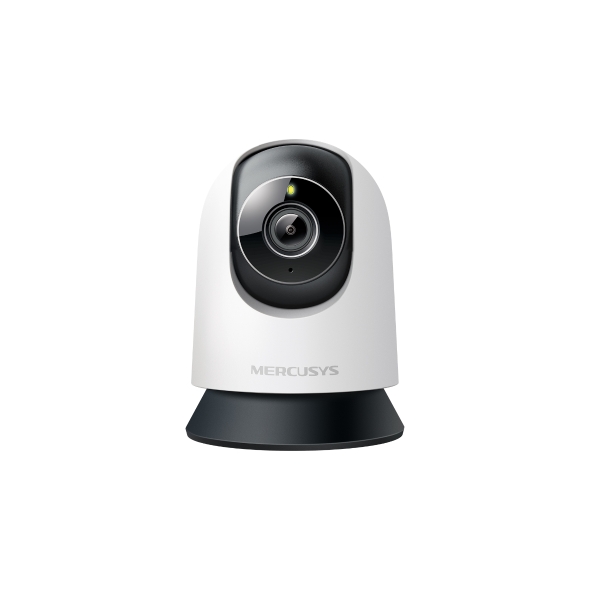
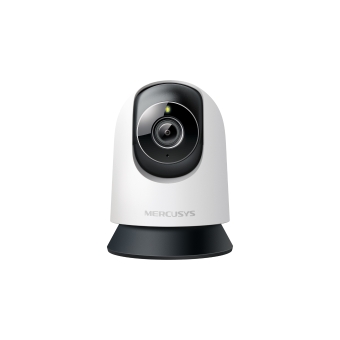
MC230 [V1] | Pan/Tilt AI Home Security Wi-Fi Camera



MC230
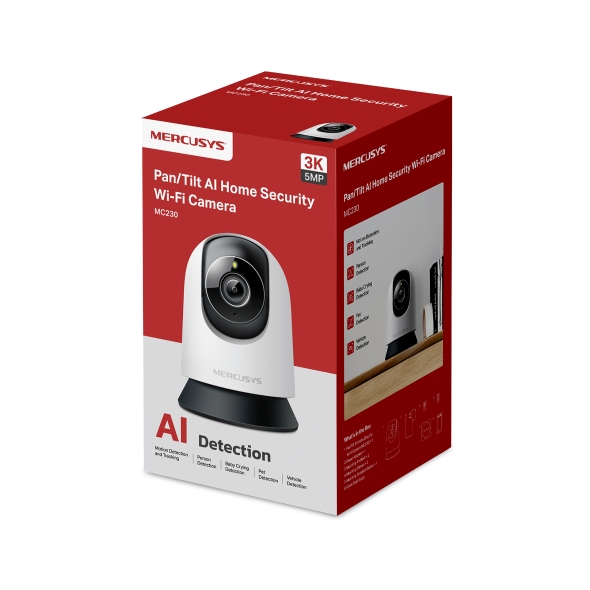
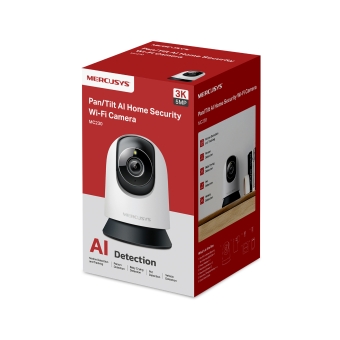
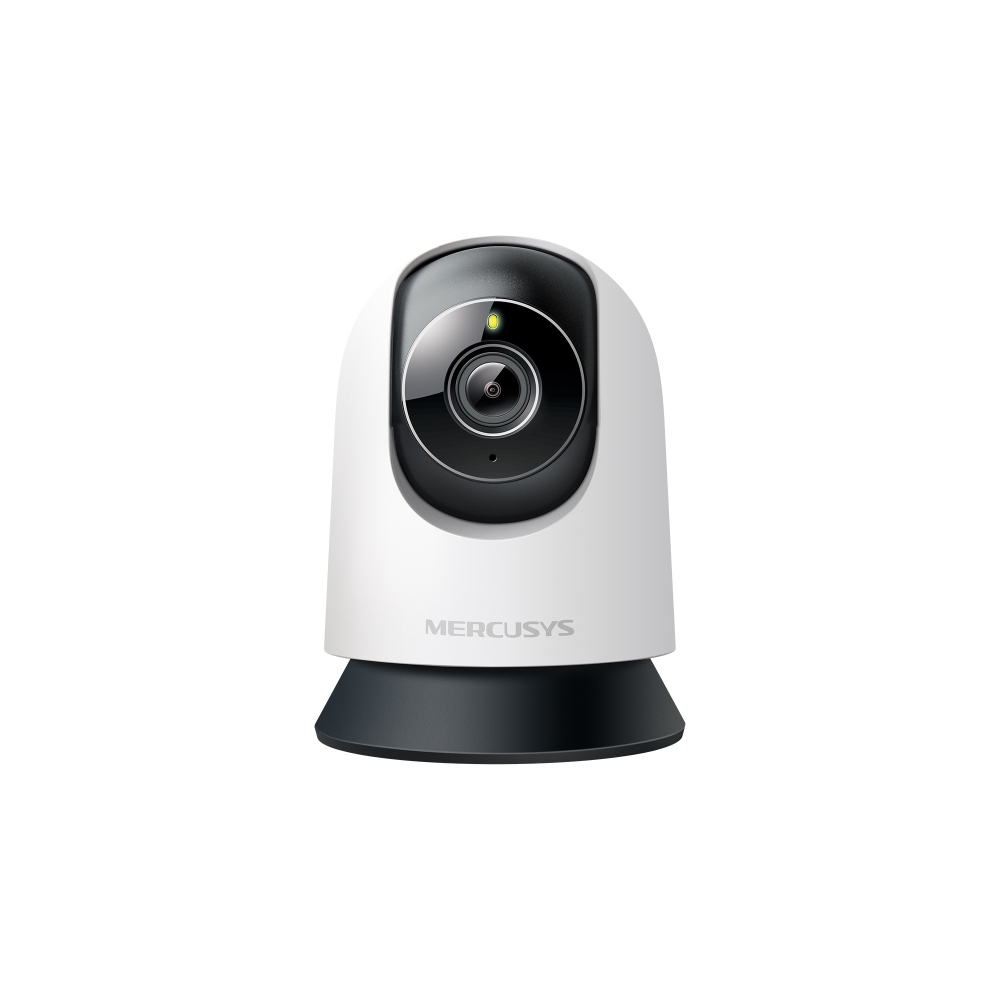
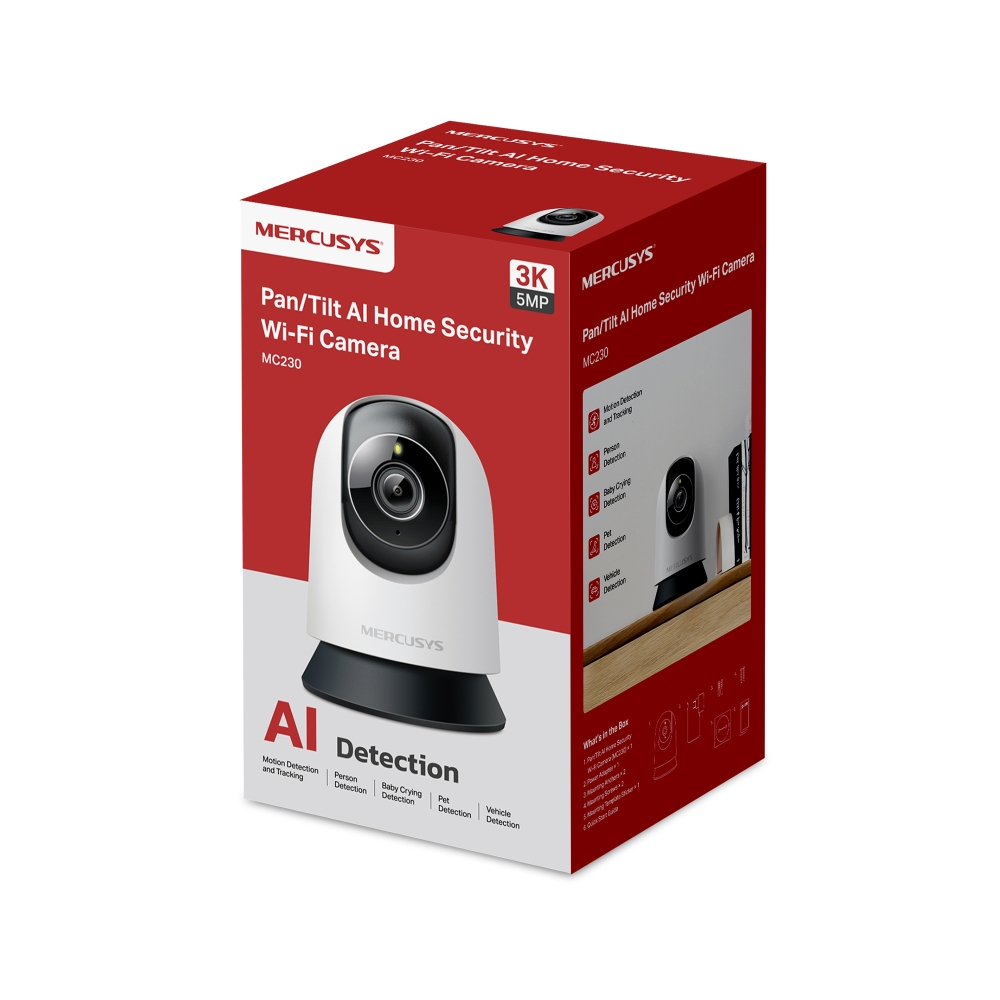
Pan/Tilt AI Home Security Wi-Fi Camera
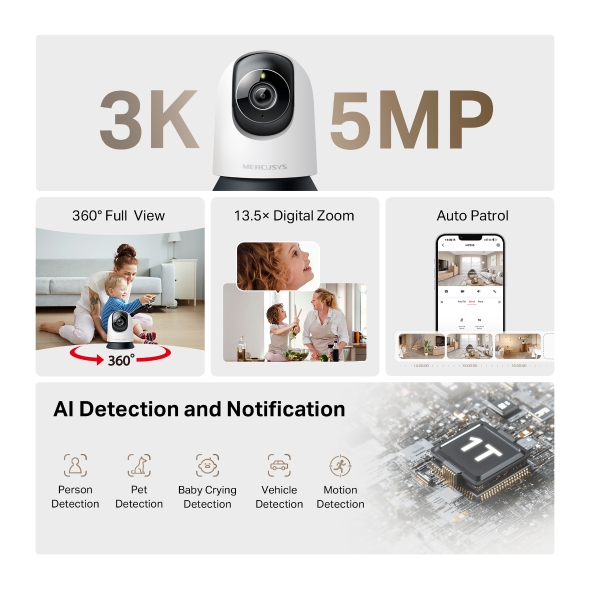
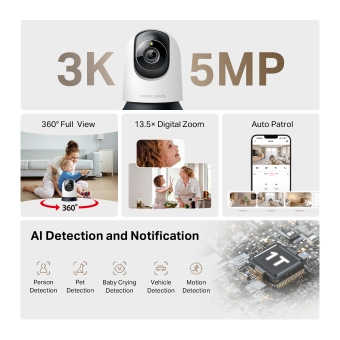
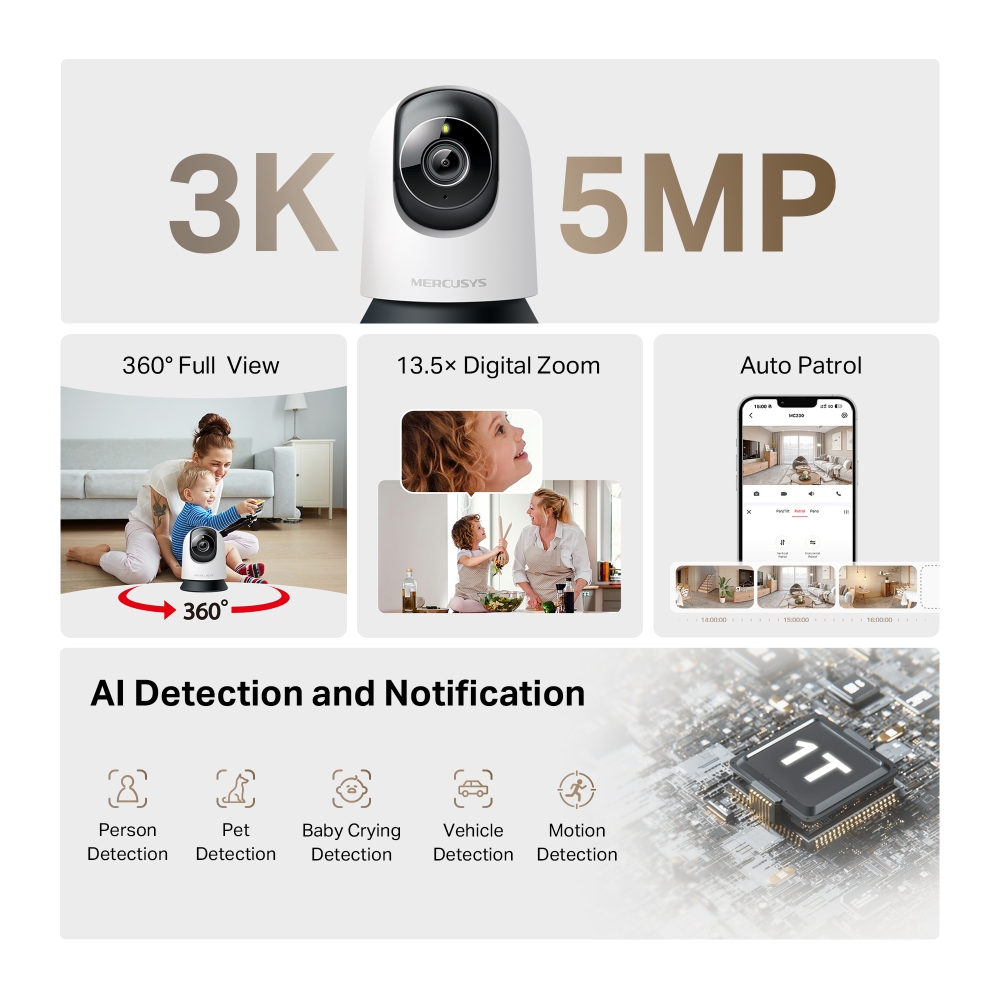
- Sharp 3K HD Clarity: 5MP resolution captures every smile, gesture, and detail in stunning clarity—so your home always feels closer.
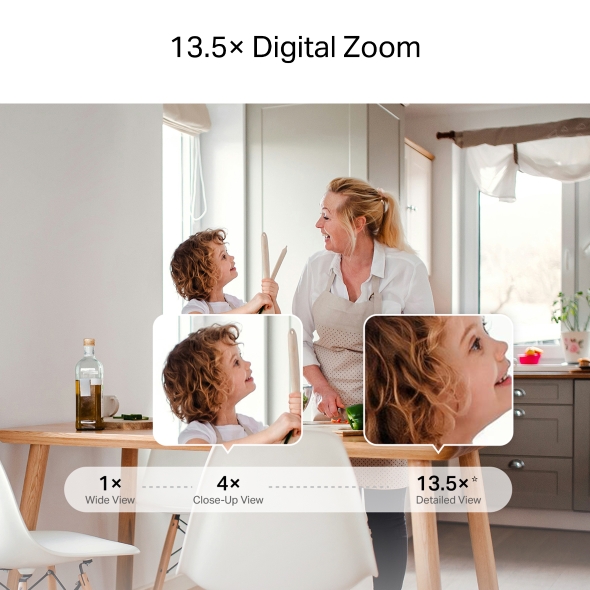
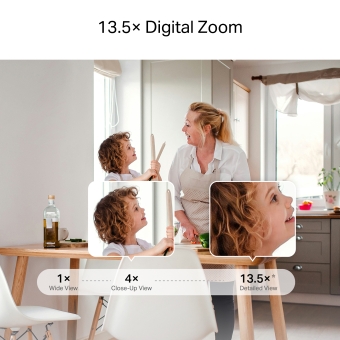
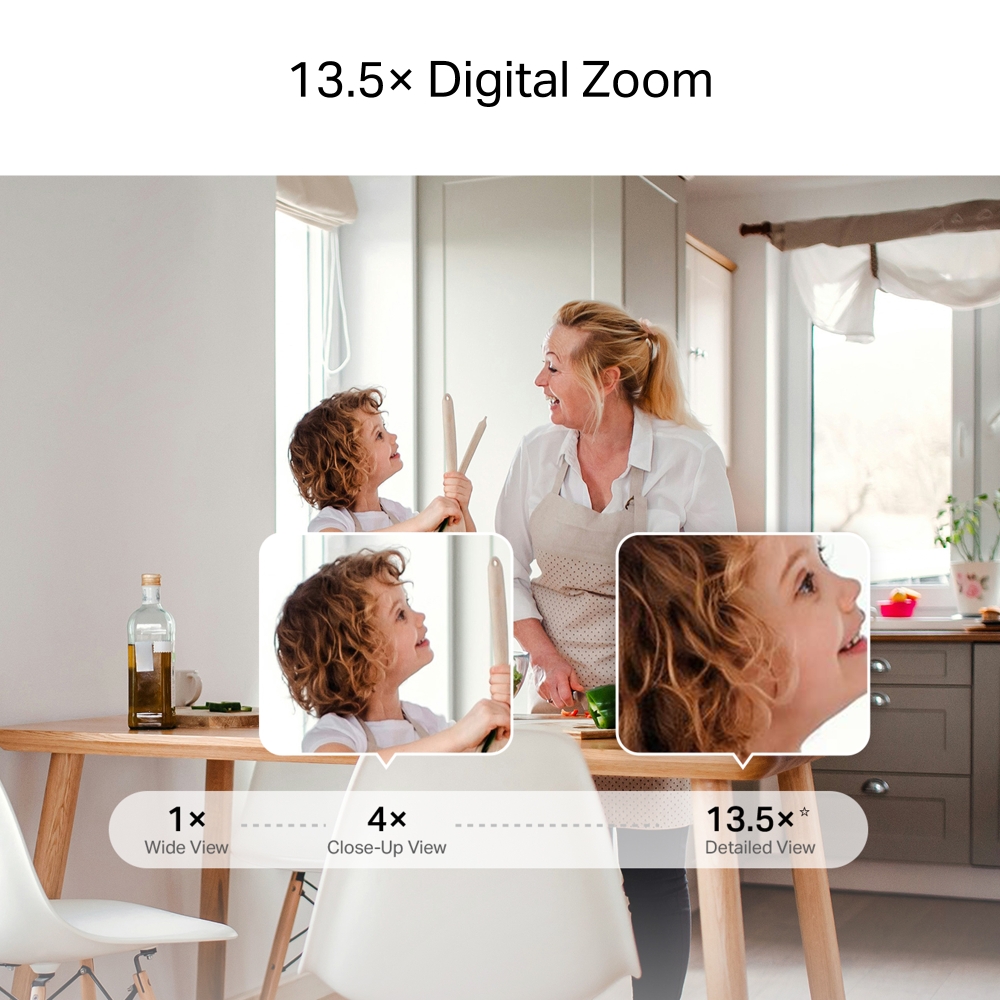
- Get Closer with 13.5× Zoom: Pinch to zoom in the MERCUSYS app and focus on tiny objects or expressions, every detail stays sharp.
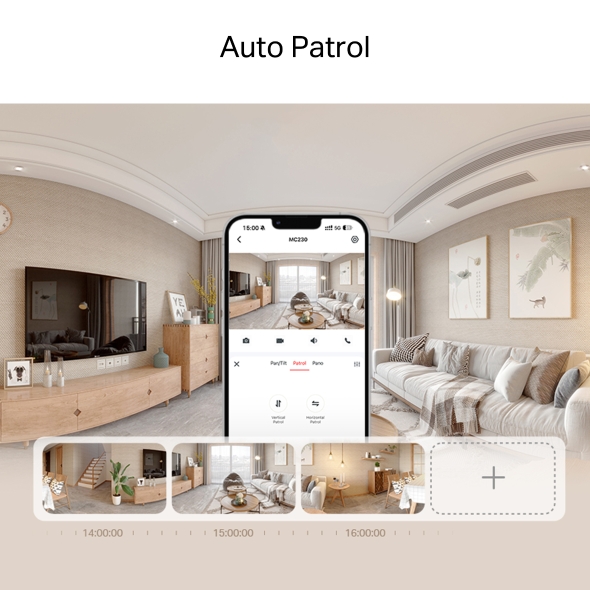
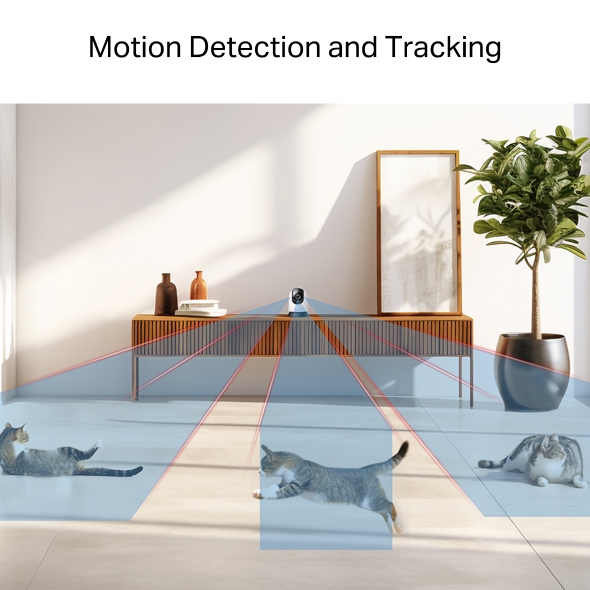
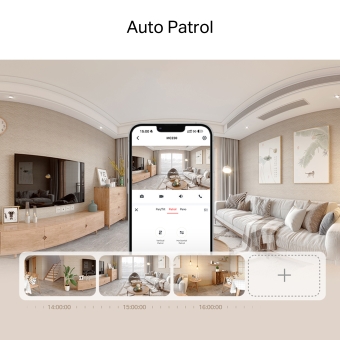
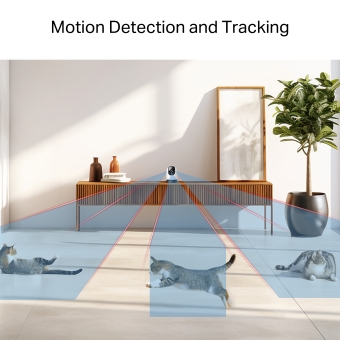
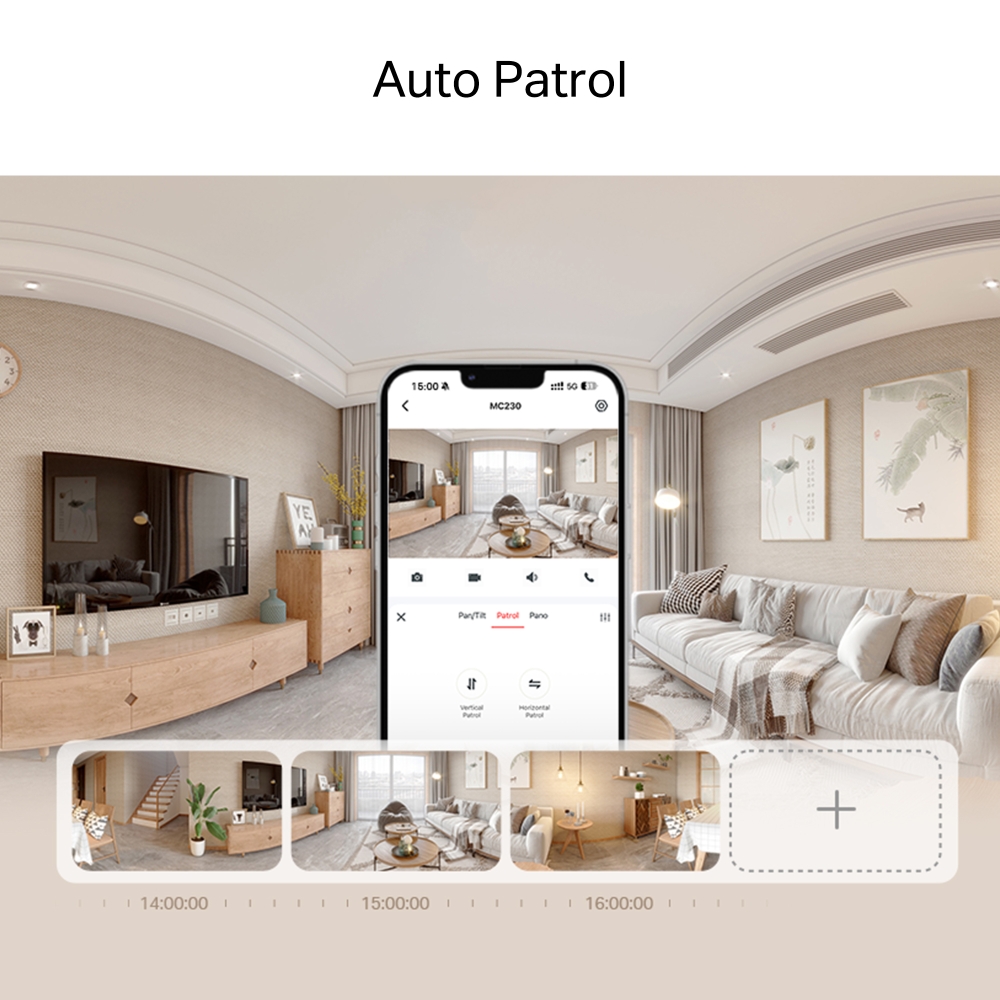
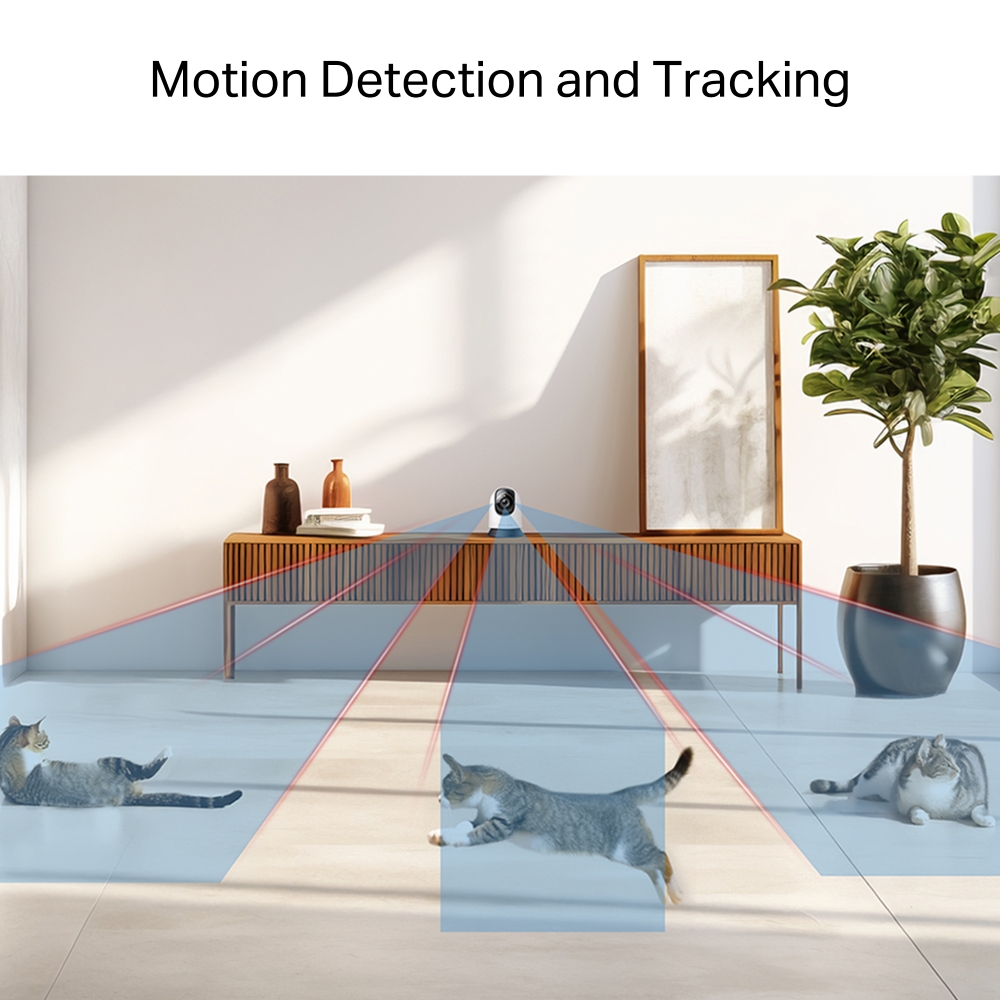
- 360° Full-Room Coverage: Smooth pan and tilt reveal every corner. With auto-patrol and smart motion tracking, no movement goes unnoticed.
- Smarter AI-Powered Alerts: Enhanced by AI, the camera filters what matters most—identifying people, pets, vehicles, and unusual sounds like baby crying or glass breaking.
- Real-Time App Control & Alerts: Stay in control from anywhere with instant notifications, keeping you connected to home anytime.
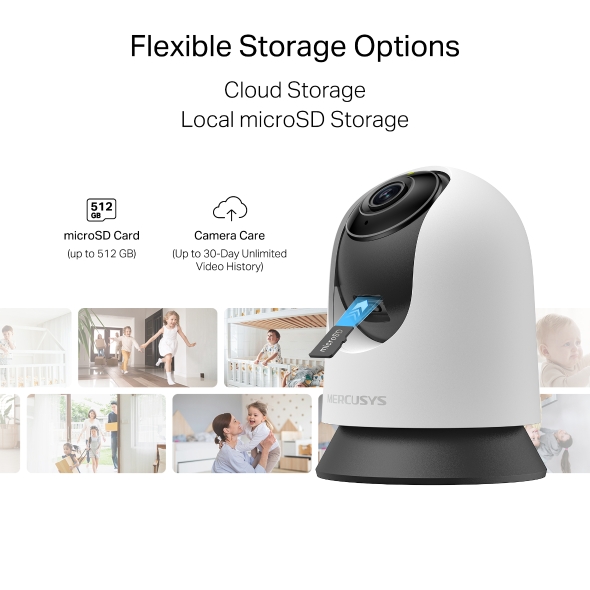
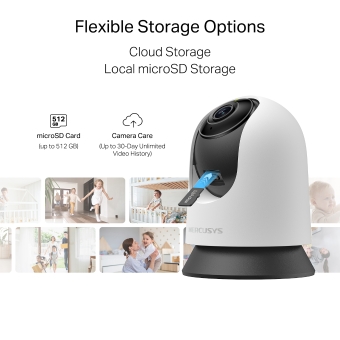
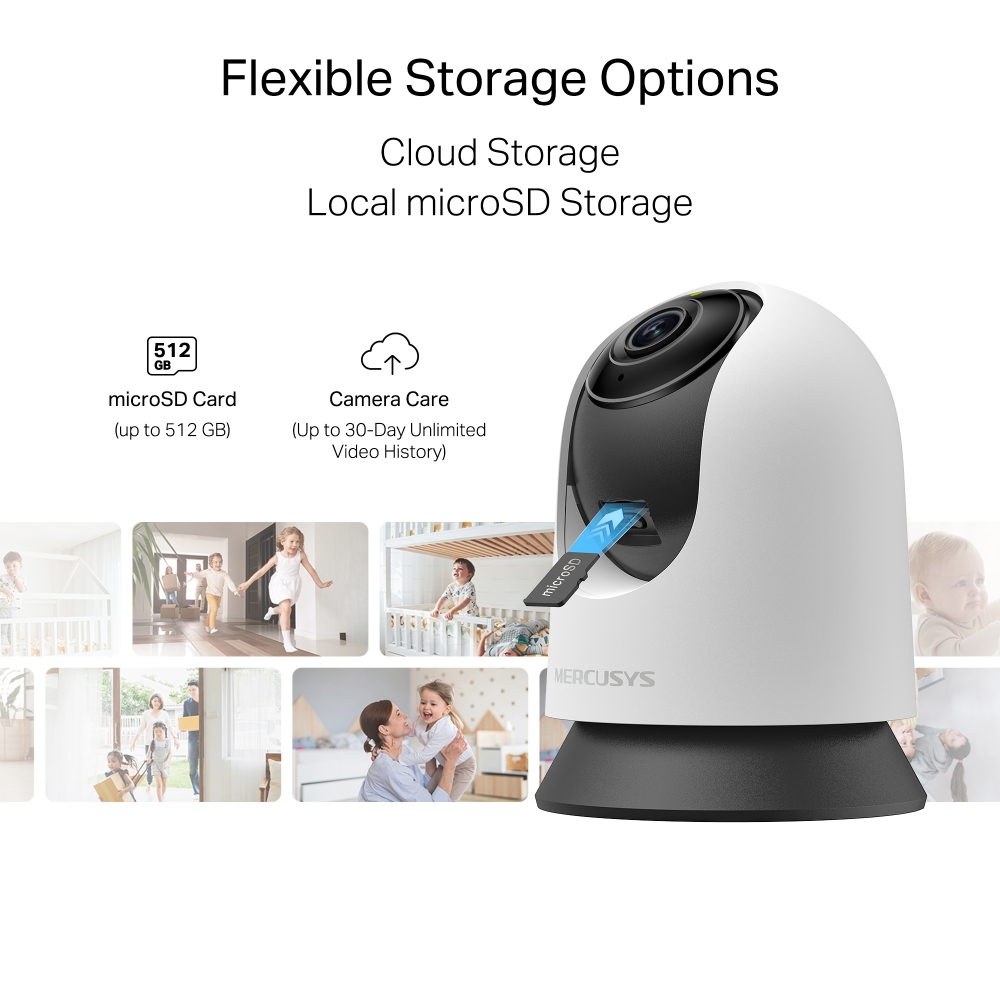
- Local & Cloud Storage: Supports up to 512GB microSD cards and cloud storage for secure, flexible video backup. † ‡
- Customizable Block Zone: Tailor your privacy zone to block unwanted views with ease.
- Voice Control: Compatible with Google Assistant and Amazon Alexa, offering hands-free control for users.
-
watch video: How to Set Up Your Pan/Tilt Home Security Wi-Fi Camera (MC230/MC210/MC200)
How to Set Up Your Pan/Tilt Home Security Wi-Fi Camera (MC230/MC210/MC200)
-
watch video: How to Mount Your Pan/Tilt Home Security Wi-Fi Camera (MC230/MC210/MC200)
How to Mount Your Pan/Tilt Home Security Wi-Fi Camera (MC230/MC210/MC200)
3K Crystal View,
AI-Powered Detection
Pan/Tilt AI Home Security Wi-Fi Camera
MC230



From Every Angle to Every Detail
Enjoy a 360° view of your home in stunning 3K clarity. From wide coverage to close-up details with 13.5× digital zoom, every angle is crystal clear.
See Clearly After Dark
Night vision offers sharp black-and-white clarity up to 40 ft, ensuring detailed visibility even in complete darkness.
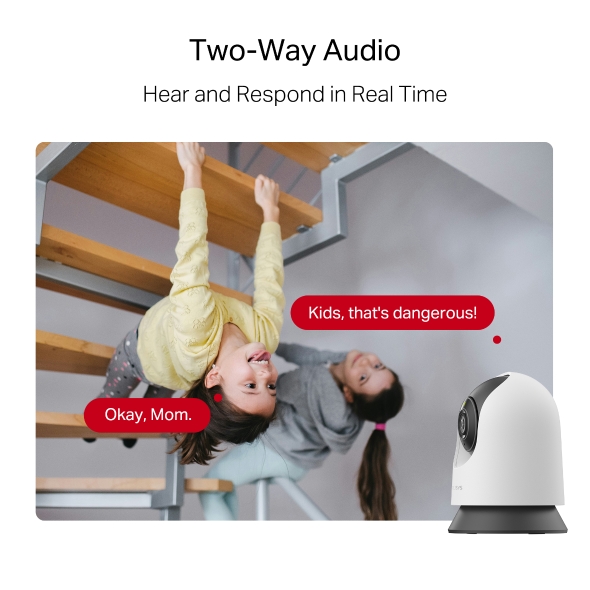
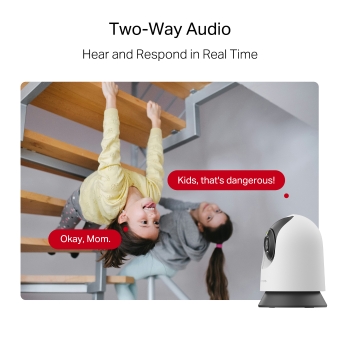
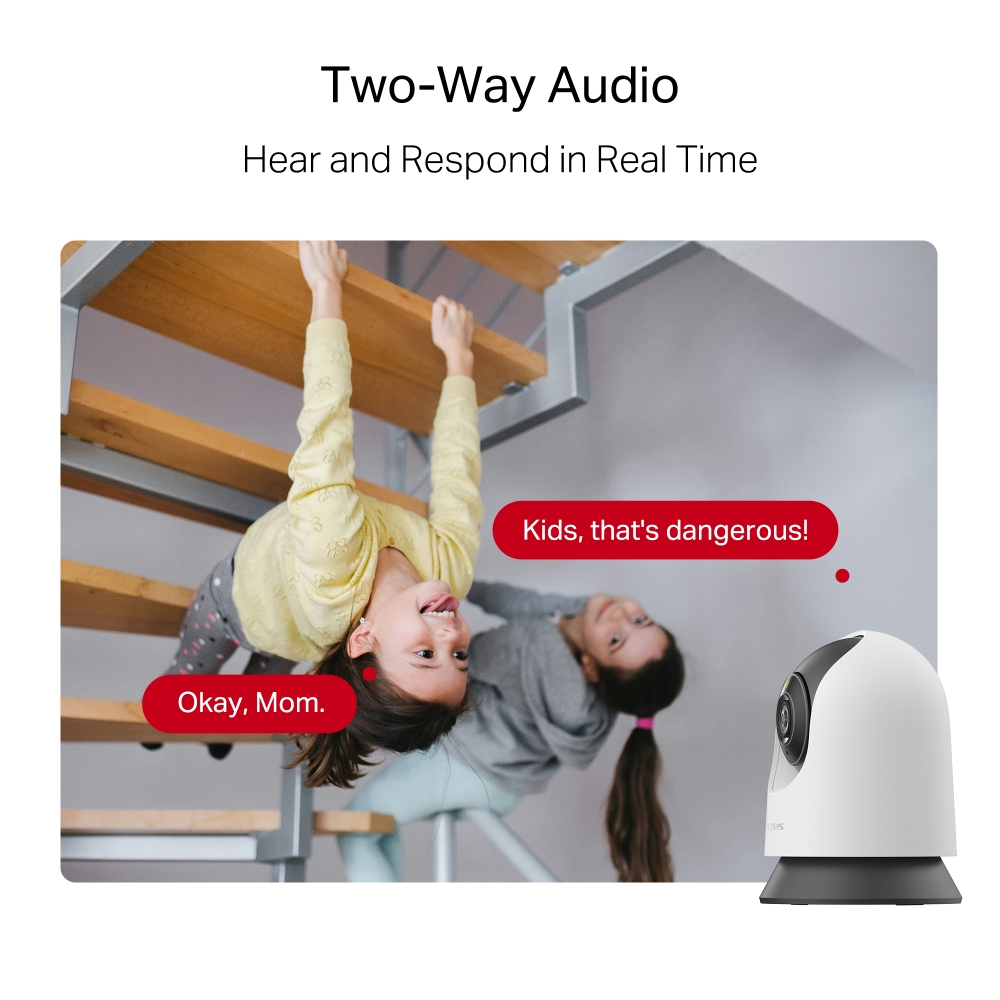
Two-Way Audio
Hear and respond in real time through a built-in microphone and speaker. Interact with your family and pets at any time.
Prevent Recordings in Block Zones
Tailor your privacy zone to block unwanted views with ease. No need to worry about personal moments being leaked.
Secure Local & Cloud Storage
Save all your important moments to a microSD card (up to 512 GB) or subscribe to MERCUSYS Camera Care for cloud service after a free trial.
-

microSD Card
(up to 512 GB)
-

Camera Care
(Up to 30-Day Unlimited Video History)
†microSD card sold separately. ‡Subscribe for cloud storage at https://www.mercusys.com/cameracare/ §MC230 does not have an Ethernet port and can only be connected via Wi-Fi. △Compatible with Alexa and Google Assistant supported displays. User experience is dependent on the connected device's specifications. ☆Magnification labels are illustrative only, zoom is user-controlled in the MERCUSYS App without fixed values.
MERCUSYS
A aplicação MERCUSYS oferece a forma mais simples de configurar em poucos minutos e gerir o seu Wi-Fi em casa ou fora, através dos seus dispositivos iOS ou Android.


A MERCUSYS Ajuda-o a Configurar em Poucos Passos
Sem conhecimentos técnicos ou instruções complicadas, basta seguir as indicações na aplicação. Configure a sua rede mesh em minutos.
-
 Halo Cabo de Alimentação Cabo Ethernet
Passo 1
Encontre o que precisa na caixa
-

Passo 2
Ligue os seus dispositivos
-

Passo 3
Siga as instruções no ecrã com a app MERCUSYS
Gira o Seu Wi-Fi em Tempo Real
Com a aplicação MERCUSYS, experimente gestão da rede em tempo real. Veja quem está ligado à sua rede e faça a gestão a qualquer momento com os seus dispositivos iOS ou Android.
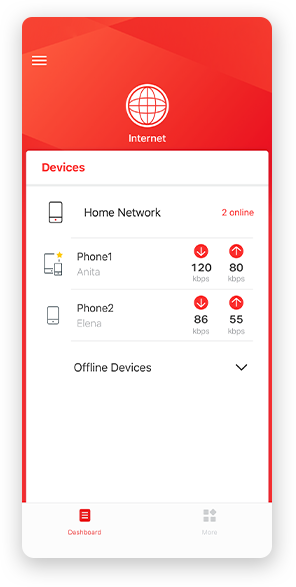
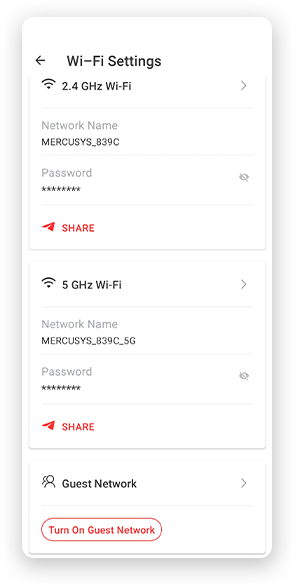
Aviso: A página de configuração pode variar consoante o modelo. Por favor, consulte a versão do seu dispositivo.
Controlo Parental Potente
Faça a gestão do tempo online e do conteúdo dos seus filhos para criar um ambiente online seguro e saudável.
-
Criar Perfis de Utilizador
Crie um perfil para cada membro da família que pretende gerir. Atribua dispositivos ao perfil para definir controlos de acesso e limites de tempo.
-
Limites de Tempo Online
Defina limites diários para o tempo que os seus filhos passam online e evite que acedam à internet por períodos prolongados, promovendo hábitos digitais saudáveis.
-
Bloquear Sites Inadequados
Controle os sites que os seus filhos visitam definindo uma lista de bloqueio.
-
Pausar a Ligação à Internet
Interrompa a ligação à internet dos membros da família para fazerem uma pausa do mundo virtual e desfrutarem de tempo em família.
Gira e Proteja a Sua Rede Doméstica
A aplicação MERCUSYS ajuda-o a gerir o seu Wi-Fi em casa ou fora, através dos seus dispositivos iOS ou Android.

Verificar o Estado dos Dispositivos Ligados
Veja de forma intuitiva o estado de funcionamento da sua rede Halo e o que está ligado. Priorize ou bloqueie dispositivos conforme necessário.

Qualidade de Serviço
Prioriza os dispositivos que selecionar para terem melhor desempenho.

Alerta de Acesso de Novo Dispositivo
A aplicação MERCUSYS envia proativamente um alerta quando um dispositivo desconhecido se liga. Toque para bloquear o dispositivo se representar um risco de segurança.

Configurar uma Rede de Convidados
Fornece uma rede separada para convidados, garantindo a sua segurança e privacidade.
Tudo Numa Só App
Quer pretenda controlar uma ampla gama de routers, extensores ou sistemas mesh Halo da MERCUSYS, encontra tudo na aplicação.
Veja o que é compatívelProdutos Compatíveis
Nota: O firmware do dispositivo requer a versão mais recente. Clique aqui para saber como atualizar o seu firmware.
Nota: As versões de hardware indicadas e superiores destes modelos são compatíveis com a aplicação MERCUSYS.
Suporte para Múltiplas Línguas
A aplicação MERCUSYS suporta até 26 línguas, permitindo uma gestão de rede simples para utilizadores em todo o mundo.
-
English
-
Nederlands
-
Français
-
Deutsch
-
Italiano
-
日本語
-
한국어
-
Português
-
Español
-
繁體中文
-
Русский язык
-
Português Brasil
-
Español
(Latinoamérica) -
Български
-
Українська мова
-
Polski
-
Română
-
Slovenčina
-
ไทย
-
Türkçe
-
Čeština
-
Tiếng Việt
-
Eλληνικά
-
Bahasa Melayu
-
Magyar
-
עברית
-
Camera

| Image Sensor | 1/2.7'' Progressive Scan CMOS Not Starlight Sensor |
|---|---|
| Lens | Focal Length: 4 mm |
| Motion Range | Pan Mechanical Range: 340° (360° Pan Coverage) |
| Night Vision | 850nm IR LED (40 ft / 12 m) |
| Interface & Button | 1× RESET Button |
-
Video & Audio
| Maximum Resolution | 3K 5MP (2880×1620 px) |
|---|---|
| Frame Rate | 15/20/25/30 fps (20 fps by default) |
| Digital Zoom | Supports 13.5x zoom |
| Video Compression | H.264 |
| Live View | Yes |
| Image Enhancement | 3DNR |
| Audio Input & Output | Built-in microphone and speaker |
| Audio Communication | 2-way audio |
| Siren Volume | 90dB (Level measured at 4-inch/10-cm distance) |
-
Software
| Segurança | On-Device Machine Learning |
|---|
-
Storage
| Local Storage | Micro SD card slot |
|---|---|
| Cloud Storage | MERCUSYS Camera Care Cloud Storage Services (Subscription required) |
-
Power
| Power Source | 9V DC Power Adapter |
|---|---|
| Input Voltage | 100-240VAC, 50/60Hz, 0.3A |
| Output Voltage | 9.0V/0.6A |
-
General
| Smart Integration | Google Assistant, Amazon Alexa, Samsung SmartThings |
|---|---|
| Weather Resistance | / |
| Mounting Options | Tabletop |
| Operating Temperature | 0 ºC ~ 40 ºC (32°F ~ 104°F ) |
| Storage Temperature | -40°C~60°C (-40°F~140°F) |
| Operating Humidity | 10%~90%RH, Non-condensing |
| Storage Humidity | 0%~90%RH, Non-condensing |
| Charging Temperature | / |
| Dimensions ( W x D x H ) | 78.4 × 78.4 × 105.6 mm |
-
Detection & Notifications
| Sensor | / |
|---|---|
| AI Detection | Motion detection |
| Activity Zones | Yes |
| Output Notification | System Notification |
-
Network
| Network Connectivity | Connect via Wi-Fi |
|---|---|
| Wireless Connectivity | 11Mbps(802.11b) |
| Max. Distance Between Hub and Camera/Doorbell | / |
| RTSP | Yes |
| ONVIF | Yes |
-
Outros
| Certificações | CE, NCC, BSMI, NTRA, KC, RCM, ONVIF |
|---|---|
| Conteúdo da Embalagem | Pan/Tilt Home Security Wi-Fi Camera (MC230) × 1 |