Halo H80X [V1, V2, V2.20] 1-pack | AX3000 Whole Home Mesh WiFi 6 System



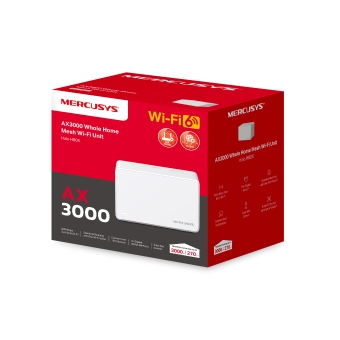


AX3000 Whole Home Mesh WiFi 6 System
- 3000 Mbps'ye Kadar Çift Bant WiFi 6 Hızları – 5 GHz'de 2402 Mbps ve 2.4 GHz'de 574 Mbps.†
- Tek Bir Birleşik Ağ ile Kesintisiz Dolaşım – Halo üniteleri, tek bir birleşik WiFi adı ve parolasıyla evinizde dolaşırken Halolar arasında otomatik olarak geçiş yapmak için birlikte çalışır.‡
- Tüm Evi Kapsama – Evinizdeki WiFi ölü bölgelerini ortadan kaldırarak 3.000 ft² (270 m²) alana kadar yüksek hızlı WiFi ile kapsama alanı sağlayın.†
- 150'den Fazla Cihaz Bağlayın – 150'den fazla cihaza hızlı ve kararlı bağlantılar sağlayın.†
- Ev Ağınızı Kolayca Yönetin – MERCUSYS App'ini kullanarak WiFi'ınızı hızla kurun ve yönetin. Ayrıca çocuklarınızın çevrimiçi sürelerini ve içeriklerini de yönetebilirsiniz.
- Tam Gigabit Portları – Halo ünitesi başına 3 adet Gigabit portu ile ışık hızında kablolu bağlantılar.**
*Lütfen Halo H serisi ve S serisinin birlikte çalışamayacağını unutmayın.


-
watch video: How to Set Up MERCUSYS Whole Home Mesh Wi-Fi System
How to Set Up MERCUSYS Whole Home Mesh Wi-Fi System
-
watch video: Meet the MERCUSYS AX3000 Whole Home Mesh WiFi 6 System| Halo H80X
Meet the MERCUSYS AX3000 Whole Home Mesh WiFi 6 System| Halo H80X
Evinizi Hızlı Mesh WiFi ile Doldurun
AX3000 Tüm Ev Mesh WiFi Sistemi
Halo H80X3000 Mbps
Kapsama Alanı:
3000 ft2 / 270 m2
Tek Bir Birleşik Ağ ile
Kesintisiz Dolaşım
Kolay Uygulama
Kontrolü
150'den Fazla
Cihaz Bağlayın
3000 Mbps'ye Kadar Çift Bant WiFi 6 Hızları
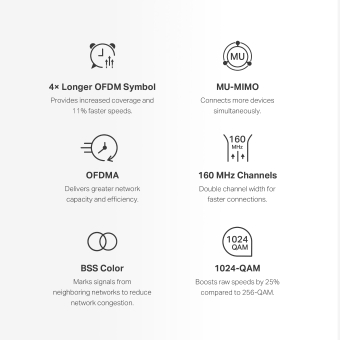
WiFi 6 ile donatılan Halo H80X, ağınızın hemen her yönünü iyileştirir: hız, verimlilik ve kapasite.△
-

4× Daha Uzun OFDM Sembolü
Artırılmış kapsama alanı ve %11 daha hızlı bağlantı sağlar.
-

MU-MIMO
Aynı anda daha fazla cihaz bağlar.
-

OFDMA
Daha fazla ağ kapasitesi ve verimliliği sunar.
-

160 MHz Kanalları
Daha hızlı bağlantılar için kanal genişliğini ikiye katlar.
-

BSS Color
Ağ tıkanıklığını azaltmak için komşu ağlardan gelen sinyalleri işaretler.
-

1024-QAM
256-QAM'e kıyasla ham hızları %25 artırır.
Tüm Ev WiFi Çözümü
Güvenilmez bağlantılar ve dijital yaşam tarzınıza ayak uyduramayan internet hızlarından daha kötü bir şey yoktur. Halo, evinizin her köşesinde güçlü bir WiFi sinyali garanti etmek için birleşik bir sistem olarak çalışır ve inanılmaz hızlı ve kararlı bir ağ deneyimi sunar. Kesintiler ve ara belleğe alma geçmişte kalacak. †
-
Her Köşeden Yayın Yapın
-
Sinyaller Asla Düşmez
-
Kesintisiz Eğlence
2'Lİ PAKET
(5000 ft2 /460 m2)
Tek Bir Birleşik Ağ ile Gerçek Kesintisiz Dolaşım
Halo sistemi, telefonlarınızı veya tabletlerinizi otomatik olarak en hızlı düğüme bağlayarak gerçekten kesintisiz bir ağ deneyimi sunar. Ev içinde dolaşırken ani sinyal düşüşleri veya gecikmeli WiFi sorunları artık yaşanmayacak.‡
-
Güçlü Sinyal Amplifikatörleri
Gelişmiş sinyal amplifikatörleri ve alıcılar, güçlü ve kararlı WiFi sinyalleri yayar.

-
Beamforming
Kablosuz sinyal gücünü cihazlara doğru yoğunlaştırmak için Beamforming teknolojisini destekler.

-
Kendi Kendini İyileştirme
Ağ kararlılığına göre Halolar arasındaki en iyi bağlantı yolunu otomatik olarak seçer.

MERCUSYS Uygulaması ile Kolay Kurulum ve Yönetim
Ağınızı kurmak için ekrandaki talimatları izleyin.
-
Adım 1
Kutuda ihtiyacınız olanları bulun
 Halo Güç Kablosu Ethernet Kablosu
 -
Adım 2
Cihazlarınızı takın

-
Adım 3
Ana Halo'yu yapılandırmak için uygulamadaki ekrandaki talimatları izleyin

-
Adım 4
Kutuya dahil olan ek üniteyi çalıştırın ve otomatik olarak ağa katılacaktır

-
Ebeveyn Denetimleri
-
Bağlı Cihazların Durumunu Kontrol Edin
-
Hizmet Kalitesi
-
Misafir Ağı
-
Yeni Cihaz
Erişim Uyarısı -
Aylık Raporlar


Güçlü Ebeveyn Denetimleri
Güvenli ve sağlıklı bir çevrimiçi ortam oluşturmak için çocuklarınızın çevrimiçi süresini ve içeriğini kolayca yönetin.
-
Kullanıcı Profilleri Oluşturun
Yönetmek istediğiniz her aile üyesi için bir profil oluşturun. Erişim kontrollerini ve zaman sınırlarını ayarlamak için cihazları profile atayın.
-
Çevrimiçi Zaman Sınırları
Çocuklarınızın çevrimiçi kalma sürelerine günlük sınırlar koyun ve sağlıklı bir ağ alışkanlığı oluşturmak için cihazlarından uzun süre internete erişmelerini engelleyin.
-
Uygunsuz Web Sitelerini Engelle
Bir engelleme listesi oluşturarak çocuklarınızın hangi siteleri ziyaret ettiğini kontrol edin.
-
İnternet Bağlantısını Duraklat
Sanal dünyadan bir mola vererek aile üyelerinin internet bağlantılarını askıya alın ve biraz aile zamanı geçirin.
Gelişmiş Kapasite
WiFi 6'nın OFDMA ve MU-MIMO teknolojileriyle geliştirilen Halo H80X, aynı anda 150'den fazla cihaz bağlamanıza olanak tanır. Performansı düşürmeden daha hızlı yüklenen daha verimli bir ağın keyfini çıkarın. †
150'den fazla
Cihaz
Bağlayın
Tam Gigabit Portları + WAN/LAN Otomatik Algılama
WAN/LAN Otomatik Algılama sayesinde, WAN/LAN portları arasında ayrım yapmaya gerek kalmaz. Bu, zaman ve çabayı azaltır, böylece Halo H80X'in kablolu cihazlara yıldırım hızında veri aktarımının keyfini çıkarabilirsiniz. Tam gigabit portları ile cihazlarınız, standart Ethernet bağlantılarından 10 kat daha hızlı çalışacaktır.
daha hızlı
Ek Esneklik için Çoklu Mod
-
 İnternet H80X
Router Modu
Tüm WiFi cihazlarınız için kablosuz bir ağ oluşturur
-
 İnternet Ana Router H80X
Access Point Modu
Kablolu bir ağı genişletir ve onu kablosuz hale getirir
Kapsama Alanınızı Kolayca Genişletin
Halo Tüm Ev WiFi kiti, her türlü ev tipine uyacak şekilde birden fazla ünite içerir. Bu yeterli değilse, istediğiniz zaman daha fazla Halo ekleyerek Mesh WiFi kapsama alanını genişletebilirsiniz.*
*Halo H serisi ve S serisinin birlikte çalışamayacağını lütfen unutmayın.
İnternet
H80X
Ana Router olarak çalışır
H80X
Uydu olarak çalışır
H70X
H50G
5 GHz
2.4 GHz
İsteğe Bağlı Gigabit Ethernet Geri Bağlantısı
†Maximum wireless signal rates are the physical rates derived from IEEE Standard 802.11 specifications. Actual wireless data throughput, wireless coverage, and quantity of connected devices are not guaranteed and will vary as a result of network conditions, client limitations, and environmental factors, including building materials, obstacles, volume and density of traffic, and client location.
‡Seamless roaming requires clients to support 802.11k/v/r and may require additional set up. Performance may vary depending on the client device.
△Use of Wi-Fi 6 and other features including OFDMA, MU-MIMO, 1024-QAM, HE160, BSS Color requires clients to also support the corresponding features. The 160 MHz bandwidth may be unavailable in the 5 GHz band in some regions/countries due to regulatory restrictions. This product may not support all the mandatory features of IEEE 802.11ax specifications. Further software upgrades for feature availability may be required.
*Please note that the Halo H series and S series cannot work together. Halo H80X is compatible with other units from the Halo H series to form a Mesh network.
**All WAN/L AN ports will operate as either WAN or LAN ports. Only one port can serve as a WAN port at a time.
Actual network speed may be limited by the rate of the product's Ethernet WAN or LAN port, the rate supported by the network cable, Internet service provider factors and other environmental conditions.
MERCUSYS
MERCUSYS uygulaması, iOS veya Android cihazlarınız üzerinden sadece birkaç dakika içinde kurulum yapmanıza ve Wi-Fi ağınızı yönetmenize olanak tanıyan en basit çözümü sunar.
MERCUSYS Birkaç Adımda Kurulum Yapmanıza Yardımcı Olur
Herhangi bir teknik bilgiye sahip olmadan veya karmaşık talimatları okumadan, sadece uygulama içi talimatları izleyin. Mesh ağınızı dakikalar içinde kurun.
-
 Halo Güç KablosuEthernet Kablosu
Adım 1
Kutuda Neye İhtiyacınız Olduğunu Bulun
-

Adım 2
Cihazlarınızı Prize Takın
-

Adım 3
MERCUSYS Uygulaması ile Ekrandaki Talimatları İzleyin
Wi-Fi'ınızı Gerçek Zamanlı Olarak Yönetin
MERCUSYS uygulaması ile canlı ağ yönetimini deneyimleyin. Ağınıza kimlerin bağlandığını görün ve iOS veya Android cihazlarınızla istediğiniz zaman yönetin.


Uyarı: Farklı modellerin yapılandırma sayfası farklı olabilir, lütfen doğru model olana bakın.
Güçlü Ebeveyn Denetimleri
Güvenli ve sağlıklı bir çevrimiçi ortam oluşturmak için çocuklarınızın çevrimiçi zamanını ve içeriğini kolayca yönetin.
-
Kullanıcı Profilleri Oluşturma
Yönetmek istediğiniz her aile üyesi için bir profil oluşturun. Erişim kontrollerini ve zaman sınırlarını ayarlamak için profile cihazlar atayın.
-
Çevrimiçi Zaman Kısıtlamaları
Sağlıklı bir ağ alışkanlığı oluşturmak için çocuklarınızın çevrimiçi ortamda geçirdikleri süreye günlük sınırlar koyun ve cihazlarından uzun süre internete erişmelerini engelleyin.
-
Uygunsuz Web Sitelerini Engelleyin
Bir engelleme listesi belirleyerek çocuklarınızın hangi siteleri ziyaret ettiğini kontrol edin.
-
İnternet Bağlantısını Duraklatın
Sanal dünyaya ara verip ailece vakit geçirmek için aile üyelerinin internet bağlantılarını askıya alın.
Ev Ağınızı Yönetin ve Güvenliğini Sağlayın
MERCUSYS uygulaması, iOS veya Android cihazlarınız aracılığıyla Wi-Fi'ınızı evde veya dışarıda yönetmenize yardımcı olur.

Bağlı Cihazların Durumunu Kontrol Edin
Halo ağınızın çalışma durumunu sezgisel olarak görüntüleyin ve nelerin bağlı olduğunu görün. Cihazları gerektiği gibi önceliklendirin veya engelleyin.

Hizmet Kalitesi (QoS)
Daha iyi performans göstermesi için seçtiğiniz cihazlara öncelik verir.

Yeni Cihaz Erişim Uyarısı
MERCUSYS uygulaması, tanımadığınız bir cihaz bağlandığında sizi bilgilendirmek için proaktif olarak bir uyarı gönderir. Güvenlik riski oluşturuyorsa cihazı engellemek için dokunun.

Bir Misafir Ağı Kurun
Güvenliğinizi ve gizliliğinizi sağlamak için misafirler için ayrı bir ağ sağlar.
Her Şey Tek Bir Uygulamada
İster çok çeşitli MERCUSYS yönlendiricileri, genişleticileri veya Halo mesh sistemlerini kontrol etmek istiyor olun, hepsini uygulamada bulabilirsiniz.
Hangi Modellerin Uyumlu Olduğunu ÖğreninUyumlu Ürünler
Not: Cihazın aygıt yazılımının en son sürüm olması gerekir. Aygıt yazılımınızı nasıl yükselteceğinizi öğrenmek için buraya tıklayın.
Not: Bu modellerin hem listelenen hem de daha yüksek donanım sürümleri MERCUSYS uygulaması ile uyumludur.
KATEGORİLER
-
Halo Mesh
-

Halo H50G V1
AC1900 Whole Home Mesh Wi-Fi System
-

Halo H30G V1
AC1300 Whole Home Mesh Wi-Fi System
-

Halo H80X V1
AX3000 Whole Home Mesh WiFi 6 System
-

Halo H70X V1
AX1800 Whole Home Mesh WiFi 6 System
-

Halo H30 V1
AC1200 Whole Home Mesh Wi-Fi System
-

Halo H90X V1
AX6000 Whole Home Mesh Wi-Fi System
-
-
Wi-Fi Routerlar
-

MR70X V1
AX1800 Dual Band Wi-Fi 6 Router
-

MR80X V1
AX3000 Dual-Band Wi-Fi 6 Router
-

MR50G V1
AC1900 Wireless Dual Band Gigabit Router
-

AC12G V2
AC1300 Wireless Dual Band Gigabit Router
-

MR30G V1
AC1200 Wireless Dual Band Gigabit Router
-
MR1200G V1
AC1200 Wireless Dual Band Gigabit Router
-
MR1900G V1
AC1200 Wireless Dual Band Gigabit Router
-

MR1800X V1
AX1800 Dual-Band WiFi 6 Router
-

MR90X V1
AX6000 8-Stream Wi-Fi 6 Router
-
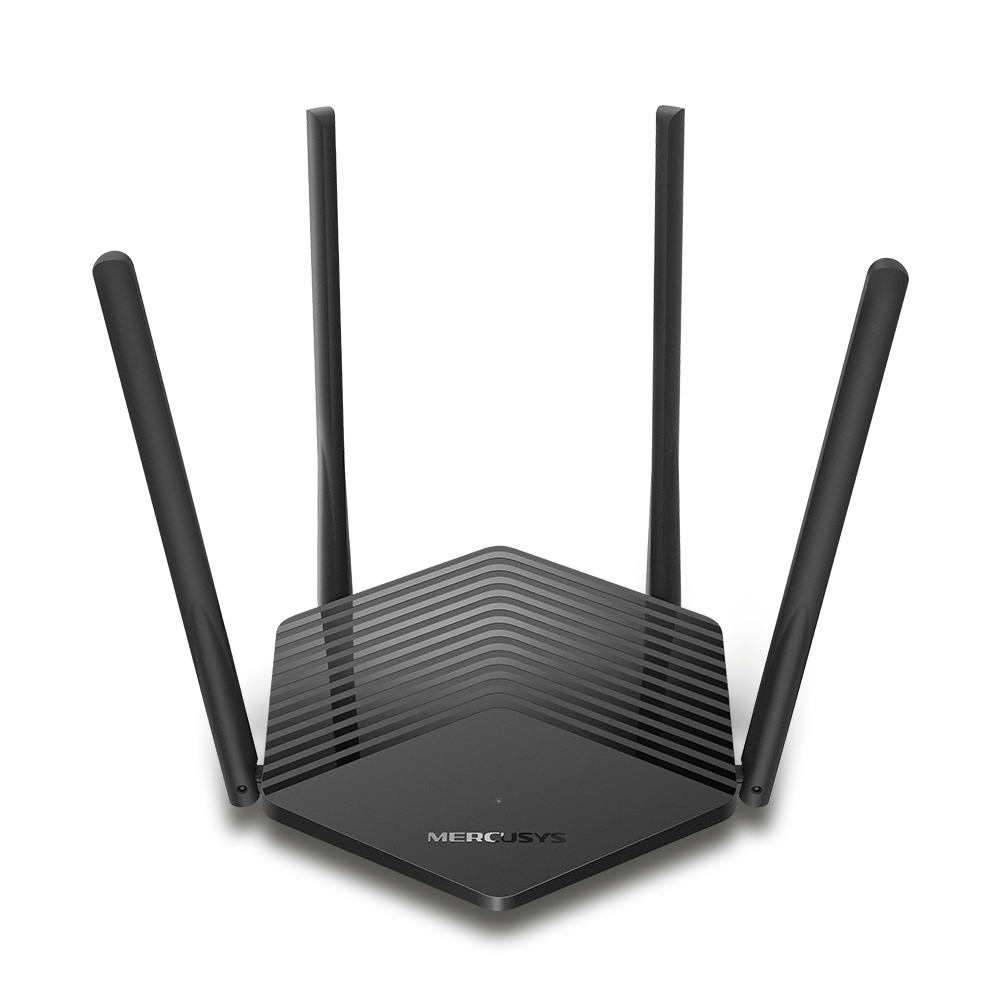
MR60X V2
AX1500 Wi-Fi 6 Router
-
2.0_01_large20200513030154.jpg)
AC12 V3
AC1200 Dual Band Wireless Router
-
1.0_01_large20200616070042.jpg)
AC10 V1
AC1200 Wireless Dual Band Router
-

MW325R V3
300Mbps Enhanced Wireless N Router
-
_1906_02_large20200513090024.jpg)
MW305R V3
300Mbps Wireless N Router
-
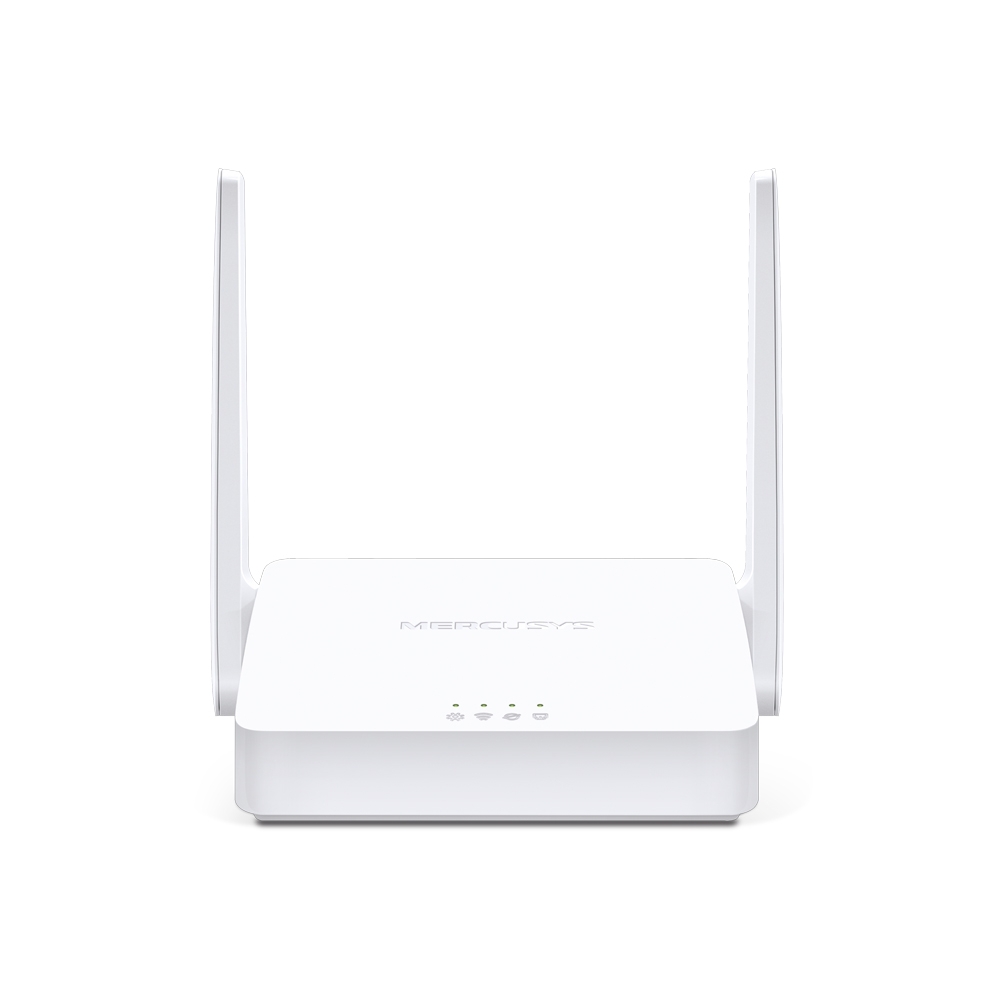
MW301R V3
300Mbps Wireless N Router
-
-
Range Extenderlar
-

ME70X V1
AX1800 Wi-Fi 6 Range Extender
-

ME50G V1
AC1900 Wi-Fi Range Extender
-

ME30 V1
AC1200 Wi-Fi Range Extender
-
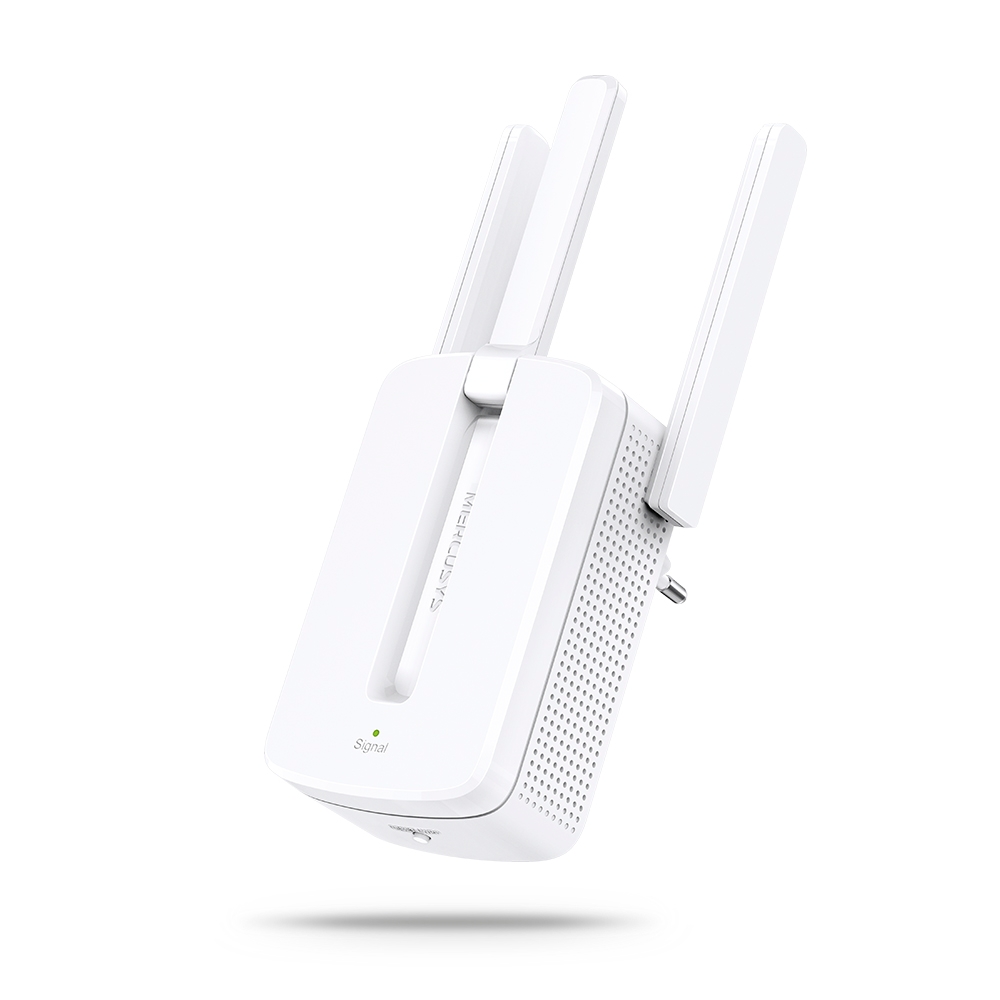
MW300RE V4
300Mbps Wi-Fi Range Extender
-
Çoklu Dil Desteği
MERCUSYS uygulaması 26 dile kadar destek vererek dünyanın her yerindeki kullanıcılar için kolay ağ yönetimi sağlar.
-
English
-
Nederlands
-
Français
-
Deutsch
-
Italiano
-
日本語
-
한국어
-
Português
-
Español
-
繁體中文
-
Русский язык
-
Português Brasil
-
Español
(Latinoamérica) -
Български
-
Українська мова
-
Polski
-
Română
-
Slovenčina
-
ไทย
-
Türkçe
-
Čeština
-
Tiếng Việt
-
Eλληνικά
-
Bahasa Melayu
-
Magyar
-
עברית
- Wireless
- Wireless Standardı
Wi-Fi 6
IEEE 802.11ax/ac/n/a 5 GHz
IEEE 802.11ax/n/b/g 2.4 GHz- Sinyal hızı
2402 Mbps on 5 GHz, 574 Mbps on 2.4 GHz
- Alım hassasiyeti
- 2.4GHz:11g 6Mbps:-96.5dBm11g 54Mbps:-78dBm11AX HE20 MCS0:-96.5dBm11AX HE20 MCS11:-65dBm11AX HE40 MCS0:-93.5dBm11AX HE40 MCS11:-63dBm5GHz:11a 6Mbps:-96dBm11a 54Mbps:-78dBm11ac VHT20 MCS8:-74.5dBm11ac VHT40 MCS9:-70.5dBm11ac VHT80 MCS9:-66.5dBm11AX HE20 MCS11:-66dBm11AX HE40 MCS11:-63dBm11AX HE80 MCS11:-61dBm
- Transmission Power
2.4 GHz < 20dBm (EIRP)
5 GHz < 23dBm (EIRP)- Wireless Security
WPA-PSK/WPA2-PSK/WPA3
- Mesh protokolü
802.11k/v/r
- Software
- Operation Modes
Router, Access Point
- Quality of Service
WMM
- WAN Type
Dynamic IP/Static IP/PPPoE/L2TP/PPTP
- Management
Local Management, Remote Management, Multi-Managers
- DHCP
Server, Client
- Firewall Security
SPI Firewall
- Protocols
Supports IPv4 and IPv6
- Guest Network
2.4 GHz Guest Network,
5 GHz Guest Network
- Hardware
- Boyutlar (E X B X Y)
5 × 3.2 × 3.3 in (128 × 81 × 83.7 mm)
- Arayüzler
3× Gigabit Ports per Halo Unit
(WAN/LAN auto-sensing)- Buton
Reset button
- Diğerleri
- Network Services Enabled by Default
Web Server
Manage and configure device through web (HTTP/HTTPS)
• Port: 80/443; Protocol: TCP
DHCP Server
IP address assignment (DHCP)
• Port: 67; Protocol: UD
DNS
DNS
• Port: 53; Protocol: TCP & UDP
App management
Manage and configure device through app
• Port: 20001; Protocol: TCP
• Port: 20002; Protocol: UDP
- Package Contents
3-pack
3× Halo H80X Units
1× RJ45 Ethernet Cable
3× Power Adapters
Quick Installation Guide2-pack
2× Halo H80X Units
1× RJ45 Ethernet Cable
2× Power Adapters
Quick Installation Guide- Environment
Operating Temperature: 0°C~40°C (32°F~104°F)
Operating Humidity: 10%~90% Non-Condensing
Storage Humidity: 5%~90% Non-Condensing