MT115 [V1] | 4G LTE Mobile Wi-Fi


MT115
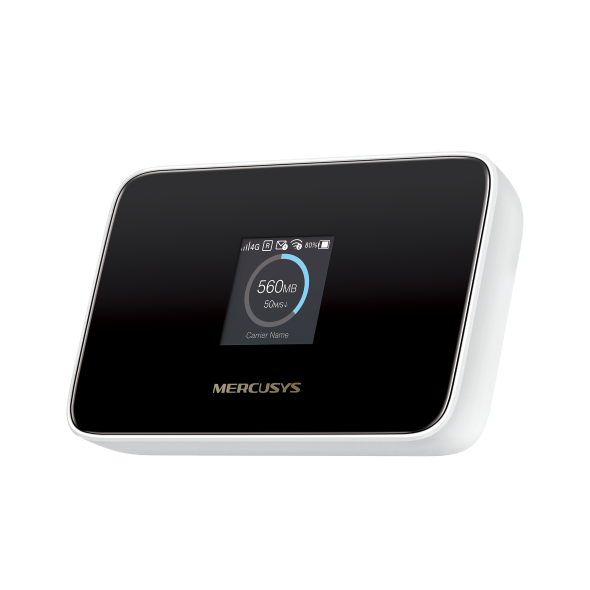
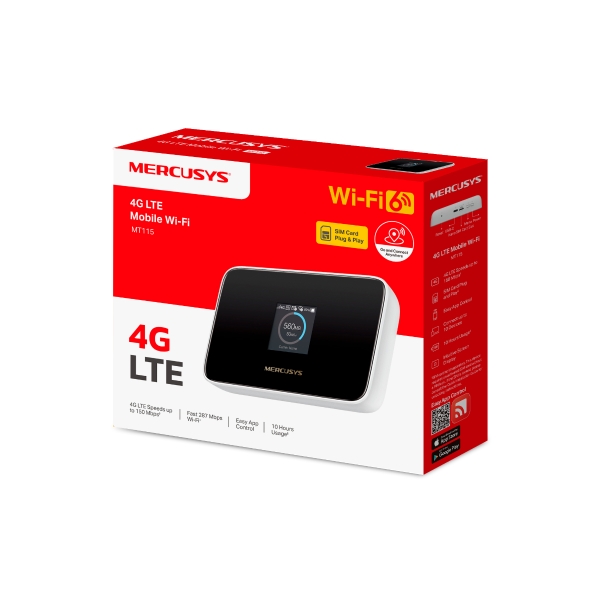
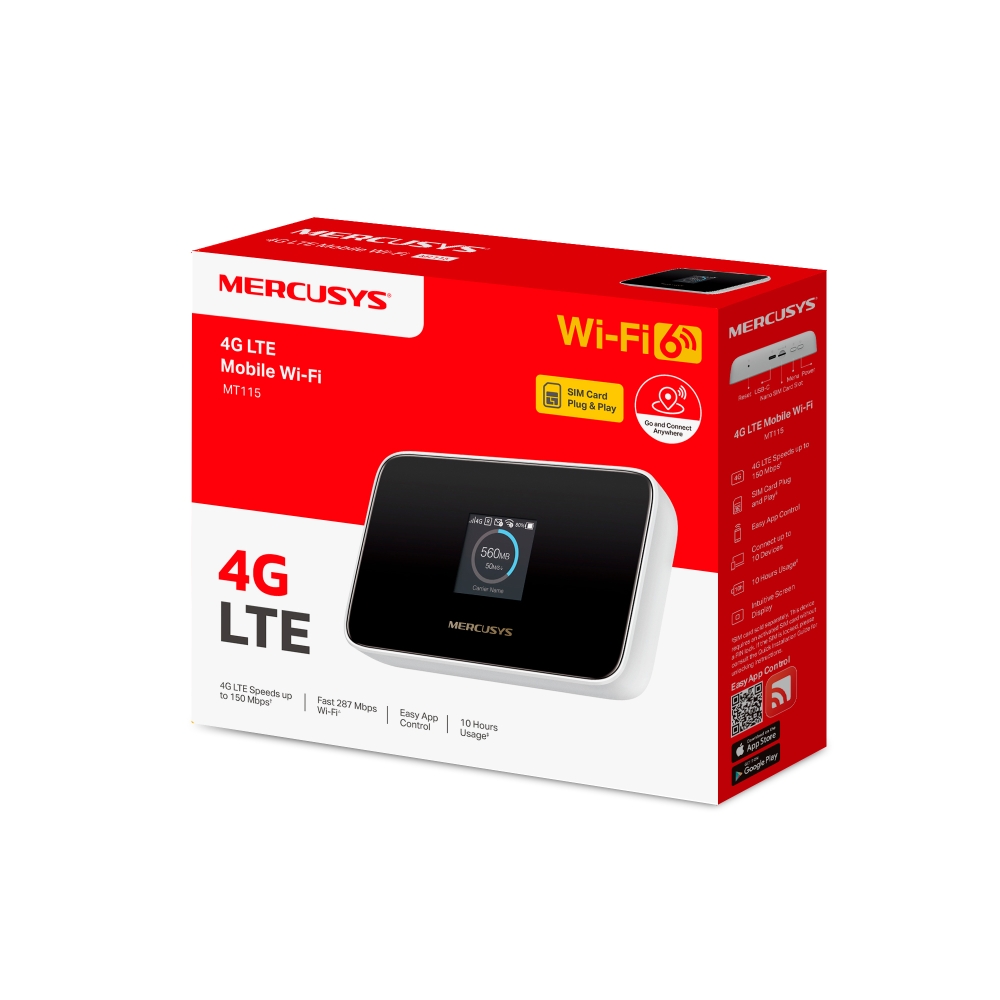
4G LTE Mobile Wi-Fi
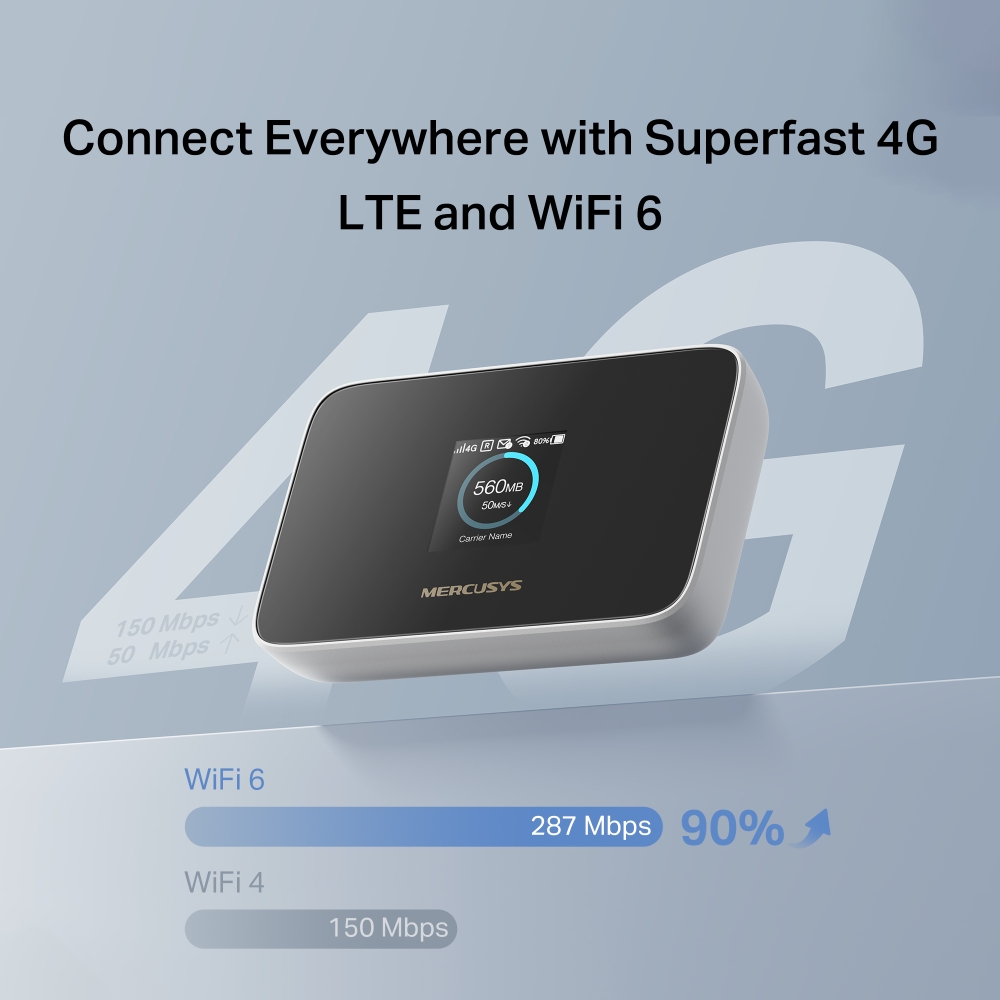
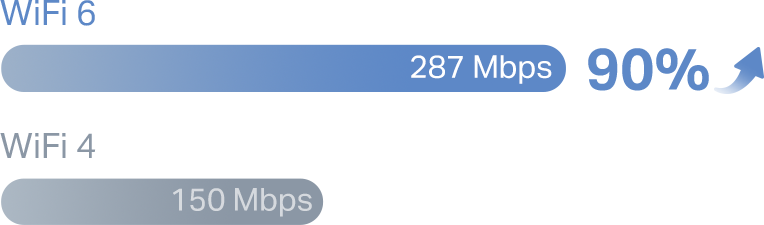
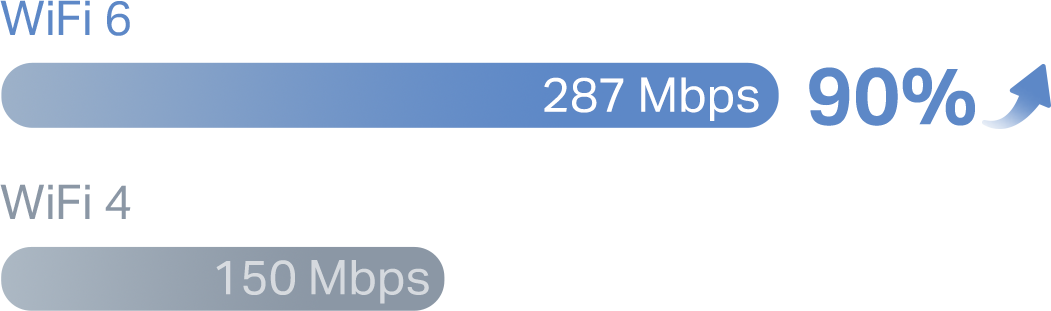
- AX300 WiFi 6 – Fast WiFi speeds up to 287 Mbps on the 2.4 GHz band.
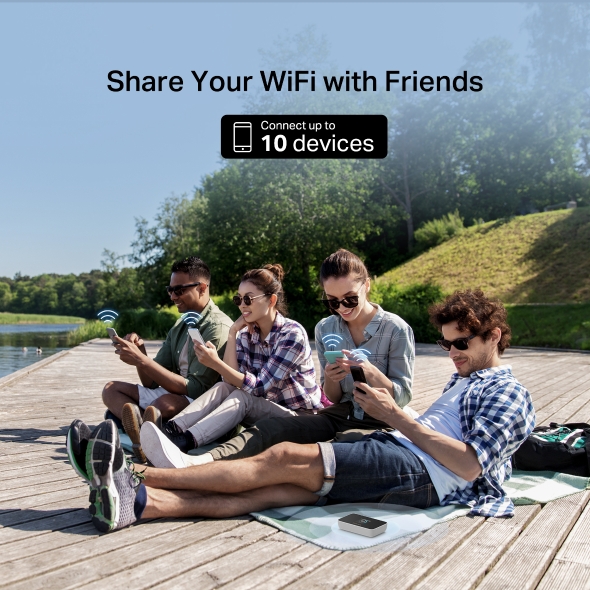
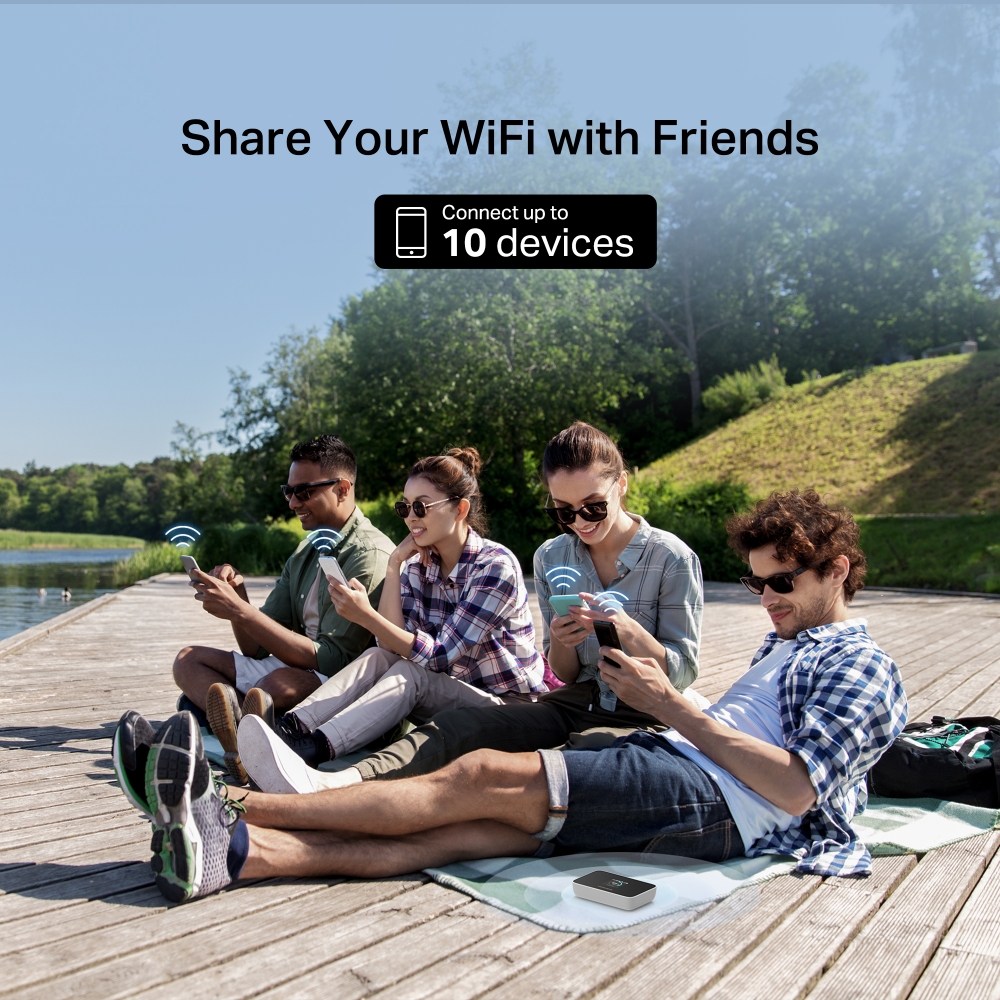
- More Connections – Share with friends internet access for up to 10 devices simultaneously.
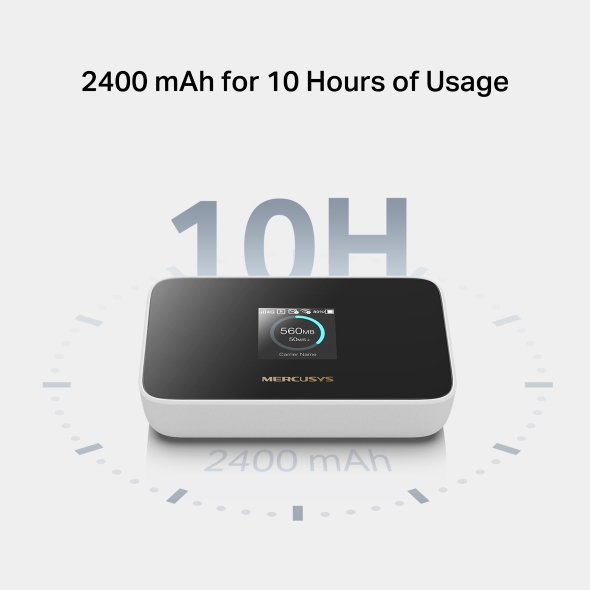
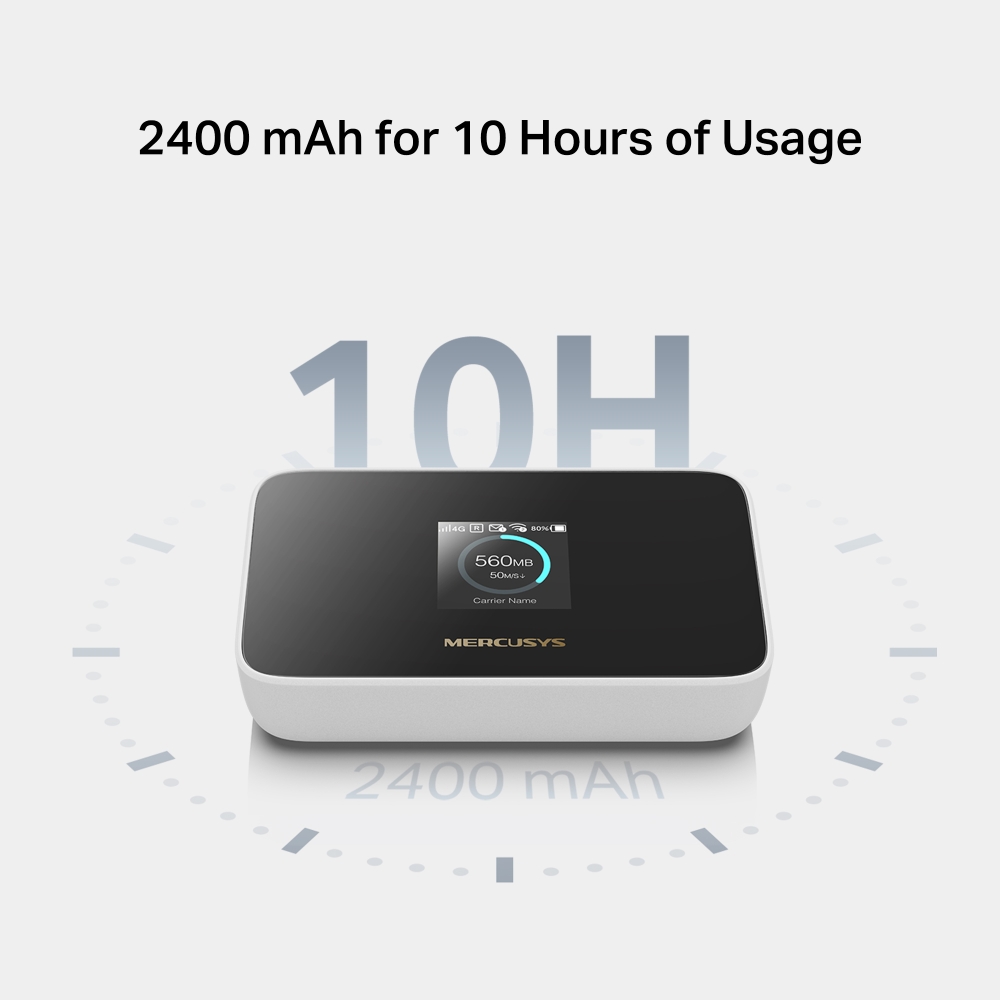
- Long usage – 2400 mAh battery for 10 hours.
- 4G Network – Supports 4G FDD/TDD-LTE, compatible with the network of most countries and regions, and enjoy download speeds of up to 150 Mbps.
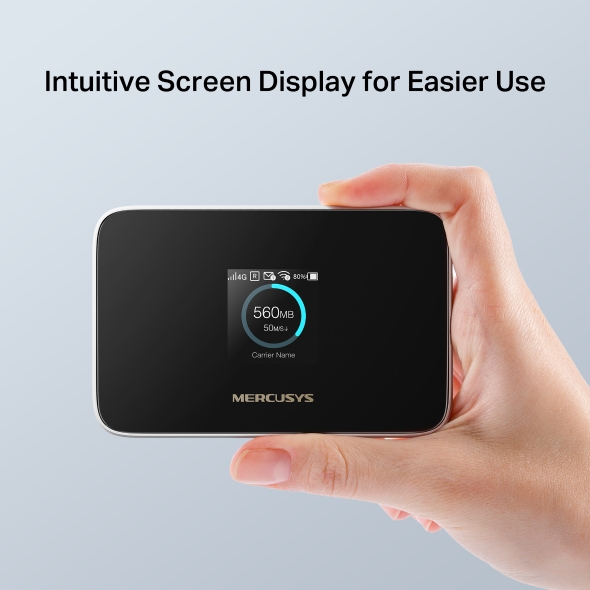
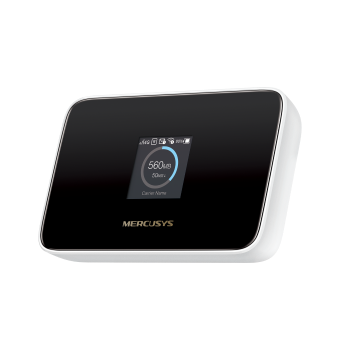
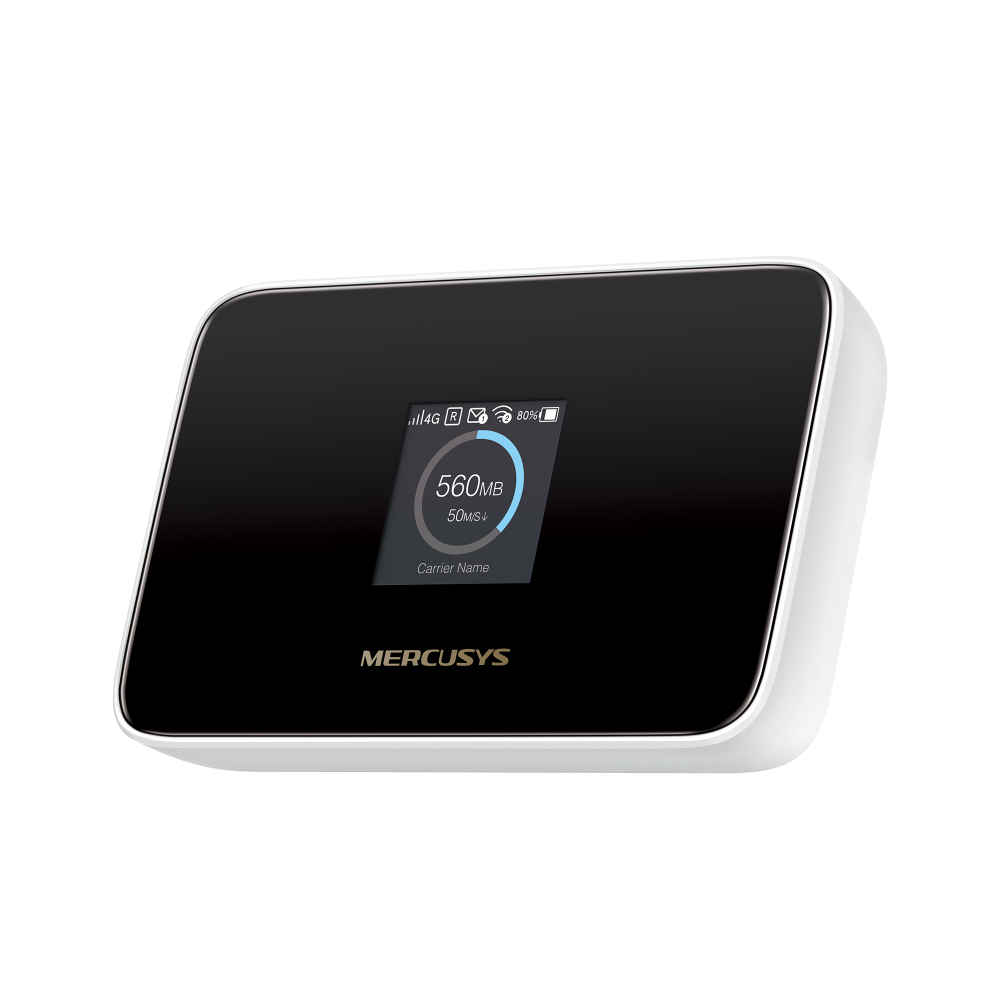
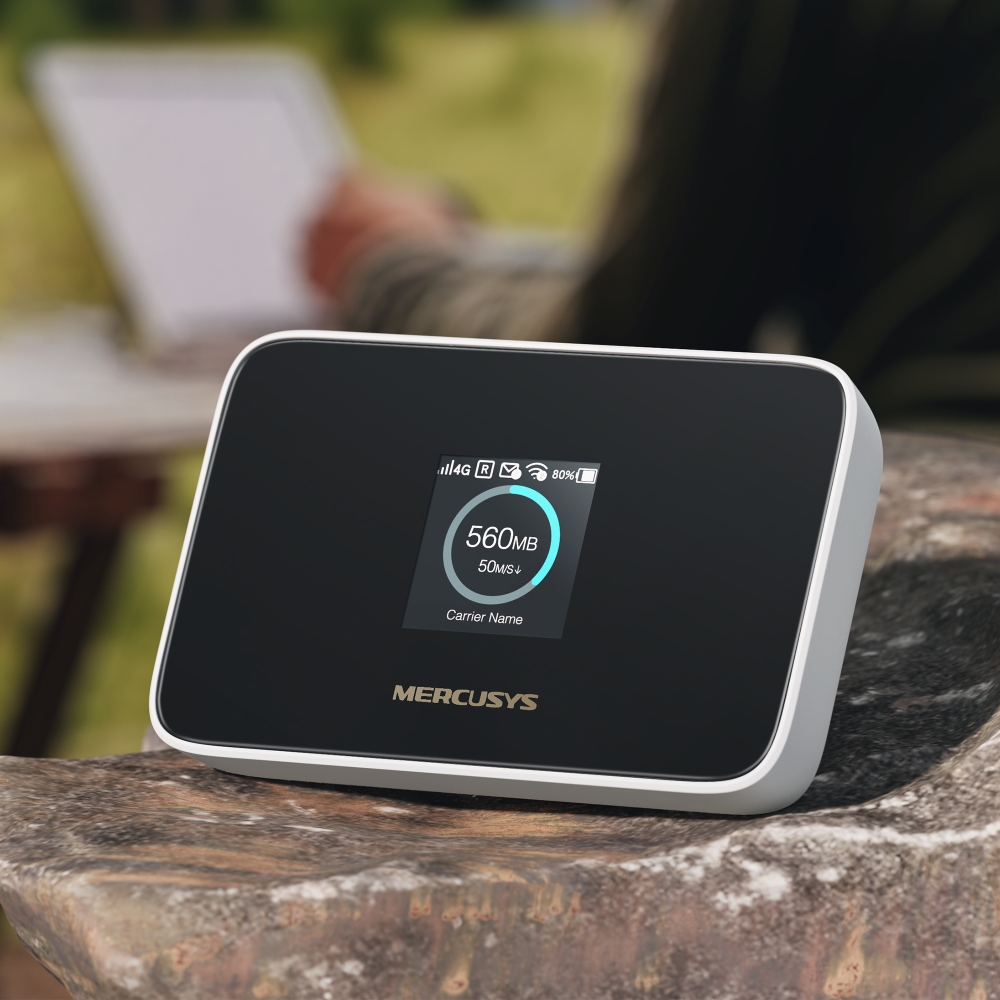
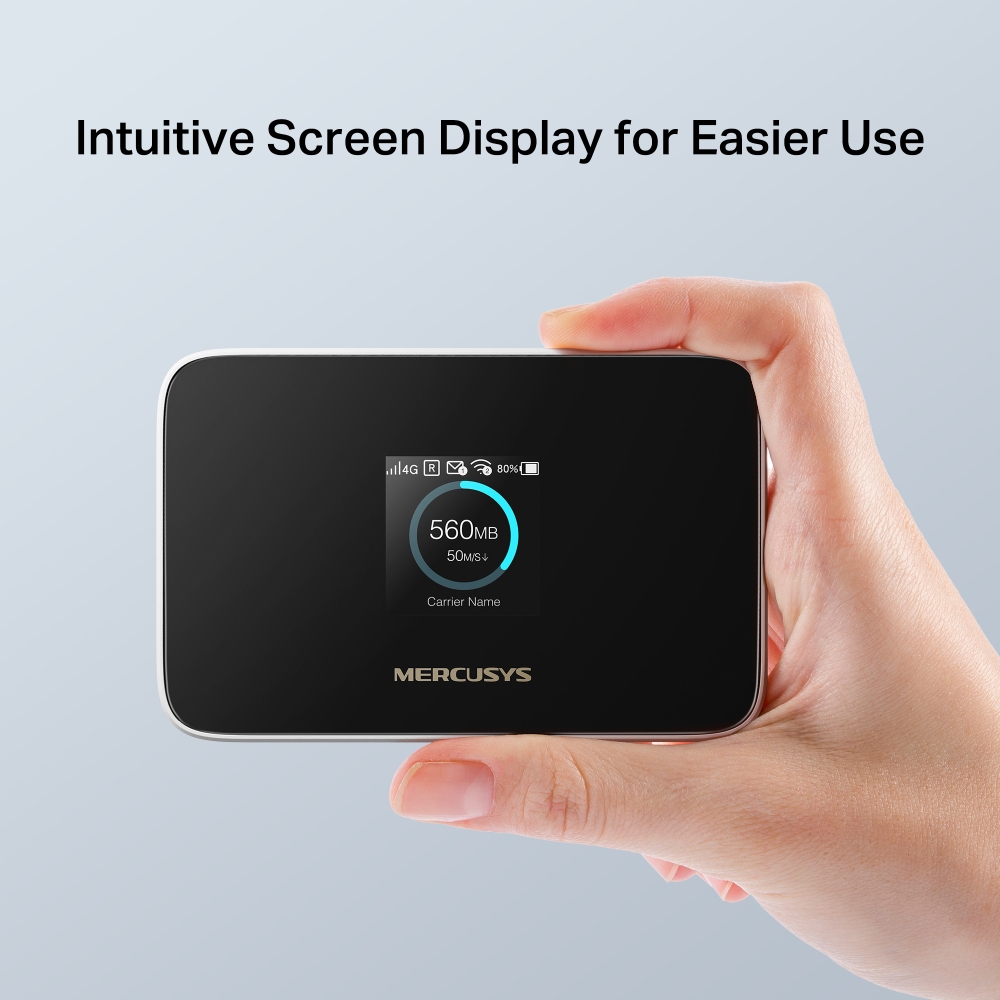
- Intuitive Screen Display for Easier Use – All useful info at a glance. Make it easy to stay within your data budget and avoid going over the monthly data cap.
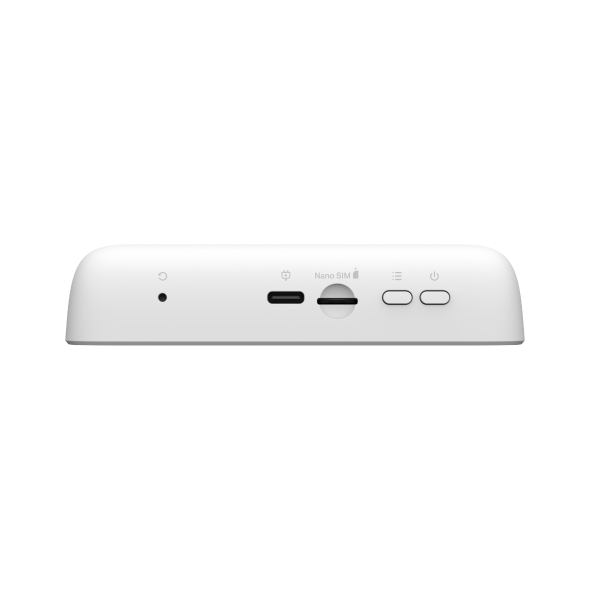
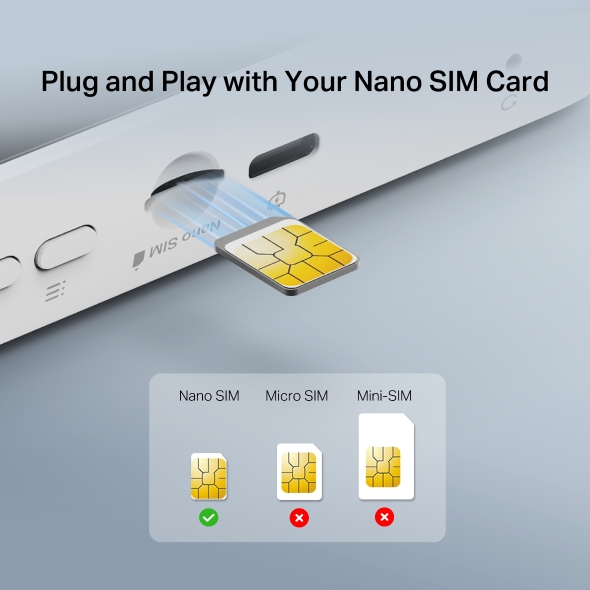
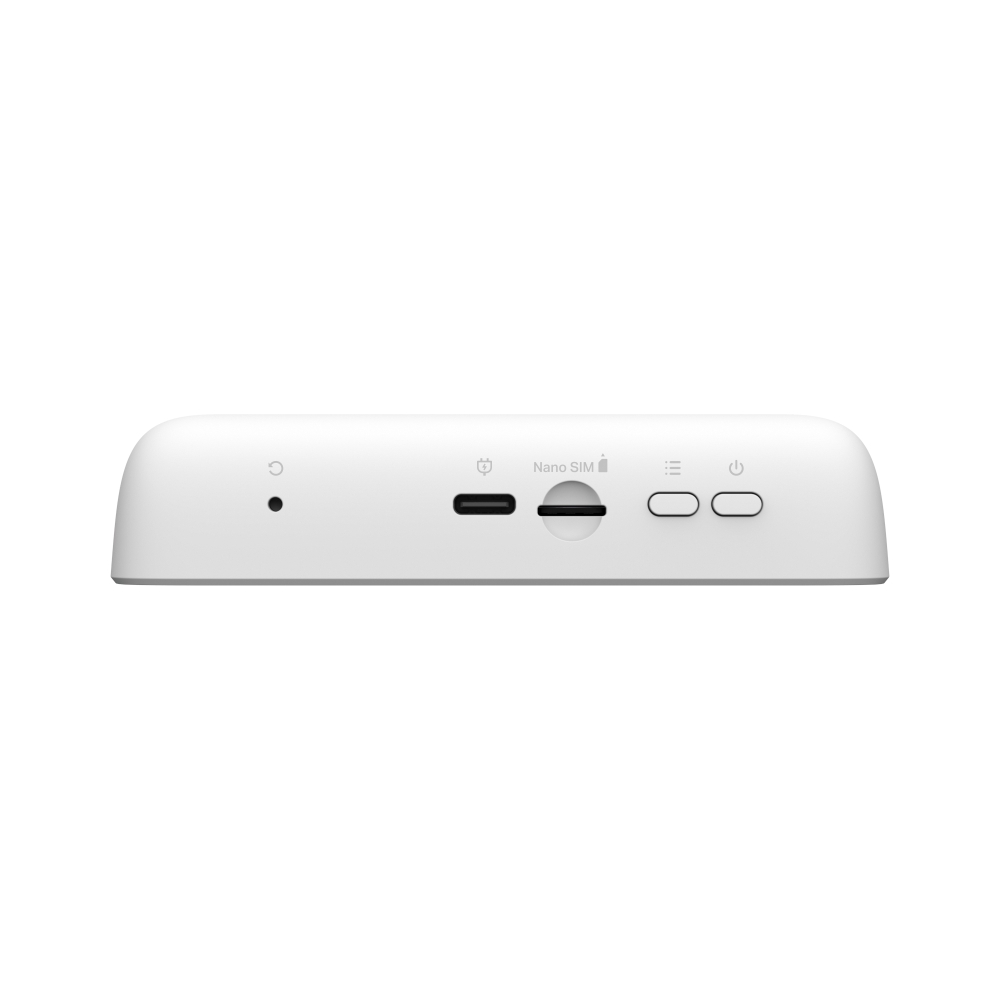
- SIM Card Plug and Play – Go anywhere and connect everywhere easily.
- Easy App Control – Management with the MERCUSYS App.

Go and Connect Anywhere
4G LTE Mobile WiFi
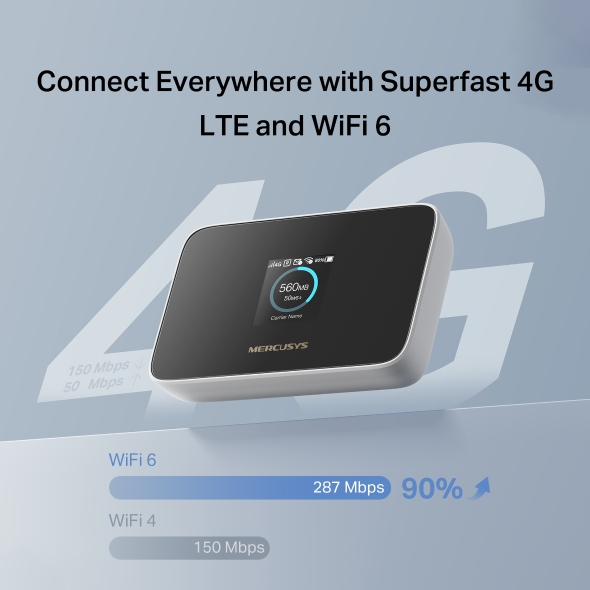
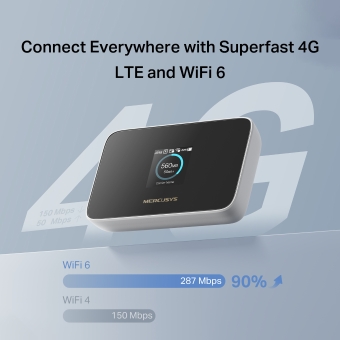
Connect Everywhere with Superfast 4G LTE and WiFi 6
MT115 uses 4G LTE technology to achieve superfast speeds up to 150 Mbps download and 50 Mbps upload. It can also share a WiFi network with a maximum speed of 287 Mbps on 2.4 GHz for gaming, streaming, and more.
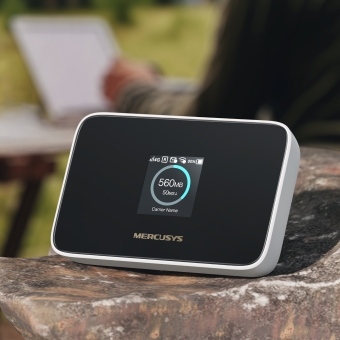
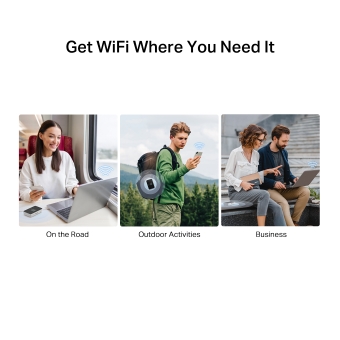
Get WiFi Where You Need It
Enjoy unmatched convenience and versatility, proven by years of field testing. Advanced LTE antenna compatibility ensures broad compatibility and smooth connectivity, with fast, stable WiFi—perfect for home and remote work.
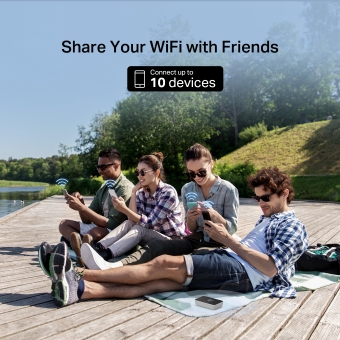
Share Your WiFi with Friends
A remarkable number of wireless gadgets are compatible with this small mobile hotspot without any issues. Up to 10 simultaneous connections for tablets, laptops, mobile phones, and other devices are supported by MT115.

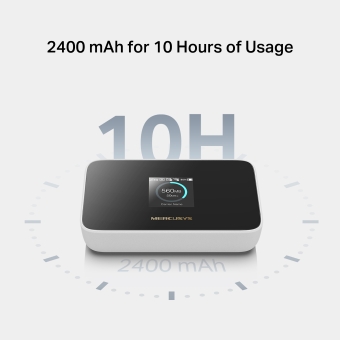
2400 mAh for 10 Hours of Usage
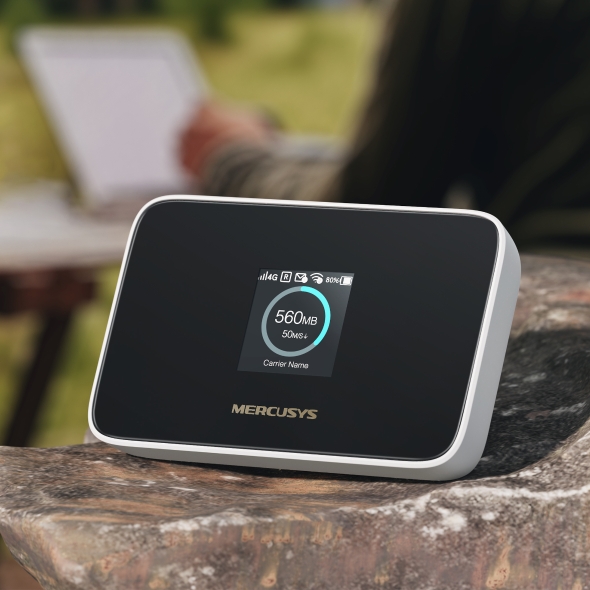
MT115 is the ideal travel companion with its long-lasting 2400mAh battery that enables up to 10 hours of wireless access for various occasions, including business trips, outdoor sports, and more.
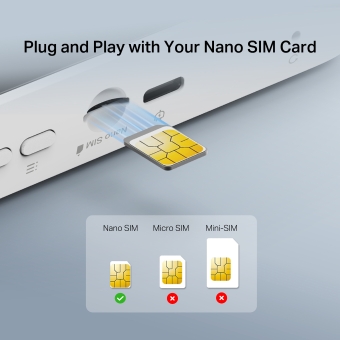
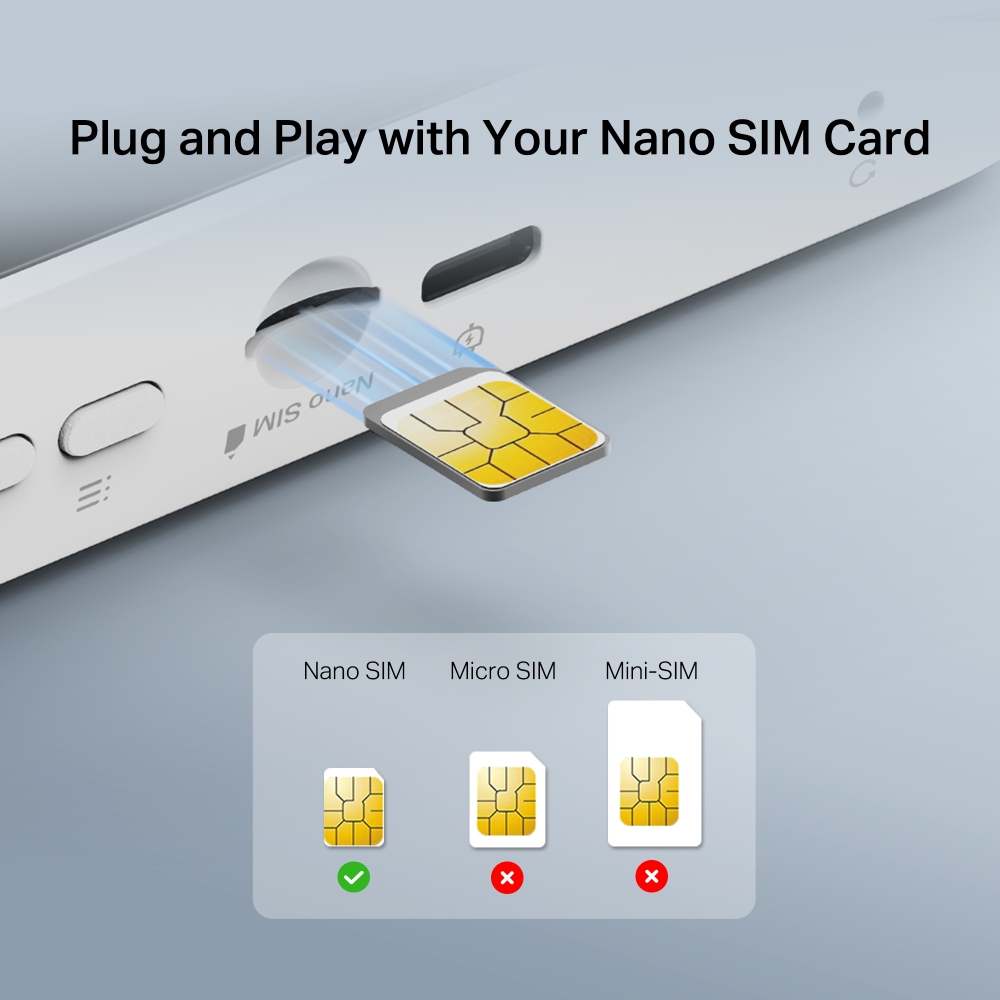
Plug and Play with Your Nano SIM Card
No configuration needed. Simply insert a nano SIM card, power on MT115, and enjoy your WiFi in seconds.*
*SIM card sold separately. This device requires an activated SIM card without a PIN lock. If the SIM is locked, please consult the Quick Installation Guide for unlocking instructions.
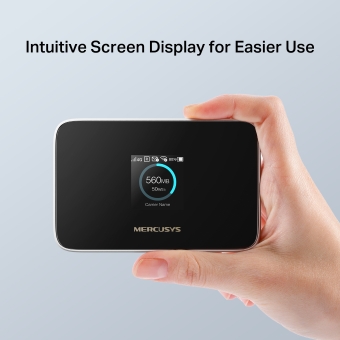
Intuitive Screen Display for Easier Use
All useful info at a glance. Stay within your data budget and avoid going over your monthly data cap. The screen also displays battery, signal strength, WiFi status, connected users, and more.
-

Home
-

Device
Info -

Power Saving
-

WPS
-

WiFi
Band -

Network Mode
-

Data Roading
-

App Download
Easy Control with the MERCUSYS App
Set up and manage your WiFi through the MERCUSYS app from your phone (Android or iOS).




†Maximum 4G download speeds depend on external factors such as the local 4G network coverage, data plan, real-time network capacity, client limitations, and environmental factors. ‡Actual battery time may vary due to different user environments. §SIM card sold separately. This device requires an activated SIM card without a PIN lock. If the SIM is locked, please consult the Quick Installation Guide for unlocking instructions. △Maximum wireless signal rates are the physical rates derived from IEEE Standard 802.11 specifications. Actual wireless data throughput and wireless coverage, and quantity of connected devices are not guaranteed and will vary as a result of network conditions, client limitations, and environmental factors, including building materials, obstacles, volume and density of traffic, and client location.
MERCUSYS
The MERCUSYS app provides the easiest way for you to set up in minutes and manage your WiFi at home or away through your iOS or Android devices.

MERCUSYS Helps You Set Up in A Few Steps
Without any technical know-how or reading complicated instructions, simply follow the in-app instructions. Set up your mesh network in minutes.
-
 Halo Power Cable Ethernet Cable
Step 1
Find what you’ll need in the box
-

Step 2
Plug in your devices
-

Step 3
Follow the on-screen directions with the MERCUSYS app
Manage Your WiFi in Real Time
With the MERCUSYS app, experience live network management. See who’s connecting to your network and manage it at any time with your iOS or Android devices.


Notice: The configuration page of different models may be different, please refer to the actual one.
Powerful Parental Controls
Easily manage your kids’ online time and content to create a safe and healthy online environment.
-
Create User Profiles
Create a profile for each family member you would like to manage. Assign devices to the profile to set access controls and time limits for them.
-
Online Time Limits
Set daily limits on how long your kids spend online and prevent them from accessing the internet on their devices for a long time to build a healthy network habit.
-
Block Inappropriate Websites
Control which sites your kids visit by setting a block list.
-
Pause Internet Connection
Suspend family members’ internet connections to take a break from the virtual world to enjoy some family time.
Manage and Secure Your Home Network
The MERCUSYS app helps you manage your WiFi at home or away through your iOS or Android devices.

Check the Status of Connected Devices
Intuitively view the working status of your Halo network and see what is connected. Prioritize or block devices as needed.

Quality of Services
Prioritizes devices you select to perform better.

New Device Access Alert
The MERCUSYS app proactively sends out an alert to inform you when an unfamiliar device is connected. Tap to block the device if it is a security risk.

Set Up a Guest Network
Provides a separate network for guests to ensure your security and privacy.
Everything in One App
Whether you’re looking to control a wide range of MERCUSYS routers, extenders, or Halo mesh systems, find it all on the app.
See what’s compatibleCompatible Products
Note: The device's firmware requires the latest version. Click here to learn how to upgrade your firmware.
Note: Both listed and higher hardware versions of these models are compatible with the MERCUSYS app.
Supporting Multiple Languages
MERCUSYS app supports up to 26 languages, enabling easy network management for users all over the world.
-
English
-
Nederlands
-
Français
-
Deutsch
-
Italiano
-
日本語
-
한국어
-
Português
-
Español
-
繁體中文
-
Русский язык
-
Português Brasil
-
Español
(Latinoamérica) -
Български
-
Українська мова
-
Polski
-
Română
-
Slovenčina
-
ไทย
-
Türkçe
-
Čeština
-
Tiếng Việt
-
Eλληνικά
-
Bahasa Melayu
-
Magyar
-
עברית
- Wireless
- Network Type
Support 4G/3G network
FDD-LTE: B1/B3/B5/B7/B8/B20/B28(2100/1800/850/2600/900/800/700 MHz)
TDD-LTE: B38/B40 (2600/2300 ΜHz)
HSPA+/UMTS: B1/B5/B8 (2100/850/900 ΜHz)
- Wireless Standards
IEEE 802.11ax/b/g/n 2.4 GHz
- Frequency
2.4 GHz
- Reception Sensitivity
11b 11Mbps: -87.5dBm
11g 54Mbps: -74dBm
11n HT20 MCS7: -71dBm
11n HT40 MCS7: -69dBm- Transmission Power
<20dBm
- Wireless Security
Support WPA-PSK/WPA2-PSK,Wireless MAC Filtering, Enable/Disable SSID Broadcast
- Hardware
- Dimensions
111.1 × 71.6 × 24.2 mm
(4.37 × 2.82 × 0.95 in)
- Interfaces
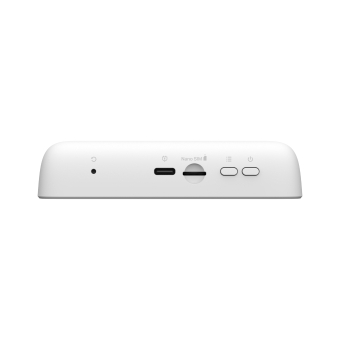
1 USB-C port for power supply
1 Nano SIM card slot- Button
Power Button, Reset Button, Menu Button
- External Power Supply
5V/1A
- Antenna Type
Internal Antennas
- Data Rates
4G LTE Speed: DL: 150 Mbps, UL: 50 Mbps
WiFi Speed: 287 Mbps on 2.4 GHz
- Screen Display
1.44 inch TFT
- Software
- DHCP
Server, Client, DHCP Client List
- Others
- Network Services Enabled by Default
Web Server
Manage and configure device through web
• Port: 80/443 Protocol: HTTP/HTTPS
DHCP/DHCPv6
IP address assignment
• Port: 67/547 Protocol: UDP
DNS
DNS
• Port: 53 Protocol: UDP
Dropbear
Manage and configure device through app
• Port: 20001 Protocol: SSH
App management
Manage and configure device through app
• Port: 20002 Protocol: TMP
- Package Contents
Mobile Wi-Fi MT115
USB-C Cable
Quick Installation Guide- Environment
Operating Temperature: 0°C~35°C (32°F ~95°F)
Storage Temperature: -10°C~40°C (14°F ~104°F)
Operating Humidity: 0%~75% non-condensing
Storage Humidity: 0%~65% non-condensing- System Requirements
Windows 11/10/8/7, Mac OS, Android, iOS, Windows Phone