MB521-5G [V1] | 5G AX3000 無線雙頻路由器
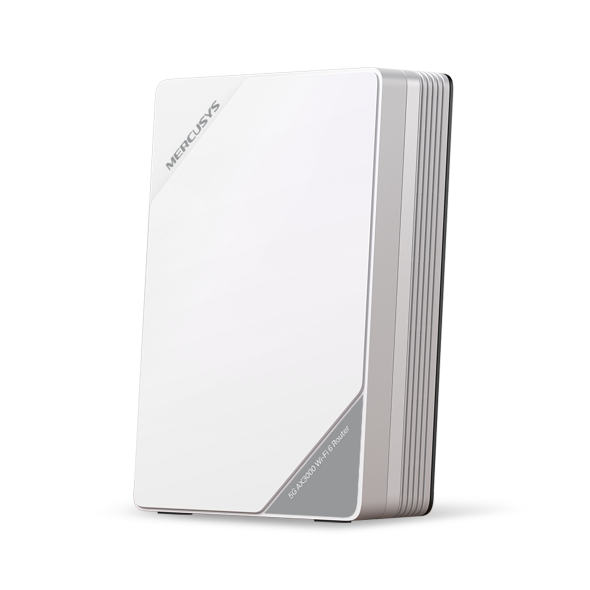


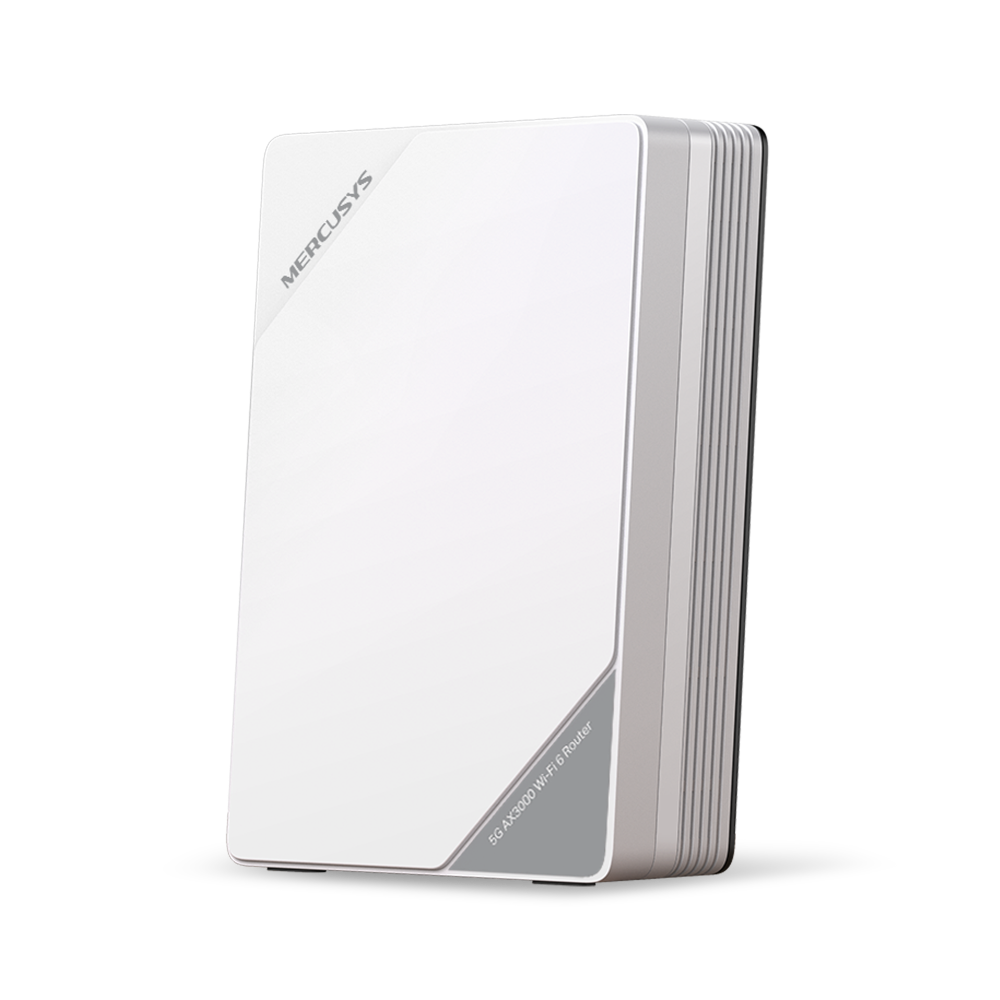

MB521-5G
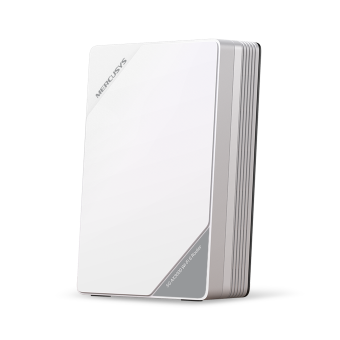
5G AX3000 無線雙頻路由器
享受
5G 高速網絡
5G AX3000 無線雙頻路由器


無論您身在何處,生活、工作或旅行,都能享受可靠的高速網絡連線










5G網絡 引領下一波創新浪潮
憑藉大規模 MIMO、優化的 OFDM 等技術,5G 技術可提供更高的多千兆峰值資料速率、超低延遲、更高的可靠性和更大的網路容量。加入專業人士的行列,體驗下一代蜂窩網路的卓越效能。
最多
31×
比 4G-LTE Cat4 更快
-
5G
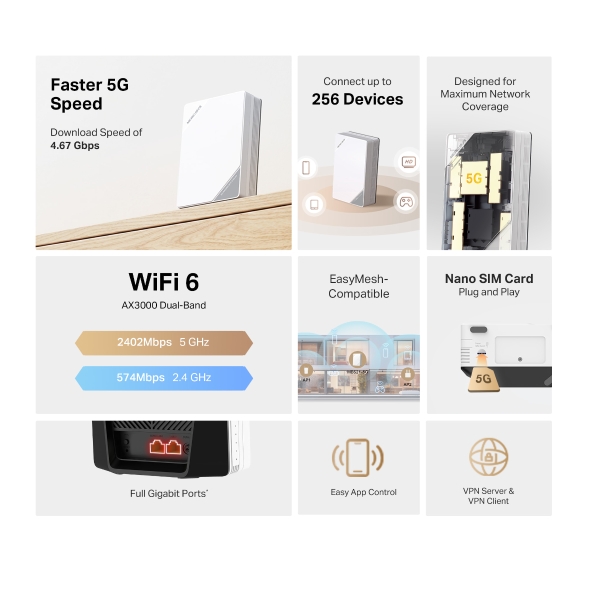
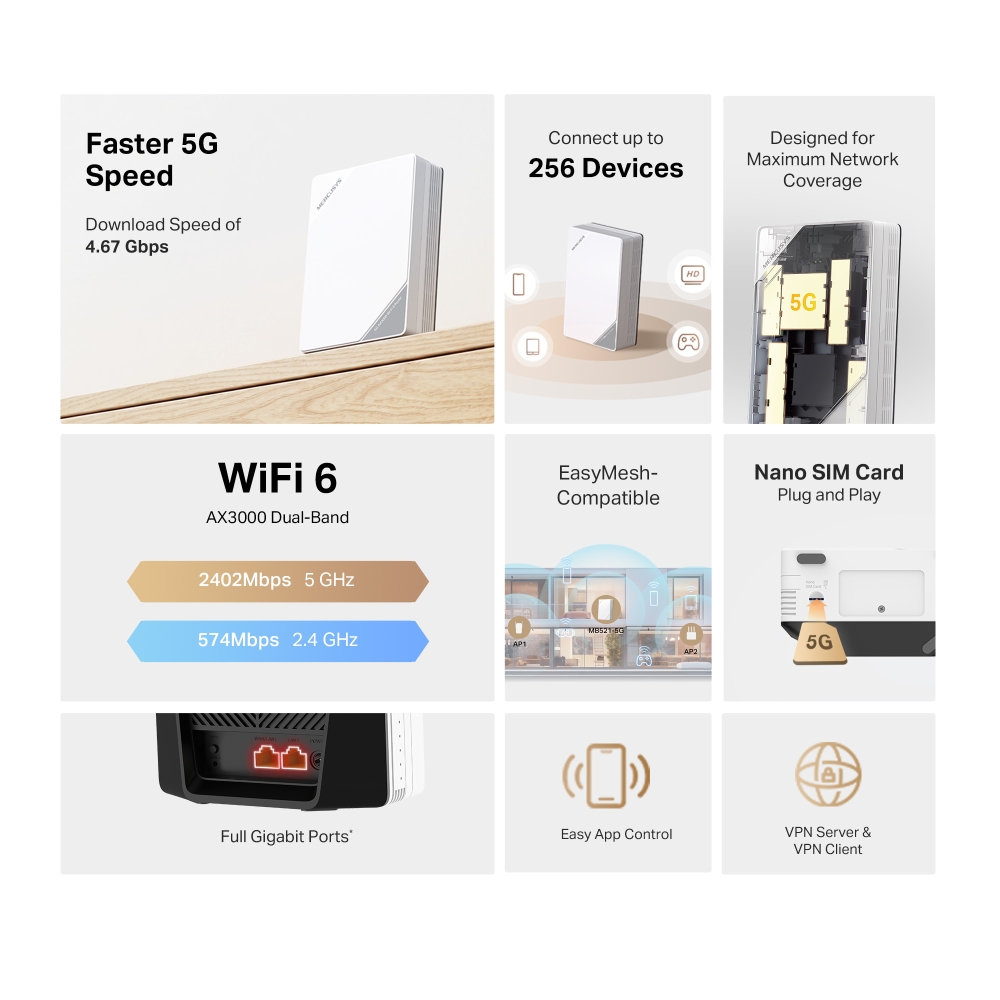
4.67 Gbps
-
4G-LTE Advanced Cat6
-
4G-LTE Cat4
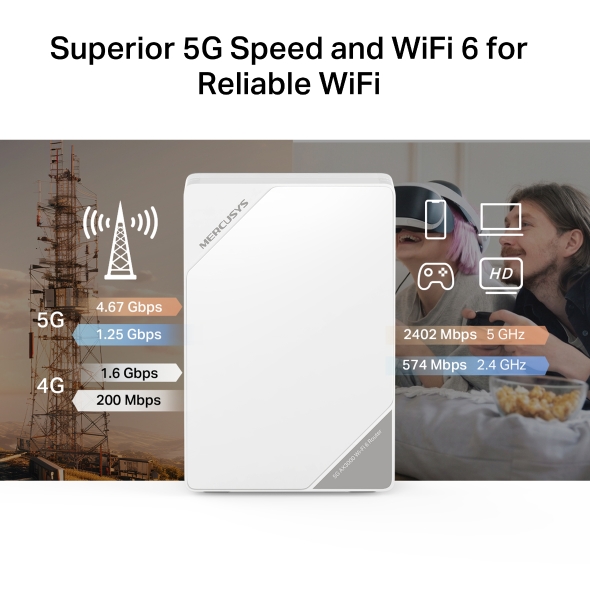
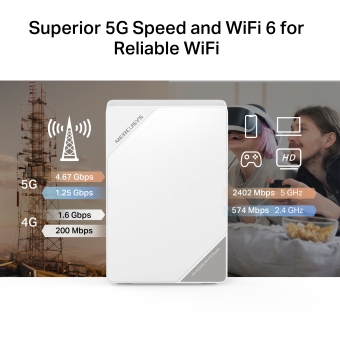
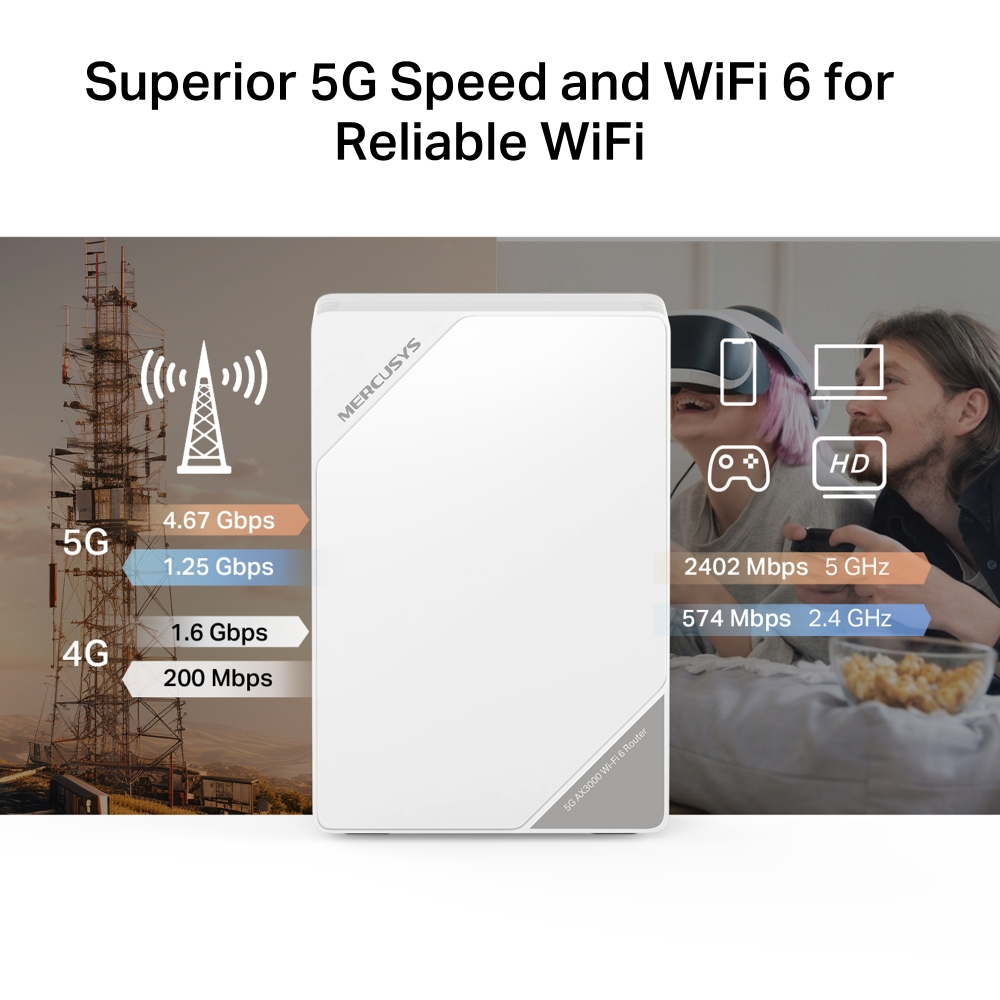
卓越的 5G 速度和 WiFi 6,帶來可靠的 WiFi 連線‡
MB521-5G 是一款 5G 路由器,可輕鬆將 5G/4G 訊號轉換為 WiFi 訊號,並共享給多個裝置。無論您是觀看影片、玩遊戲還是參加視訊會議,都能享受流暢無阻的線上體驗!
雙連接,始終在線。
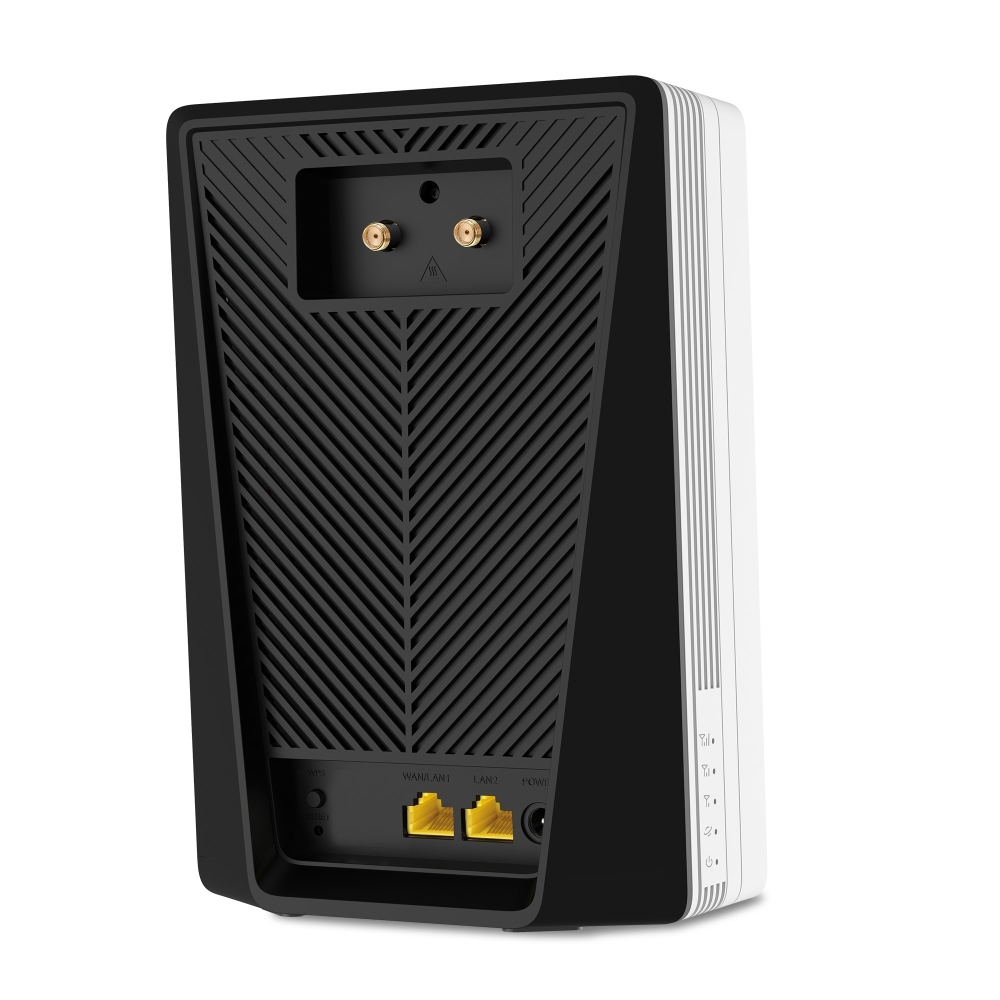
兩種天線模式,訊號強勁。
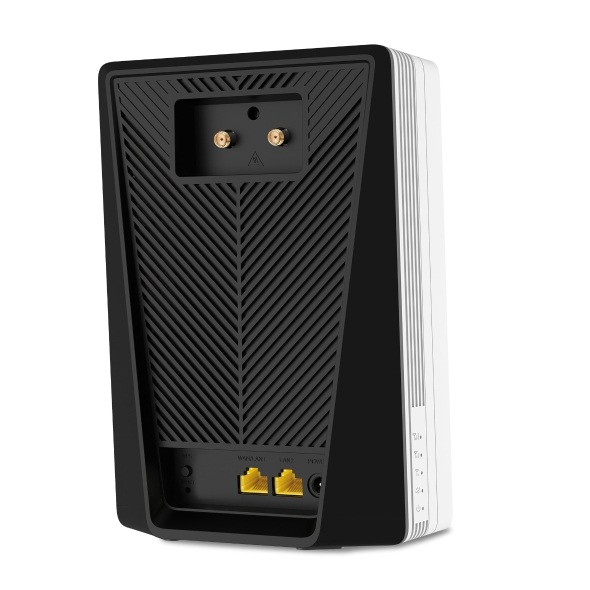
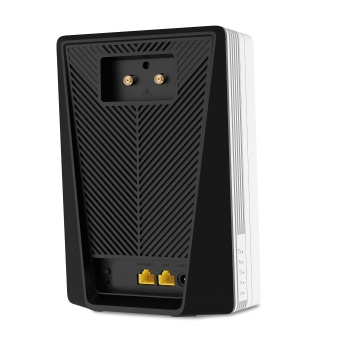
將額外的 5G/4G 天線連接到外部天線端口,可以進一步增強訊號。
天線
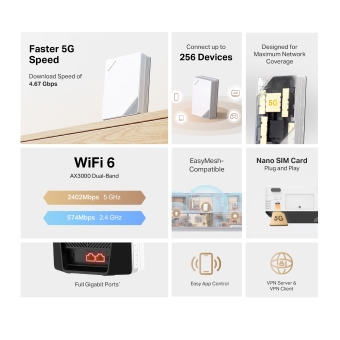
最多可連接 256 台設備
用 EasyMesh 覆蓋您的整個房屋
MB521-5G 相容於 EasyMesh,讓您能夠使用一個 WiFi 名稱和密碼,與其他支援 EasyMesh 的 AP(來自多個廠商)建立覆蓋全屋的 Mesh 網絡。享受家中可擴展且無縫的 Mesh WiFi!△
-

靈活的WiFi
範圍擴展 -

與不同供應商合作
-

無縫WiFi
連接


解鎖更多實用功能
-
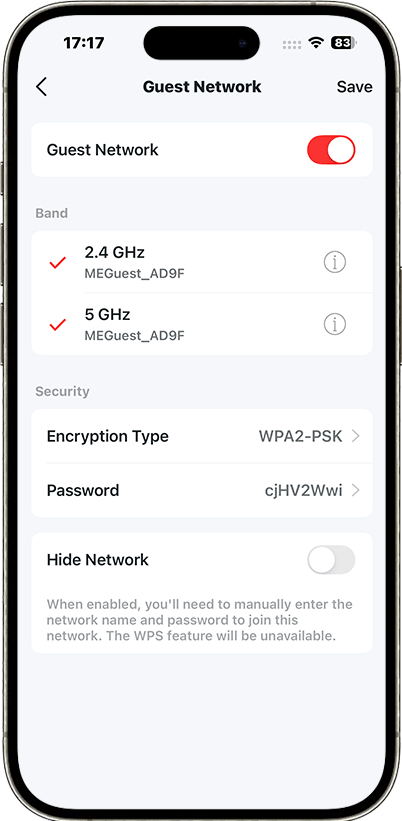
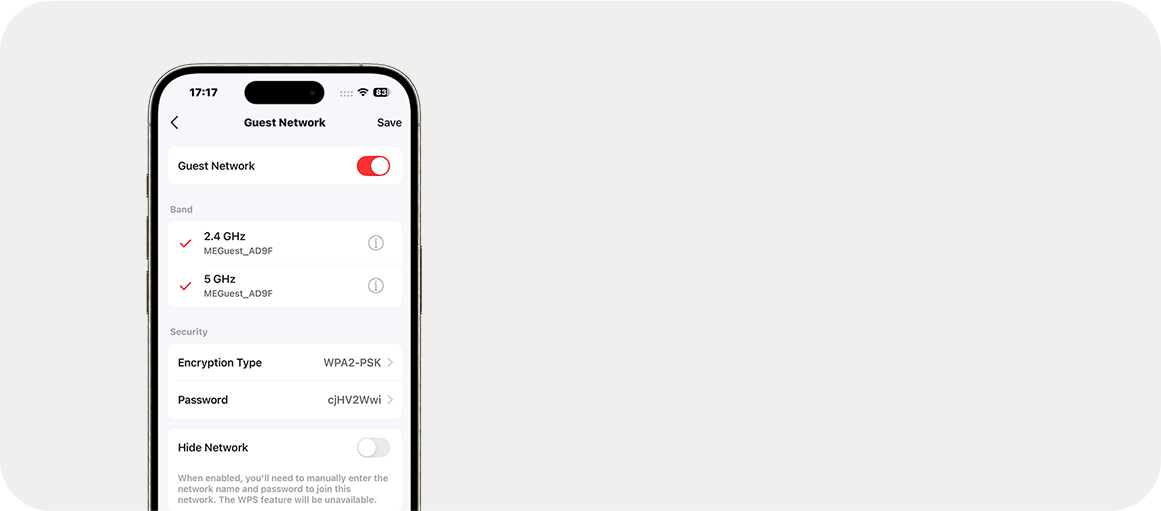
訪客網絡
為訪客提供獨立的網絡,以確保您的安全和隱私。
-
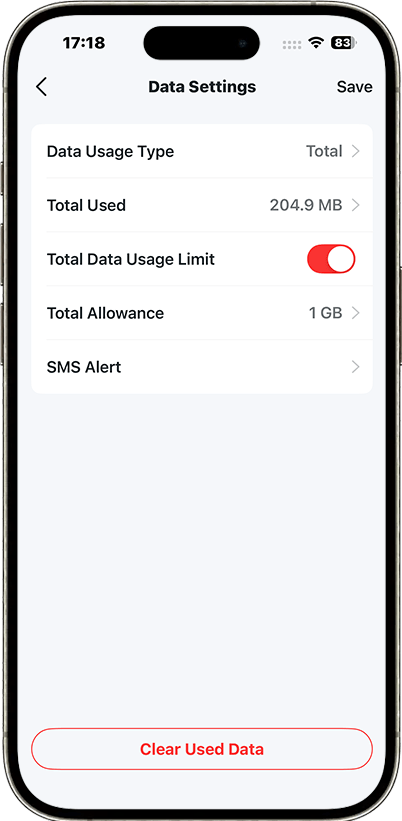
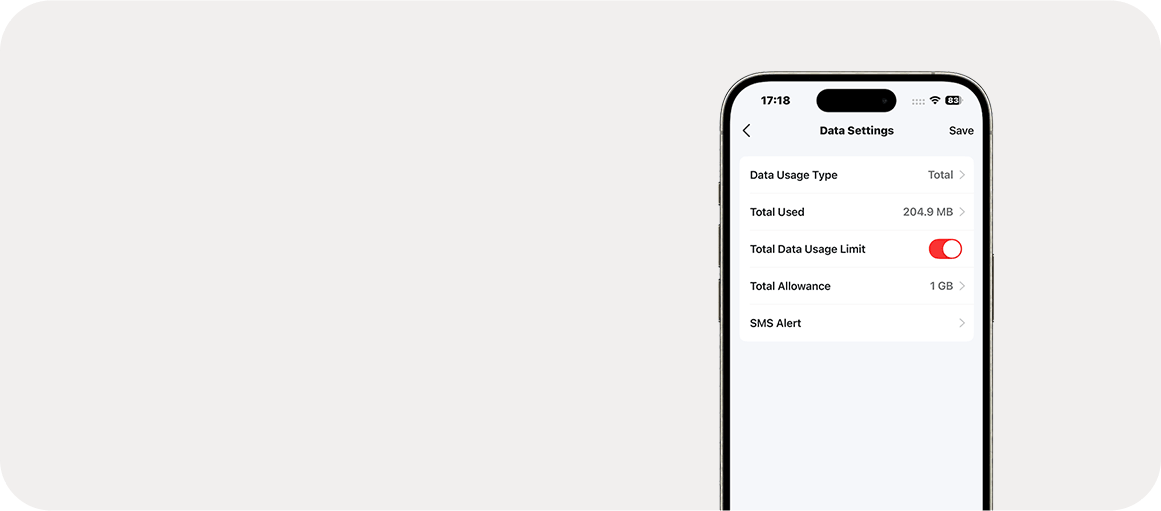
數據設定
設定最大資料流量限制以防止超支,並透過「每月資料統計」功能監控您的每月使用情況。
-
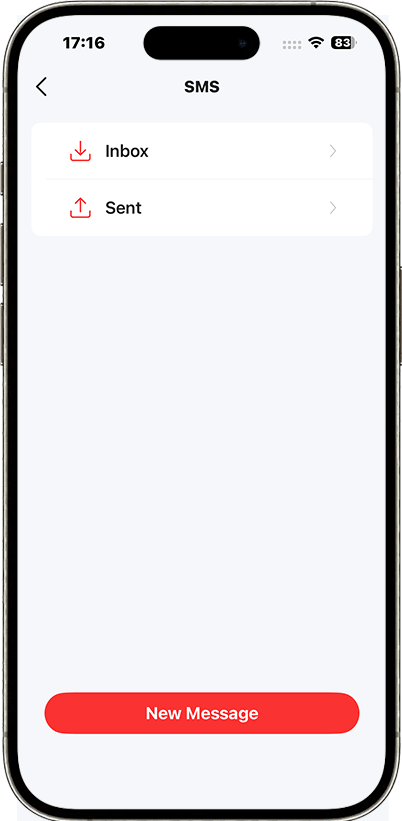
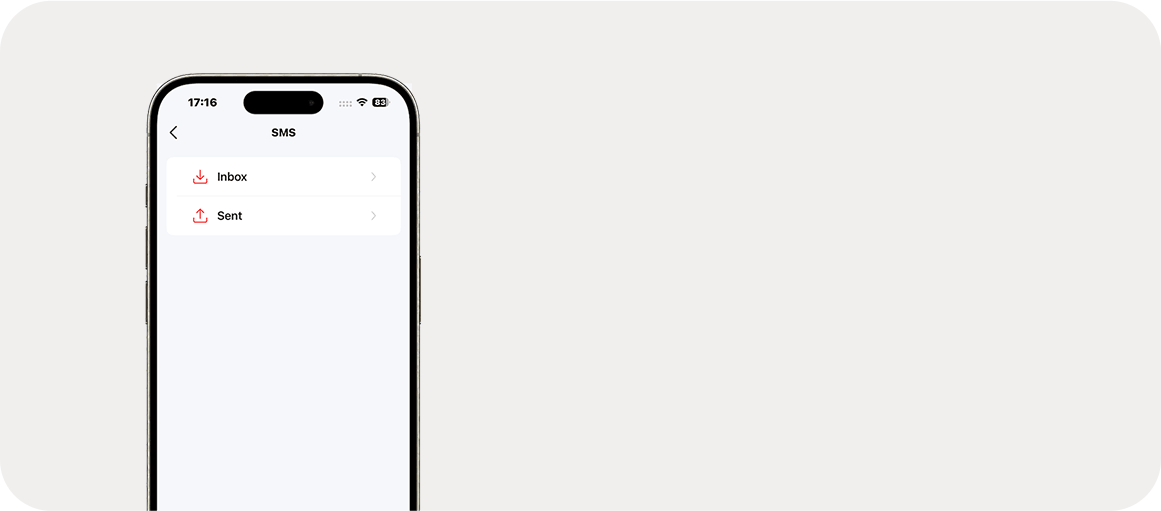
訊息傳遞
設定訊息中心,即可存取簡訊功能並在資料流量即將用完時收到提醒。
家長監護
制定有效政策,確保您的孩子能夠安全、負責任地使用網絡。
†Maximum wireless signal rates are the physical rates derived from IEEE Standard 802.11 specifications. Actual wireless data throughput and wireless coverage, and quantity of connected devices are not guaranteed and will vary as a result of network conditions, client limitations, and environmental factors, including building materials, obstacles, volume and density of traffic, and client location. ‡Use of Wi-Fi 6 (802.11ax) and its features including OFDMA, MU-MIMO, and 1024-QAM requires clients to also support the corresponding features. §Maximum 5G/4G download speeds depend on external factors such as the local 5G/4G network coverage, data plan, real-time network capacity, client limitations, and environmental factors. Actual supported frequency bands may vary slightly in different regions due to certification. △SIM card sold separately. This device requires an activated SIM card without a PIN lock. If the SIM is locked, please consult the Quick Installation Guide for unlocking instructions. *Actual network speed may be limited by the rate of the product's Ethernet WAN or LAN port, the rate supported by the network cable, internet service provider factors, and other environmental conditions. **EasyMesh-compatible products can network with other devices that use EasyMesh. Failed connections may be due to firmware conflicts of different vendors. The EasyMesh-compatible function is still being developed on some models and will be supported in subsequent software updates. This product is compatible with standardized EasyMesh technology but has not obtained the WiFi EasyMesh certification.
MERCUSYS
Mercusys App 為您提供最簡單的方法,以便在幾分鐘內設定,讓您無論在家與否都能輕鬆透過iOS/Android設備管理您的WiFi。
MERCUSYS 讓您輕鬆完成設定
您不需要閱讀複雜的技術說明或指令,只需要依照APP的步驟就可以在幾分鐘內完成網路設定。
-
 Halo Power Cable Ethernet Cable
步驟 1
在包裝中找到安裝所需的東西
-

步驟 2
插入設備電源和網路線
-

步驟 3
按照Mercusys app的步驟完成設定
即時管理您的WiFi
Mercusys app可透過IOS或Android裝置進行管理,您可以查看目前有多少設備連接到網路並控管。
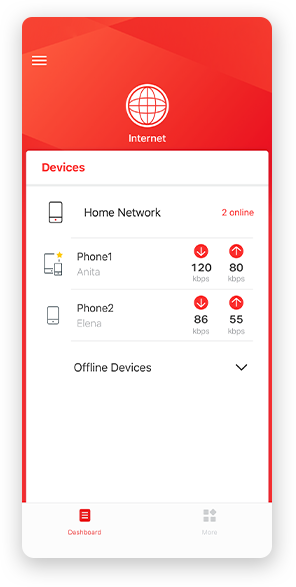
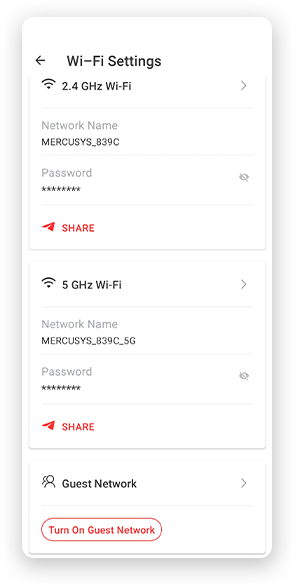
註:設定頁面可能依據不同型號而有所差異,請依據實際型號為準。
家長監護
輕鬆設定上網時間及網站內容過濾,給孩子建立健康的上網環境。
-
建立用戶設定檔
為您要管理的每個家庭成員新增設定檔,將設備分配給設定檔來設定過濾層級和時間限制
-
上網時間限制
設定孩子每日可以上網的時間,在做作業或睡覺時間時停止他們上網。
-
設定過濾層級
依年齡層選擇過濾層級,為孩童封鎖不適當的內容。
-
暫停網際網路連線
可隨時暫停家庭成員的網路連線,共同享受家庭的相聚時光。
管理您的家庭網路
Mercusys App 讓您出門都能透過iOS/Android設備管理您的WiFi。

檢查連線裝置的狀態
直觀而快速的確認每個Halo網路是否正常運作,有哪些裝置連線、依需求優化或封鎖裝置等網路狀況也能快速查看。

流量管理(QoS)
優先傳輸您指定的裝置封包,提供特定裝置更好的效能。

新裝置連線通知
當有新裝置連接您的Wi-Fi時,Mercusys App將傳送通知。若是未經您許可連線的裝置,可點擊封鎖裝置避免安全性風險。

設定訪客網路
提供另外的網路名稱給訪客使用,保護您主要網路的安全性和隱私。
支援多國語言
Mercusys app 支援多達26種語言,讓全球用戶提供簡單的網路管理。
-
English
-
Nederlands
-
Français
-
Deutsch
-
Italiano
-
日本語
-
한국어
-
Português
-
Español
-
繁體中文
-
Русский язык
-
Português Brasil
-
Español
(Latinoamérica) -
Български
-
Українська мова
-
Polski
-
Română
-
Slovenčina
-
ไทย
-
Türkçe
-
Čeština
-
Tiếng Việt
-
Eλληνικά
-
Bahasa Melayu
-
Magyar
-
עברית
-
Cellular

| Cellular Standards | 5G: 4.67/1.25Gbps DL/UL |
|---|---|
| Cellular Bands | 5G:n1/n3/n5/n7/n8/n20/n28/n38/n40/n41/n75/n76/n77/n78 |
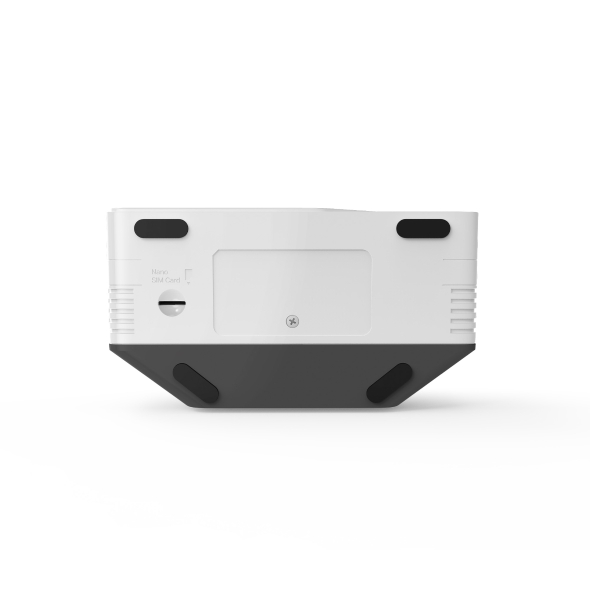
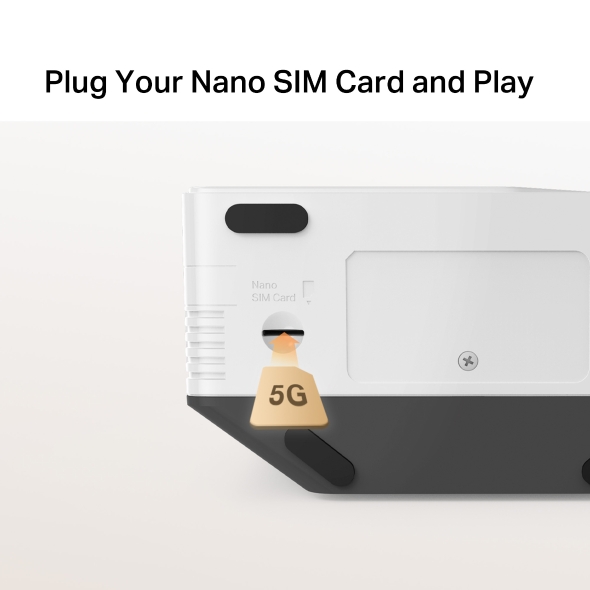
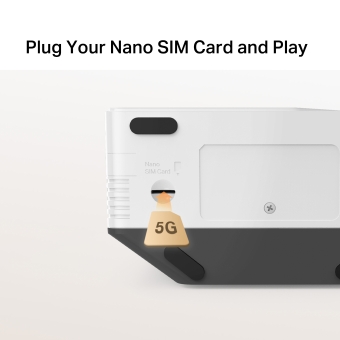
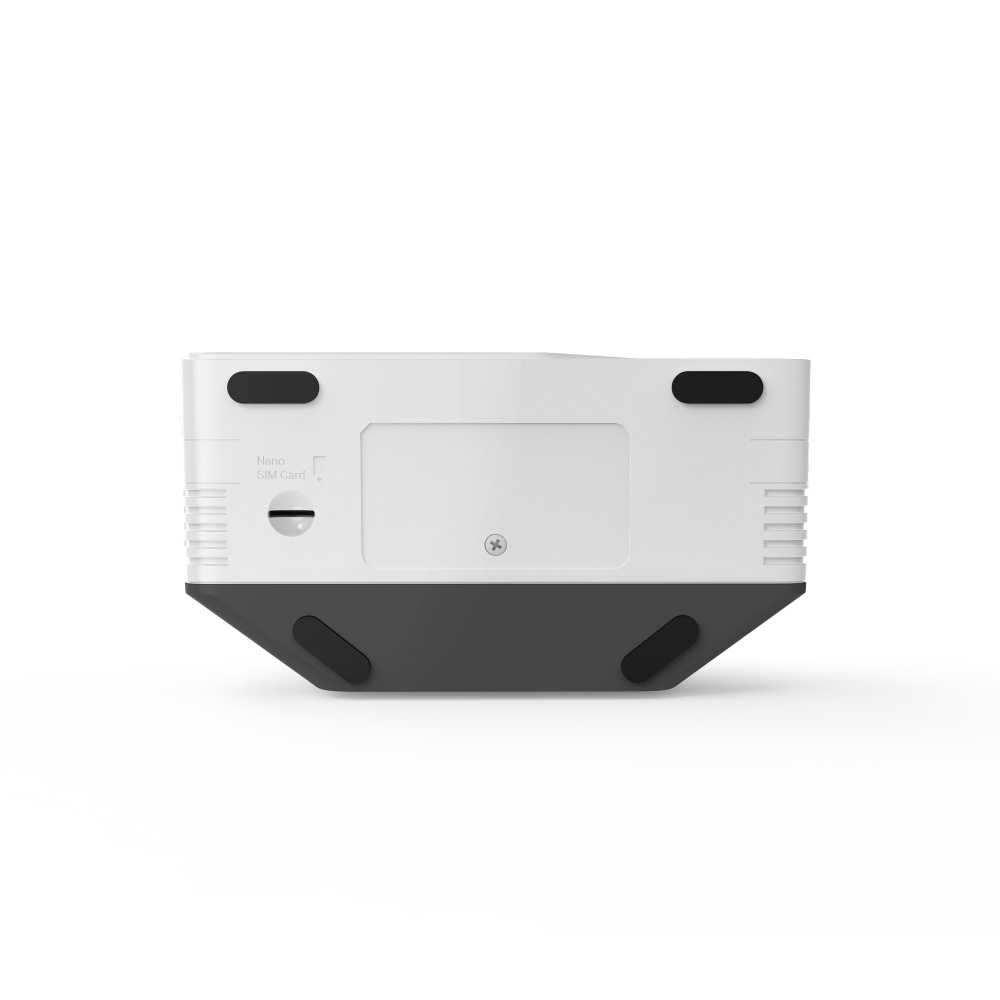
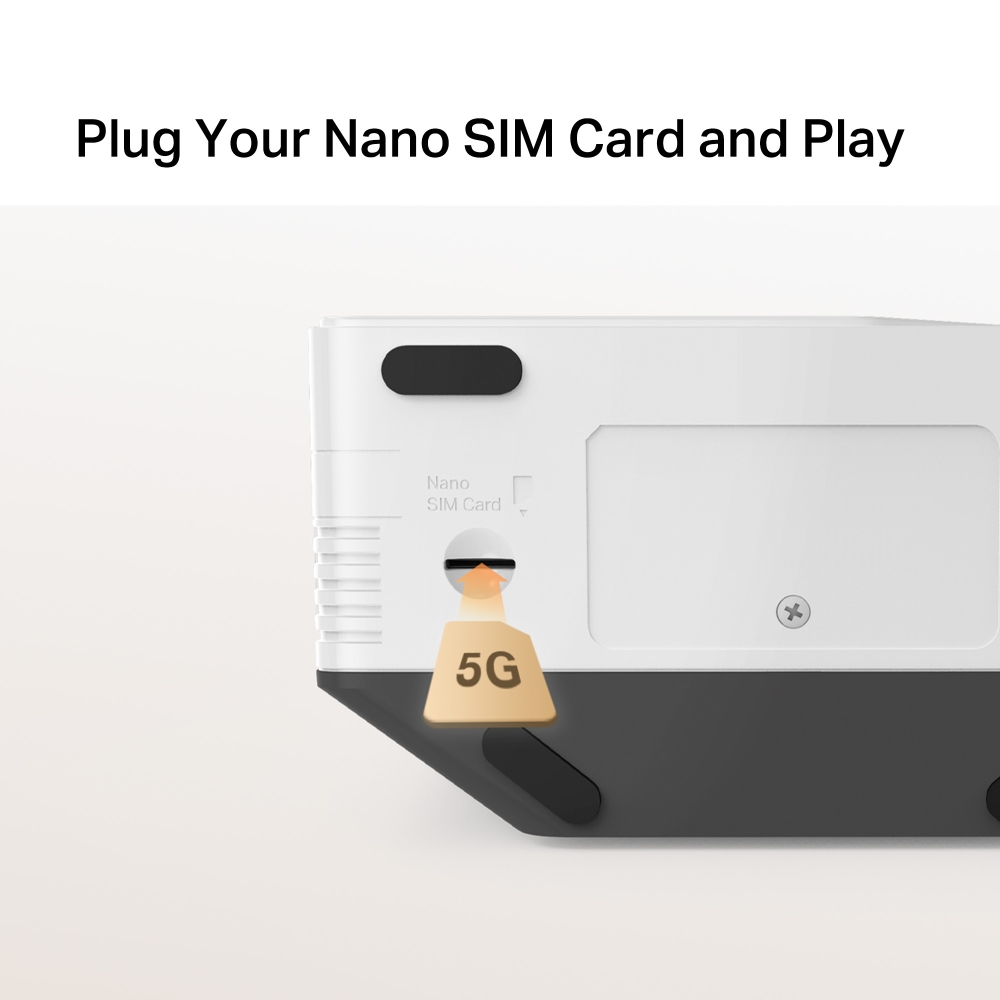
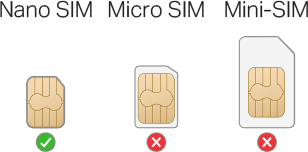
| SIM | 1× Nano SIM Card Slot |
-
無線網路
| Wi-Fi Class | AX3000 |
|---|---|
| Wi-Fi (2.4 GHz) | 574 Mbps |
| Wi-Fi (5 GHz) | 2402 Mbps |
| 無線標準 | IEEE 802.11ax/ac/a/b/g/n |
| 接收靈敏度 | 5 GHz: |
| Max Channel Width | 160 MHz |
| MAX Capacity | 256 |
| Recommended Clients Limit | 128 |
| 無線安全性 | WPA-PSK / WPA2-PSK / WPA3-SAE/WPA2-Enterprise |
| 無線功能 | Smart connect WPS Wireless Schedule Wireless Clients Statistics Easymesh Multi-SSID |
-
軟體功能
| 運作模式 | 5G/4G/3G Router Wireless Router |
|---|---|
| Cellular Mode | 5G Preferred 5G Only 4G Preferred 4G Only 3G Only |
| Cellular APN | Data Roaming |
| WAN Mode | Dynamic IP |
| DHCP | Server DHCP Client List Address Reservation |
| NAT 轉發 | ALG Virtual Server Port Triggering UPnP DMZ |
| 協定 | IPv4 IPv6 |
| IPTV | √ |
| 訪客網路 | 2.4 GHz Guest Network 5 GHz Guest Network |
| Data Settings | Data Statistics |
| Parental Controls | Time Control Website Filtering |
| VPN伺服器 | Open VPN |
| DDNS | DynDns |
| VPN Client | Open VPN |
| SMS | Inbox New Message Outbox Drafts |
| QoS | √ |
| Easy Mesh | √ |
| 安全性 | IPv4 SPI Firewal Service Filtering Access Control IP & MAC Binding IPv6 Firewall |
| Kill Switch | √ |
| ISP Feature | TR-069 |
| System | Time Settings |
| Diagnostics | Internet connection test |
| LED Management | LED Control Night Mode |
| Device Management | MERCUSYS APP Web GUI |
| Cloud | Firmware Upgrade over the Cloud Remote Management |
| Language | Czech |
-
硬體功能
| 尺寸大小(長 X 寬 X 高) | 190 × 130 × 69.7 mm (7.5 × 5.1 × 2.7 in) |
|---|---|
| 連接介面 | 1× GE LAN/WAN Port |
| Antenna | Internal |
| 按鈕 | WPS, Reset Button |
| Installation | Desktop |
| LED燈號 | 1× POWER |
| Retail Package Dimension | 250 × 240 × 89 |
| Units per Carton | 12 |
| Carton Dimension | 540 × 510 × 250 |
| 功耗 | 12V/2A |
-
其他
| 認證 | CE |
|---|---|
| Network Services Enabled by Default | Web Server UPnP |
| 包裝內容 | 5G AX3000 Wireless Dual Band Router (MB521-5G) |
| 環境 | Operating Temperature: 0 °C~40 °C (32 °F~104 °F) Storage Temperature: -40 °C~60 °C (-40 °F~140 °F) Operating Humidity: 10%~90% Non-Condensing Storage Humidity: 5%~90% Non-Condensing |