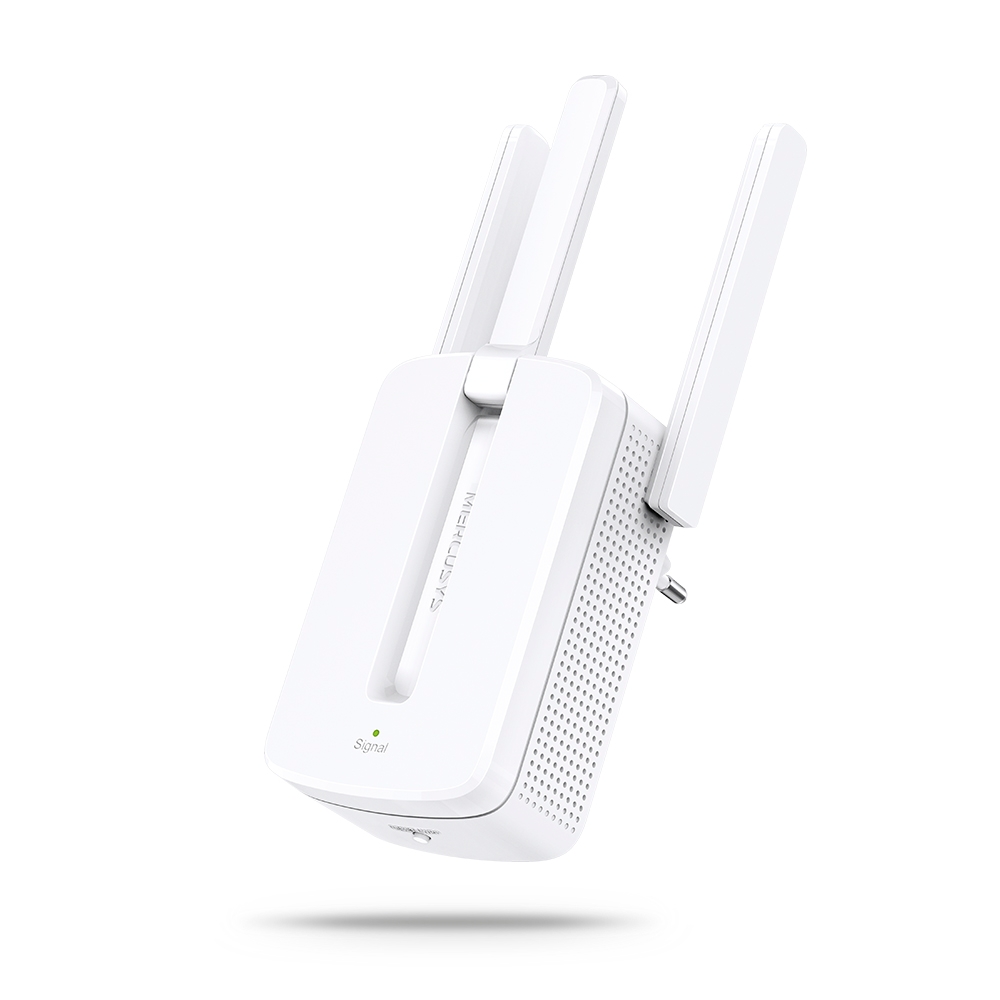
-
Set Up a MERCUSYS Range Extender via Management Page on your Smartphone
-
Set Up MERCUSYS Range Extender via App
-
How to Set Up Your MERCUSYS Range Extender via Web Browser(ME30, etc.)
MW300RE(EU)_V4_1.1.0 Build 250901(Multi-language)
2026-04-14
Notes:
1. This firmware cannot be degraded to the previous version.
2. Please ensure that the device is upgraded to version 1.0.20 before installing this firmware. Otherwise, the device may be reset to factory settings after upgrading.
Modifications and Bug Fixes:
Enhanced device security.
MW300RE(EU)_V4_1.0.20 Build 250901(Multi-language)
2026-04-02
Modifications and Bug Fixes:
Enhanced system stability.
Note: This firmware cannot be degraded to the previous version.
MW300RE v4-up-noboot-ver1-0-20-P1[20251114-rel43157]()
2025-11-18
Modifications and Bug Fixes:
Modifications and Notes:
Increased the design margin for transmission power to enhance system stability;
Enhanced system stability.
MW300RE(EU)_V4_1.0.11 Build 240115(Multi-language)
2024-03-01
Modifications and Bug Fixes:
Modifications and Bug Fixes:
1. Fixed the bug that led lights did not light up after factory reset;
2. Reset button press and hold for 5 seconds to take effect immediately;
3. Optimize the stability of the equipment.
MW300RE(EU)_V4_1.0.10 Build 221012(Multi-language)
2022-11-09
Modifications and Bug Fixes:
First firmware released
Note: For MW300RE(EU) 4.0
MW300RE(EU)_V4_1.0.0 Build 220414(Multi-language)
2022-11-08
Modifications and Bug Fixes:
Modifications and Bug Fixes:
- Add the support of the Mercusys APP;
- Enhance login password security;
- Added the client connection duration display function;
- Optimize wireless settings for modification.
Note:
For MW300RE EU V4.0.
- How to log in to the web management page of MERCUSYS Range Extender
- How to set up MERCUSYS Range Extender via the web management page
- How to confirm whether my Mercusys range extender is successfully configured and in the best location?
- What if you fail to set up the MERCUSYS Range Extender?
- How to upgrade the firmware of the MERCUSYS Range Extender?
- What should I do if I cannot login to the Mercusys Range Extender's web management page?
- What should I do if Internet or download speed is slow when the device is connected to the Mercusys Range Extender?
- What should I do if my device keeps disconnecting from the internet when it’s connected to Mercusys Range Extender?
- How to find the Model number, Serial number and Hardware version on a MERCUSYS device
- How to upgrade a MERCUSYS device to the latest firmware
- What if I fail to log into my MERCUSYS product on MERCUSYS App?
- How to check the associated/link speed on a client
- What can I do if cannot Find the Host Network When Setting up Mercusys Range Extender?
- How to place your MERCUSYS Range Extender for optimal reception and performance
- How to delete a network on the MERCUSYS App
- How to delete an offline device on the MERCUSYS App
- How to collect system log of MERCUSYS App
- How to login to the MERCUSYS Range Extender's web management page when HTTPS is enabled
- Getting to know your MERCUSYS App
- Why is my MERCUSYS Range Extender not getting the same speed as the main router?
- Fix unstable connection on the Range Extender by changing the main router's advanced features
- What can I do if I fail to access mwlogin.net?
- Most frequently asked questions about MERCUSYS Range Extender
- Why do I receive a "We Noticed a New Login" email?
- How to set up the MERCUSYS Range Extender via WPS button