Halo H3600BE [V1] 3-pack | Sistema Wi-Fi 7 Mesh para toda la casa BE3600

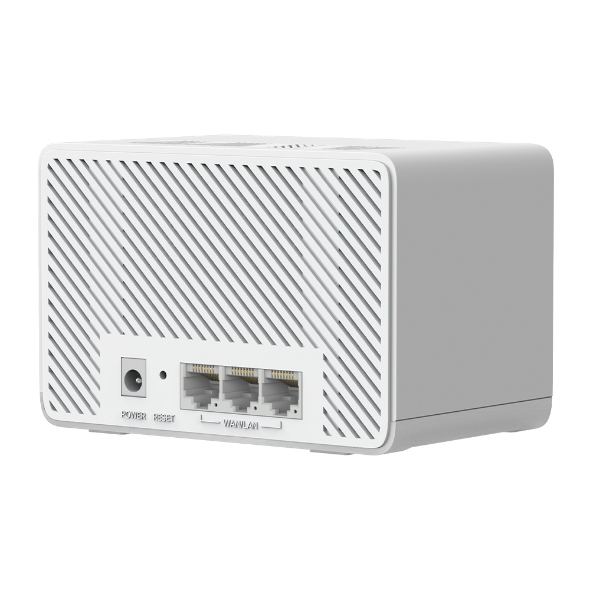


Halo H3600BE
Sistema Wi-Fi 7 Mesh para toda la casa BE3600
- Velocidad de 3,6 Gbps: Permite que tus dispositivos funcionen a máxima velocidad. Disfruta de transmisiones 4K/8K fluidas, juegos AR/VR inmersivos y descargas ultrarrápidas.‡
- Wi-Fi 7: Equipado con 4K-QAM, MLO, Multi-RUs y otras características que ofrece Wi-Fi 7, tu red alcanzará un rendimiento asombroso.△
- Roaming Fluido: Olvídate de las caídas de señal y los cortes de Wi-Fi al moverte por casa.†
- Multi-Link Operation (MLO): Incrementa el rendimiento, reduce la latencia y mejora la estabilidad para las nuevas aplicaciones.△
- Puertos Gigabit: 3 puertos Gigabit por unidad Halo para conexiones por cable ultrarrápidas.**
- Cobertura Multi-Gigabit para Todo el Hogar: Las unidades de la red Mesh Halo trabajan de forma unificada para dar cobertura en toda la casa en áreas de hasta 650 m2 (pack de 3, ideal para casas de 4 a 6 habitaciones) o 460 m² (pack de 2, ideal para casas de 3 a 5 habitaciones).‡
- Fácil Configuración y Control: La gestión de la red nunca ha sido tan sencilla gracias a la App MERCUSYS.
*Ten en cuenta que las series Halo H y Halo S no pueden funcionar juntas.

-
watch video: How to Set Up MERCUSYS Whole Home Mesh Wi-Fi System (H90X as an example)
How to Set Up MERCUSYS Whole Home Mesh Wi-Fi System (H90X as an example)
¡Disfruta de la supervelocidad Wi-Fi 7 en toda la casa!
Sistema Wi-Fi 7 Mesh para Todo el Hogar BE3600

Wi-Fi 7 de Doble Banda a 3.6 Gbps para una experiencia excepcional
Wi-Fi 7, el último estándar Wi-Fi, ha llegado con un rendimiento asombroso: ofrece mayor rendimiento, menor latencia, mayor resistencia a las interferencias y mayor eficiencia. Al actualizar el QAM de 1024 a 4096, Wi-Fi 7 permite al Halo H3600BE alcanzar velocidades de hasta 3.6 Gbps. Únete a los profesionales y experimenta el poder de la próxima generación de Wi-Fi. △

Latencia 4 veces menor

Conecta más de 150 dispositivos

Multi-Link Operation (MLO)

Transmite un 20% más de datos que Wi-Fi 6
Una solución Wi-Fi para todo el hogar
No hay nada peor que conexiones poco fiables y velocidades de internet que no pueden seguir el ritmo de tu estilo de vida digital. Halo funciona como un sistema unificado para garantizar una fuerte señal Wi-Fi en cada rincón de tu hogar, proporcionando una experiencia de red increíblemente rápida y estable. Las interrupciones y el buffering serán cosa del pasado.†
El pack de 2 cubre hasta
460 m2
El pack de 3 cubre hasta
650 m2
Capacidad mejorada
Mejorado por la tecnología Wi-Fi 7, Halo H3600BE te permite conectar más de 150 dispositivos a la vez. Disfruta de una red más eficiente que carga más rápido sin reducir el rendimiento.†
Roaming Fluido con una red unificada
El sistema Halo conecta automáticamente tus teléfonos o tablets al nodo más rápido, brindando una experiencia de red verdaderamente fluida. Olvídate de las caídas de señal y los cortes de Wi-Fi al moverte por casa.†


Puertos Gigabit
Gracias a la detección automática WAN/LAN, no hay necesidad de distinguir entre puertos WAN/LAN. Esto reduce tiempo y esfuerzo, para que puedas disfrutar de la transferencia de datos ultrarrápida a dispositivos por cable del Halo H3600BE al instante. Con puertos Gigabit, tus dispositivos funcionarán 10 veces más rápido que las conexiones Ethernet estándar.
Fácil configuración y control a través de la App MERCUSYS
Sigue las instrucciones en pantalla para configurar tu red.


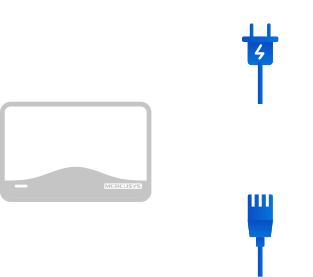
Paso 1
Saca de la caja todo lo que vas a necesitar
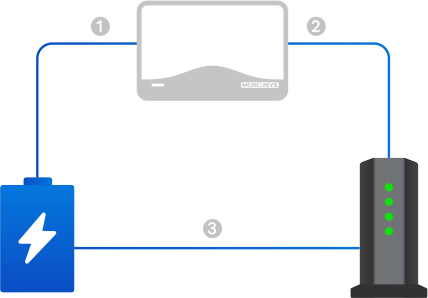
Paso 2
Conecta tus dispositivos
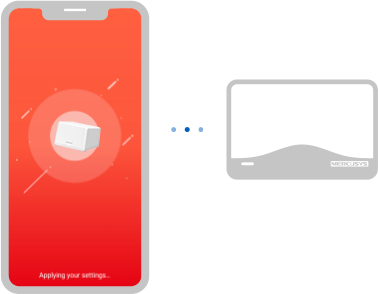
Paso 3
Sigue las instrucciones en pantalla de la aplicación para configurar el Halo principal
Paso 4
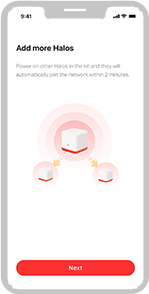
Enciende la unidad adicional incluida y se unirá automáticamente a la red

Control Parental

Ver el estado de los dispositivos conectados

Calidad de Servicio (QoS)

Red de Invitados

Alerta de acceso de nuevos dispositivos

Informes mensuales
Amplía tu cobertura fácilmente
El sistema Wi-Fi Mesh para todo el hogar Halo incluye varias unidades para adaptarse a cualquier tipo de casa. Si no es suficiente, puedes ampliar la cobertura Wi-Fi Mesh en cualquier momento simplemente añadiendo más unidades Halo.
*Ten en cuenta que las series Halo H y Halo S no pueden funcionar juntas.
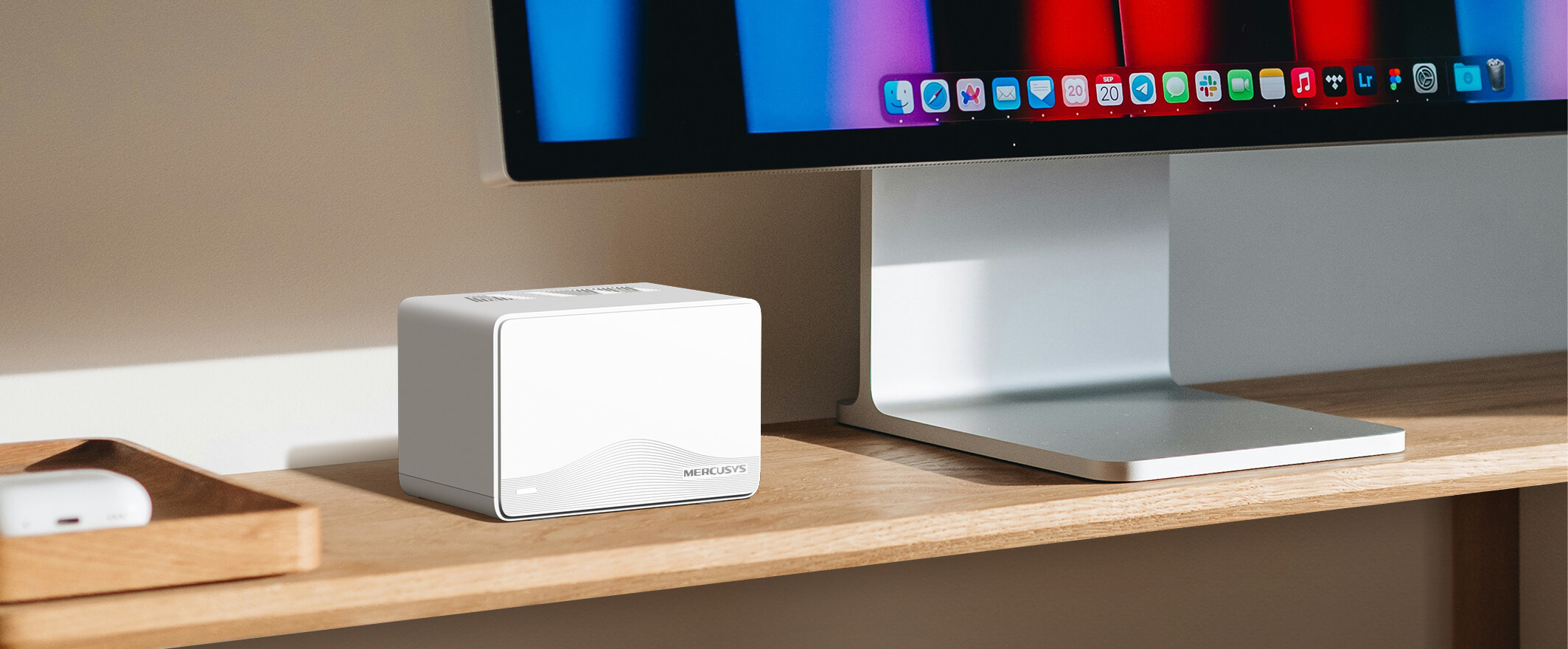
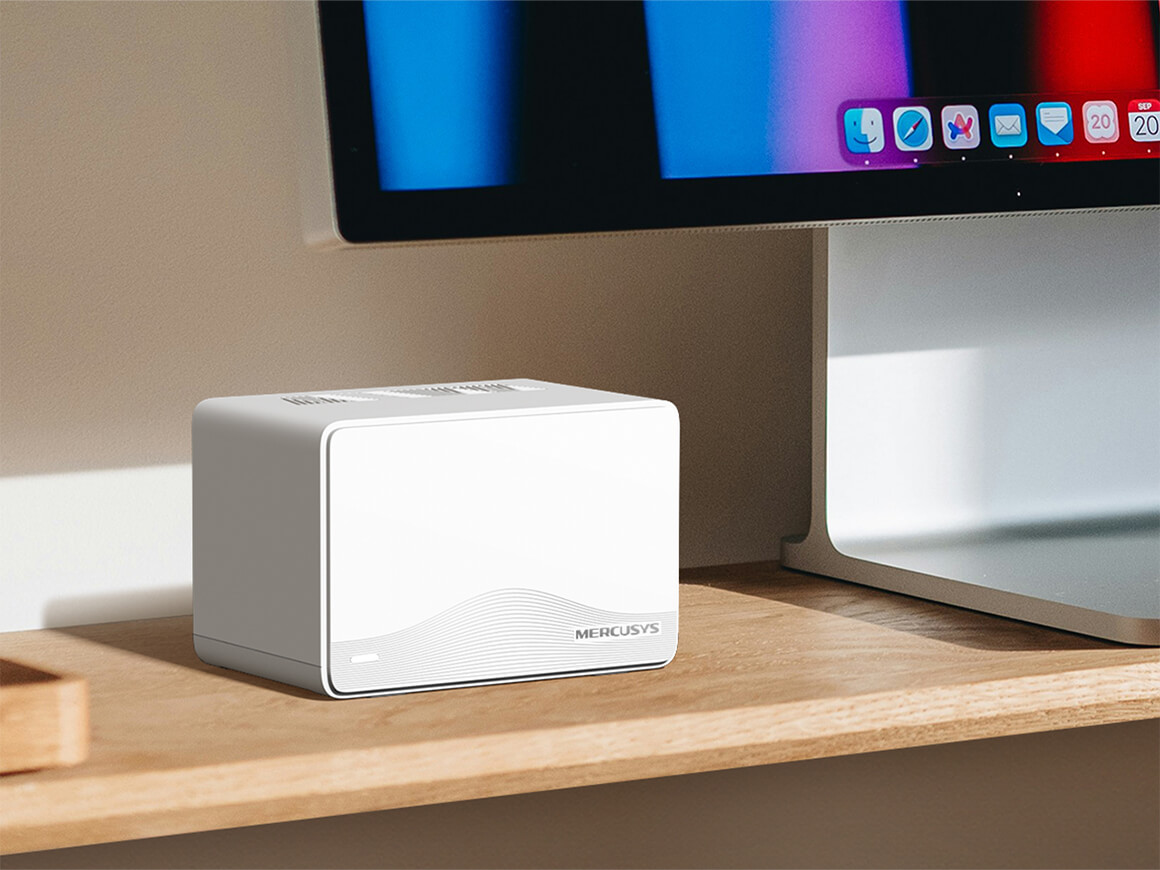
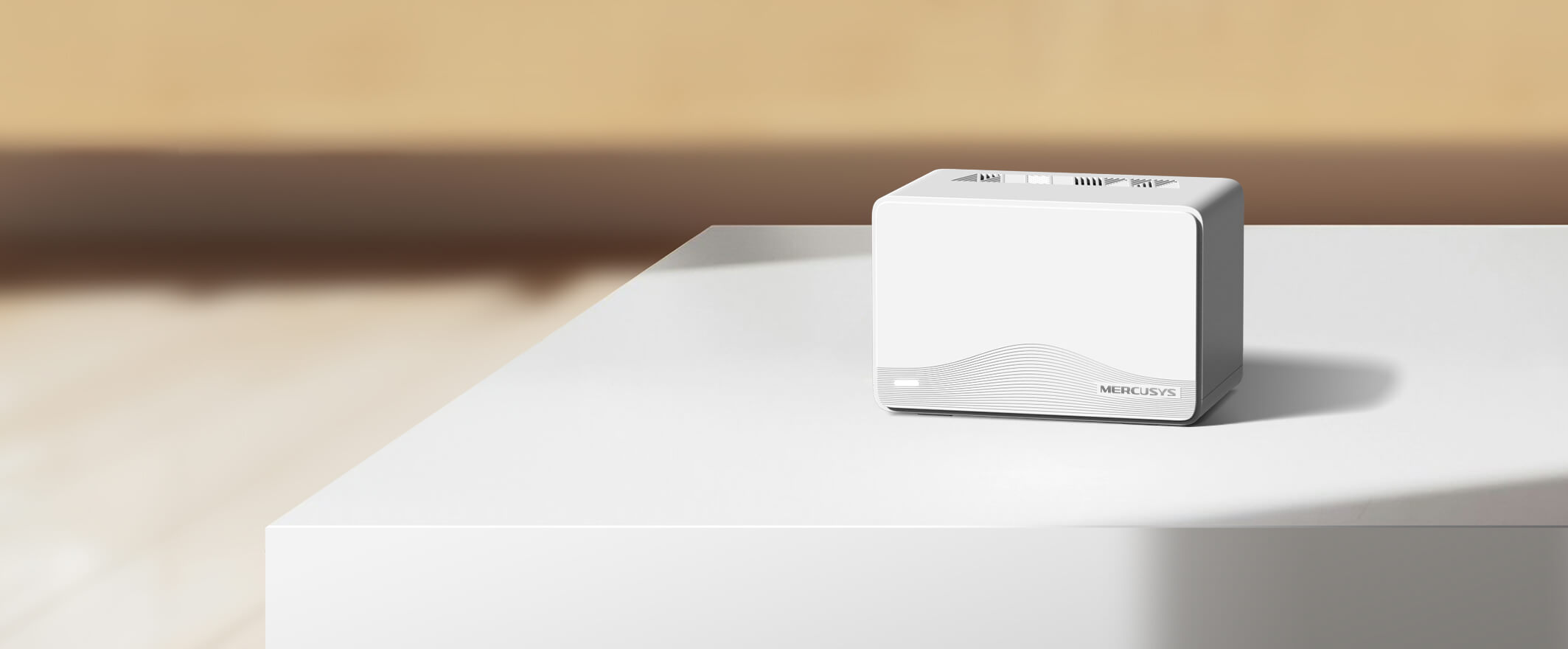
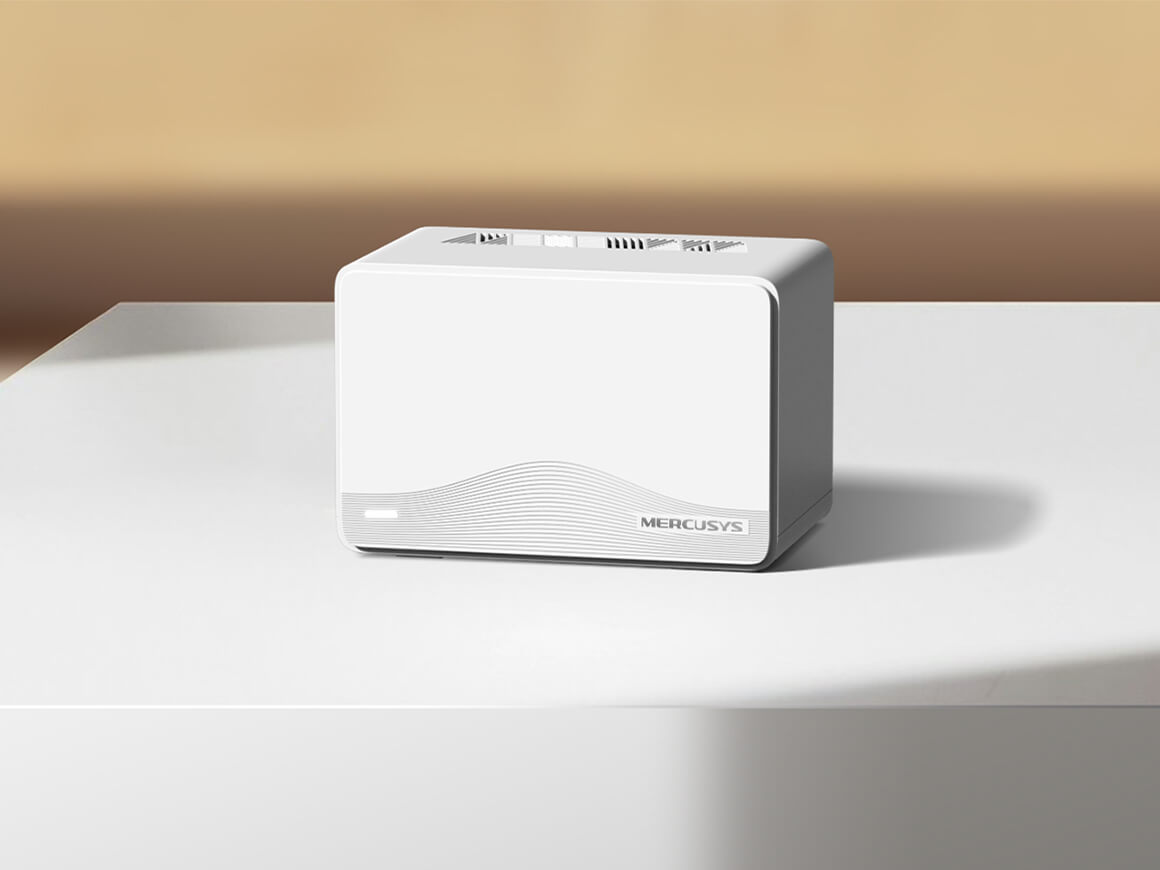
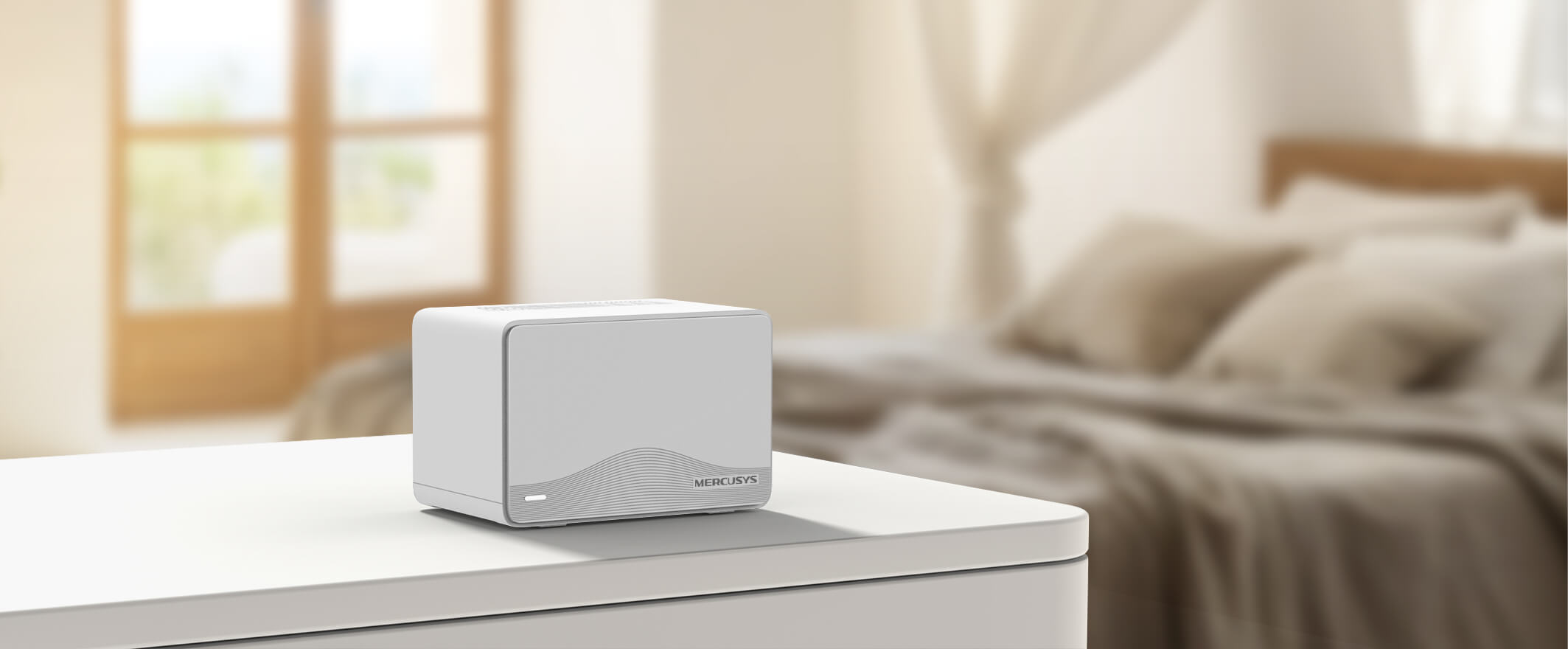
Potente y elegante
†El roaming fluido requiere que los clientes admitan 802.11k/v/r y puede requerir una configuración adicional. El rendimiento puede variar según el dispositivo cliente. ‡Las tasas máximas de señal inalámbrica son las velocidades físicas derivadas de las especificaciones del estándar IEEE 802.11. La conexión de más de 150 dispositivos se basa en datos de pruebas de laboratorio, que analizaron las conexiones de diferentes dispositivos en las bandas de 5 GHz y 2.4 GHz de forma simultánea. Estos dispositivos simularon un escenario doméstico típico ejecutando aplicaciones simultáneas en la misma habitación que incluían vídeo 4K, vídeo 1080p, vídeo 720p, descarga de archivos, navegación web, cámaras IP y otros dispositivos IoT. El rendimiento real de datos inalámbricos, la cobertura inalámbrica y los dispositivos conectados no están garantizados y variarán como resultado de factores del proveedor de servicios de internet, condiciones de la red, limitaciones del cliente y factores ambientales, incluyendo materiales de construcción, obstáculos, volumen y densidad de tráfico, y la ubicación del cliente. △El uso de Wi-Fi 7 (802.11be), Wi-Fi 6 (802.11ax) y funciones que incluyen Operación Multi-Enlace (MLO), 4K-QAM, Multi-RUs y OFDMA requiere que los clientes también admitan las características correspondientes. Es posible que este Halo no admita todas las características obligatorias ratificadas en la especificación IEEE 802.11 ax/be. Es posible que se requieran futuras actualizaciones de software para la disponibilidad de las funciones. §El uso de WPA3 requiere que los clientes también admitan la función correspondiente. *Ten en cuenta que las series Halo H y Halo S no pueden funcionar juntas. Halo H3600BE es compatible con otras unidades de la serie Halo H para formar una red Mesh. **Todos los puertos WAN/LAN funcionarán como puertos WAN o LAN. Solo un puerto puede servir como puerto WAN a la vez. ***La velocidad real de la red puede estar limitada por la velocidad del puerto Ethernet WAN o LAN del producto, la velocidad admitida por el cable de red, factores del proveedor de servicios de internet y otras condiciones ambientales.
Sencillo y Funcional
Ver lo que es compatibleMERCUSYS
La aplicación MERCUSYS proporciona la manera más fácil de configurar en minutos y administrar su WiFi en casa o fuera a través de sus dispositivos iOS o Android.
MERCUSYS lo ayuda a configurar en unos pocos pasos
Sin ningún conocimiento técnico ni leer instrucciones complicadas, simplemente siga las instrucciones de la aplicación. Configure su red de malla en minutos.
-
 Cable de alimentación Halo Cable Ethernet
Paso 1
Encuentra lo que necesitarás en la caja
-

Paso 2
Conecta tus dispositivos
-

Paso 3
Siga las instrucciones en pantalla con la aplicación MERCUSYS
Administre su WiFi en tiempo real
Con la aplicación MERCUSYS, experimente la gestión de red en vivo. Vea quién se está conectando a su red y adminístrelo en cualquier momento con sus dispositivos iOS o Android.


Aviso: la página de configuración de diferentes modelos puede ser diferente, consulte la actual.
Potentes controles parentales
Administre fácilmente el tiempo y el contenido en línea de sus hijos para crear un entorno en línea seguro y saludable.
-
Crear perfiles de usuario
Cree un perfil para cada miembro de la familia que le gustaría administrar. Asigne dispositivos al perfil para establecer controles de acceso y límites de tiempo para ellos.
-
Límites de tiempo en línea
Establezca límites diarios sobre el tiempo que sus hijos pasan en línea y evite que accedan a Internet en sus dispositivos durante mucho tiempo para desarrollar un hábito de red saludable.
-
Bloquear sitios web inapropiados
Controle qué sitios visitan sus hijos configurando una lista de bloqueo.
-
Pausar la conexión a Internet
Suspender las conexiones a Internet de los miembros de la familia para tomar un descanso del mundo virtual y disfrutar de un tiempo en familia.
Administre y proteja su red doméstica
La aplicación MERCUSYS lo ayuda a administrar su WiFi en casa o fuera a través de sus dispositivos iOS o Android.

Comprobar el estado de los dispositivos conectados
Vea intuitivamente el estado de funcionamiento de su red Halo y vea qué está conectado. Priorice o bloquee los dispositivos según sea necesario.

Calidad de Servicios
Prioriza los dispositivos que seleccione para un mejor rendimiento.

Alerta de acceso a nuevo dispositivo
La aplicación MERCUSYS envía de manera proactiva una alerta para informarle cuando se conecta un dispositivo desconocido. Toque para bloquear el dispositivo si es un riesgo de seguridad.

Configurar una red de invitados
Proporciona una red separada para invitados para garantizar su seguridad y privacidad.
Todo en una aplicación
Ya sea que esté buscando controlar una amplia gama de enrutadores, extensores o sistemas de malla Halo MERCUSYS, encuéntrelo todo en la aplicación.
Ver lo que es compatibleProductos compatibles
Nota: Tanto las versiones de hardware enumeradas como las superiores de estos modelos son compatibles con la aplicación MERCUSYS.
CATEGORÍA
-
Malla de halo
-

Halo H50G V1 UE
Sistema Wi-Fi en malla para todo el hogar AC1900
-

Halo H30G V1 UE
Sistema Wi-Fi en malla para todo el hogar AC1300
-
-
Enrutadores Wi-Fi
-

MR30G V1 BR
Enrutador Gigabit inalámbrico de doble banda AC1200
-

MR70X V1 UE/EE. UU.
Enrutador Wi-Fi 6 de doble banda AX1800
-

MR50G V1 UE/EE. UU./RU
Enrutador Gigabit inalámbrico de doble banda AC1900
-
Próximamente

MR30G V1 UE/EE. UU./RU
Enrutador Gigabit inalámbrico de doble banda AC1200
-
-
Extensores de rango
-
* Próximamente habrá más dispositivos compatibles.
-
Compatible con varios idiomas
La aplicación MERCUSYS admite hasta 26 idiomas, lo que permite una fácil administración de la red para usuarios de todo el mundo.
-
inglés
-
Holandés
-
Francés
-
Alemán
-
Italiano
-
japonés
-
coreano
-
portugués
-
Español
-
chino tradicional
-
idioma ruso
-
Portugués - Brasil
-
Español
(Latinoamérica) -
búlgaro
-
Lenguaje Ukraniano
-
Polaco
-
Rumania
-
eslovena
-
tailandés
-
turco
-
checo
-
vietnamita
-
Eλληνικά
-
malayo
-
húngaro
-
abrí
-
Inalámbrico

| Wi-Fi (6 GHz) | / |
|---|---|
| Clase Wi-Fi | BE3600 |
| Wi-Fi (2,4 GHz) | 688Mbps |
| Wi-Fi (5 GHz) | 2880Mbps |
| Estándares Inalámbricos | 802.11be/ax/ac/a/b/g/n |
| Sensibilidad de Recepción | 5GHz: 11BE EHT20 MCS0:-98dBm 11BE EHT20 MCS13:-63dBm 11BE EHT40 MCS13:-59dBm 11BE EHT80 MCS13:-56dBm 11BE EHT160 MCS13:-56dBm 2.4GHz: 11BE EHT20 MCS0:-97dBm 11BE EHT20 MCS11:-68dBm 11BE EHT40 MCS 0:-95dBm 11BE EHT40 MCS11:-64dBm |
| Ancho de Canal Máximo | 160MHz |
| Modulación Wi-Fi Máxima | 4096 QAM |
| Seguridad Inalámbrica | WPA-PSK/WPA2-PSK/WPA3-SAE |
| Funciones Inalámbricas | MLO Multi-RUs Beamforming |
-
Funciones de Software
| Modos de Funcionamiento | Router/AP |
|---|---|
| Modo WAN | IP dinámica/IP estática/PPPoE/L2TP/PPTP |
| DHCP | Reserva de direcciones |
| Reenvío NAT | Reenvío de puertos |
| Protocolos | IPv4/IPv6 |
| IPTV | IGMP Proxy |
| Red de Invitados | Red para invitados de 2.4 GHz |
| Control Parental | Configuración del perfil |
| DDNS | MERCUSYS |
| QoS | Configuración de la hora |
| EasyMesh | / |
| Seguridad | Cortafuegos SPI |
| Función ISP | CWMP ISP Preset (Agile Config) |
| Sistema | Actualización del firmware |
| Diagnósticos | / |
| Gestión de LED | Control de LED |
| Gestión de Dispositivos | MERCUSYS APP |
| Nube | MERCUSYS ID |
| Idioma | / |
| Funciones Avanzadas | / |
-
Características de Hardware
| Dimensiones (An x Pr x Al) | 128*81.3*83.7 mm |
|---|---|
| Interfaces | 3 puertos de 1 Gbps (detección automática WAN/LAN) |
| Antena | Antenas internas |
| Botón | 1 botón de Reset |
| Alimentación Externa | Salida del adaptador de corriente: 12 V/1,5 A |
| Instalación | / |
| LED | 1× SYS |
| Dimensiones del Paquete | 219,5*161,5*155,5 mm |
| Unidades por Caja | 6 |
| Dimensiones de la Caja | 495*330*320 mm |
| Consumo Energético Máximo | 13.32W |
-
Otros
| Servicios de Red Habilitados por Defecto | Servidor web Servidor DHCP DNS Gestión de aplicaciones |
|---|---|
| Contenido del Paquete | • 3 unidades Halo H3600BE |
| Entorno Operativo | • Temperatura de funcionamiento: 0 °C a 40 °C (32 °F a 104 °F) |