Halo H47BE [V1] 2-pack | BE9300 Whole Home Mesh Wi-Fi 7 System


Halo H47BE
BE9300 Whole Home Mesh Wi-Fi 7 System
- Blazing-Fast 9.3Gbps Tri-Band Speeds: Enables your devices to run at full speed. Enjoy fluent 4K/8K streaming, immersive AR/VR gaming, and blazing-fast downloads.‡
- Newest WiFi 7: Armed with the 320 MHz channels, 4K-QAM, MLO, the 6 GHz band, and other features that WiFi 7 offers, your network will arrive with a jaw-dropping performance.△
- Seamless Roaming for a Smooth Network Experience: No more sudden signal drops or lagging WiFi when you're walking around the house.†
- Multi-Link Operation (MLO): Increases throughput, reduces latency, and improves reliability for emerging applications.△
- 3× 2.5G Ports: 3× 2.5 Gbps WAN/LAN auto-sensing ports break through the 1G bottleneck, driving your devices to peak performance.**
- Whole Home Multi-Gigabit Coverage: Halo mesh units work as a unified network to fill your home up to 6,000 ft2/550 m2 (ideal for 3-5 bedroom houses).‡
- Easy Setup and Use: Network management has never been easier with the MERCUSYS app.
*Please note that the Halo H series and S series cannot work together.
-
watch video: How to Set Up MERCUSYS Whole Home Mesh Wi-Fi System (H90X as an example)
How to Set Up MERCUSYS Whole Home Mesh Wi-Fi System (H90X as an example)
-
watch video: Halo Mesh WiFi 7 System - Elevate Your Connectivity, Transform Your World
Halo Mesh WiFi 7 System - Elevate Your Connectivity, Transform Your World
-
watch video: Test Halo B47BE par iJulienM
Test Halo B47BE par iJulienM
-
watch video: Halo H47BE recommandé GeekArchiTech
Halo H47BE recommandé GeekArchiTech
-
watch video: Test Halo H47BE par Pikate
Test Halo H47BE par Pikate
Build an Amazing Mesh Network and Bring it to a New World
BE9300 Whole Home Mesh WiFi 7 System


6,000 ft2/550 m2
Amazing 9.3 Gbps Tri-Band WiFi 7 Leads to An Amazing Experience
WiFi 7 updates the QAM from 1024 to 4096, uses the wider 320 MHz channels and the new 6 GHz band to make Halo H47BE reach a 9214 Mbps speed. You can enjoy the smooth network with this fast speed and specially clean band.‡
 5760 Mbps
 2880 Mbps
 574 Mbps
WiFi 7 Brings Your Network to a Next Level
WiFi 7, the latest WiFi standard, has arrived with jaw-dropping performance—offering accelerated throughput, lower latency, stronger anti-jamming, and higher efficiency. Join the pros and experience the sheer performance of the next generation of WiFi.△
-
New 6 GHz Band for Faster Speeds
-
Double the Channel Width and Speeds
-
Packs 20% more
data than WiFi 6 -
4× Lower
Latency -
More Connection Over 200 Devices
-
Multi-Link
Operation
Build A Multi-Gigabit Mesh Network to Fully Cover Your Home
Halo mesh units work as a unified network with a single network name and password to eliminate weak signal areas. It can choose the best signal and enjoy the best connections.† Halo H47BE matches 2.5G ISP network access with 3× 2.5 Gbps WAN/LAN autosensing ports. The other port can be utilized as a LAN port connection for devices or as a wired backhaul between Halo H units. In this approach, it offers the best 2.5 Gbps connectivity for a real 2.5G era, whether it is wired or wireless.**
2 Pack Covers up to
6000ft2 / 550m2
True Seamless Roaming with One Unified Network
The Halo system automatically connects your phones or tablets to the fastest node, delivering a truly seamless network experience. No more sudden signal drops or lagging WiFi when you’re walking around the house.†
Full 2.5 Gbps Ports for a Higher Network Performance
Equipped with 3× 2.5 Gbps WAN/LAN auto-sensing ports. Halo H47BE allows you to take full advantage of your broadband speed. Plug your PCs, smart TVs, or game consoles into the ports for blazing-fast wired connections.**
-
① Multi-Gig Internet Access

-
② 2.5 Gbps Wired Connection
 Desktop 4K HDTV Computer
Easy Setup and Management via the MERCUSYS App
Follow the on-screen directions to set up your network.
-
Step 1
Find what you’ll need in the box
 Halo Power Cable Ethernet Cable
 -
Step 2
Plug in your devices

-
Step 3
Follow the on-screen directions with the app to configure the main Halo

-
Step 4
Power up the included add-on unit and it will automatically join the network

-
Parental Controls
-
Check the Status of Connected Devices
-
Quality of Service
-
Guest Network
-
New Device
Access Alert -
Monthly Reports


Easily Extend Your Coverage
The Halo Whole Home WiFi kit includes multiple units to fit any type of your house. If that’s not enough, you can expand Mesh WiFi coverage anytime by simply adding more Halos.*
*Please note that the Halo H series and S series cannot work together.
Powerful and Beautiful
†Seamless roaming requires clients to support 802.11k/v/r and may require additional setup. Performance may vary depending on the client device. ‡Maximum wireless signal rates are the physical rates derived from IEEE Standard 802.11 specifications. Over 200 device connections is based on laboratory test data, which analyzed the connections of different devices on the 6 GHz, 5 GHz, and 2.4 GHz bands simultaneously. These devices simulated a typical home scenario by running simultaneous applications in the same room that included 4K video, 1080p video, 720p video, file downloading, web browsing, IP cameras, and other loT devices. Actual wireless data throughput, wireless coverage, and connected devices are not guaranteed and will vary as a result of internet service provider factors, network conditions, client limitations, and environmental factors, including building materials, obstacles, volume and density of traffic, and client location. △Use of Wi-Fi 7 (802.11be), Wi-Fi 6 (802.11ax), and features including Multi-Link Operation (MLO), 320 MHz Bandwidth, 4K-QAM, Multi-RUs, OFDMA, and MU-MIMO requires clients to also support the corresponding features. The 320 MHz bandwidth is only available on the 6 GHz band. Simultaneously, the 320 MHz bandwidth on the 6 GHz band and 160 MHz bandwidth on the 5 GHz band may be unavailable in some regions/countries due to regulatory restrictions. Double channel width and speed refer to 320 MHz compared to 160 MHz for Wi-Fi 6 routers. This Halo may not support all the mandatory features as ratified in the IEEE 802.11belax specification. Further software upgrades for feature availability may be required. §Use of WPA3 requires clients to also support the corresponding feature. *Please note that the Halo H series and S series cannot work together. Halo H47BE is compatible with other units from the Halo H series to form a Mesh network. **2.5 Gbps internet speeds require compatible service plans and equipment. All WAN/LAN ports will operate as either WAN or LAN ports. Only one port can serve as a WAN port at a time. Actual network speed may be limited by the rate of the product's Ethernet WAN or LAN port, the rate supported by the network cable, internet service provider factors, and other environmental conditions. WAN port at a time.
MERCUSYS
L'application MERCUSYS vous offre le moyen le plus simple de configurer en quelques minutes et de gérer votre WiFi à la maison ou à l'extérieur via vos appareils iOS ou Android.
MERCUSYS vous aide à configurer en quelques étapes
Sans aucun savoir-faire technique ni lecture d'instructions compliquées, suivez simplement les instructions de l'application. Configurez votre réseau maillé en quelques minutes.
-
 Halo Câble d'alimentation Câble Ethernet
Étape 1
Trouvez ce dont vous aurez besoin dans la boîte
-

Étape 2
Branchez vos appareils
-

Étape 3
Suivez les instructions à l'écran avec l'application MERCUSYS
Gérez votre WiFi en temps réel
Avec l'application MERCUSYS, découvrez la gestion du réseau en direct. Voyez qui se connecte à votre réseau et gérez-le à tout moment avec vos appareils iOS ou Android.


Remarque : La page de configuration des différents modèles peut être différente, veuillez vous référer à la page réelle.
Contrôle parental puissant
Gérez facilement le temps et le contenu en ligne de vos enfants pour créer un environnement en ligne sûr et sain.
-
Créer des profils utilisateur
Créez un profil pour chaque membre de la famille que vous souhaitez gérer. Attribuez des appareils au profil pour définir des contrôles d’accès et des limites de temps pour eux.
-
Limites de temps en ligne
Fixez des limites quotidiennes au temps que vos enfants passent en ligne et empêchez-les d'accéder à Internet sur leurs appareils pendant une longue période afin de développer une saine habitude de réseau.
-
Bloquer les sites Web inappropriés
Contrôlez les sites que vos enfants visitent en définissant une liste de blocage.
-
Suspendre la connexion Internet
Suspendre les membres de la famille » connexions Internet pour faire une pause dans le monde virtuel et profiter de moments en famille.
Gérez et sécurisez votre réseau domestique
L'application MERCUSYS vous aide à gérer votre WiFi à la maison ou à l'extérieur via vos appareils iOS ou Android.

Vérifier l'état des appareils connectés
Visualisez intuitivement l’état de fonctionnement de votre réseau Halo et voyez ce qui est connecté. Priorisez ou bloquez les appareils selon vos besoins.

Qualité de Services
Donne la priorité aux appareils que vous sélectionnez pour de meilleures performances.

Alerte d’accès à un nouvel appareil
L'application MERCUSYS envoie de manière proactive une alerte pour vous informer lorsqu'un appareil inconnu est connecté. Appuyez pour bloquer l'appareil s'il présente un risque de sécurité.

Configurer un réseau invité
Fournit un réseau séparé pour les invités afin de garantir votre sécurité et votre confidentialité.
Tout dans une seule application
Que vous cherchiez à contrôler une large gamme de routeurs, d'extenseurs ou de systèmes maillés Halo MERCUSYS, trouvez tout cela sur l'application.
Voir ce qui est compatibleProduits compatibles
Remarque : le firmware de l'appareil nécessite la dernière version. Cliquez ici pour savoir comment mettre à niveau votre micrologiciel.
Remarque : les versions matérielles répertoriées et supérieures de ces modèles sont compatibles avec l'application MERCUSYS.
CATÉGORIE
-
Halo Mesh
-

Halo H50G V1
Système WiFi maillé pour toute la maison AC1900
-

Halo H30G V1
Système WiFi maillé pour toute la maison AC1300
-

Halo H80X V1
Système WiFi 6 maillé pour toute la maison AX3000
-

Halo H70X V1
Système WiFi 6 maillé pour toute la maison AX1800
-

Halo H30 V1
Système WiFi maillé pour toute la maison AC1200
-

Halo H90X V1
Système WiFi maillé pour toute la maison AX6000
-
-
Routeurs WiFi
-

MR70X V1
Routeur WiFi 6 double bande AX1800
-

MR80X V1
Routeur WiFi 6 double bande AX3000
-

MR50G V1
Routeur Gigabit double bande sans fil AC1900
-

AC12G V2
Routeur Gigabit double bande sans fil AC1300
-

MR30G V1
Routeur Gigabit double bande sans fil AC1200
-
MR1200G V1
Routeur Gigabit double bande sans fil AC1200
-
MR1900G V1
Routeur Gigabit double bande sans fil AC1200
-

MR1800X V1
Routeur WiFi 6 double bande AX1800
-

MR90X V1
Routeur WiFi 6 à 8 flux AX6000
-
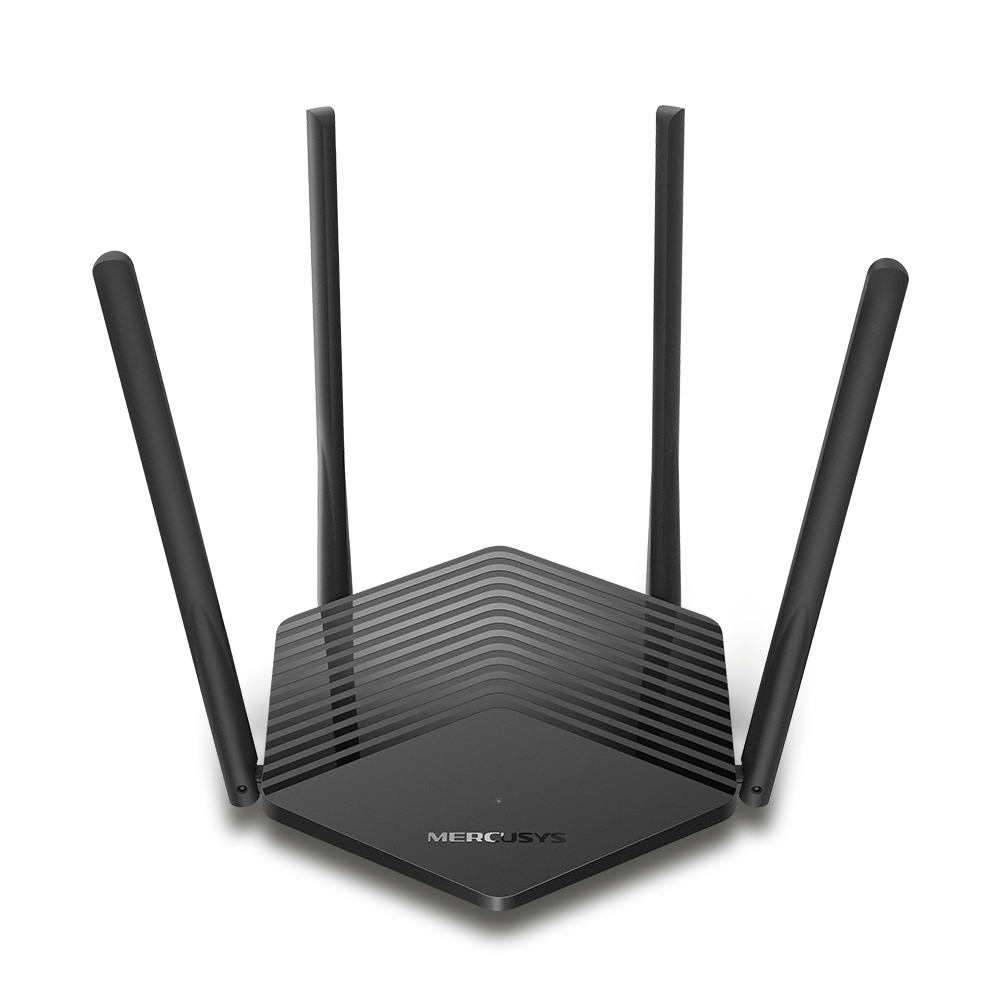
MR60X V2
Routeur WiFi 6 AX1500
-
2.0_01_large20200513030154.jpg)
AC12 V3
Routeur sans fil double bande AC1200
-
1.0_01_large20200616070042.jpg)
AC10 V1
Routeur double bande sans fil AC1200
-

MW325R V3
Routeur sans fil N amélioré 300 Mbps
-
_1906_02_large20200513090024.jpg)
MW305R V3
Routeur sans fil N 300 Mbps
-
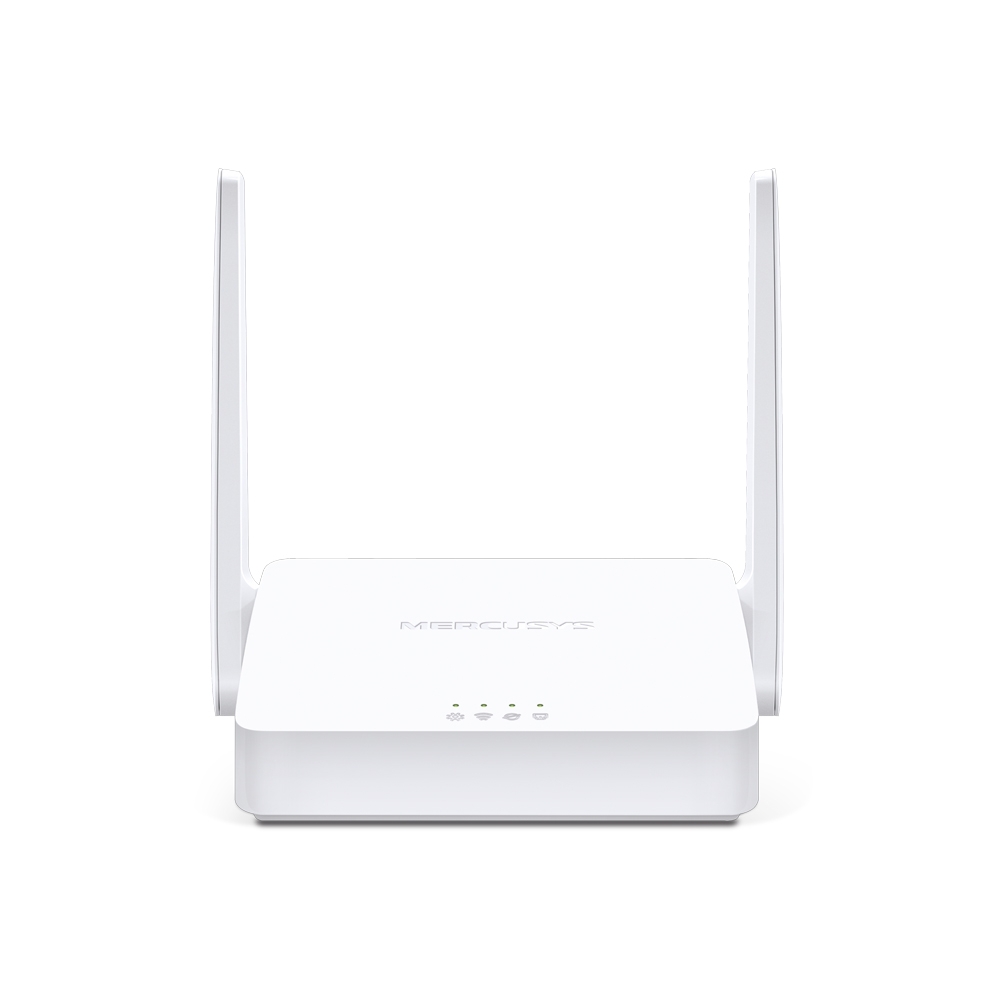
MW301R V3
Routeur sans fil N 300 Mbps
-
-
Répéteurs WiFi
-

ME70X V1
Répéteur WiFi 6 AX1800
-

ME50G V1
Répéteur WiFi AC1900
-

ME30 V1
Répéteur WiFi AC1200
-
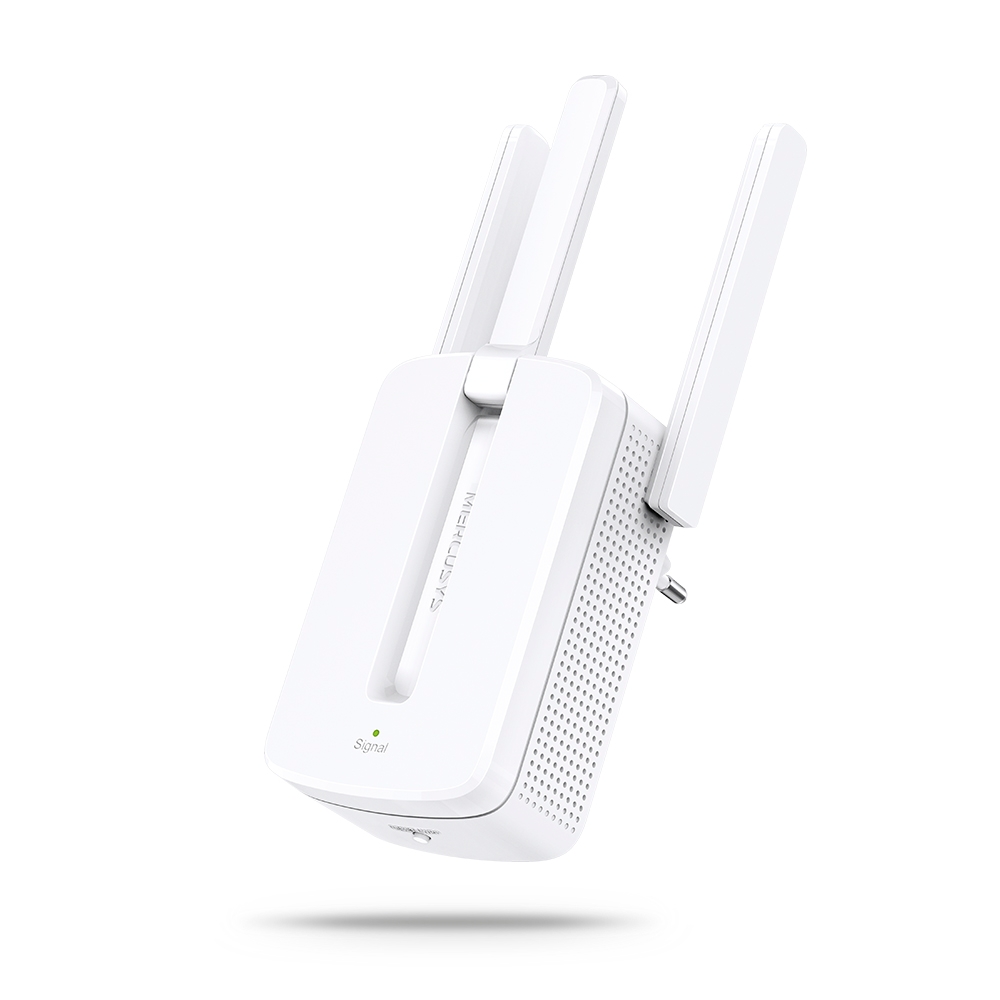
MW300RE V4
Répéteur WiFi 300 Mbps
-
Prise en charge de plusieurs langues
L'application MERCUSYS prend en charge jusqu'à 26 langues, permettant une gestion facile du réseau pour les utilisateurs du monde entier.
-
Anglais
-
Néerlandais
-
Français
-
Allemand
-
Italien
-
Japonais
-
coréen
-
Portugais
-
Espagnol
-
chinois traditionnel
-
langue russe
-
Portugais - Brésil
-
Espagnol
(Amérique latine) -
bulgare
-
Langue ukrainienne
-
polonais
-
ANGLAIS
-
slovaque
-
thaïlandais
-
turc
-
tchèque
-
vietnamien
-
grec
-
malais
-
hongrois
-
hébreu
-
WiFi

| Normes WiFi | 6 GHz: IEEE 802.11be 5 GHz: IEEE 802.11a/n/ac/ax/be mixed 2.4 GHz: IEEE 802.11b/g/n/ax mixed |
|---|---|
| Débits WiFi | 5760 Mbps at 6 GHz 2880 Mbps at 5 GHz 574 Mbps at 2.4 GHz |
| Sensibilité Réception | 2.4G: -96dBm 5G: -95dBm 6G: -96dBm |
| Puissance Transmission | 5G band1 band2<23dBm 5G band3<30dBm 6G<23dBm |
| Sécurité WiFi | WPA-PSK/WPA2-PSK/WPA3-SAE |
| Protocole Mesh | 802.11k/v/r |
-
Logiciel
| Operation Modes | Router, Access Point |
|---|---|
| Qualité de Service | WMM |
| Type WAN | Dynamic IP/Static IP/PPPoE/L2TP/PPTP |
| Administration | Local Management, Remote Management, Multi-Managers |
| DHCP | Server, Client |
| Sécurité Firewall | SPI Firewall |
| Protocoles | Supports IPv4 and IPv6 |
| Réseau Invités | 2.4 GHz Guest Network 5 GHz Guest Network 6 GHz Guest Network |
-
Matériel
| Dimensions | 6.69 × 4.82 × 4.07 in (170 × 122.4 × 103.5 mm)) |
|---|---|
| Interfaces | 3× 2.5 Gbps Ports (WAN/LAN auto-sensing) |
| Bouton | Reset button |
-
Autres
| Contenu de la boite | 2-pack 2× Halo H47BE Units |
|---|---|
| Environnement | Operating Temperature: 0°C~40°C (32°F~104°F) |
- Récompenses presse
-

“Excellent choix pour passer au wifi 7 sans se ruiner. C'est tout simplement le meilleur rapport performances/prix du moment. »
2025, France
-