MP510 KIT [V1, V2] | AV1000 Gigabit Powerline WiFi Kit
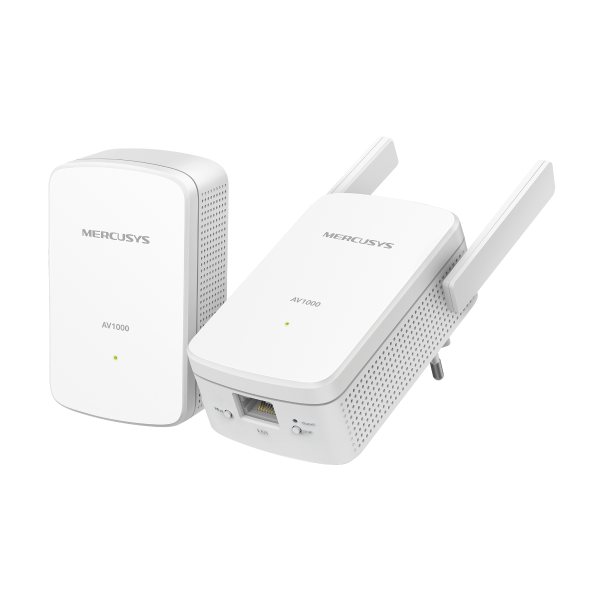
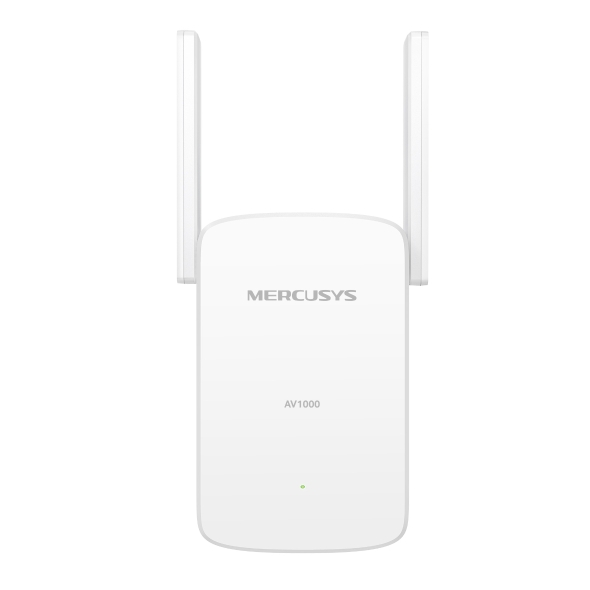
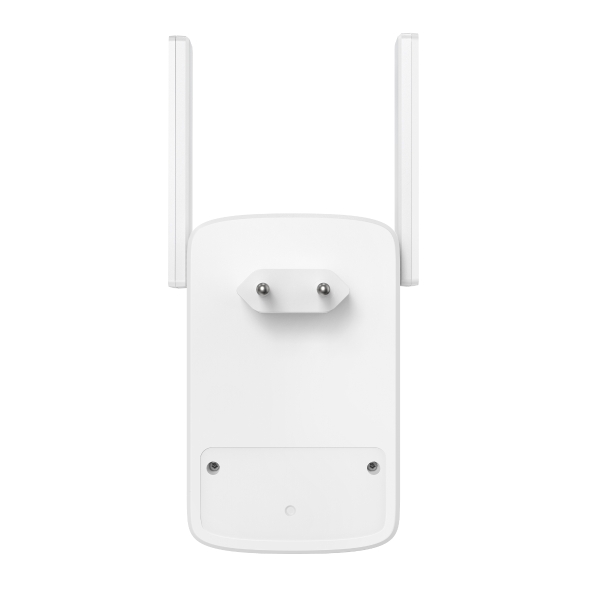
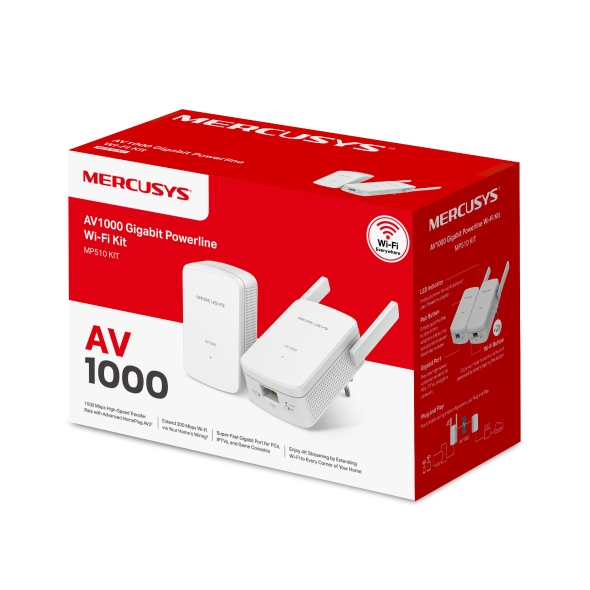
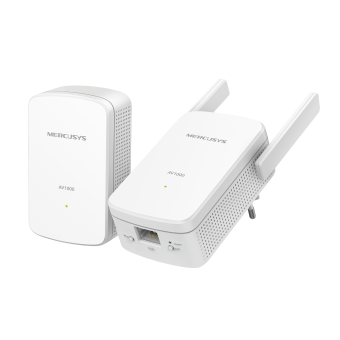
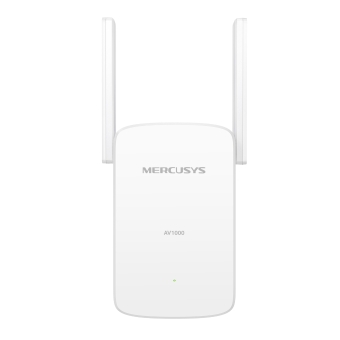
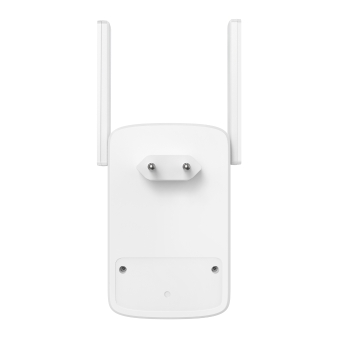
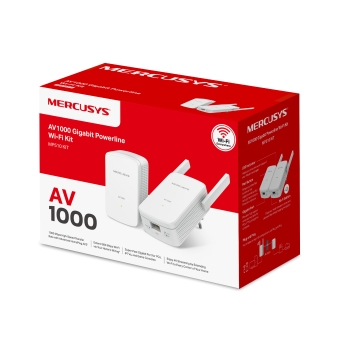
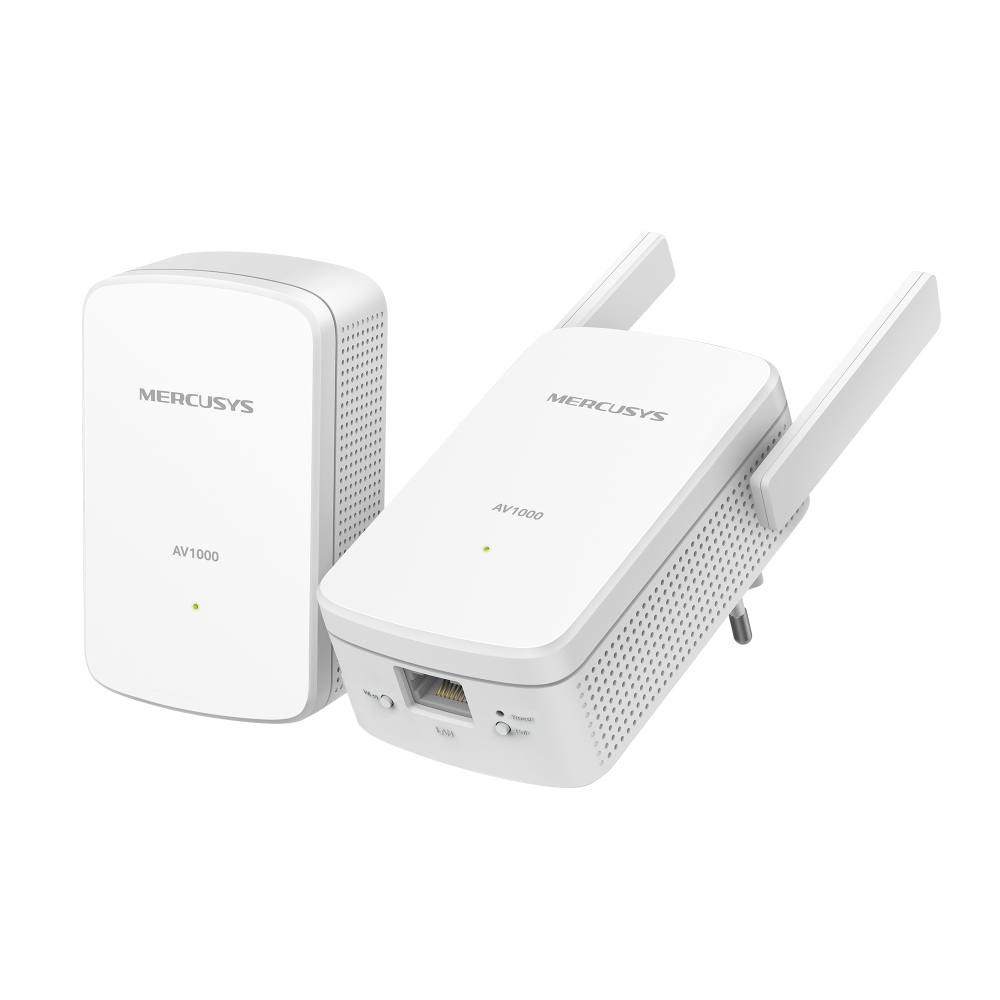
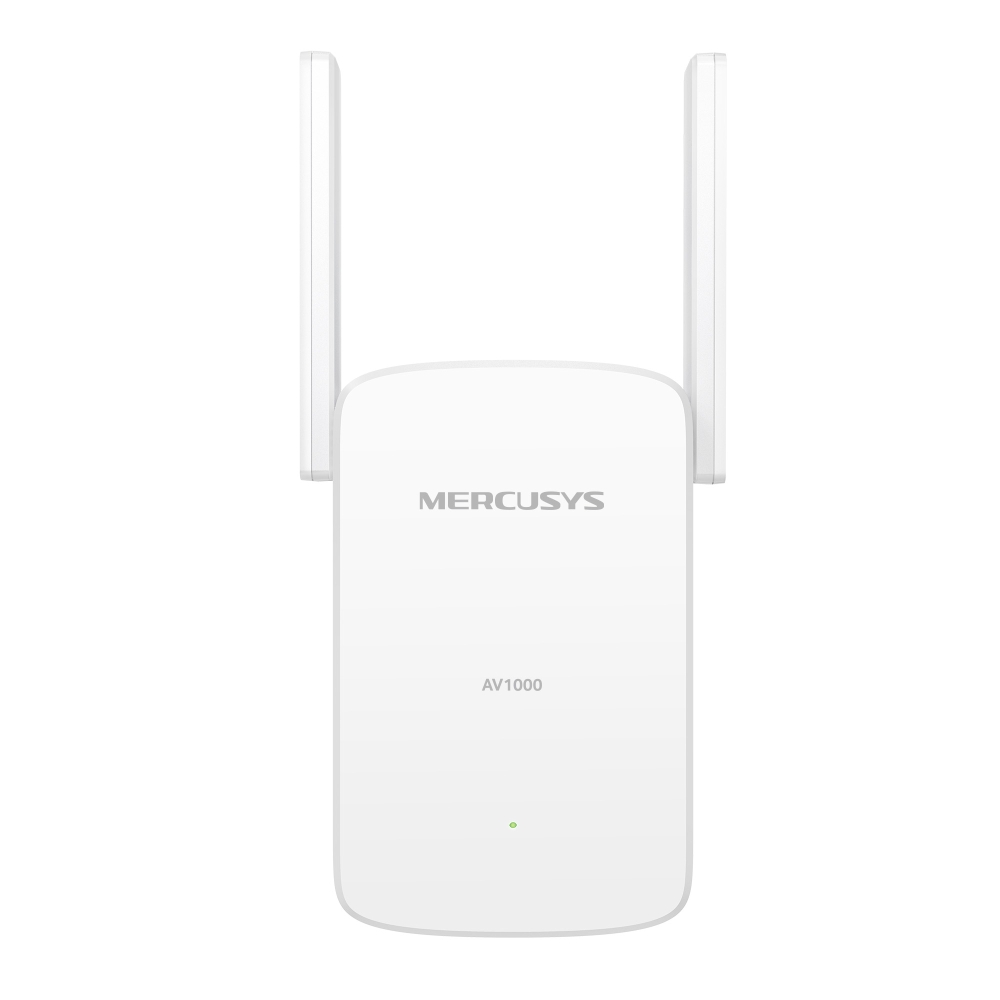
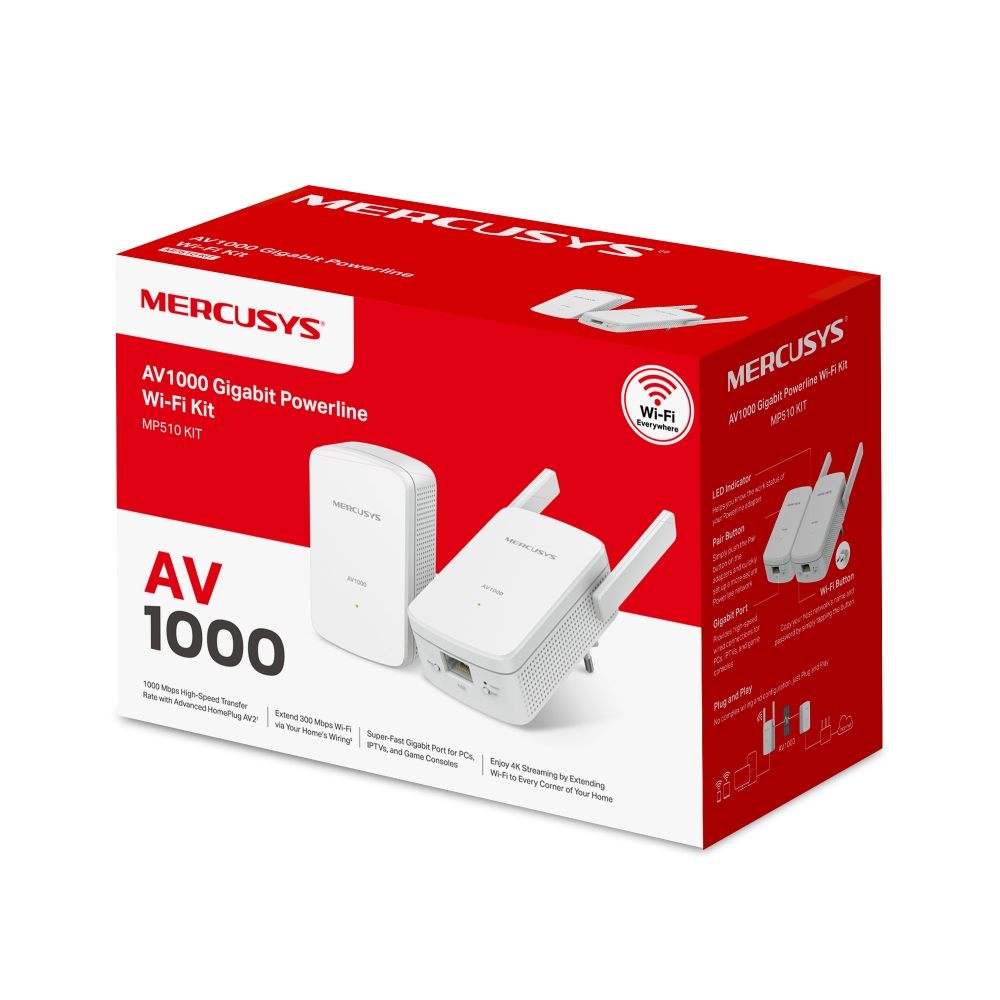
AV1000 Gigabit Powerline WiFi Kit
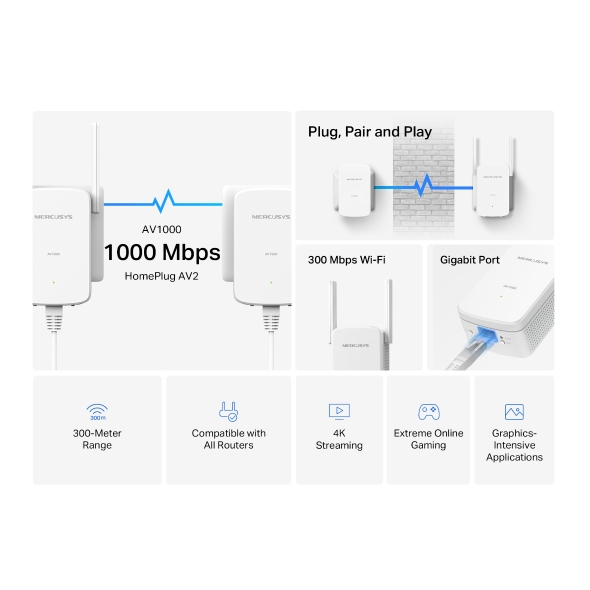
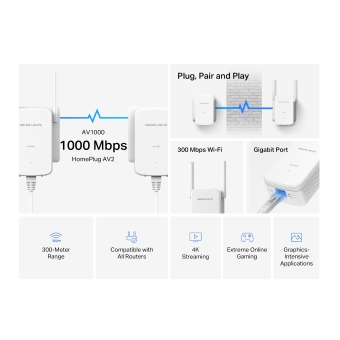
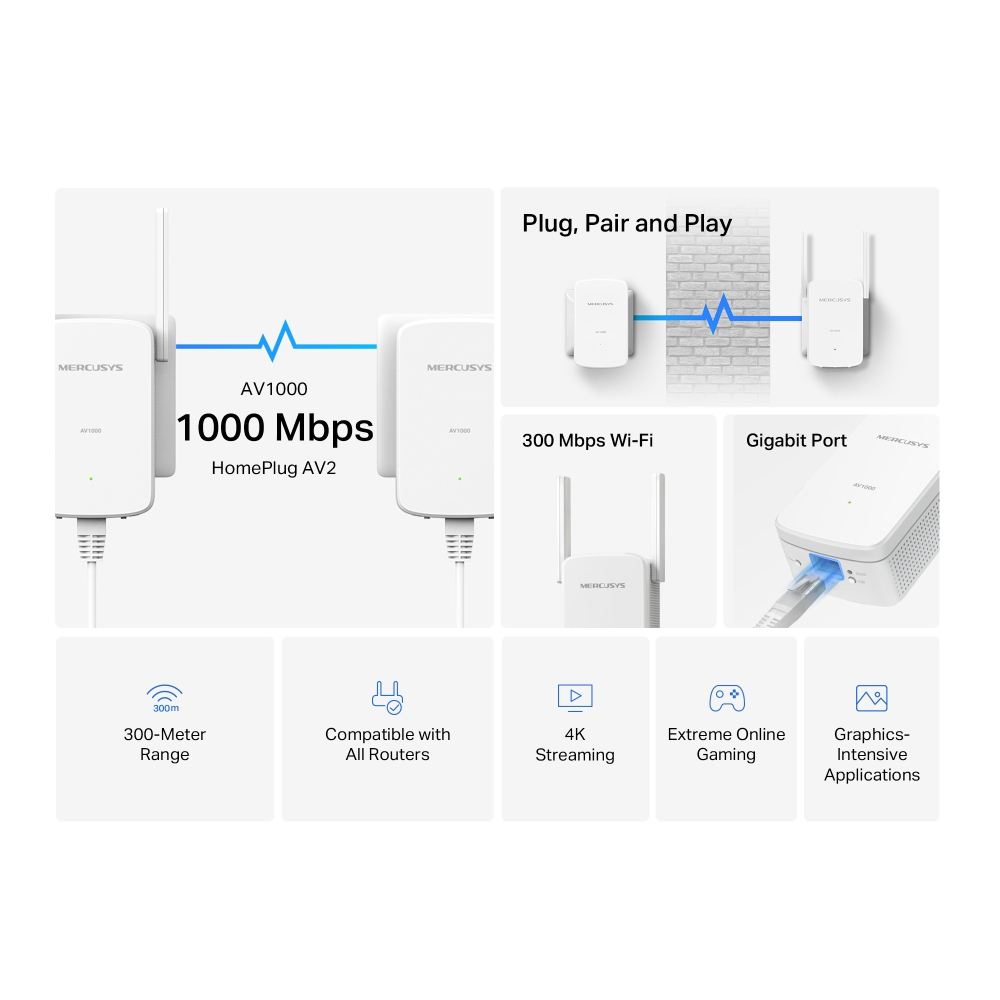
- 1000 Mbps High-Speed Transfer Rate — Fast and stable transmissions with advanced HomePlug AV2
- Super-Fast Wired Connections — A gigabit port for PCs, IPTVs, and game consoles
- Plug & Play — Say goodbye to complex wiring and configuration, just plug and play
- Easy Expansion — Expand coverage by simply adding more Powerline adapters
-
watch video: How to Set up MERCUSYS Powerline WiFi Kit
How to Set up MERCUSYS Powerline WiFi Kit
Range
All Routers
Steaming
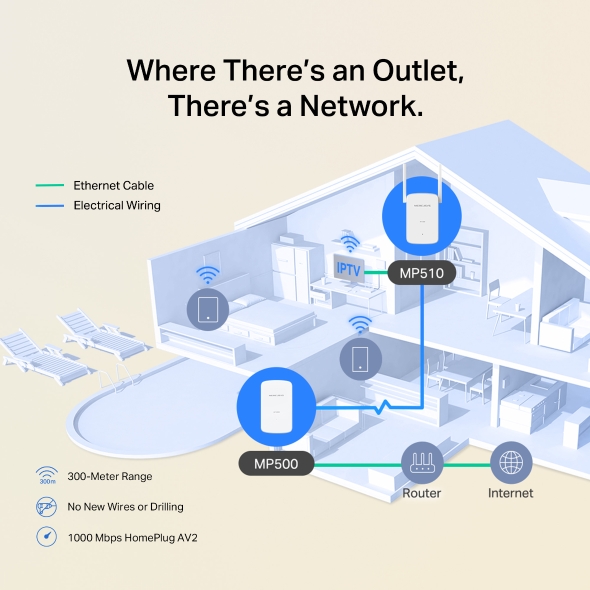
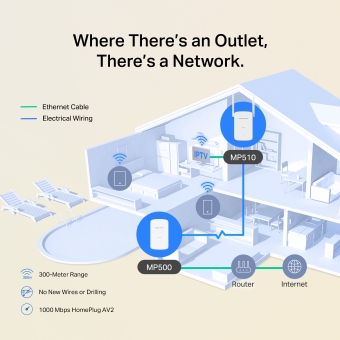
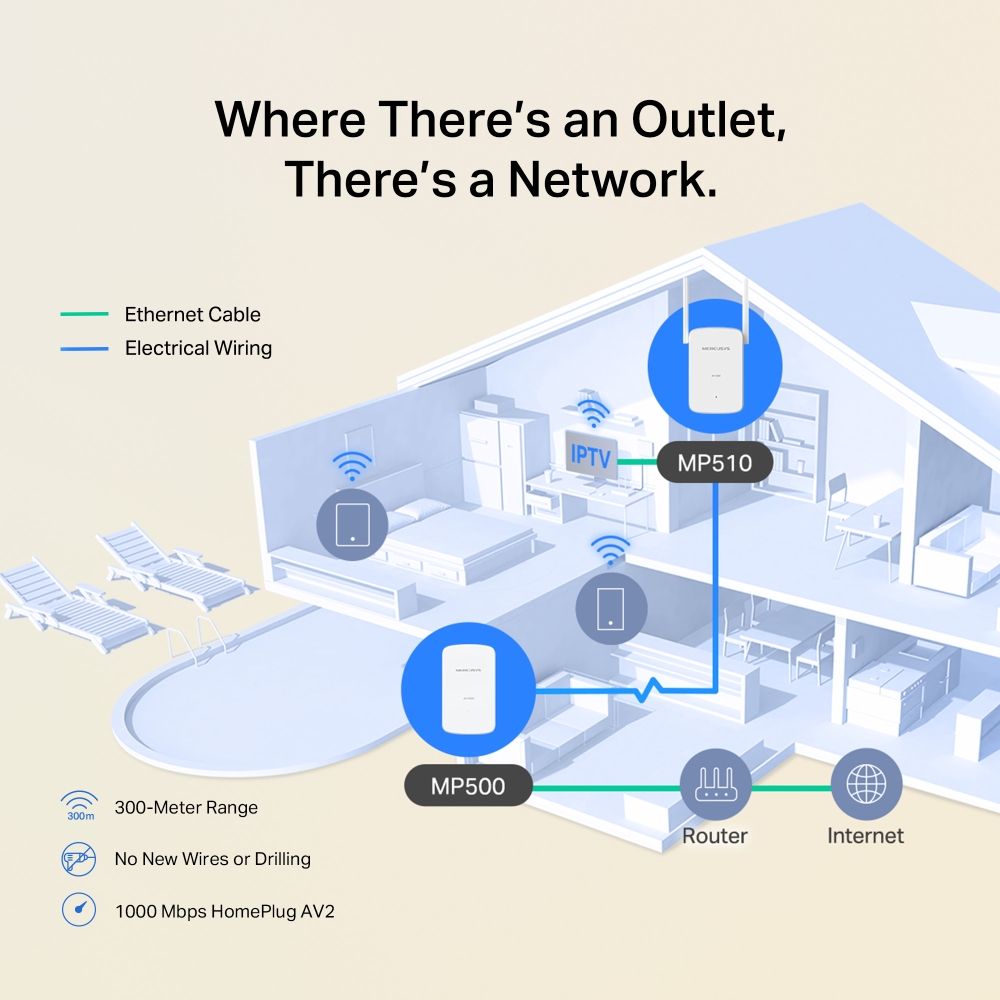
Where there’s an Outlet, There’s a Network.
Uses your home’s electrical wiring to extend your network beyond walls. Delivers a stable transmission distance of up to 300 meters on the same circuit, perfect for 4K streaming and online gaming.
-

300-Meter Range
-

No New Wires or Drilling
-

1000 Mbps HomePlug AV2
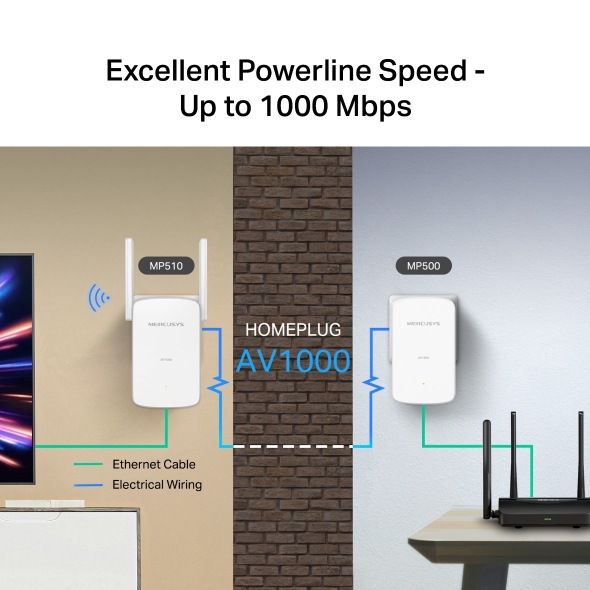
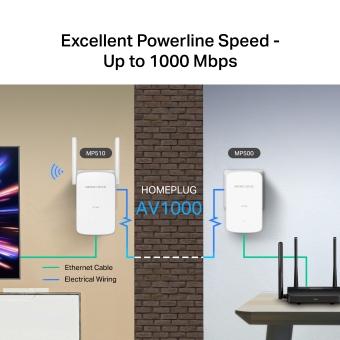
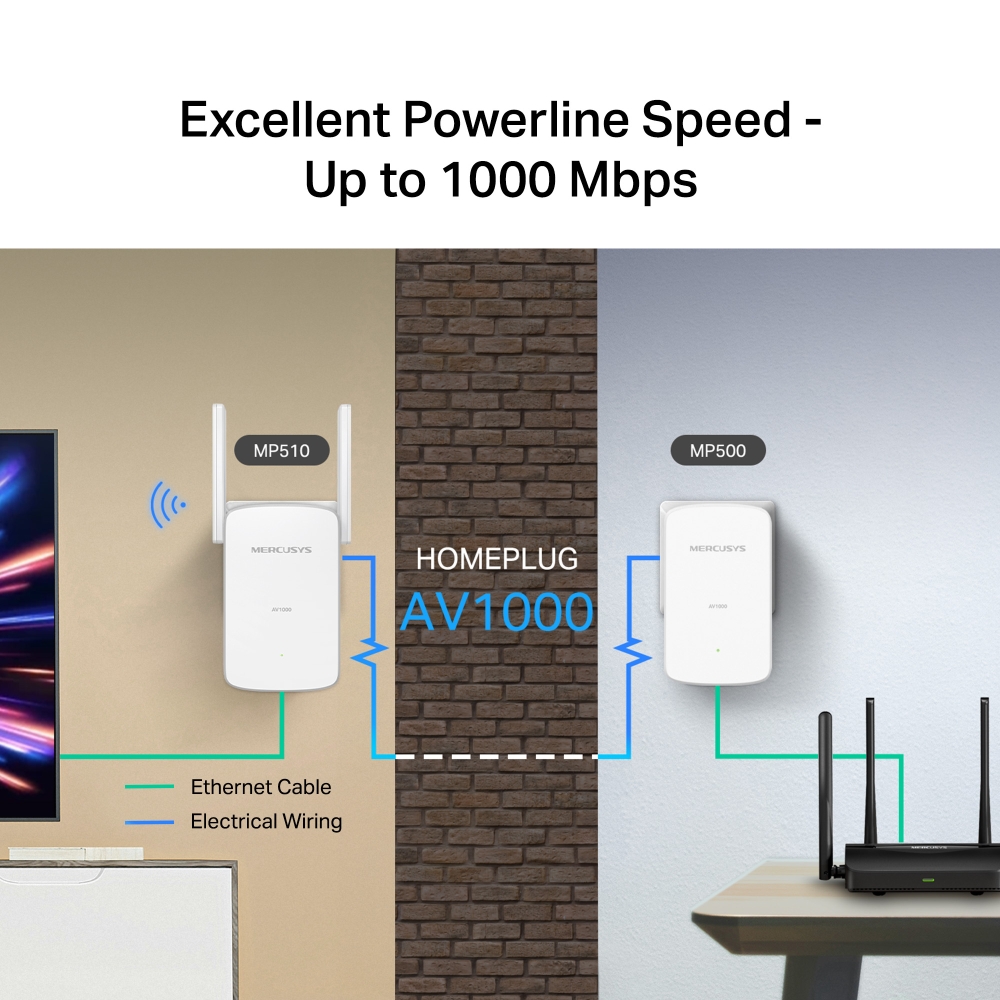
Excellent Powerline Speed - Up to 1000 Mbps
Powered by HomePlug AV2, MP510 KIT delivers fast, reliable wired connections with speeds up to 1000 Mbps over electrical wiring. Enjoy uninterrupted HD streaming, online gaming, and large file downloads. †
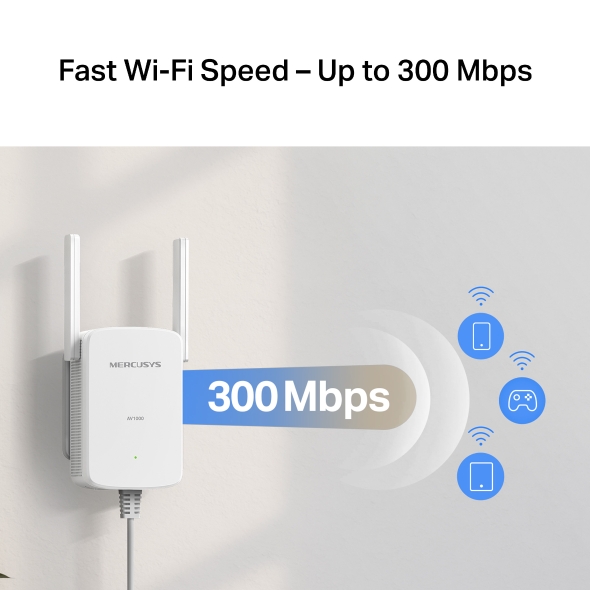
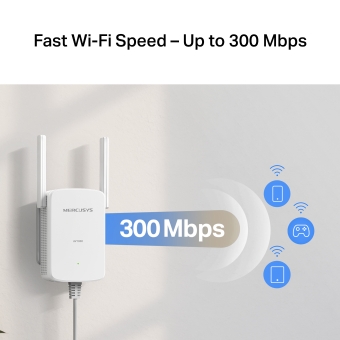
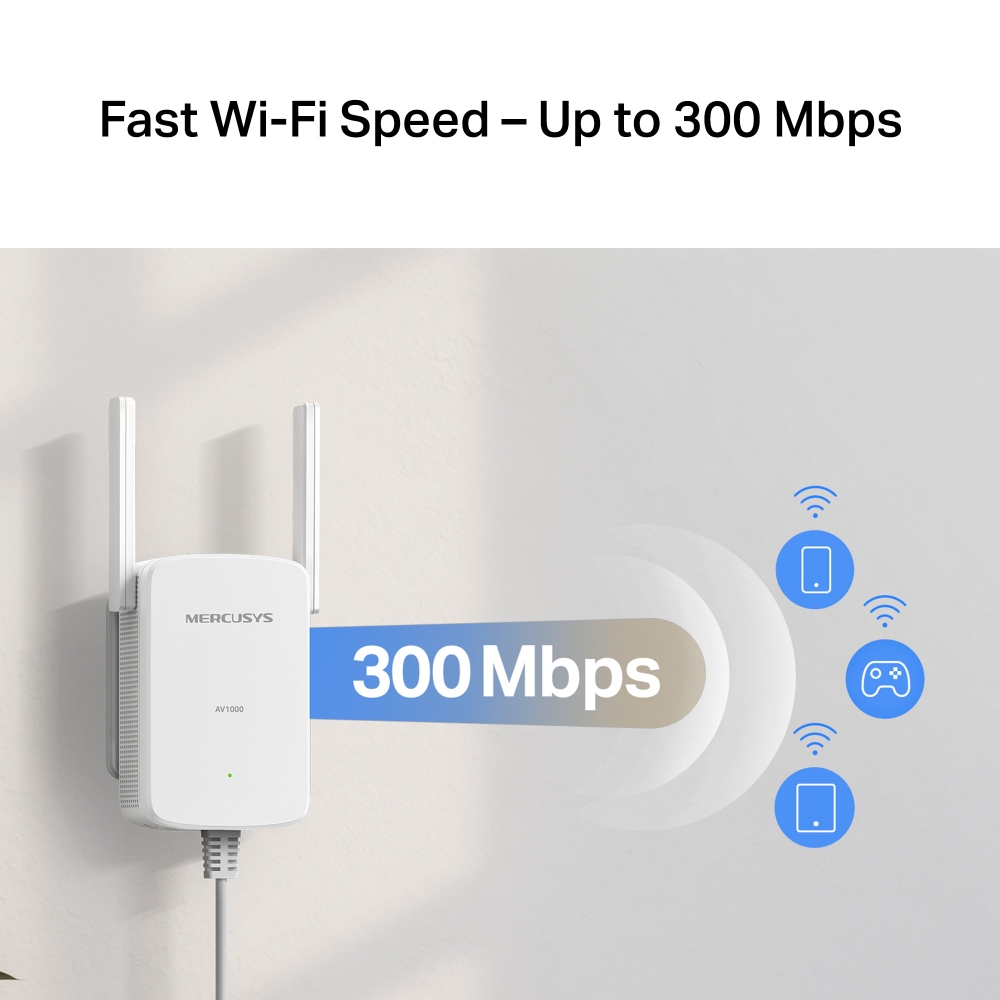
Fast Wi-Fi Speed – Up to 300 Mbps
The integration of an impressive 300 Mbps speed with the convenience of powerline networking enables you to establish fast and reliable connections throughout your entire home.§
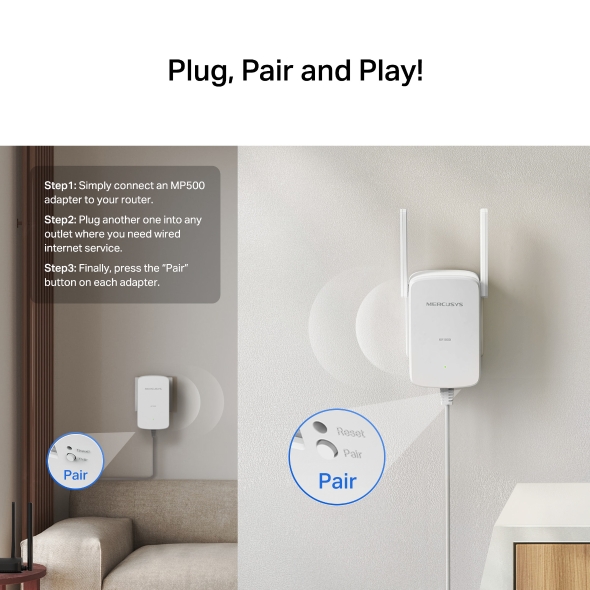
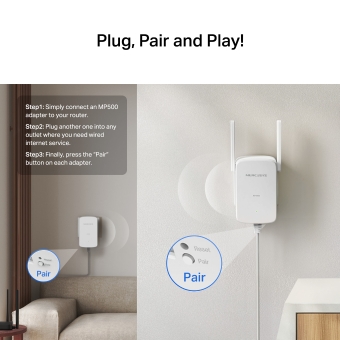
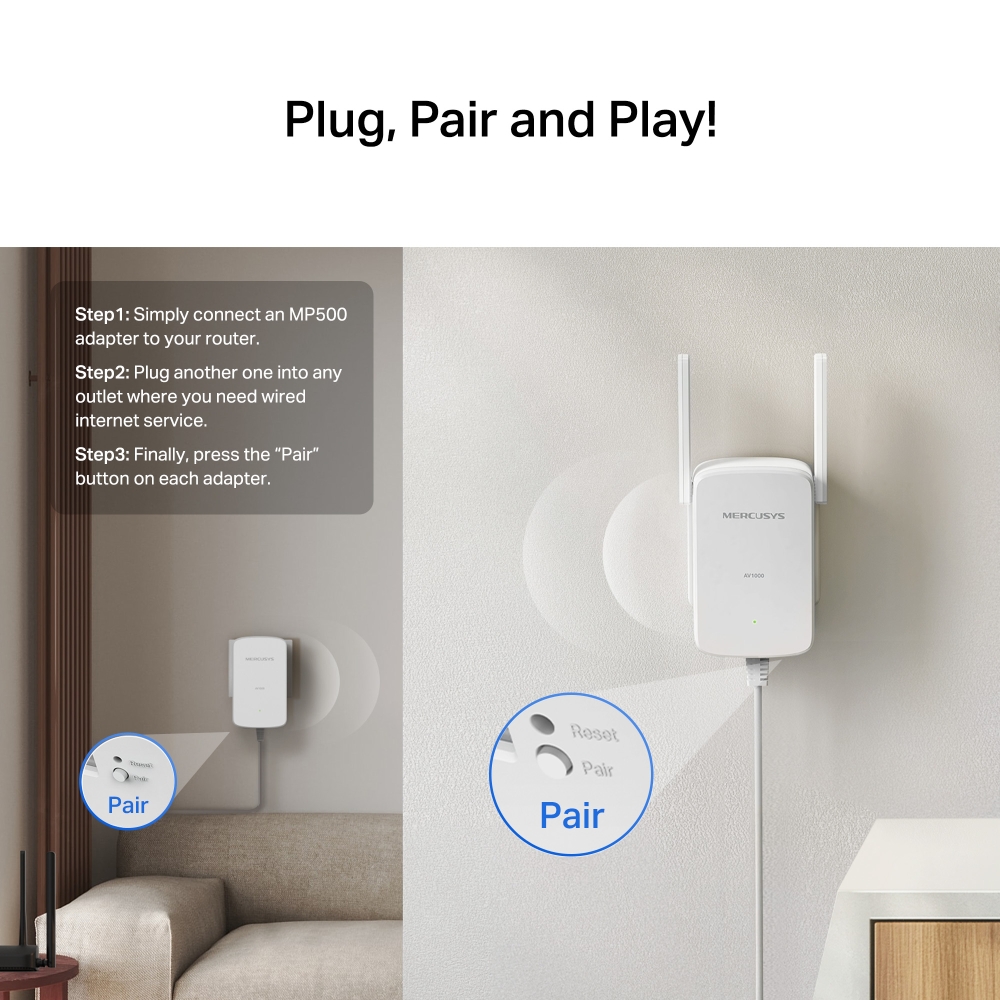
Plug, Pair and Play!
-
Step1: Simply connect an MP500 adapter to your router.
-
Step2: plug another one into any outlet where you need wired internet service.
-
Step3: Finally, press the “Pair” button on each adapter.
Easy Expansion
If a typical two-pack kit doesn't meet all your networking needs, simply add more Powerline adapters to expand your network to any room.
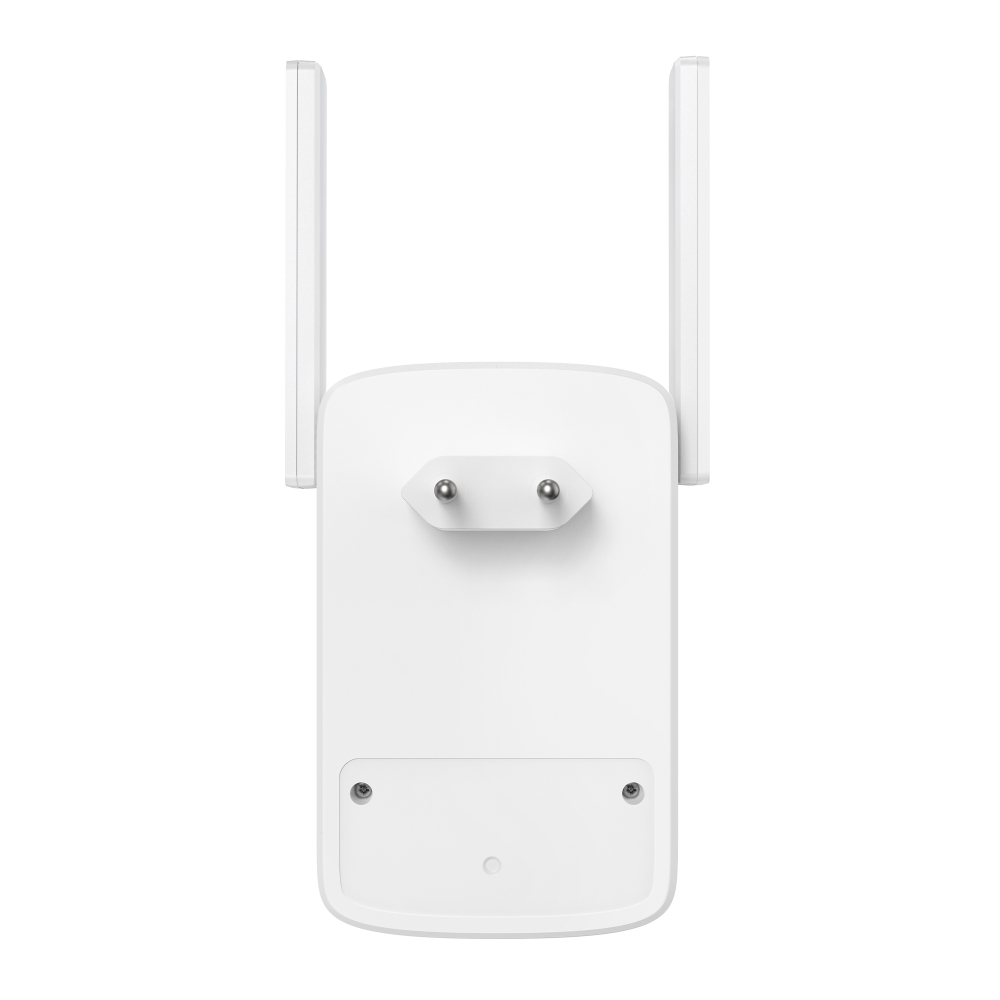
Appearance
† Maximum Powerline signal rates are the physical rates derived from HomeplugAV/AV2 specifications. Actual Powerline data throughput and Powerline range are not guaranteed and will vary as a result of network conditions and environmental factors, including electrical interference, volume of traffic and network overhead, AFCI circuit breaker, and Powerline adapters separated between two or more service panels. ‡ Maximum wireless signal rates are the physical rates derived from IEEE Standard 802.11 specifications. Actual wireless data throughput and wireless coverage are not guaranteed and will vary as a result of network conditions, client limitations, and environmental factors, including building materials, obstacles, volume and density of traffic, and client location. § Actual network speed may be limited by the rate of the product's Ethernet WAN or LAN port, the rate supported by the network cable, Internet service provider factors and other environmental conditions. △ Compatible with all HomePlug AV and AV2 Standard Powerline adapters. This product may not be compatible with routers or gateways with firmware that has been altered, is based on open source programs, or are non-standard or outdated.
-
Hardware

- Power consumption in networked standby: 2.4 W
- Power consumption in networked standby when all wired network ports are connected: 2.4 W
- The default period of time after which the power management function switches the equipment automatically into a condition providing networked standby: 20 minutes
- Power consumption in networked standby: 4.52 W
- Power consumption in networked standby when all wired network ports are connected and all wireless network ports are activated: 4.71 W
- The default period of time after which the power management function switches the equipment automatically into a condition providing networked standby: 20 minutes
| Standards and Protocols | HomePlug AV2, IEEE 802.3, IEEE 802.3u, IEEE802.11b/g/n |
|---|---|
| Dimensions | MP510: 112 × 84.7 × 39 mm |
| Button | MP510: Pair, Wi-Fi, Reset Button MP500: Pair, Reset Button |
| LED | Power |
| Power | MP500(EU) 2.0: MP510 (EU) 2.0: How to activate and deactivate wireless network: Method 1:Enter the webpage of product through wired connecting. The wireless function can be turn on/off via ‘Advanced -> Wireless Settings -> Enable/Disable Wireless Checkbox’ Method 2:You can turn the Wi-Fi on or off by pressing the Wi-Fi button on the product itself. |
| Range | Up to 300 meters over an existing electrical circuit |
-
Software
| Modulation Technology | OFDM (PLC) |
|---|---|
| Security | Wireless: WPA2 / WPA3-Personal, WPA / WPA2-Personal, WEP Encryption; |
| Compatibility | Compatible with all routers and HomePlug AV/AV2 powerline adapters |
-
Others
| Certifications | CE, RoHS |
|---|---|
| Package Contents | • AV1000 Gigabit Powerline Wi-Fi Kit |
| Environment | • Operating Temperature: 0°C~40°C (32°F~104°F) |
| System Requirements | Windows 2000/XP/2003/Vista, Windows 7/8/8.1/10, Mac, Linux |